DivingCam
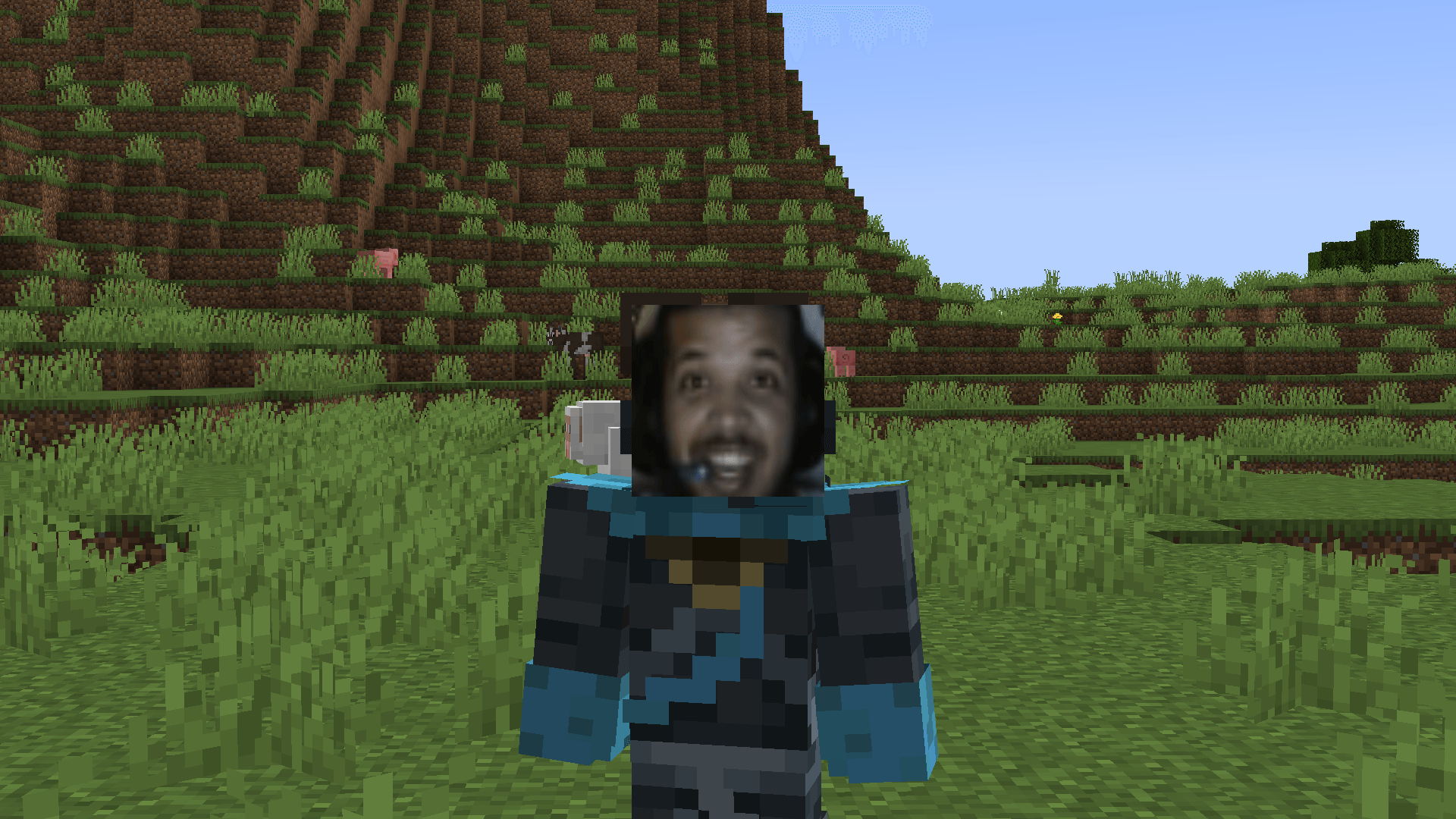
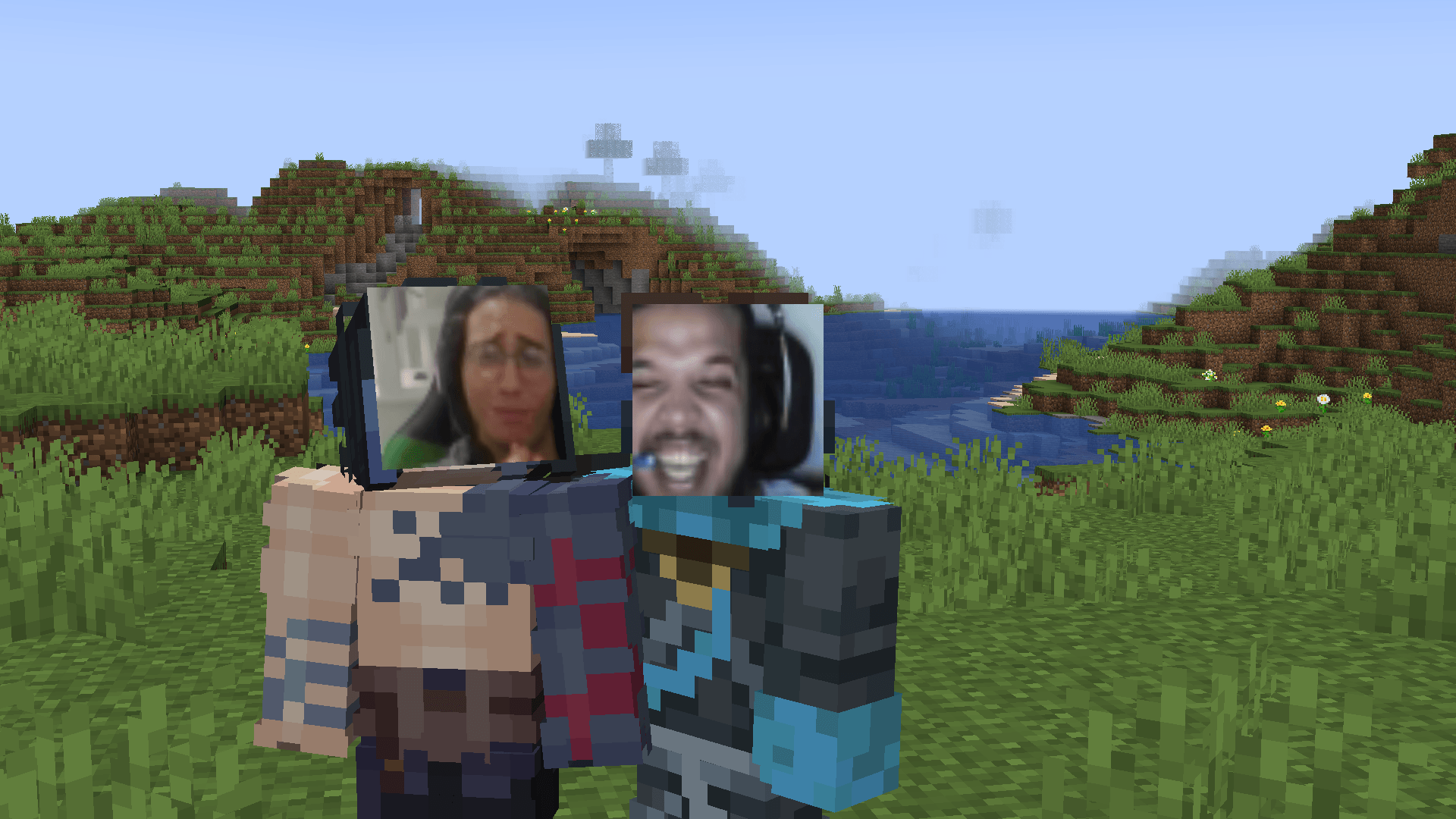
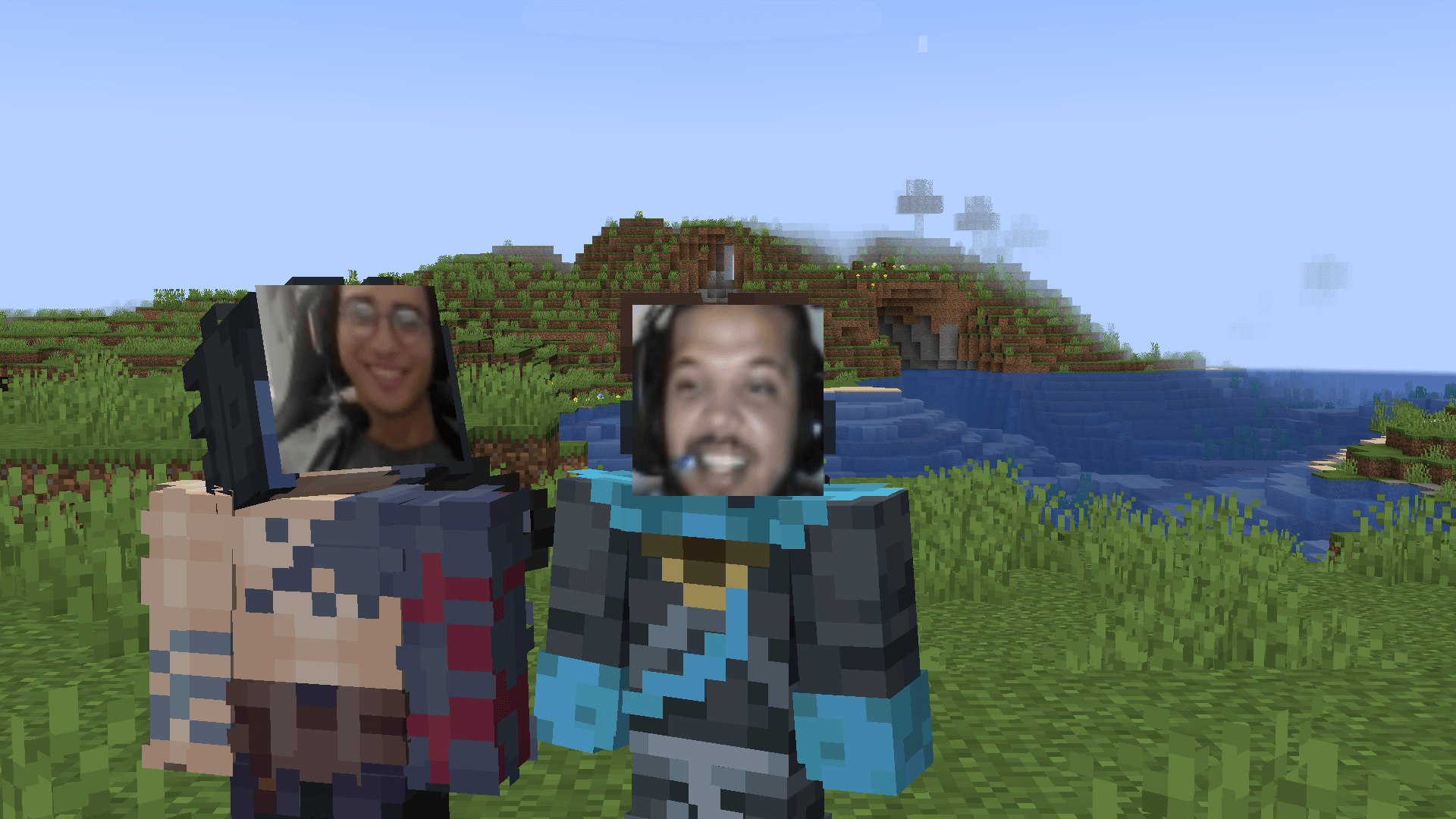
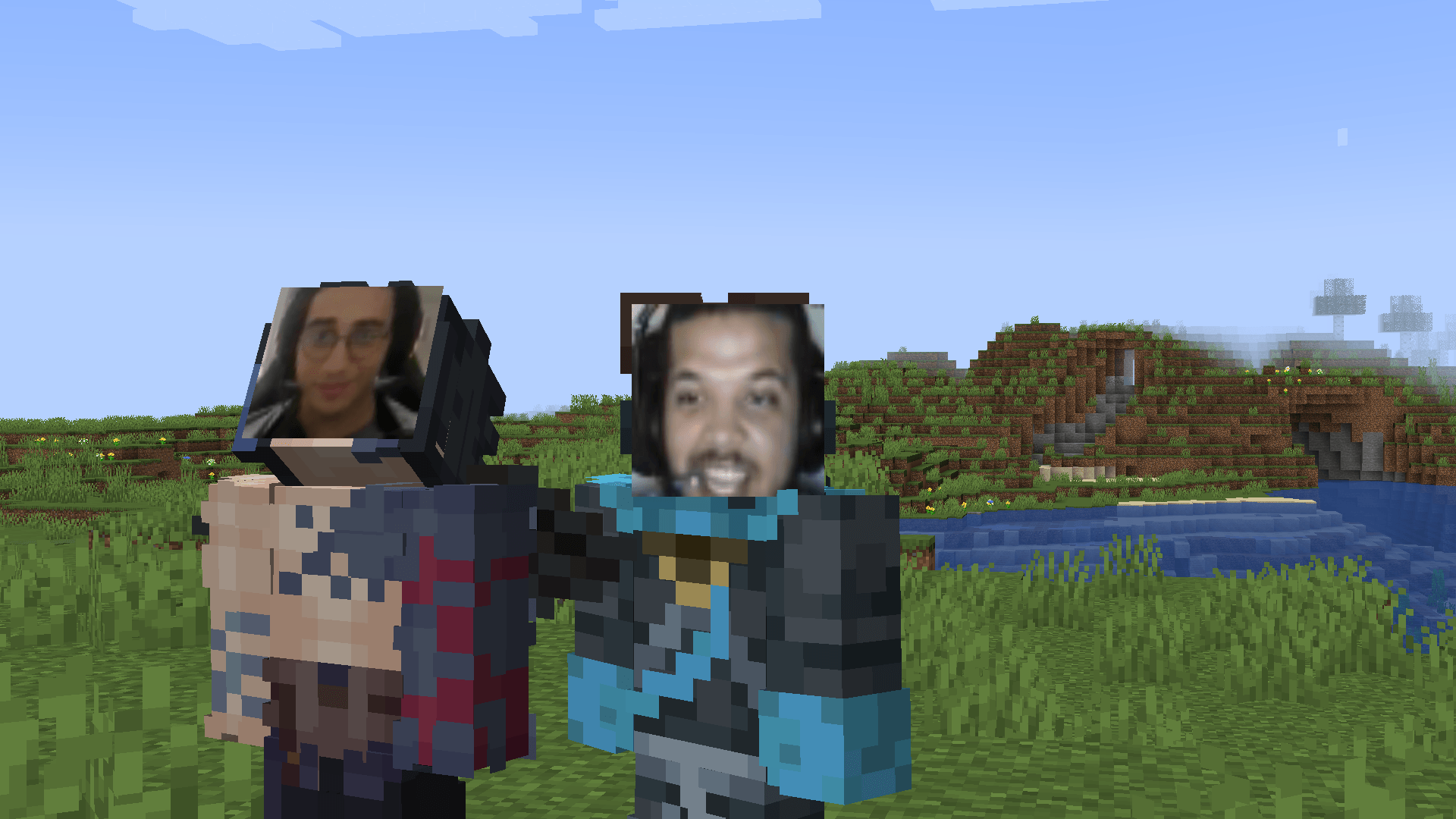
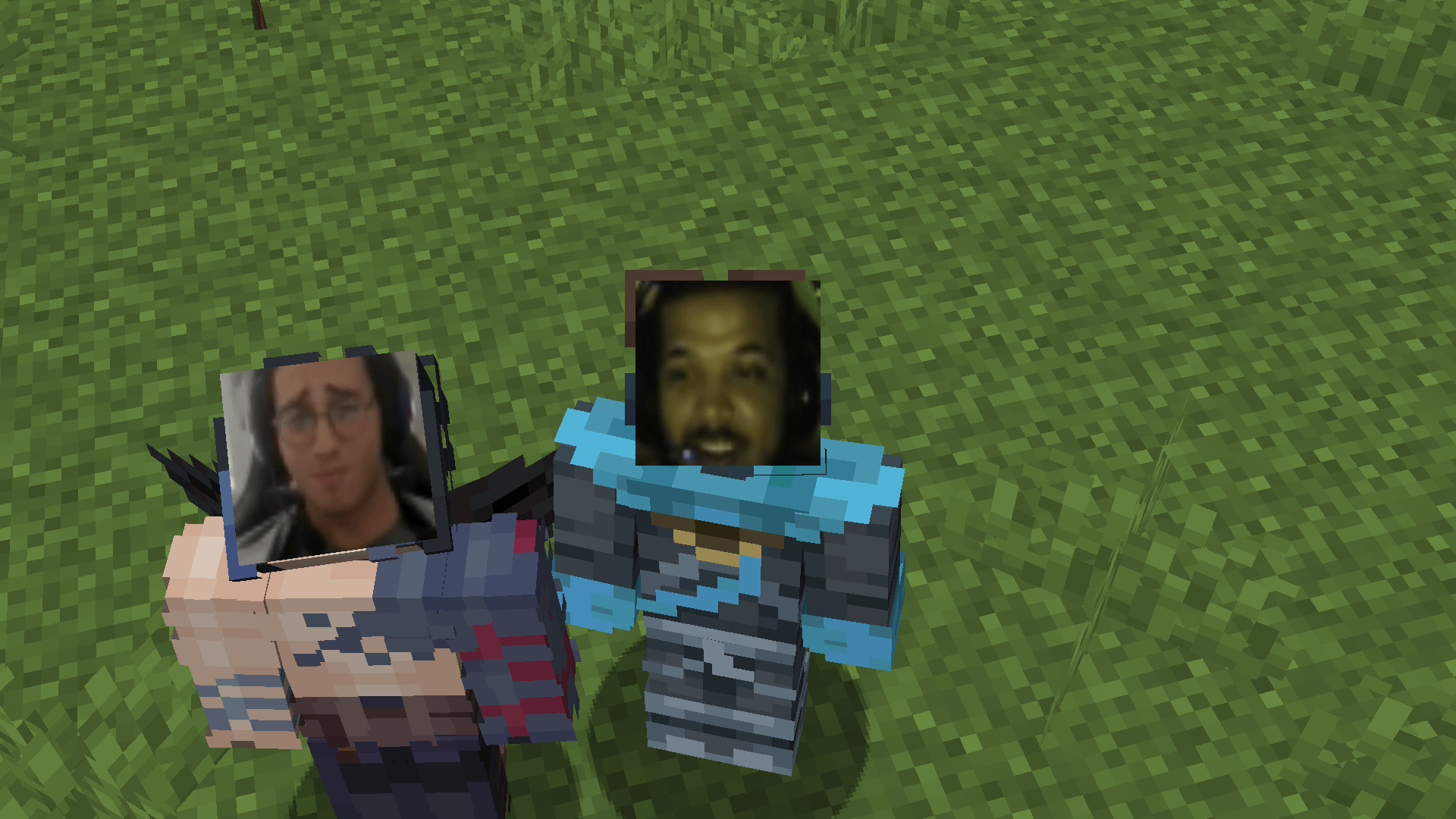
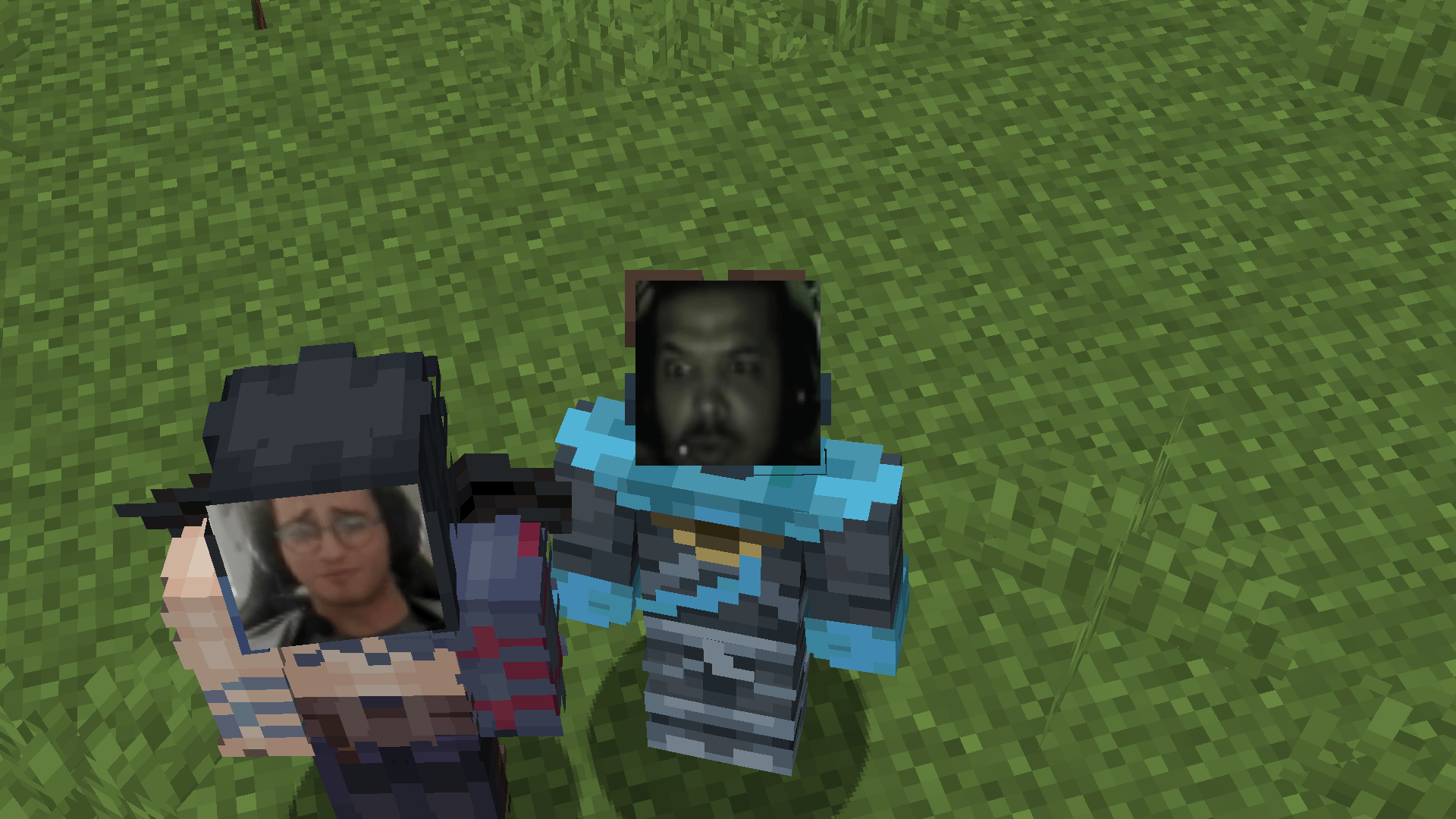
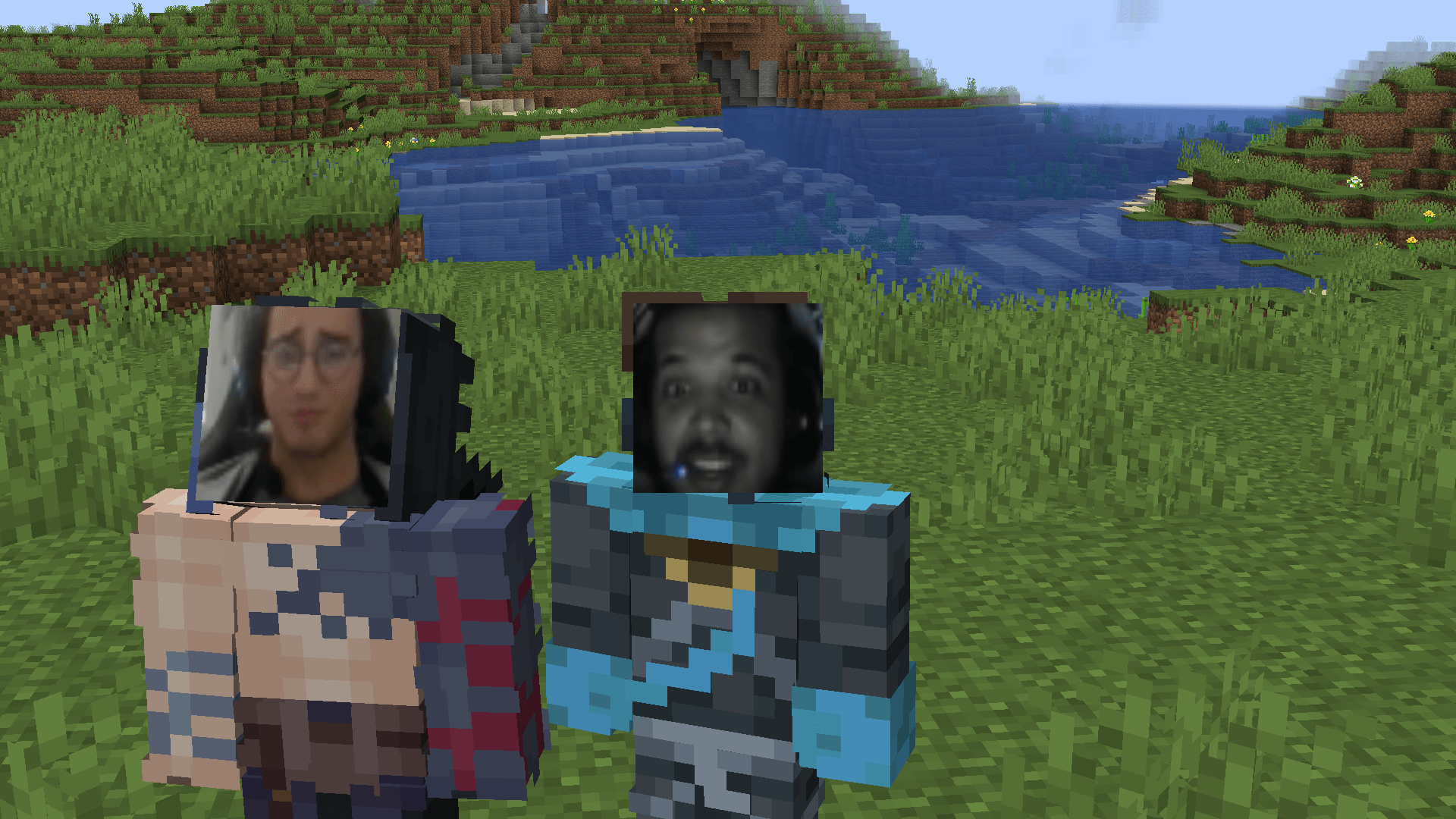
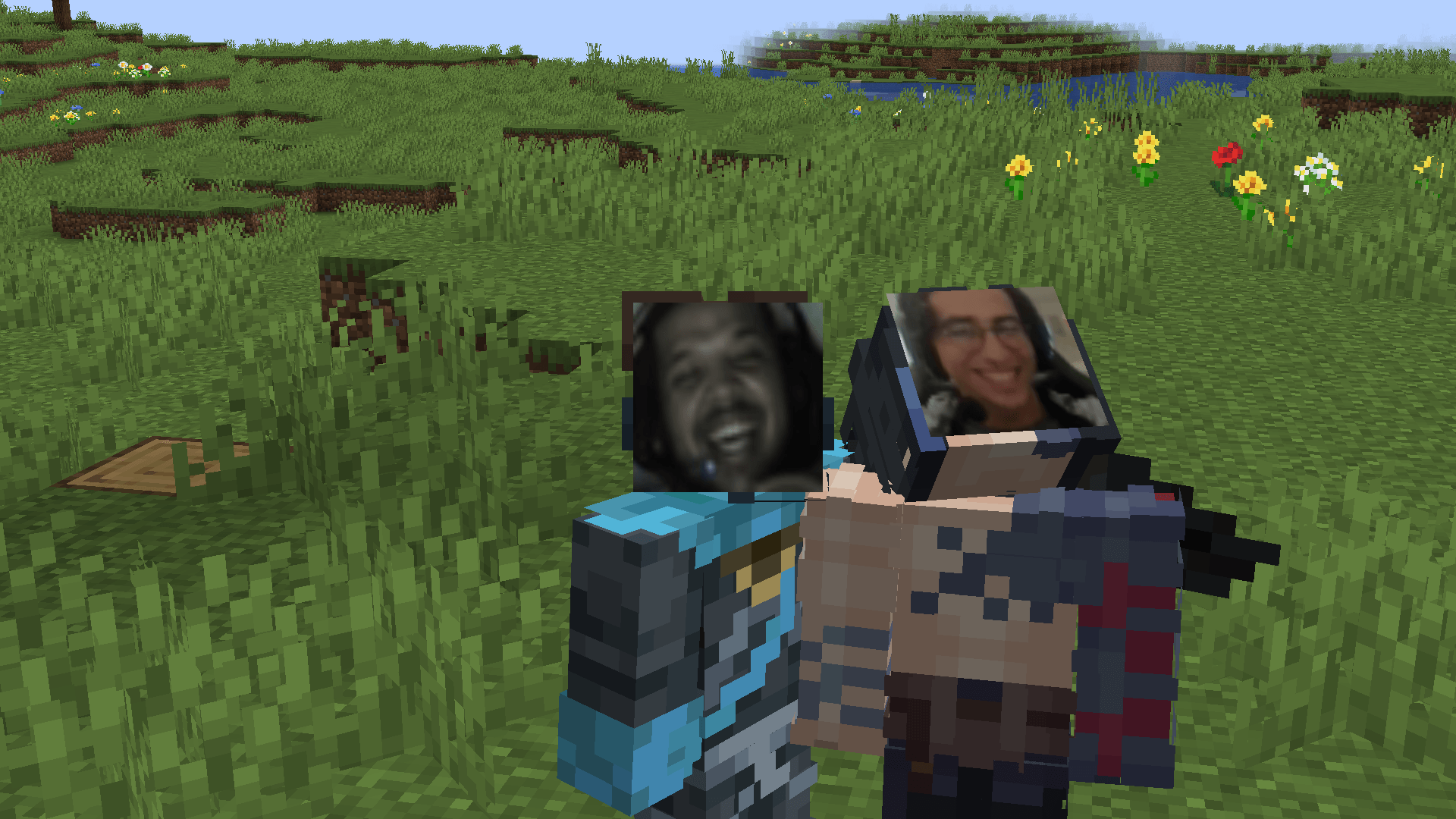
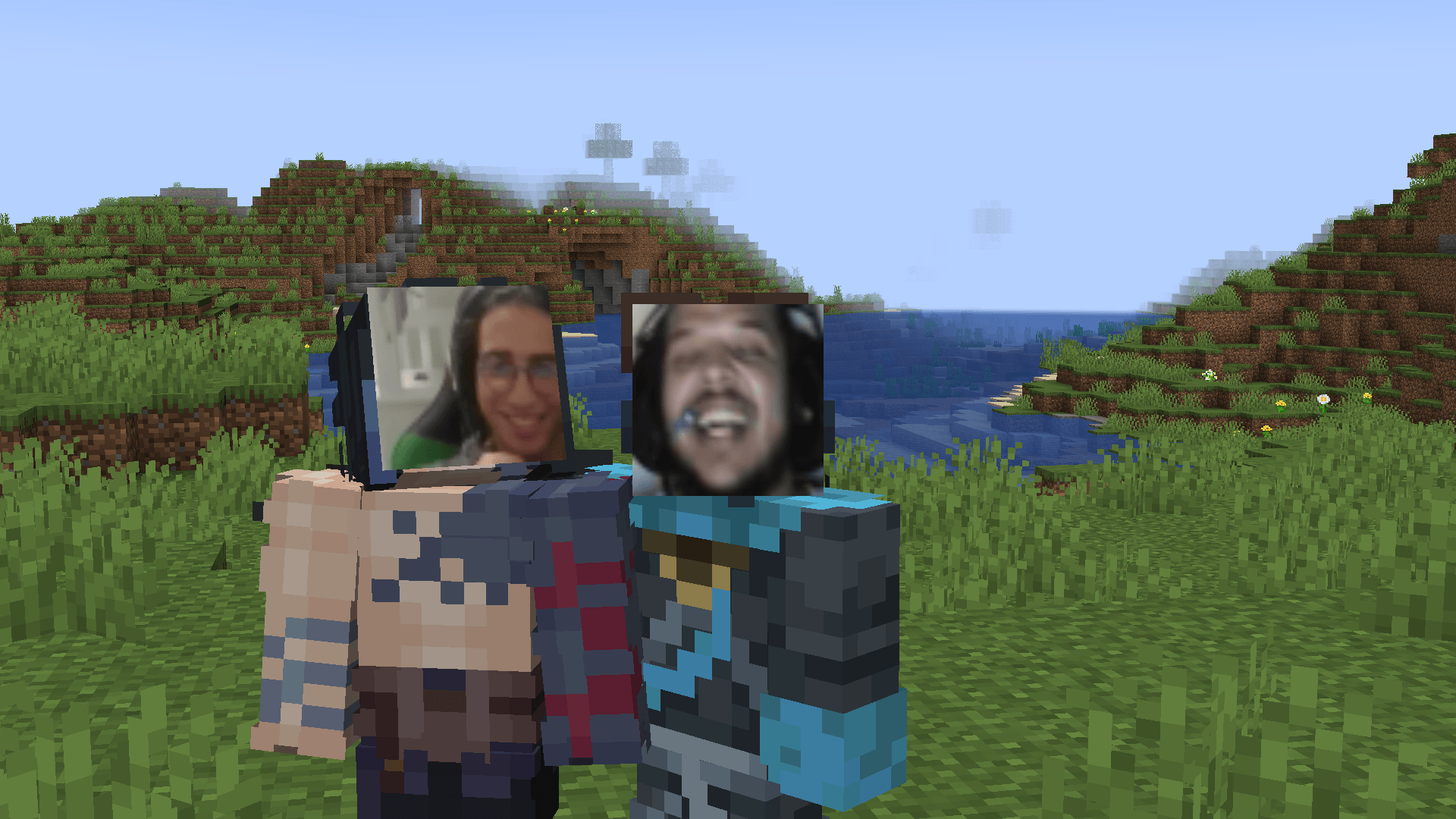
Live stream your real face directly inside Minecraft using an interactive in-game webcam
截图
介绍
# 📷 Minecraft Live Webcam Mod
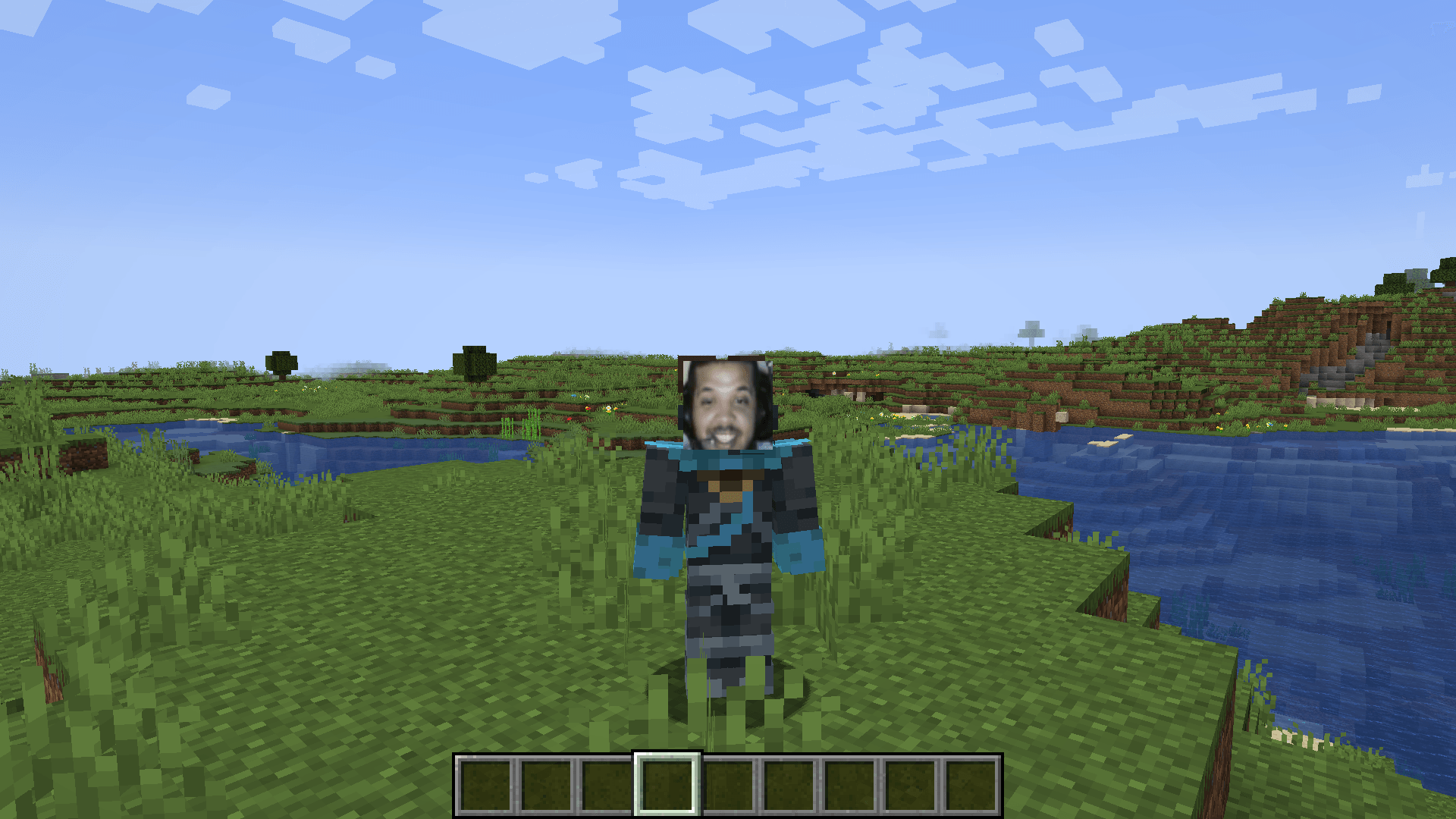
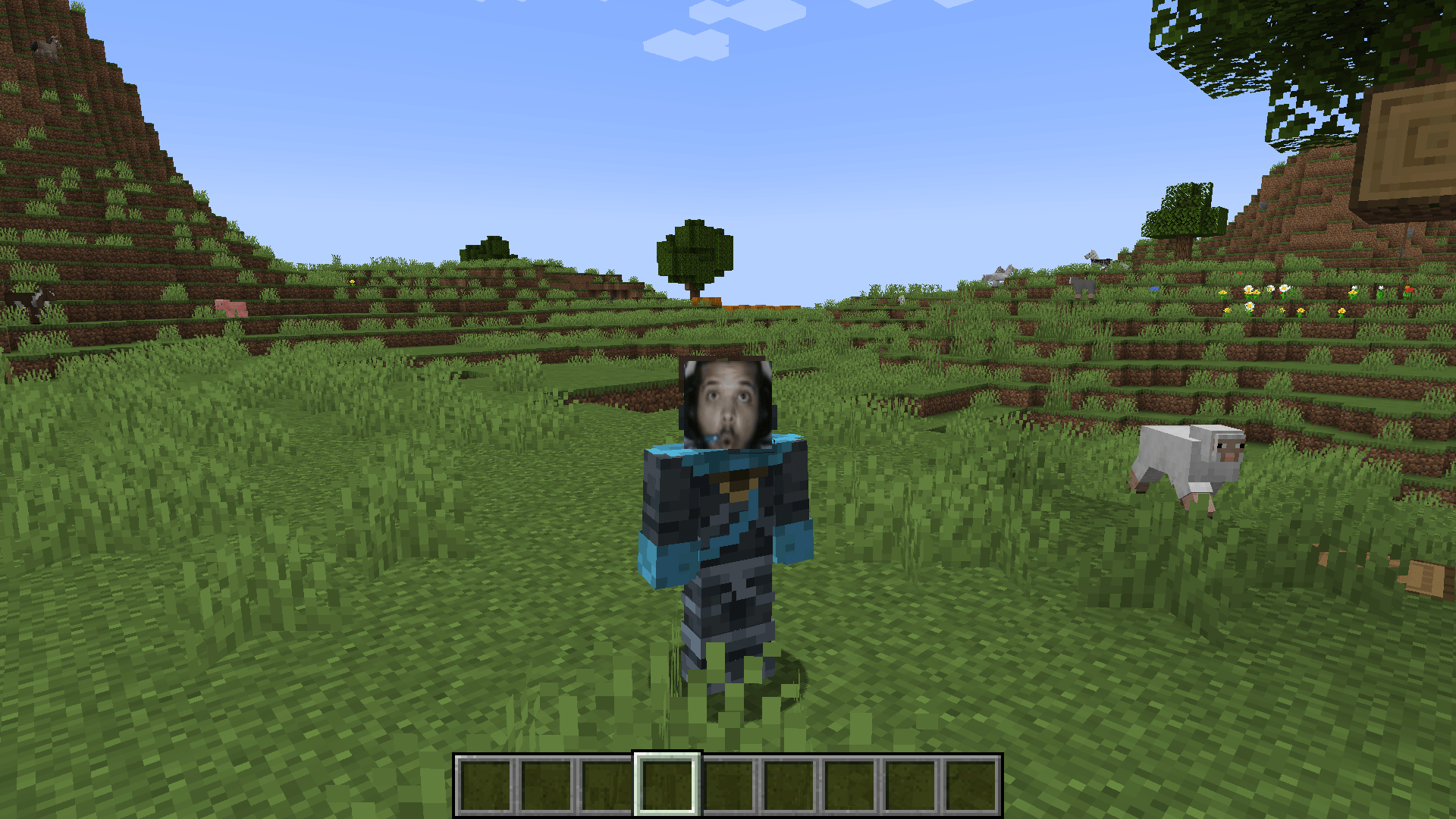
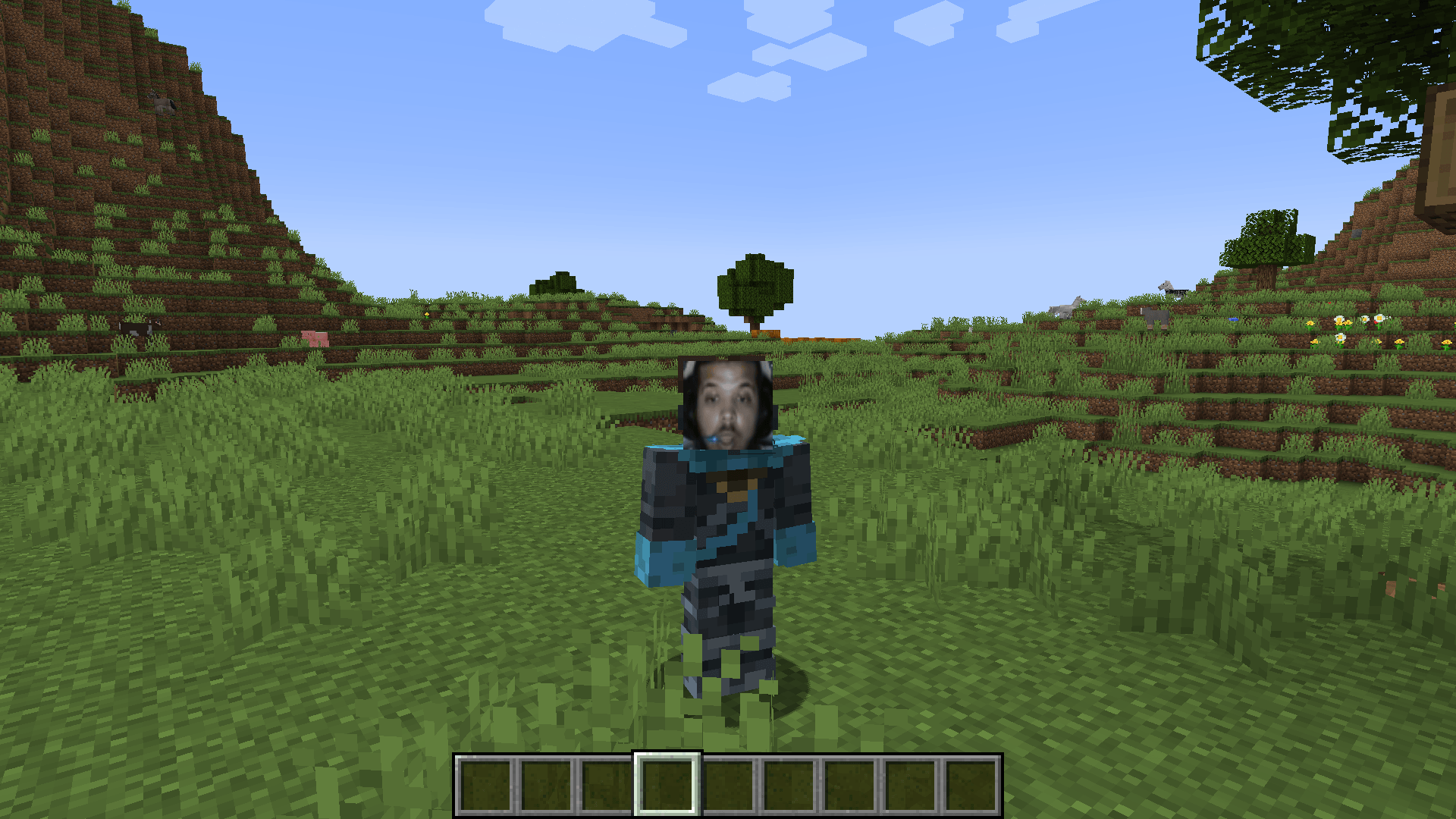
Bring your real face directly into your Minecraft world! **Minecraft Live Webcam Mod** allows players, streamers, and content creators to project their live webcam feed straight into the game in real-time.
—
## ✨ Features
– **Real-Time Webcam Feed:** Display your live camera feed inside the game with minimal latency.
– **In-Game Camera Block / UI:** View your webcam on a customizable in-game screen or overlay.
– **Easy Setup:** Plug-and-play functionality—simply select your camera device in the settings menu.
– **Streamer Friendly:** Perfect for recording gameplay videos, hosting live streams, or roleplaying with friends without needing complex OBS overlays.
– **Performance Optimized:** Lightweight design ensuring high FPS and smooth gameplay while camera feed is active.
—
## ⚙️ How to Use
1. Install the mod along with the required dependencies (if any).
2. Launch Minecraft and open the mod settings menu.
3. Select your preferred **Webcam / Camera device** from the dropdown menu.
4. Customize your camera screen position, size, and frame style.
5. Enjoy showing your face live in your Minecraft world!
—
## 🛠️ Requirements & Compatibility
– **Minecraft Version:** *( 1.20.1 )
– **Mod Loader:** *( Forge )*
—
## 📩 Feedback & Support
Found a bug or have a feature suggestion? Feel free to leave a comment or submit an issue! If you enjoy the mod, don’t forget to give it a star and share it with your friends!
常见问题
DivingCam 支持哪些 Minecraft 版本?
DivingCam 支持 Minecraft Java 版 1.20.1,可用的加载器:Forge。下载时注意选择和你游戏版本一致的文件。
DivingCam 怎么安装?
先用 PCL2 或 HMCL 启动器安装对应版本的 Forge,再把下载的 .jar 文件放进游戏目录的 mods 文件夹,重新启动游戏即可。开启了版本隔离的,mods 文件夹在 versions/版本名 下面。
_7oda_ 的其他作品
查看全部 →
Randrop
Break blocks for random loot or mob spawns—with a stream-friendly GUI, boss fanfare, and stable or chaotic drop modes
Minie Games
In-world party mini-games for Minecraft 1.20.1: Item Auction, Chest Roulette & Coin Flip. Press G, play with friends, bid with coins — stream-ready!
Tensura Evolution – Diving
A 100-day Tensura Reincarnated adventure by Diving: 100 English quests, skill evolution, boss battles, rare weapons and Demon Lord progression.

Naruto Campaign Tools – Diving
FTB Quests integration and earned campaign helpers for Diving Naruto: native progress checks, boss contracts, study rewards, Quick Sage Mode and the Madara leap fix.
评论
登录后评论和评分