
截图
介绍
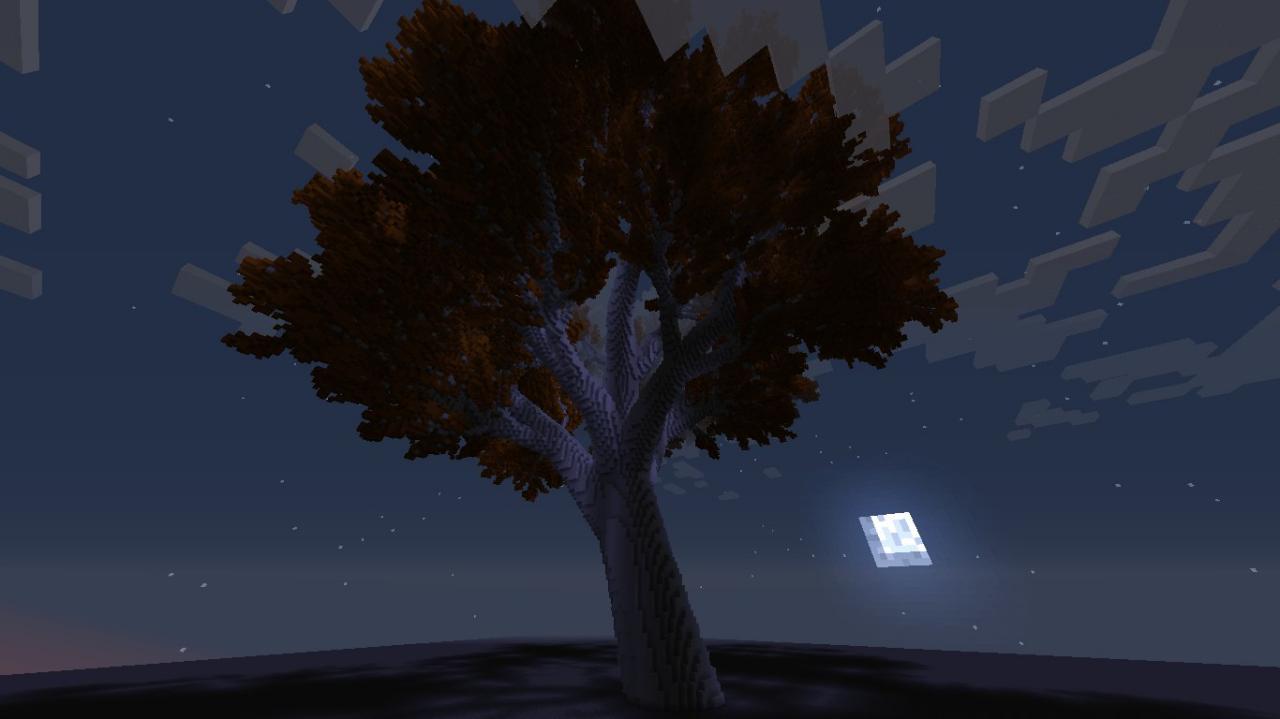
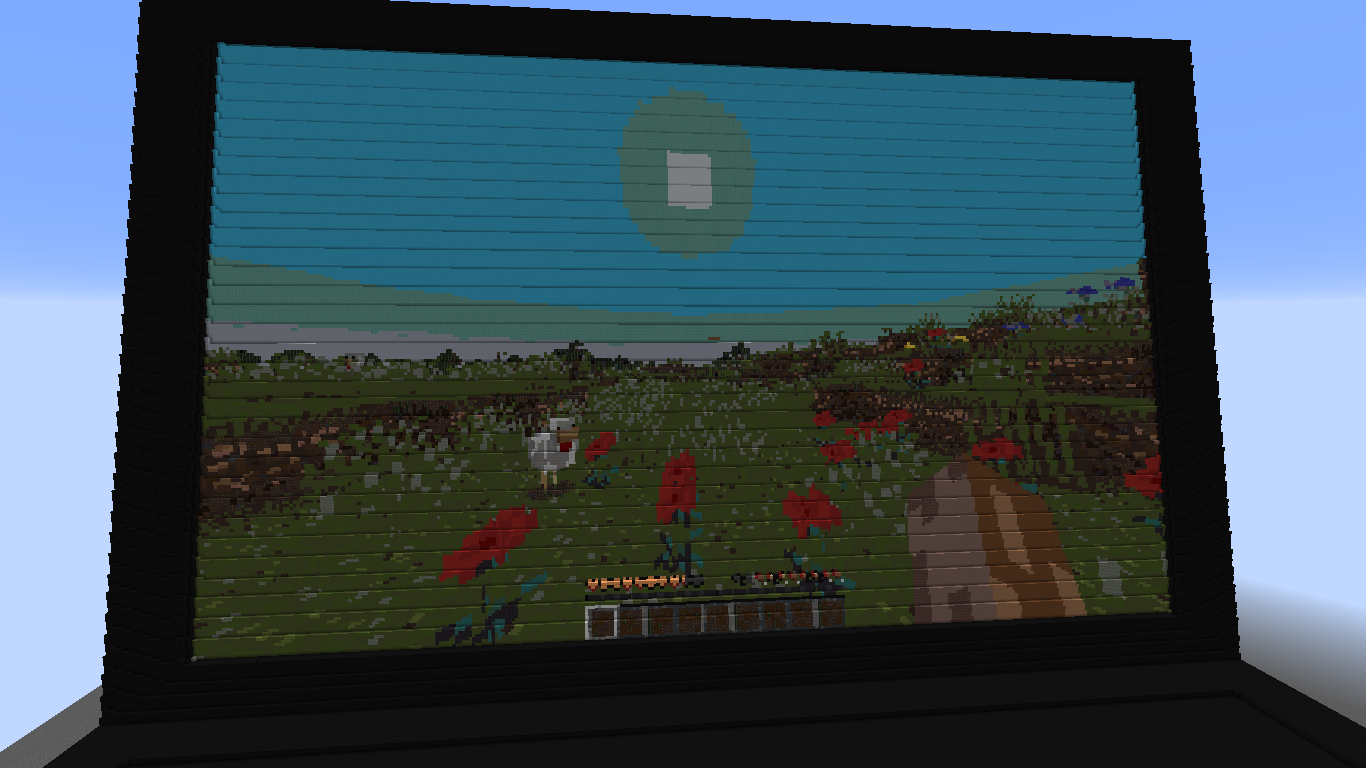
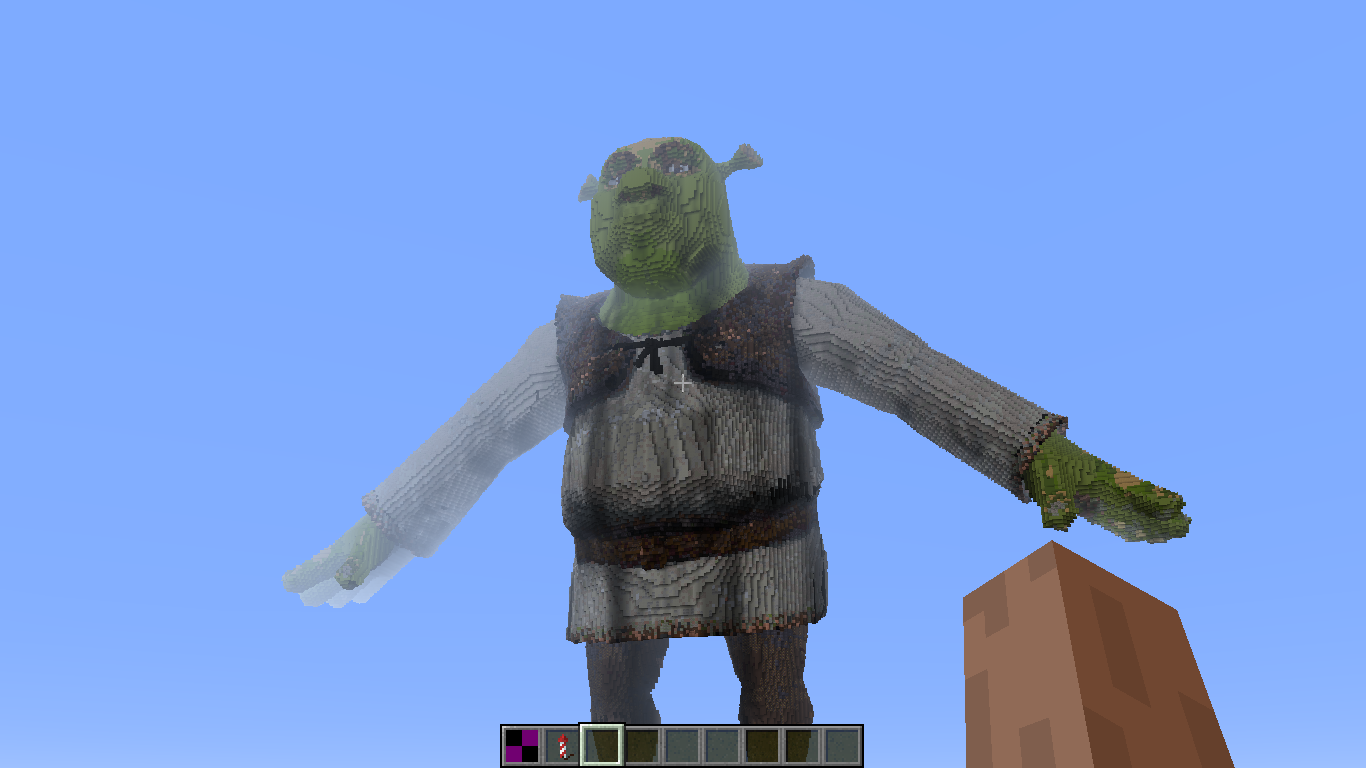
This mod enables to build textured Wavefront .obj models with blocks in your Minecraft world.
Features
- Voxel resolution setting: set desired block length of the build (by the largest dimension)
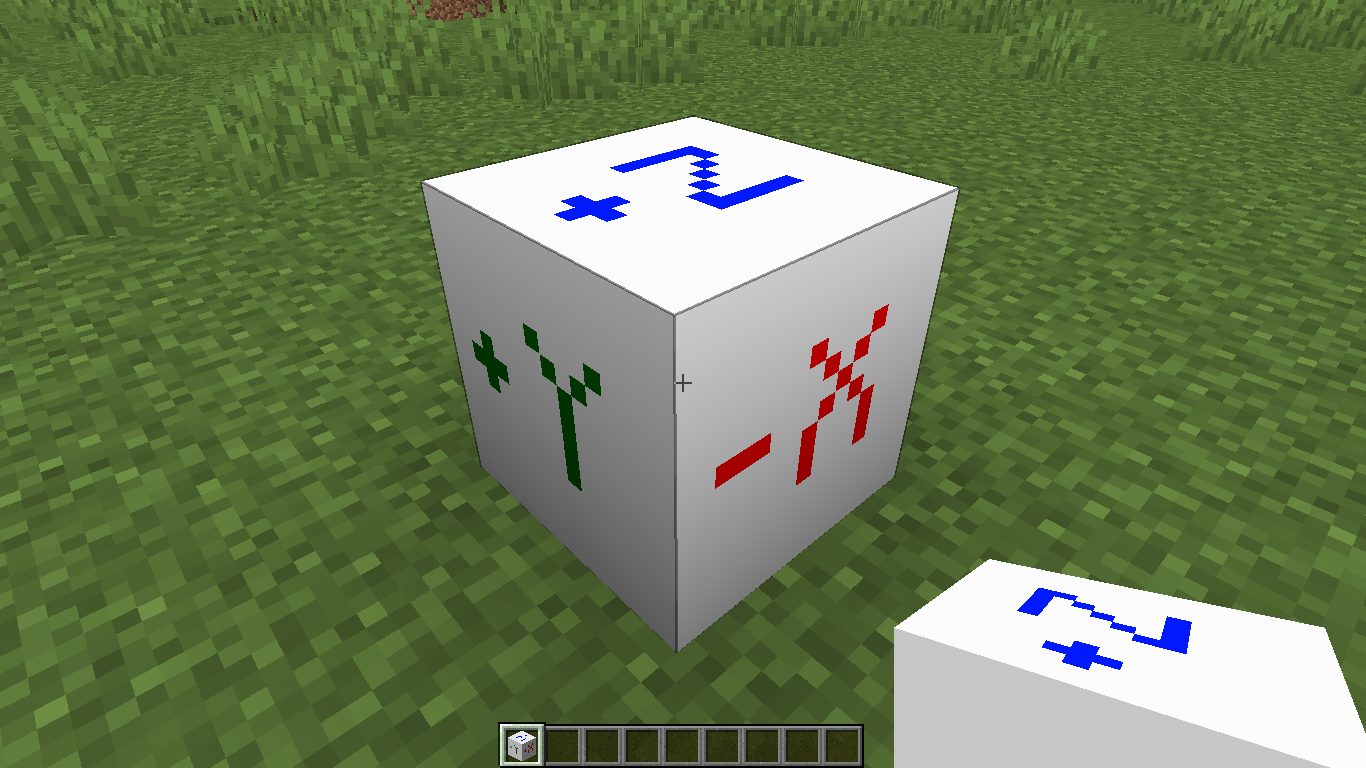
- Facing direction handling: place origin block facing the desired world direction according to axes letters and it will replicate the coordinate system of your model
- Materials support: MeshVoxelizer will automatically choose blocks with colors closest to your materials
- Replacement of materials: replace automatically chosen Minecraft blocks with better suiting ones
Use cases
MeshVoxelizer can be used for building large voxel structures by transferring 3d models (Wavefront .obj) into the game world. See ‘Images’ tab for examples.
Basic usage
1) Run the game to generate the mod folder or create it yourself (.minecraft/mods/MeshVoxelizer)
2) Put your .obj models along with .mtl-s into that folder (make sure to triangulate your models when exporting from 3d modeling software)
3) Find ‘Mesh Voxelizer origin’ block in the search tab of creative inventory (or get it with /give @p meshvoxelizer:voxelizer_origin)
4) Place it facing the needed world direction
5) Access the origin block with right mouse click and then click ‘Choose model file‘
6) Choose one from those you previously put into the MeshVoxelizer folder and click ‘Use this model’
7) Click ‘Voxelize‘ and wait while progress bar will fill up
Epilepsy warning
MeshVoxelizer uses OpenGL and processes the 3d model in separate rapid-blinking window which can potentially trigger seizures for people with photosensitive epilepsy. It strobes switching between black and magenta background color to mask out the model from emptiness in the graphical context.
常见问题
MeshVoxelizer 支持哪些 Minecraft 版本?
MeshVoxelizer 支持 Minecraft Java 版 1.16.5,可用的加载器:Forge。下载时注意选择和你游戏版本一致的文件。
MeshVoxelizer 怎么安装?
先用 PCL2 或 HMCL 启动器安装对应版本的 Forge,再把下载的 .jar 文件放进游戏目录的 mods 文件夹,重新启动游戏即可。开启了版本隔离的,mods 文件夹在 versions/版本名 下面。
评论
登录后评论和评分