
Resource Pack Guard
Catch X-ray and cheat texture packs before they ruin your server — see what players are really using, and ban it in one click.
截图
介绍
ResourcePackGuard
Catch X-ray and cheat resource packs before they ruin your server.
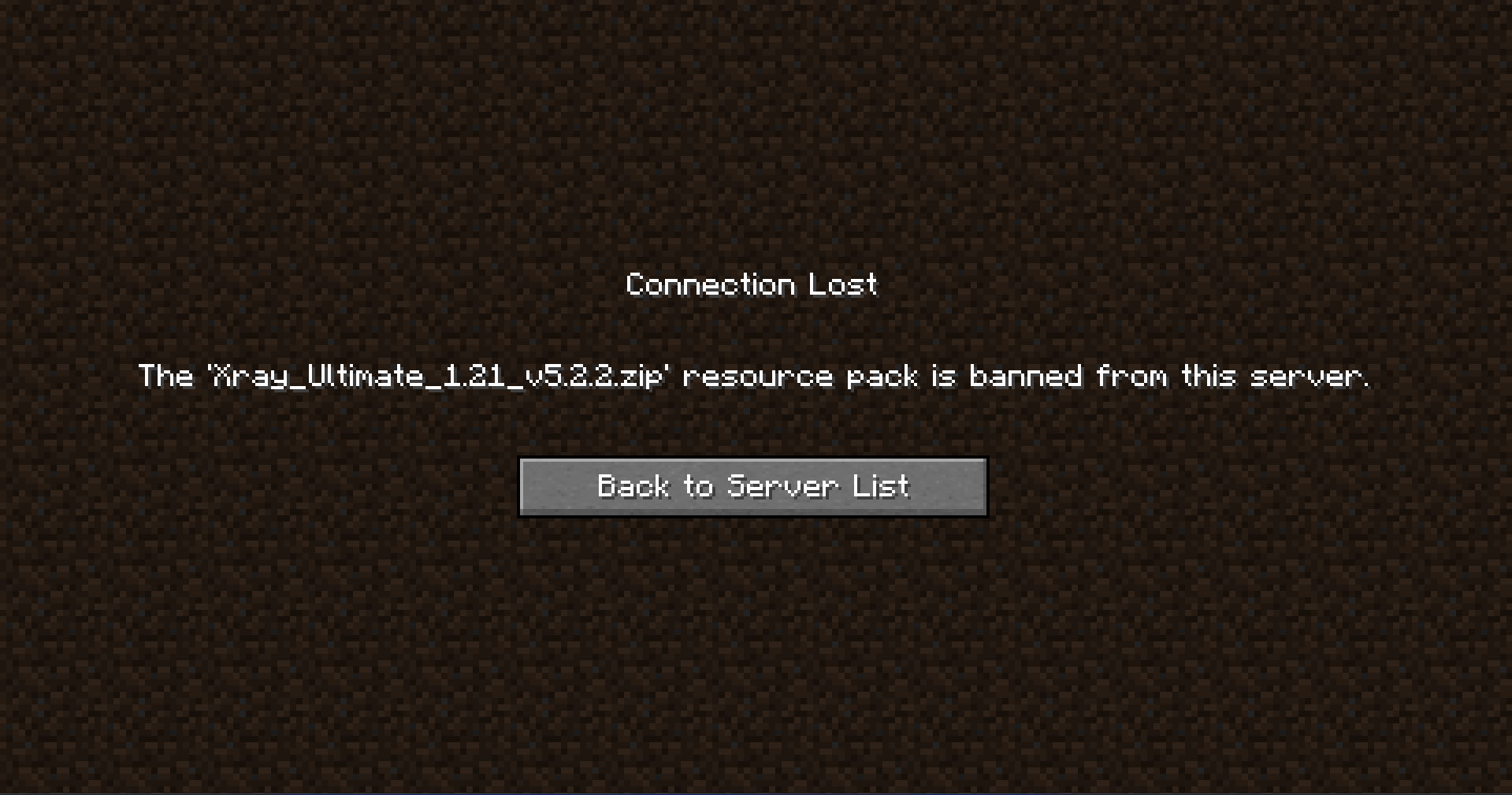
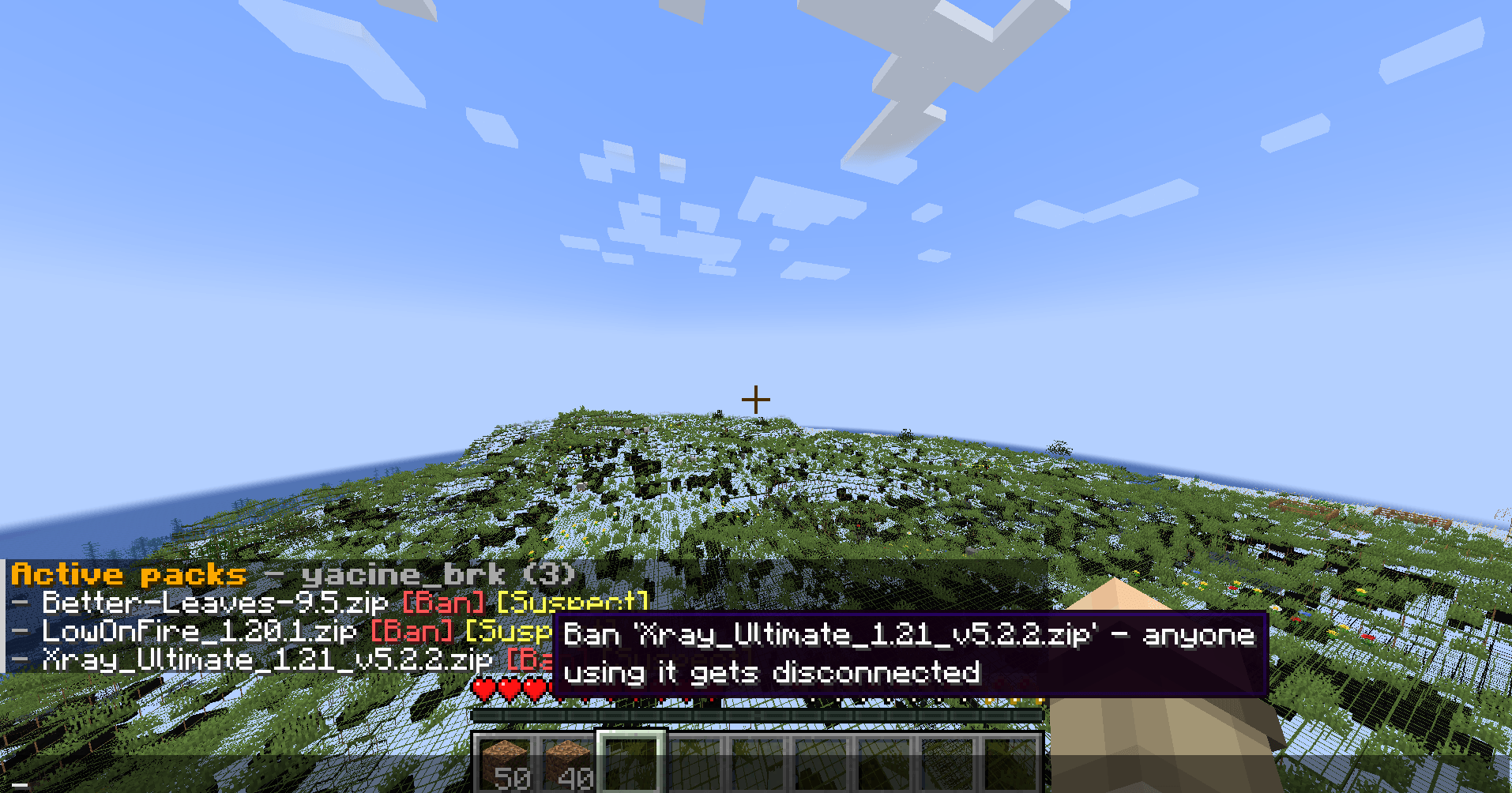
ResourcePackGuard lets server staff see which resource packs a player is actively using, directly in Minecraft chat. Suspicious pack? Click Ban to disconnect anyone online using it, or click Suspect to quietly watch for it without kicking players.
Features
- See every player’s active resource packs when they report in.
- View online player report status with
/rpg list. - Ban suspicious packs from chat with one click.
- Watch suspicious packs without kicking anyone.
- Automatically re-check online players when a pack is banned.
- Optional client requirement: reject players without the mod.
- Configurable operator permission level.
- Works on Forge and Fabric.
Commands
| Command | What it does |
|---|---|
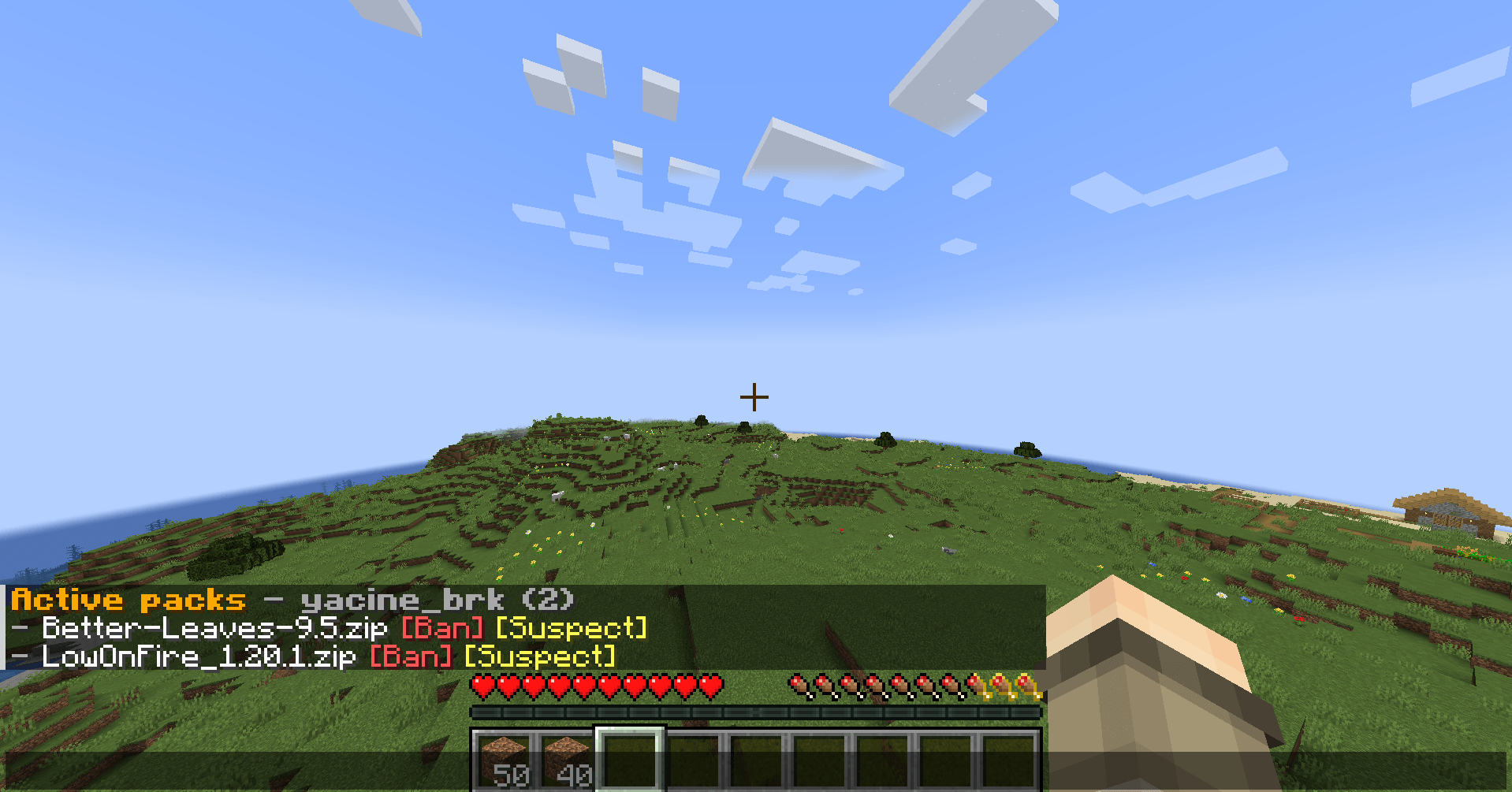
/rpg packs |
Shows active packs with clickable [Ban] and [Suspect] buttons |
/rpg status |
Shows whether a player has reported in |
/rpg list |
Shows every online player’s report status |
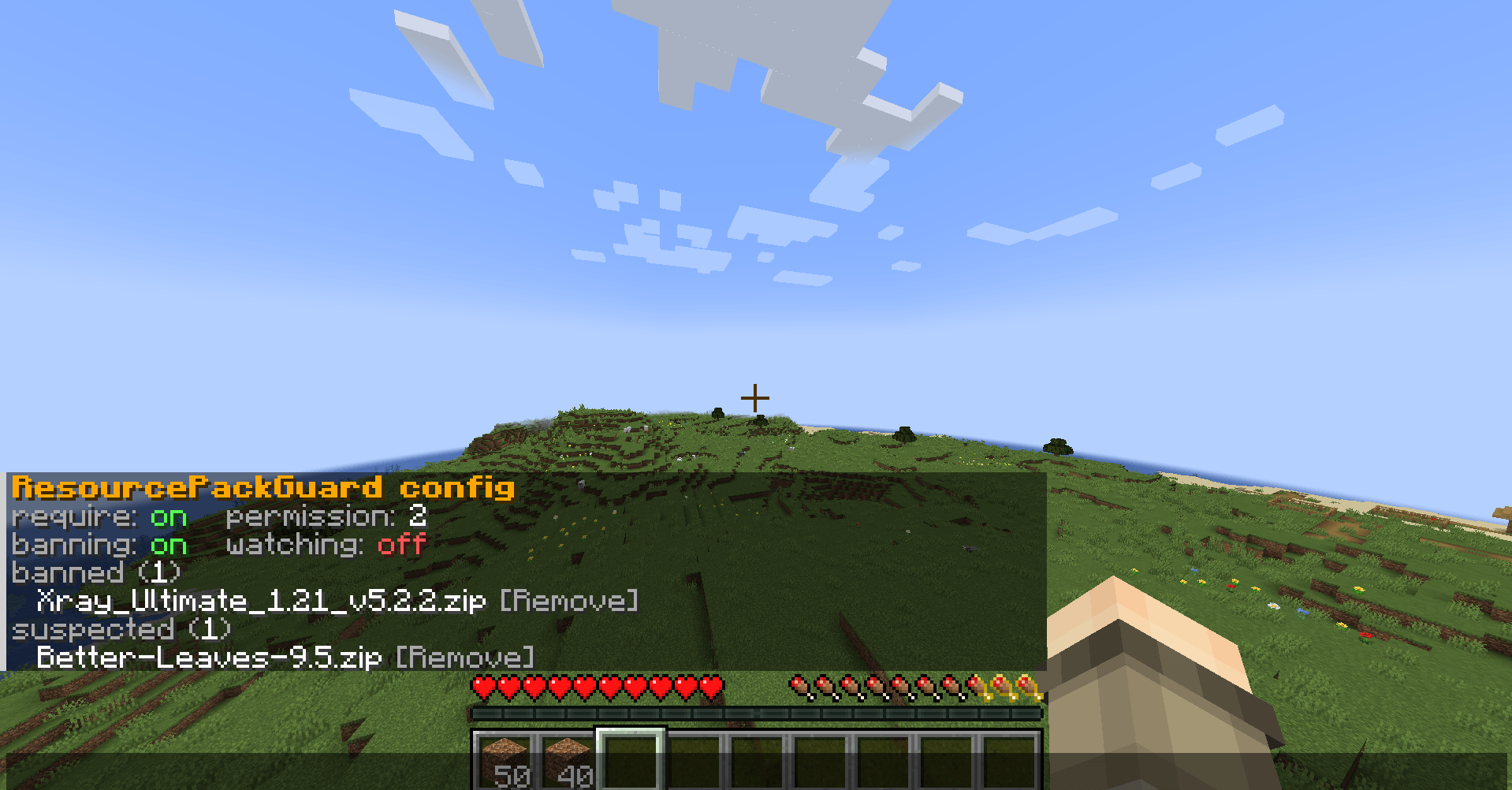
/rpg config show |
Shows current settings and saved banned/watched packs |
/rpg config require |
Require or allow clients without the mod |
/rpg config banning |
Enable or disable auto-kicking banned packs |
/rpg config watching |
Enable or disable staff alerts for watched packs |
/rpg config permission |
Change required permission level |
/rpg config reload |
Reload resourcepackguard.json without restarting |
Privacy
ResourcePackGuard reports resource-pack IDs, names, metadata, and SHA-256 fingerprints for active packs. It does not send absolute file paths, usernames from local paths, hardware IDs, analytics, or files to any external service.
Worth knowing
ResourcePackGuard reports what the client mod can see. A deliberately modified client could lie, so treat this as a useful server-management tool and deterrent, not a complete anti-cheat.
常见问题
Resource Pack Guard 支持哪些 Minecraft 版本?
Resource Pack Guard 支持 Minecraft Java 版 1.18.2–1.21.1,共 4 个版本,可用的加载器:Fabric / Forge。下载时注意选择和你游戏版本一致的文件。
Resource Pack Guard 怎么安装?
先用 PCL2 或 HMCL 启动器安装对应版本的 Fabric / Forge,再把下载的 .jar 文件放进游戏目录的 mods 文件夹,重新启动游戏即可。开启了版本隔离的,mods 文件夹在 versions/版本名 下面。

评论
登录后评论和评分