Not Enough Guide Books [NEGB]
A simple and lightweight mod that automatically removes all starter books and guides given by other mods when a player joins the world for the first time.
介绍
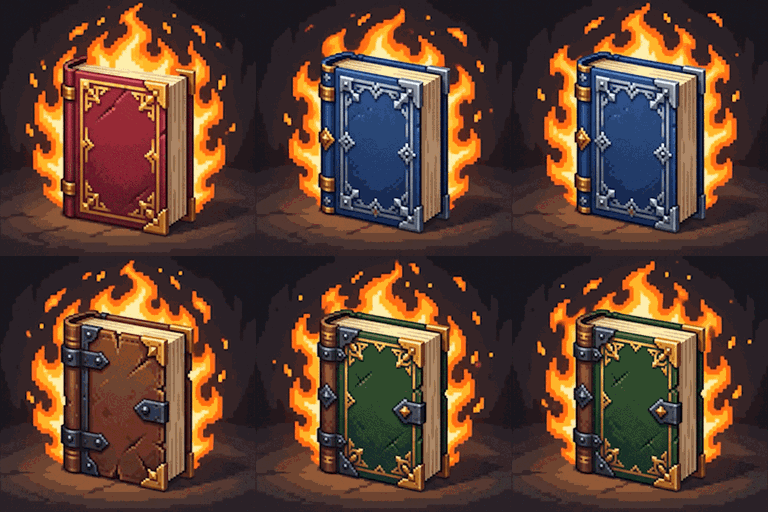
Not Enough Guidebooks
Are you tired of creating a new world or joining a heavily modded server and having your inventory instantly cluttered with 10 different manuals, dictionaries, and guidebooks? Not Enough Guidebooks is the ultimate solution to keep your inventory clean right on your first login!
Developed by Z0neto.DLL, this is an extremely lightweight utility mod focused on Quality of Life (QoL) for modpack makers and players who prefer a clutter-free starting experience.
How Does It Work?
At the exact moment a player joins the world for the first time, the mod silently scans their inventory. If it finds any item that is a guide, book, manual, or lexicon given by other mods, the item is instantly removed, leaving your inventory free for what really matters: punching trees.
The mod uses a smart keyword detection system based on item registry names, covering the vast majority of popular mods. It removes items containing keywords in their code such as:
bookguidelexiconmanualjournaltomeencyclopediaalmanacnomicon
Features
- Lightweight and Invisible: Runs only on the very first tick the player joins the world and never affects that player again.
- Server-Side Friendly: Can be installed on the server to clear the inventory of all new players upon joining.
- Compatibility: Works independently and should be compatible with virtually any modpack.
Modpack Usage
You are completely free to include Not Enough Guidebooks in any modpack, public or private. No permission required!
Author: Z0neto.DLL
Supported Version: Forge 1.20.1
常见问题
Not Enough Guide Books [NEGB] 支持哪些 Minecraft 版本?
Not Enough Guide Books [NEGB] 支持 Minecraft Java 版 1.20.1,可用的加载器:Forge。下载时注意选择和你游戏版本一致的文件。
Not Enough Guide Books [NEGB] 怎么安装?
先用 PCL2 或 HMCL 启动器安装对应版本的 Forge,再把下载的 .jar 文件放进游戏目录的 mods 文件夹,重新启动游戏即可。开启了版本隔离的,mods 文件夹在 versions/版本名 下面。
Z0netoHD 的其他作品
查看全部 →
Cobblemon Gym Blocks
添加灵感源自第一世代宝可梦道馆的实用与装饰方块,包括谜题门、开关和竞技场地砖,让创作者能在 NeoForge 1.21.1 中建造可互动的关都风格道馆。

Early Survival
用逼真的原始生存机制全面改造游戏前期,包括打制燧石、动态砍伐原木、手动生火以及早期矿物加工。

Plane Crash Early Game
体验惊险刺激的全新生存开局,动态生成的坠机现场遍布可回收的残骸、装饰性飞机方块和令人毛骨悚然的细节。

Good O’l Currency The Crias
“Good O'l Currency The Crias”为 Minecraft 添加了货币系统,包括 1 美元、2 美元、5 美元、10 美元、20 美元、50 美元、100 美元和 200 美元纸币。制作和交易这些纸币,获得沉浸式经济体验,增强游戏玩法和资源管理策略。
评论
登录后评论和评分