介绍
中文介绍正在准备中,下面暂时显示原文。

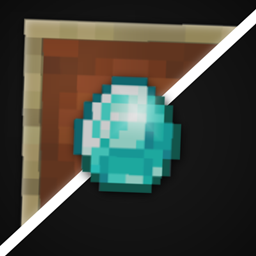
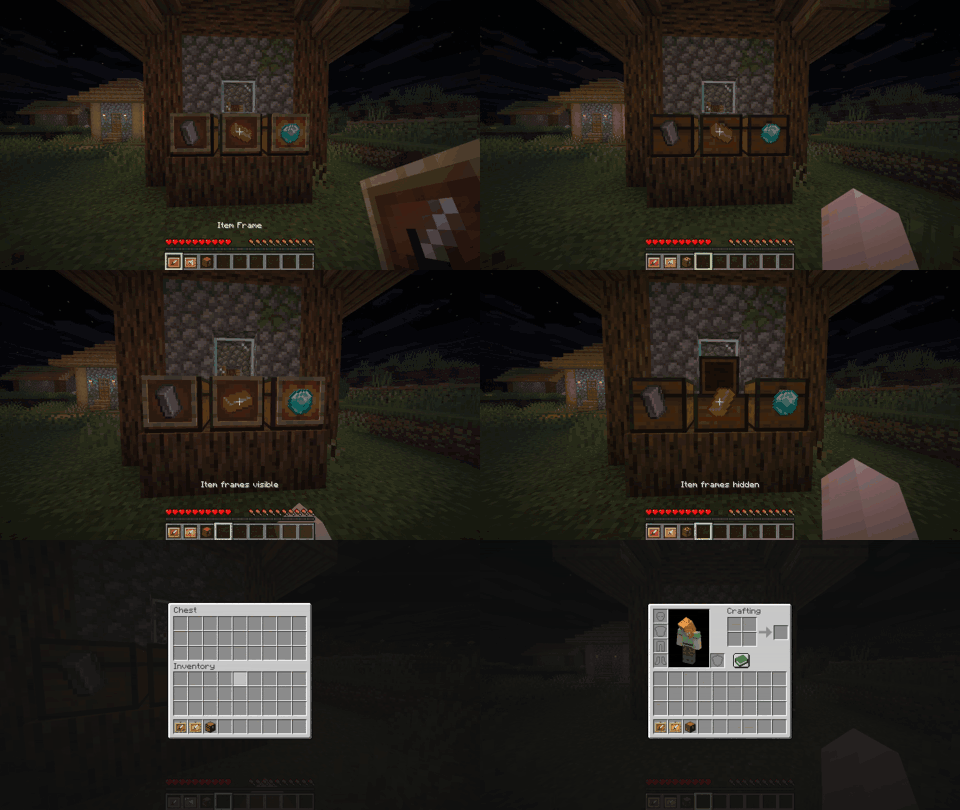
Toggle Item Frame is a client mod that lets you hide item frames while still showing the items in the frame and allows you to click through them!

General
- Enable Mod Toggle the mod on/off
- Show When Holding an Item Frame Displays item frames while holding an item frame or glow item frame is in either hand
- Ignore Frame Hitbox When Right Clicking Allows for right clicks to ignore item frames; visible frames still use normal vanilla interaction
Keybinds
- Toggle Visibility:
H - Open Mod Settings:
I
Note: These are the default keybinds. You can change them in Options > Controls > Key Binds, or in the mod’s Key Binds settings page.
Dependencies
常见问题
Toggle Item Frame 支持哪些 Minecraft 版本?
Toggle Item Frame 支持 Minecraft Java 版 1.21.9–26.3,共 8 个版本,可用的加载器:Fabric / NeoForge。下载时注意选择和你游戏版本一致的文件。
Toggle Item Frame 怎么安装?
先用 PCL2 或 HMCL 启动器安装对应版本的 Fabric / NeoForge,再把下载的 .jar 文件放进游戏目录的 mods 文件夹,重新启动游戏即可。开启了版本隔离的,mods 文件夹在 versions/版本名 下面。
nomad_dev 的其他作品
查看全部 →
Health Indicator Simple
by nomad_dev
在实体上方显示简洁的生命值和护甲指示条!
1.3万
1 个月前
Modrinth · CurseForge

Health Indicator Next
by nomad_dev
在生物上方显示生命值和护甲指示器!
1.2万
7 天前
Modrinth · CurseForge

Light Level Simple
by nomad_dev
简单易用的光照等级显示模组!
7,280
1 个月前
Modrinth · CurseForge
Health Indicator Simple
by nomad_dev
在实体上方显示简单的生命值和护甲指示器!
2,049
1 个月前
Modrinth
评论
登录后评论和评分