Single Enchantment Remover
Single Enchantment Remover lets you remove one specific enchantment from an item without affecting its other enchantments.
截图
介绍
Single Enchantment Remover
Ever wished you could remove just one enchantment from an item without destroying all the others? Now you can.
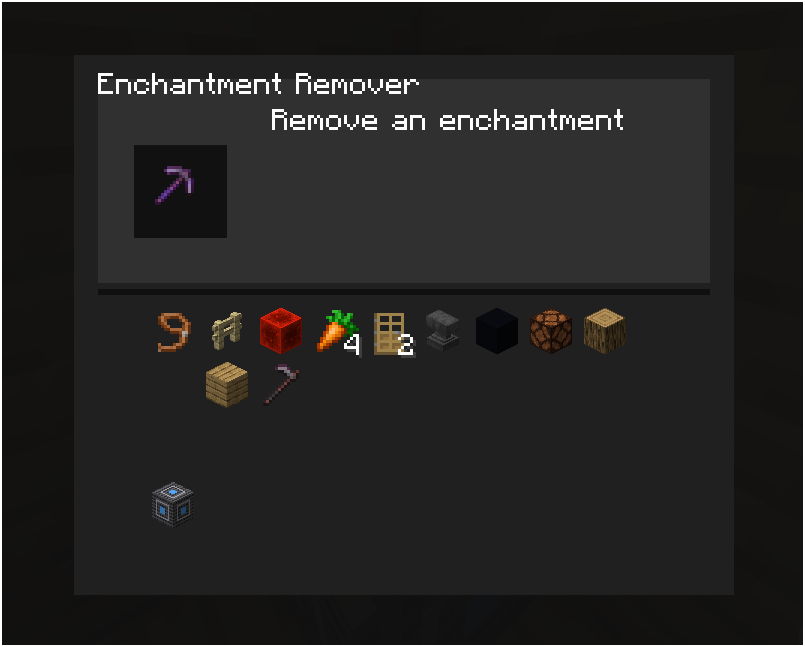
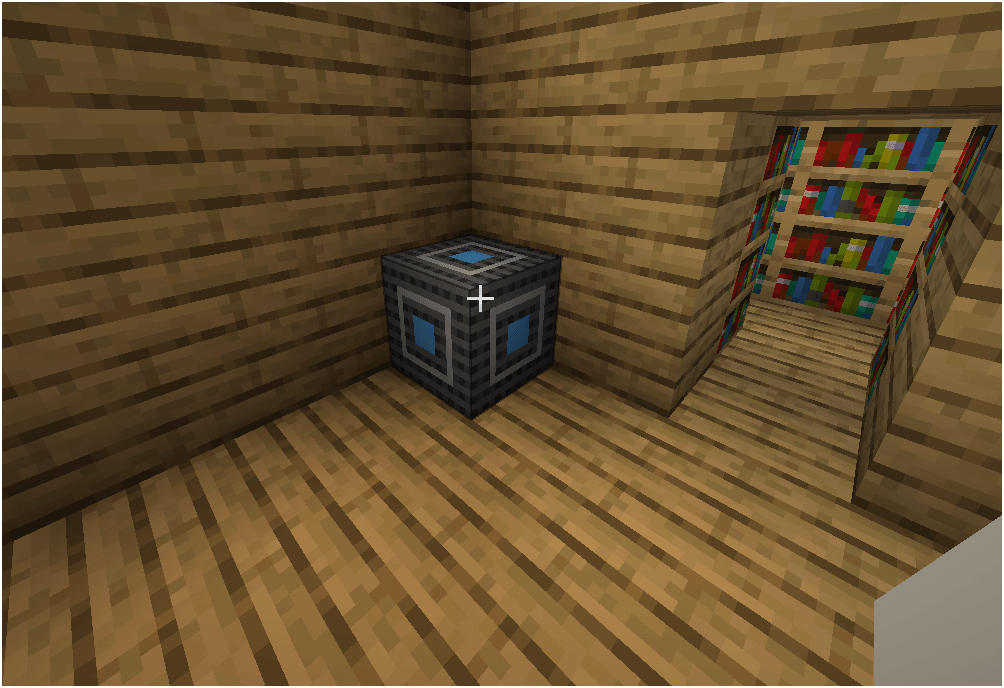
Single Enchantment Remover adds a block with a simple UI that lets you remove individual enchantments from items that have multiple enchantments.
Features
- Remove one specific enchantment from an item
- Keep all other enchantments intact
- Simple and easy-to-use UI
- Works with items containing multiple enchantments
- Supports enchanted books
- Designed for Minecraft 1.21.1
- Built for NeoForge, not Fabric
How it works
- Place a Single Enchantment Remover.
- Put an item with multiple enchantments into the UI.
- Select the enchantment you want to remove.
- The selected enchantment is removed while the others remain.
No more having to choose between keeping every enchantment or throwing the whole thing away. Humanity has finally solved this extremely specific problem.
Compatibility
Minecraft: 1.21-1.21.1 Loader: NeoForge
The mod is designed to work on its own and does not require additional content mods.
License
Released under the MIT License.
常见问题
Single Enchantment Remover 支持哪些 Minecraft 版本?
Single Enchantment Remover 支持 Minecraft Java 版 1.19–1.21.3,共 5 个版本,可用的加载器:Fabric / Forge / NeoForge / Quilt。下载时注意选择和你游戏版本一致的文件。
Single Enchantment Remover 怎么安装?
先用 PCL2 或 HMCL 启动器安装对应版本的 Fabric / Forge / NeoForge / Quilt,再把下载的 .jar 文件放进游戏目录的 mods 文件夹,重新启动游戏即可。开启了版本隔离的,mods 文件夹在 versions/版本名 下面。
评论
登录后评论和评分