
RPG Simple Health Bar
Replaces the vanilla health display with a compact, color-coded HP bar that shows "current / max" text right inside it. Fully draggable and resizable in-game via a simple position editor — no config file editing required.
介绍
RPG Health
RPG Health replaces the vanilla player health display with a single, compact horizontal bar.
Features:
- Combined HUD: the “HP: current / max” text is rendered centered inside the bar itself, rather than as a separate line above it, keeping the footprint small.
- Color-coded feedback: the bar shifts from green (healthy) to yellow (caution) to red (danger) as your health drops, so you can read your status at a glance.
- Live values: health and max health are read directly from the player every frame, so the bar always reflects the true state — including changes from damage, healing, or modded max-health effects.
- In-game position editor: press H (configurable) to open an editor where you can drag the bar to any spot on screen.
- Resizable: press H again inside the editor to switch to resize mode, then drag to set the bar to whatever width and height you like.
- One-click reset: a “Reset to Default” button restores both the default position and default size at any time.
- Persistent settings: your custom position and size are saved to the client config and reload automatically between sessions.
- Non-intrusive editor: the editor screen doesn’t pause the game, so you can see your health changing live while you adjust the bar.
- Respects vanilla settings: the bar honors the F1 “hide HUD” toggle like any other vanilla element.
- Localized: ships with English and Spanish translations out of the box.
- Client-side only: this mod only touches rendering on the client and has no effect on servers, so it’s safe to install without requiring it server-side.
Preview video: https://youtu.be/-fv3HCulhJ4
autor: tonicarter
常见问题
RPG Simple Health Bar 支持哪些 Minecraft 版本?
RPG Simple Health Bar 支持 Minecraft Java 版 1.21.1,可用的加载器:NeoForge。下载时注意选择和你游戏版本一致的文件。
RPG Simple Health Bar 怎么安装?
先用 PCL2 或 HMCL 启动器安装对应版本的 NeoForge,再把下载的 .jar 文件放进游戏目录的 mods 文件夹,重新启动游戏即可。开启了版本隔离的,mods 文件夹在 versions/版本名 下面。
Toni_Carter_Company_Mods_Inc 的其他作品
查看全部 →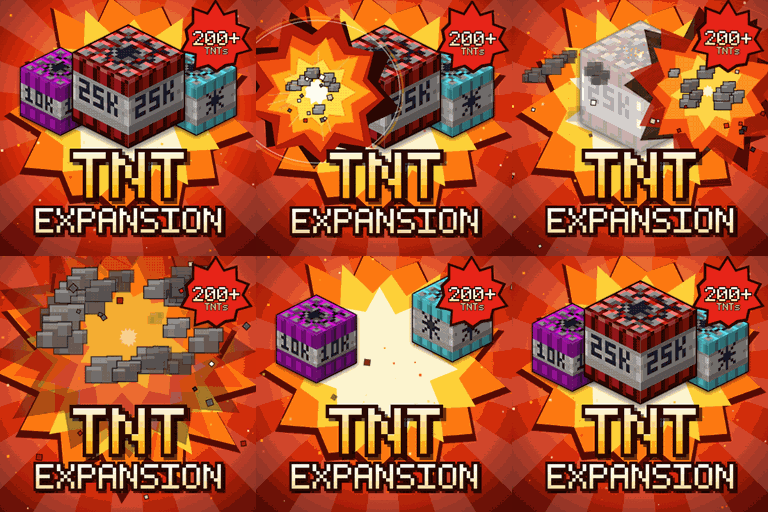
TNT Expansion (+200 new craftable TNT)
Minecraft 中有 200 多种可合成的 TNT,从无害的迷你 TNT,到核弹、陨石、龙卷风、火山、黑洞,甚至毁灭性的 Brutal Cataclysm。还可以用 TNT Error 404 让整个世界彻底消失!
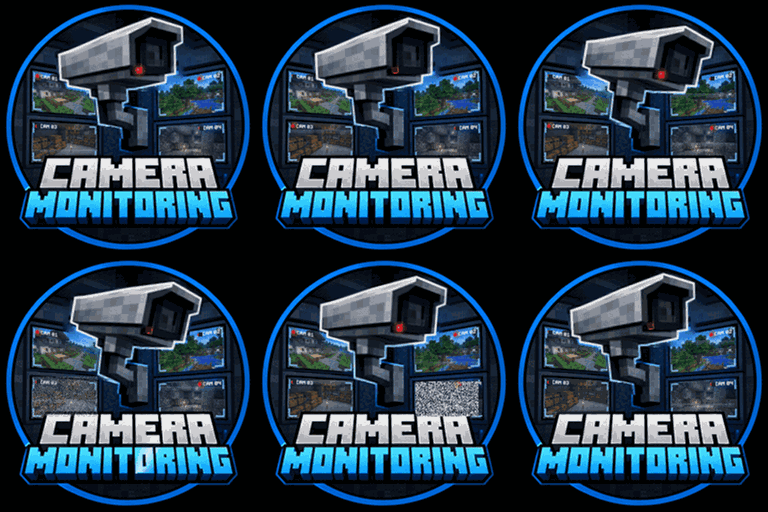
Camera Monitoring: CCTV System Fully Customizable + Screens
Minecraft 专业级监控:PTZ 云台摄像头、实时监控屏幕(自动切换至镜头拍到的目标)、巡逻与运动追踪模块、警报和权限管理。支持 Fabric、NeoForge 和 Forge,适用于 1.20.1 至 26.3。
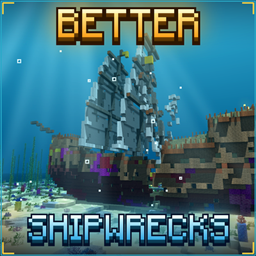
TONI’s Better Shipwrecks: Sunken Ships & Pirate Wrecks (Forge/Fabric)
将每艘沉船重建为巨大的3D船只:帆船、双桅帆船、商船、单桅帆船和维京长船,可呈现多种沉没或搁浅方式。保留原版战利品,由服务端运行。

TONI’s TNT Lib
TNT Expansion 的核心引擎:爆炸、TNT 方块、炸药和 TNT 工作台,适用于所有 Minecraft 版本。
评论
登录后评论和评分