
Excel on a Stick
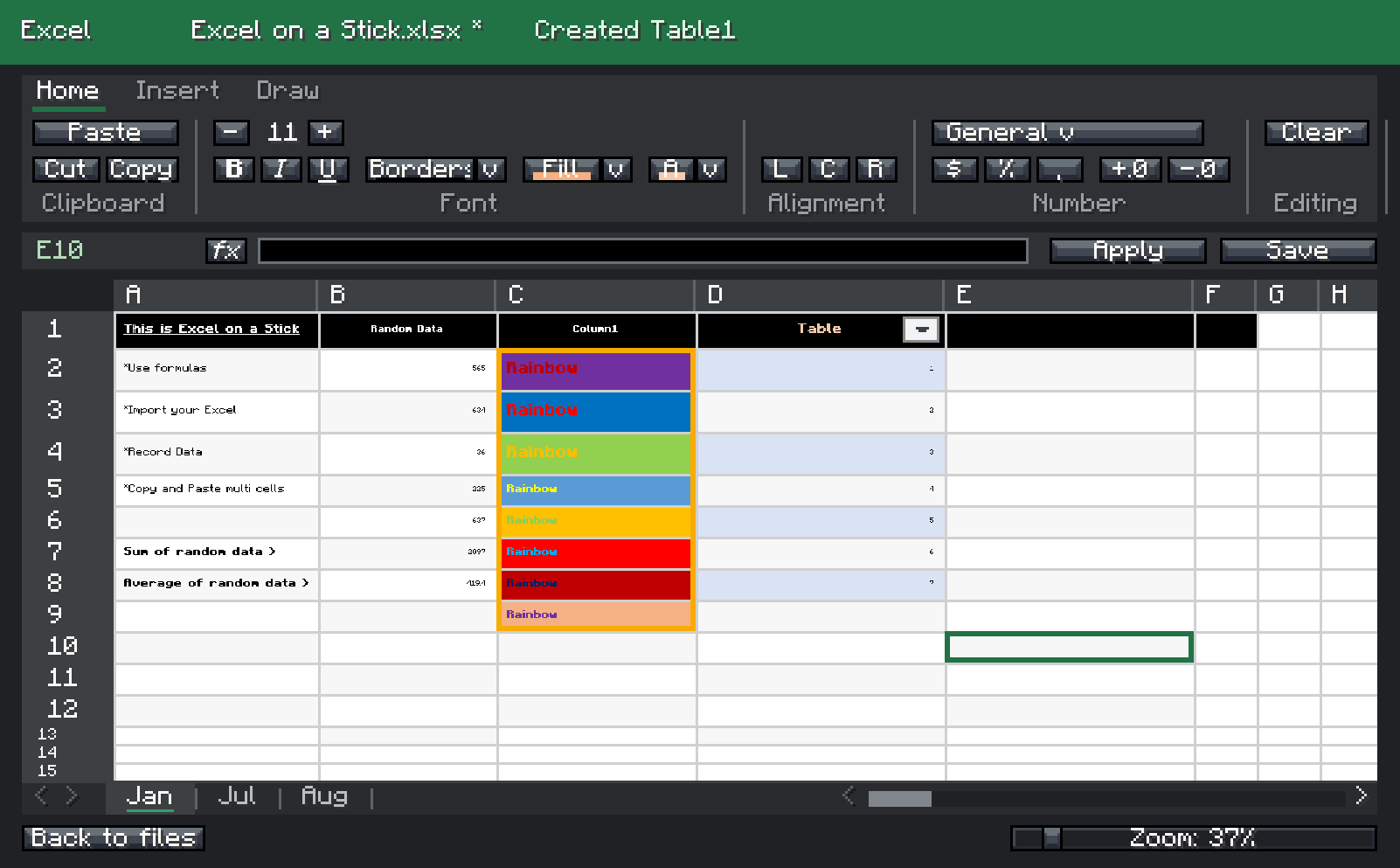
Use this mod if you want to use Excel in Minecraft. Easily import your .xlsx/.csv files into an in-game GUI and interact with a built-in interface.
截图
介绍
Excel on a Stick can import your Excel or CSV files into an in-game GUI. It is fully interactive, with formula support, number formatting, editable columns/rows, copy/paste/cut, selecting multiple cells, and more!
Enjoy a Minecraft experience with Excel built into the game.
Usage
1. Install this mod with a compatible mod loader, Fabric or NeoForge.
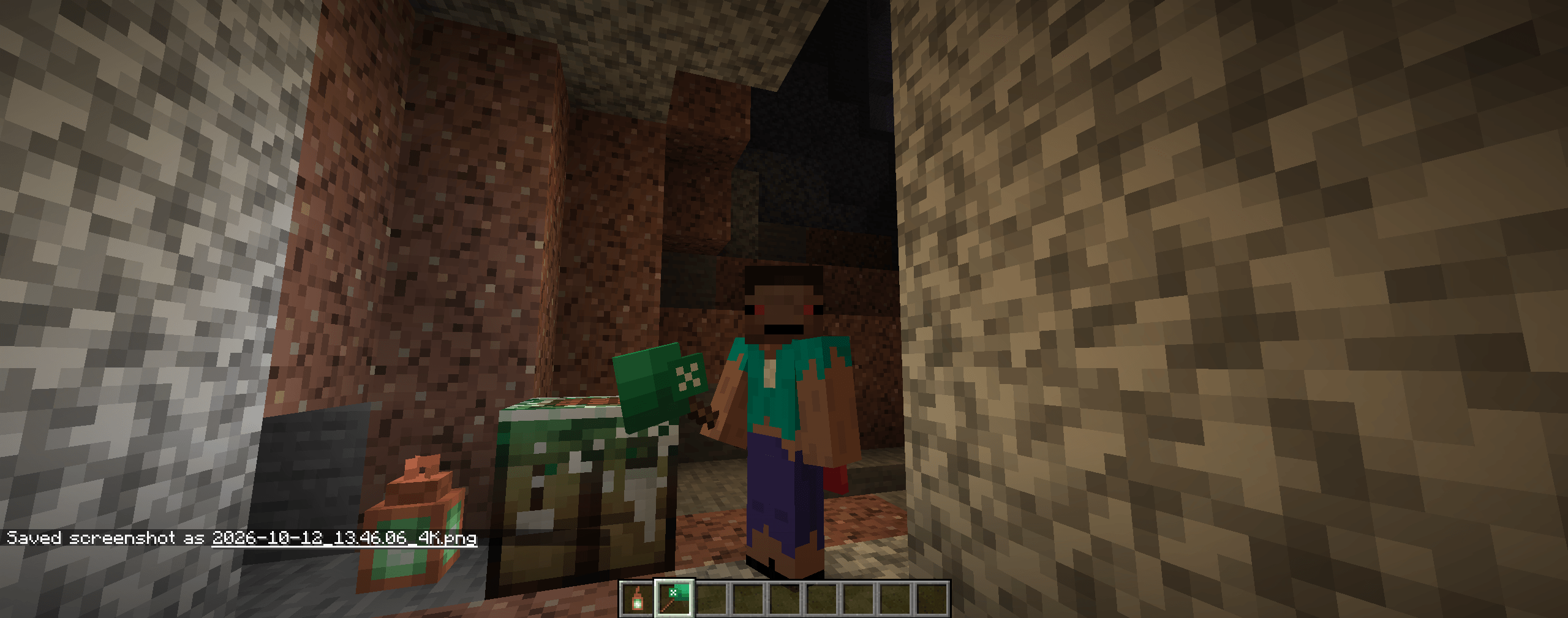
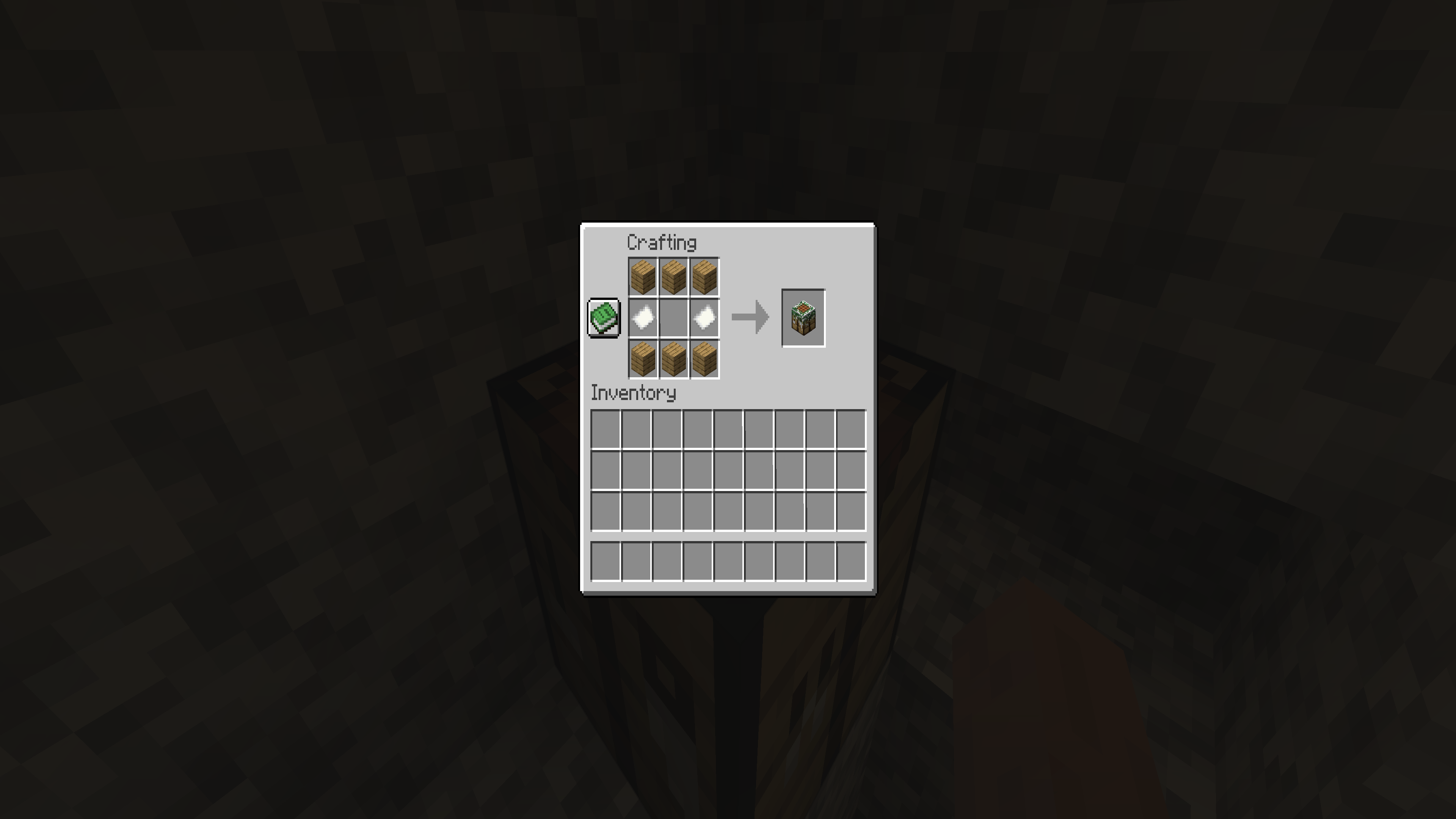
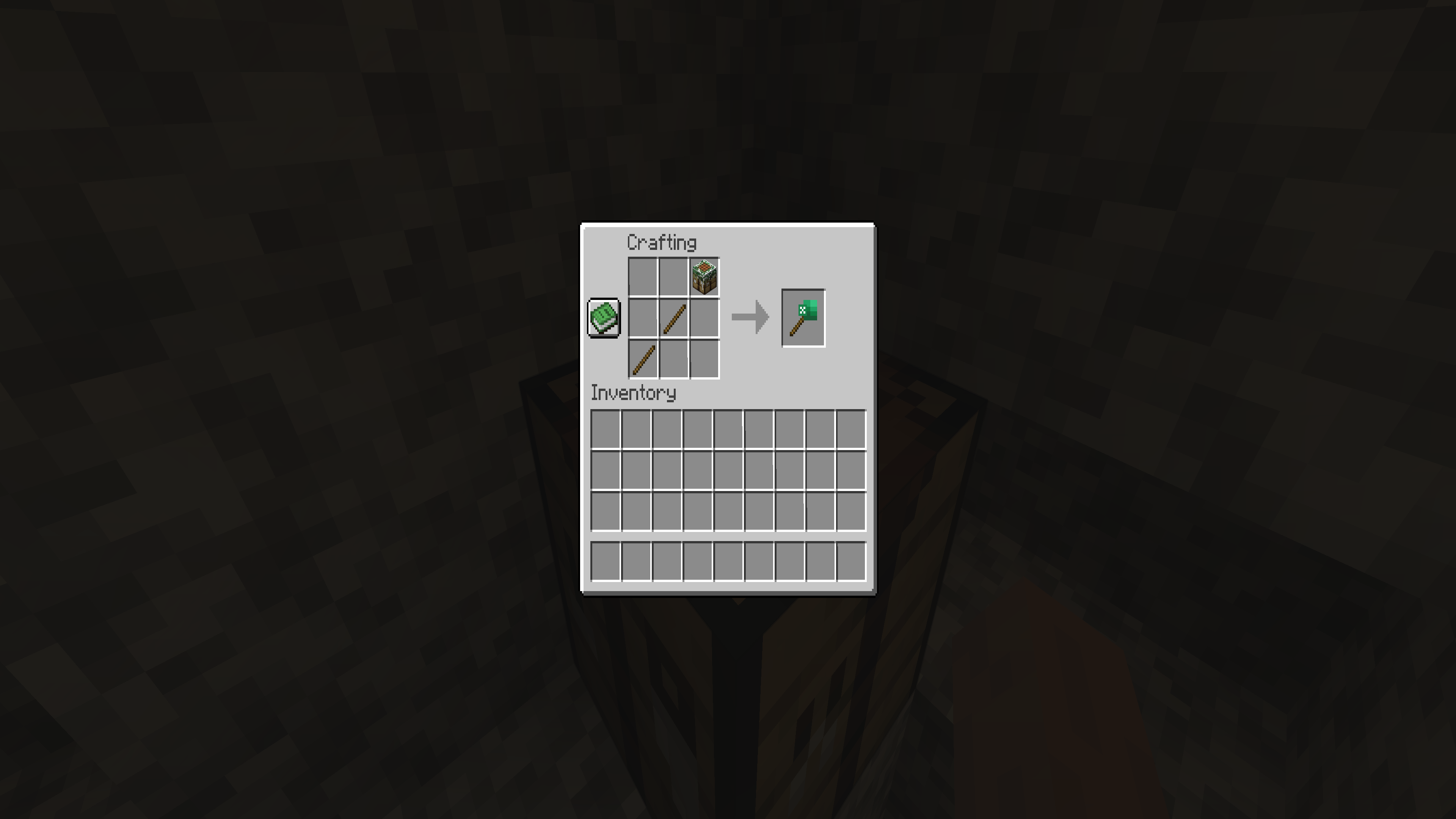
2. Once installed, launch the game and craft your Excel on a Stick!
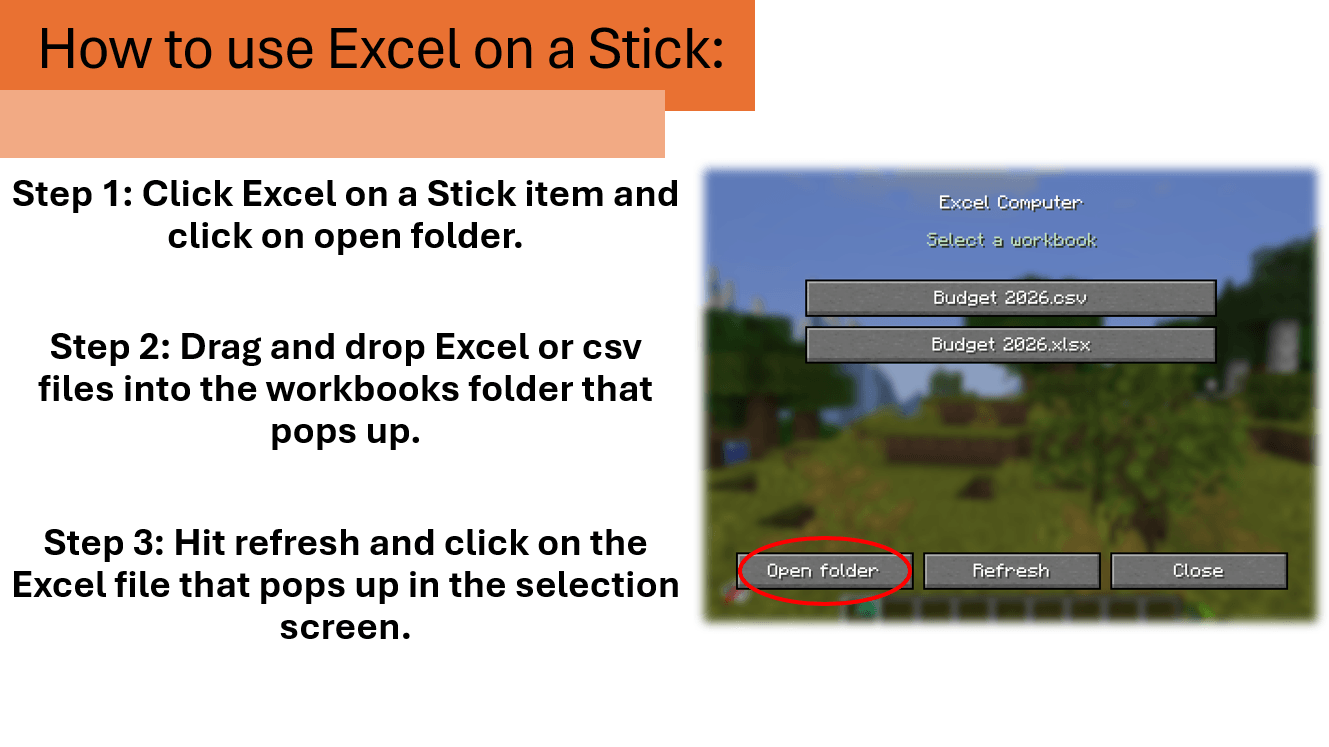
3. Right-click on your Excel on a Stick; an empty UI will pop up. This will generate your “excel computer” folder located in your mod directory. Click on the “Open folder” button, and it will take you to the folder.
4. Drag and drop your .xlsx file into your workbooks folder located in the newly generated “excel computer” folder.
Roadmap updates
Reorganizing UI (1.0.6 update) COMPLETE“Excel folder” button (1.0.5 update) COMPLETE- Add formatting copy and paste (IN PROGRESS) (1.0.6.1 update)
- Add in-game item to share Excel sheets, maybe? IDK if this is possible because Excel is client-side right now. (IN PROGRESS) (1.0.6.2 update)
- Adding tabs and drawing ability (1.0.7 update)
- Creating the ability to create sheets and files in-game (TBD)
- Adding formula tab (1.0.8 update)
Add compatibility with older versions of Minecraft (Forge 1.20.1) and newer versions (NeoForge/Fabric 26.1)COMPLETE
Feedback
Open to any feedback and features the community needs; leave a comment or message me on Discord.
常见问题
Excel on a Stick 支持哪些 Minecraft 版本?
Excel on a Stick 支持 Minecraft Java 版 1.20–26.2,共 9 个版本,可用的加载器:Fabric / Forge / NeoForge。下载时注意选择和你游戏版本一致的文件。
Excel on a Stick 怎么安装?
先用 PCL2 或 HMCL 启动器安装对应版本的 Fabric / Forge / NeoForge,再把下载的 .jar 文件放进游戏目录的 mods 文件夹,重新启动游戏即可。开启了版本隔离的,mods 文件夹在 versions/版本名 下面。
评论
登录后评论和评分