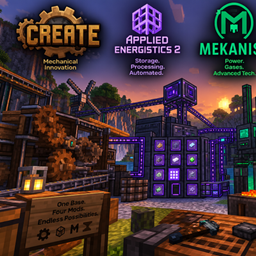
截图
介绍
Creating Tinkers – Build, Automate, Innovate!
Welcome to Creating Tinkers, a Minecraft modpack that combines the power of engineering, automation, advanced technology, and limitless creativity!
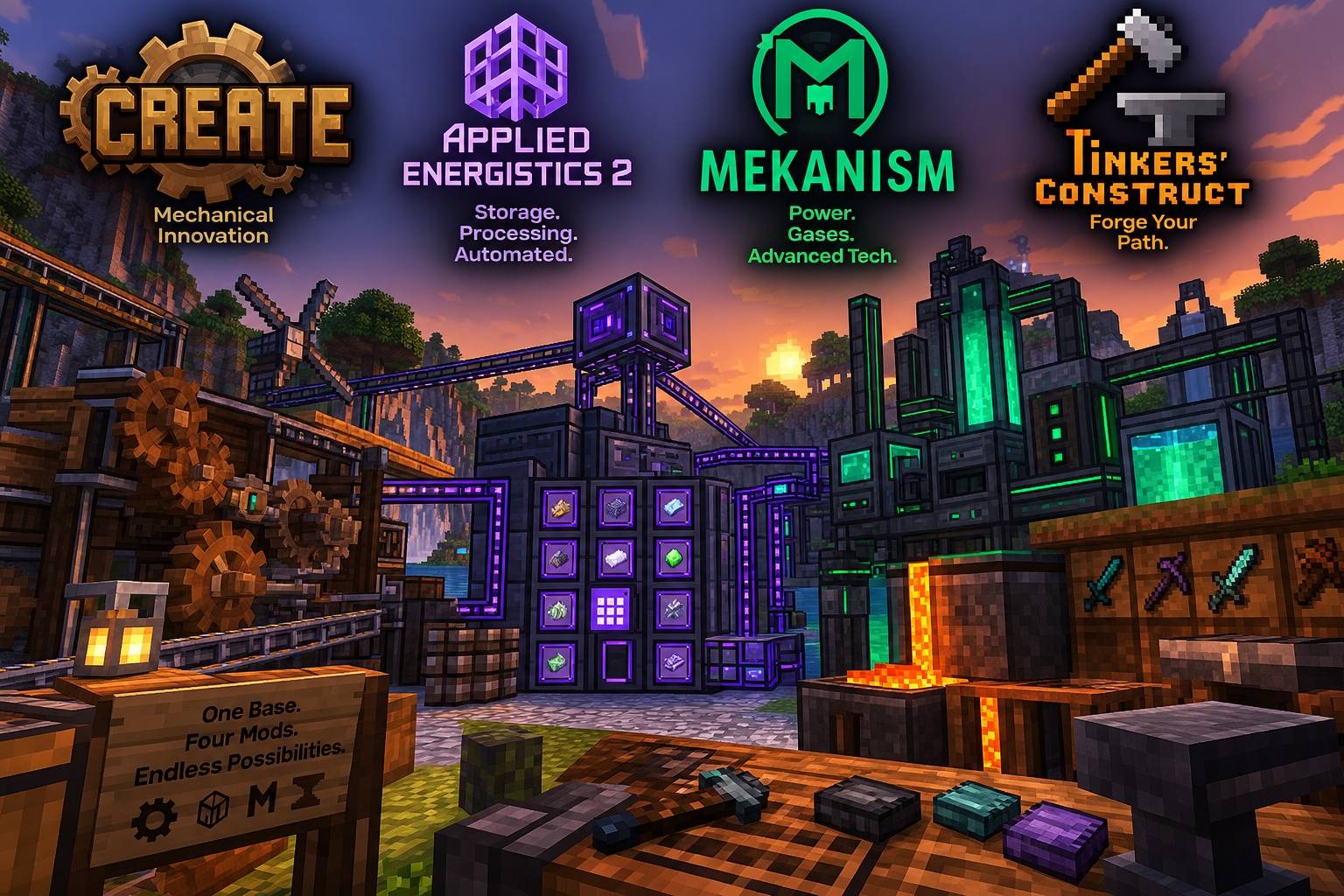
Dive into a world where mechanical ingenuity meets futuristic technology. Harness the power of Create to build incredible machines, intricate contraptions, and fully automated factories. Use Applied Energistics 2 to manage massive storage networks, automate crafting, and keep your resources organised. Master Mekanism to unlock advanced machinery, powerful energy systems, ore processing, and high-tech industrial production. Then head to the forge with Tinkers’ Construct to craft, customise, and upgrade powerful tools and weapons.
⚙️ Build it. Automate it. Improve it.
Whether you’re designing complex production lines, building a fully automated factory, developing an advanced digital storage network, or forging the ultimate tools, there’s always something new to create.
What awaits you?
-
Create: Mechanical power, moving contraptions, and creative automation.
-
Applied Energistics 2: Smart storage, networked crafting, and resource management.
-
Mekanism: Advanced technology, energy production, and industrial processing.
-
Tinkers’ Construct: Custom tools, powerful weapons, and a forge built for experimentation.
Combine these mods to create a world where every machine has a purpose and every invention opens up new possibilities.
Your factory. Your tools. Your technology. Your creations.
Welcome to Creating Tinkers — where imagination becomes engineering!
常见问题
creating technical tinkers 支持哪些 Minecraft 版本?
creating technical tinkers 基于 Minecraft Java 版 1.20.1,使用 Forge 加载器。
creating technical tinkers 怎么安装?
点本页「前往下载」拿到整合包文件(Modrinth 的是 .mrpack,CurseForge 的是 .zip),在 PCL2 或 HMCL 启动器里选择「导入整合包」,启动器会自动装好 Minecraft、加载器和全部模组。建议在启动器里给游戏分配 4–6 GB 内存。
creating technical tinkers 开服需要多大内存?
推荐服务器内存 12 GB。在线人数多、或者建了大量机器和区块加载器时,可以再加 2–4 GB。
怎么和朋友一起玩 creating technical tinkers?
点本页的「一键开服」,选好配置后会自动安装 creating technical tinkers 的服务端,几分钟就能开好。把服务器地址发给朋友,大家用同一个版本的整合包连进去就行。

评论
登录后评论和评分