Enhanced Edition: EE
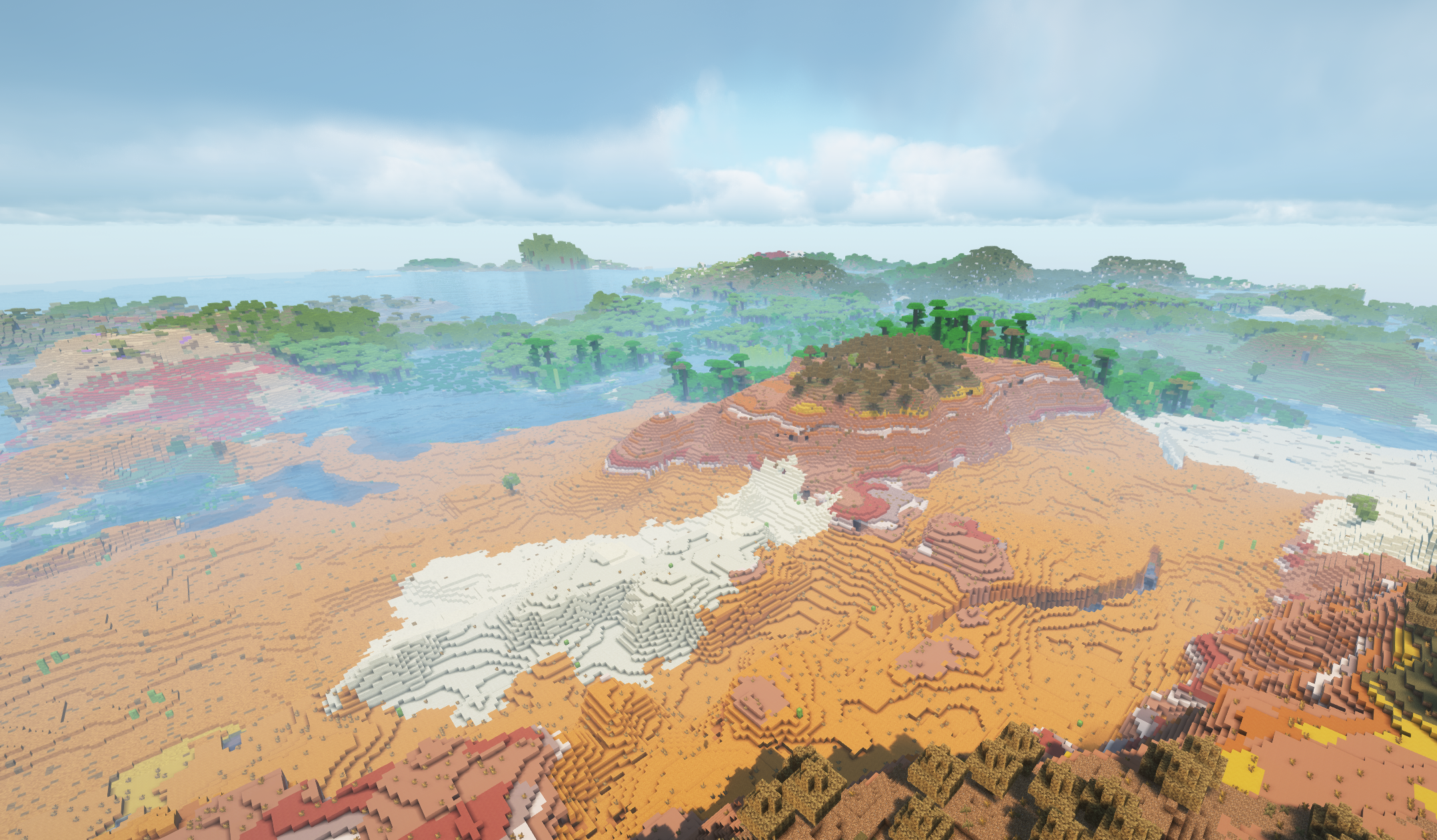
This pack is designed to enhance Minecraft with Performance, QoL and Graphical changes to make to game as graphically enhanced while keeping and even improving performance if possible.
截图
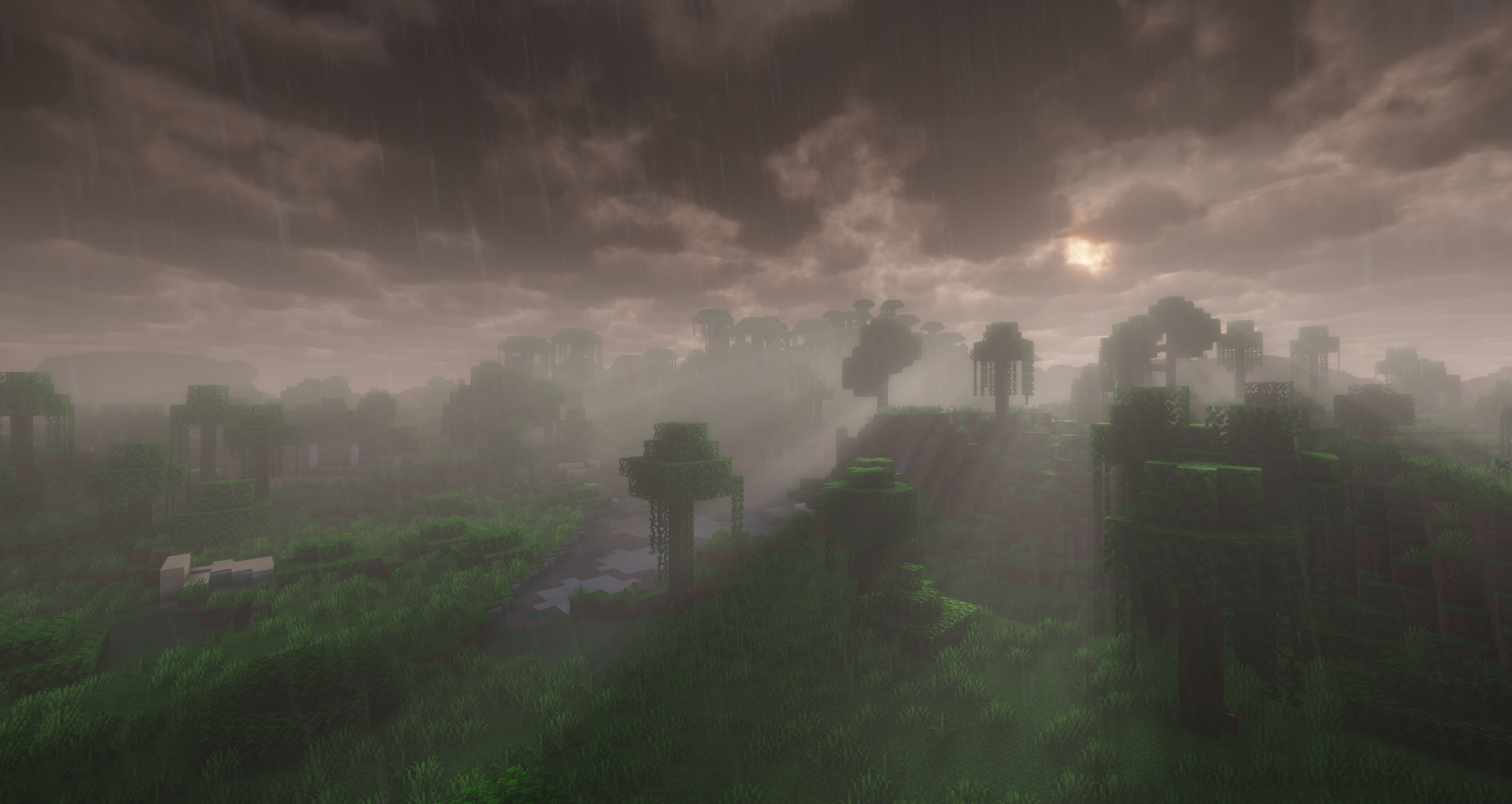
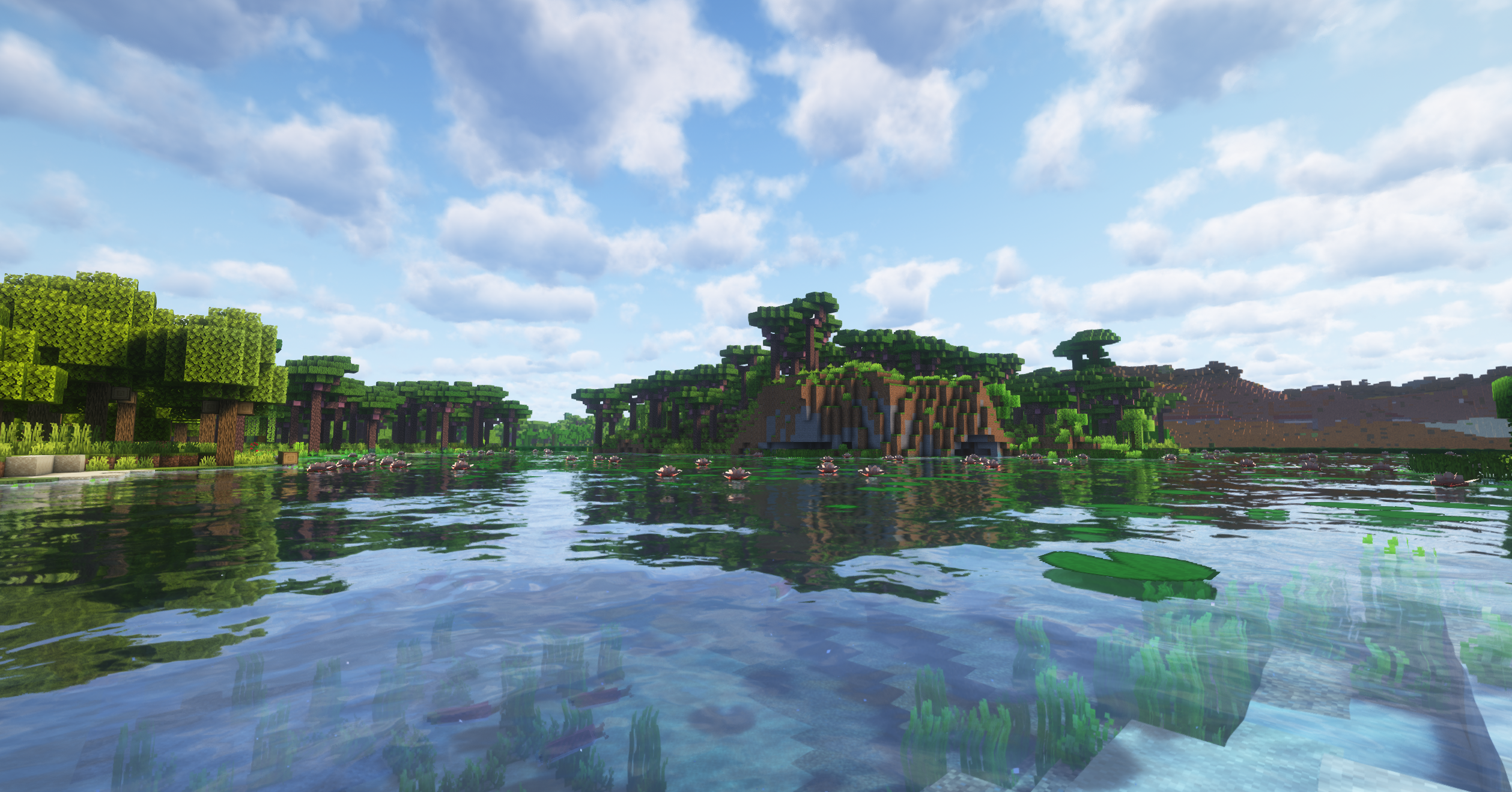
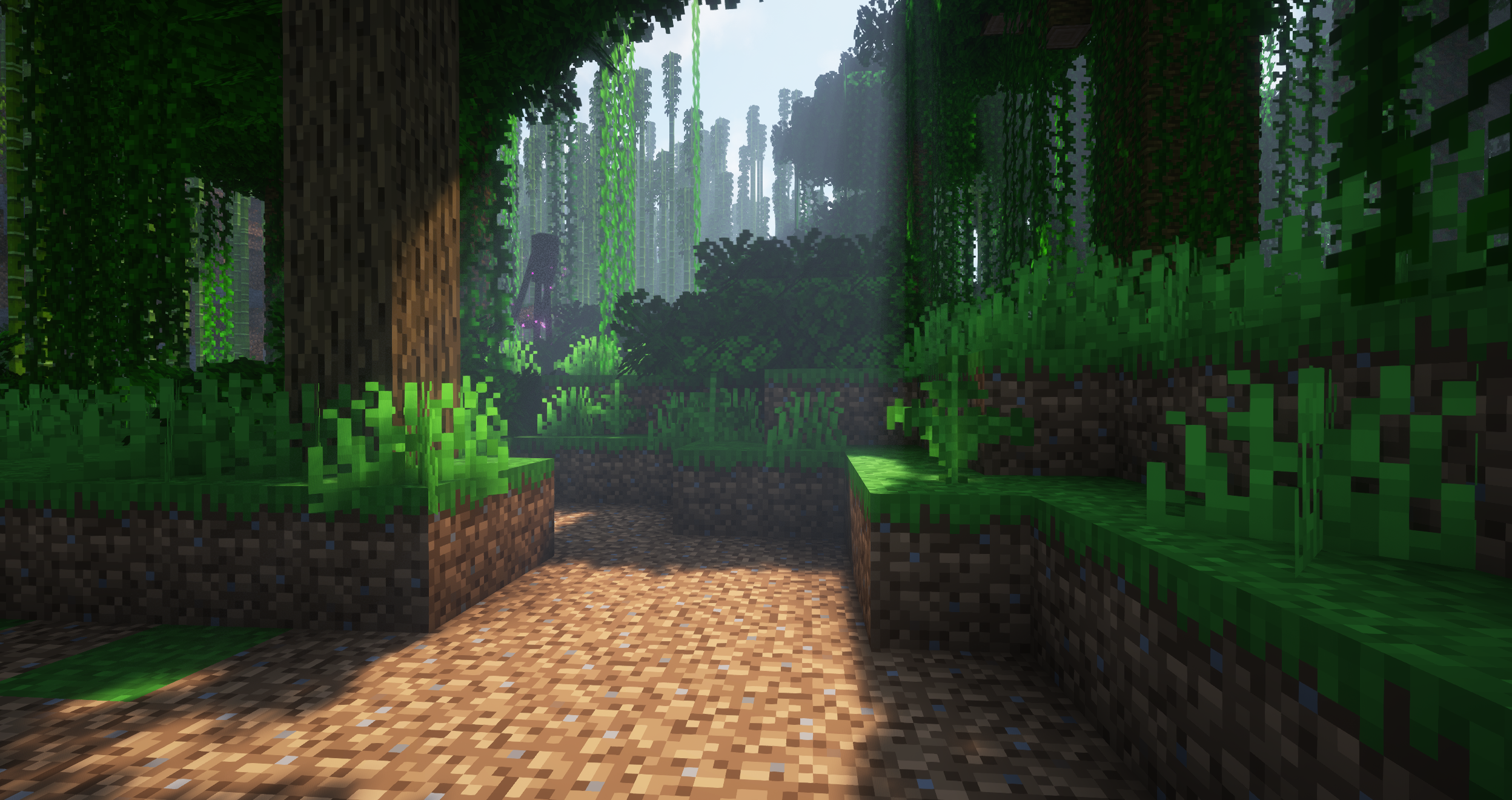
介绍
EE (Enhanced Edition) is a pack created to improve on Minecraft with QoL, Performance and Enhanced Shaders. While most importantly keeping performance high and building onto the minecraft progression and keeping that Minecraft feel without going over the top.

Minecraft can look amazing with the right graphics mods but can have a serious effect on performance. Mixing the right Shaders and Resource packs to improve while also trying to keep performance high is important.
- Complementry Shaders
- Fresh Animations
- Fresh Moves
- Not Enough Animations
- First-Person Model
- Distant Horizons

Sound is an important part of a games world, From wildlife to the sound of the ocean. It helps make a world feel alive.
- AmbientSounds
- Sound Physics Remastered

Performance is a key part of this Modpack. To get as much FPS as possible using mods.
- fix GPU memory leak
- ModernFix
- FerriteCore
- ImmediatelyFast
- Lithium
- Entity Culling
- And More.
This pack also includes many more mods from Biomes O Plenty to add more variety, Create which adds onto progression while keeping that Minecraft Feel.
常见问题
Enhanced Edition: EE 支持哪些 Minecraft 版本?
Enhanced Edition: EE 基于 Minecraft Java 版 1.21.1,使用 NeoForge 加载器。
Enhanced Edition: EE 怎么安装?
点本页「前往下载」拿到整合包文件(Modrinth 的是 .mrpack,CurseForge 的是 .zip),在 PCL2 或 HMCL 启动器里选择「导入整合包」,启动器会自动装好 Minecraft、加载器和全部模组。建议在启动器里给游戏分配 4–6 GB 内存。
Enhanced Edition: EE 开服需要多大内存?
推荐服务器内存 12 GB。在线人数多、或者建了大量机器和区块加载器时,可以再加 2–4 GB。
怎么和朋友一起玩 Enhanced Edition: EE?
点本页的「一键开服」,选好配置后会自动安装 Enhanced Edition: EE 的服务端,几分钟就能开好。把服务器地址发给朋友,大家用同一个版本的整合包连进去就行。
评论
登录后评论和评分