
Phantasia
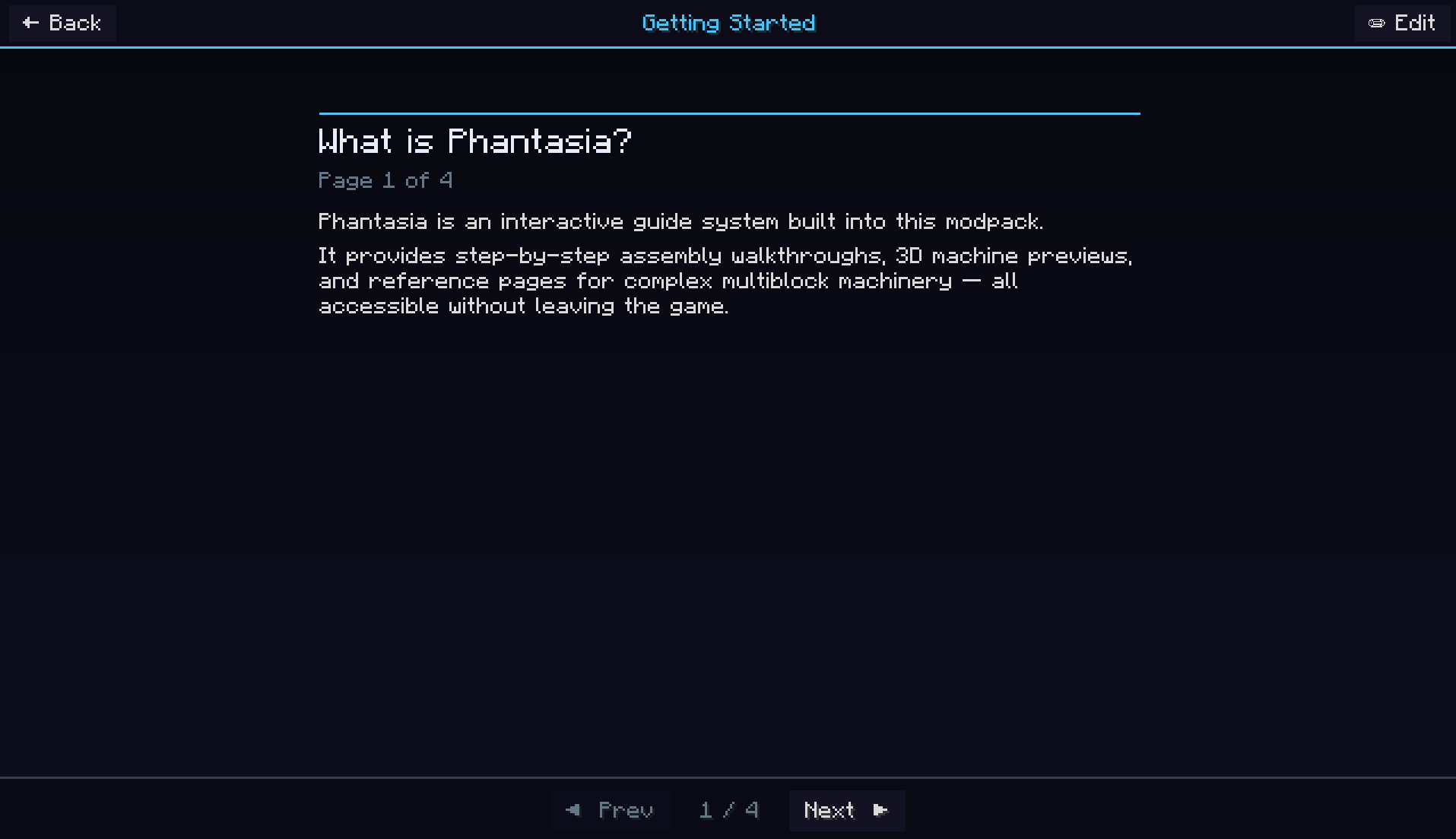
Phantasia is a Guide, Script, and Viewer platform for a vast array of machine/magic mods designed to be easily used by anyone.
截图

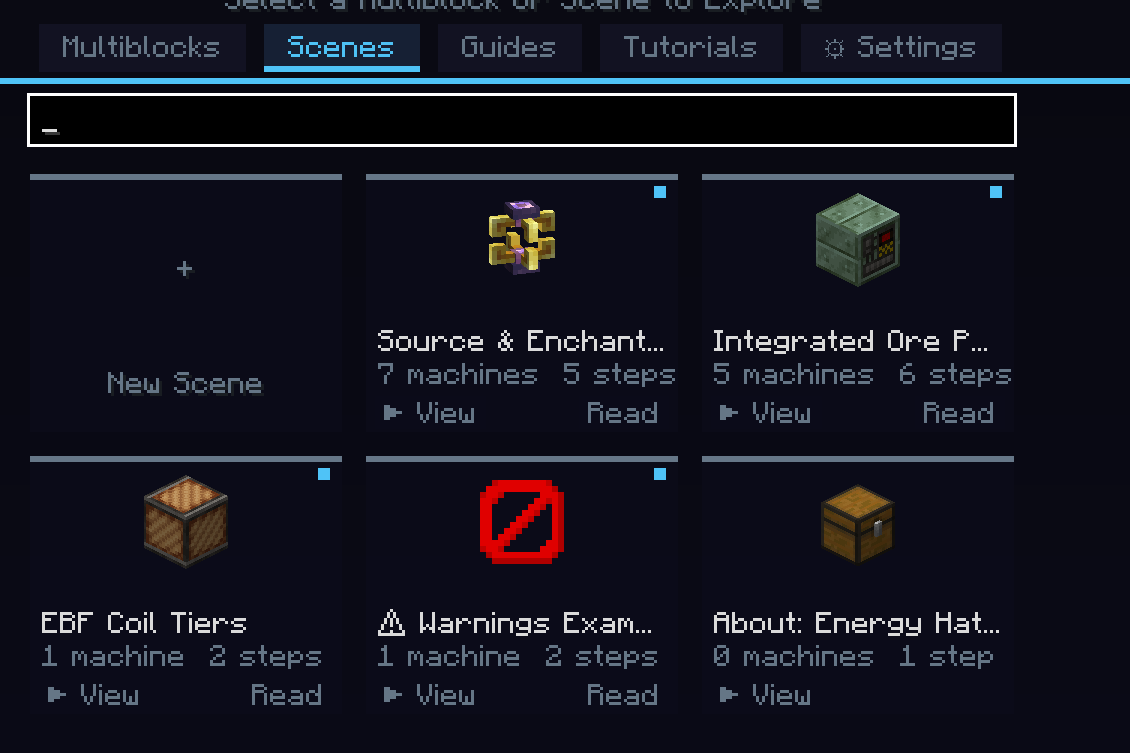
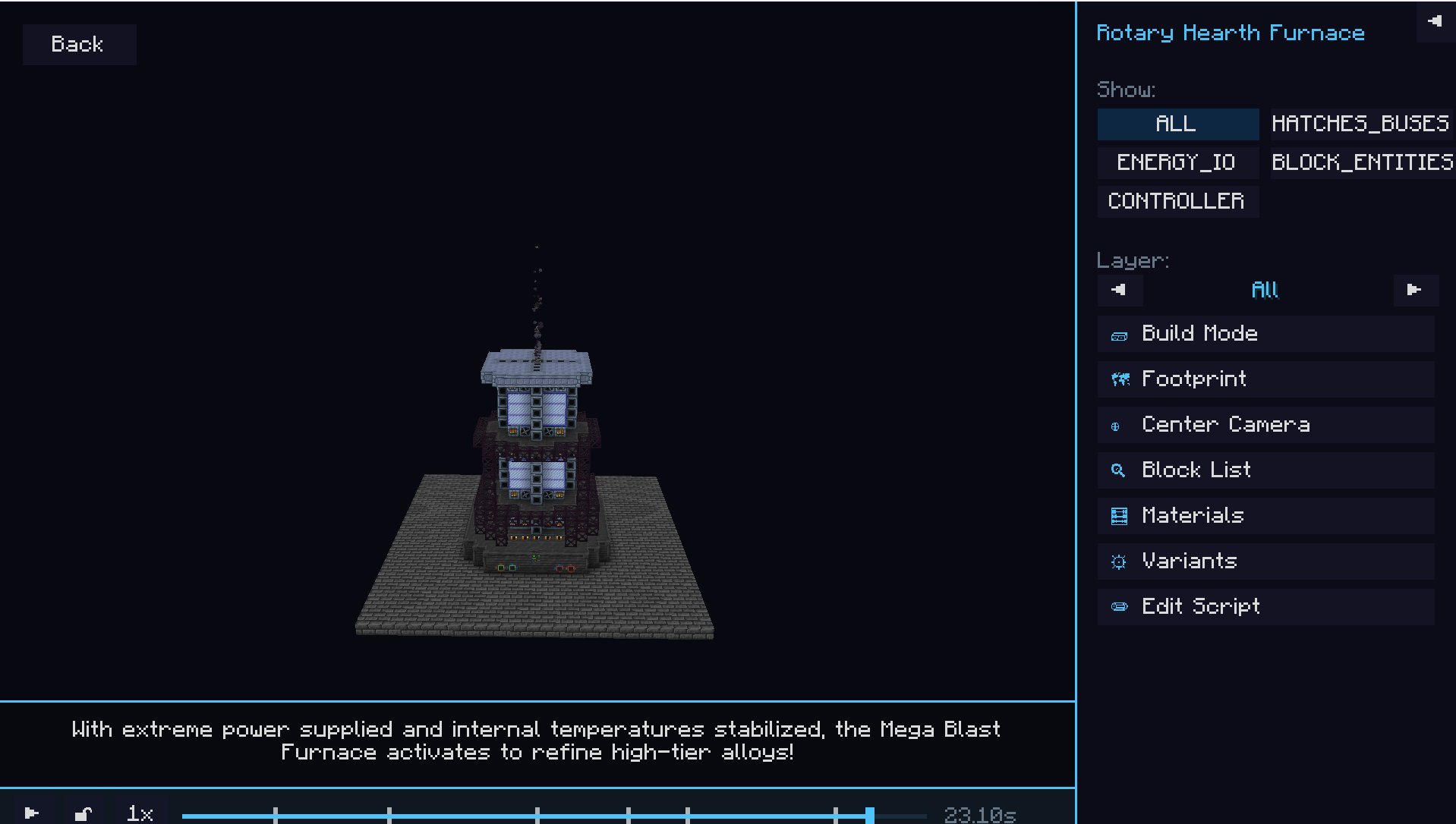
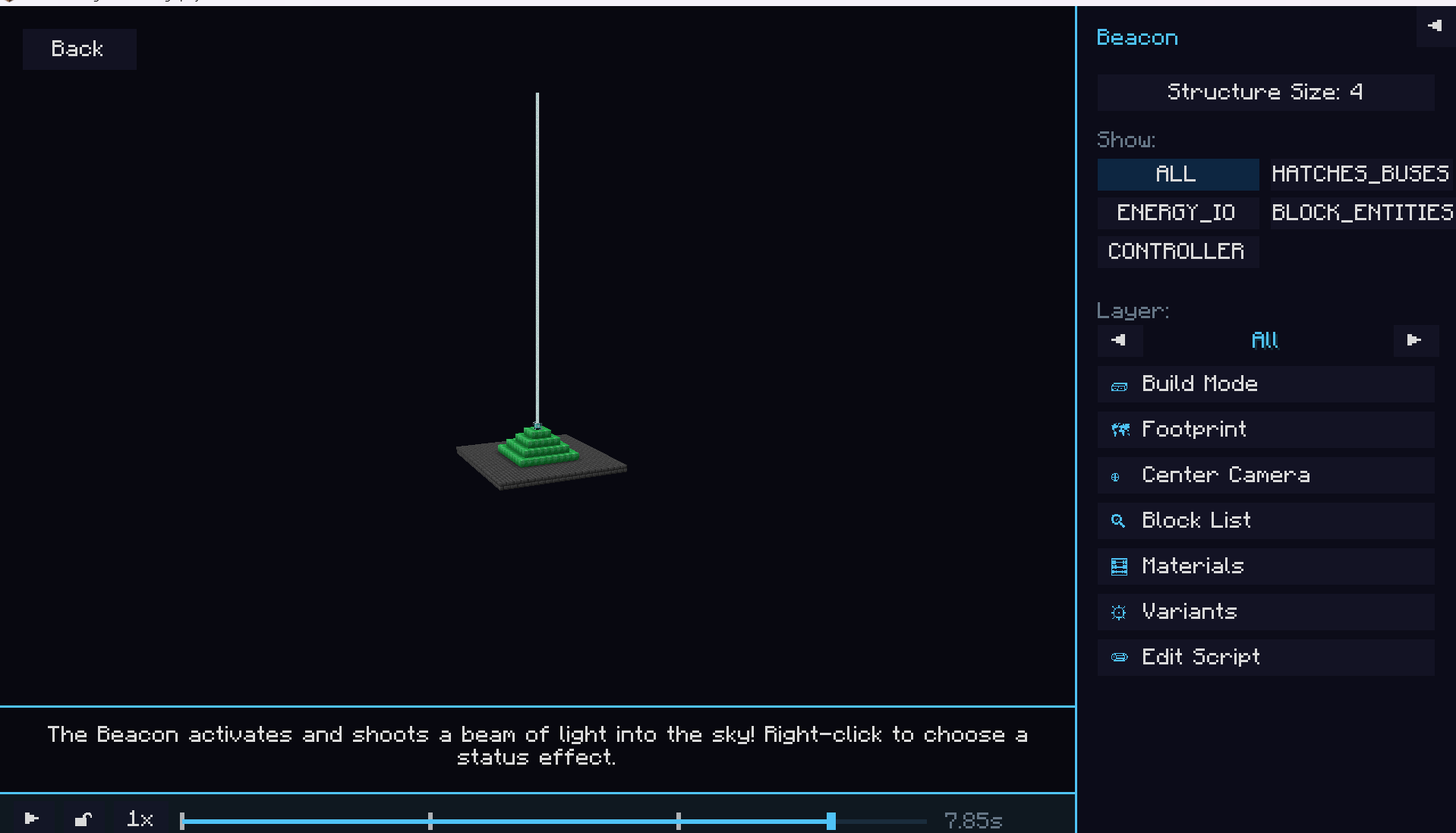
介绍
A scripting/viewer mod for a vast array of Tech/Magic mods to help make understanding of mechanics easier. As of now base mc, ars, and gregtech modern are the mods supported with more mods planned for later.
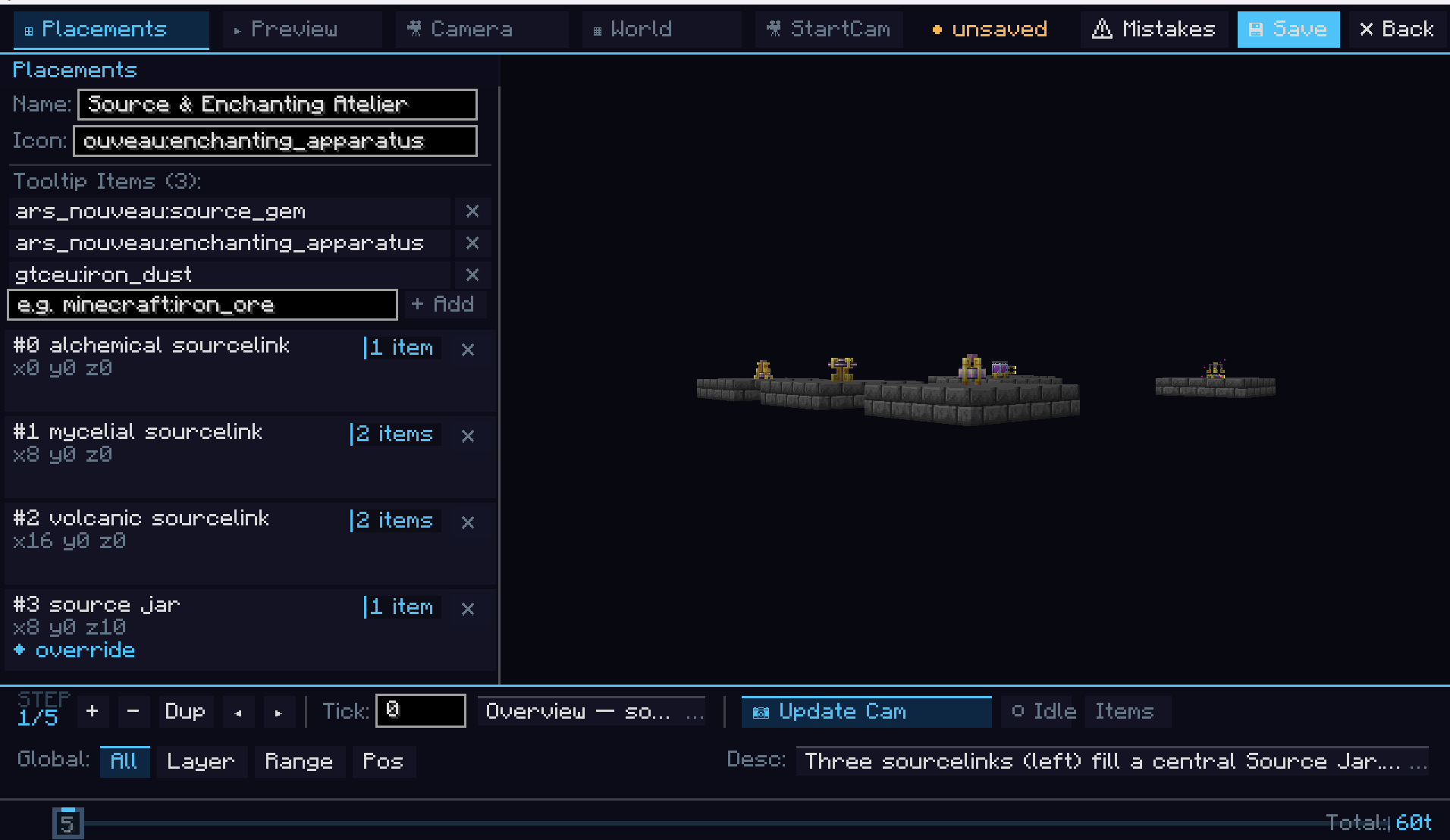
Phantasia was built when I tried to use Ponder outside of create and realized while Ponder is truly amazing it fails to have ease of use for developers. So Phantasia was designed from the ground up to have all of it’s systems easily designable in game without having to know any code to use/make for it in modpacks.
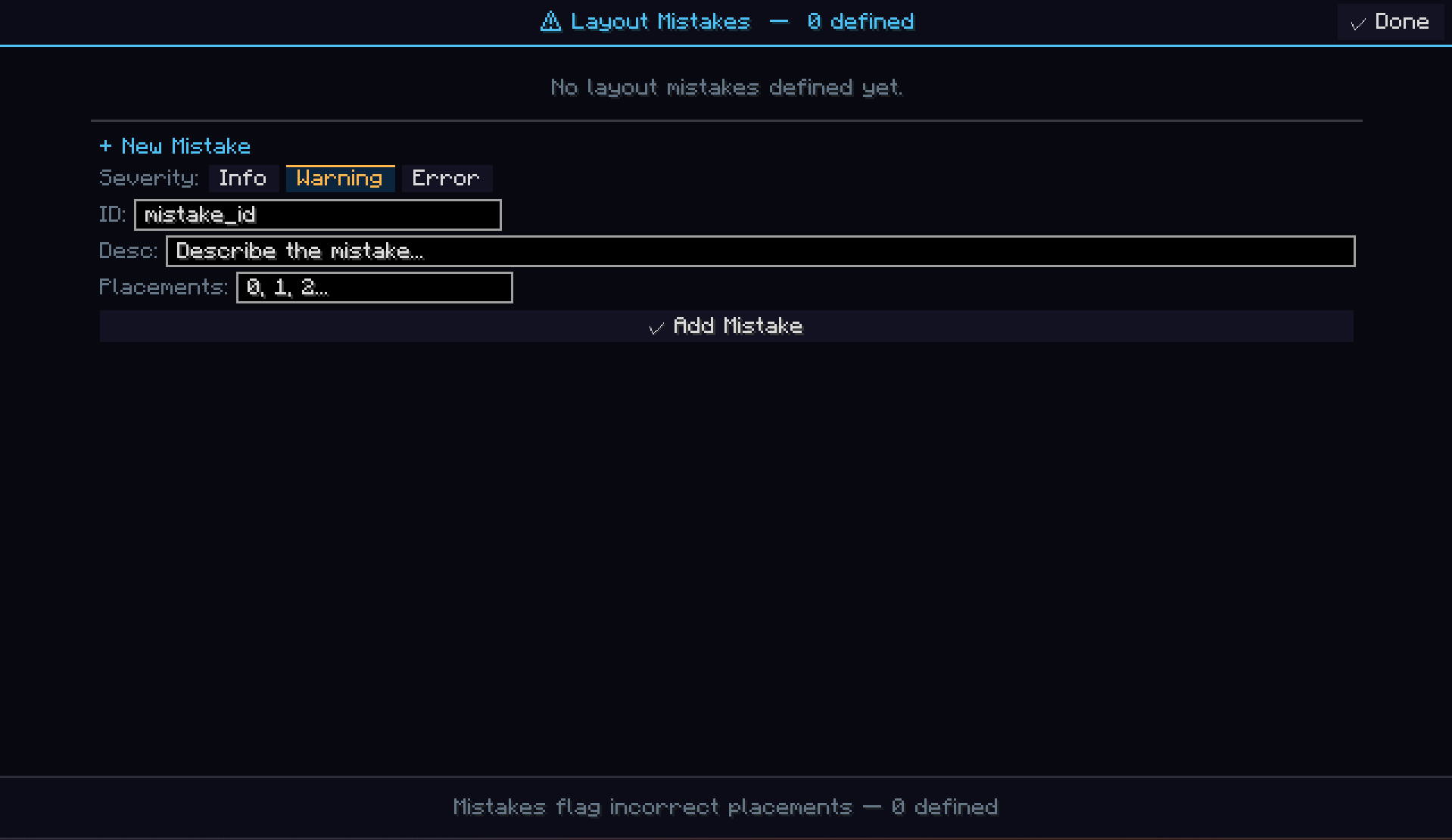
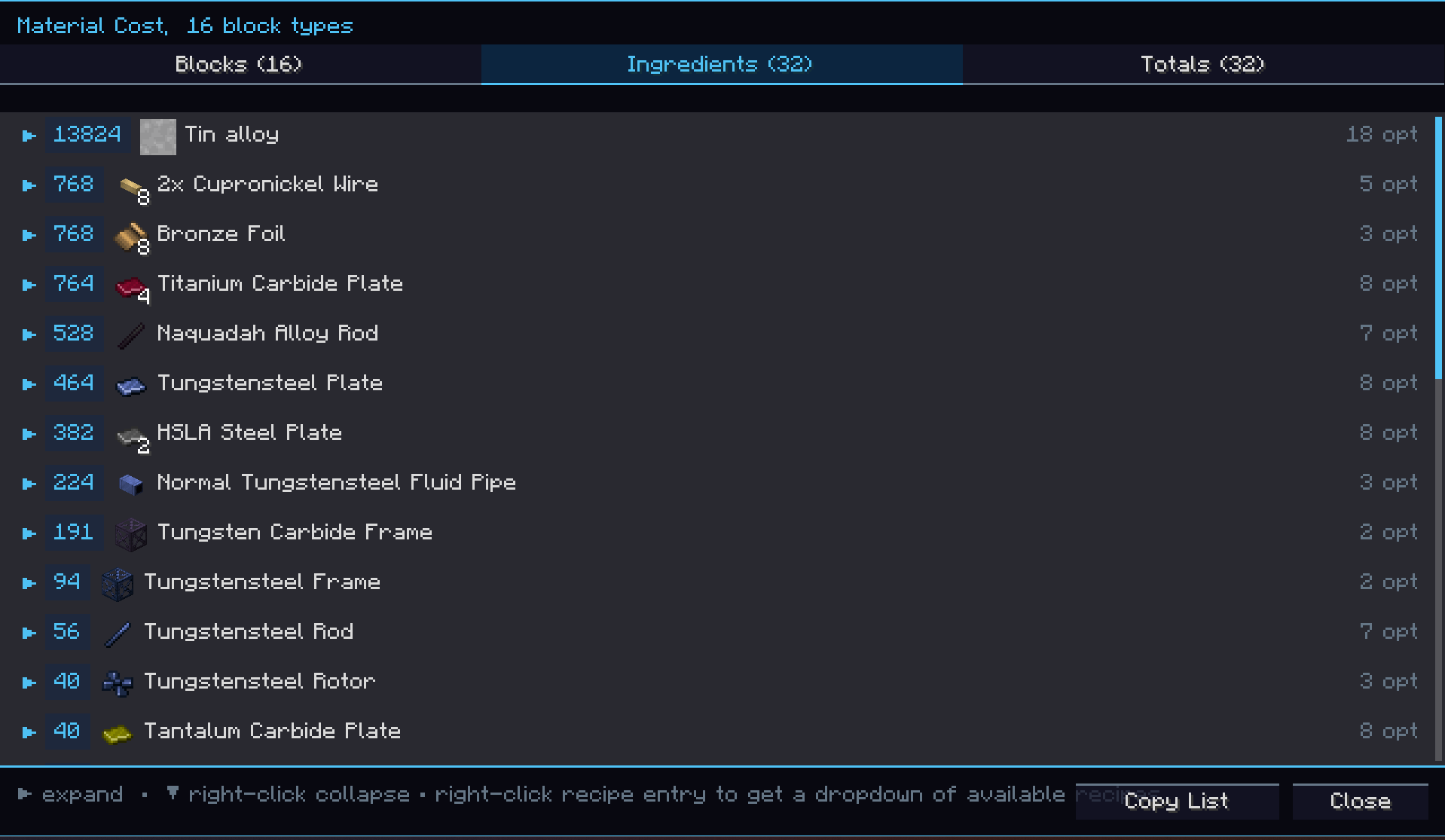
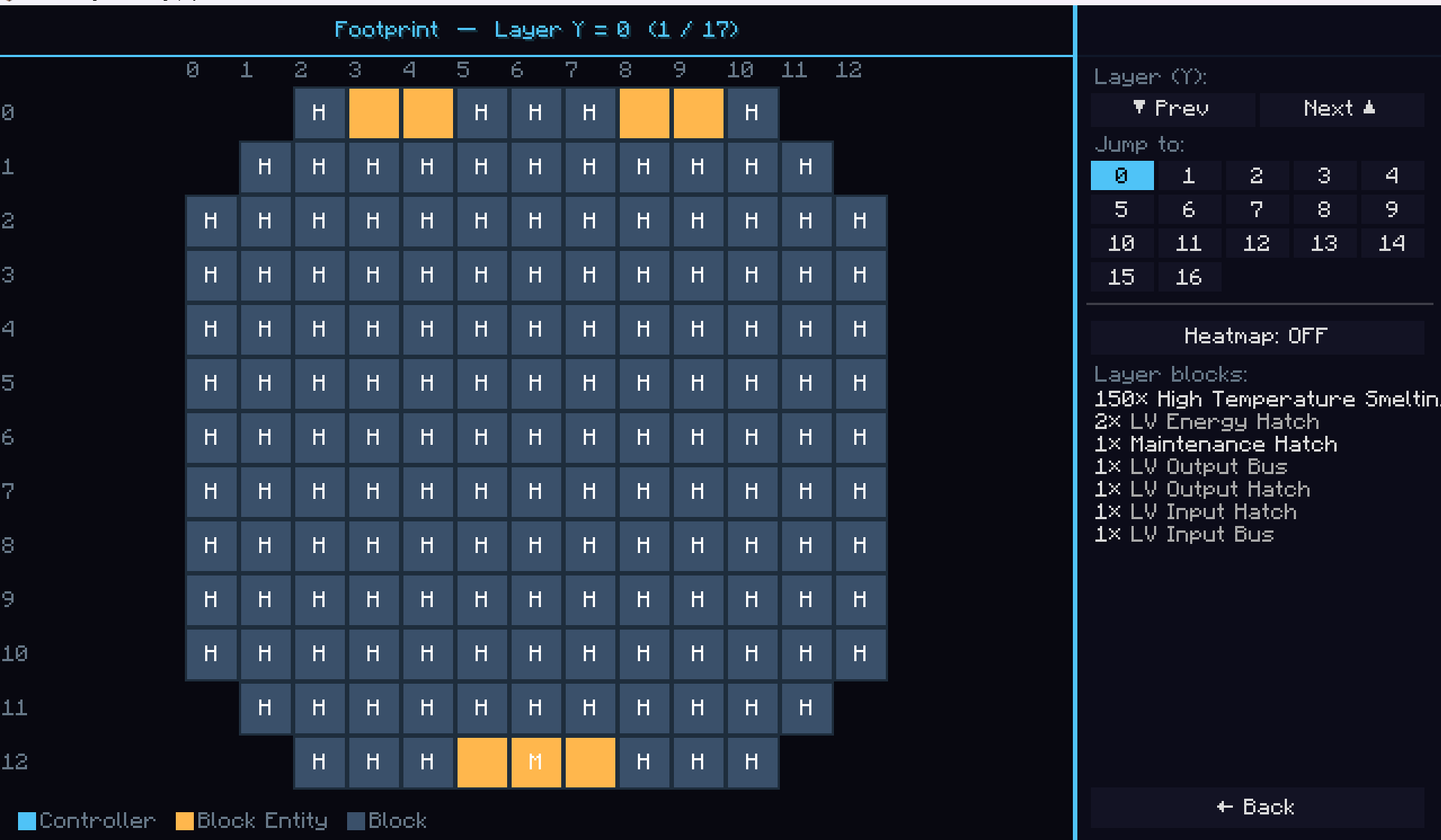
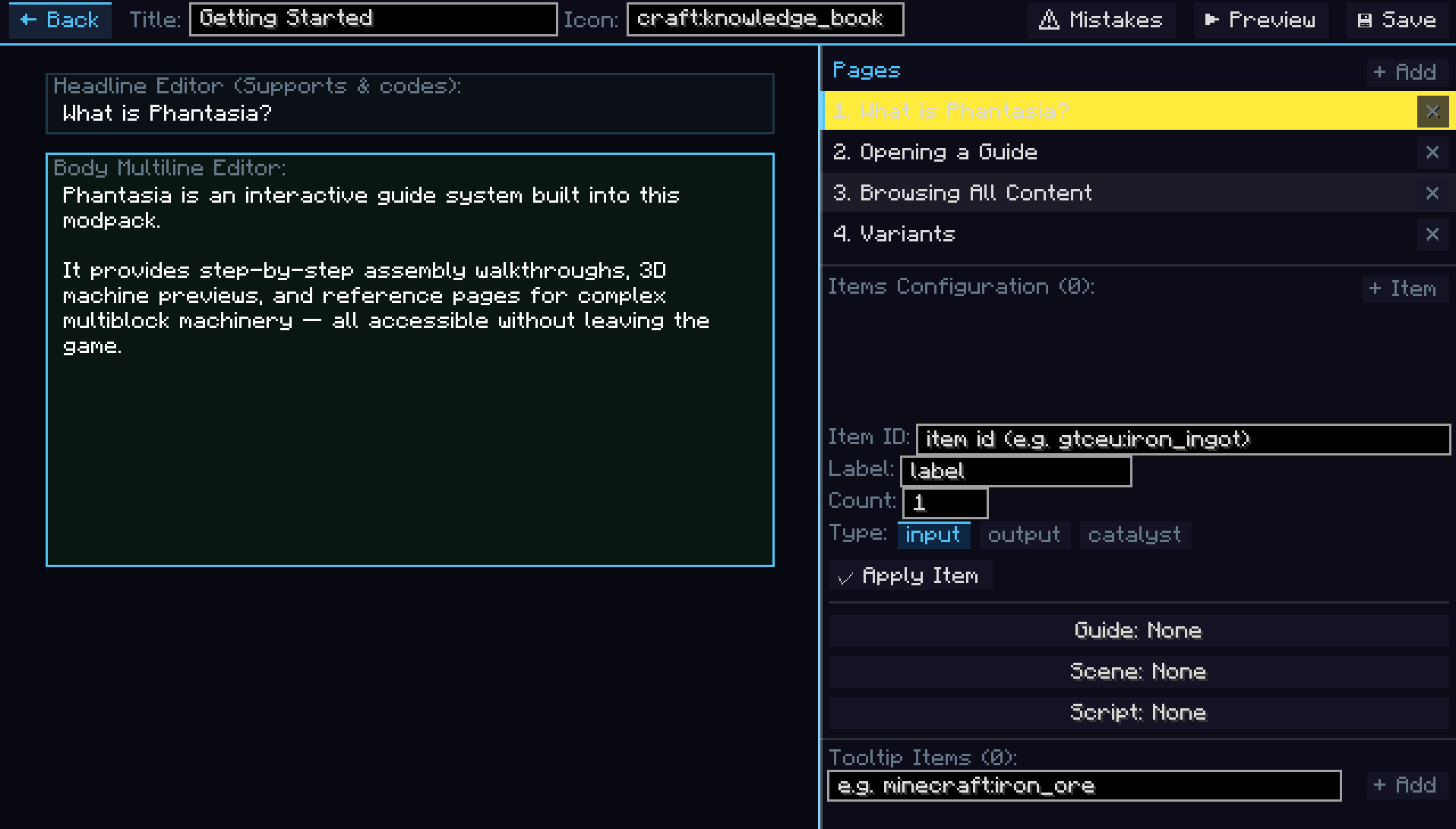
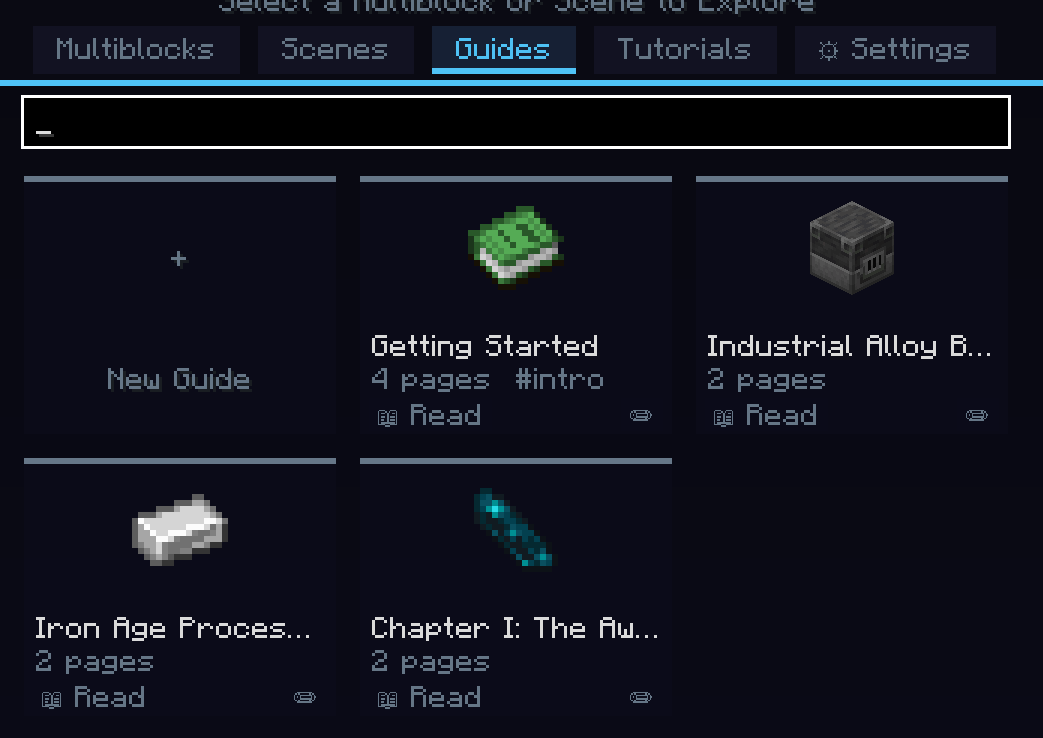
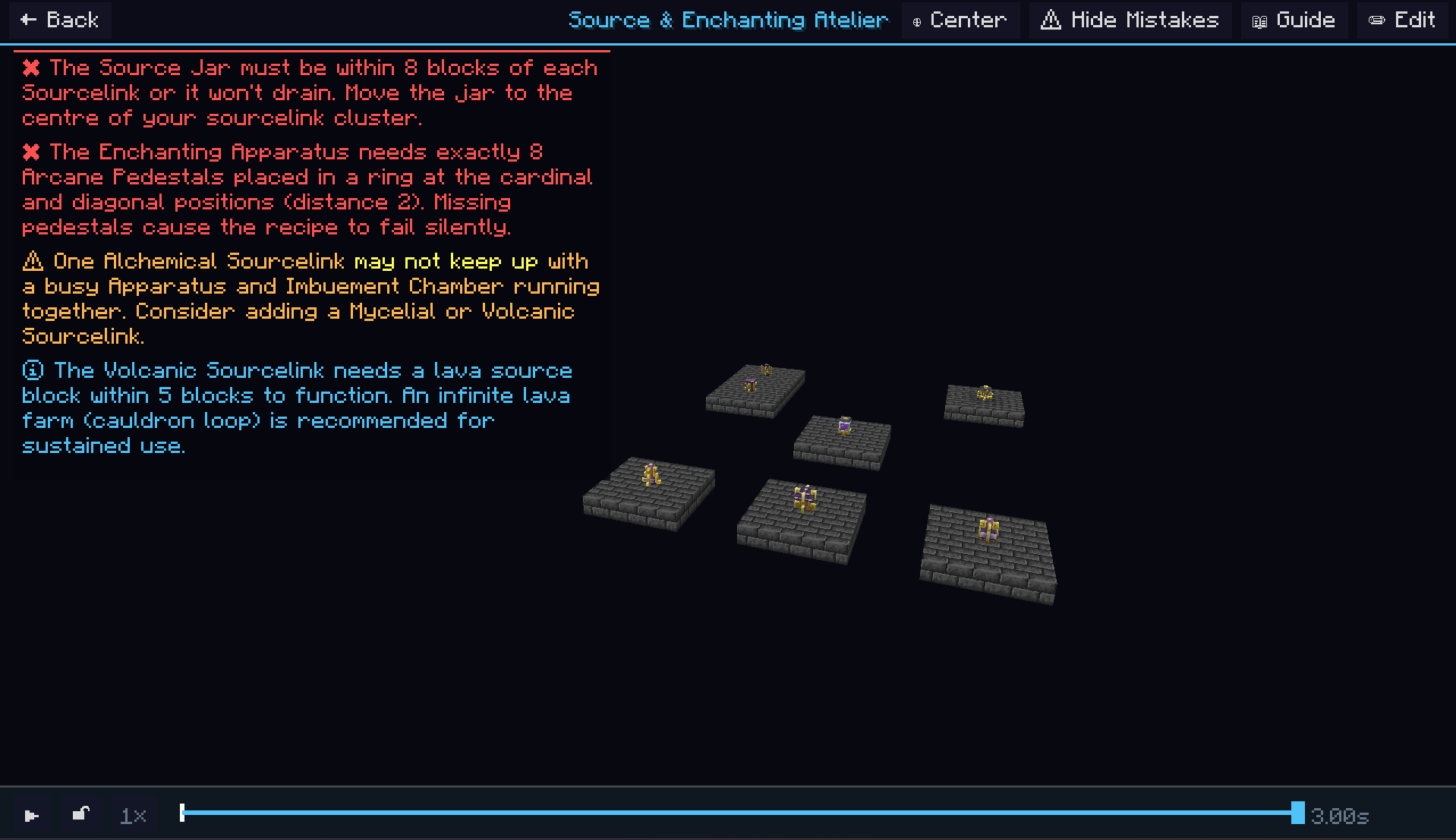
Everything you would need to access as a player is accessible in game including a theme editor, emi tree breakdown of the machine you are viewing, multiple machine Scenes, per machine scripts, text focused guides, a keybind for directly opening Phantasia screens, and a lot more.
As a dev everything a player would actually see through Phantasia is through the ingame editors and systems. As an exception to this rule we have the configs for giving the manual on first join and the first join toast settings. You can also set the defaults for the settings that can be changed in the ingame settings gui.
The settings you can change ingame include:
- Camera mode: Default: Camera is locked till player manually unlocks.
- Camera sensitivity.
- Zoom speed.
- Tooltip settings: Jade, Jade+Tooltip, Tooltip by itself, Hotbar only, Hotbar+Tooltip.
- How long it takes to open a Phantasia screen by holding the tooltip (in ticks).
- If the scripts autoplay on open.
- If the baseplate for scripts is shown.
- A theme editor where you can change/make your own themes.
- Performance mode: Balanced (default), a mix of script load time/quality, Performance, a mode focused on the ultimate load speed even if the blocks take a bit of time before they show, Quality, a mode focused on the top quality (loads all blocks before showing the script).
Config file only settings include:
- If the Phantasia Manual is given to players on first join.
- If the welcome toast is shown to players on first join.
- How long the welcome toast stays if enabled.
Logo by https://www.curseforge.com/members/jumboreal/projects.
常见问题
Phantasia 支持哪些 Minecraft 版本?
Phantasia 支持 Minecraft Java 版 1.20.1–1.21.1,共 2 个版本,可用的加载器:Forge / NeoForge。下载时注意选择和你游戏版本一致的文件。
Phantasia 怎么安装?
先用 PCL2 或 HMCL 启动器安装对应版本的 Forge / NeoForge,再把下载的 .jar 文件放进游戏目录的 mods 文件夹,重新启动游戏即可。开启了版本隔离的,mods 文件夹在 versions/版本名 下面。
Phoenixvine 的其他作品
查看全部 →
Oculus Unofficial
Oculus 的非官方分支,适用于整合包开发者,可兼容非 Oculus 光影。

Phoenix’s Chromatic Codes
这是一个用于添加自定义颜色代码的模组,可在告示牌、语言键等地方使用。

KubeJS aisle tool
在游戏中复制建筑,然后粘贴到 KubeJS 文件里。就这么简单。

Phoenix Gregic Additions
GregTech Modern 的附属模组,新增自定义 HPCA 和其他实用内容。
评论
登录后评论和评分