
Entity Animator
Create custom animations, simulate player movement, and more in Minecraft
截图
介绍
Entity Animator brings a powerful suite of animation tools directly into your Minecraft world.
Whether you are a modpack maker looking to add life to your servers or just someone who wants to make cool machinimas, this mod gives you everything you need to become an in-game director.
Method 1 – Motion Capture
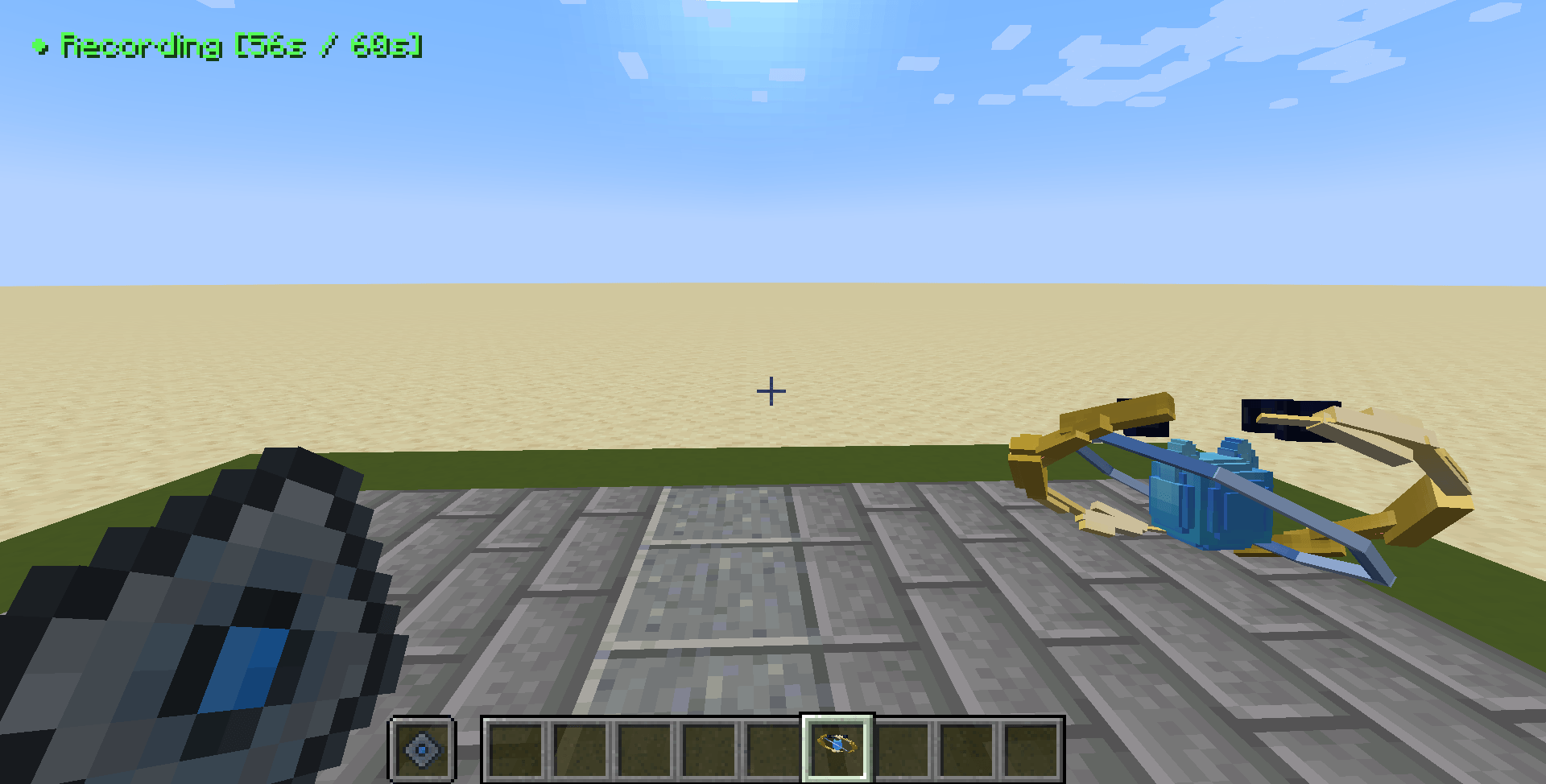
Easily record basic player movements by simply acting them out yourself using the Motion Capture item. Start the capture, and run, jump, sneak, or look around. The item records your exact coordinates, head tracking, and body rotations in real time.
Once you finish, you can instantly apply that exact movement to a dummy entity. It is the perfect tool to simulate realistic player movement, set up walking paths, and make background characters feel more human.
Method 2 – Animation Table
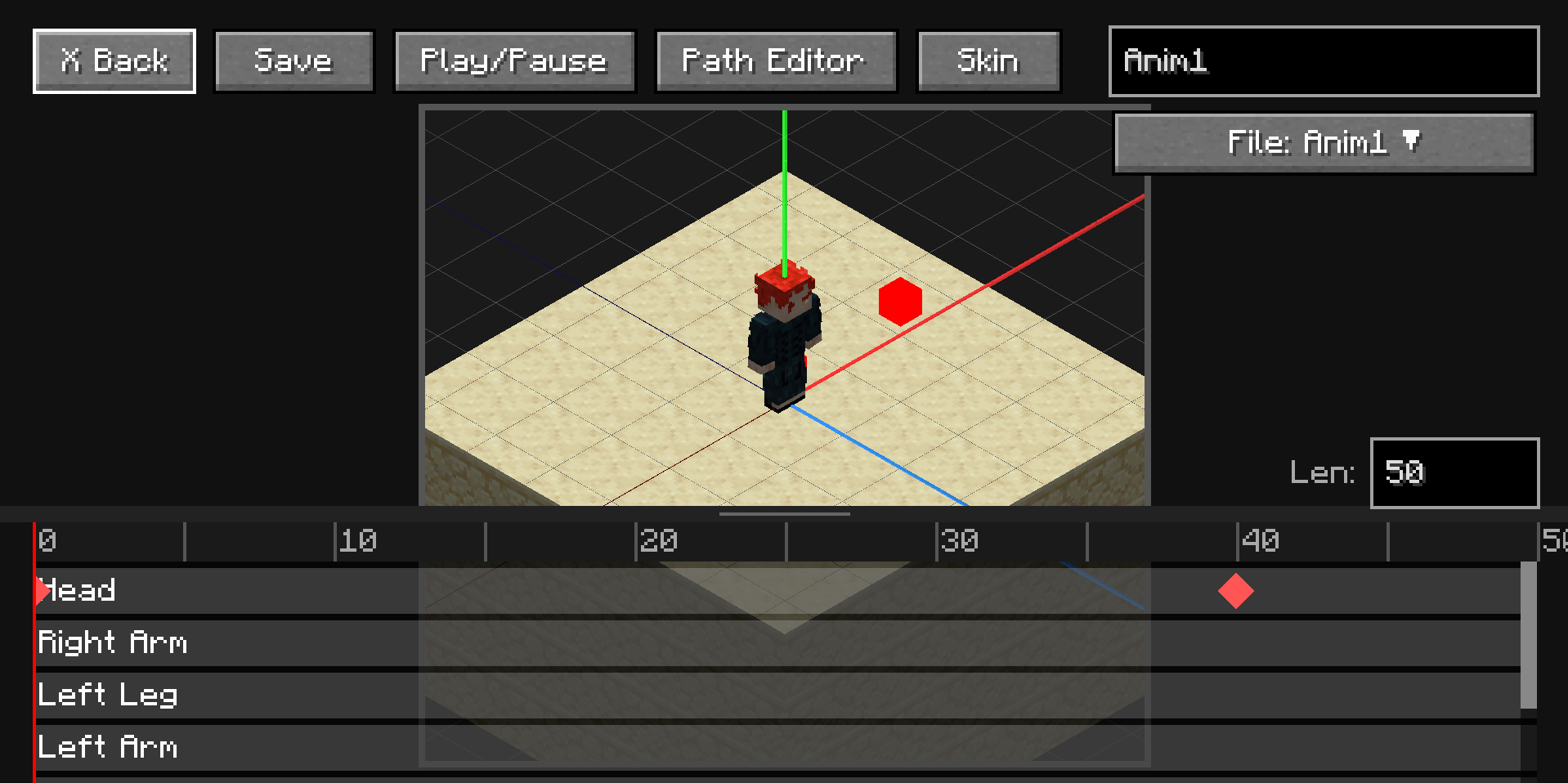
For moments when more precision is needed, you can use the Animation Table. This custom block enables the creation of complex animations completely from scratch. Dive deep into individual limb rotations, set specific keyframes, adjust playback speeds, and loop your custom creations.
Customizable Dummies
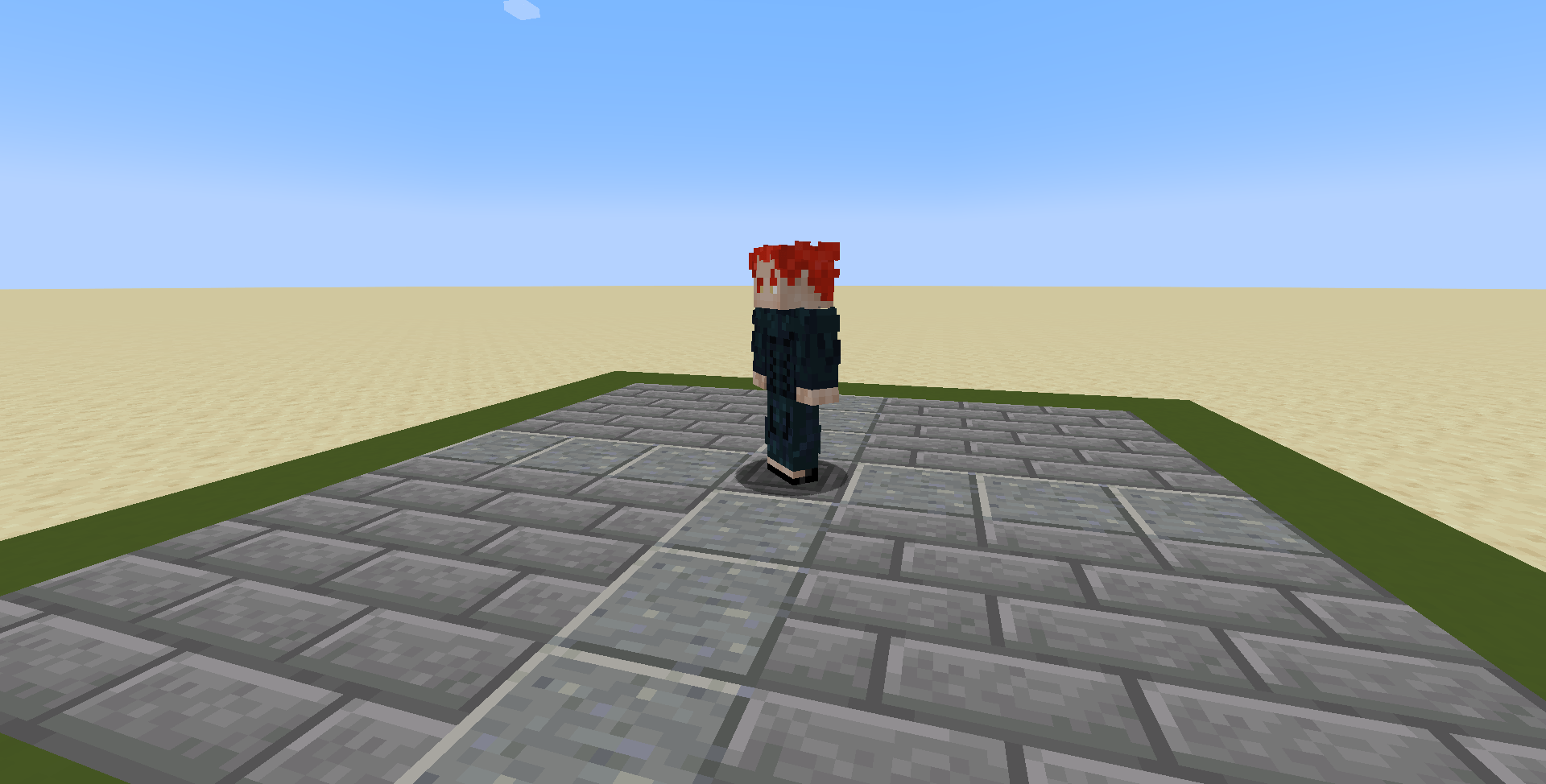
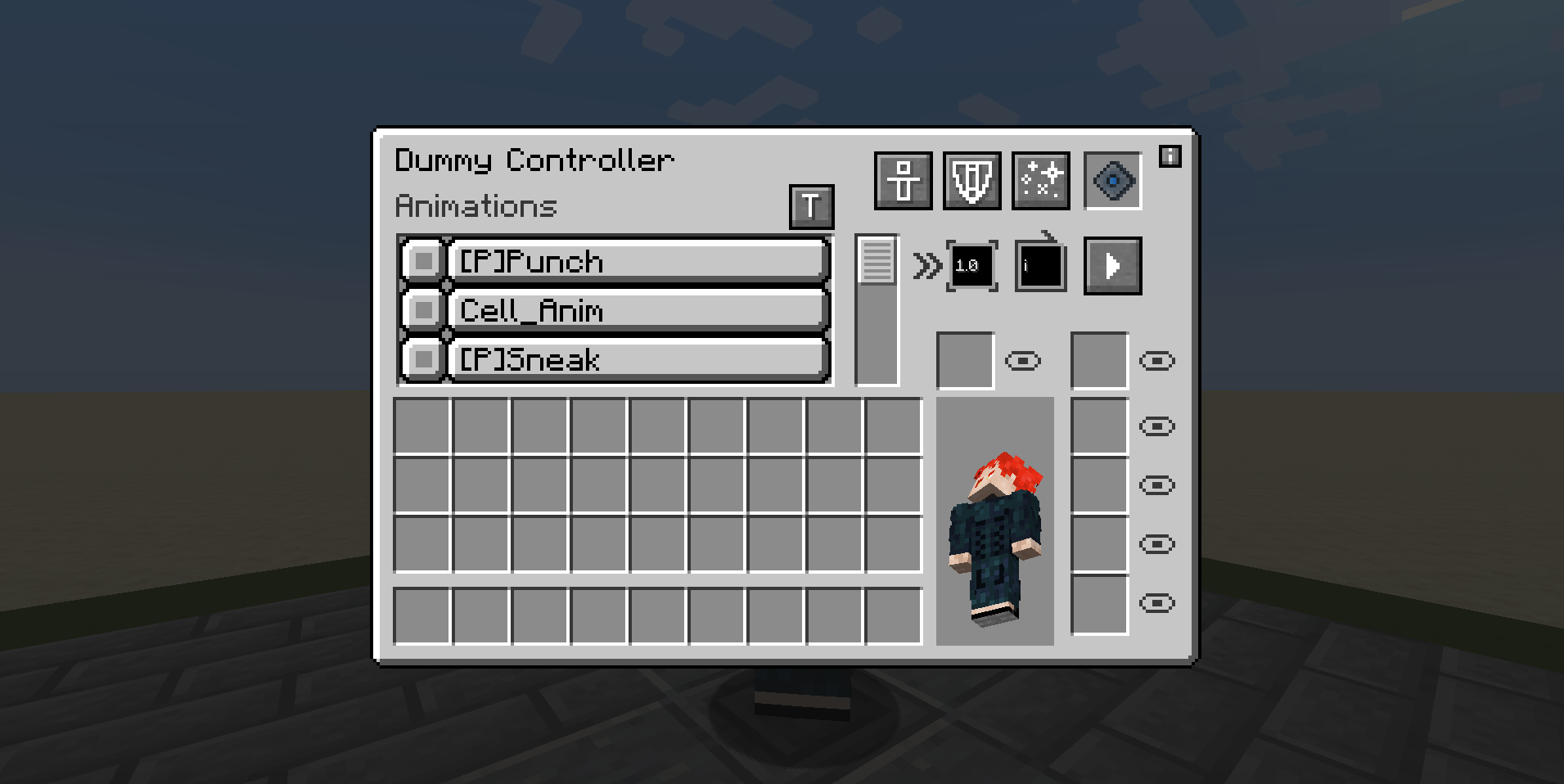
The Dummy is what the animations are implemented through. You can spawn them into your world, apply your motion capture data or custom table animations, and watch them perform. You have full UI control over their properties, letting you toggle specific limb visibility, disable gravity, tweak particle colors, and turn off knockback so your custom scenes play out flawlessly without interruption.
Dependencies
Entity Animator requires GeckoLib to function properly.
常见问题
Entity Animator 支持哪些 Minecraft 版本?
Entity Animator 支持 Minecraft Java 版 1.20.1,可用的加载器:Forge。下载时注意选择和你游戏版本一致的文件。
Entity Animator 怎么安装?
先用 PCL2 或 HMCL 启动器安装对应版本的 Forge,再把下载的 .jar 文件放进游戏目录的 mods 文件夹,重新启动游戏即可。开启了版本隔离的,mods 文件夹在 versions/版本名 下面。
anitusiruk 的其他作品
查看全部 →
Seabound
Adds ancient underwater seashells that are full of gems and treasure, with a few QOL items sprinkled in.
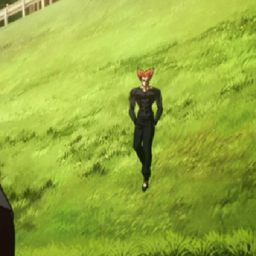
Garou Slide
Lets you slide like Garou from One Punch Man Season 3
Frying Pans
Throw Frying Pans at your friends' heads. Also works as a quicksmelt.
评论
登录后评论和评分