Simplest Wireless Redstone
Wireless redstone made simple: handheld remote triggers, pulse/toggle receivers, and laser-linked directional signal gates.
截图
介绍
📡 Wireless Redstone
Cut the clutter of long redstone runs! Wireless Redstone adds handheld remote activation, customizable signal modes, and directional wireless gates with live particle overlays to your Minecraft world.
🔑 Core Features
📡 Remote Controller
- Pairing: Right-click any Receiver Block to pair the remote.
- Activation: Right-click in the air or on any block to activate your linked Receiver Block from anywhere in loaded chunks.
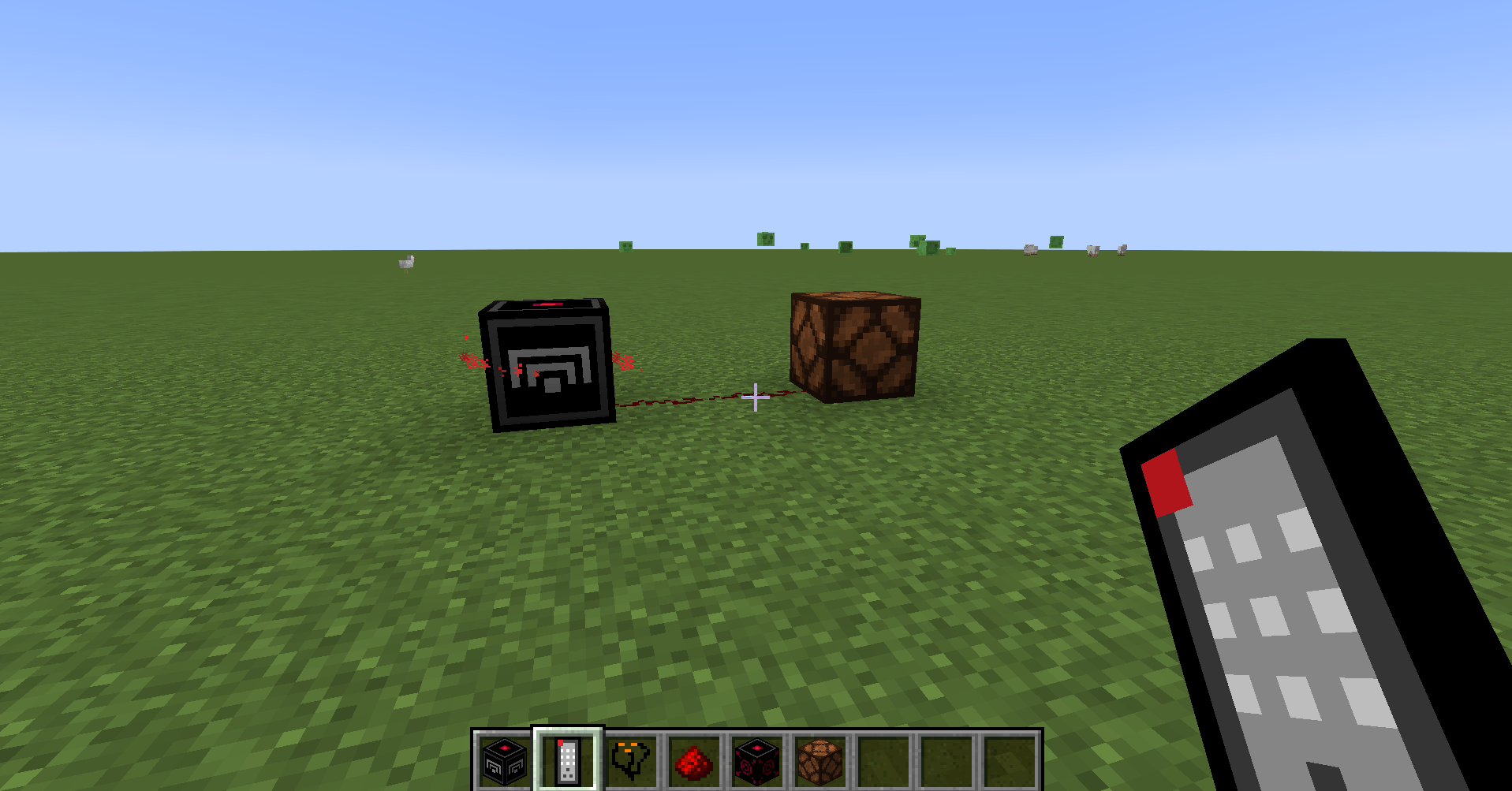
- Visual Tracking: Holding the remote displays a glowing red particle ring orbiting the paired Receiver Block.
- Unpairing: Right-click the same Receiver Block again to unpair.
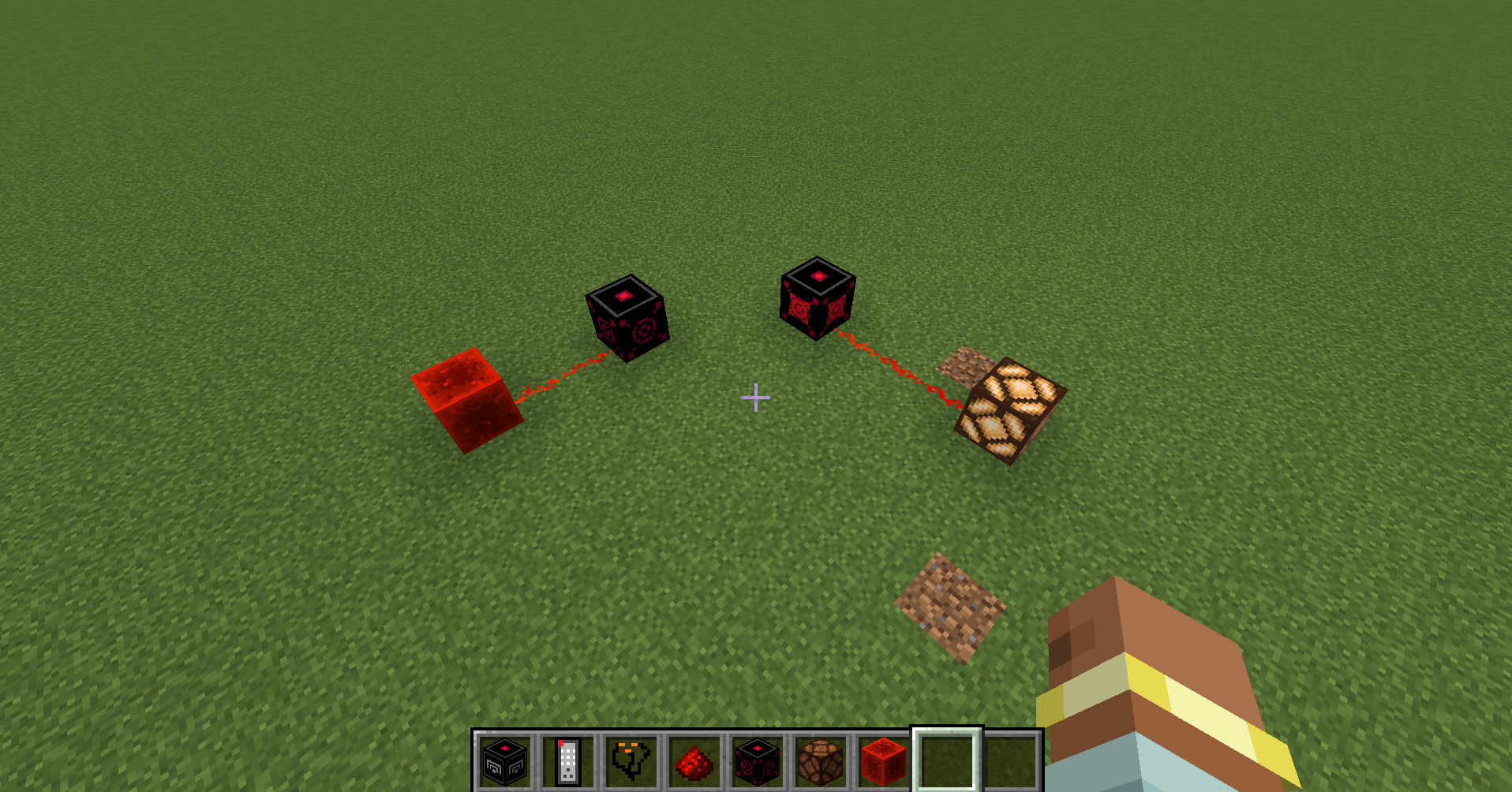
Triggering a remote paired to a Receiver Block linked to a redstone lamp.
📻 Receiver Block & 🔧 Rewiring Kit
- Signal Output: Emits a full redstone signal (strength 15) when triggered.
- Dual Modes:
- Pulse Mode (Default): Emits a 1-second (20-tick) redstone signal upon trigger.
- Toggle Mode: Latches ON/OFF permanently until triggered again.
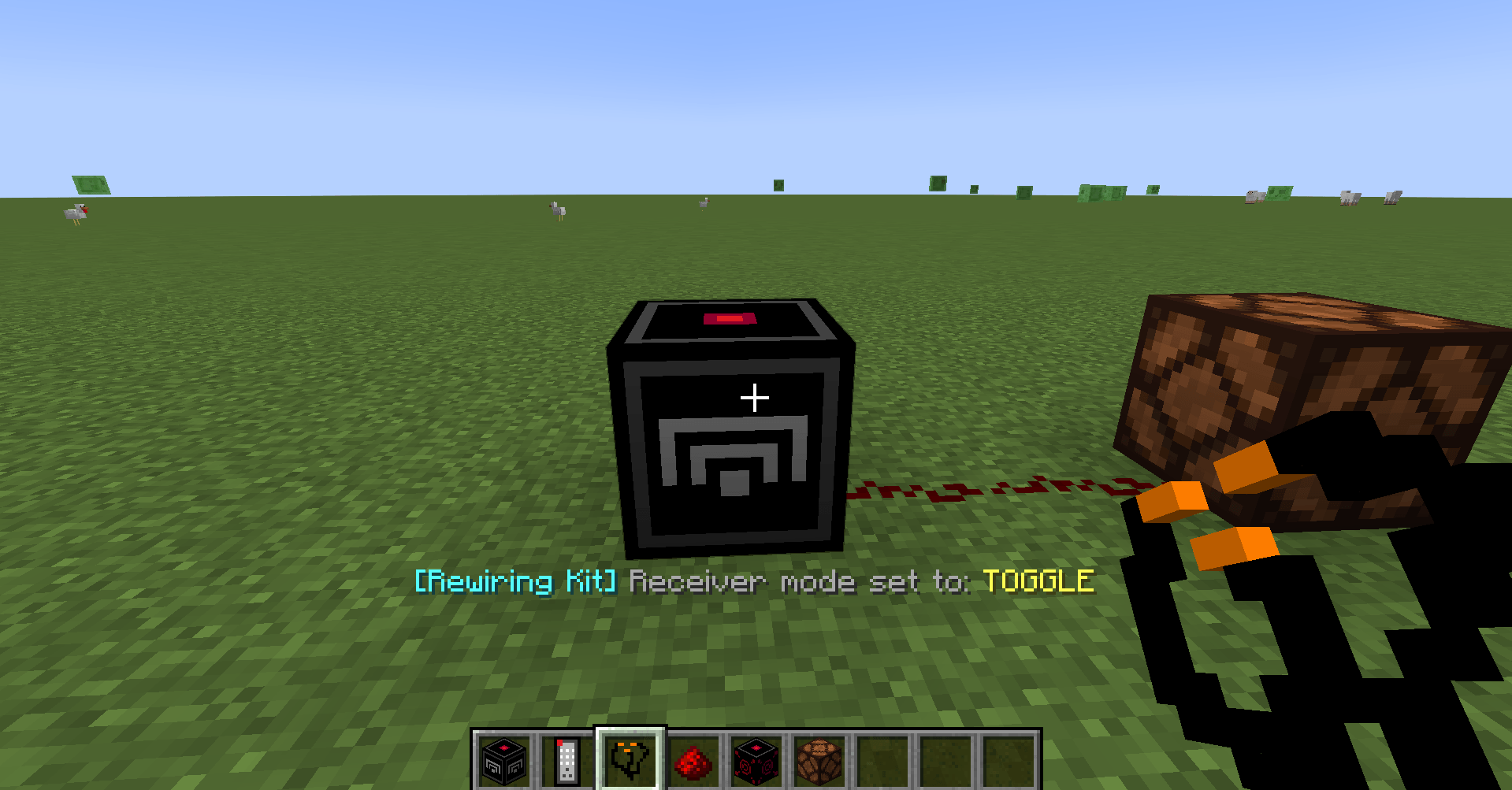
- Rewiring Kit: Right-click a placed Receiver Block with the Rewiring Kit to switch between Pulse and Toggle modes. Right-clicking with an empty hand checks current connections and active mode.
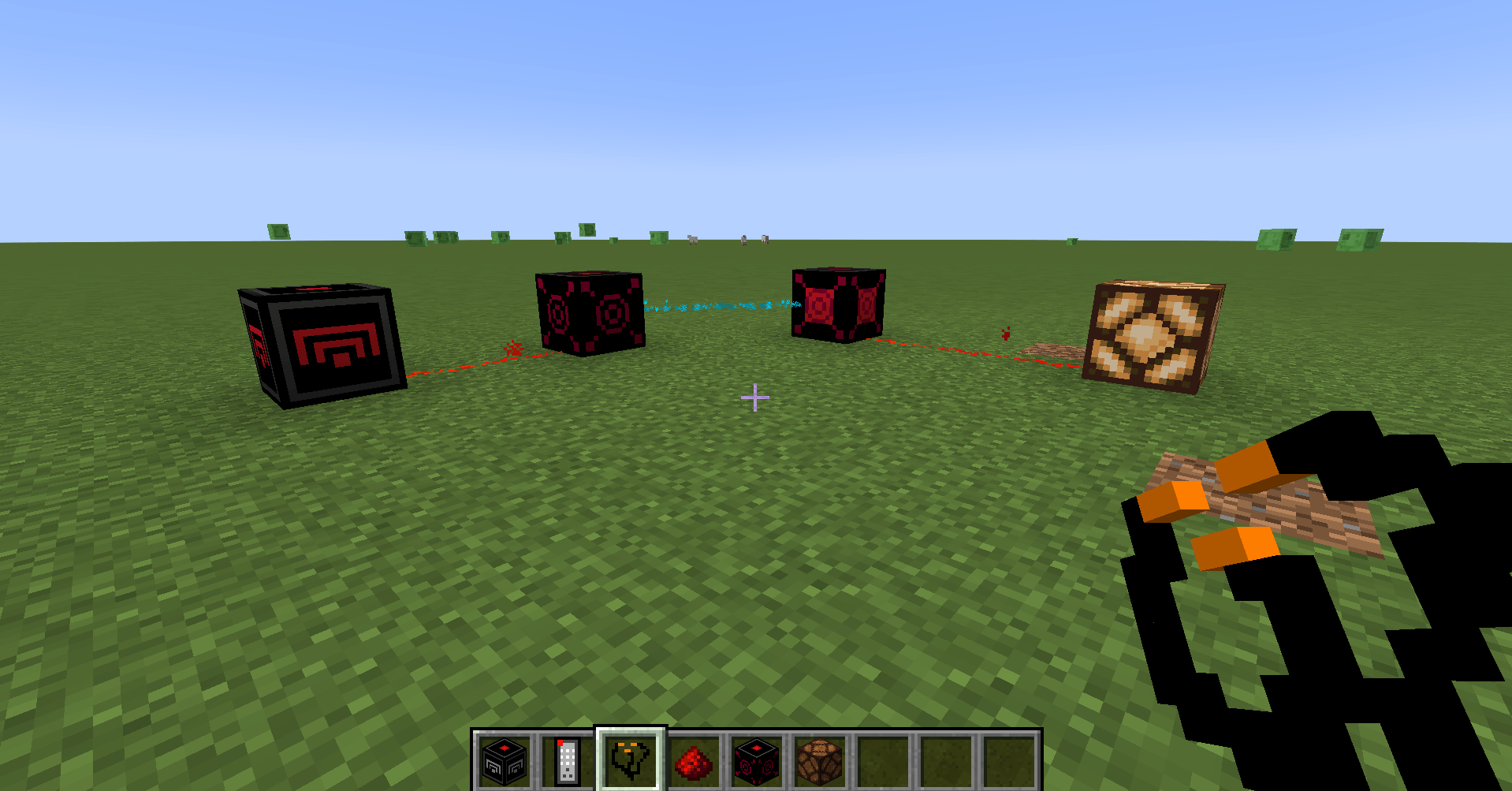
Using the Rewiring Kit to configure Receiver Block modes and inspect settings.
⚡ Wireless Gate
- Transmits redstone signals wirelessly from a Source Gate to a Target Gate.
- 1-Way Relay: When the source gate receives power, it instantly updates and powers the target gate.
- Visual Wire Overlay: Holding a Rewiring Kit or Wireless Gate reveals live animated cyan particle streams flowing from Source -> Target.
- Quick Unlink: Right-click an existing linked gate with the Rewiring Kit or Shift + Right-click to clear the connection.
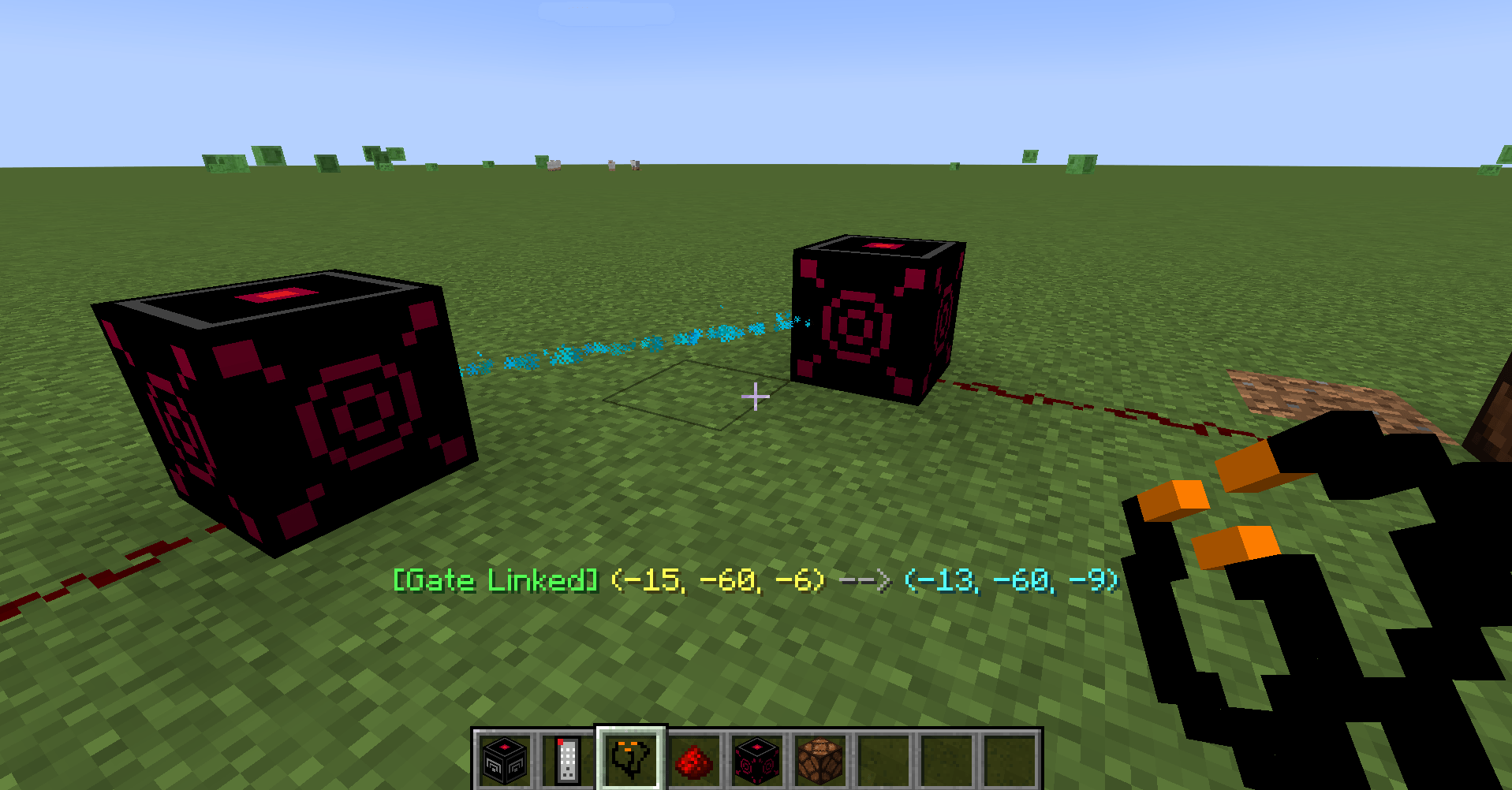
Live particle wires indicating directional signal flows between linked Wireless Gates.
常见问题
Simplest Wireless Redstone 支持哪些 Minecraft 版本?
Simplest Wireless Redstone 支持 Minecraft Java 版 1.21.1,可用的加载器:NeoForge。下载时注意选择和你游戏版本一致的文件。
Simplest Wireless Redstone 怎么安装?
先用 PCL2 或 HMCL 启动器安装对应版本的 NeoForge,再把下载的 .jar 文件放进游戏目录的 mods 文件夹,重新启动游戏即可。开启了版本隔离的,mods 文件夹在 versions/版本名 下面。
评论
登录后评论和评分