GeoGradient
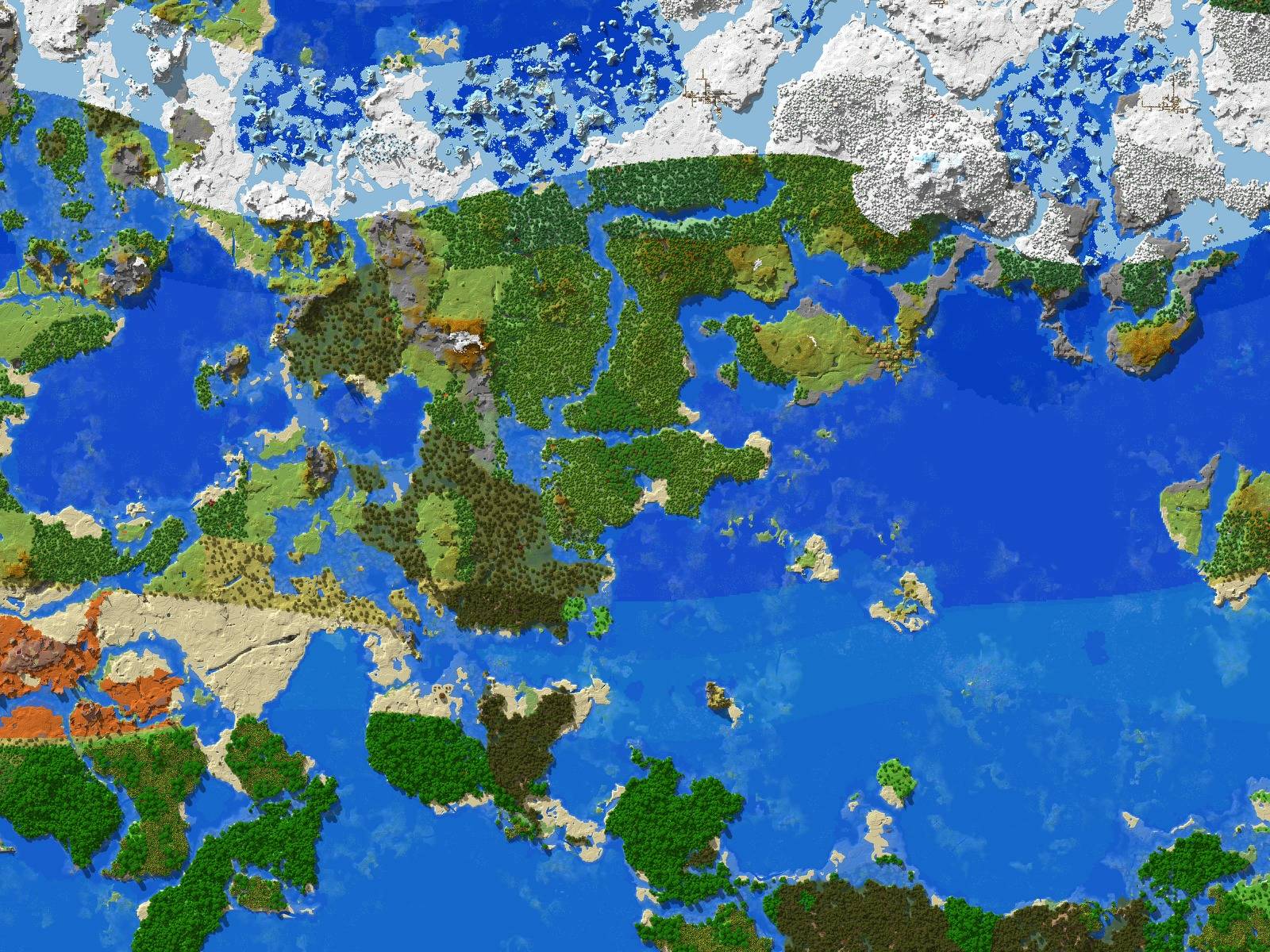
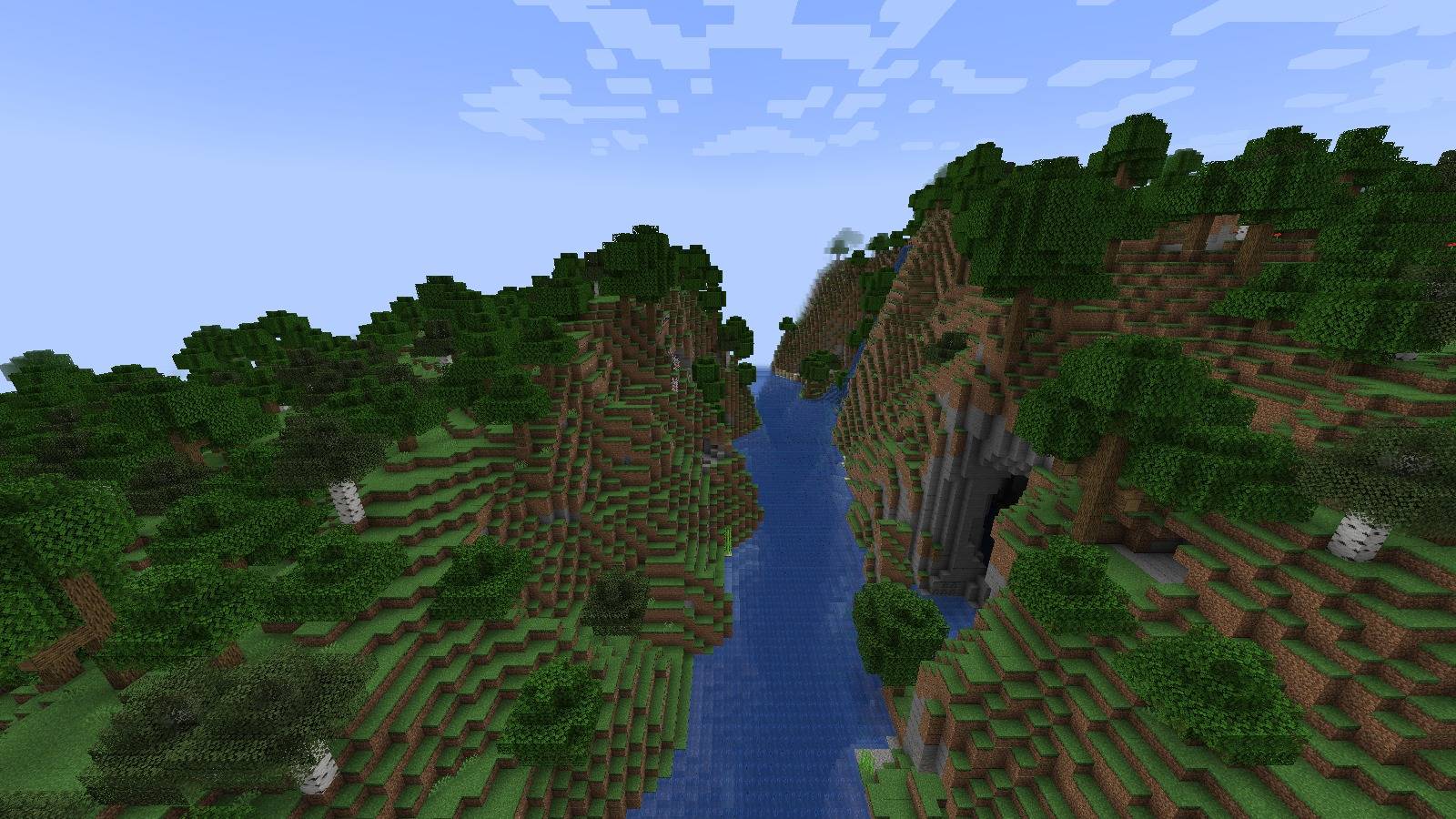
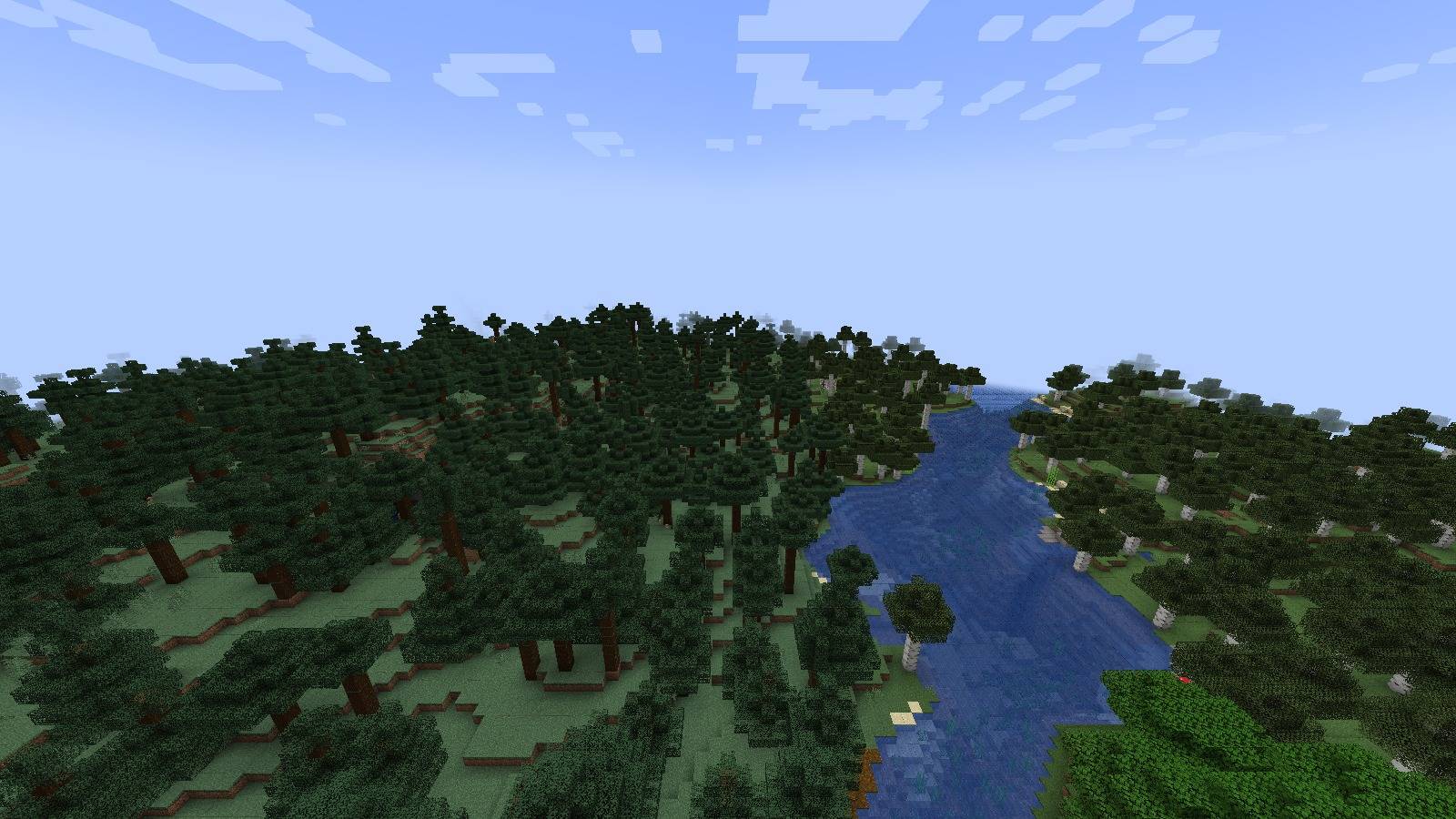
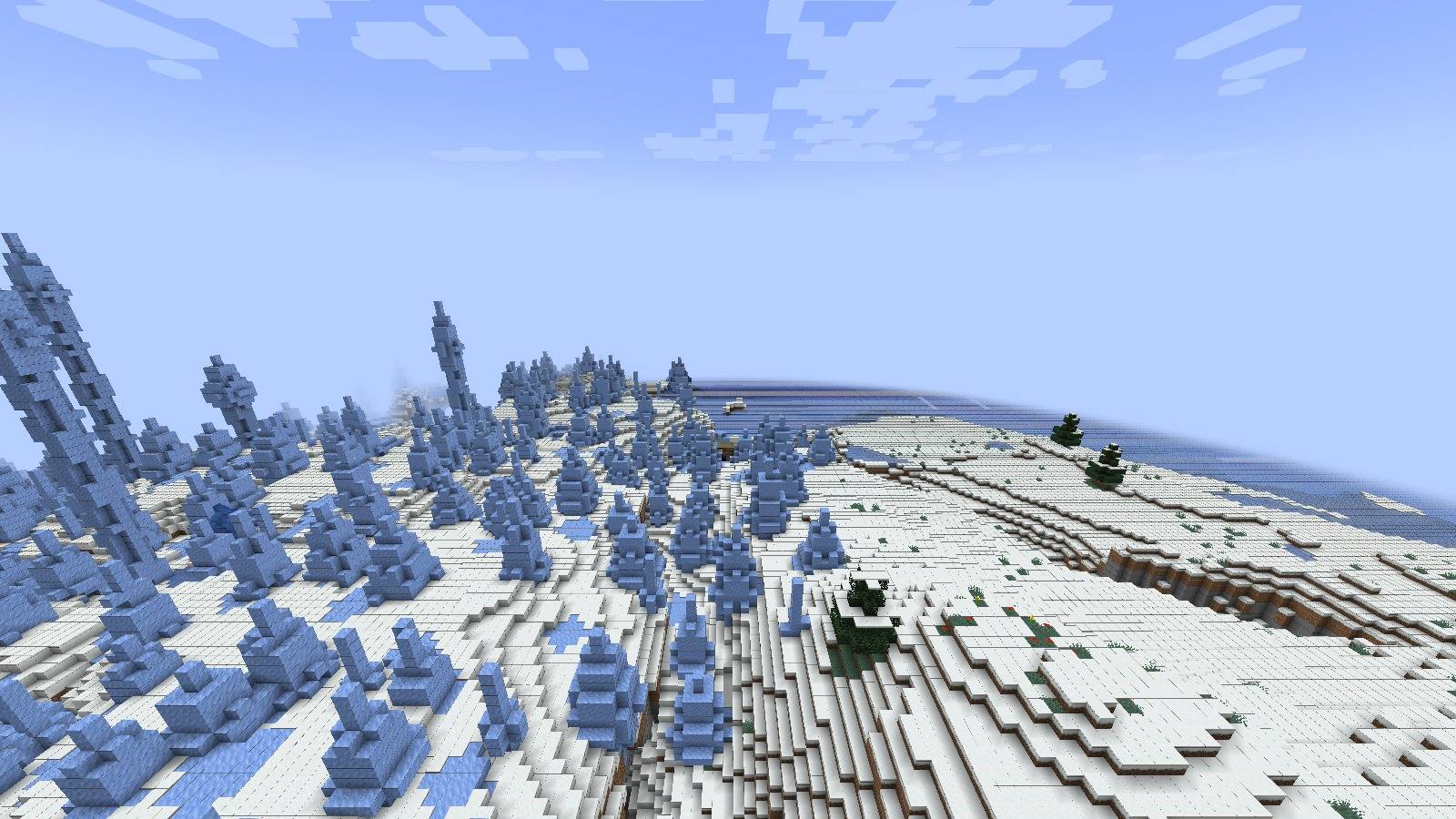
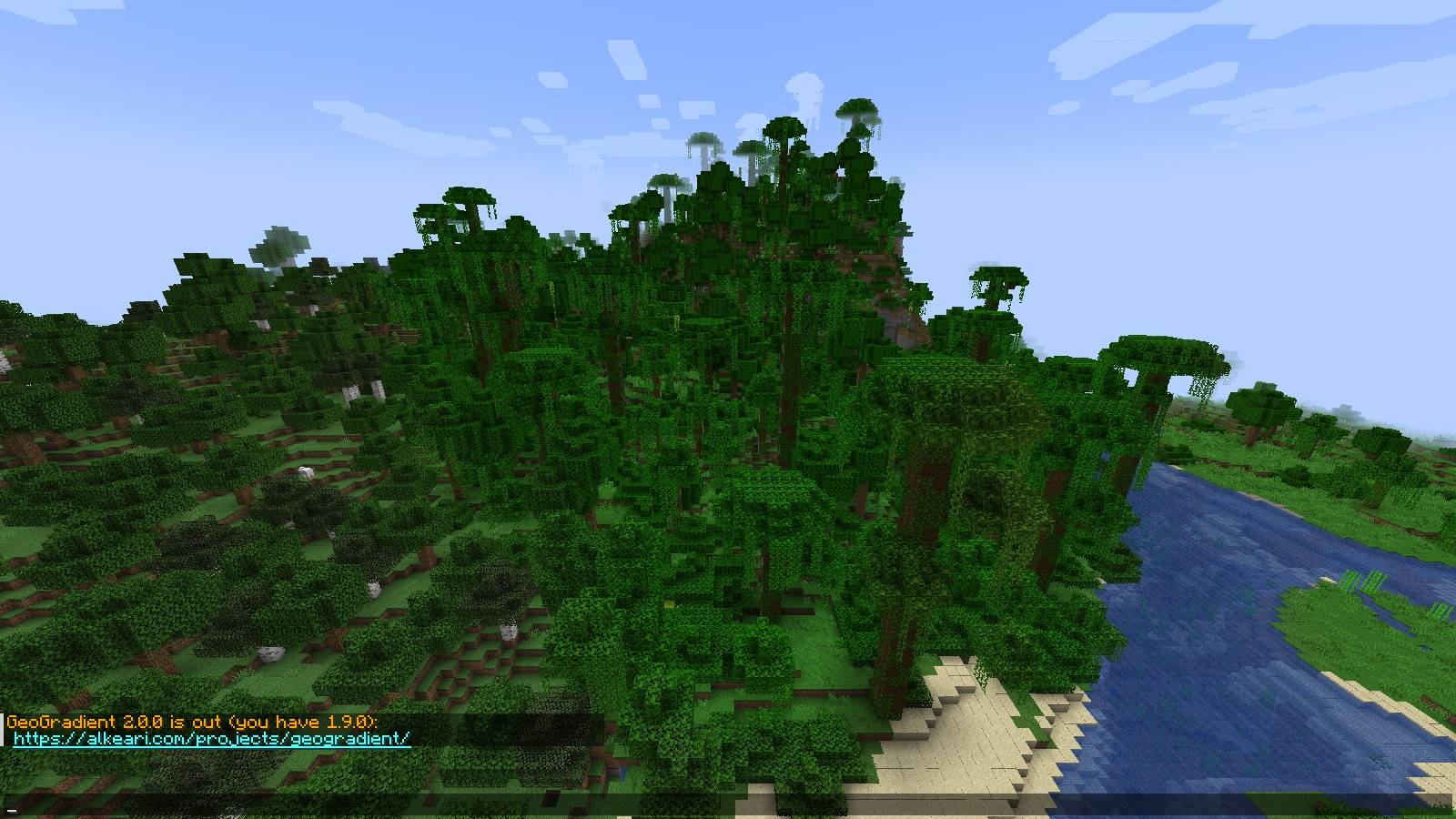
Biomes stop being a patchwork. GeoGradient lays climate across the world in latitude bands, so you ride from equatorial jungle through temperate forest into tundra and finally polar ice, the way a real globe is arranged.
截图
介绍
One file per loader covers Minecraft 1.20.1 to 1.21.1 on Fabric, Forge and NeoForge.
⭐ What It Does
- Climate follows latitude – seven bands from the equator to the pole, placed at Earth’s own climate latitudes, with the full cycle repeating every two globe-widths so the world stays infinite.
- Fair to every biome – the default bands were measured against vanilla’s own biome mix, so every vanilla surface biome still generates and hot land covers 40% of the world, not most of it.
- You set how big the globe is – anywhere from 1,000 to 1,000,000 blocks from a pole to the nearest equator.
- The bands are not straight lines – noise warps every border, so a coastline of climate wanders instead of ruling a stripe across the map.
- Transitions are blended, not butted together – each boundary gets a cosine-blended zone sized as a fraction of the narrower neighbor.
- Start where you want on the globe – an optional spawn latitude drops a new world at the equator, at a pole, or anywhere between.
- Terrain shape is untouched – it hooks vanilla’s biome source and, when present, TerraBlender. Mountains and caves stay exactly as your other mods made them.
How the Bands Work
Moving along the Z axis changes your latitude. North (negative Z) of spawn you reach a pole after globe_size blocks; south (positive Z) you reach an equator after the same distance, and the pattern repeats beyond both. Spawn sits halfway, at latitude 45 degrees, in the Temperate band. Press F3 to see your band and how far you are from the nearest pole and equator.
| Band | Latitude | Share of the world | Main biomes |
|---|---|---|---|
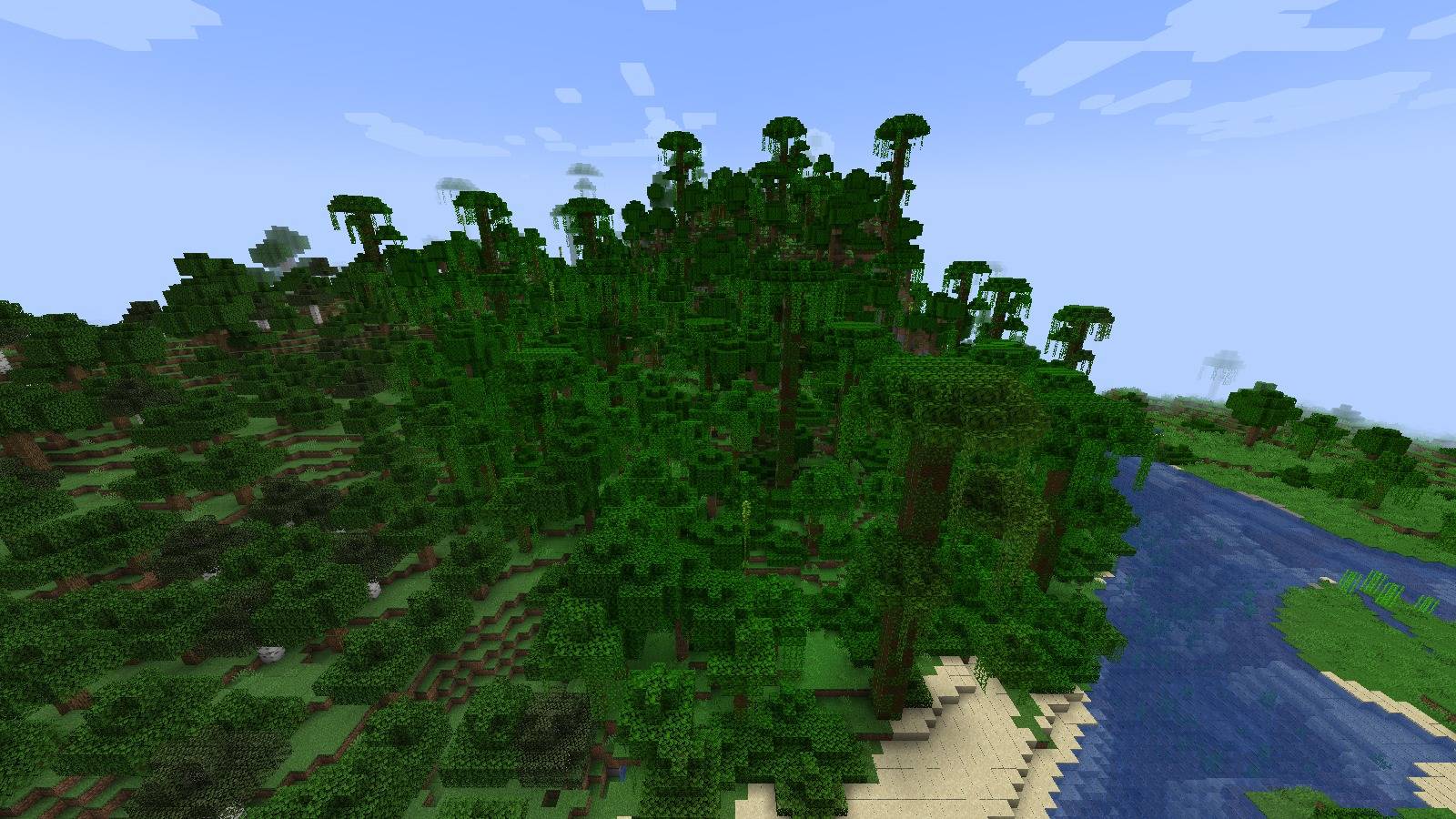
| Tropical Wet | 0 to 19 degrees | 21% | Jungle, Bamboo Jungle, Dark Forest, Lukewarm Ocean |
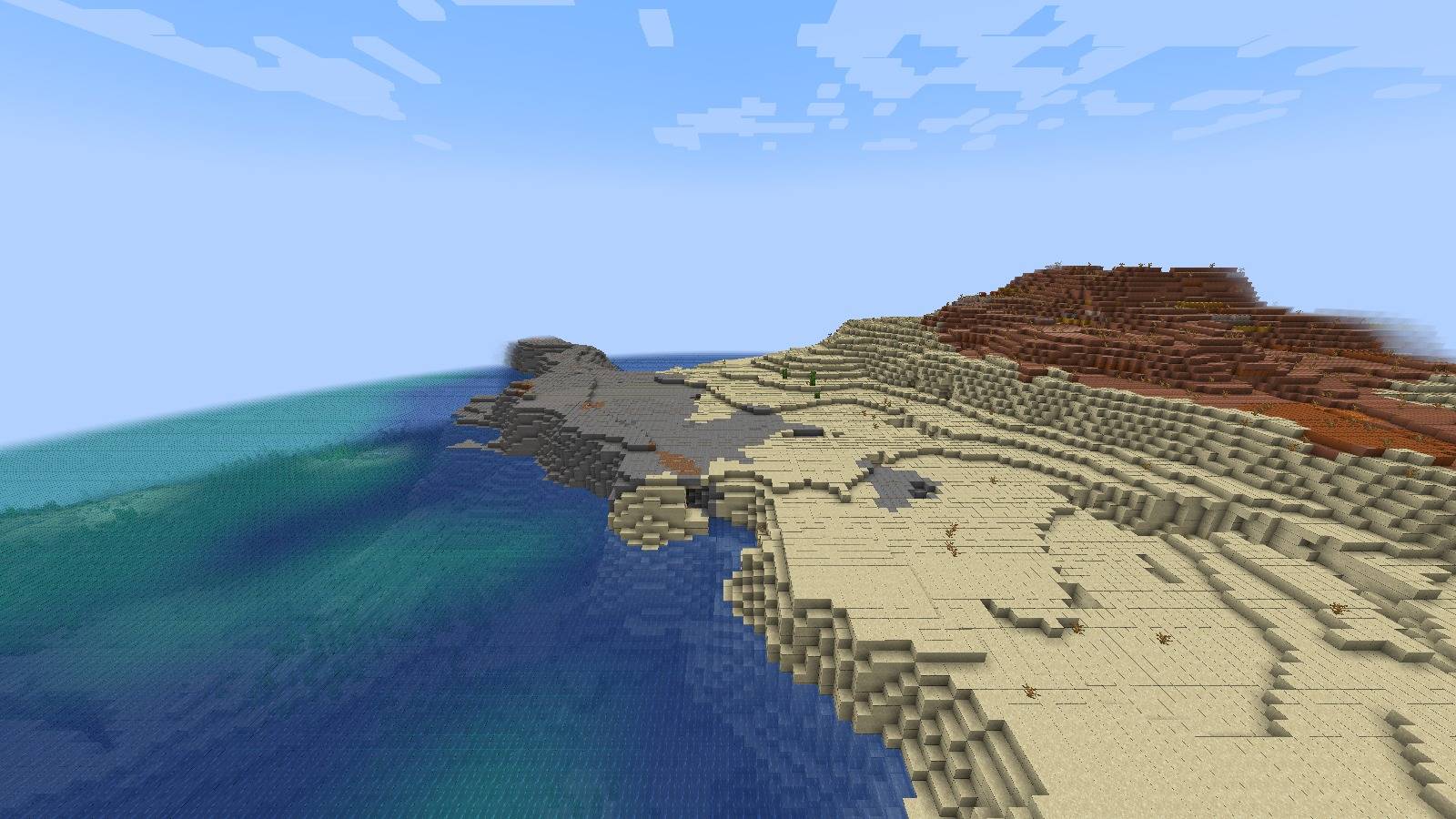
| Tropical Dry | 19 to 30 degrees | 12% | Desert, Badlands, Savanna, Warm Ocean |
| Subtropical | 30 to 36 degrees | 7% | Savanna, Plains, Forest |
| Temperate | 36 to 66 degrees | 33% | Forest, Plains, Birch Forest, Dark Forest, Flower Forest |
| Subarctic | 66 to 76 degrees | 11% | Taiga, Old Growth Taiga, Forest, Cold Ocean |
| Tundra | 76 to 84 degrees | 9% | Snowy Taiga, Snowy Plains, Frozen Ocean |
| Polar | 84 to 90 degrees | 7% | Snowy Plains, Ice Spikes, Frozen Ocean |
Shares are measured from vanilla’s own world generation with the default settings. Oceans, rivers, beaches and mountains appear in every band, because GeoGradient changes only temperature and humidity, never terrain.
📋 Requirements
- Minecraft 1.20.1, 1.20.2, 1.20.3, 1.20.4, 1.20.5, 1.20.6, 1.21 or 1.21.1 on Fabric.
- Minecraft 1.20.1, 1.20.2, 1.20.3, 1.20.4, 1.20.6 or 1.21 on Forge, including the NeoForge 1.20.1 fork. Forge has no 1.20.5 release.
- Minecraft 1.20.4, 1.20.5, 1.20.6, 1.21 or 1.21.1 on NeoForge.
- Not NeoForge 1.20.2 or 1.20.3, nor Forge 1.21.1.
- Fabric API and Cloth Config on Fabric, with Fabric Loader 0.14.23 or later on 1.20.1, 0.19.5 or later on 1.20.2 and 1.20.3, 0.15.11 or later on 1.20.4 to 1.20.6, and 0.19.2 or later on 1.21 and 1.21.1.
- Forge 47.1 or later on 1.20.1, 48 or later on 1.20.2, 49 or later on 1.20.3 and 1.20.4, 50 or later on 1.20.6, and 51 or later on 1.21.
- NeoForge 20.4 or later on 1.20.4, 20.5 or later on 1.20.5, 20.6 or later on 1.20.6, and 21.0 or later on 1.21 and 1.21.1.
- Java 17 or later on Minecraft 1.20.1 to 1.20.4, and Java 21 or later from 1.20.5.
📥 Installation
- Install your loader, plus Fabric API and Cloth Config if you are on Fabric.
- Install with the CurseForge app, or download the jar for your loader into your
modsfolder. Each loader’s jar works on every Minecraft version listed for it above. - Create a world and travel north or south. The climate changes as you go.
⚙️ Configuration
Settings are read when the Overworld loads and affect newly generated chunks only.
- Fabric: with Mod Menu installed, open Mods, select GeoGradient and click the settings button. The file is
config/geogradient.json. - NeoForge 1.21 and 1.21.1: open Mods, select GeoGradient and click Config. The file is
config/geogradient-common.toml. - NeoForge 1.20.4 to 1.20.6, and Forge: edit
config/geogradient-common.toml.
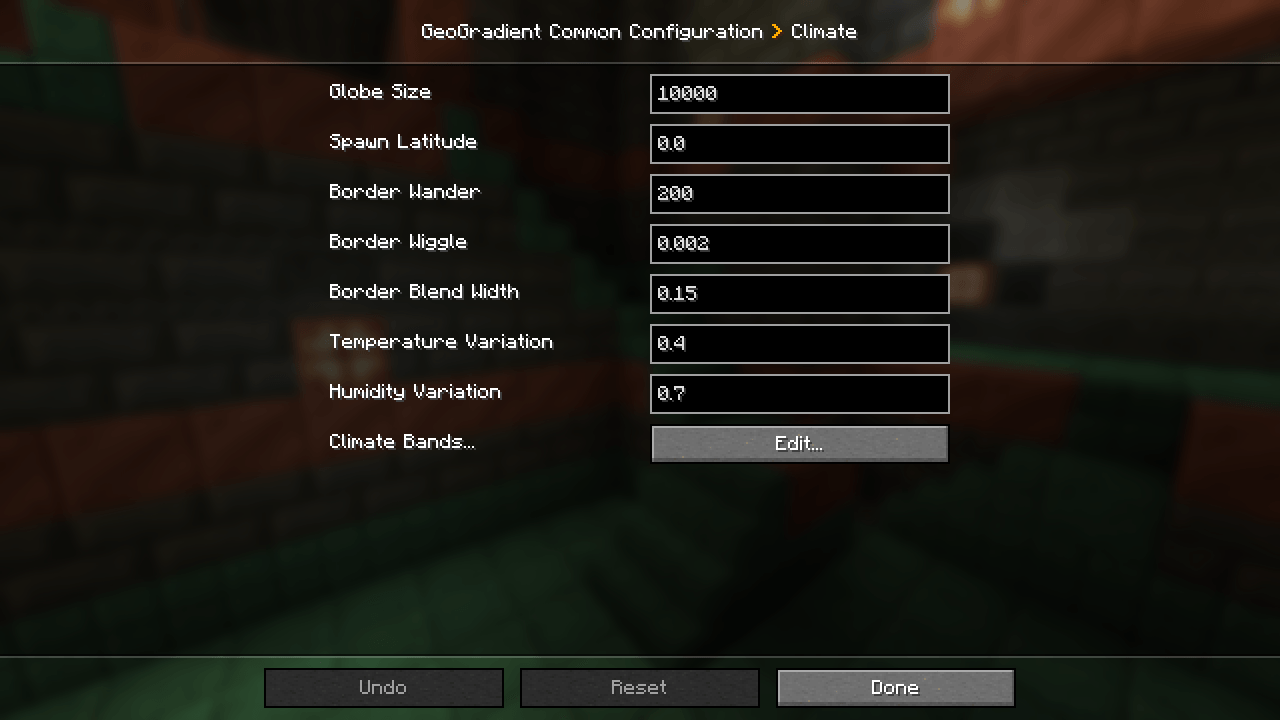
| Setting | Default | What it does |
|---|---|---|
globe_size |
10,000 | Blocks from a pole to the nearest equator, 1,000 to 1,000,000. The full cycle repeats every two of these. |
spawn_latitude |
0.0 | Moves the spawn of a new world: -1.0 is the equator, 1.0 the north pole. 0.0 leaves spawn at Z = 0, latitude 45 degrees. |
border_amplitude |
200 | How far band borders wander north and south, in blocks, 0 to 10,000. 0 makes every border straight. |
border_frequency |
0.002 | How tightly band borders wiggle, 0.0001 to 0.1. Lower is long gentle curves, higher is short ripples. |
blend_fraction |
0.15 | Width of the gradual change between neighboring bands, 0.0 to 0.5, as a fraction of the narrower band. |
temperature_variation |
0.4 | How much of vanilla’s temperature noise is added to each band, 0.0 to 1.0. Higher values mix in neighboring biomes, such as savanna inside the desert band. |
humidity_variation |
0.7 | How much of vanilla’s humidity noise is added to each band, 0.0 to 1.0. Higher values mix wetter and drier biomes, such as Dark Forest and VanillaBackport’s Pale Garden in temperate land. |
Each band also has its own settings under bands:
| Setting | What it does |
|---|---|
ends_at_latitude |
Latitude in degrees where the band ends and the next one toward the pole begins. Polar has none: it always ends at 90. |
temperature |
Temperature at the band’s center, -1.0 to 1.0: below -0.45 frozen, to -0.15 cold, to 0.2 temperate, to 0.55 warm, above that hot. |
humidity |
Humidity at the band’s center, -1.0 to 1.0: below -0.35 arid, to -0.1 dry, to 0.1 neutral, to 0.3 wet, above that humid. |
| Band | ends_at_latitude |
temperature |
humidity |
|---|---|---|---|
tropical_wet |
19 | 0.25 | 0.35 |
tropical_dry |
30 | 0.65 | -0.6 |
subtropical |
36 | 0.25 | -0.2 |
temperate |
66 | -0.05 | -0.05 |
subarctic |
76 | -0.2 | 0.2 |
tundra |
84 | -0.5 | 0.05 |
polar |
– | -0.85 | -0.25 |
Extras sit under features, each on by default:
| Setting | What it does |
|---|---|
show_debug_line |
Adds a line to the F3 debug screen with the climate, band and distances to each pole and the equator where you stand. |
use_terrablender_regions |
With TerraBlender installed, picks each biome through its regions so biome mods built on it keep their biomes. Off uses vanilla’s biome lookup. |
enable_command |
Registers /geogradient info, which reports the climate at your position or at given coordinates. Takes effect when a world loads. |
check_for_updates |
Once per game start, reads https://alkeari.com/updates/geogradient.json and, only when a newer GeoGradient is out for your Minecraft version and loader, says so in chat with a link. Nothing else is sent; turn it off to skip the check. |
NeoForge and Forge enforce every range. On Fabric a value outside its range is clamped when the world loads. If the ends_at_latitude values do not climb from the equator toward 90, the default bands are used and the log says which value is wrong.
🖥️ Compatibility
- Existing worlds. Chunks generated before you added the mod keep their biomes; only new columns follow the climate bands. Expect a visible seam at the edge of explored terrain.
- Client or server. It changes world generation, so it goes on the server and on every client.
- Spawn is set once. The override runs on first world load and leaves a marker in the world folder, so changing
spawn_latitudelater does not move an existing world’s spawn. - TerraBlender is used when it is installed, and skipped cleanly when it is not.
- Biome mods. On Minecraft 1.21.1, every biome these mods generate still generates with GeoGradient: Biomes O’ Plenty, Terralith, Oh The Biomes We’ve Gone, Geophilic, Nature’s Spirit, Regions Unexplored and Spawn.
- More biome mods. The same holds for Galosphere, Ecologics, Promenade, Let’s Do BloomingNature, YUNG’s Cave Biomes, Underground Worlds, Autumnity and Terrestria.
- Tectonic. Worlds also generate with Tectonic installed alongside it.
- VanillaBackport. Its Pale Garden generates with the default settings, in the humid temperate land that
humidity_variationand the band borders provide. - Terrain shape, caves and structures are untouched, so mods that change those work alongside it.
🐛 Support
- Leave a comment on this page.
- Include your Minecraft version, your loader and its version, the mod version, and your other mods.
📄 License
License terms are in the Alkeari License Agreement.
Every release, its changes and how to send feedback are on the project page at alkeari.com/projects/geogradient.
If you want to see how it works, you can read the source code at github.com/Alkeari/GeoGradient-PUBLIC.
💛 Donate
If you would like to donate, you can do so on Ko-fi, Patreon, PayPal, Stripe, Buy Me a Coffee or GitHub Sponsors.
常见问题
GeoGradient 支持哪些 Minecraft 版本?
GeoGradient 支持 Minecraft Java 版 1.20.1–1.21.1,共 8 个版本,可用的加载器:Fabric / Forge / NeoForge。下载时注意选择和你游戏版本一致的文件。
GeoGradient 怎么安装?
先用 PCL2 或 HMCL 启动器安装对应版本的 Fabric / Forge / NeoForge,再把下载的 .jar 文件放进游戏目录的 mods 文件夹,重新启动游戏即可。开启了版本隔离的,mods 文件夹在 versions/版本名 下面。
Alkeari 的其他作品
查看全部 →
Genesis – World Previewer & Pregenerator
先看世界,再创建世界。Genesis 将实时生物群系地图、种子工具和世界预生成功能整合到“创建新世界”界面,让你比较不同种子,并在进入游戏前预先生成地形。

Ultimine Unchained
FTB Ultimine 会跳过比你点击的方块更坚硬的方块,并且每破坏一个方块都会消耗 1 点耐久。Ultimine Unchained 则会挖掘工具所能处理的整个形状,并限制单次操作的消耗。

GeoTectonic
Vanilla's tangle of noodle caves is gone. In its place the underground is solid rock cut by eight hand-designed cave systems, each with its own shape, biome rules and reward for finding it.

Ore Distribution Scanner
Stop guessing which Y level to strip-mine. Scan the terrain you have already got, then look any ore up in JEI, EMI or REI and read its real depth distribution for your world, your seed and your modpack.
评论
登录后评论和评分