
截图


介绍
Sign Editor GUI (Command Support)
Feature
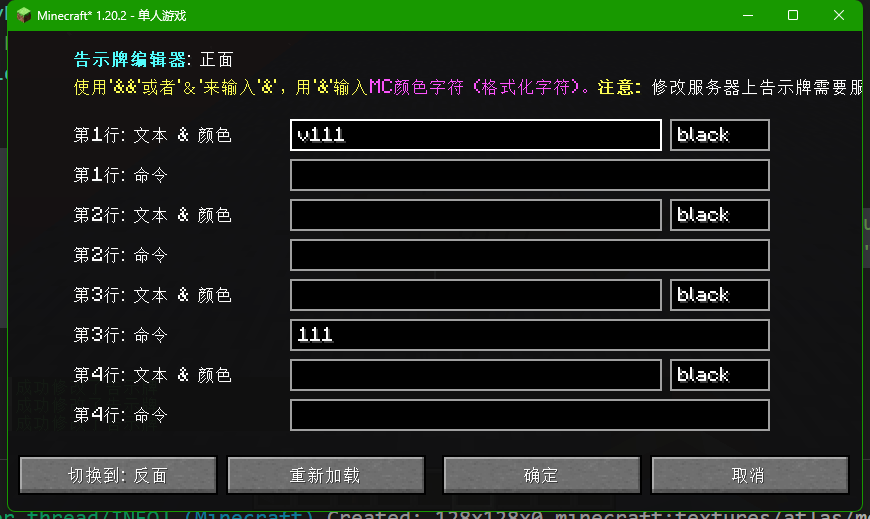
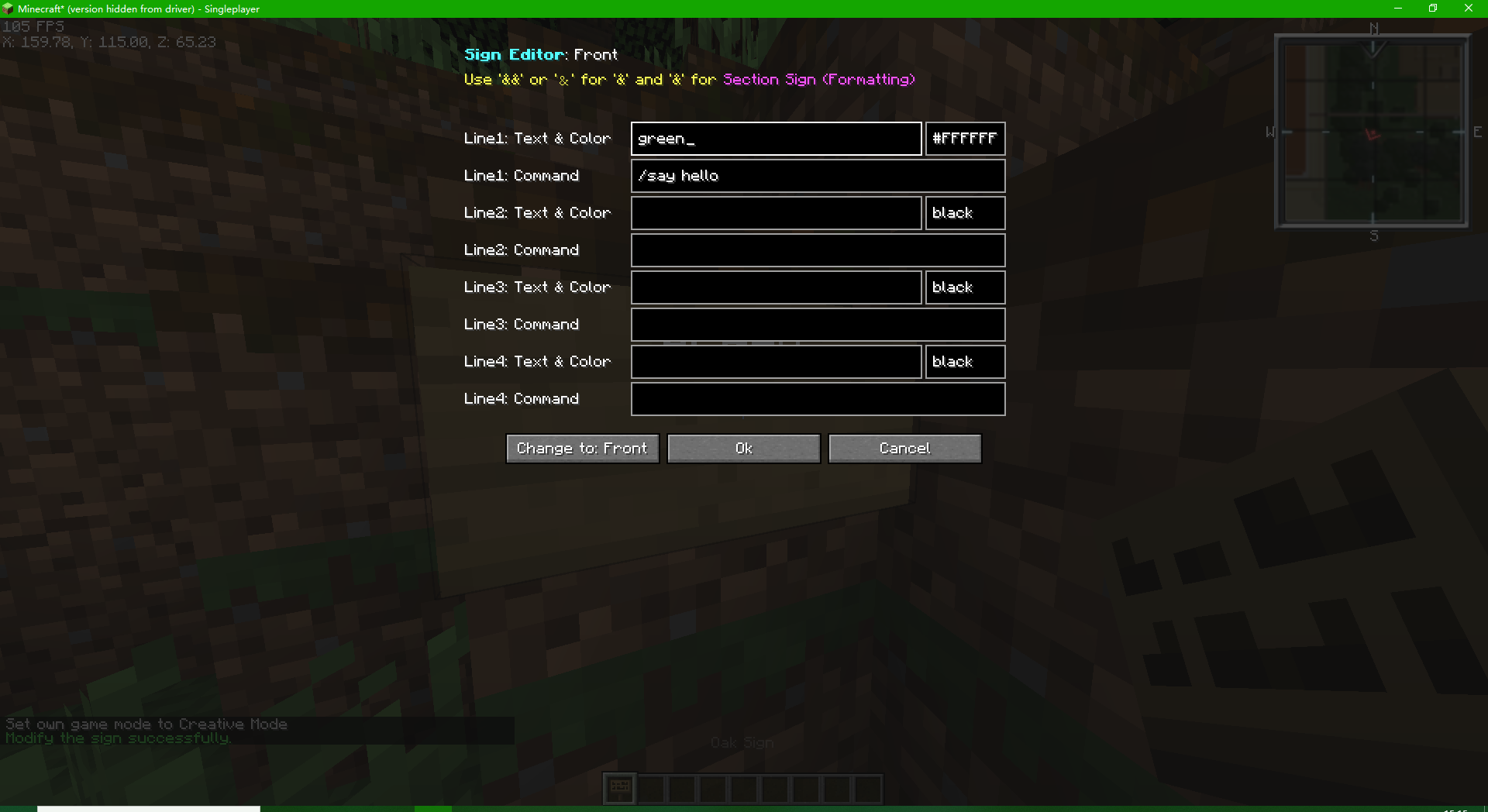
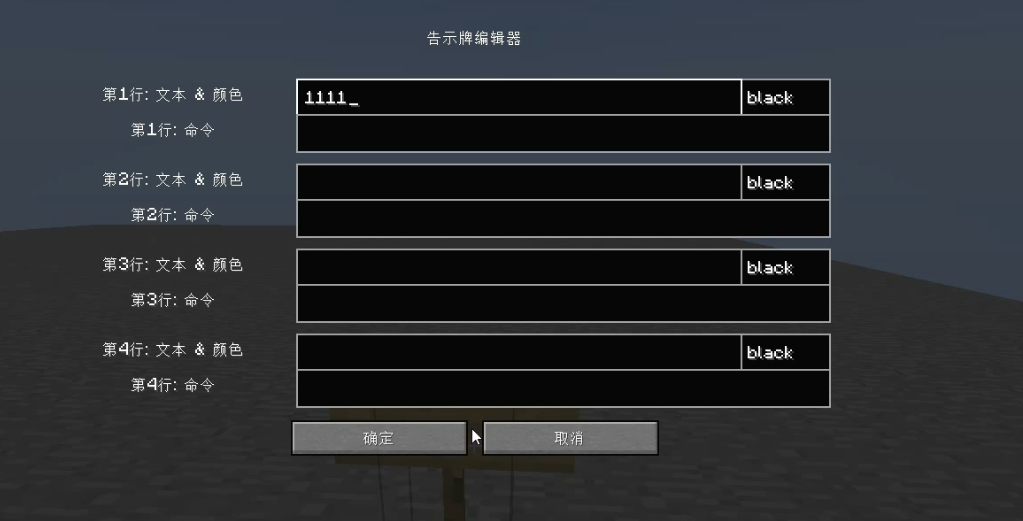
Allow players to modify the sign style and commands in the GUI.
It now supports the modification of double-sided signs.
You can toggle the modified face by pressing the default button “V”. (You can change it in Settings)
Translation
Our GUI supports simplified Chinese and English.
Help us translate the project here.
For developments: Setup
For setup instructions please see the fabric wiki page that relates to the IDE that you are using.
License
This template is available under the CC0 license. Feel free to learn from it and incorporate it in your own projects.
常见问题
Bamboo Sign Editor 支持哪些 Minecraft 版本?
Bamboo Sign Editor 支持 Minecraft Java 版 1.19–26.3,共 29 个版本,可用的加载器:Fabric / NeoForge / Quilt。下载时注意选择和你游戏版本一致的文件。
Bamboo Sign Editor 怎么安装?
先用 PCL2 或 HMCL 启动器安装对应版本的 Fabric / NeoForge / Quilt,再把下载的 .jar 文件放进游戏目录的 mods 文件夹,重新启动游戏即可。开启了版本隔离的,mods 文件夹在 versions/版本名 下面。运行环境:客户端和服务端都要装。
wifi-left 的其他作品
查看全部 →
StarRailExpress Library Mod
A lib of StarRailExpress with commands, development libs and resources

StarRailExpress – Wathe Addon
This is a vast addon of HarpyExpress (Wathe)

Sodium Crash Fix
This mod simply fixes the crash (Sodium Issue#1016) for Minecraft 1.18.x & 1.19. (Sodium has officially repaired after 1.19.2)

allmusic-modified-client
This is a fork mod version of allmusic client
评论
登录后评论和评分