
[UNOFFICIAL] LittleTiles Port
Unofficial port of LittleTiles to Minecraft 26.2 NeoForge. Build with micro-blocks.
截图
介绍
⚠️ This is an UNOFFICIAL community port. The original LittleTiles is made by CreativeMD.
About
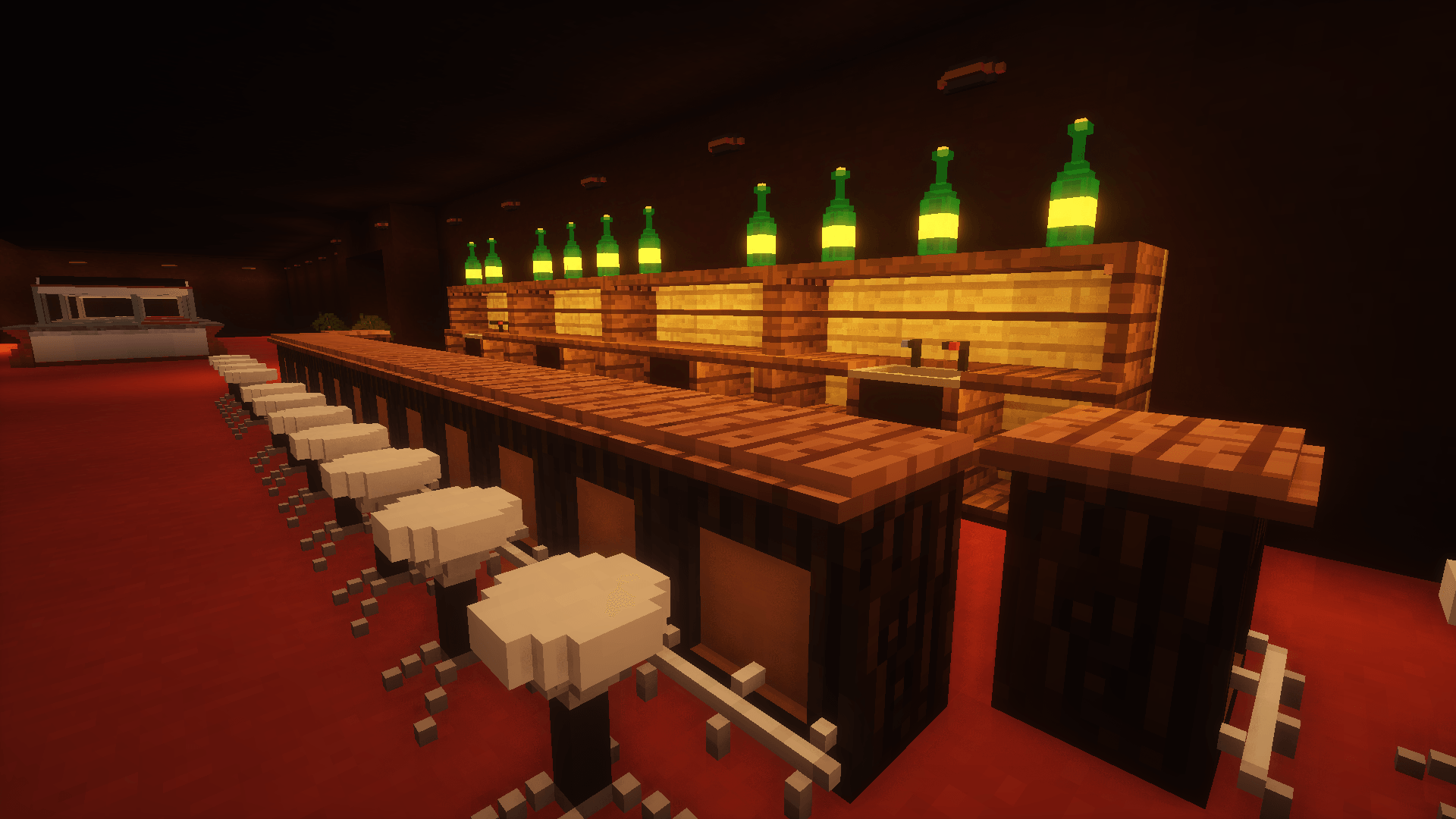
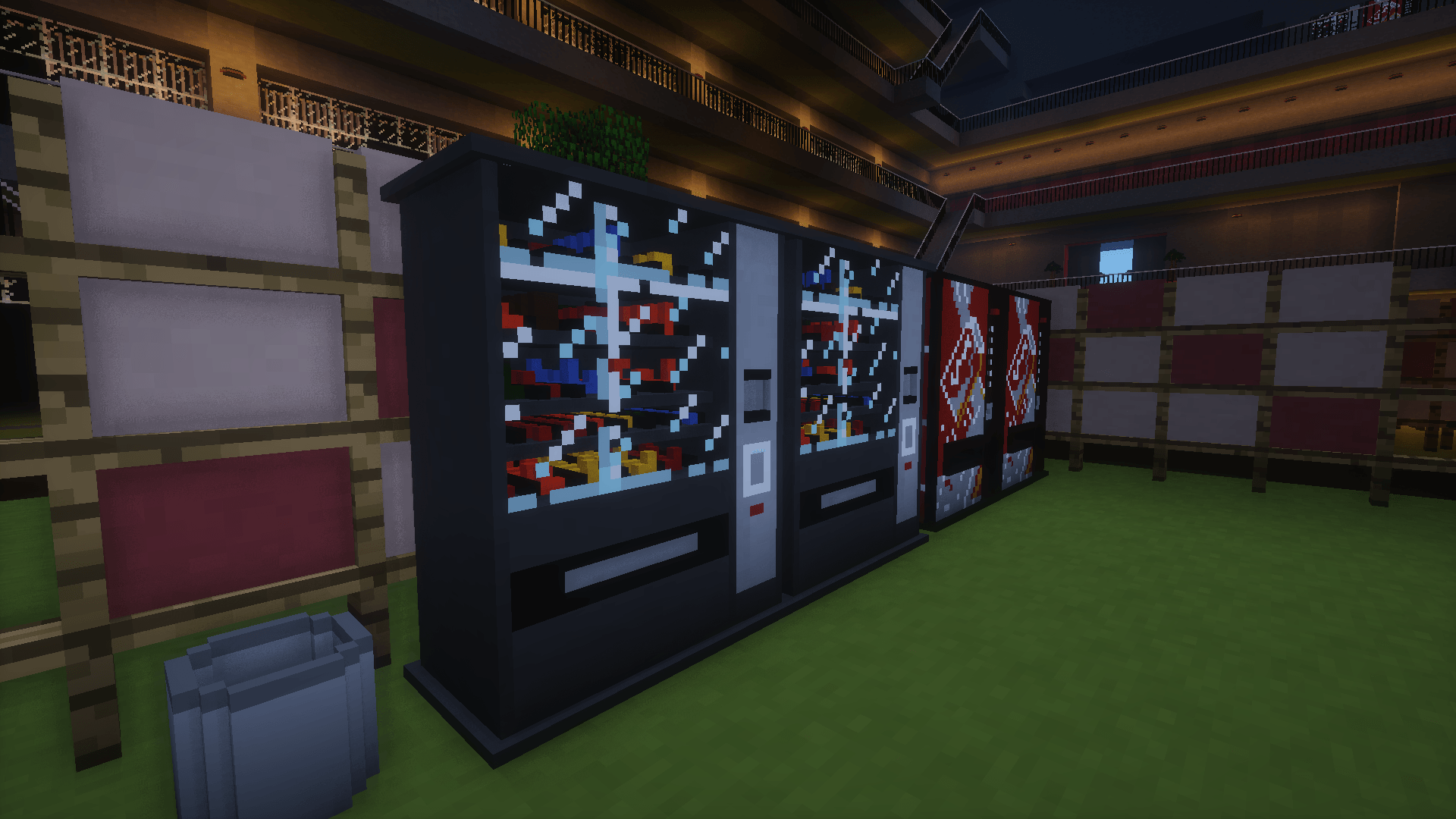
LittleTiles allows you to build anything with smaller details. Split any block into up to 4096 micro-tiles and create amazing structures — furniture, doors, pixel art, and complex architecture.
Tools
- 🔨 Hammer — place micro-tiles, Shift+RMB for material selection GUI
- ✂️ Chisel — remove micro-tiles
- 📋 Recipe — copy/paste structures with preview, rotation (R) and centering (Shift)
- 🔧 Wrench — configure structures
- ✋ Grabber — grab and move tiles
Building
- A→B area selection — RMB point A, RMB point B, fill or clear entire area
- Up to 100,000 micro-tiles per operation
- Undo/Redo — Ctrl+Z / Ctrl+Y
- Slab, stair, fence conversion preserving original shape
- Multi-block structures spanning several blocks
Rendering
- Custom geometry via NeoForge submitCustomGeometry API
- Greedy meshing — merges adjacent same-material tiles
- Face culling — skips hidden internal faces
- Cached mesh rebuilds
- Green/red/orange preview grid while building
Migration
Worlds from LittleTiles 1.21.1 supported — your builds are preserved on upgrade.
Commands: /littletiles export, /littletiles import, /littletiles convert
Requirements
- Minecraft 26.2
- NeoForge 26.2.0.37-beta or newer
- CreativeCore 2.14.16 (NeoForge 26.2)
Credits
- Original mod: LittleTiles by CreativeMD — LGPL-3.0
- CreativeCore: CreativeMD
- This port: corovina56
Disclaimer
This is a community port and is NOT affiliated with or endorsed by CreativeMD.
常见问题
[UNOFFICIAL] LittleTiles Port 支持哪些 Minecraft 版本?
[UNOFFICIAL] LittleTiles Port 支持 Minecraft Java 版 26.2,可用的加载器:NeoForge。下载时注意选择和你游戏版本一致的文件。
[UNOFFICIAL] LittleTiles Port 怎么安装?
先用 PCL2 或 HMCL 启动器安装对应版本的 NeoForge,再把下载的 .jar 文件放进游戏目录的 mods 文件夹,重新启动游戏即可。开启了版本隔离的,mods 文件夹在 versions/版本名 下面。

评论
登录后评论和评分