
Wolf’s Mundane Pack
200+ mods | No quest book!| Amazing to play with friends | Kitchen Sink | Figure-it-out-on-your-own
截图
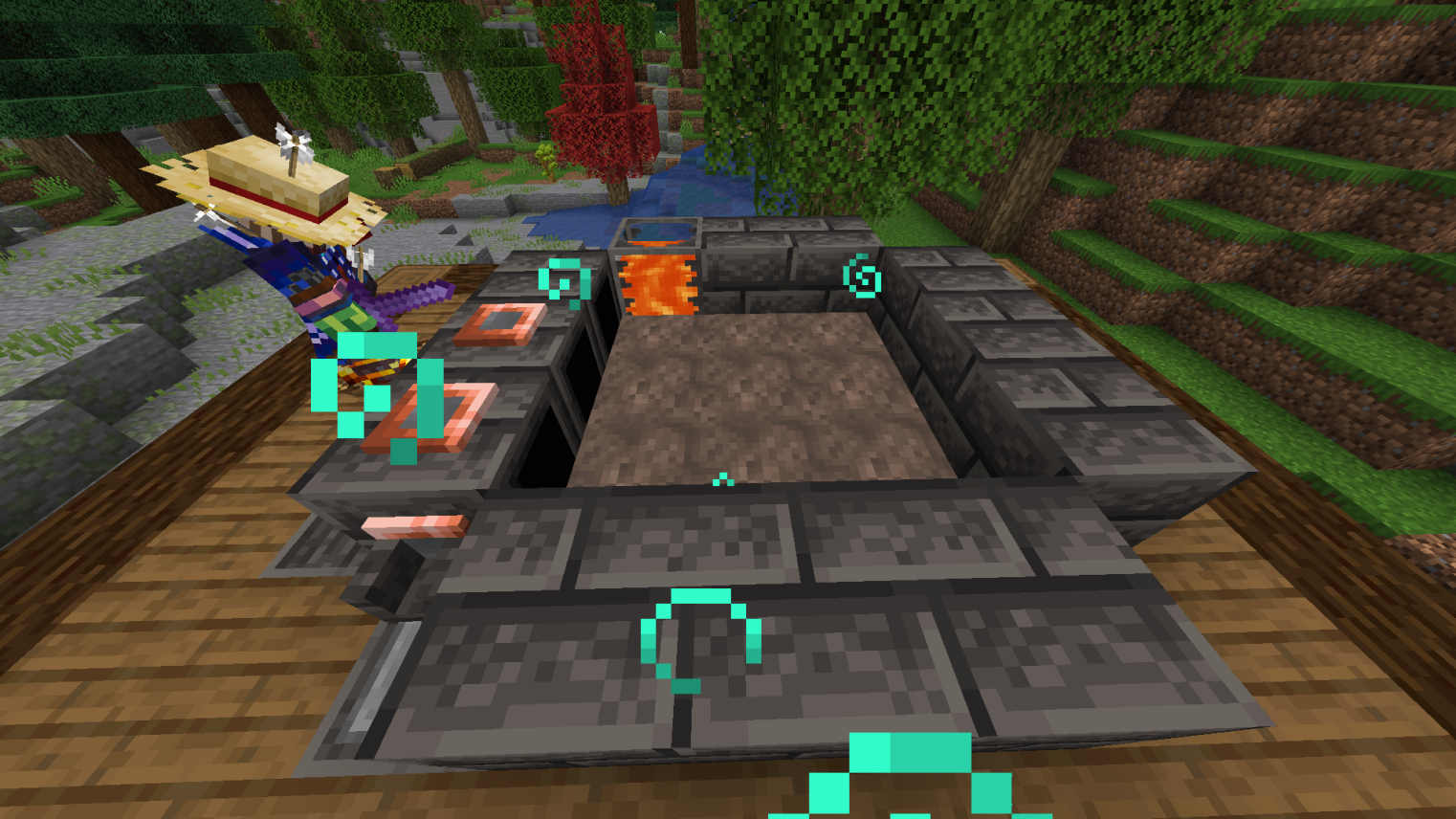
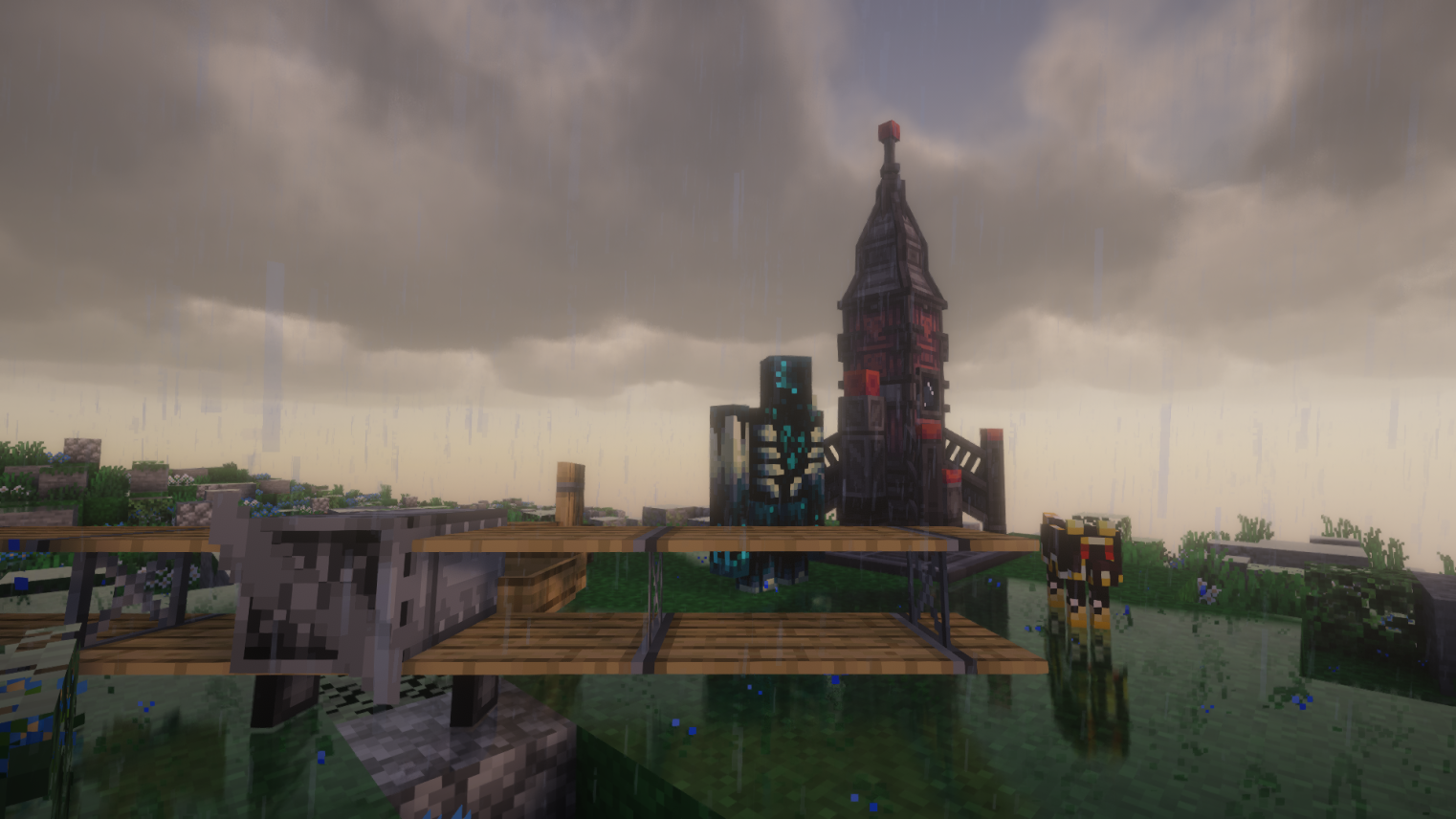
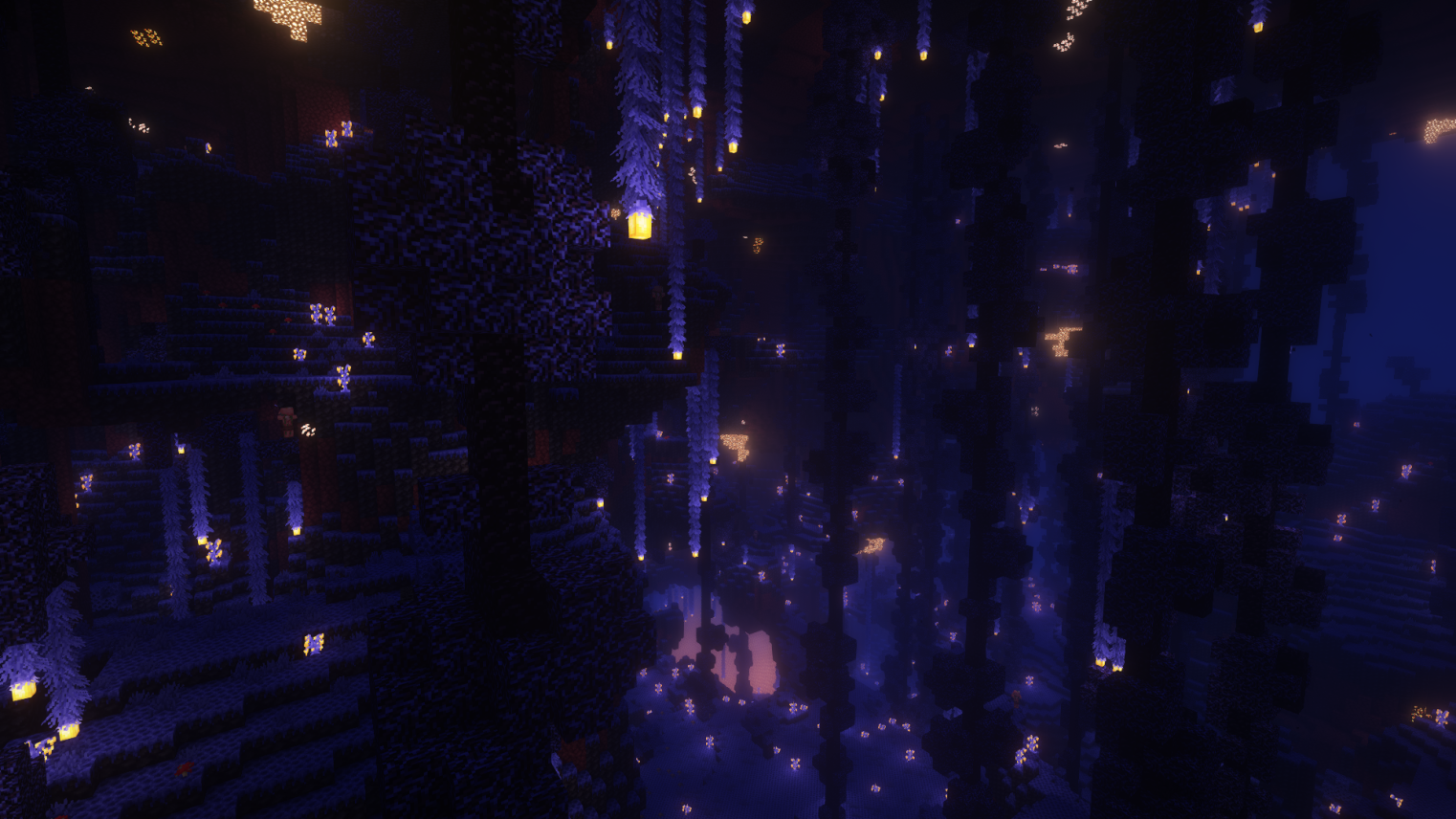
介绍
Hello I’m Wolfyness and I made this modpack for my friends and trying to get the essence of CrazyCraft back and also not making it too crazy. Just grouped a bunch of mods together so there’s always something to do! This is a figure-it-out-on-your-own type of modpack so no quest book and you can progress how ever you want. This pack includes a ton of underrated mods that you wouldn’t find so it’s going to be different from other packs. It’s also a good first modpack that doesn’t overwhelm you with different game mechanics and good for lower end PCs.
40,000+ items consisting of weapons, armor, construction/tech components, decorative blocks, loot, and blocks |10 optimization mods |15+ Modded Bosses.
Q&A:
Q: Game is lagging/long load times.
A: It’s mainly Forge’s and some mods spaghetti code. Lower game graphics, render distance, disable shaders (disabled on default), and close all apps. Don’t be tabbed out/windowed out while loading your world/saving (It can actually crash your game). Your PC specs may be a part of it too. Removing some mods you don’t care about can help (don’t remove dependencies and always to back up the pack).
Q: The game crashed, how do I get the back up?
A: Open local file -> simplebackups -> find the most recent save -> extract the file to the saves folder
Q: Why doesn’t this work/doesn’t craft?
A: 1. Look at keybinds 2. Google the mod because some of these mods are complicated 3. If crafts are overlapping use polymorph button (the two arrows button in crafting table).
Q: Can I add/remove mods to it?
A: Of course! however stability is not guaranteed.
How to allocate RAM for smoother gameplay: Open Task Manager -> Open the performance tab -> Press the memory label; your RAM about is written at the top right (e.g. 16 GB).
Less than/equal to 8 GB: 5250 Mb or less.
More than 8 GB: 9000 Mb or more (32 GB: 17,000 mb).
I do not own the mods/resource packs used in this pack. All the mods/resource packs and their contents used in this pack belong to their respective owners.
常见问题
Wolf’s Mundane Pack 支持哪些 Minecraft 版本?
Wolf’s Mundane Pack 基于 Minecraft Java 版 1.20.1,使用 Forge 加载器。
Wolf’s Mundane Pack 怎么安装?
点本页「前往下载」拿到整合包文件(Modrinth 的是 .mrpack,CurseForge 的是 .zip),在 PCL2 或 HMCL 启动器里选择「导入整合包」,启动器会自动装好 Minecraft、加载器和全部模组。建议在启动器里给游戏分配 4–6 GB 内存。
Wolf’s Mundane Pack 开服需要多大内存?
推荐服务器内存 12 GB。在线人数多、或者建了大量机器和区块加载器时,可以再加 2–4 GB。
怎么和朋友一起玩 Wolf’s Mundane Pack?
点本页的「一键开服」,选好配置后会自动安装 Wolf’s Mundane Pack 的服务端,几分钟就能开好。把服务器地址发给朋友,大家用同一个版本的整合包连进去就行。

评论
登录后评论和评分