Phantom Xiang’s Transparent HUD & UI
Give your HUD & UI a transparent and minimal view. 極簡透明風的顯示介面。
截图




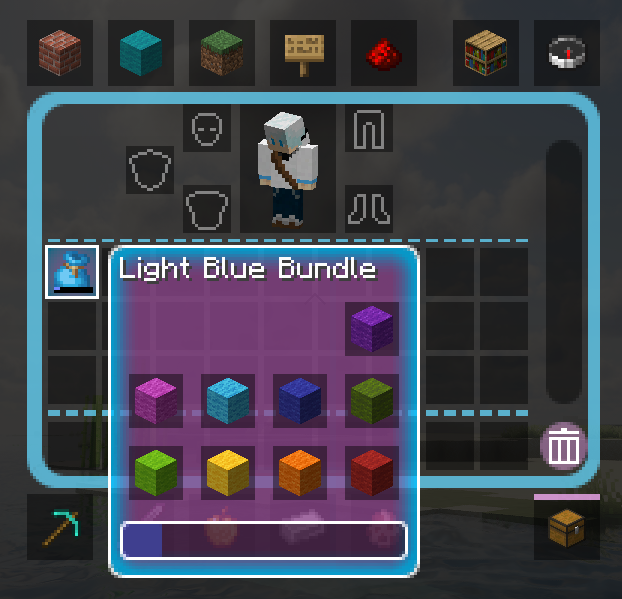
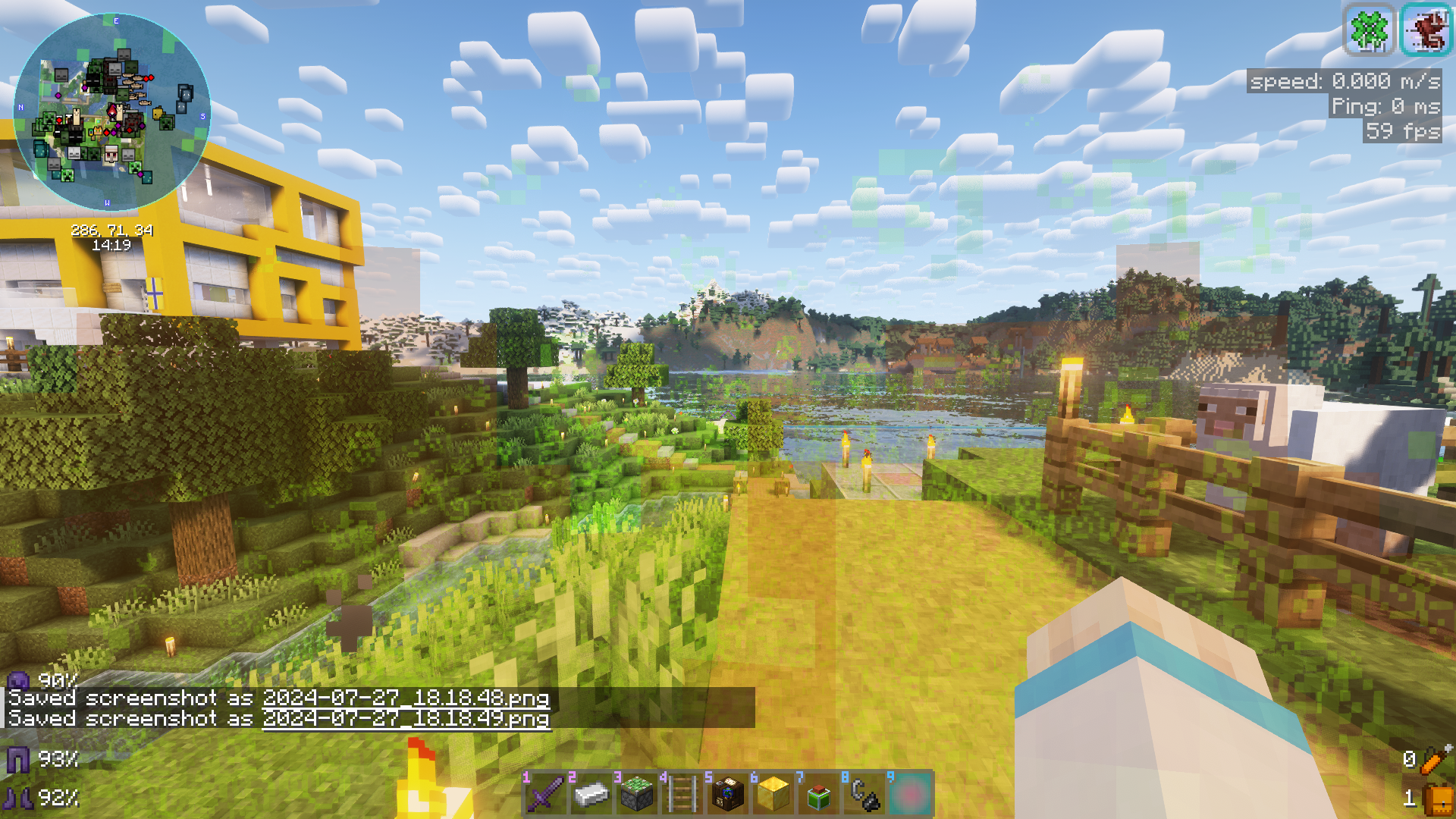


介绍
About
Don’t like how HUDs in transparent resource packs look? Why not give this one a try?\
苦惱沒有好看的透明HUD資源包嗎?也許你可以試試這款!
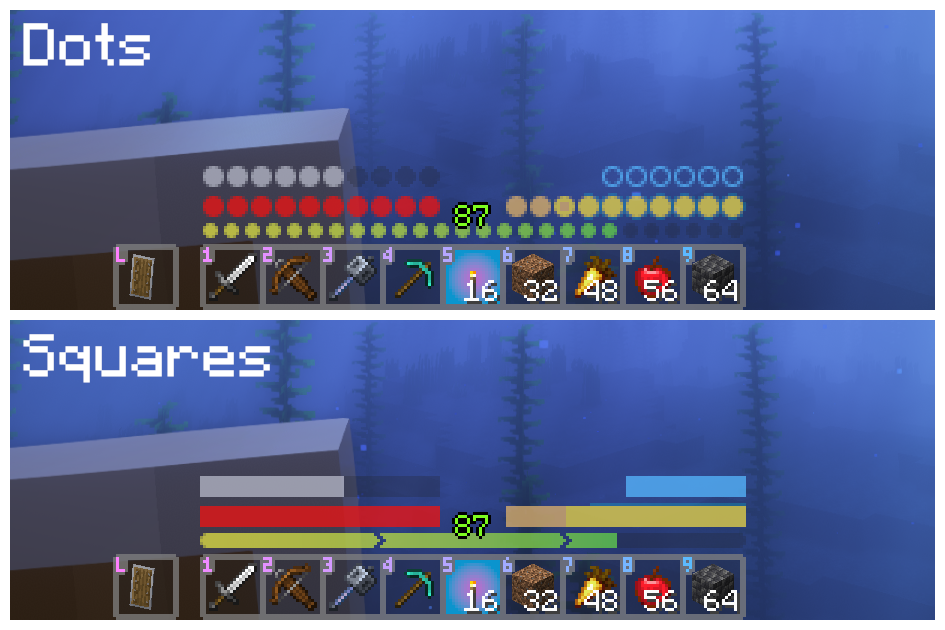
HUD
Comes with 2 styles.
\
Install Respackopts to change the style, you can also choose the vanilla style instead.\
需安裝Respackopts以更改風格,也可保留原版風格。
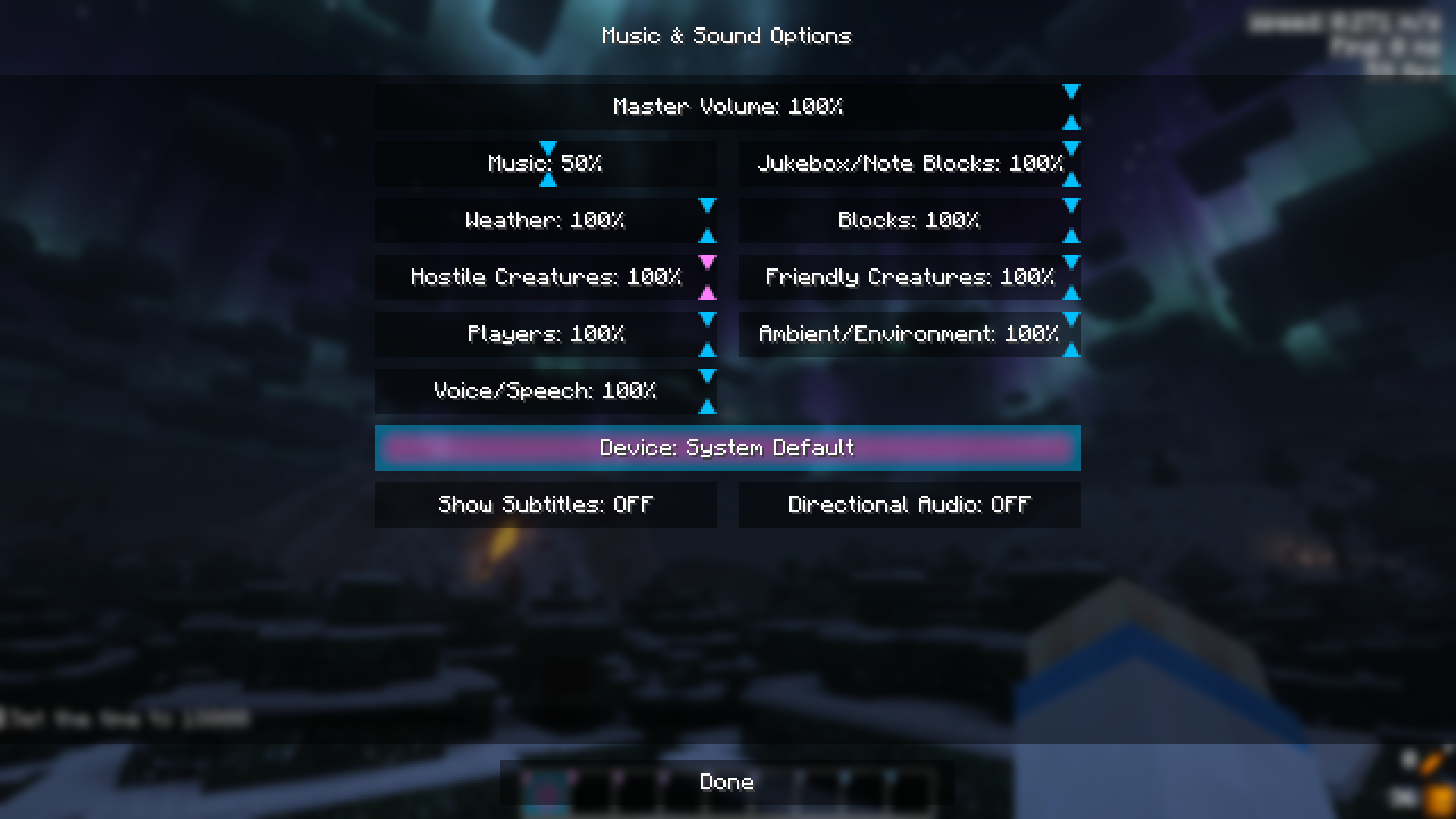
Button
Transparent buttons, can be disabled with Respackopts.
透明按鈕。
UI
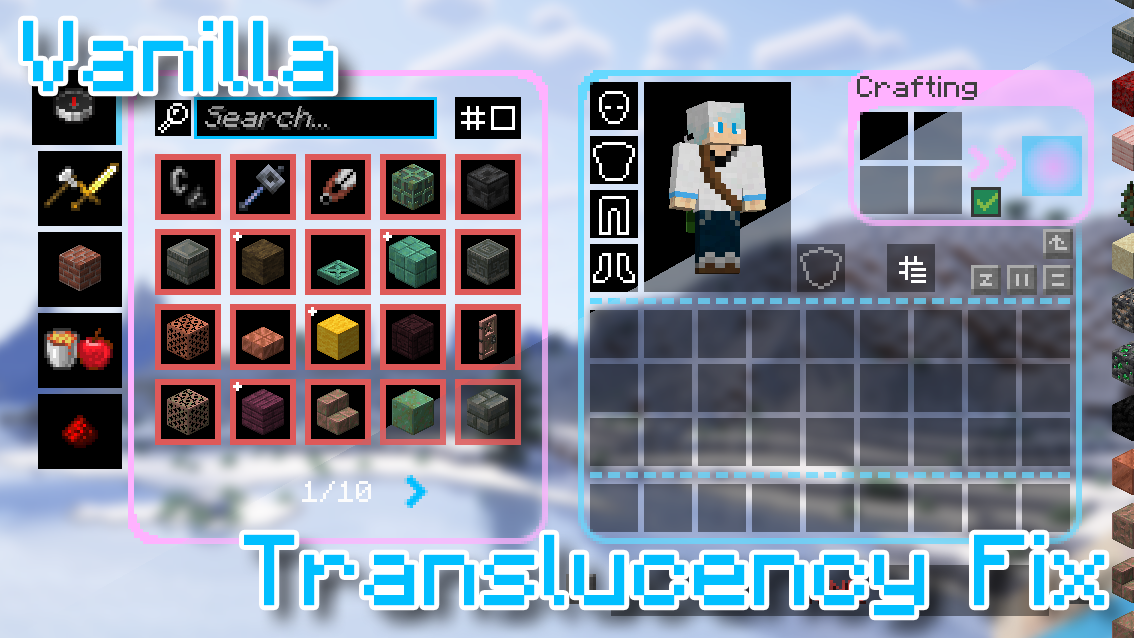
Transparent UIs, can be disabled with Respackopts as well.\
透明物品欄介面,也可保留原版風格。\
\
Note: Translucency Fix is needed to get the semi-transparent effect before 1.21.2. (Translucency Fix 2.2 works on Fabric 1.21)\
1.21.2前的版本需要安裝Translucency Fix。\
Misc.
Transparent fire and effect particles, can be disabled with Respackopts as well.\
透明火焰和藥水粒子。
Supported Mods
常见问题
Phantom Xiang’s Transparent HUD & UI 支持哪些 Minecraft 版本?
Phantom Xiang’s Transparent HUD & UI 支持 Minecraft Java 版 1.20.2–1.21.3,共 8 个版本。下载时注意选择和你游戏版本一致的文件。
Phantom Xiang’s Transparent HUD & UI 怎么安装?
把下载的 .zip 文件(不用解压)放进游戏目录的 resourcepacks 文件夹,进游戏后在「选项 → 资源包」里把它移到右边启用。

评论
登录后评论和评分