
Os’ Emeralds to Opals (Regular/Shimmering/Emissive)
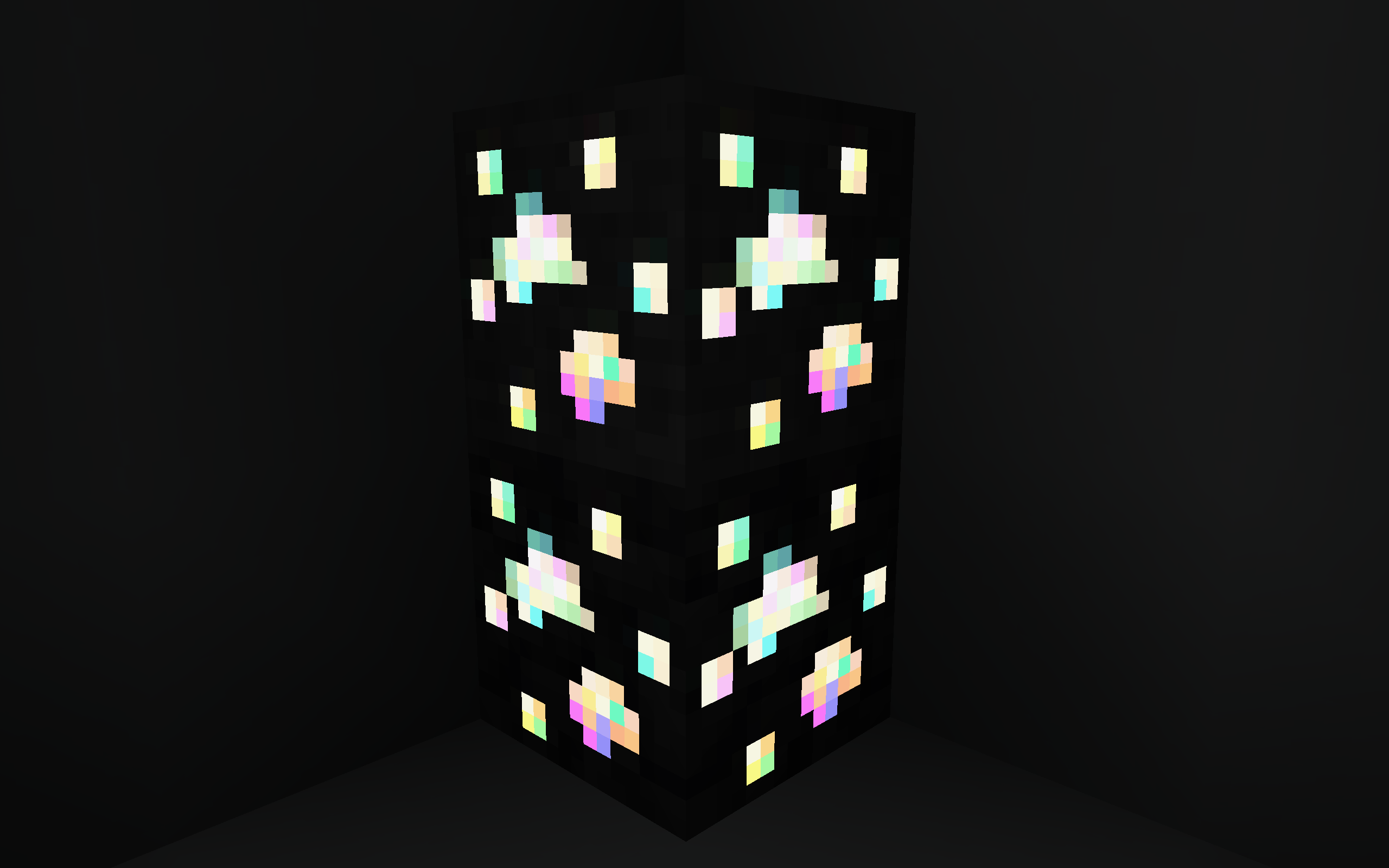
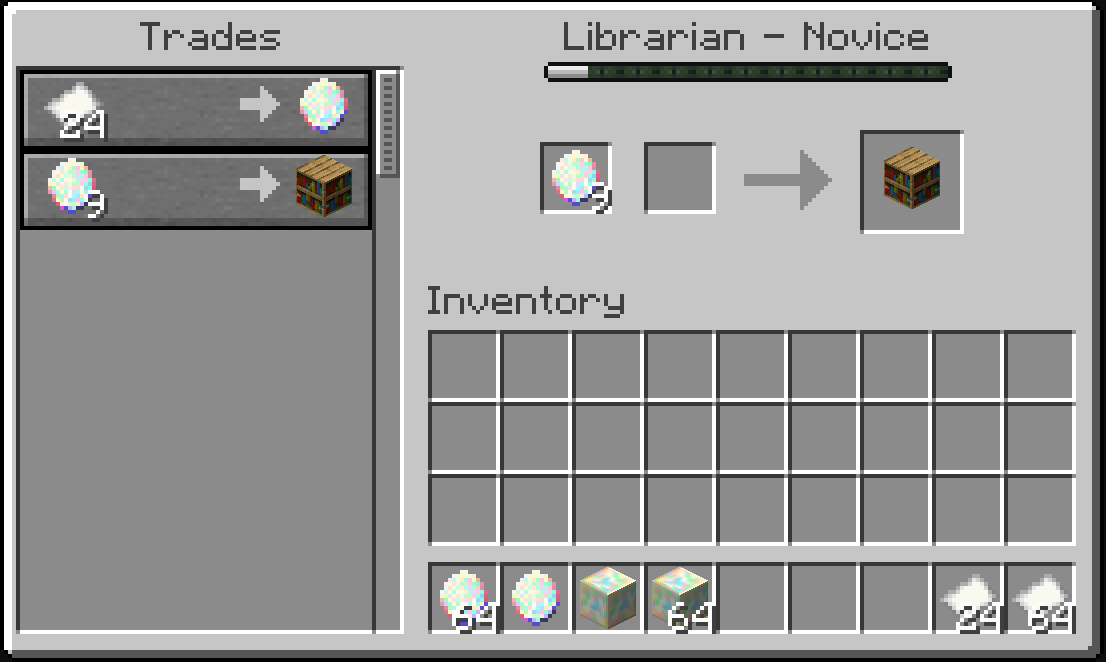
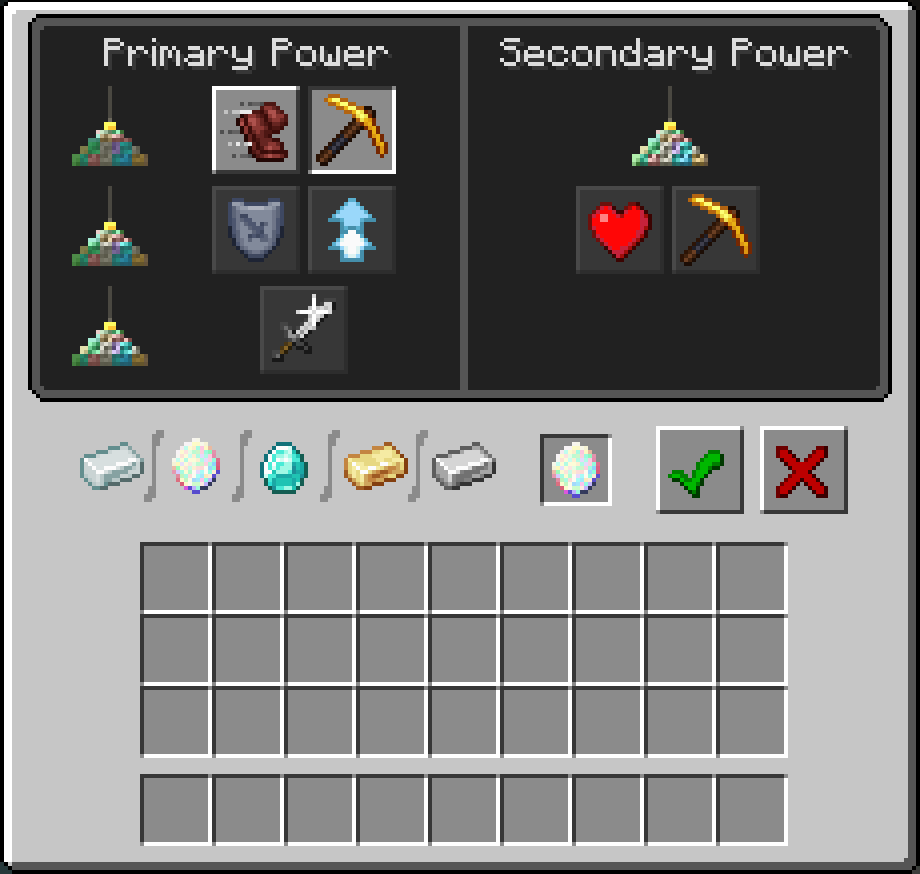
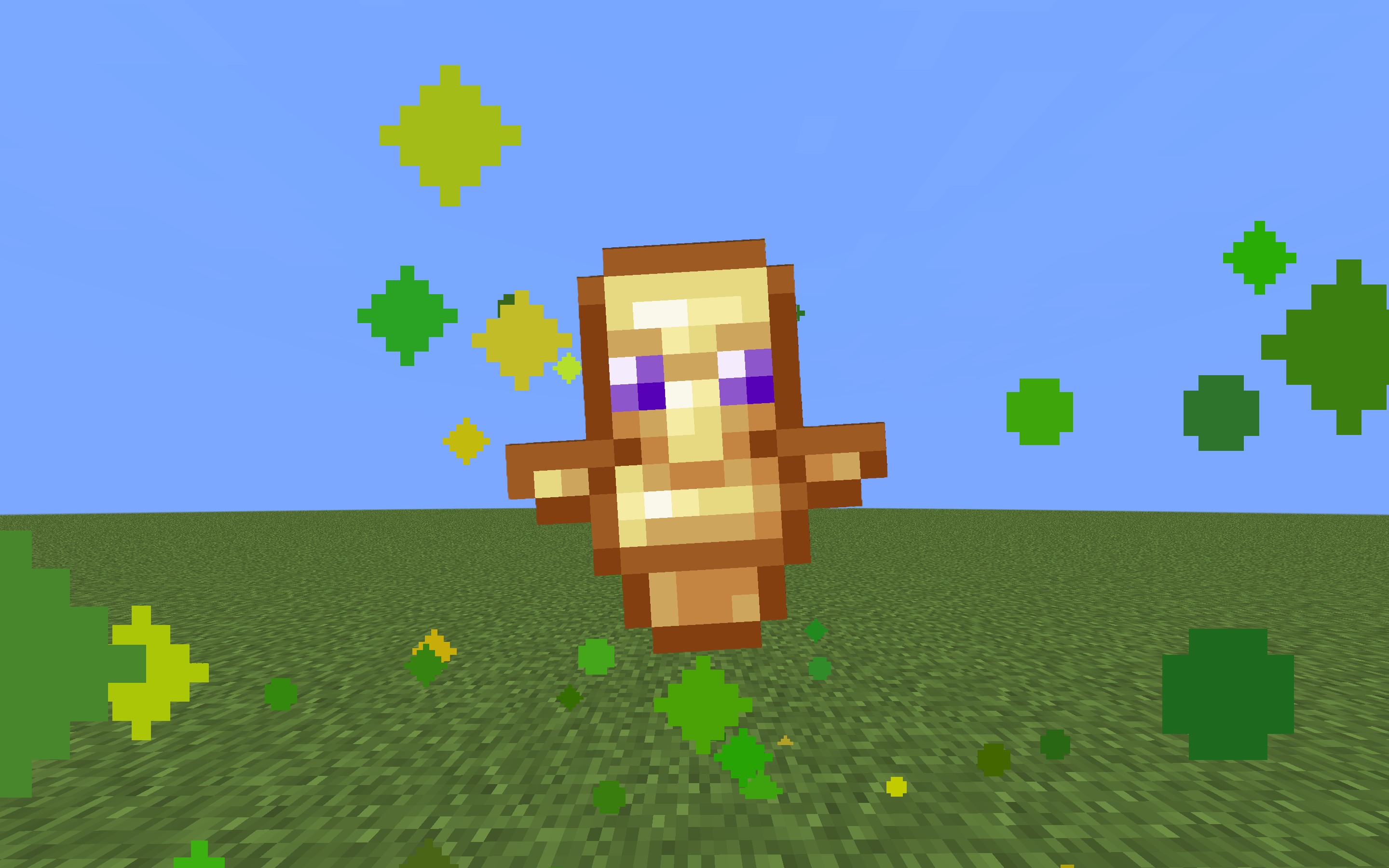
This pack changes the Minecraft Emerald to an Opal. There is a regular, static version available, as well as a shimmering version, and an emissive+shimmering version available.
截图


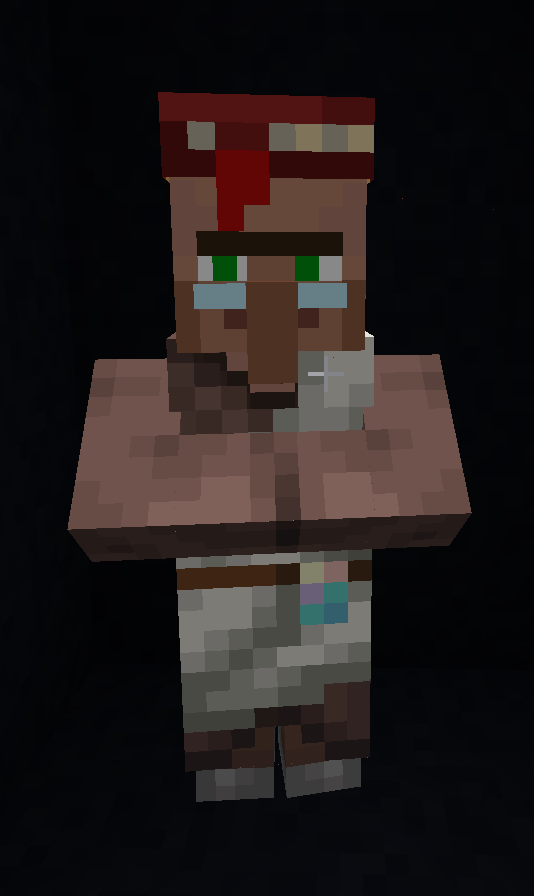
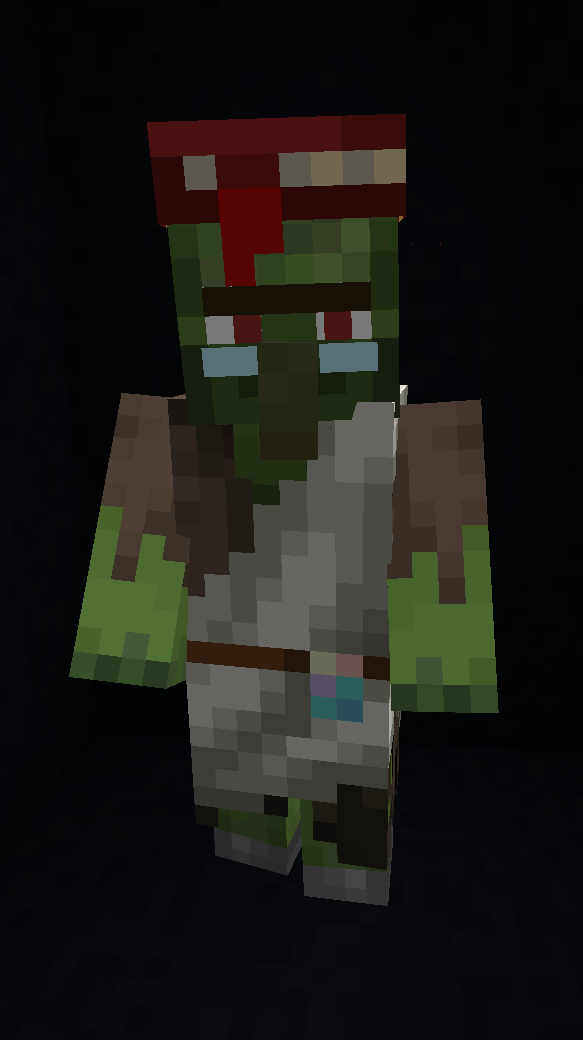
介绍
What Does This Pack Do?
This pack changes the Minecraft Emerald to an Opal! Pair this pack with to have a full set of emissive/shimmering ore blocks! There are 3 versions of this pack available:
- Regular
- Shimmering (animated)
- Shimmering (animated) & emissive (Optifine/Equivalent required)

Please note that the emissive version REQUIRES Optifine or an Optifine equivalent to work.
First image is of the non-emissive version, the second shows the emissive effect in the dark.



Usage Rights
Using/modifying for personal use is allowed.
Use (even if modified) for monetized videos must include a link in the description back to this page.
Please ask before using my content in your mods/packs/etc. Do not redistribute.
Using this pack as a template to make your own textures that work the same way in game as mine do is allowed and encouraged. Please note that I’ve changed some of the names of the files from their vanilla counterparts – you will need to keep these names when changing out the textures or the files will not be able to find the textures.
Social and Donation Links


常见问题
Os’ Emeralds to Opals (Regular/Shimmering/Emissive) 支持哪些 Minecraft 版本?
Os’ Emeralds to Opals (Regular/Shimmering/Emissive) 支持 Minecraft Java 版 1.20–1.20.1,共 2 个版本。下载时注意选择和你游戏版本一致的文件。
Os’ Emeralds to Opals (Regular/Shimmering/Emissive) 怎么安装?
把下载的 .zip 文件(不用解压)放进游戏目录的 resourcepacks 文件夹,进游戏后在「选项 → 资源包」里把它移到右边启用。
Oslypsis 的其他作品
查看全部 →
Os’ Colorful Grasses
更蓬松的草!提供高草、矮草或原版 X 风格版本,也有三者的混合版,以实现视觉效果与性能的最佳平衡。完整版请在 Patreon 获取!

Os’ 3D Iron Bars
这个资源包把铁栏杆改暗以匹配锁链,并清理了纹理。而且因为它是3D的,所以不会出现Z-fighting。也有2D版本,但无法消除Z-fighting。

Os’ Colorful Leaves
为你的树叶增添色彩与层次!搭配你最喜欢的茂密树叶资源包,细节更丰富。完整版请前往 Patreon 获取!

Os’ Shulkers
给潜影盒染色时,为每种颜色添加独特图案,以便更轻松地辨认。
评论
登录后评论和评分