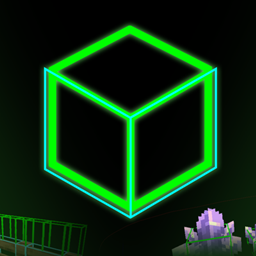
Hitbox Plus+ Utility
A lightweight client-side Fabric mod for customizable Minecraft hitboxes with easy toggles, colors, overlays, and rendering controls.
截图
介绍
HitboxPlus is a lightweight, client-side Fabric mod that gives you detailed control over Minecraft entity hitboxes through a clean and easy-to-understand GUI.
Designed for PvP, testing, debugging, building, and general gameplay, HitboxPlus lets you customize exactly what you want to see without unnecessary clutter.
✨ Features
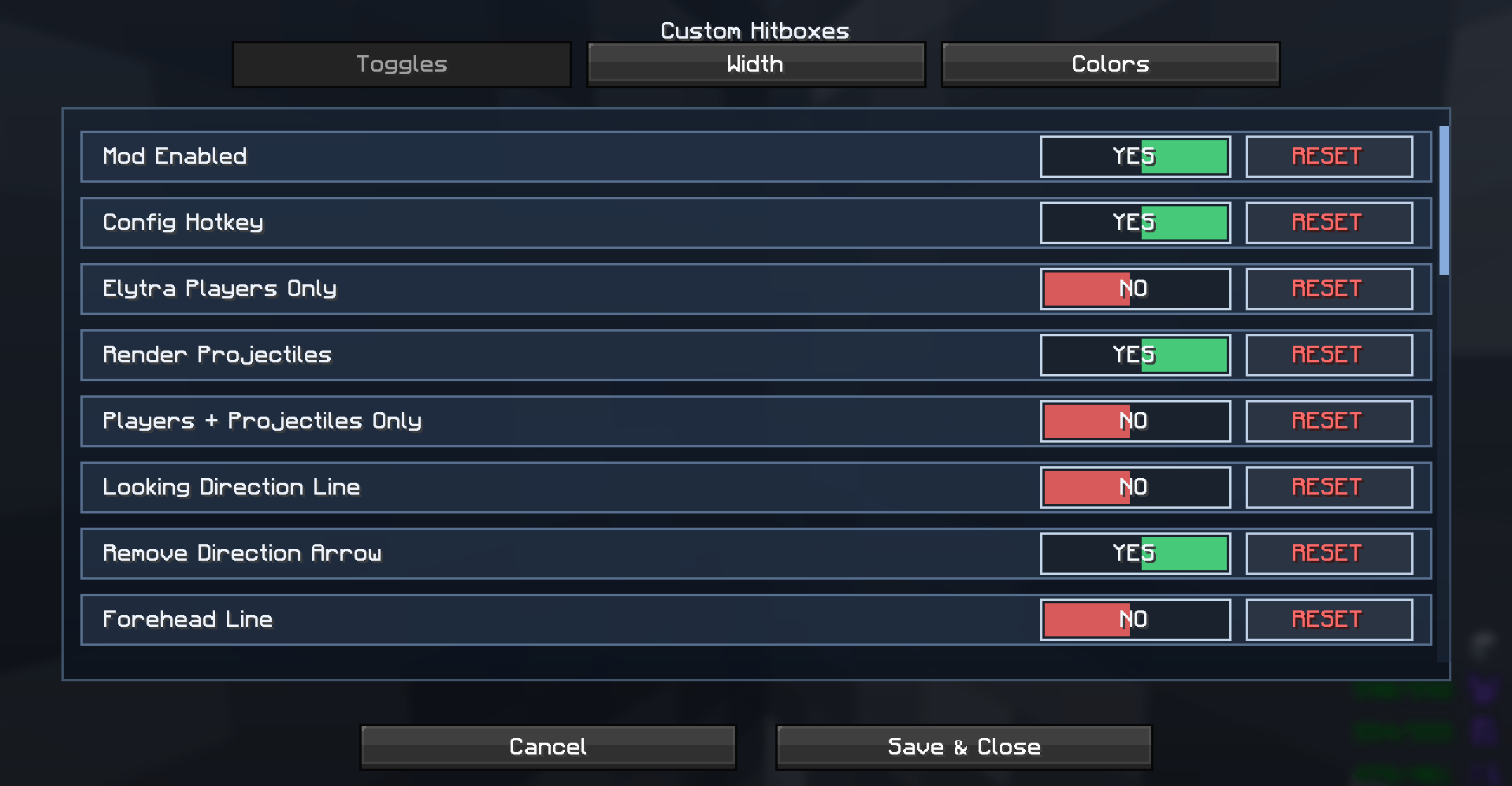
🎯 Player Hitboxes — Toggle player hitboxes ON/OFF.
🐾 Mob Hitboxes — Toggle hostile mob hitboxes.
🐑 Passive Hitboxes — Show hitboxes for passive entities.
🏹 Projectile Hitboxes — Display hitboxes for projectiles.
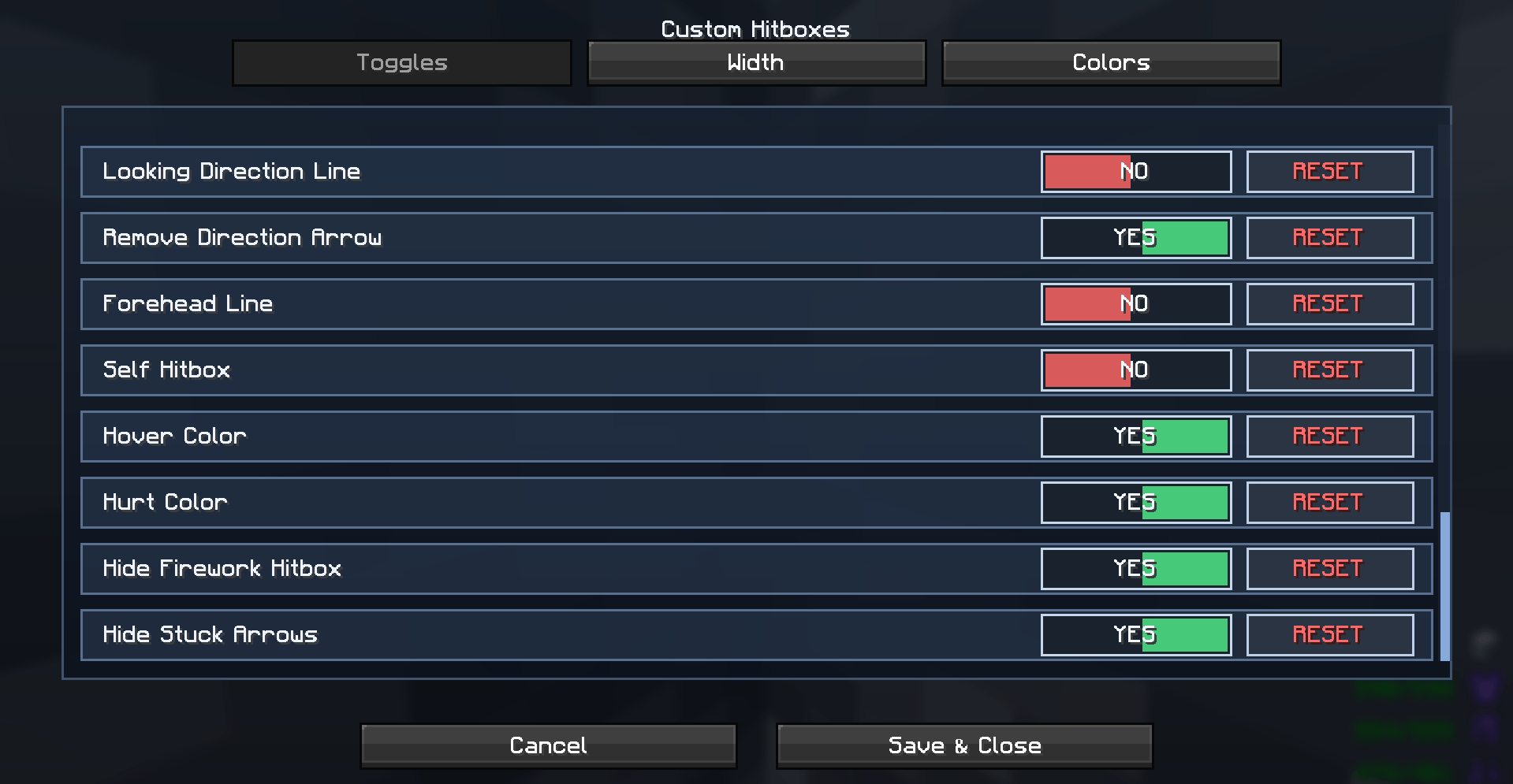
👤 Self Hitbox — Optionally render your own hitbox.
🪽 Elytra Only — Display only players currently using Elytra.
📏 Custom Line Width — Adjust the thickness of hitbox outlines.
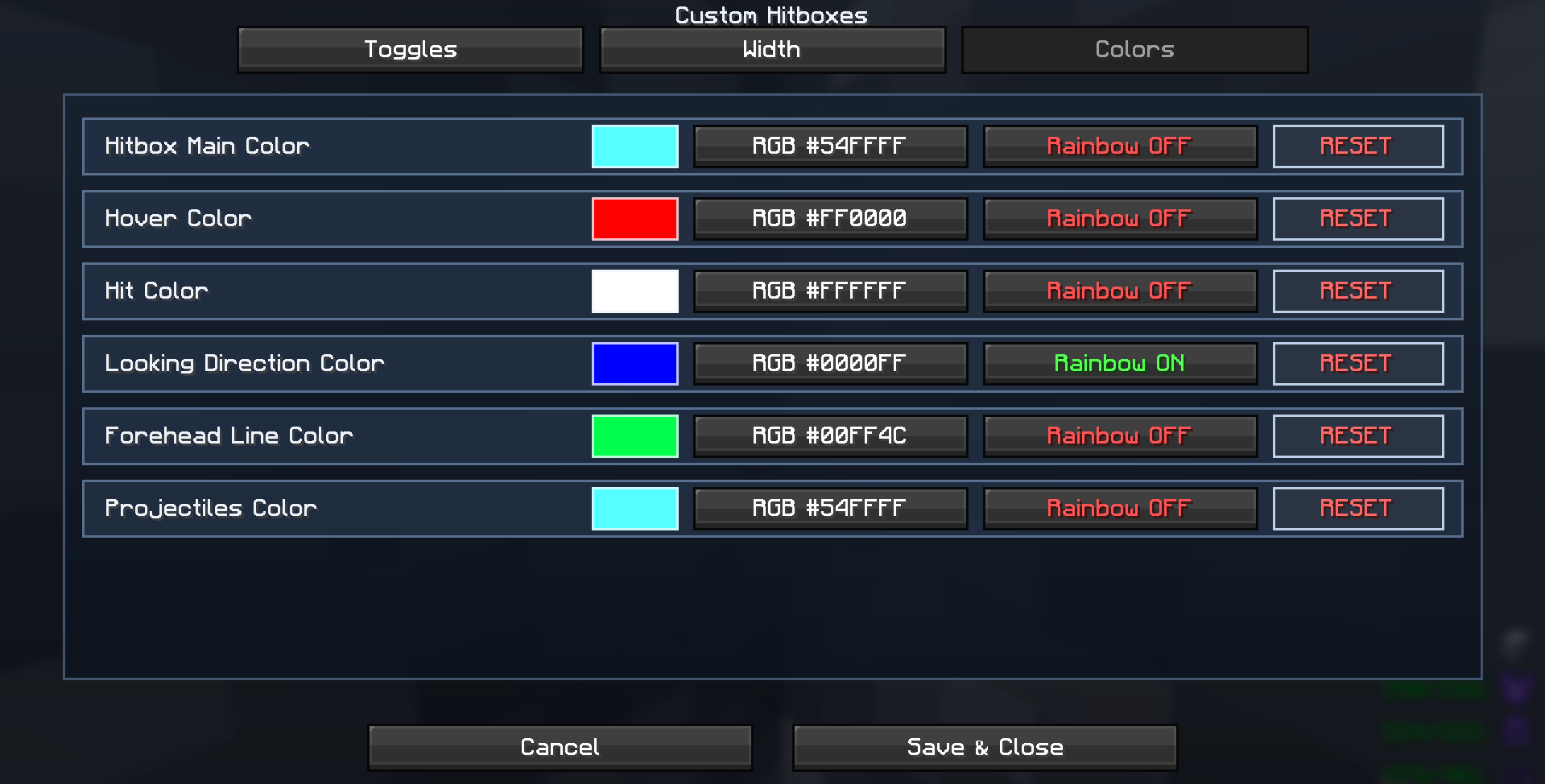
🎨 Custom Colors — Customize hitbox colors for different entity types.
👁️ Eye Position — Toggle eye-position visualization.
➡️ Direction Line — Show the direction an entity is facing.
🏷️ Entity Information — Optionally display entity names and dimensions.
⚙️ Advanced GUI — Manage everything from a simple settings menu with clear toggle buttons.
💾 Save Settings — Save your custom configuration for future sessions.
🎨 Clean & Customizable GUI
HitboxPlus includes a modern, easy-to-understand interface with toggle buttons, color previews, organized settings, and proper screen scaling so the GUI stays usable across different resolutions.
⚡ Lightweight & Client-Side
HitboxPlus is designed to stay lightweight and works on the client side, making it useful for players who want additional hitbox visualization and customization without changing the server.
📦 Mod Information
Minecraft: 1.21.11
Mod Loader: Fabric
Side: Client-side
Version: 1.0.0
Made by ItzUnrealXD ❤️
常见问题
Hitbox Plus+ Utility 支持哪些 Minecraft 版本?
Hitbox Plus+ Utility 支持 Minecraft Java 版 1.21.10–26.2,共 5 个版本,可用的加载器:Fabric。下载时注意选择和你游戏版本一致的文件。
Hitbox Plus+ Utility 怎么安装?
先用 PCL2 或 HMCL 启动器安装对应版本的 Fabric,再把下载的 .jar 文件放进游戏目录的 mods 文件夹,重新启动游戏即可。开启了版本隔离的,mods 文件夹在 versions/版本名 下面。
评论
登录后评论和评分