
Arcane Archives: Reborn
A magical mass storage solution, rebuilt for modern Minecraft. Create networks of storage to easily manage and transfer items and fluids across long distances.
截图
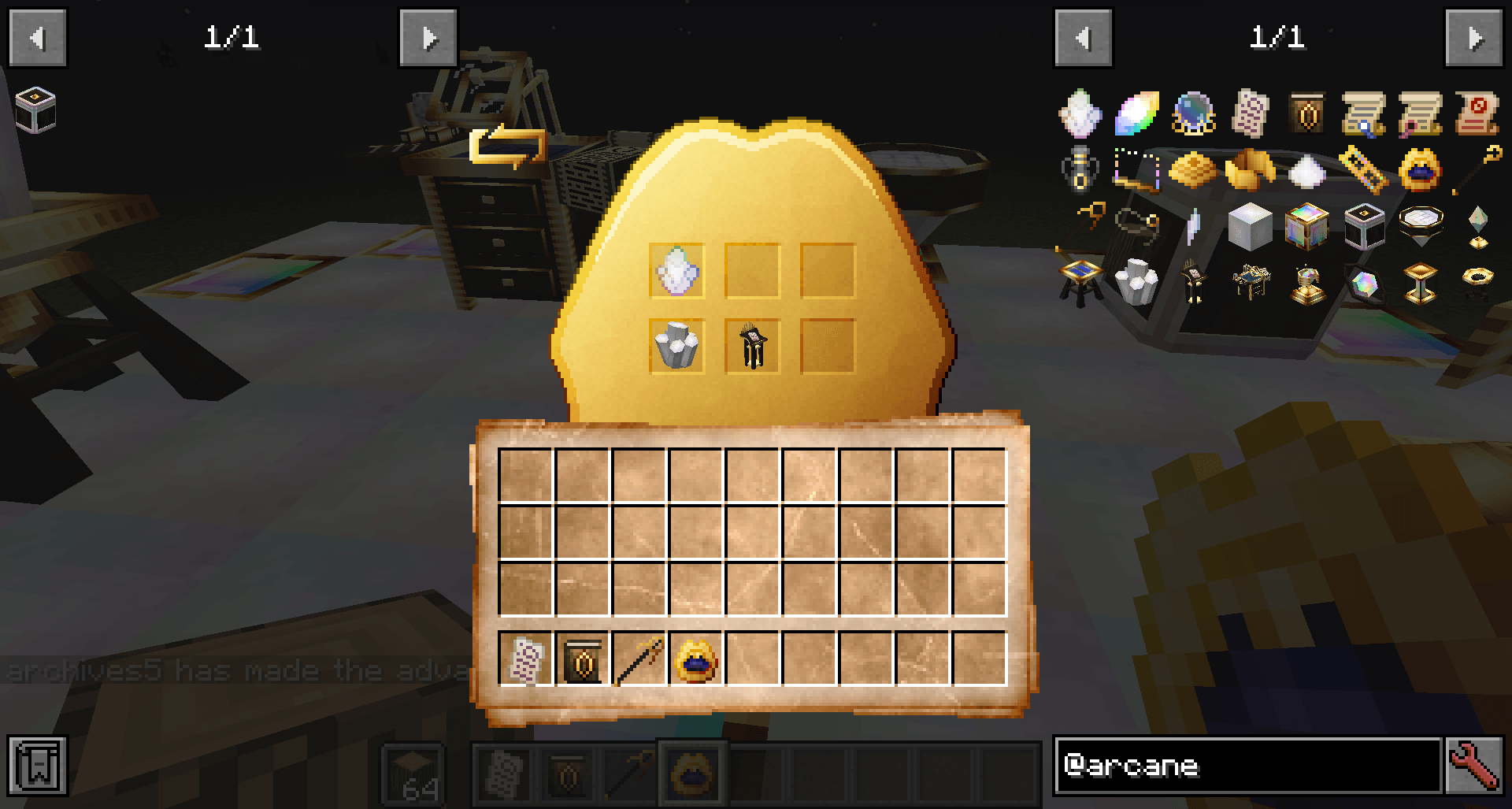
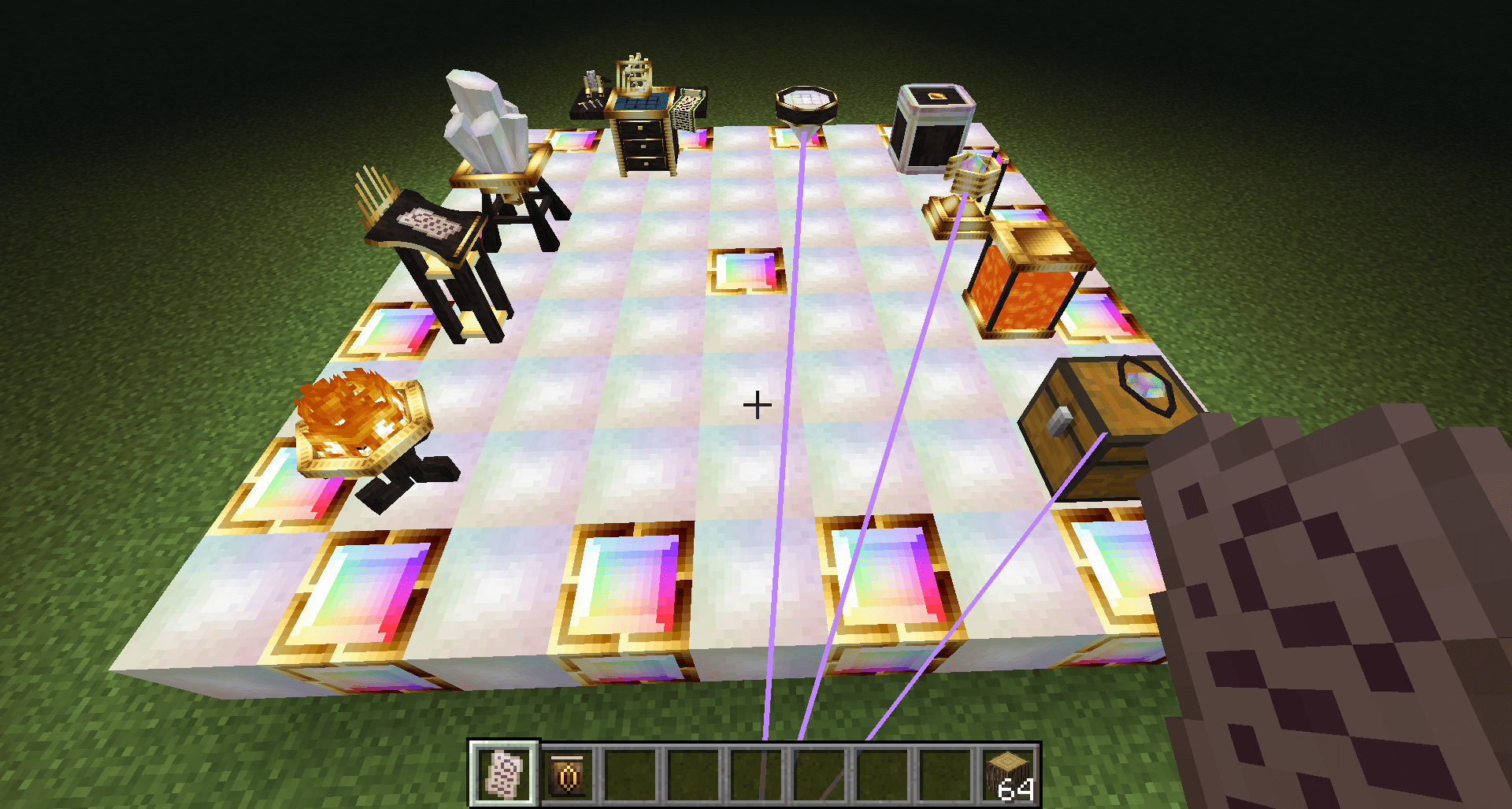
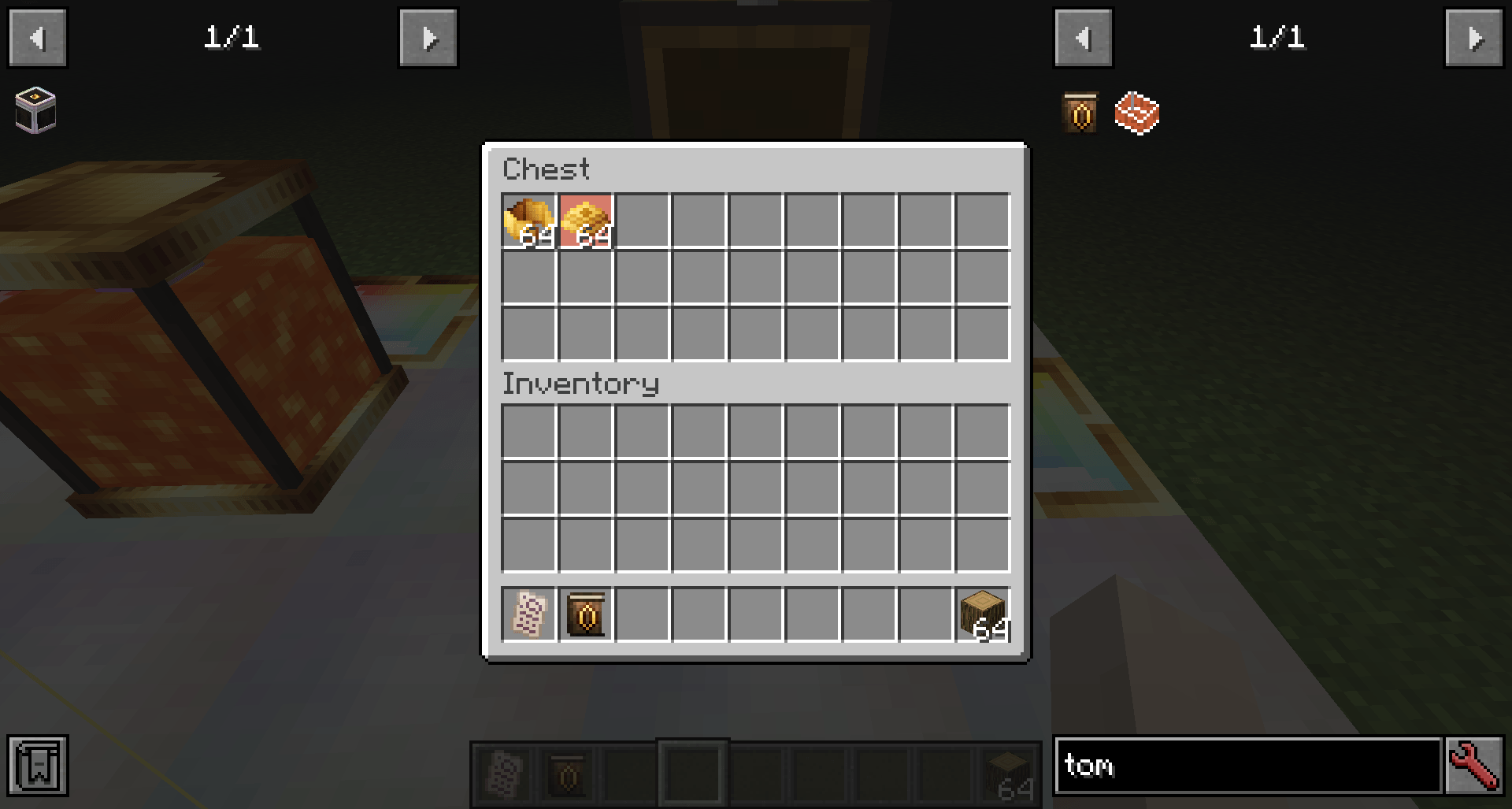
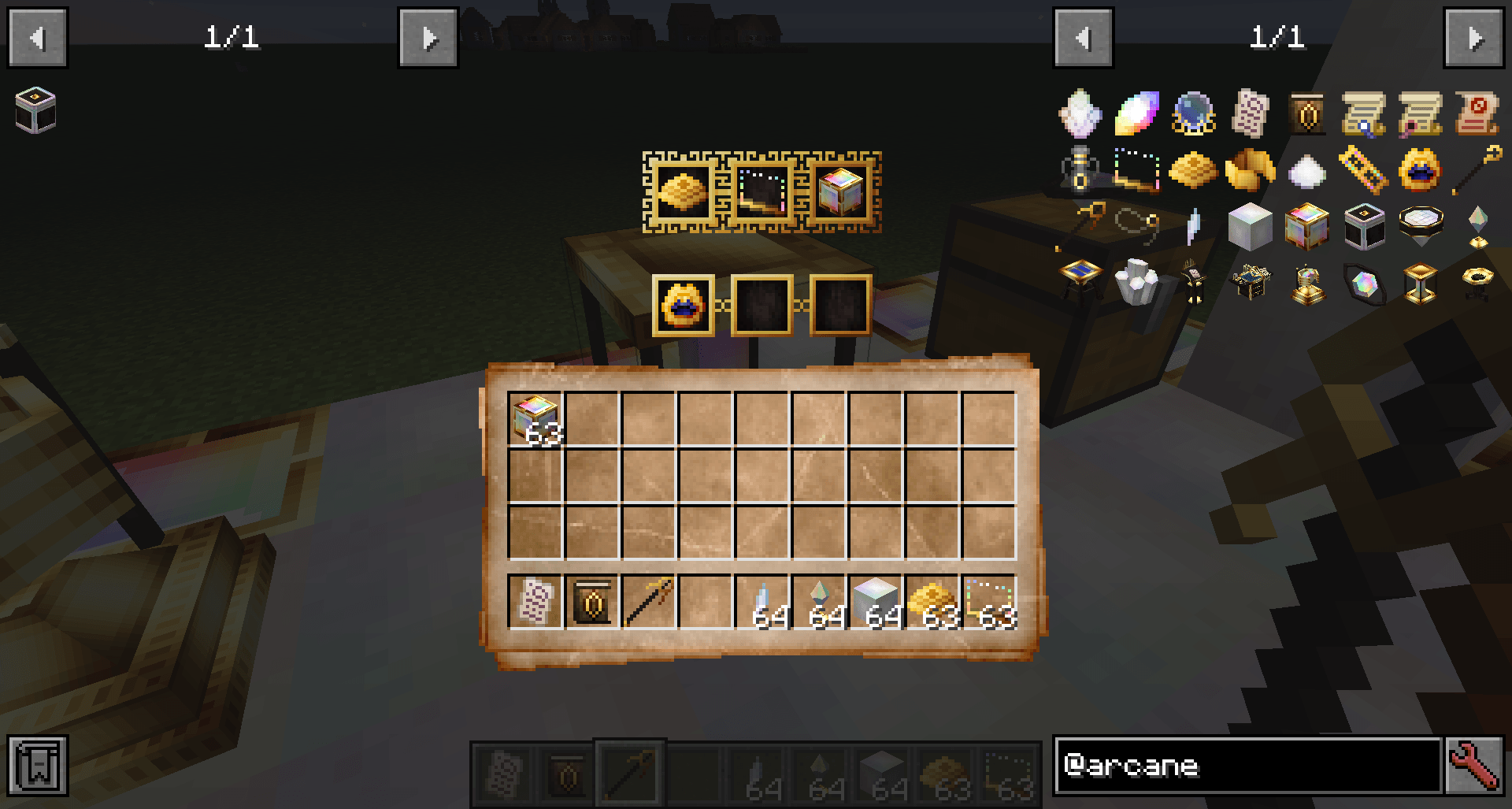
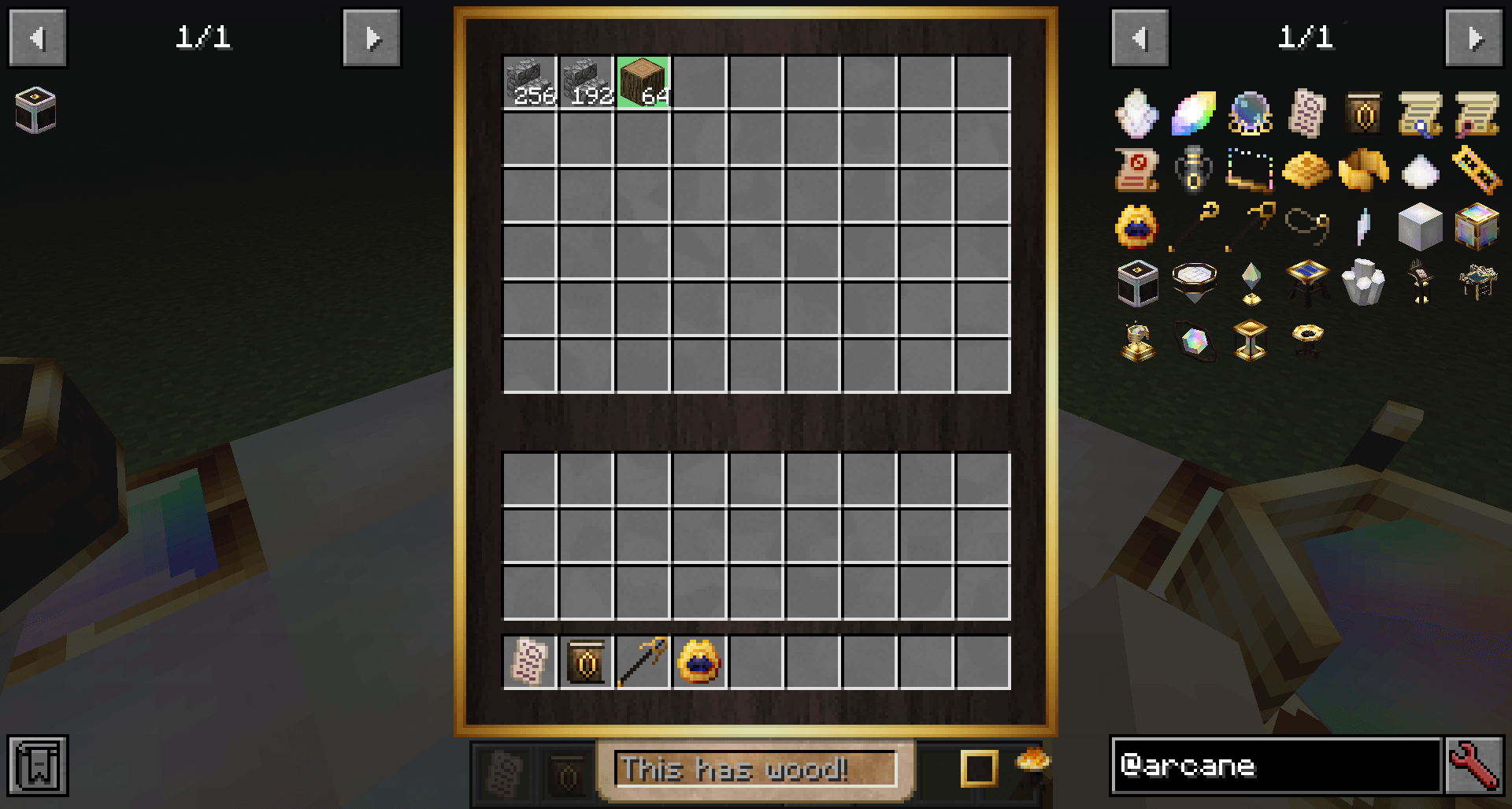
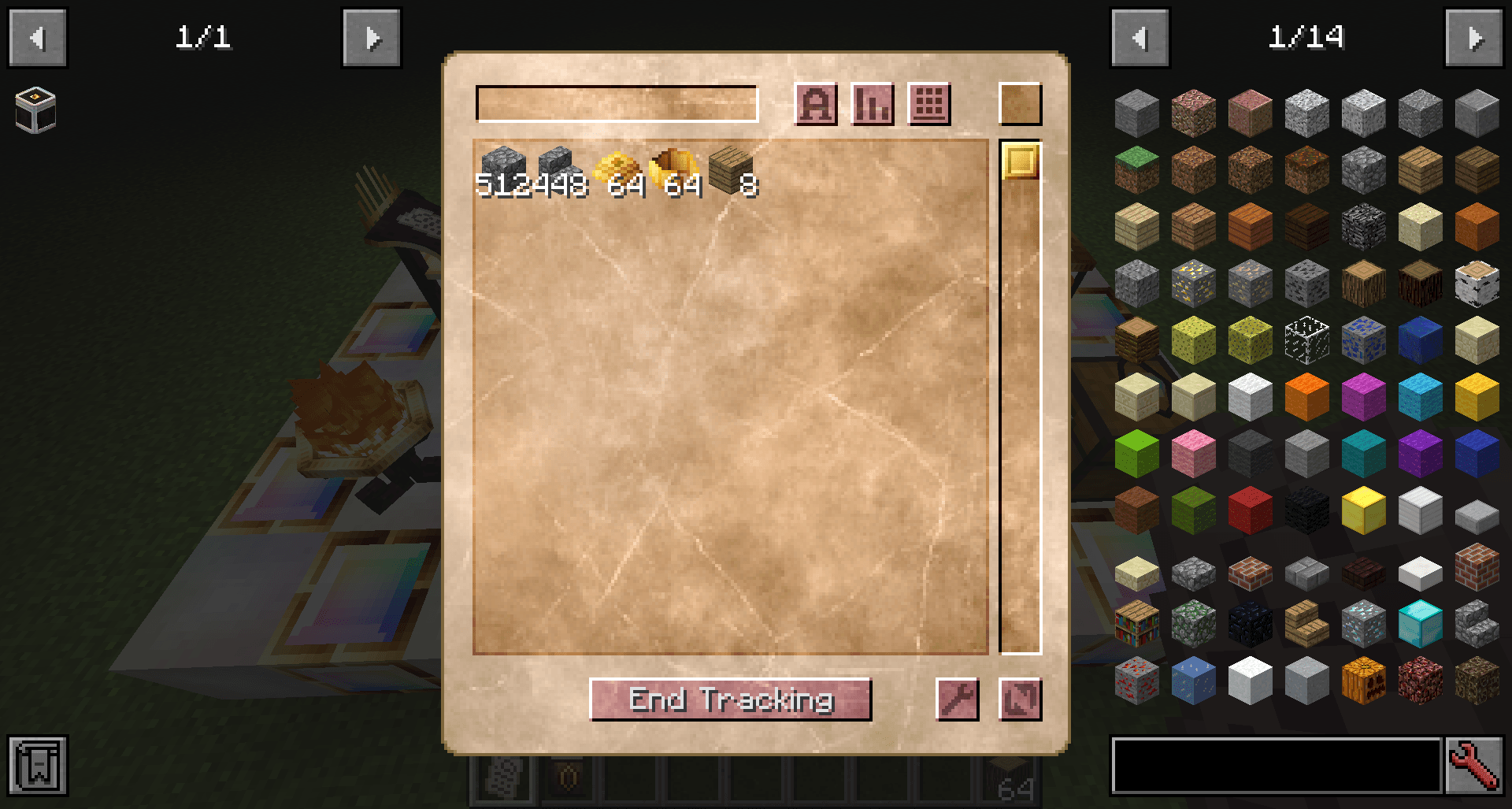
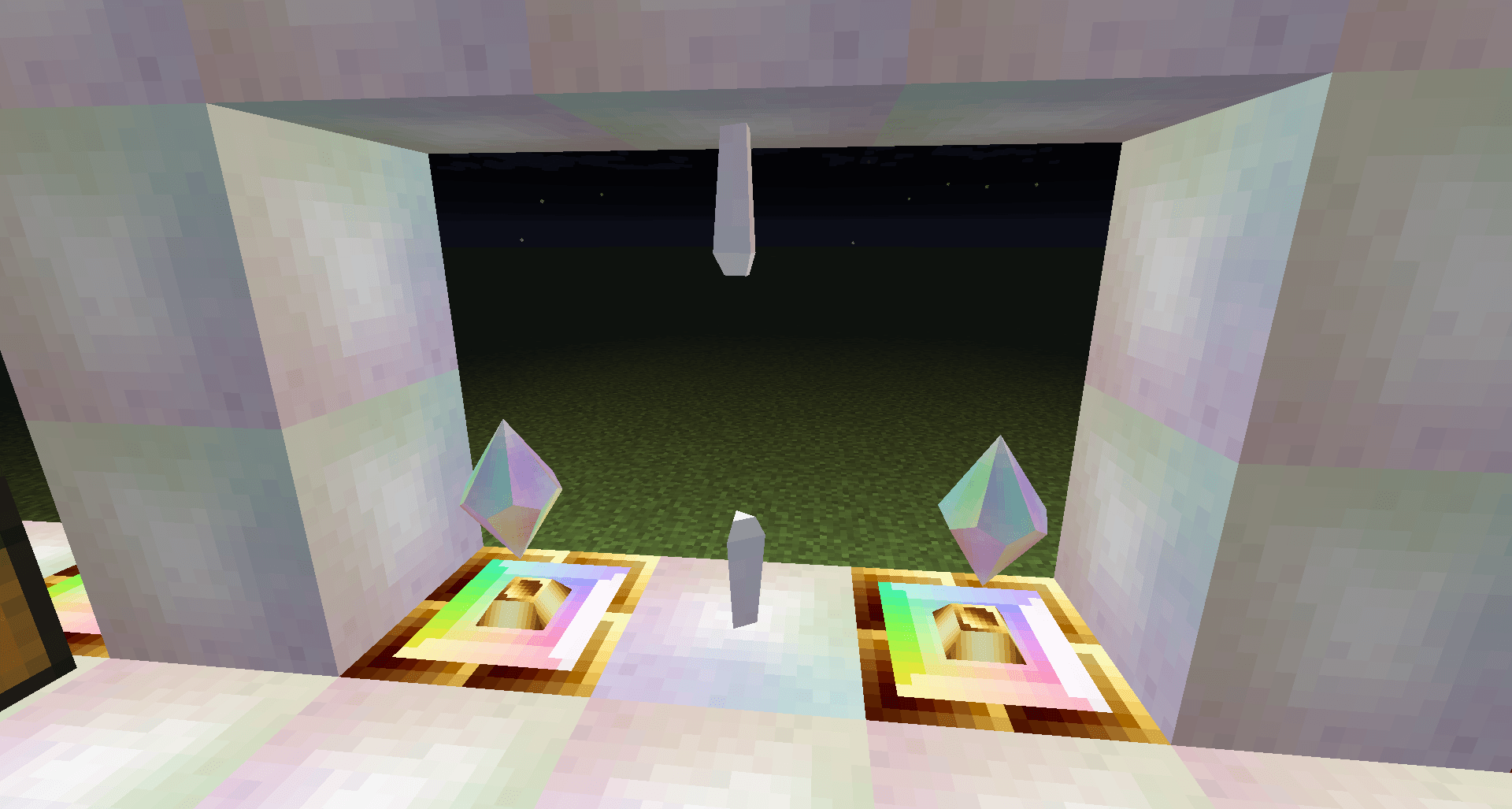
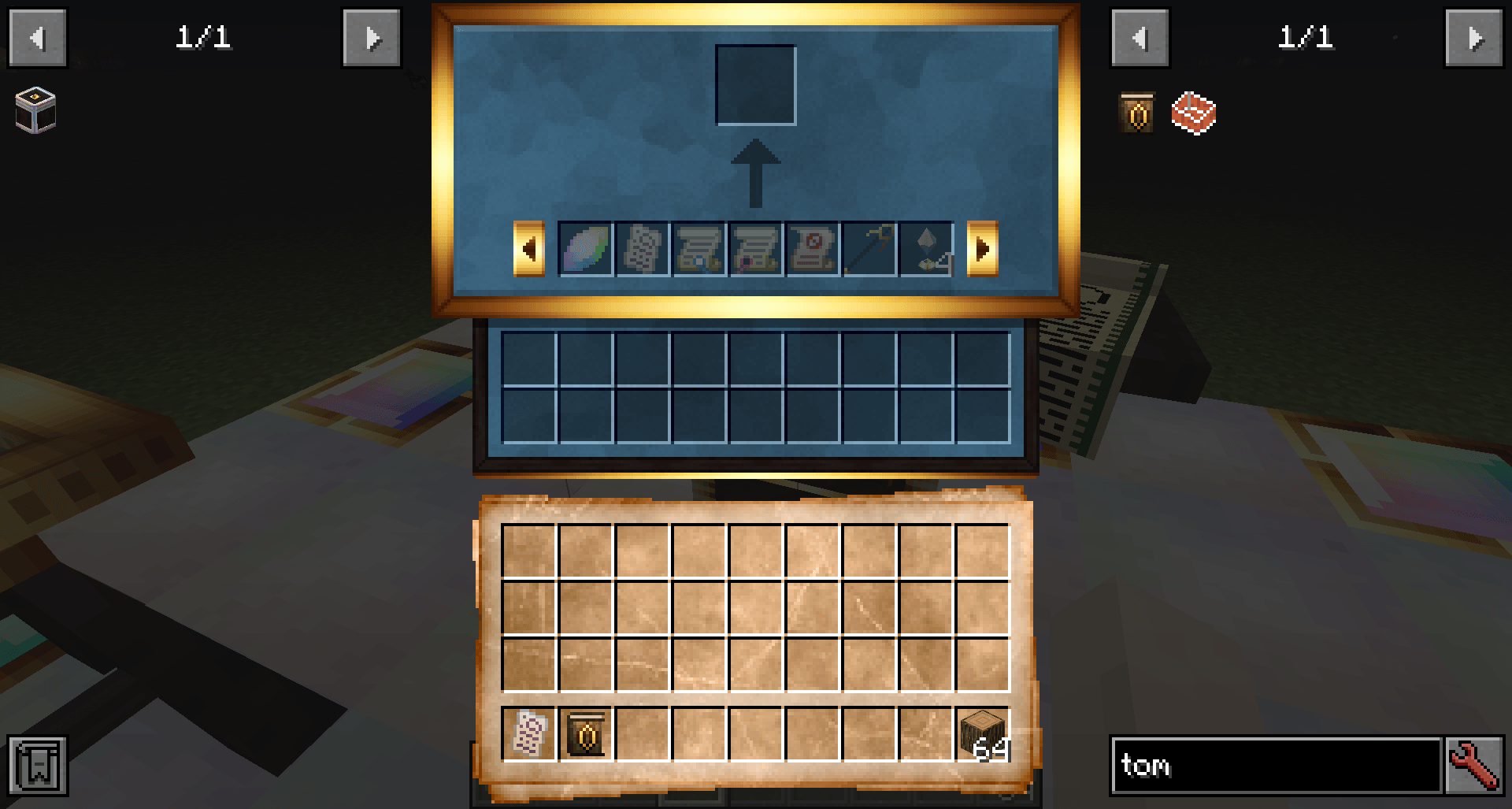
介绍

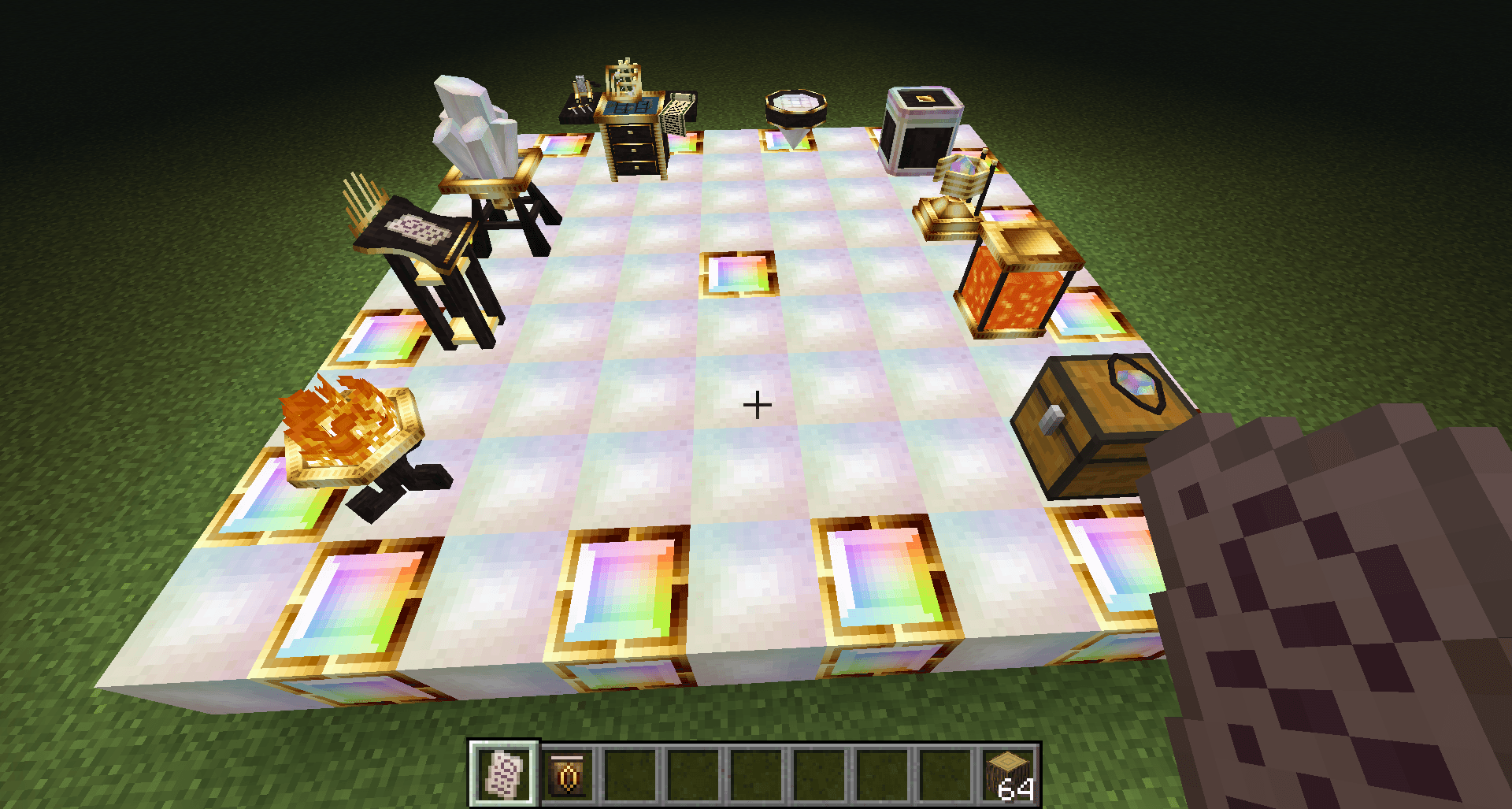
Arcane Archives: Reborn is a modern remaster of the classic Arcane Archives mod by AranaiRai. It is a storage mod with magical flair, letting you manage items and fluids across great distances via crystal-powered networks.
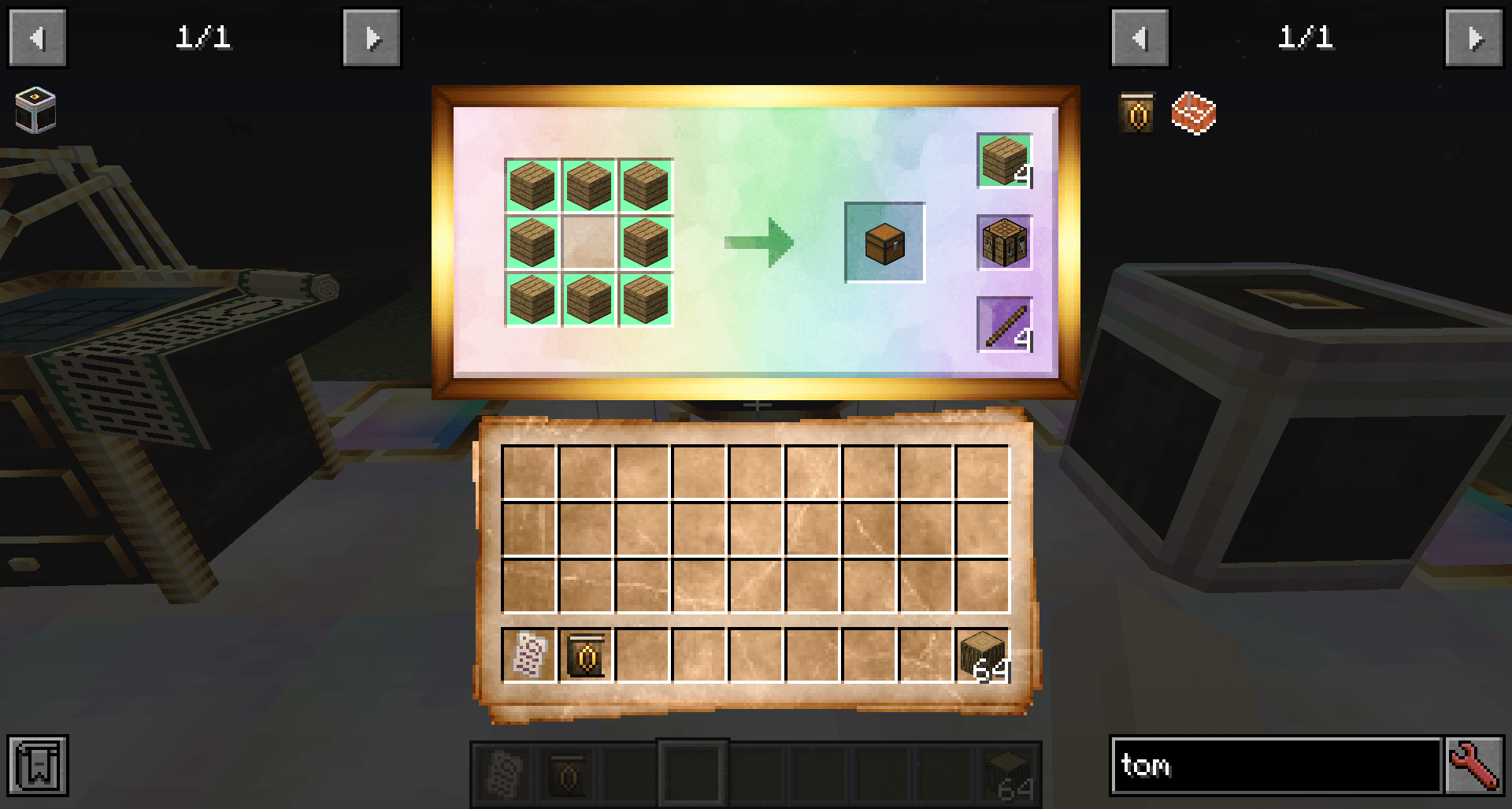
To get started, break a bookshelf, or craft a Radiant Resonator to receive a Tome of Arcana, the in-game documentation book. Tomes of Arcana can also be crafted directly with a book and a gold nugget.

Early game storage added by Arcane Archives includes:
The Radiant Chest, a 54-slot chest with quadruple stack size limits.
The Radiant Tank, a fluid-storing block that can be remotely filled and emptied with a bucket called a Radiant Amphora.
The Radiant Trove, a storage device that can hold up to 1024 stacks of a single type of item or block.
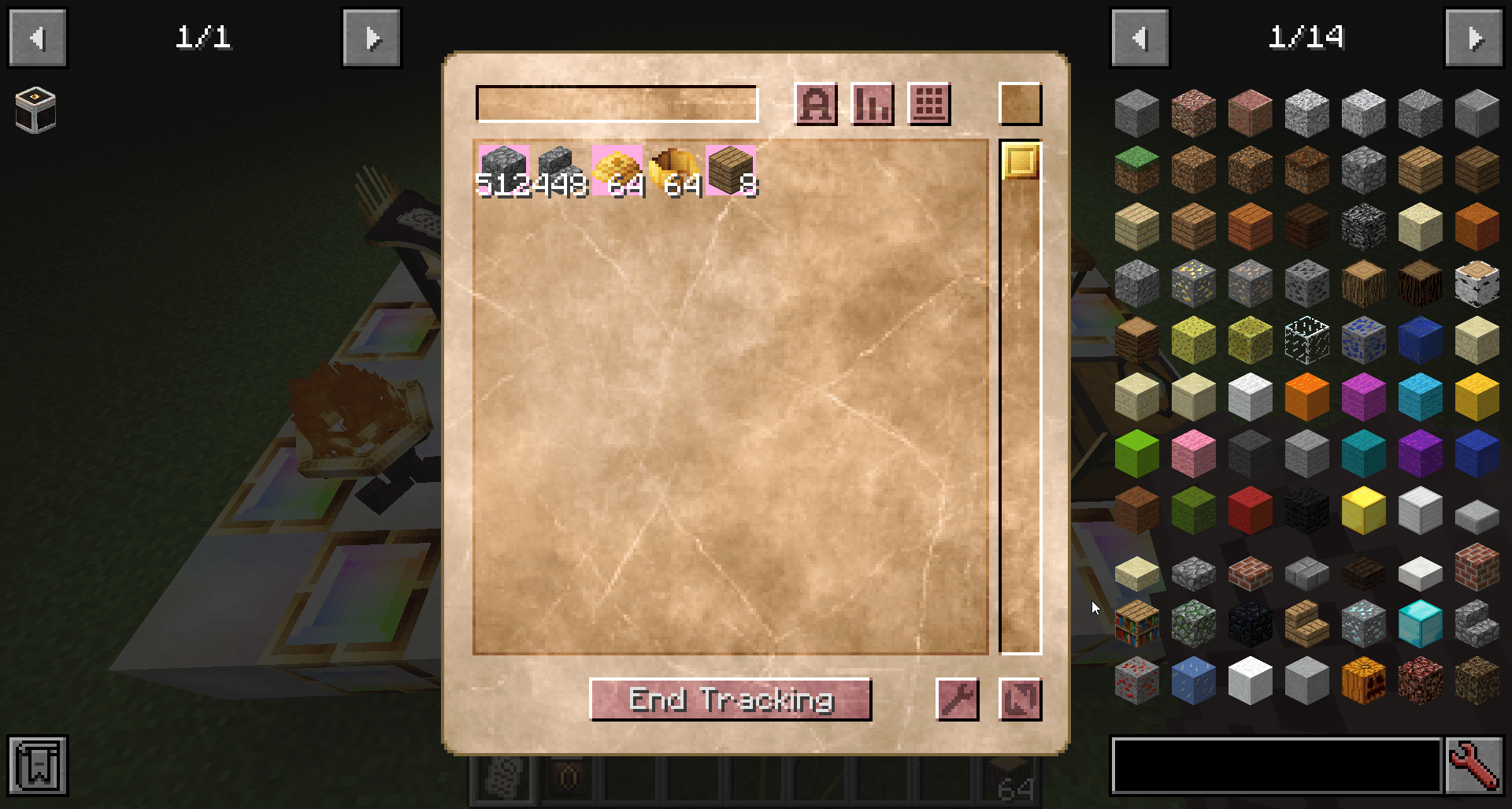
Tanks and Troves can be upgraded to hold up to 10x their starting capacity. Furthermore, any items or blocks stored in Radiant Tanks or Troves can also be easily tracked and located with an item called a Manifest.

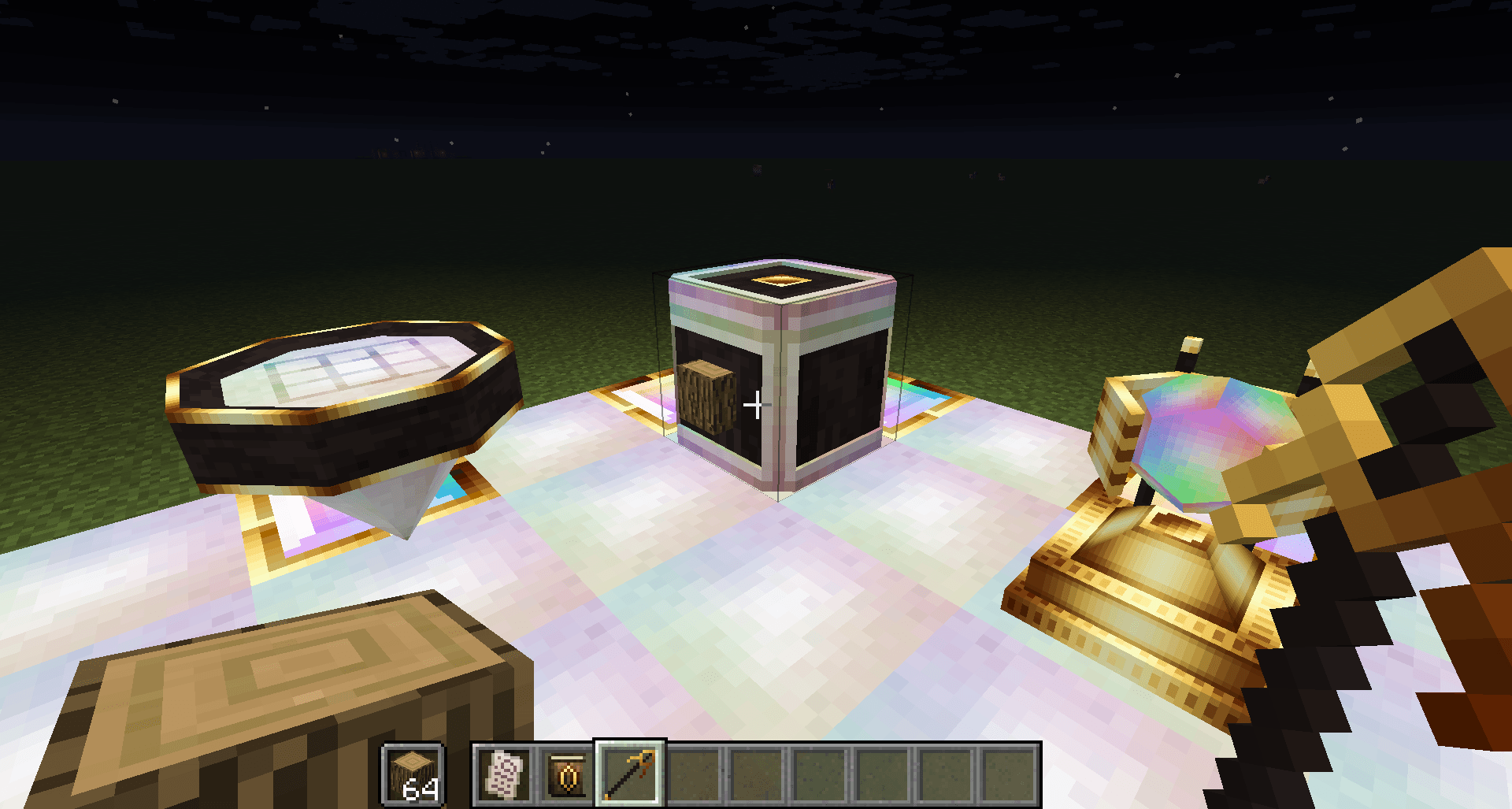
Items can also be inserted into Radiant Troves and Tanks remotely by tossing them in a Brazier of Hoarding.
If you’d prefer a video to explain what’s going on, check out this spotlight:
Credits: This mod was originally created by AranaiRai, but has since been abandonded for many years. Since the mod uses an MIT license, this permits outside use, modification, and distribution of the source code. While I have rebuilt this entire mod from scratch for the latest versions of Minecraft, the credits for the original idea and textures goes to AranaiRai.
常见问题
Arcane Archives: Reborn 支持哪些 Minecraft 版本?
Arcane Archives: Reborn 支持 Minecraft Java 版 1.20.1–26.3,共 7 个版本,可用的加载器:Forge / NeoForge。下载时注意选择和你游戏版本一致的文件。
Arcane Archives: Reborn 怎么安装?
先用 PCL2 或 HMCL 启动器安装对应版本的 Forge / NeoForge,再把下载的 .jar 文件放进游戏目录的 mods 文件夹,重新启动游戏即可。开启了版本隔离的,mods 文件夹在 versions/版本名 下面。
TechnoVision 的其他作品
查看全部 →
铁箱子 [Fabric] Iron Chests
Fabric 1.16.2 版铁箱子移植

ChemLib (Fabric)
包含各种元素和化合物的物品

Anima: Soul Magic
在这款《无形》的精神续作中掌握禁忌的灵魂魔法与死灵法术。收割灵魂、施展强大法术、建造灵魂驱动的机械,并附身于你自己创造的躯体。

Alchemistry (Fabric)
操控化学元素,灵感源自 Minechem
评论
登录后评论和评分