
Vandor Labs
A sci-fi minecraft mod that adds customizable sci fi blocks, ramps, elevators, escalators, sliding doors, buildable drivable vehicles, and much more!
截图
介绍
Vandor Labs
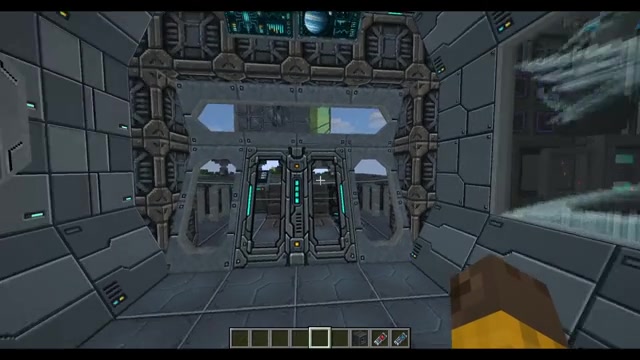
Build starships and sci-fi bases in Minecraft Forge 1.12.2. Vandor Labs adds
customisable building blocks, animated displays, working mechanisms and
redstone-controlled lighting and effects. Version 2.7 expands Classic, Cool and
Gold display artwork, adds independent frame finishes and configurable glazing,
and gives transmitting blocks adjustable range and local redstone output.
- Build: hull panels, blocks, slabs, stairs, ramps, diagonal walls, pipes, vents, padding, glass and portholes. Share artwork across matching faces with Tile, Stretch or aspect-preserving Fit layouts.
- Furnish: configurable storage, plus chairs and connected seating.
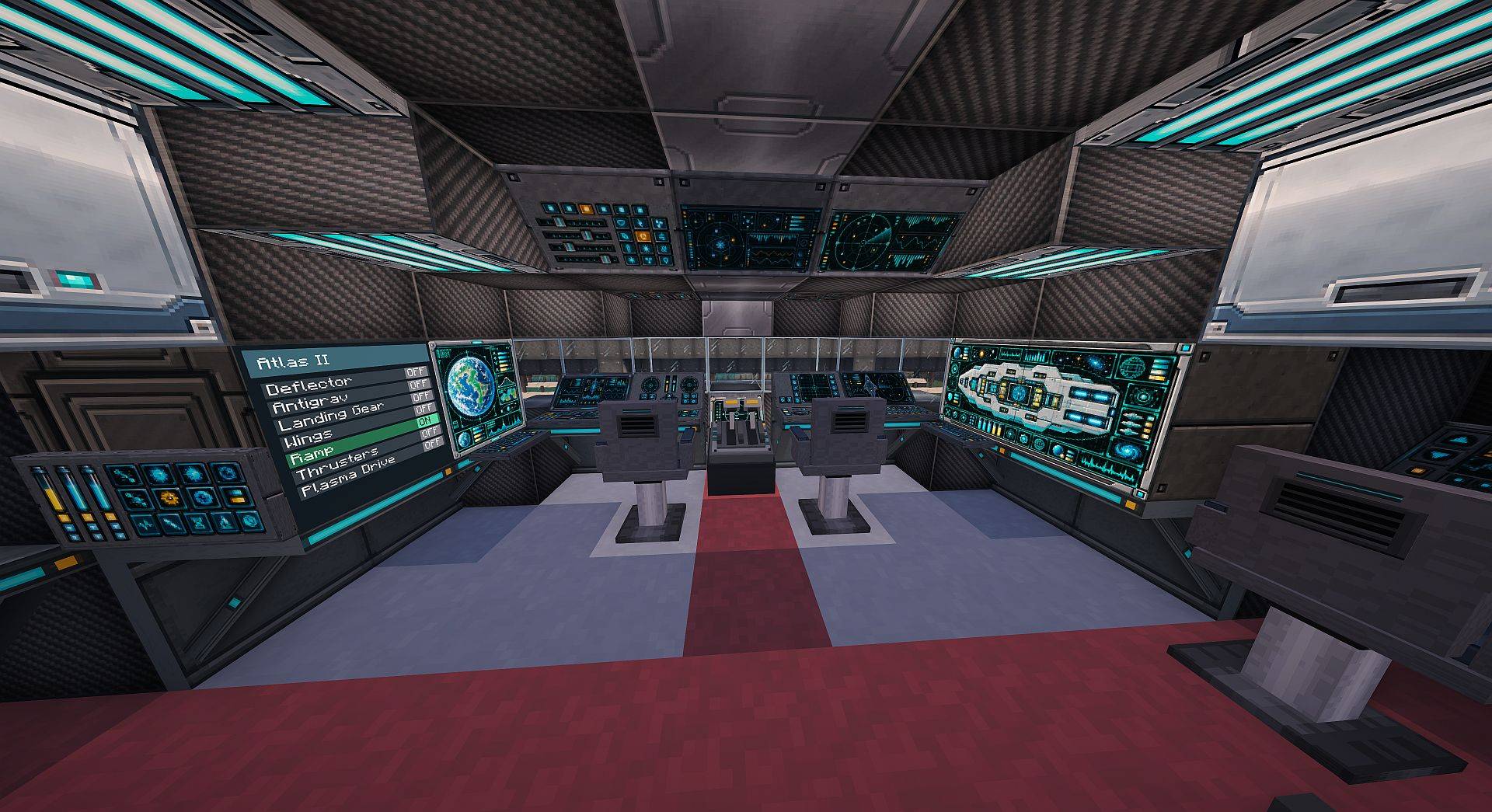
- Display: planet and ship viewscreens, animated bridge/engineering panels, consoles and interactive inputs. Choose Classic, Cool or Gold artwork in Full and Half layouts, with company control panels and larger designs for wide installations. Configure frame finishes and split displays separately from the artwork.
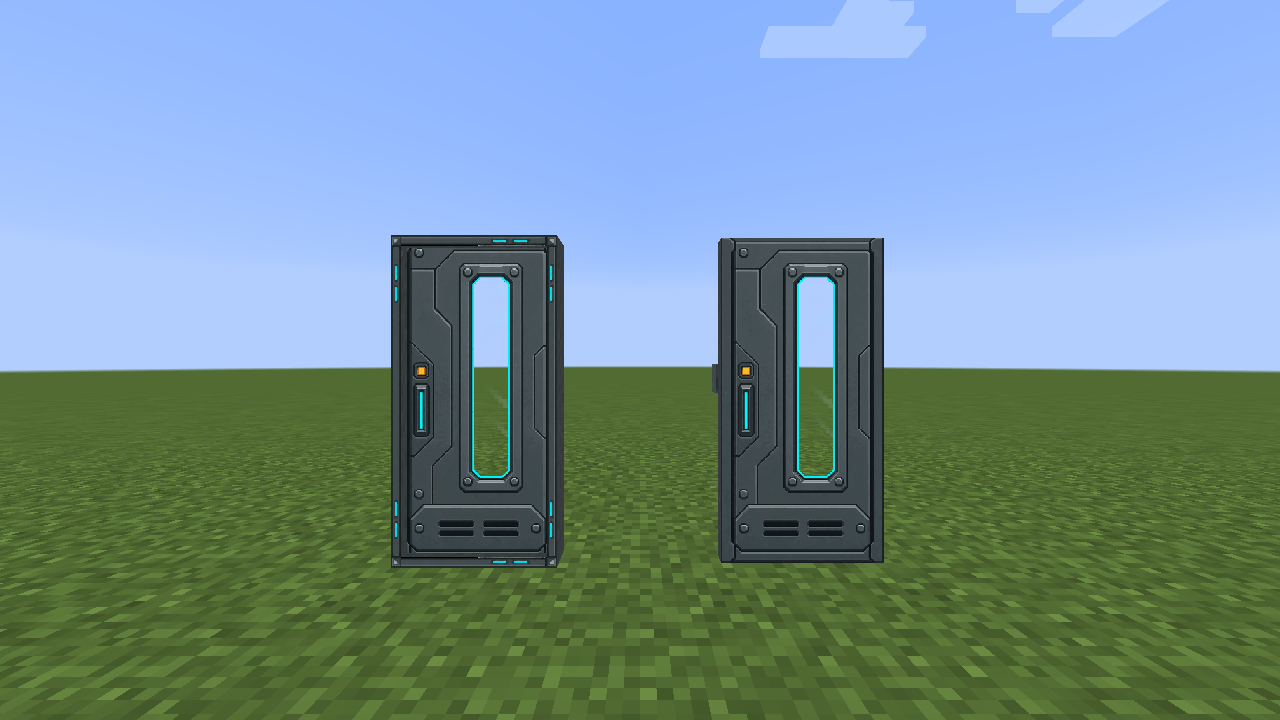
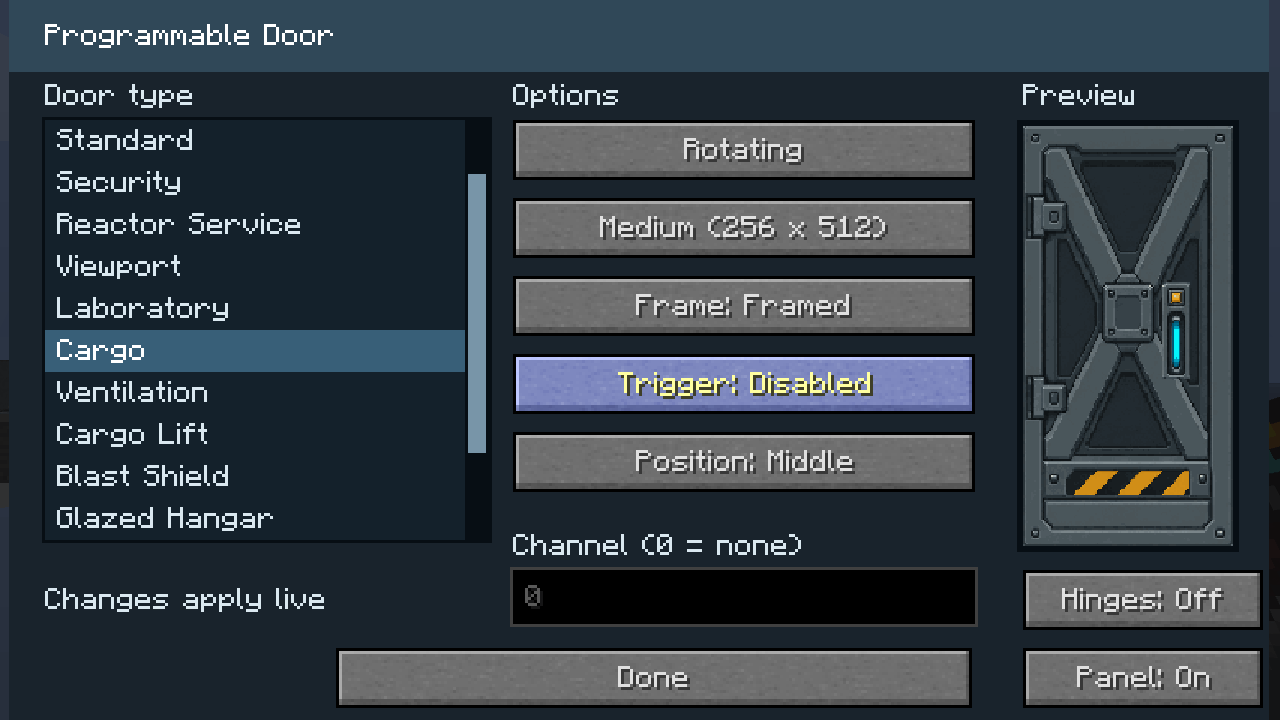
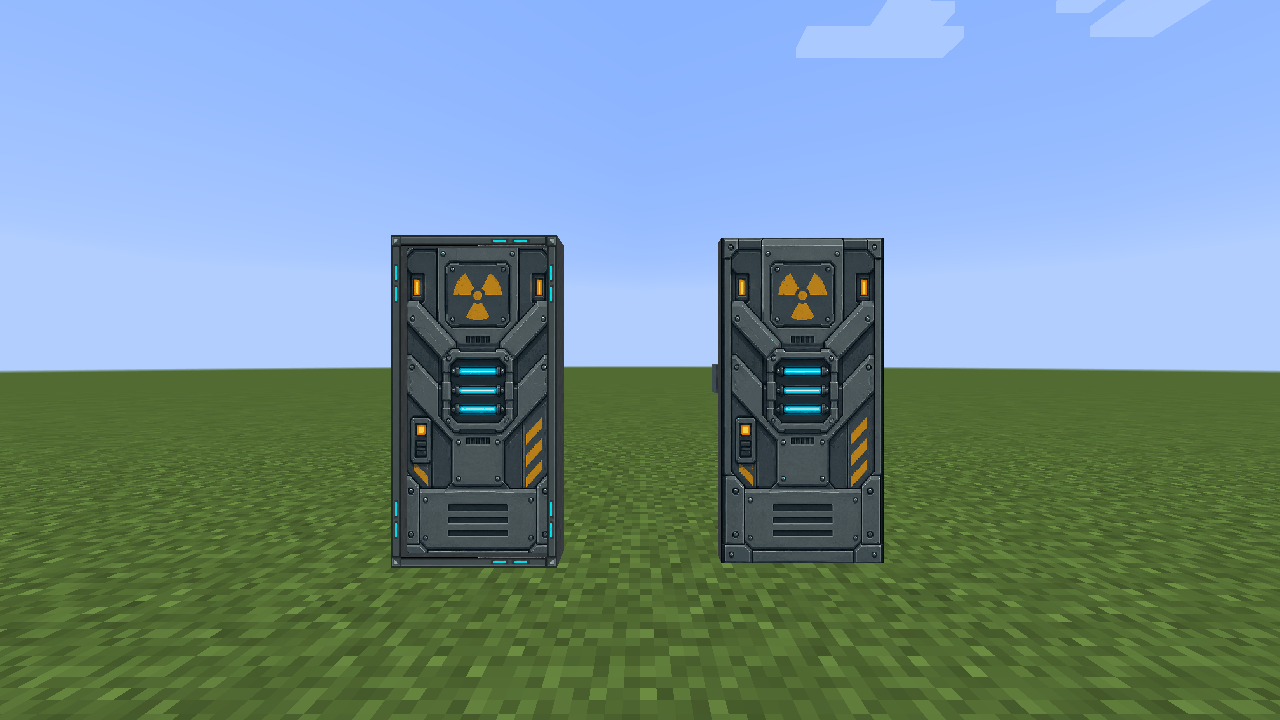
- Open: configurable doors, including large double doors, trapdoors and diagonal hatches, with sliding/rotating motion and joined groups.
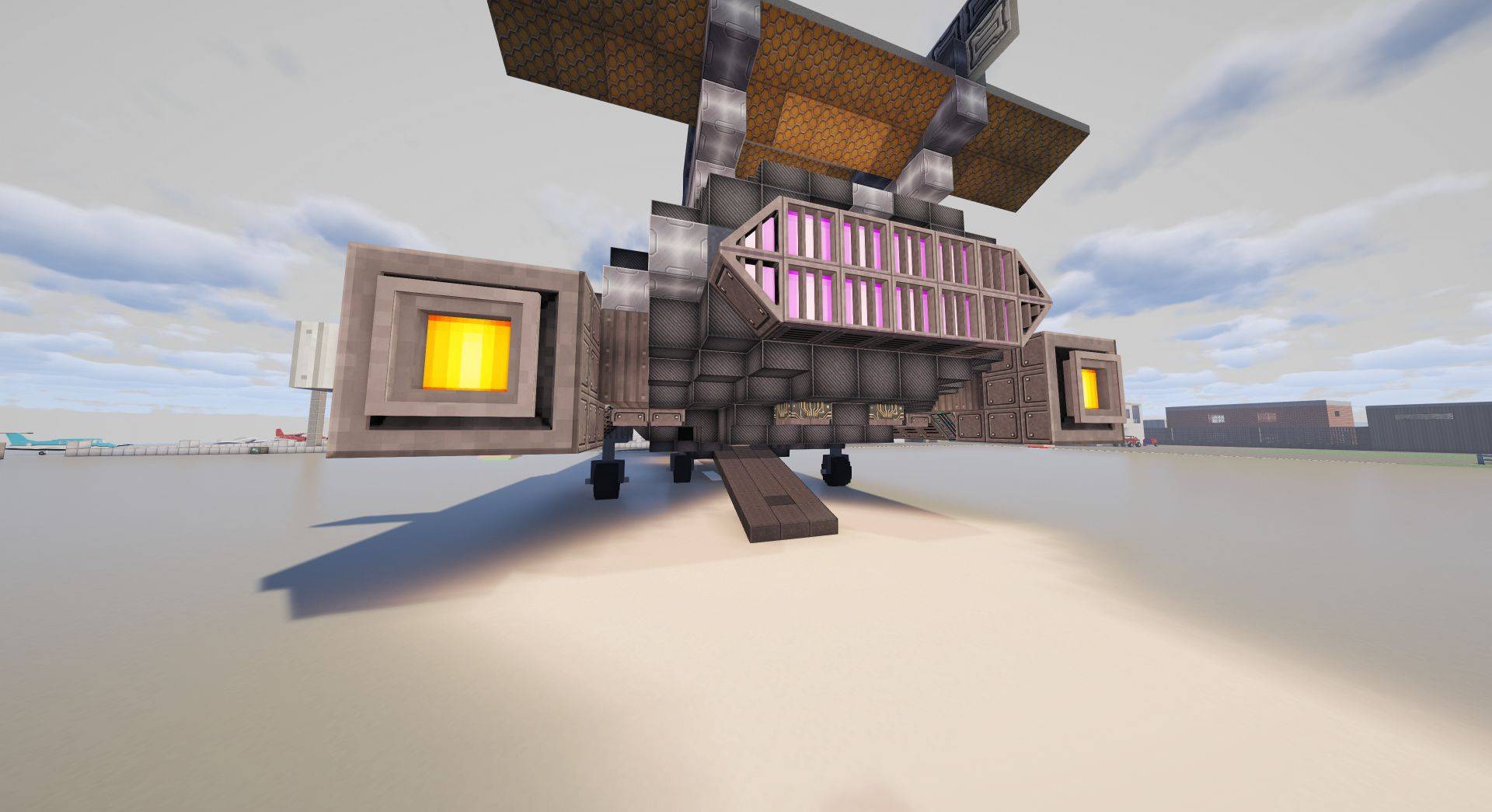
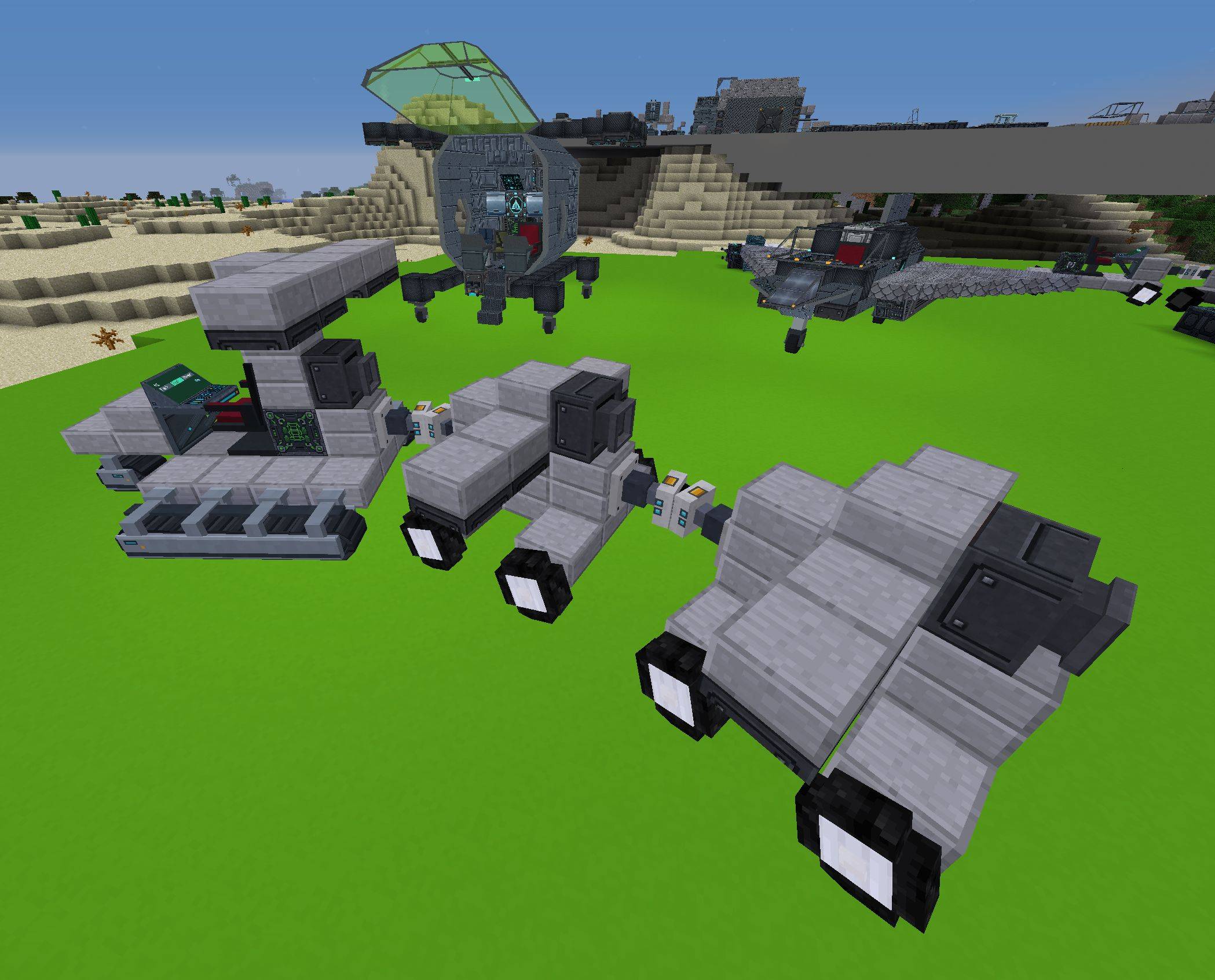
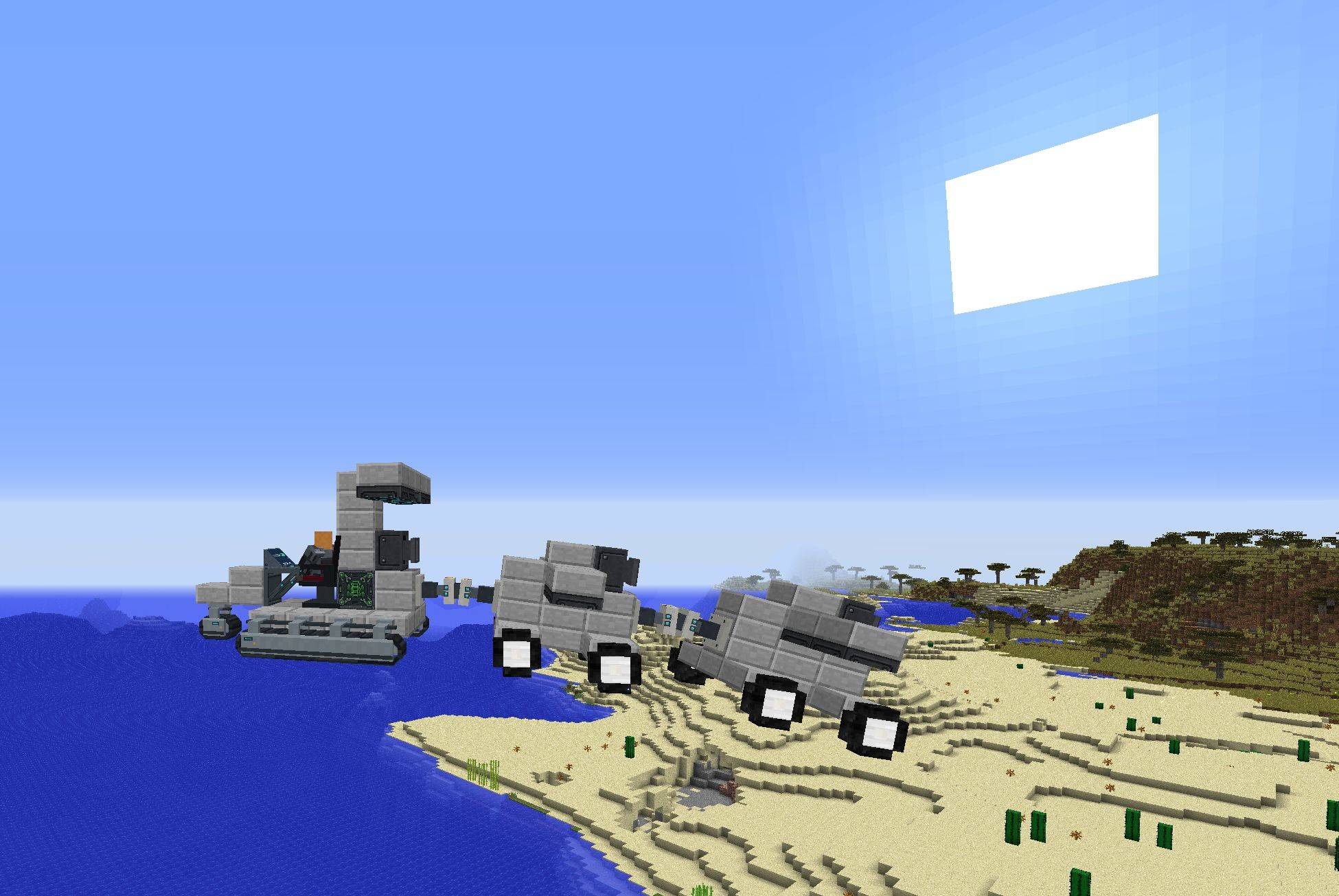
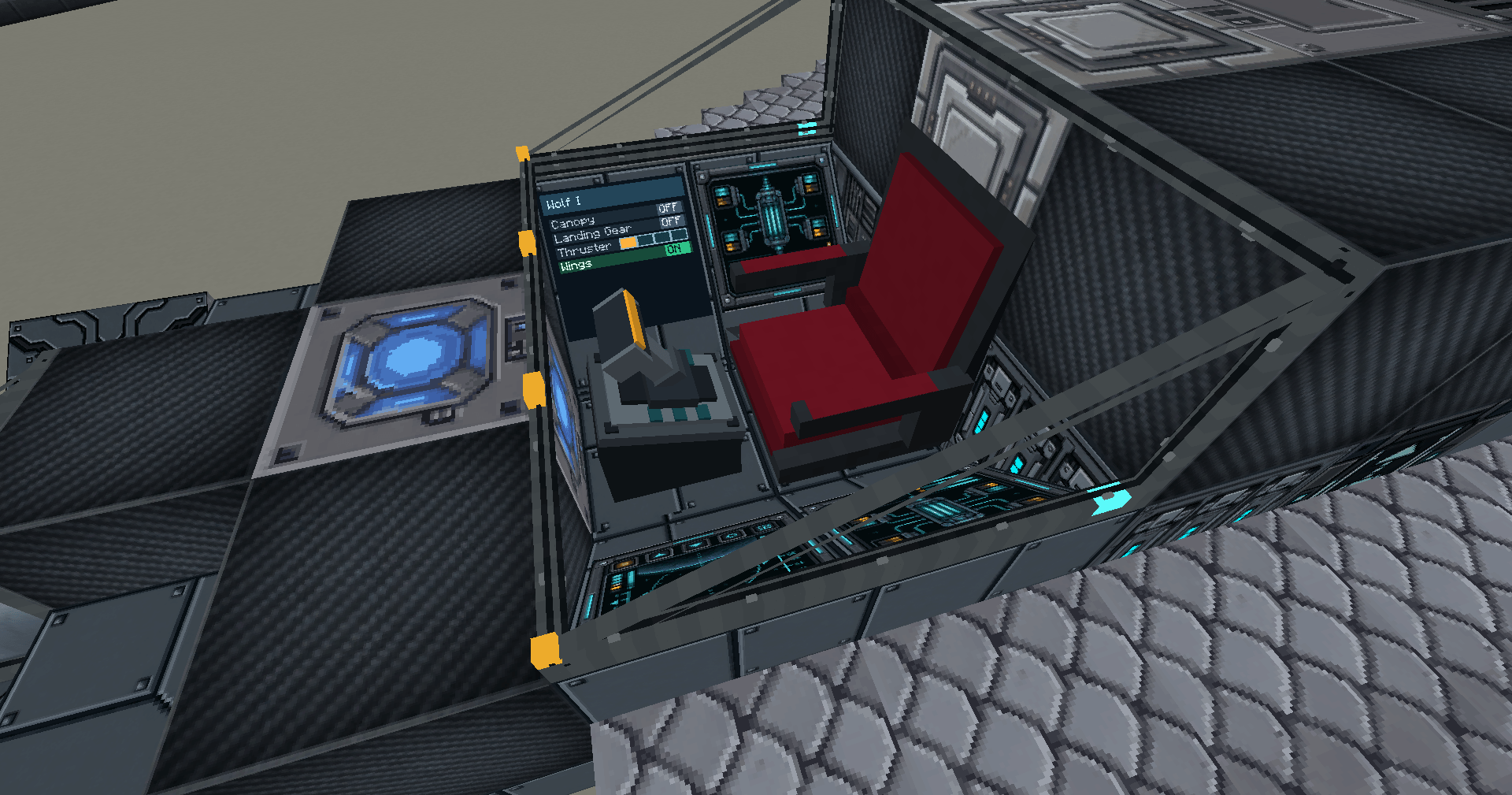
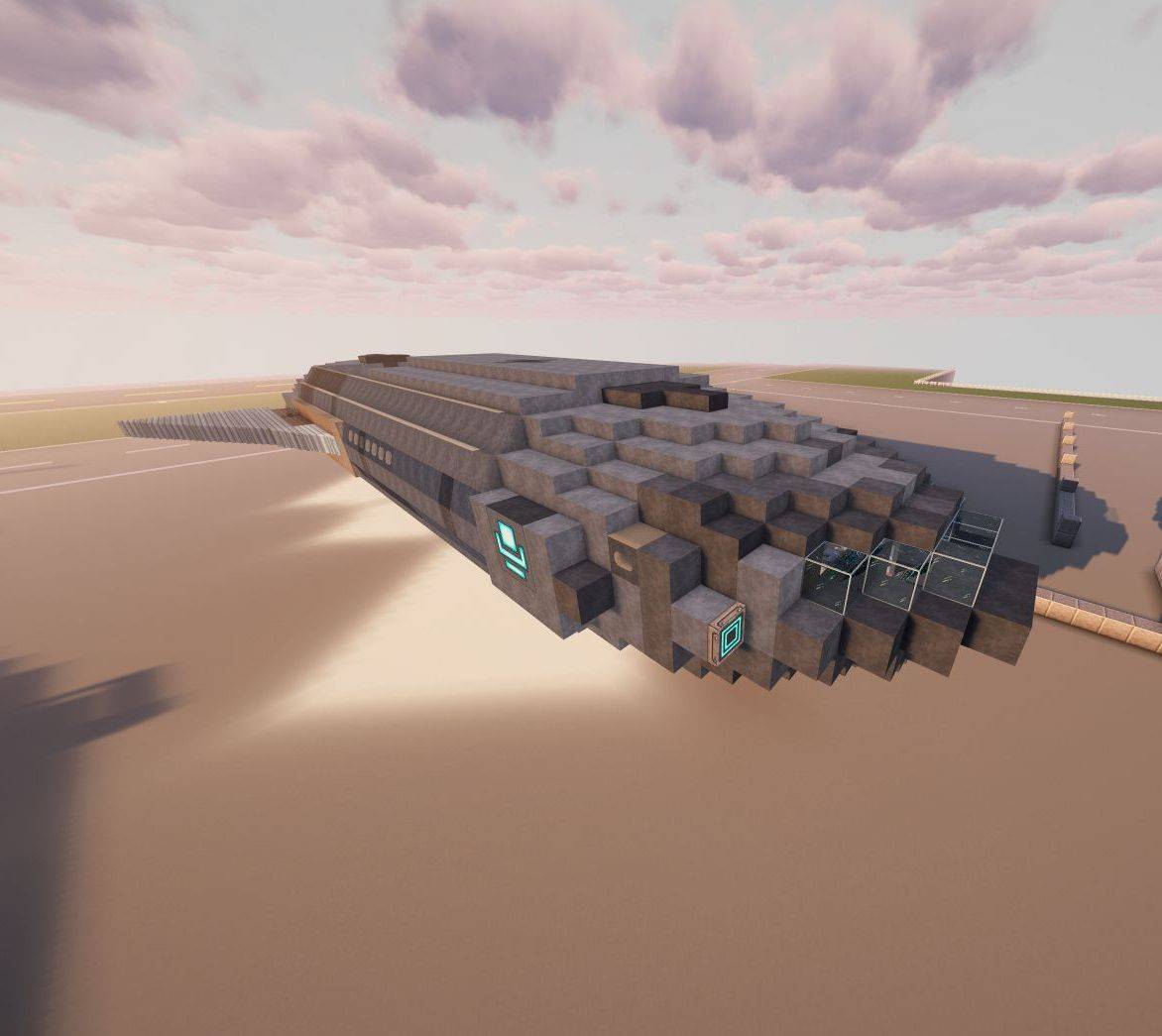
- Drive and hover: Pilot Seat vehicle modes turn a connected craft into a Taxi or equipped Hover vehicle, preserving blocks and settings when parking. Add Autopilot and Waypoints for planned routes; sprint accelerates hover travel with engine-specific exhaust.
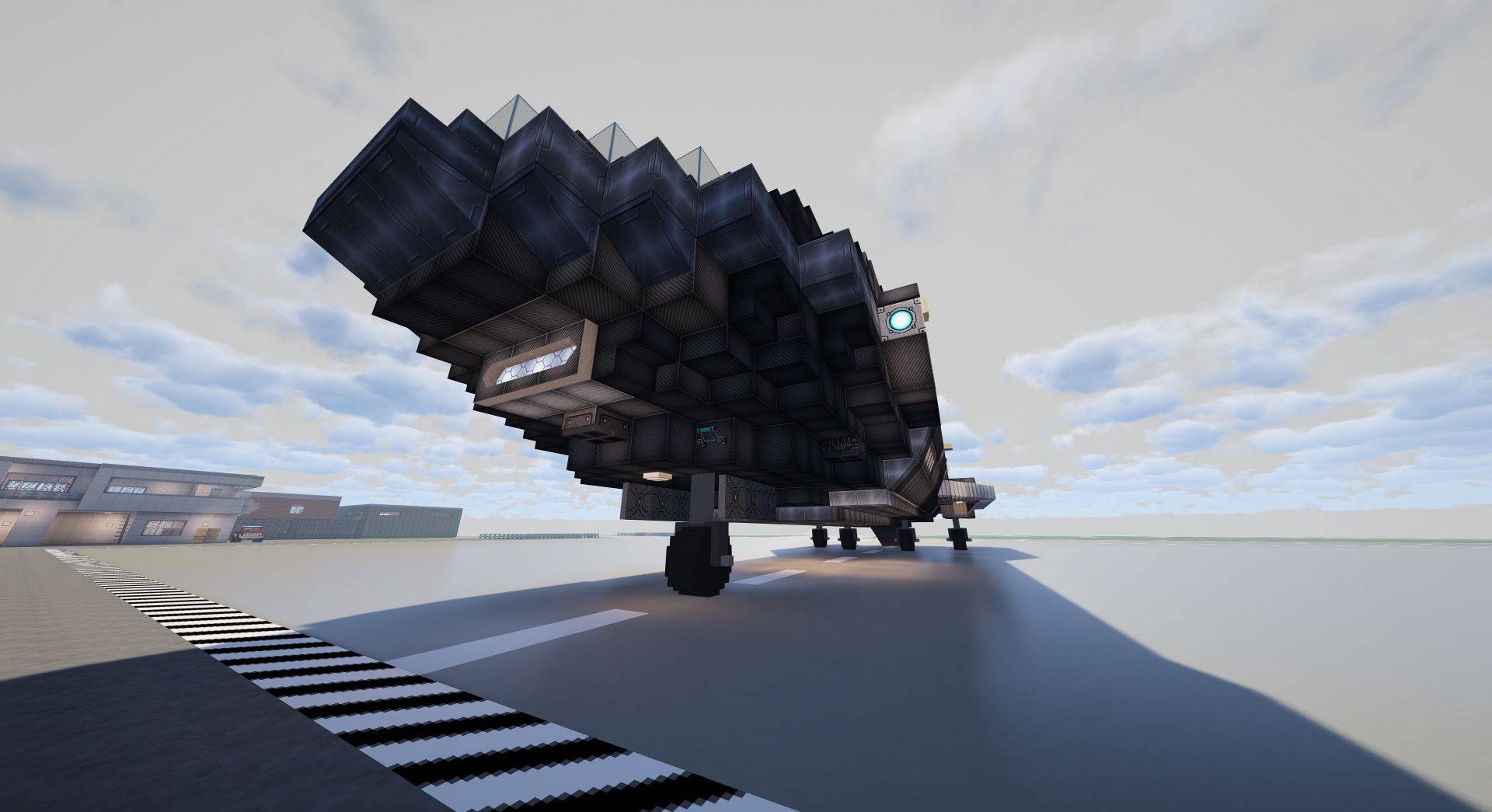
- Deploy landing gear: combine standard or Large fixed Mounts, Extenders and folding Swing Arms with Plates, Skis or Wheels. Wheels roll and steer in Taxi mode; ski-only craft can Taxi on ice. Nearby trapdoor covers open for deployment.
- Join and move: regular and Large Extender and Rotating Arms move connected platforms on floor, wall or ceiling mounts. Extenders support rectangles with air holes and intermediate supports; rotating rows share their hinge axis. Vertically moving Extenders can carry a connected load. At native endpoints, remove or replace platform blocks before the next move. See the guide for construction stages and animations.
- Copy and program: use a Copy Controller with input/output surfaces and Survival materials; configure Programmable Surfaces, pressure plates, and Programmers.
- Rotate: Turntables display builds on floor, wall or ceiling platforms. Redstone controls rotation, direction and Restore; angle and speed sliders set the motion. Adjustable autosnap returns editable blocks when stopped near a quarter turn.
- Assemble: build the Assembly Press, Synthesis Tower and Enclosed Gantry from a Core and Programmable Matter frame. These industrial multiblocks are decorative and do not process recipes yet.
- Store matter, power and fuel: a sunlight-powered Matter Infuser, RF Battery Blocks and Fuel Tanks support your workshop. Batteries and tanks offer Block/Hexagon shapes and configurable casing; tanks show real fluid levels through their windows and join along their connection axis.
- Outfit your crew: programmable armor includes role designs and complete Pinnacle, Ashiro, Paladyne, Vektor, Seyr and Vandor sets. Use Access Cards and Data Chips with supported security and data systems.
- Enclose: Canopies and adjustable front windows offer sliding/hinged motion, glass or hull materials and redstone control. Programmable glass, portholes and supported glass doors offer separate pane and frame finishes, including Mild, Normal, Strong and Opaque glazing.
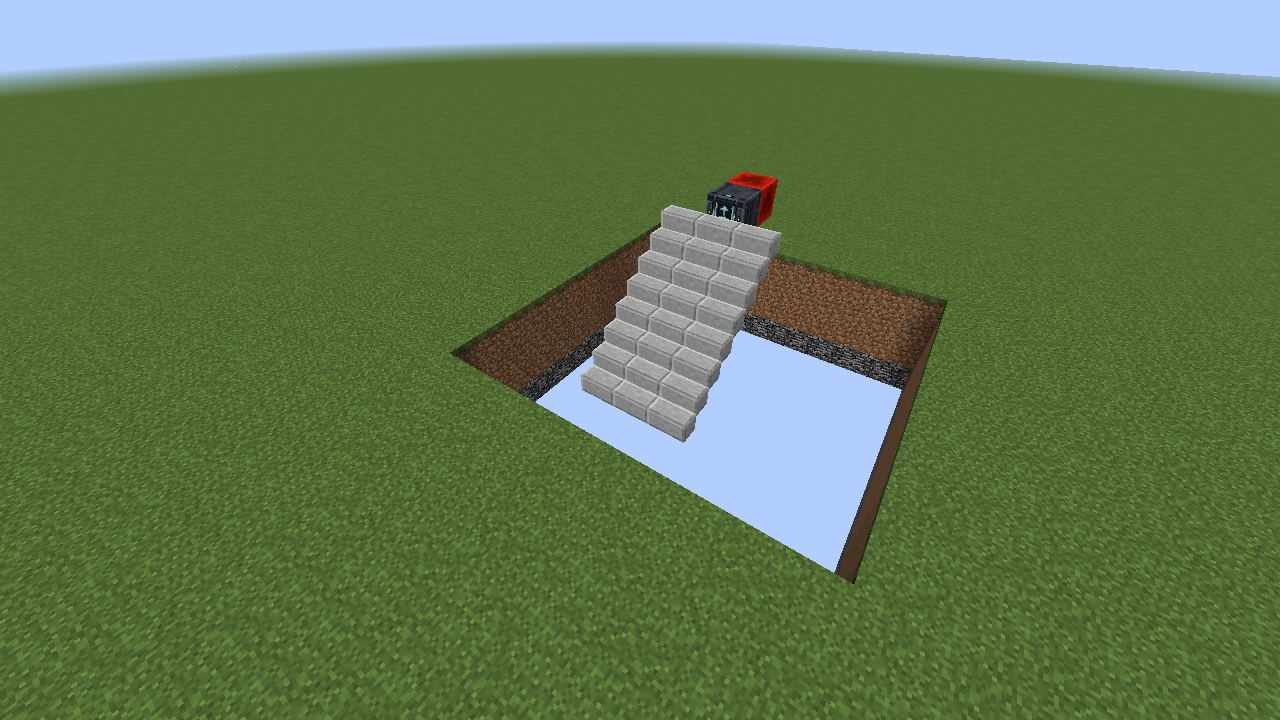
- Move: deployable ramps, escalators, stairs, lifts and extending platforms.
- Illuminate: programmable lights, light slabs and frames, with independent on/off artwork and company light designs, plus thrusters, ion drives, plasma vents, impulse engines and hover effects.
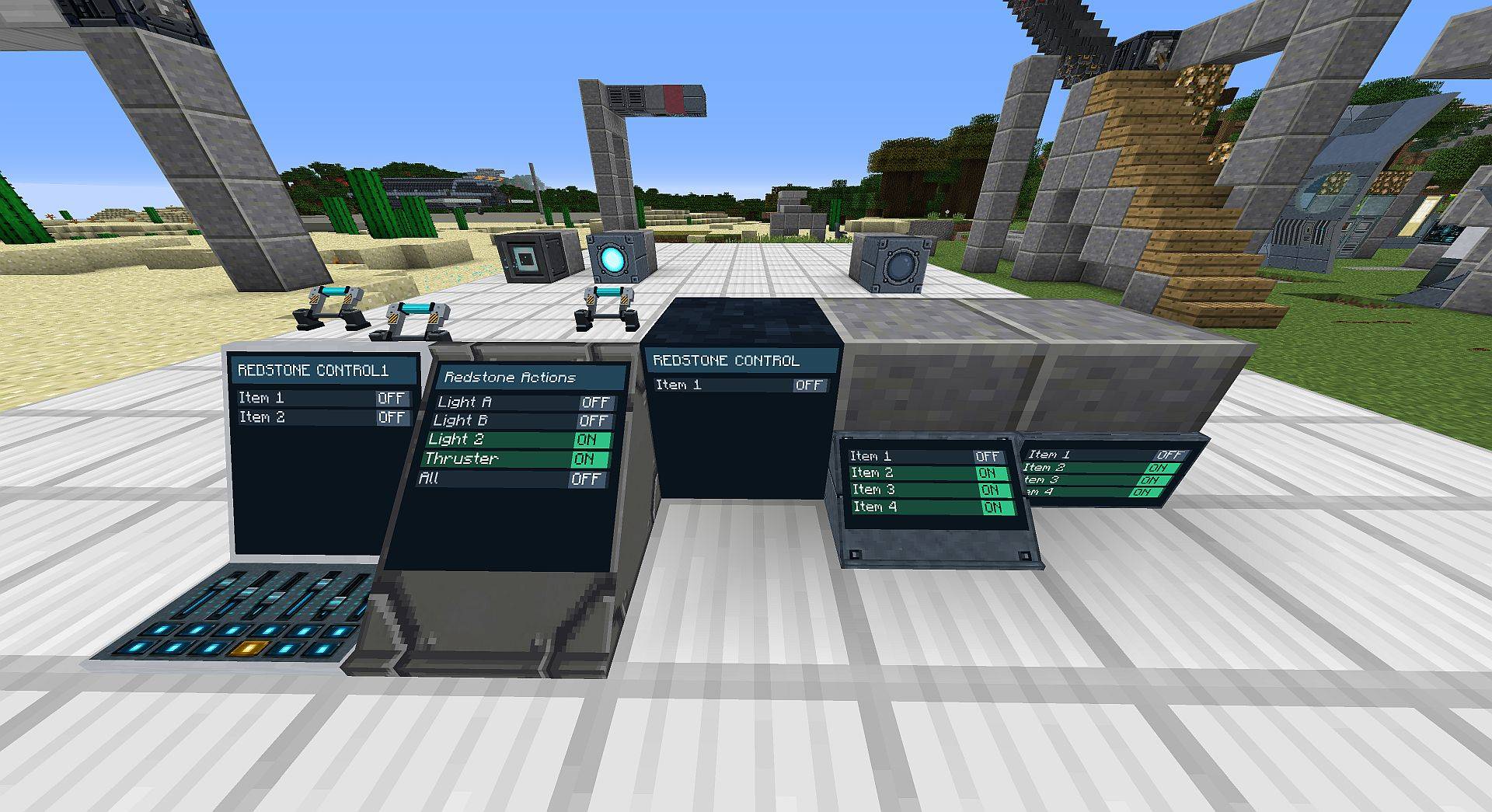
- Control: buttons, switches, levers, sliders, aircraft throttles, screen controls and triggers, linked by redstone channels carrying levels 0-15. Transmitting blocks have a built-in range slider and independent local redstone setting; no inserted transmitter item is needed. Screen and cockpit controls share their host range while keeping separate channel targets.
- Customise: edit settings with the Configurizer, copy them with the Duplifier, and choose materials or custom artwork. Company logos, murals and backgrounds have their own Corp category.
See what’s new in 2.7
and the full changelog.
Browse the illustrated block guide
and animated examples.
Crafting recipes appear in the in-game recipe book. Universal Constructor Cores
and Access Cards/Chips are creative-only. Cockpits, Advanced Pilot Chairs and Yoke and Screen are available in the creative menu and provide vehicle status, controls and configurable redstone panels.
常见问题
Vandor Labs 支持哪些 Minecraft 版本?
Vandor Labs 支持 Minecraft Java 版 1.12.2,可用的加载器:Forge。下载时注意选择和你游戏版本一致的文件。
Vandor Labs 怎么安装?
先用 PCL2 或 HMCL 启动器安装对应版本的 Forge,再把下载的 .jar 文件放进游戏目录的 mods 文件夹,重新启动游戏即可。开启了版本隔离的,mods 文件夹在 versions/版本名 下面。
评论
登录后评论和评分