
Show Your Identity
Show your support for the LGBTQ+ community and present your identity by displaying your pronouns and a pride flag next to your name.
截图
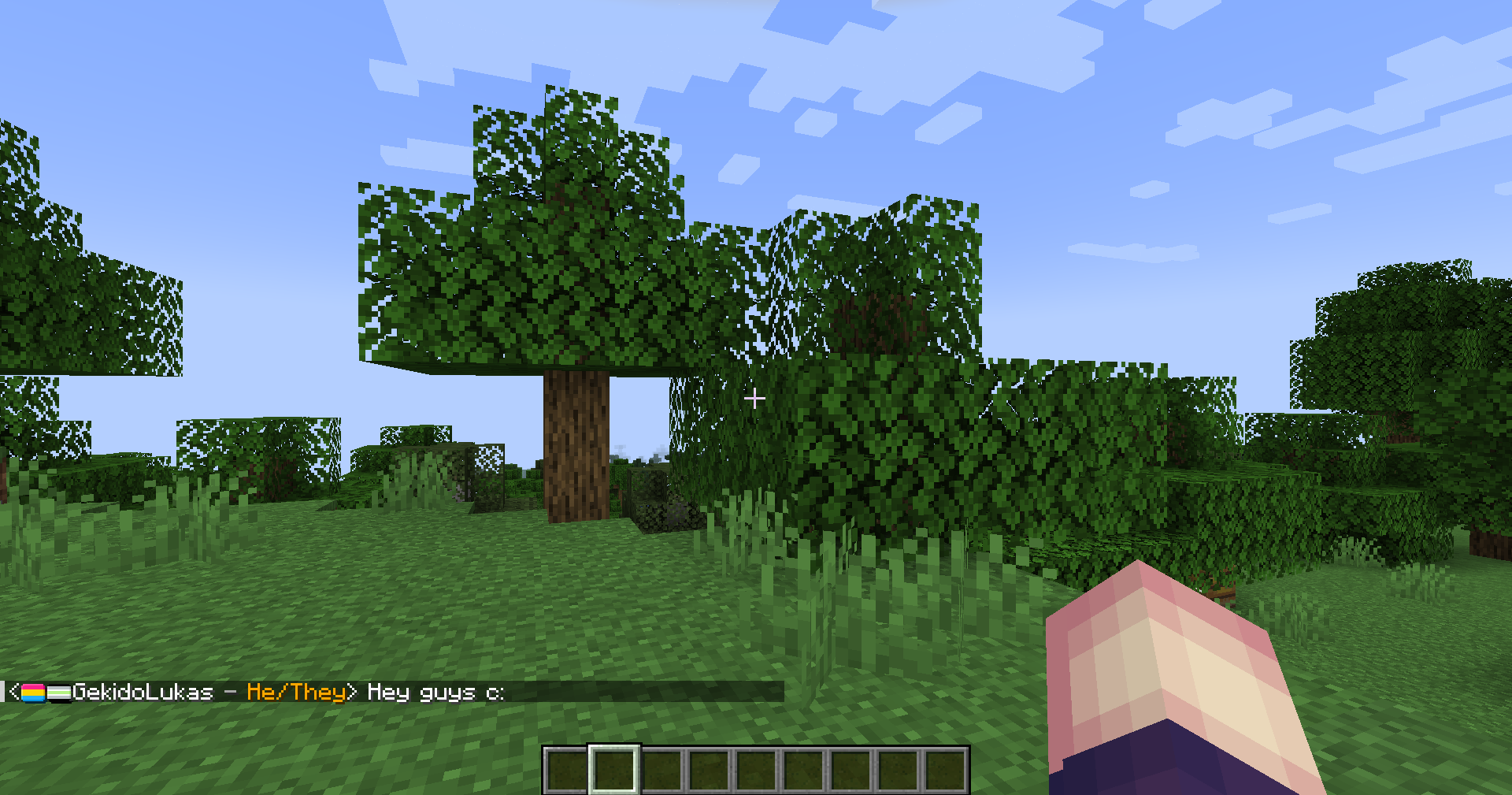

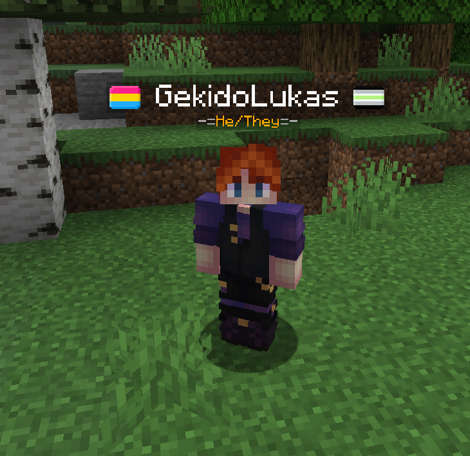
介绍







by selecting one of the presets or using your own!

You can display up to 2 pride flags from a big selection!
The flag position can be changed too.


Some players might act in bad faith, so SYI comes with a “Slur Filter”
By default a list of over 500 words are banned from being used. These include homophobic and transphobic slurs as well as words from hateful ideology like fascism. Feel free to add your own words to create safe spaces either by using the /syi command or by manually adding words to the list.
The file can be found in your …/config/ directory with the name slurs_filter.txt
The data is generated from the github repository sawdev1/better-profane-words if no file is found.
(Anyone can use these)
Get a player’s pronouns
/syi pronouns get <player>
Set your own pronouns
/syi pronouns set <pronouns>
Reset your own pronouns
/syi pronouns reset
Set your own pride flags
/syi flag set <primary|secondary> <flag>
Reset your own pride flags
/syi flag reset <primary|secondary>
Position your pride flags
/syi flag position <player_name|pronouns>
Get an short description of the flag and identity/orientation
/syi flag info <flag>
(OPs can use these)
Reset a player’s Identity Data
/syi reset player <player>
Reset a everyone’s Identity Data
/syi reset all
Add a word you don’t want people to set as their pronouns (mainly slurs)
/syi slur_filter add <word>
Reload the slur filter file
/syi slur_filter reload


Translations in Collaboration with Lusobit Studio

by @EUSOUEFEMERO and @iago_emanuel15

by @franstachiotti and @firemortal10

by @milomiletto and @PieroAzZZ

by @daisy_comment

by @ashwall_penguin

by @RoseDorleans
常见问题
Show Your Identity 支持哪些 Minecraft 版本?
Show Your Identity 支持 Minecraft Java 版 1.20.1–1.21.11,共 3 个版本,可用的加载器:Fabric / Forge / NeoForge。下载时注意选择和你游戏版本一致的文件。
Show Your Identity 怎么安装?
先用 PCL2 或 HMCL 启动器安装对应版本的 Fabric / Forge / NeoForge,再把下载的 .jar 文件放进游戏目录的 mods 文件夹,重新启动游戏即可。开启了版本隔离的,mods 文件夹在 versions/版本名 下面。运行环境:客户端和服务端都要装。
GekidoLukas 的其他作品
查看全部 →
Lukas’ Weapon Leveling
This mod makes it possible to level up your armor and weapons. It will also let items not disappear when broken.

Weapon Leveling x Better Combat Compat
Compatibility between Better Combat and Lukas' Weapon Leveling
Show Your Identity
Show your support for the LGBTQ+ community and present your identity by displaying your pronouns and a pride flag next to your name.

Weapon Leveling x Better Combat Compat
Compatibility between Better Combat and Lukas' Weapon Leveling
评论
登录后评论和评分