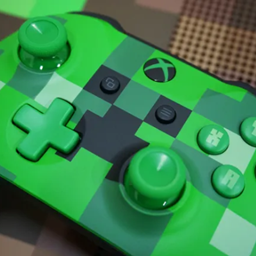
TekkitPad
Play Tekkit Classic with a controller, really that simple. Full analog movement, camera look, inventory navigation, on-screen keyboard, and rebindable buttons all built in!
截图
介绍
TekkitPad adds full gamepad support to Tekkit Classic (Minecraft 1.2.5). Play the entire modpack on controller, including all menu navigations, yes even NEI!
Please read:
This mod is brand new, I am actively developing it. There will be bugs. Please post them and I will get to it ASAP, I want you to have a smooth experience! (Check below to see how to post a bug)
Features:
- Browse any inventory (vanilla, NEI, IC2, BuildCraft, EE2, and more) using the analog stick or DPAD
- Navigate within the main menu, pause menu, options screens with cursor and DPAD support
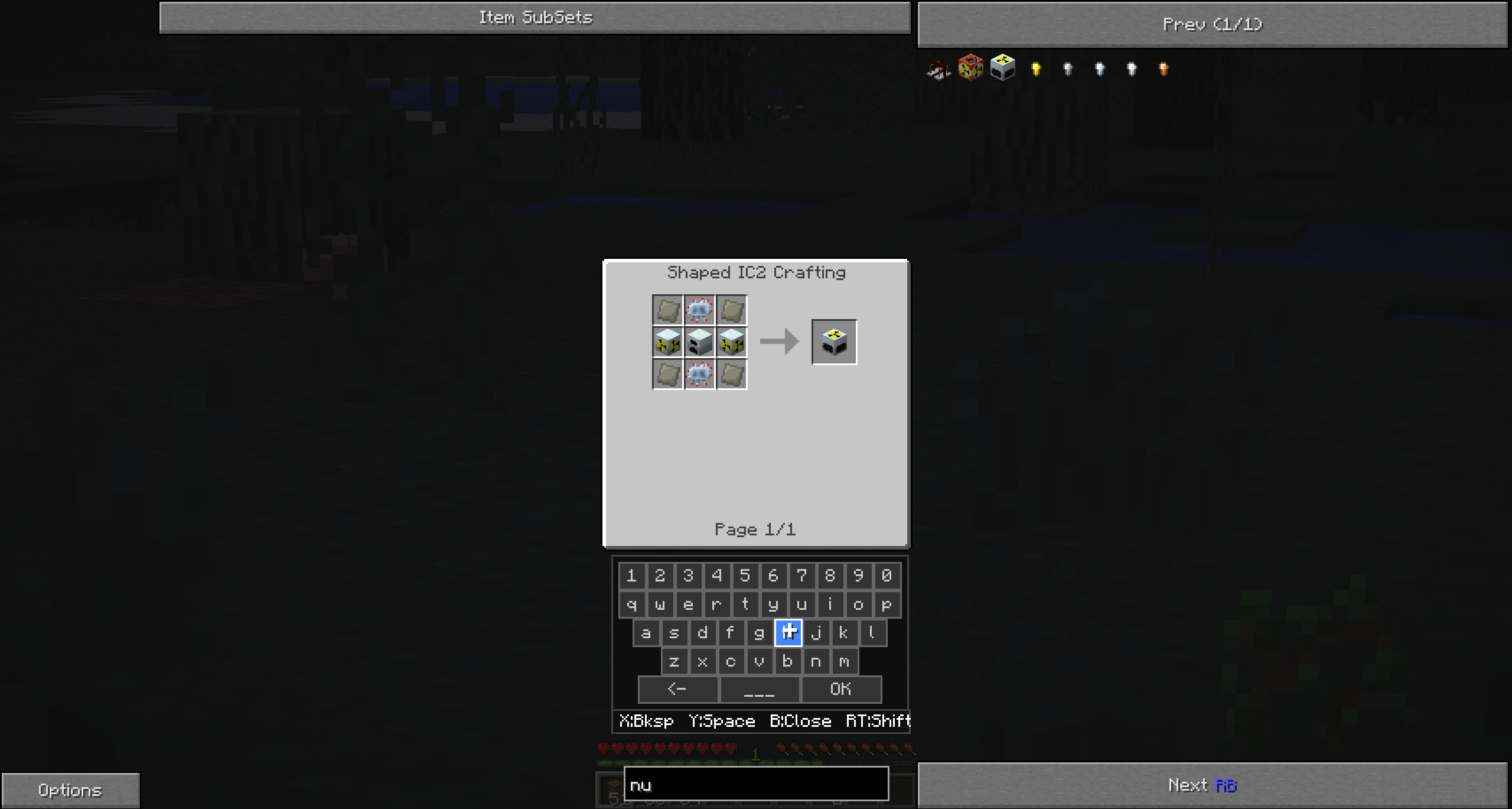
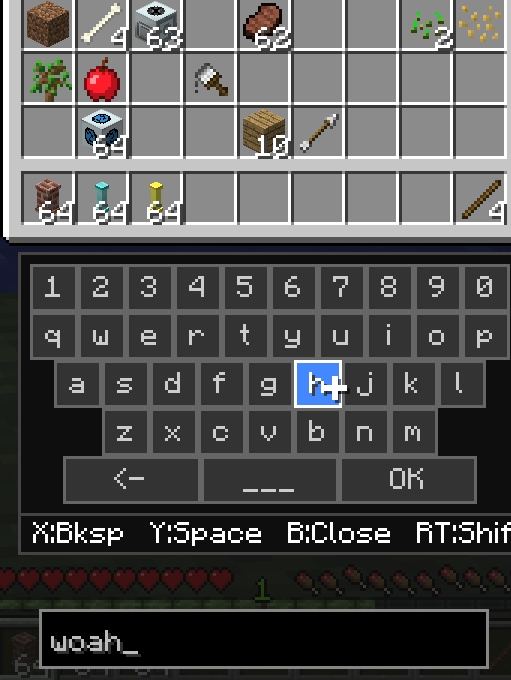
- Type in chat, search NEI, using a built-in on-screen keyboard
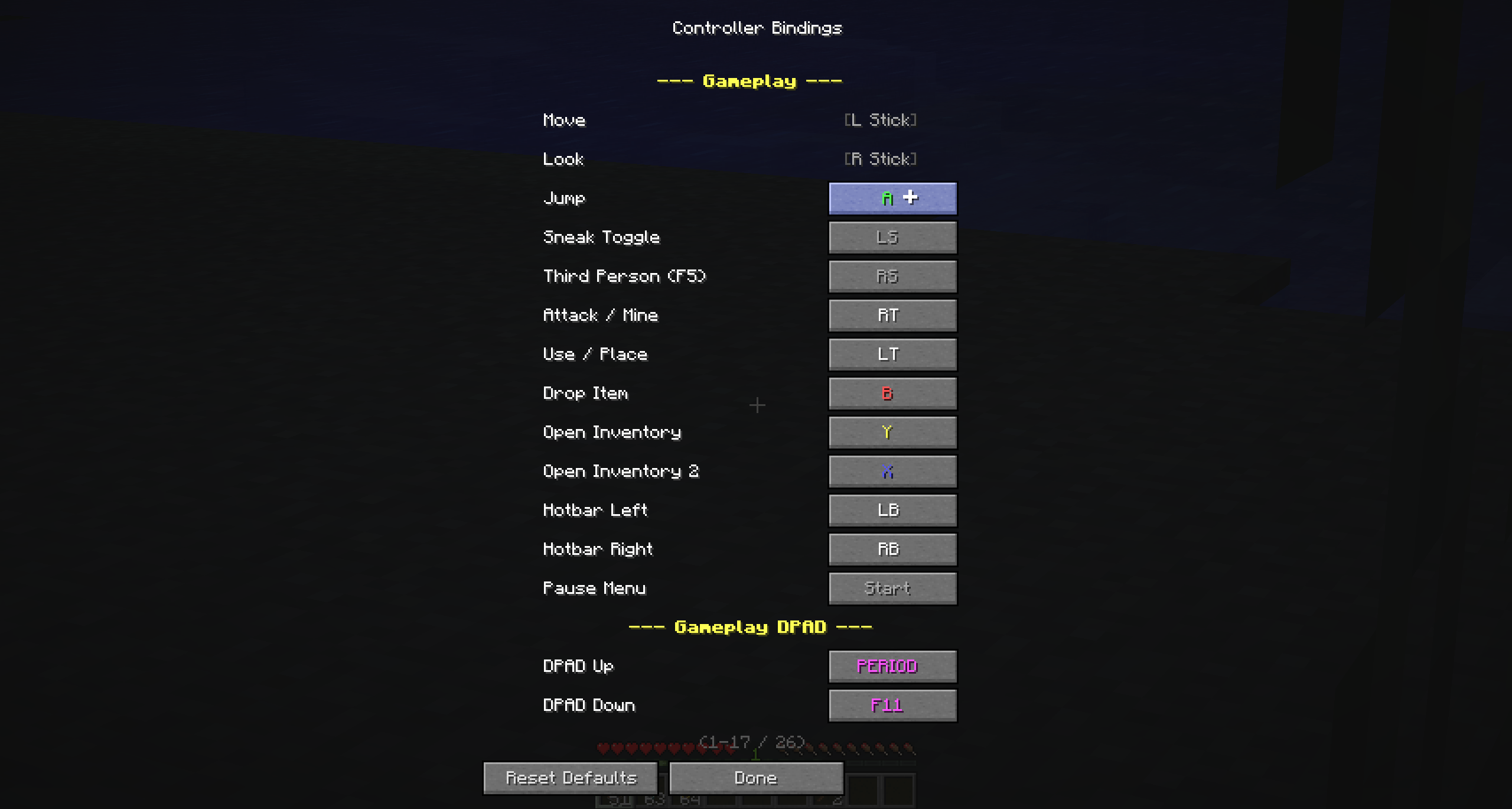
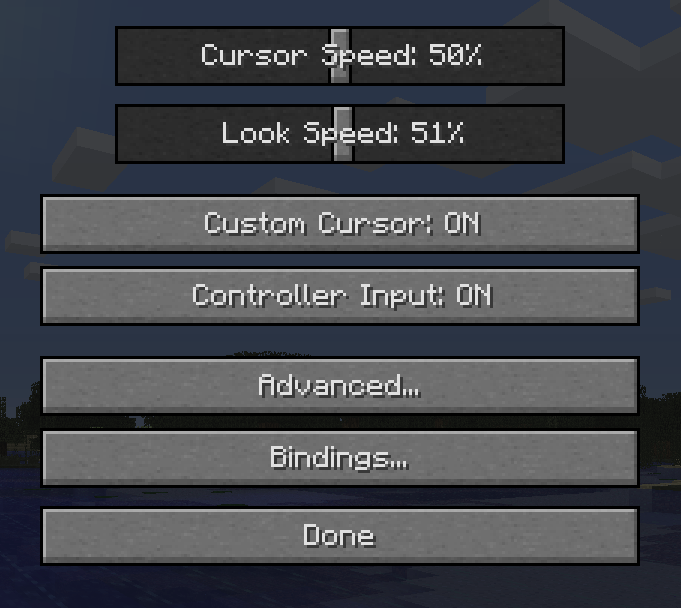
- Supports rebinding from the in-game settings menu.
- An optional crosshair replaces the system mouse pointer in inventories and menus for a cleaner controller experience. Can be toggled off if you prefer the default cursor
- Honestly, my favorite, just NATIVE support for movement, which means you can control your walk speed/look speed based on how far you push the joystick and just general acceralation and dead zone support. It feels really good to play because of this and why your general software key mapper is gonna suck when it comes to this specifically.
Feature request/Report bugs:
Feature requests can be made in the comments, anything you think should be in this mod/changed/removed
Specifically for bug reports, please use the comments section and follow this format:
- Type of Controller (Xbox/PS, etc):
- General issue:
- Steps to replicate (include specific steps to replicate the bug):
- Singe/Multiplayer:
Some screenshots here:
常见问题
TekkitPad 支持哪些 Minecraft 版本?
TekkitPad 支持 Minecraft Java 版 1.2.5,可用的加载器:Forge。下载时注意选择和你游戏版本一致的文件。
TekkitPad 怎么安装?
先用 PCL2 或 HMCL 启动器安装对应版本的 Forge,再把下载的 .jar 文件放进游戏目录的 mods 文件夹,重新启动游戏即可。开启了版本隔离的,mods 文件夹在 versions/版本名 下面。
评论
登录后评论和评分