Aeronautics:Gravity Visualization
An Aeronautics addon that helps players with vehicle balancing, production, and logistics.
截图
介绍
A Create Aeronautics add-on | Minecraft 1.21.1 / NeoForge
One jar, three sub-mods:
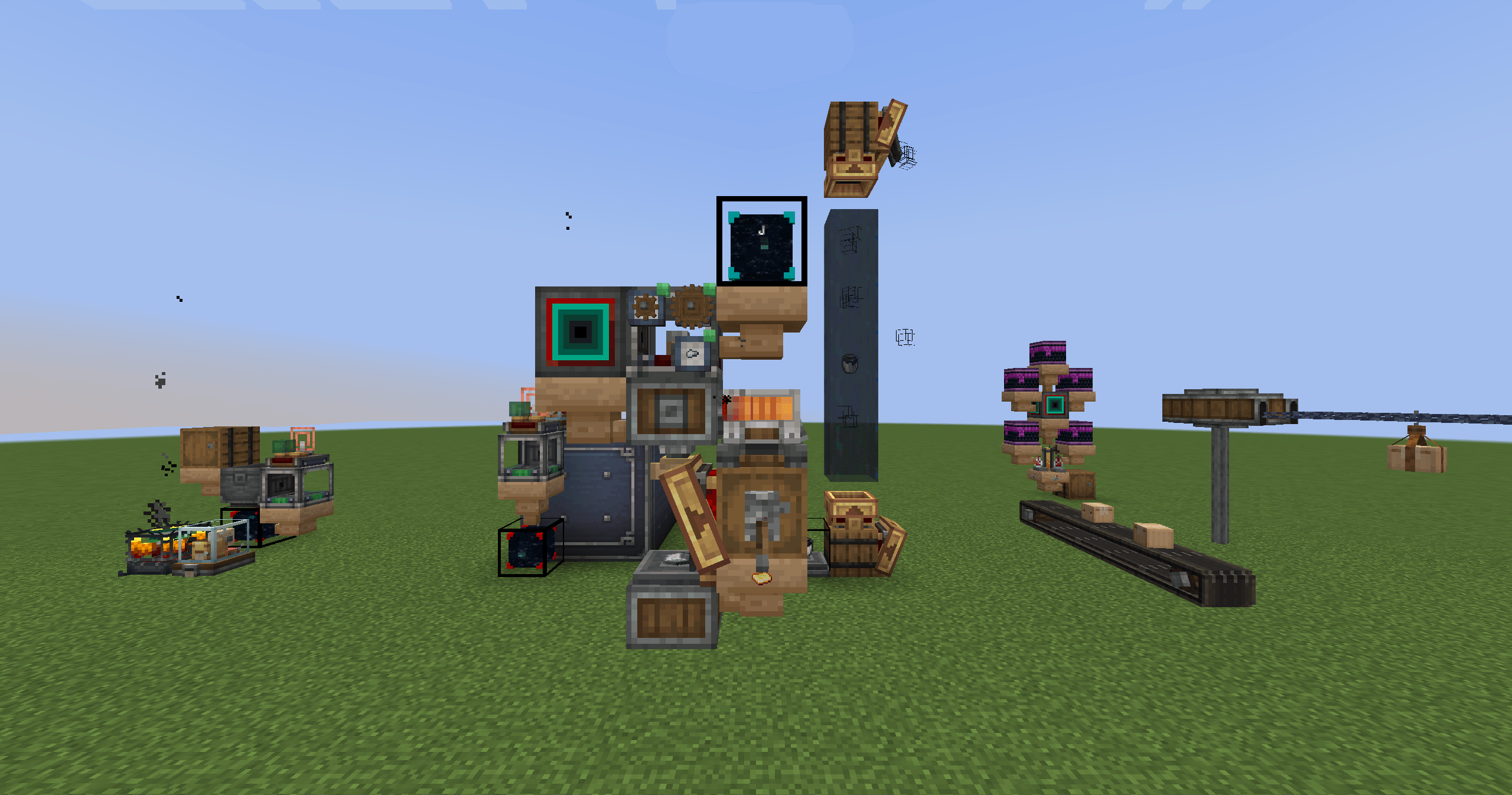
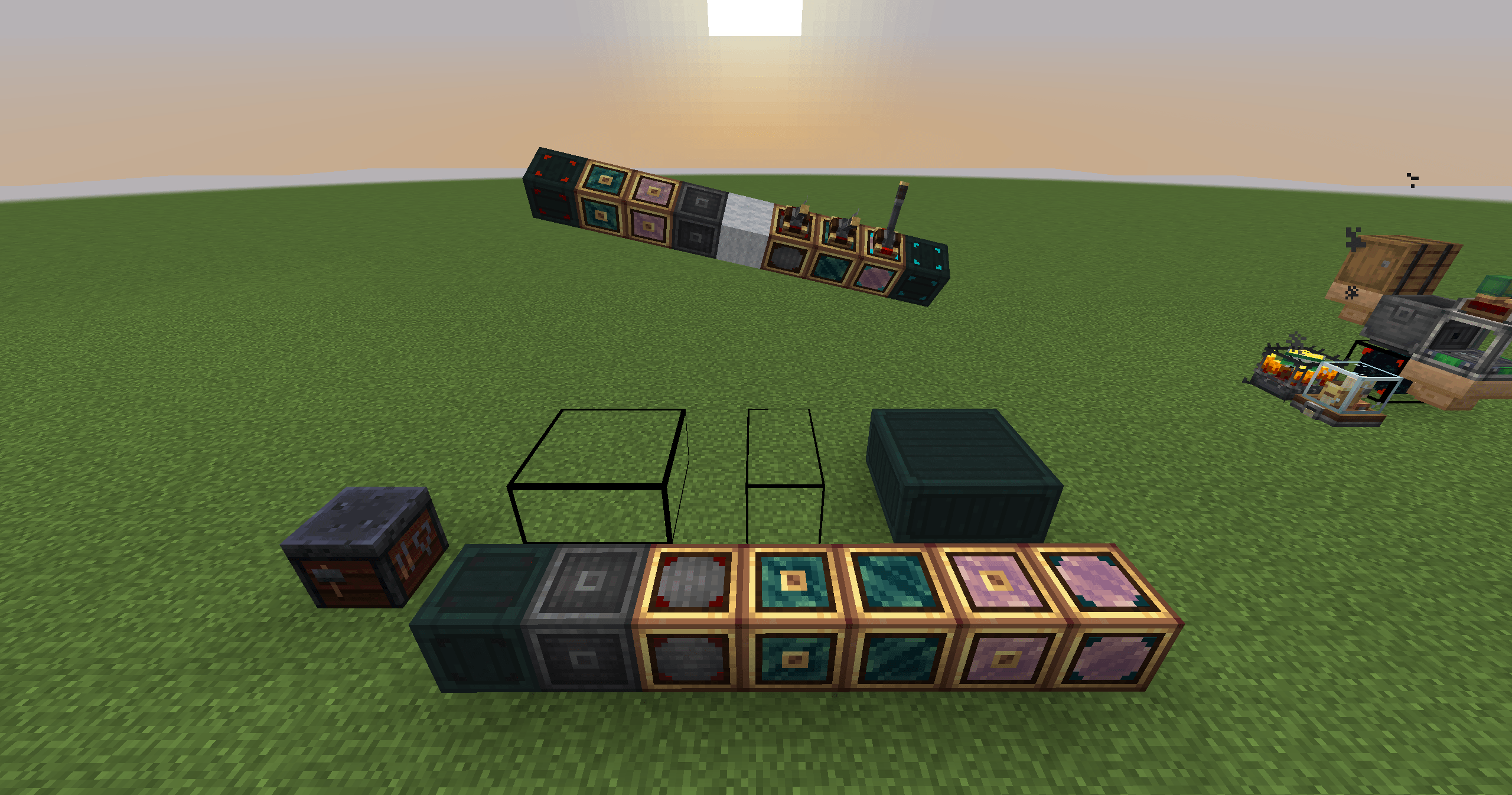
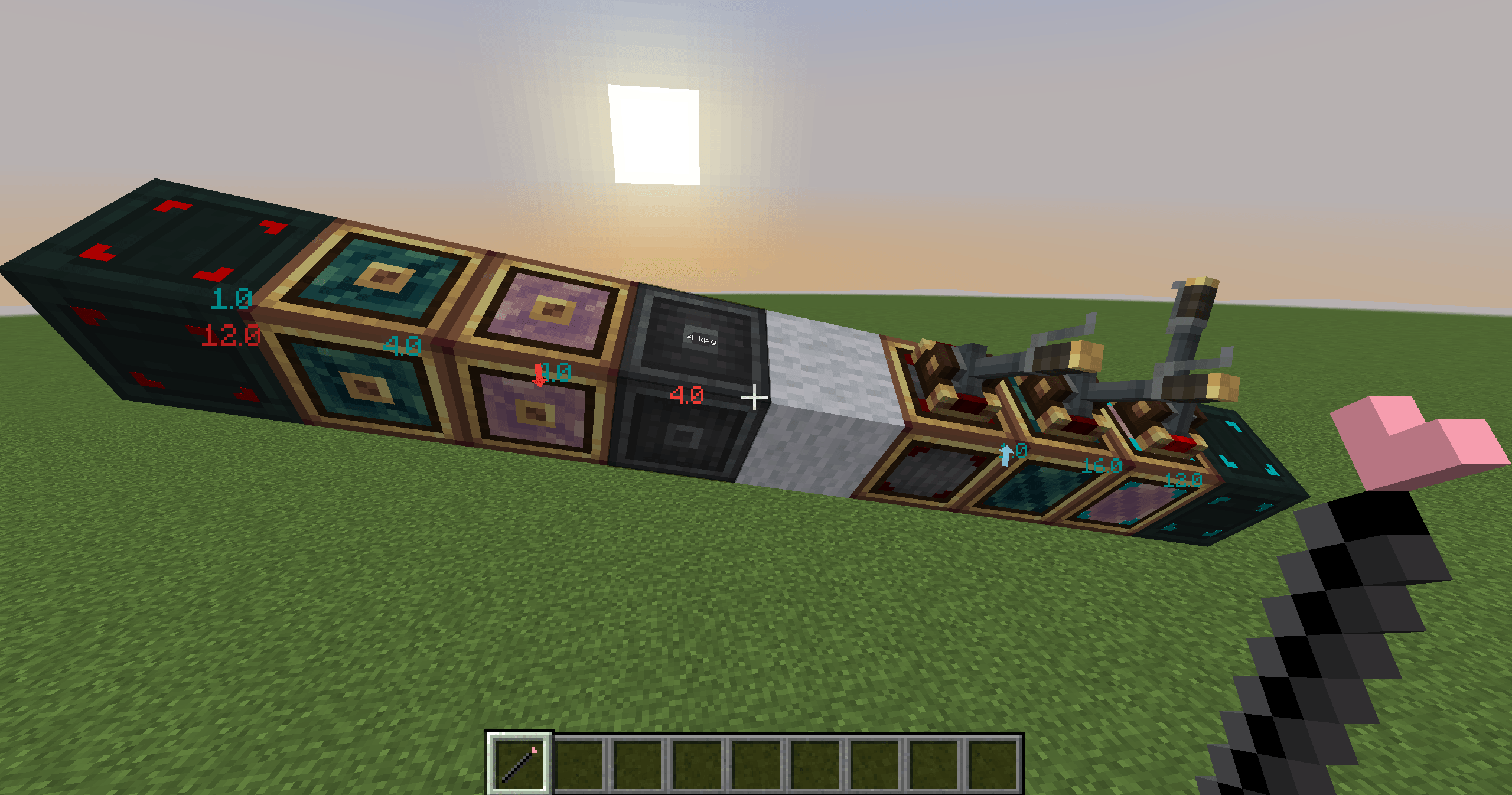
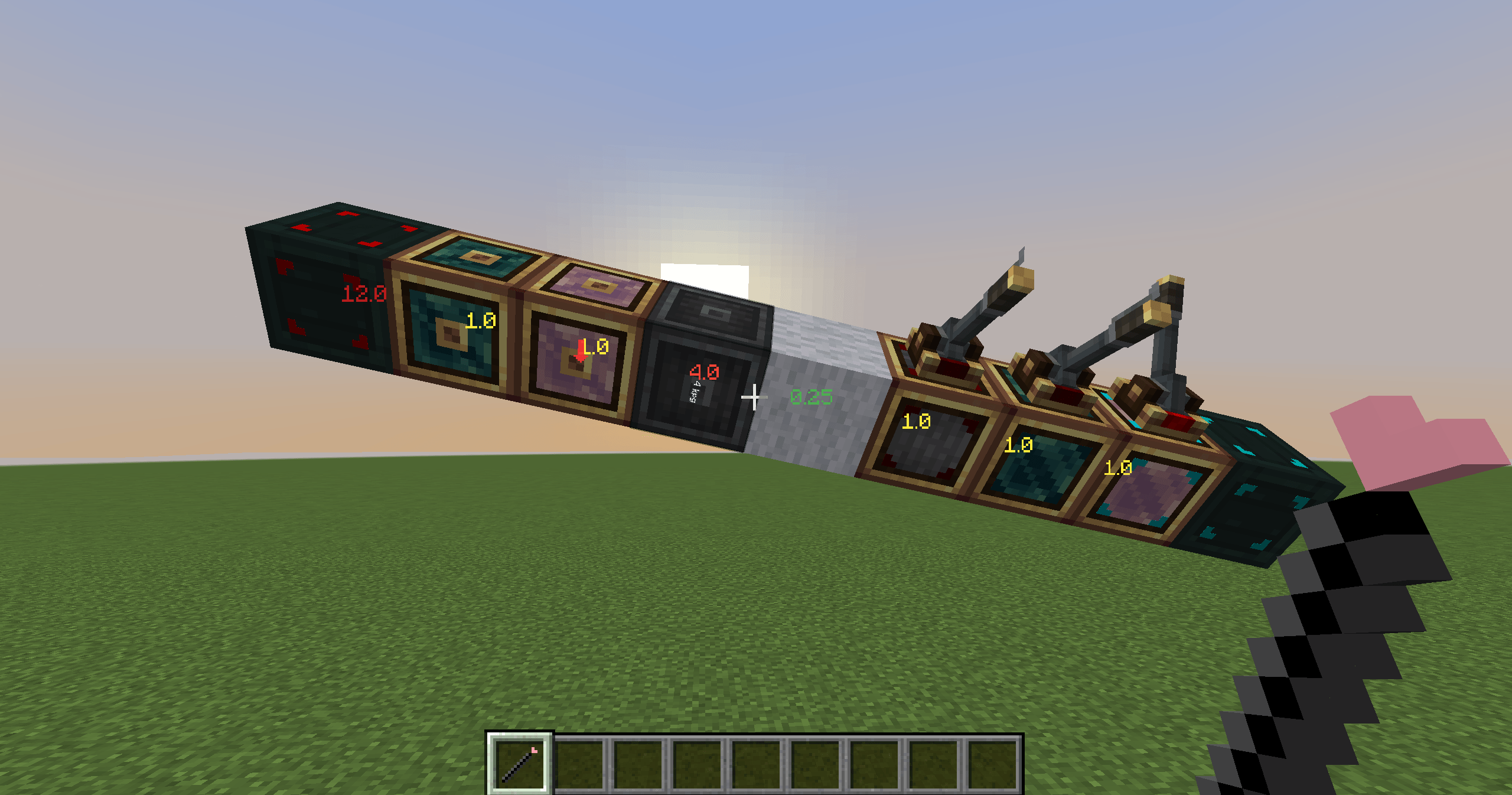
Gravity Visualization — See and tune your center of gravity. Right-click a contraption with the Spark Wand to overlay per-block mass and the center of mass; counterweight blocks adjust mass and buoyancy by hand or redstone, so balancing is no longer guesswork.
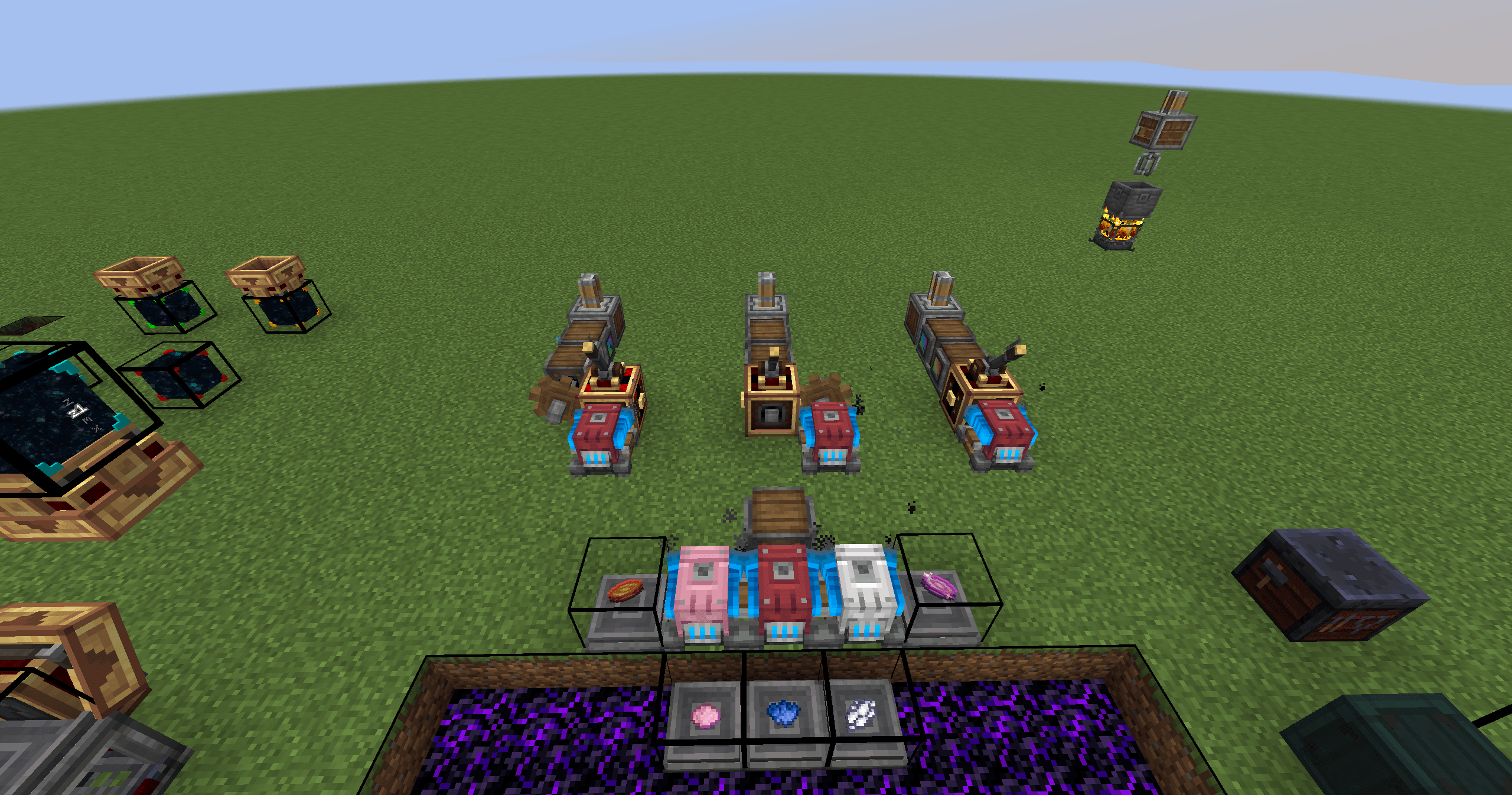
Simplification Related — Hassle-free machinery. An analog transmission that turns a 0–15 redstone signal into a fixed RPM; a portable engine with 15 speed settings; a programmable sequential feeder for sequenced assembly lines.
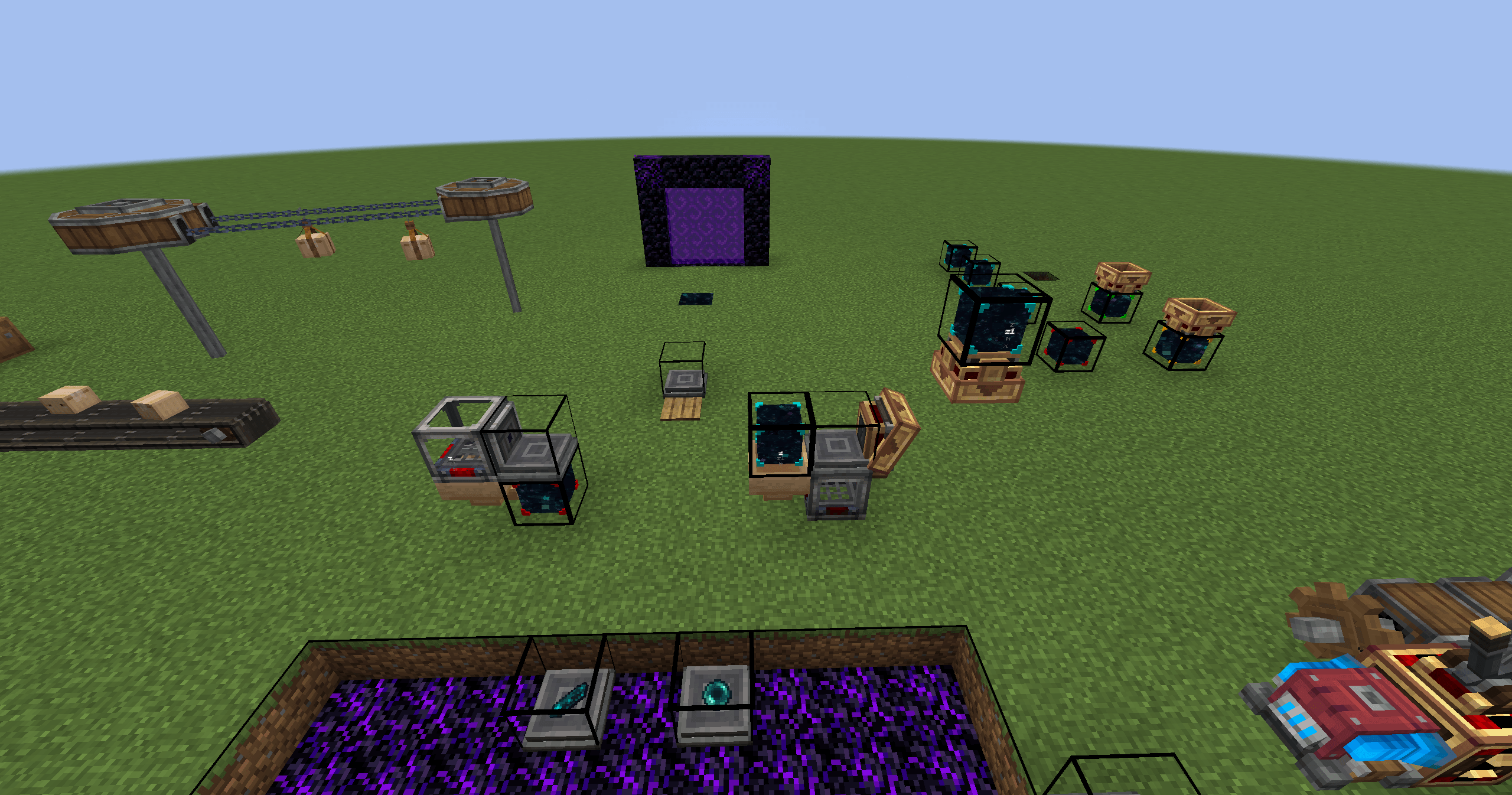
Starlight Logistics — Logistics made simple (of packages, and… people). World anchors ship packages between any two points; addressing signs switch target addresses in one click; activated ender pearls can be packed into packages that burst open on arrival and teleport the player — across dimensions, too.
Every feature is independently toggleable on the in-game config screen (all on by default); disabling one removes its recipes and acquisition paths.
常见问题
Aeronautics:Gravity Visualization 支持哪些 Minecraft 版本?
Aeronautics:Gravity Visualization 支持 Minecraft Java 版 1.21.1,可用的加载器:NeoForge。下载时注意选择和你游戏版本一致的文件。
Aeronautics:Gravity Visualization 怎么安装?
先用 PCL2 或 HMCL 启动器安装对应版本的 NeoForge,再把下载的 .jar 文件放进游戏目录的 mods 文件夹,重新启动游戏即可。开启了版本隔离的,mods 文件夹在 versions/版本名 下面。
评论
登录后评论和评分