AdvancedUtilities
An utility mod offers automation, PvP enhancements, and rendering tools to streamline your survival experience.
截图
介绍
Advanced Utilities
Advanced Utilities is a client-side mod for Minecraft Forge 1.20.1 designed to cut down on the tedious parts of the game. Whether you’re grinding in survival, managing your inventory, or into combat, this mod gives you the tools to stay efficient.
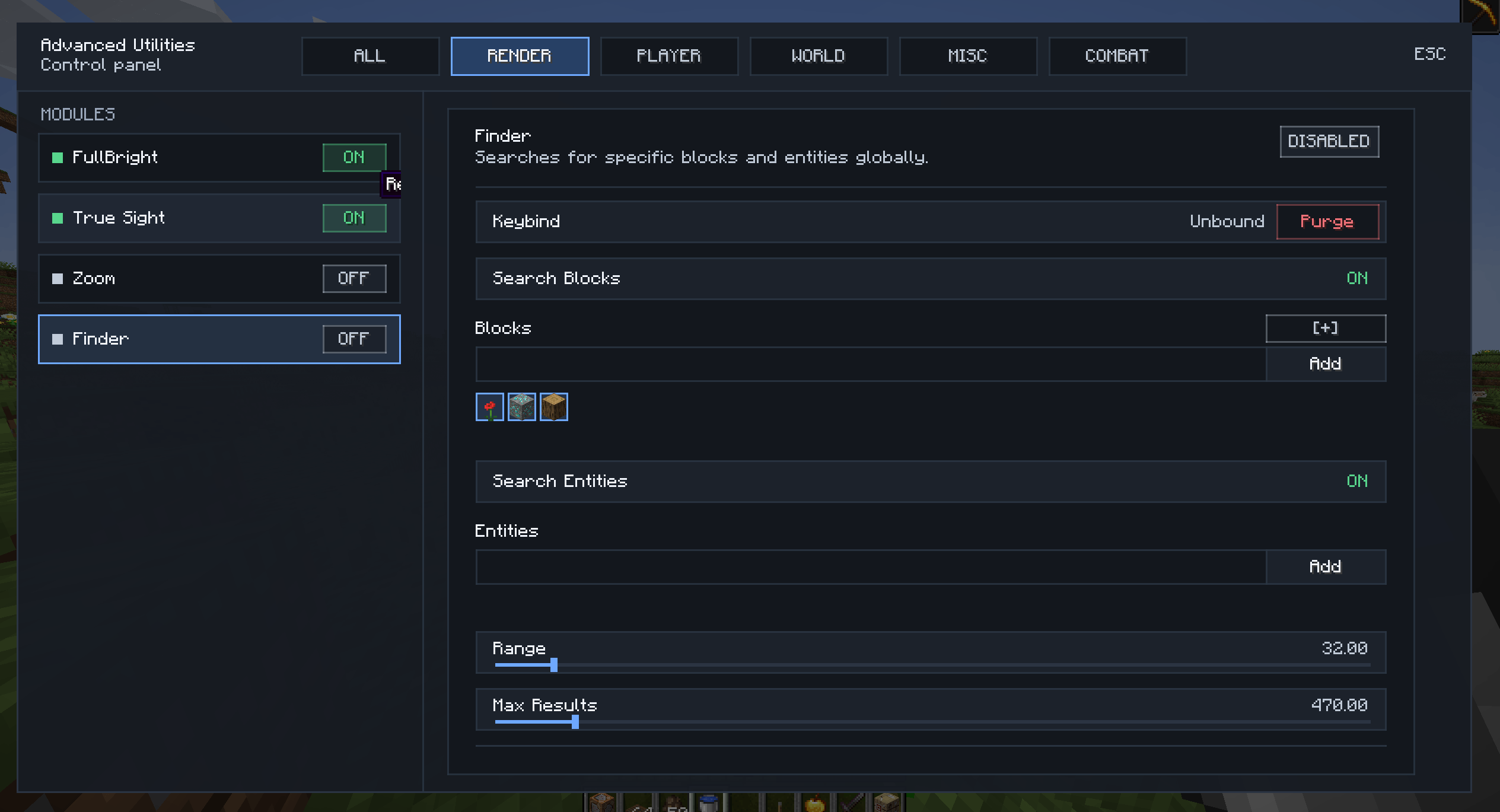
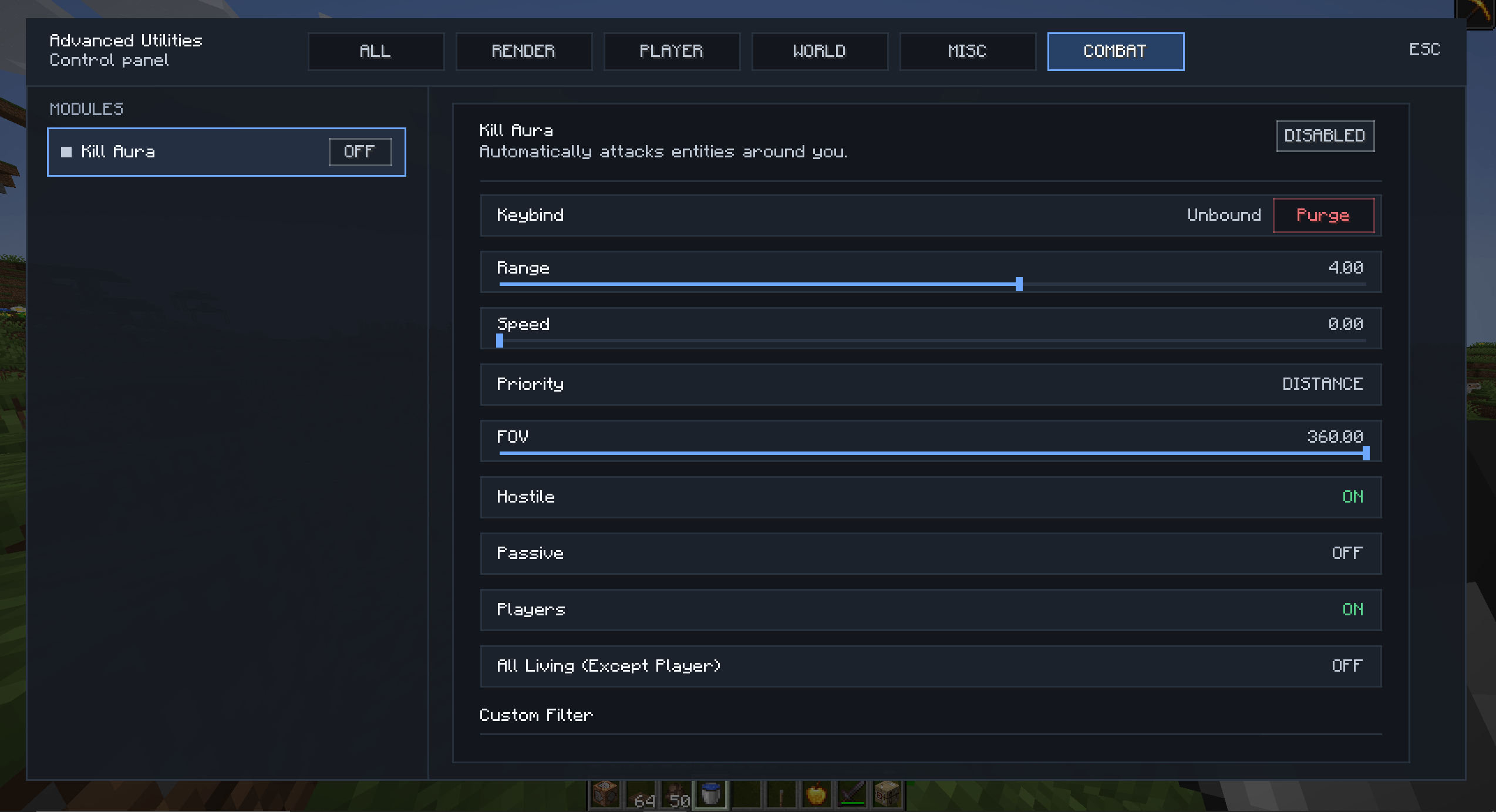
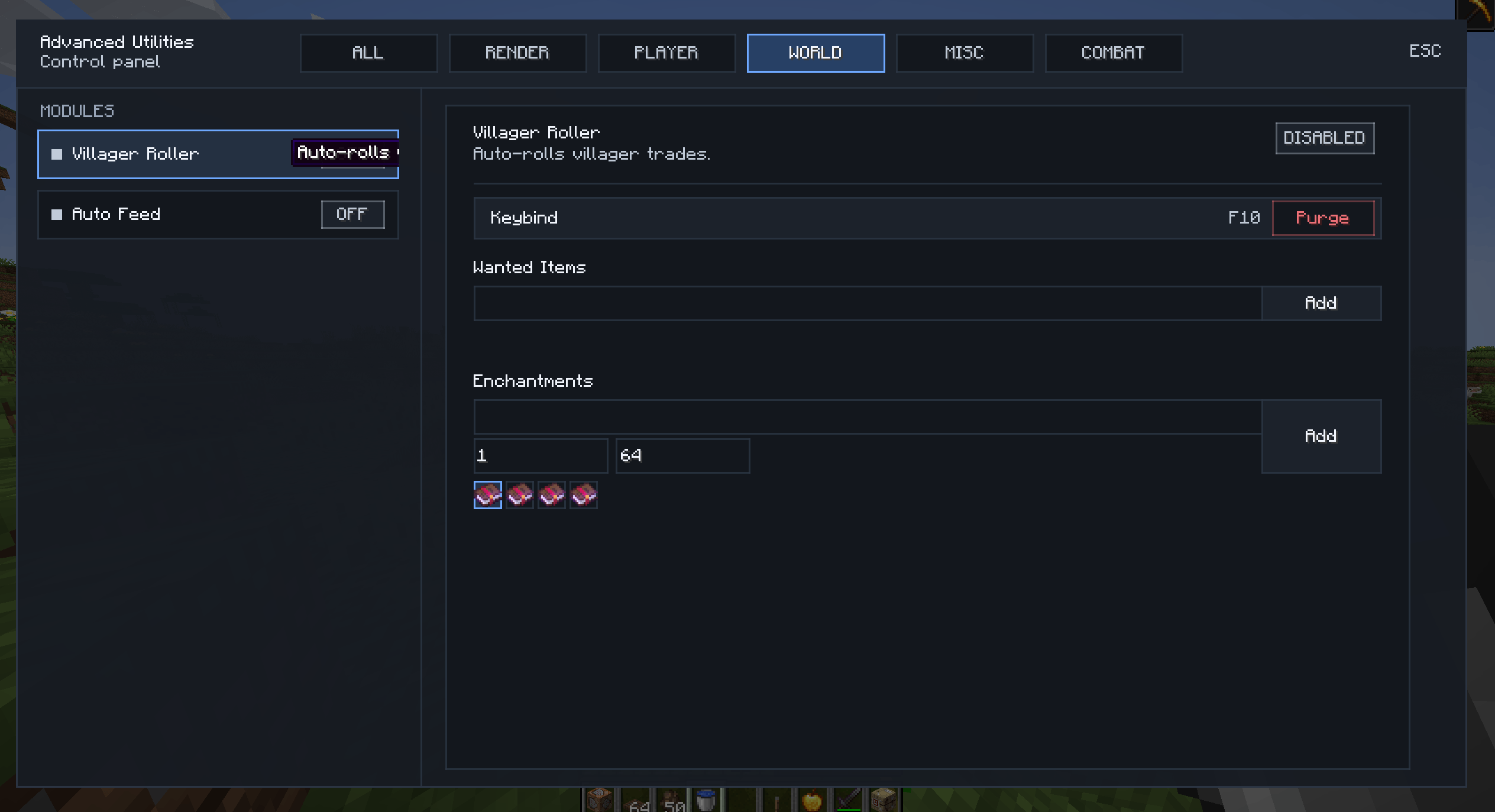
It features a clean in-game GUI that lets you manage and configure all modules on the fly.
Features
Automation
- AutoEat: Automatically eats when you are hungry or low on health.
- AutoSprint: Automatically sprints when you move forward.
- AutoFish: Handles casting and reeling in your fishing rod automatically.
- AutoReconnect: Gets you back on the server automatically if you lose connection.
Combat & Interaction
- AutoAttack: Automatically attacks nearby entities.
- FastClick: Increases click speed for placing blocks.
- NoBreakDelay: Removes the standard delay between breaking blocks.
- VillagerRoller: Automates the process of cycling villager trades to help you find specific enchantments faster.
Render
- Finder: Highlights specific blocks in the world (like chests or ores) to help you locate resources.
- FullBright: Grants permanent night vision without effects.
- Zoom: Smooth camera zooming capability.
And coming soon…
How to Use
- Open GUI: Press Right Shift (Default) to open the menu.
- Config: You can right-click on any module in the GUI to adjust specific settings (for example, setting the Min Health for AutoEat or the Range for KillAura).
- Settings: All configurations are saved automatically.
Disclaimer
This mod provides significant gameplay advantages. Please use it responsibly and check server rules before using it on multiplayer servers.
常见问题
AdvancedUtilities 支持哪些 Minecraft 版本?
AdvancedUtilities 支持 Minecraft Java 版 1.20.1–1.21.1,共 2 个版本,可用的加载器:Forge / NeoForge。下载时注意选择和你游戏版本一致的文件。
AdvancedUtilities 怎么安装?
先用 PCL2 或 HMCL 启动器安装对应版本的 Forge / NeoForge,再把下载的 .jar 文件放进游戏目录的 mods 文件夹,重新启动游戏即可。开启了版本隔离的,mods 文件夹在 versions/版本名 下面。
Duox29 的其他作品
查看全部 →
Stardew Fishing Auto
Automation mod for Stardew Fishing
Stardew Fishing Auto
Automation mod for Stardew Fishing

Starcatcher Auto
Auto play Starcatcher's minigame for you.

Tide Autofish
Auto play minigame for Tide 2.
评论
登录后评论和评分