
截图
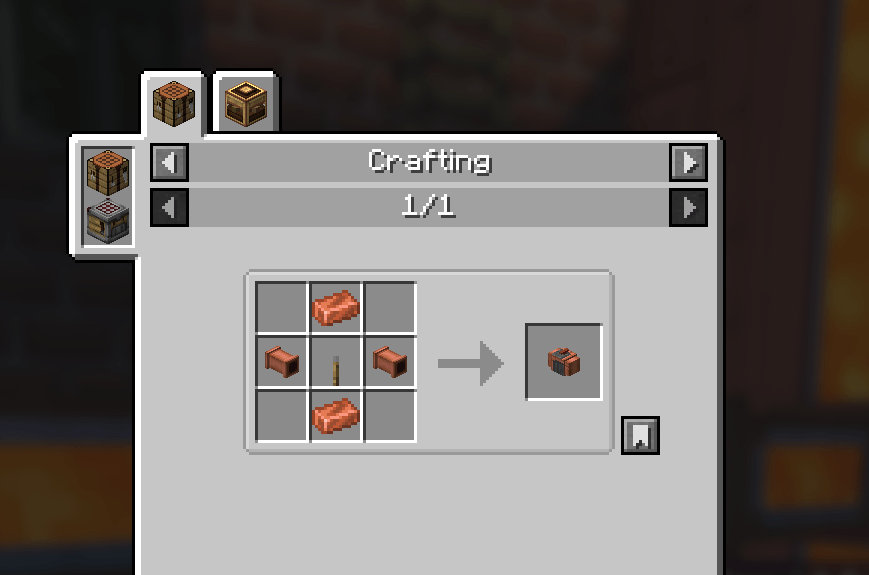
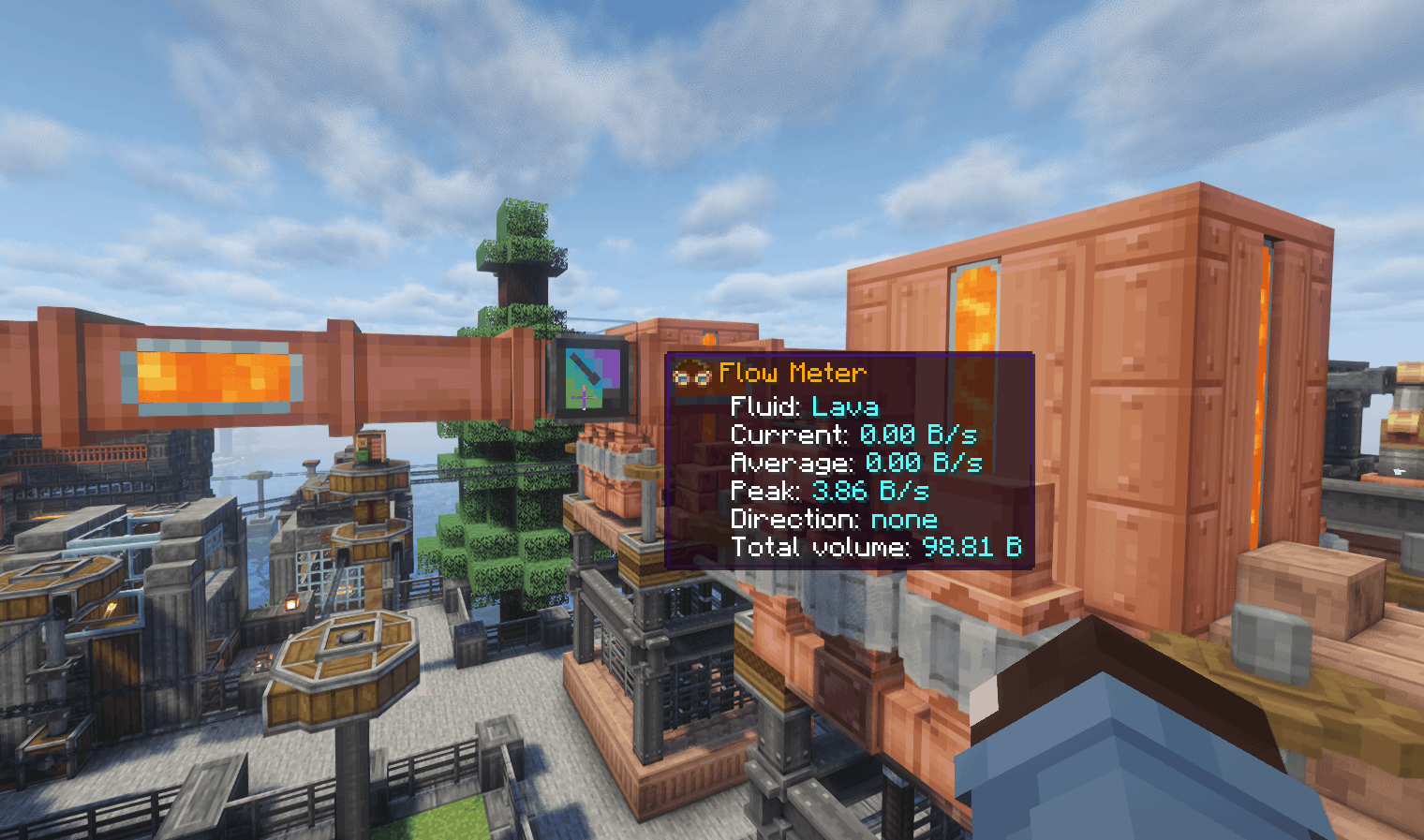

介绍
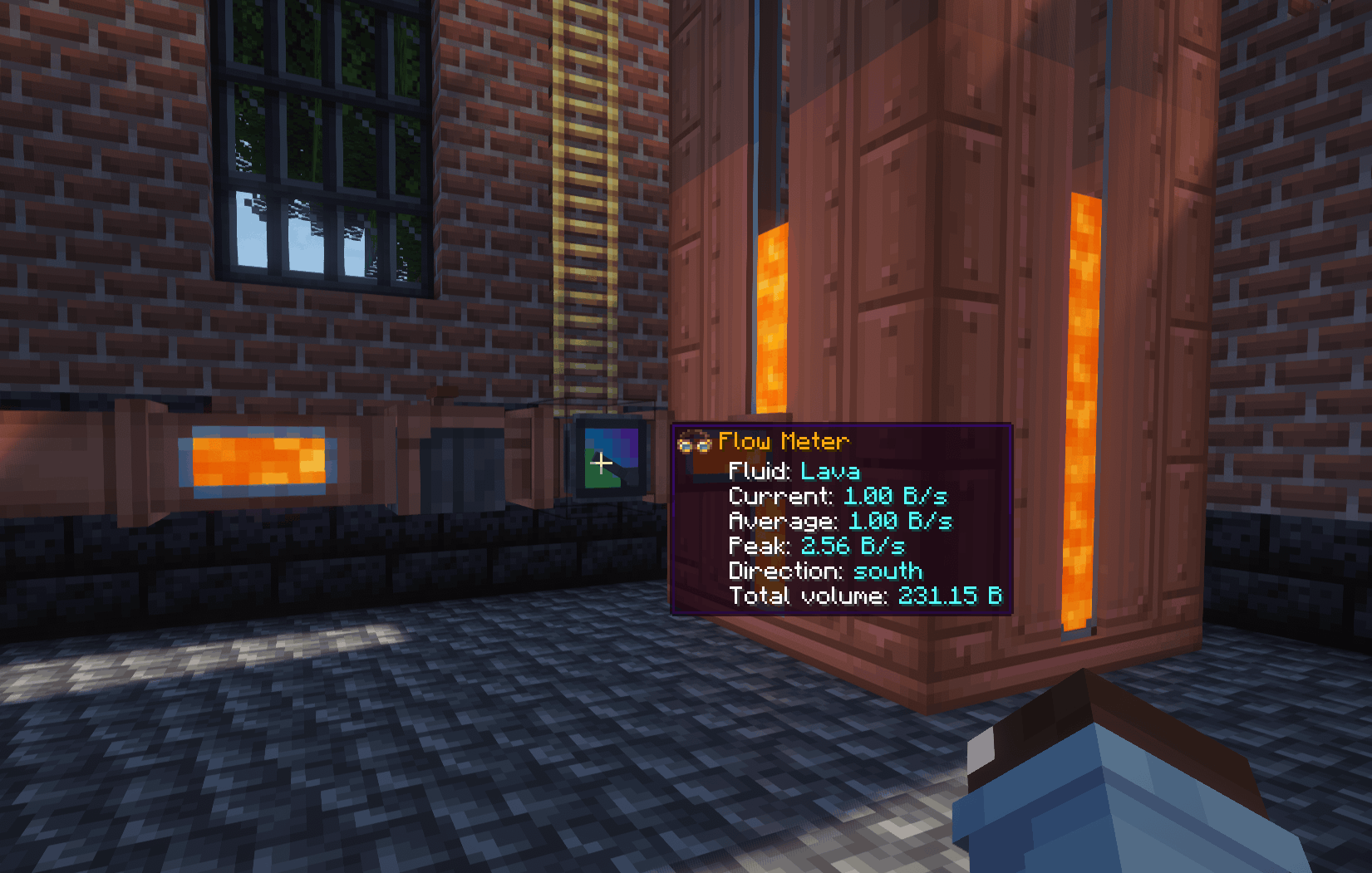
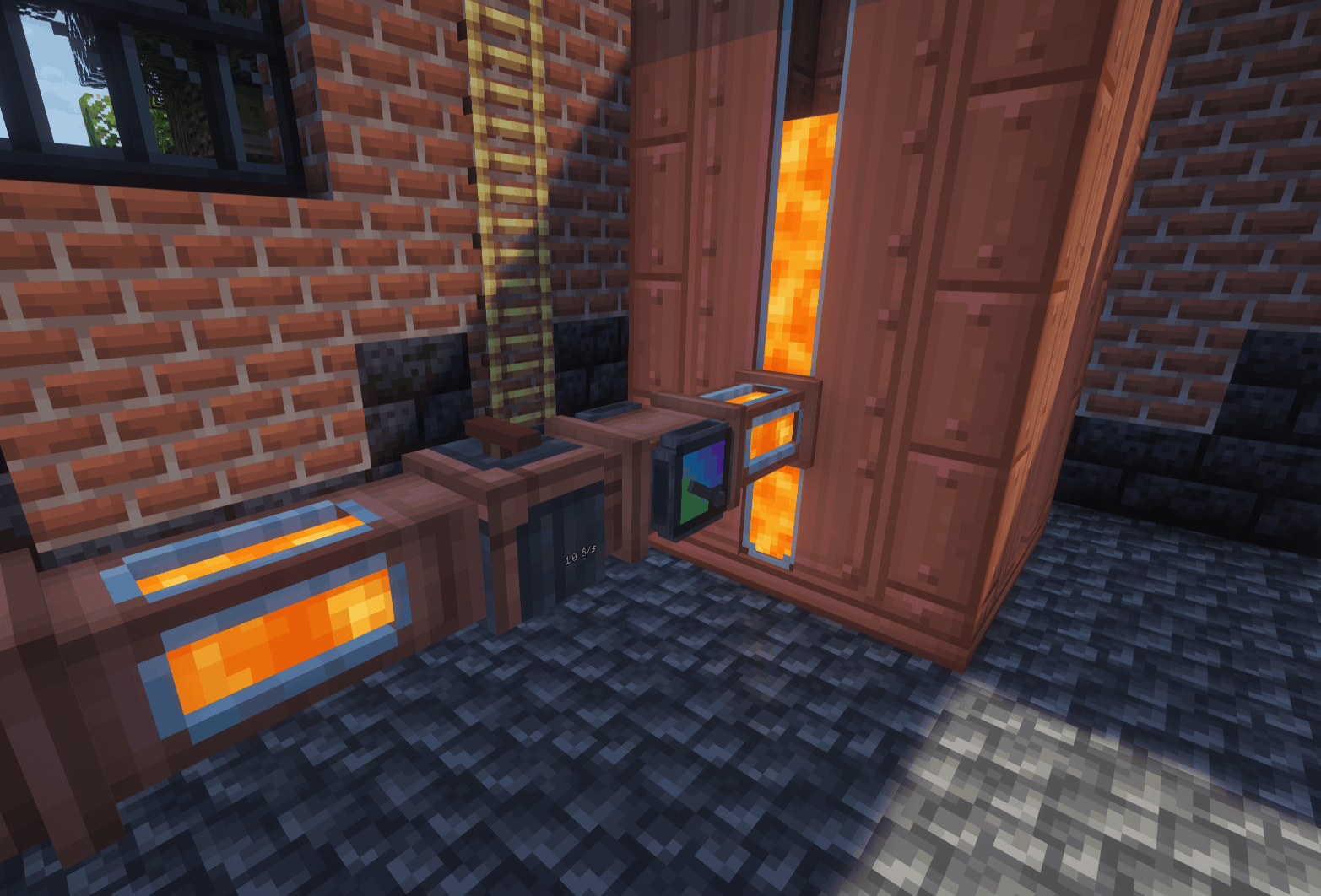
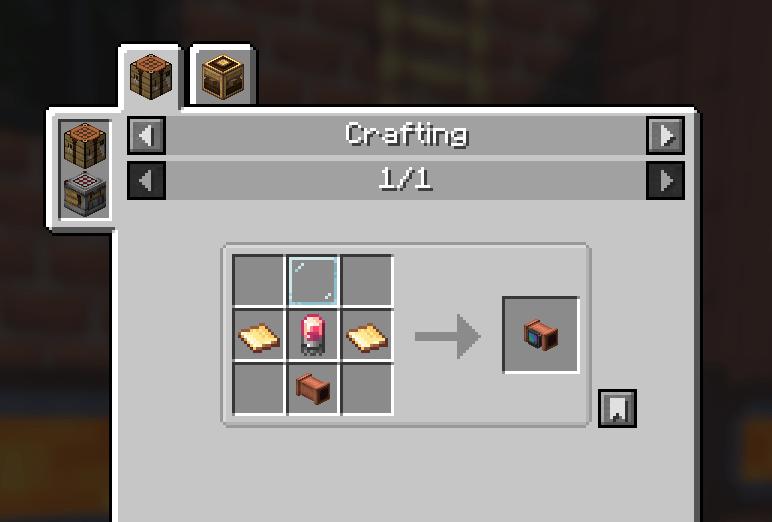
Adds two inline devices for Create fluid networks: a Flow Meter that measures actual fluid throughput and a Flow Restrictor that controls how quickly fluids can pass through pipes.
Both integrate naturally with Create and support Engineer’s Goggles and optional ComputerCraft functionality.
Features
Flow Meter
- Current flow rate, rolling average, and recorded peakSelectable B/s or mB/s display units
- Flow direction and accumulated fluid volumeEngineer’s Goggles readouts
- Display Link support for current, average, peak, fluid name, direction, total volume, and summary readings
- Comparator output with configurable scalingAnimated gauge needles with color-coded flow ranges
- Horizontal and vertical placement, wrench rotation, and optional copper casing
- Saved totals, peak, units, and comparator settings
Flow Restrictor
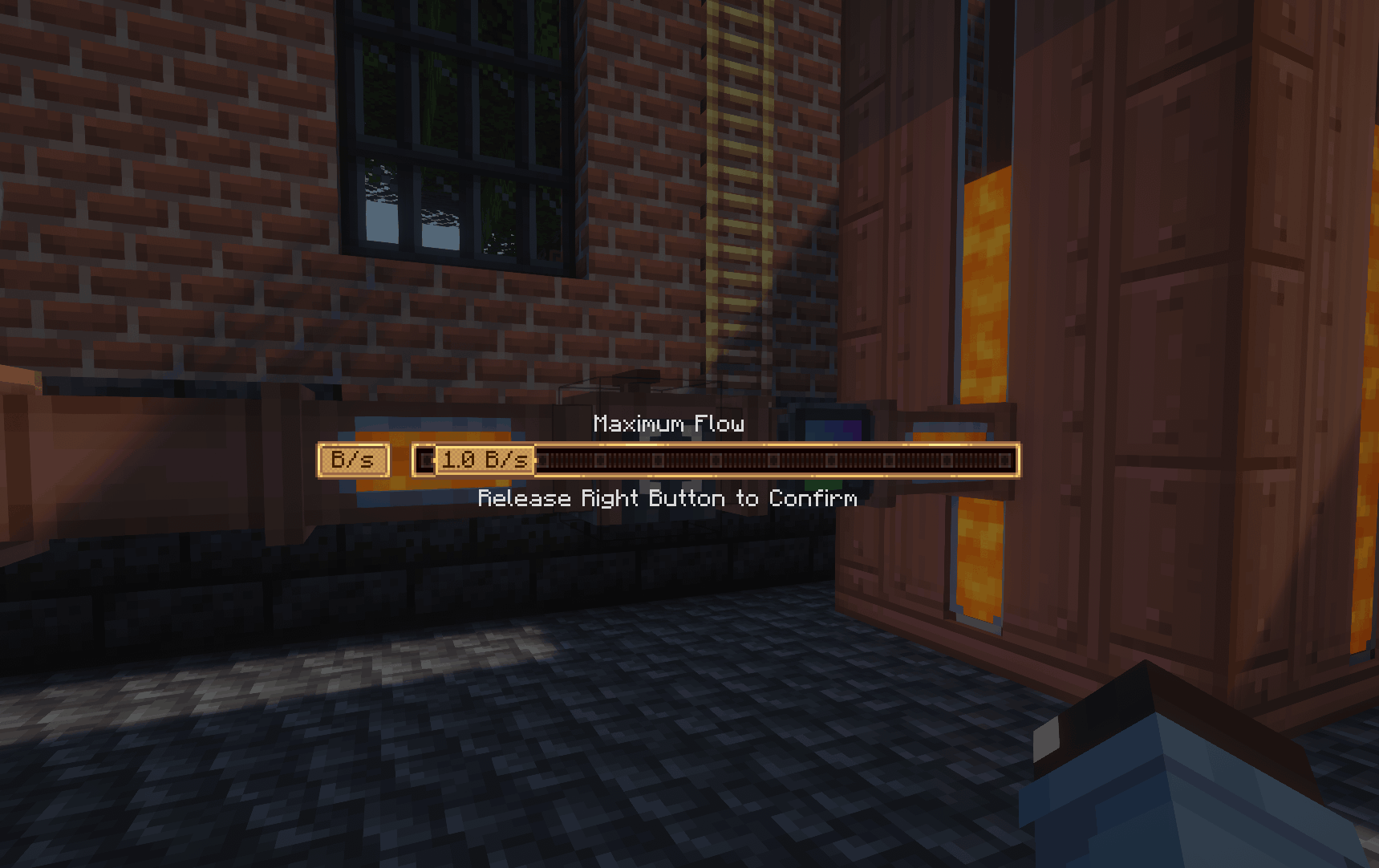
- Adjustable fluid throughput limit from 0–10 B/s
- Create-style value controls for setting the flow limit
- Engineer’s Goggles readouts
- Optional ComputerCraft integration for reading and adjusting restrictionsInline installation in existing Create pipe networks
The meter uses Create’s normal fluid transport and measures accepted transfers. An empty source or full destination produces zero throughput. It requires no rotational power or stress capacity.
Usage
Flow Meter: Replace a straight pipe segment with a Flow Meter. Place it before a junction to measure combined delivery, or inside a branch to measure that branch separately.
Hold a Create wrench to change display units using the gauge’s value control. Sneak-right-click with an empty hand to reset readings and counters.
Flow Restrictor: Place it inline with a pipe and adjust its limit using Create’s value controls. Set a lower limit for controlled delivery or raise it to allow greater throughput.
ComputerCraft support
With CC: Tweaked installed, both devices provide optional peripheral integration.
Flow Meter: Read current, average, peak, signed flow, total volume, fluid, direction, and status. Change units and comparator scaling through Lua.
Flow Restrictor: Read and adjust the configured flow limit through Lua.
Connect a computer directly beside a device, or use a wired modem attached to a non-pipe face. Lua flow rates use mB/s and volumes use mB.
Measurement notes
The Flow Meter measures actual accepted fluid transfers, not theoretical pipe capacity. Empty sources and full destinations produce zero throughput.
Rates use game seconds (20 ticks). Detected pipe loops and bypass routes report unknown rather than guessed throughput. Accumulated totals include fluids passing through the meter.
常见问题
Create: Flow Meter 支持哪些 Minecraft 版本?
Create: Flow Meter 支持 Minecraft Java 版 1.20.1–1.21.1,共 2 个版本,可用的加载器:Forge / NeoForge。下载时注意选择和你游戏版本一致的文件。
Create: Flow Meter 怎么安装?
先用 PCL2 或 HMCL 启动器安装对应版本的 Forge / NeoForge,再把下载的 .jar 文件放进游戏目录的 mods 文件夹,重新启动游戏即可。开启了版本隔离的,mods 文件夹在 versions/版本名 下面。
diggydwarff 的其他作品
查看全部 →
Tobacconist
为 Minecraft 加入真实的烟草种植、烘烤、加工、调配和吸食系统。

Herbalist
Adds blazebud and other new medicinal plants and fungi in to the game!

Create: Radar Waterline
Submerged antennas stop scanning and normal radar no longer detects fully submerged targets

Autumn Foliage
A mod that applies autumn/fall colors to vegetation across both vanilla Minecraft and modded content
评论
登录后评论和评分