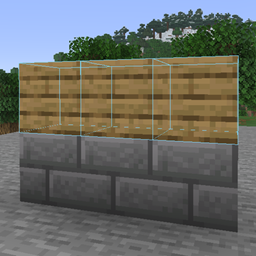
截图
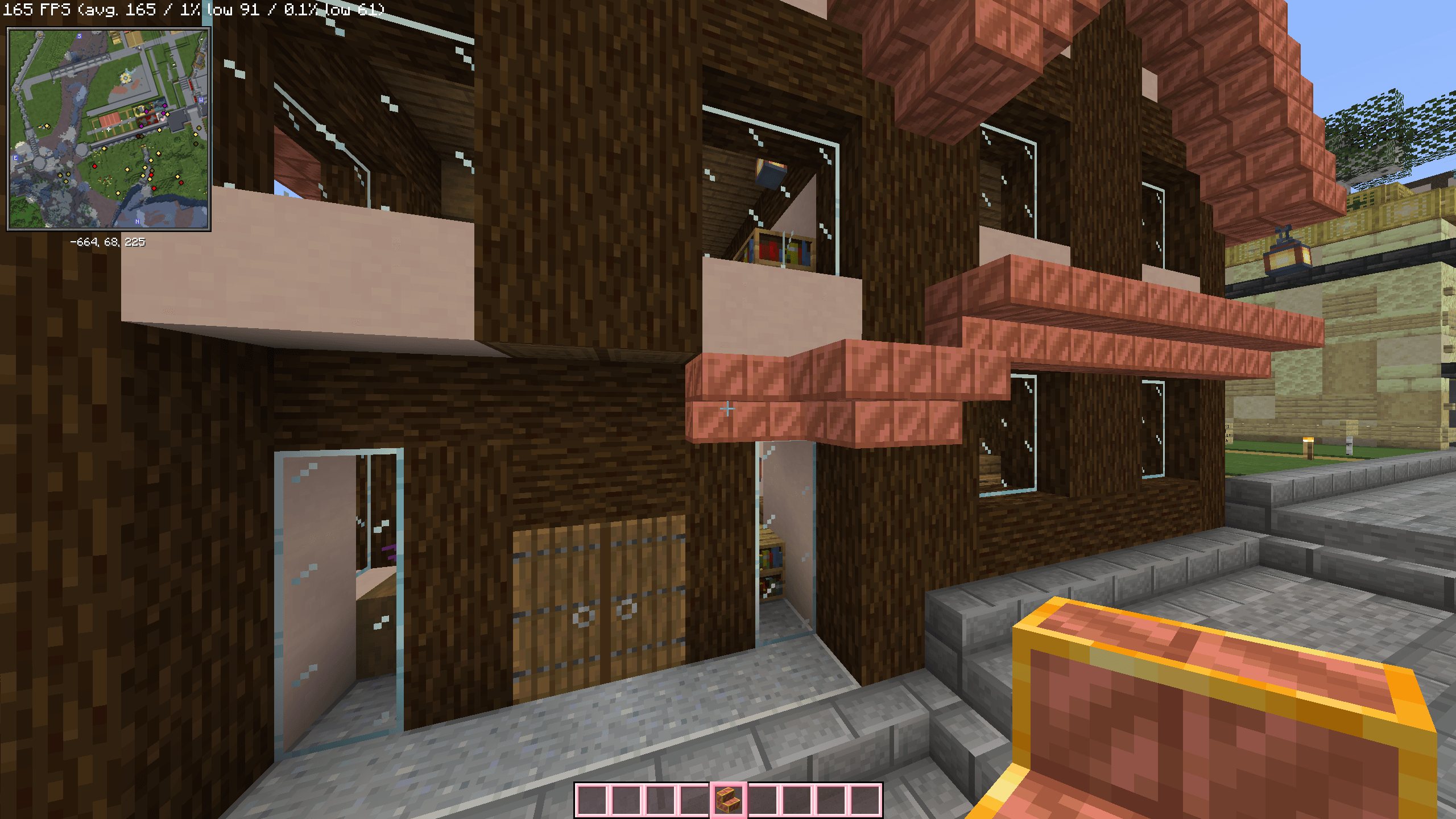
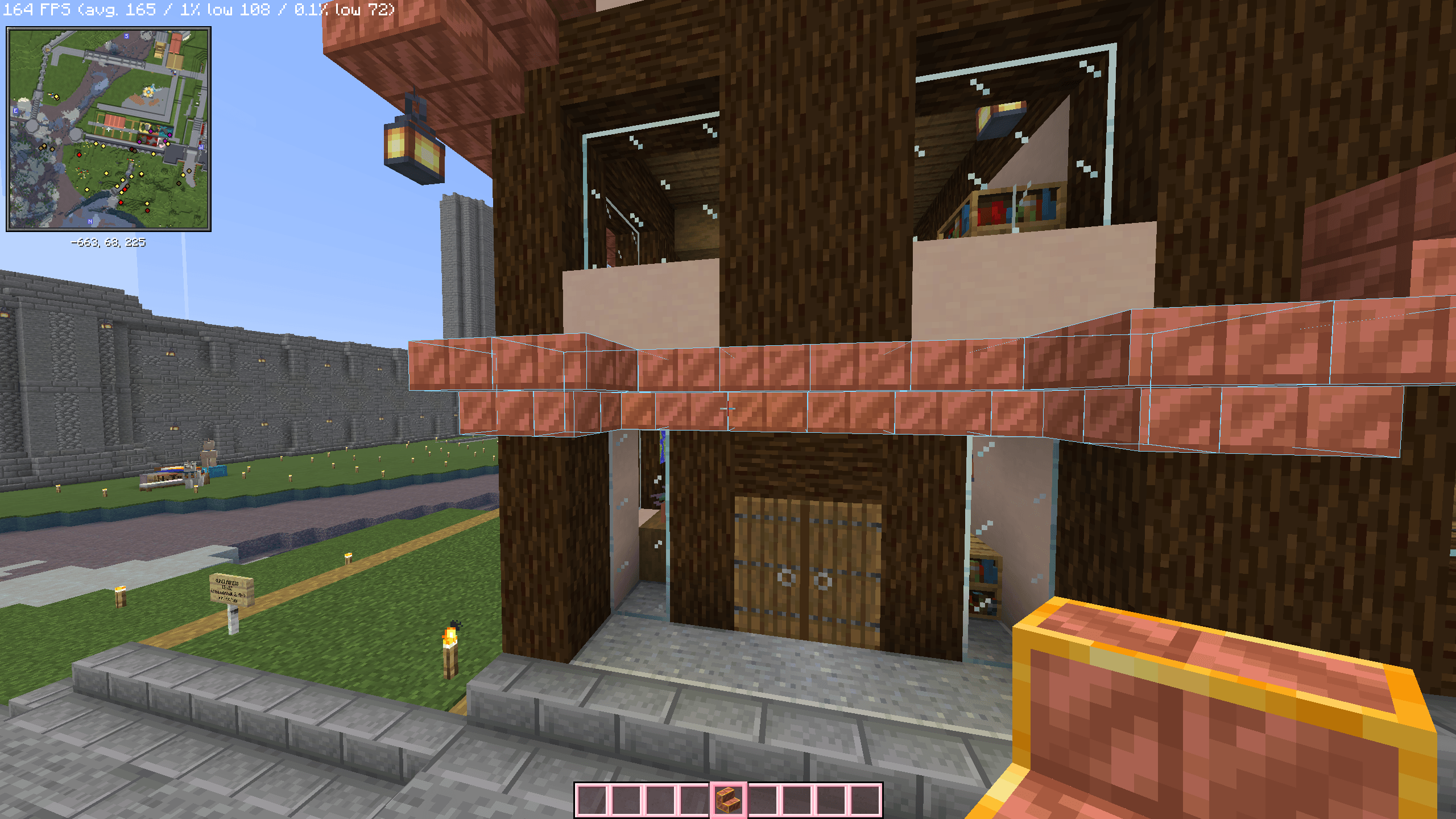
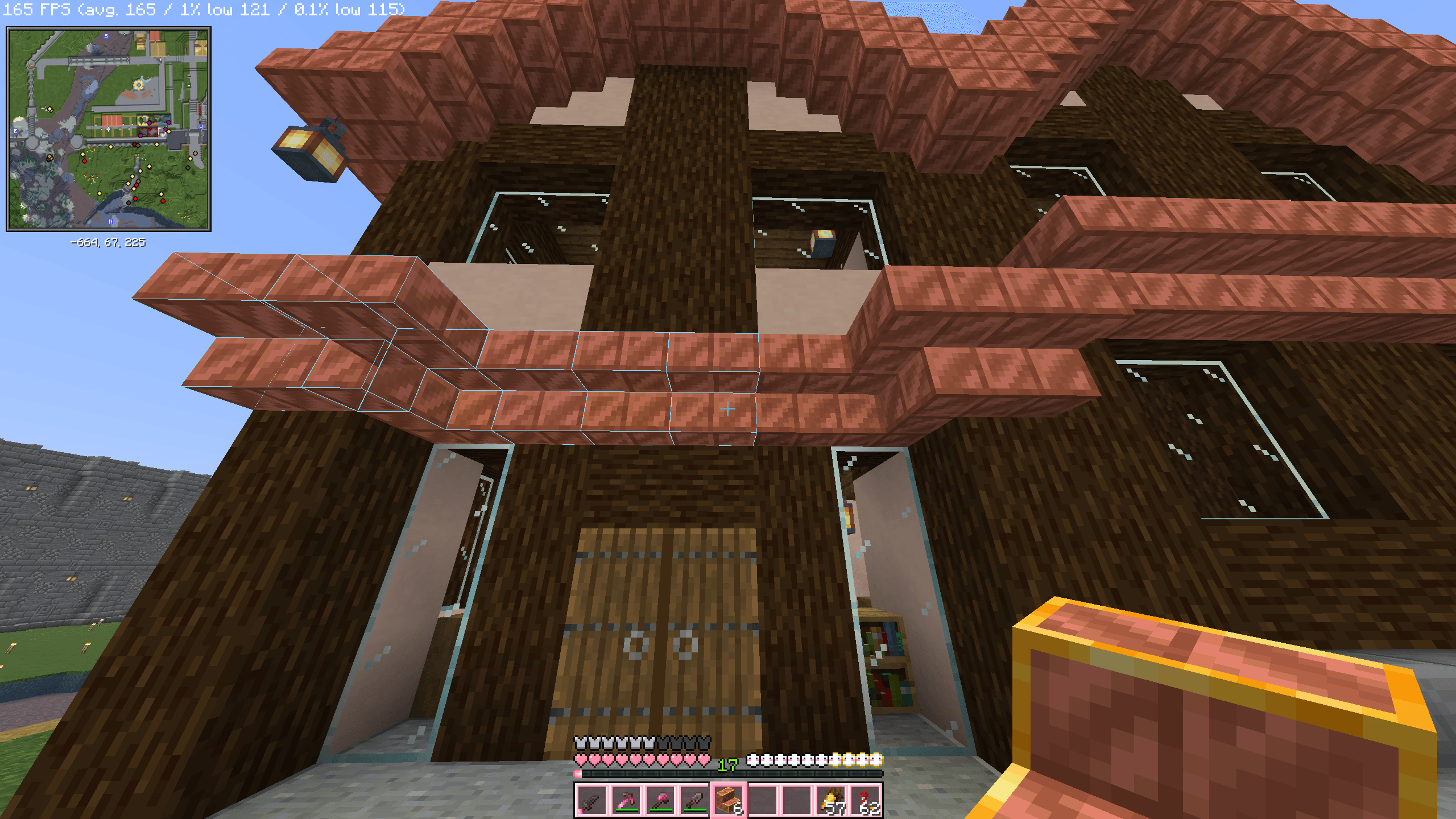
介绍
Sick of trying build ideas only to tear them down and restart over and over? Introducing Phantom Builder! Press f6 (default) to go into Phantom mode, which is like going into freecam or spectator mode, but you now can build in creative mode and test out build ideas.
Press f6 again to exit and return to your player. From here if you like you can press H to bring up the phantom block hologram you placed down and build on top of it. Like Litematica, freecam and creative mode all in one.
No more will you have to tear down a build over and over if you dont like the design.
常见问题
Phantom Build 支持哪些 Minecraft 版本?
Phantom Build 支持 Minecraft Java 版 26.3,可用的加载器:Fabric。下载时注意选择和你游戏版本一致的文件。
Phantom Build 怎么安装?
先用 PCL2 或 HMCL 启动器安装对应版本的 Fabric,再把下载的 .jar 文件放进游戏目录的 mods 文件夹,重新启动游戏即可。开启了版本隔离的,mods 文件夹在 versions/版本名 下面。
评论
登录后评论和评分