
ChatVote
ChatVote is a Minecraft mod for convenient polls and voting. Create polls, vote on options, view results, and share poll links in chat. Simple, stylish, and interactive!
截图
介绍
🗳️ ChatVote – Convenient Polls and Voting in Minecraft
ChatVote is a Minecraft mod that adds a full-featured polling and voting system. Create polls, gather player feedback, and make your server lively and interactive.




✨ Features
Open the Main Menu
- Use the
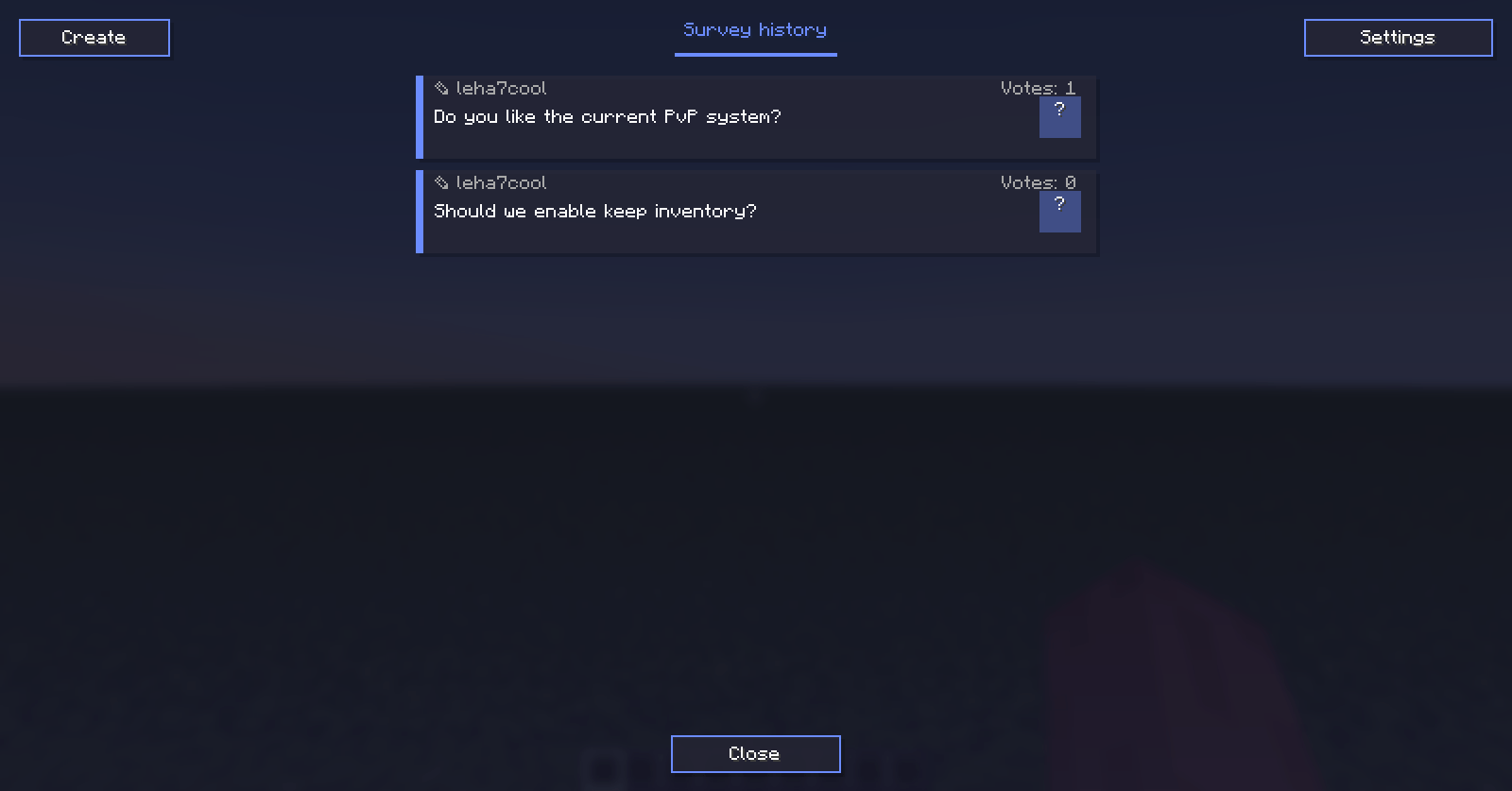
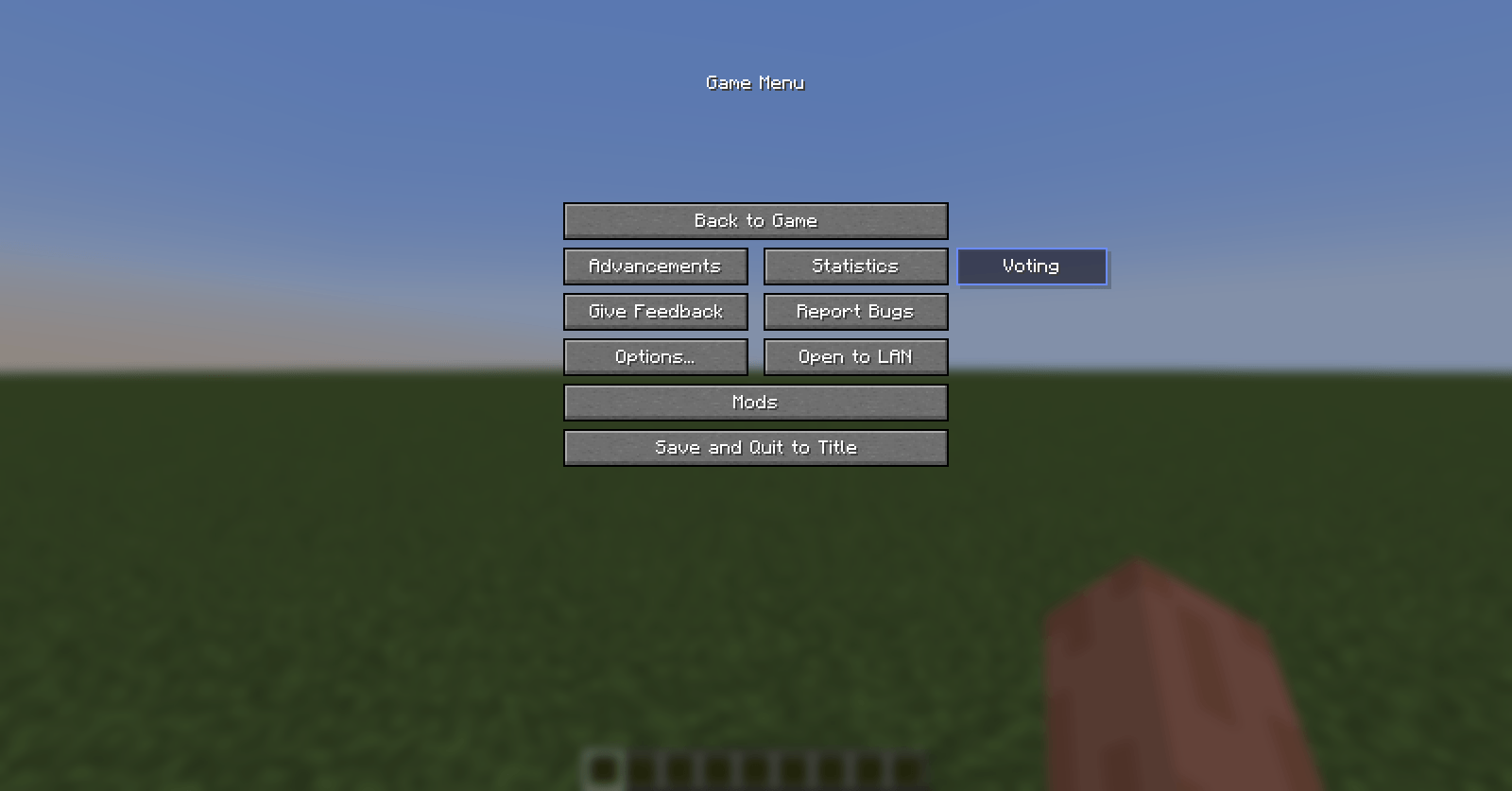
/votecommand or the “Voting” button in the pause menu (Esc). - In the main menu, you’ll find “Settings” and “Create” buttons.
- Browse other players’ polls, view details, and vote right from the menu.
Creating Polls
- Use the
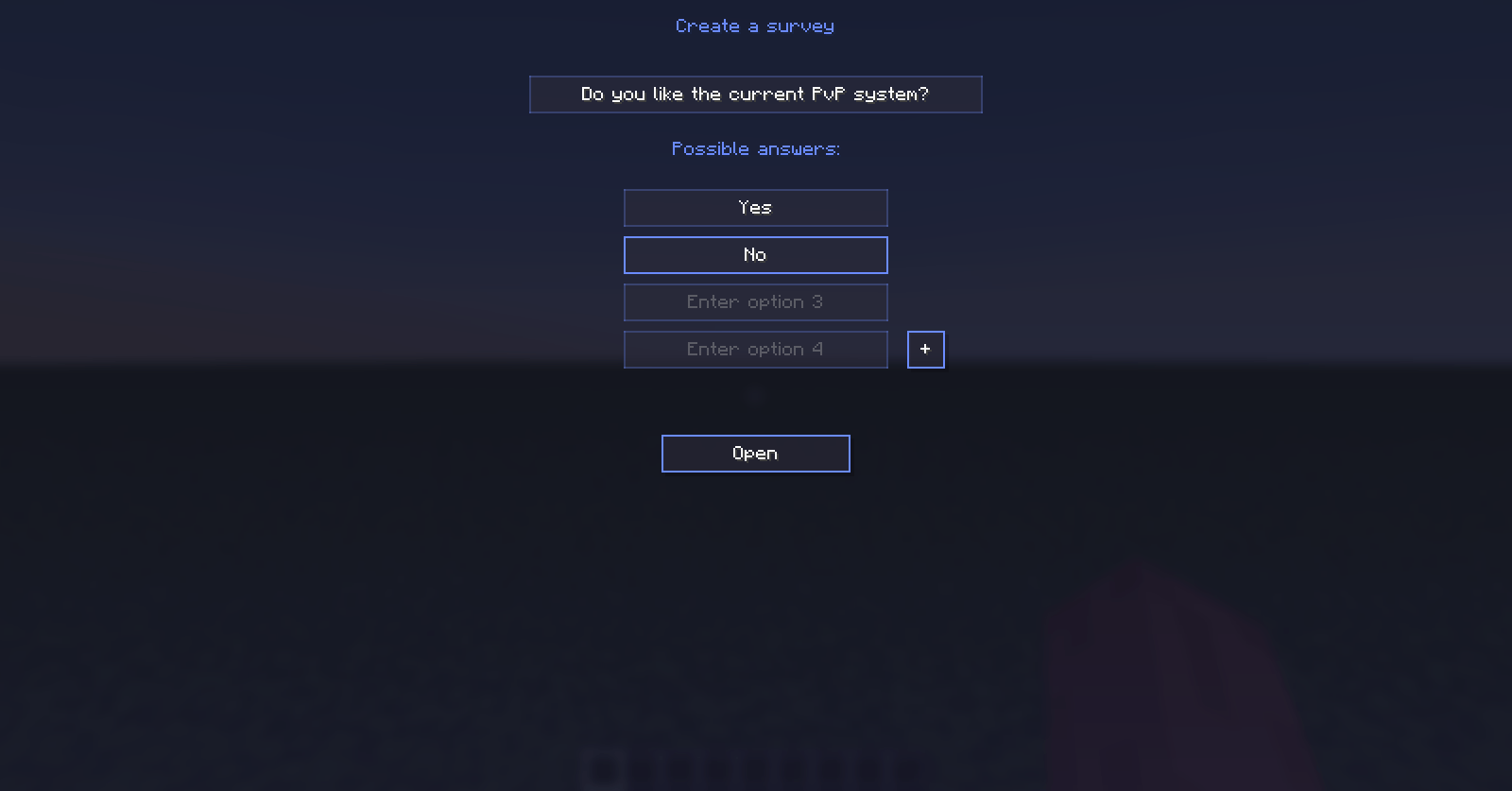
/vote createcommand or the “Create” button in the mod’s main menu. - You can add up to 8 answer options.
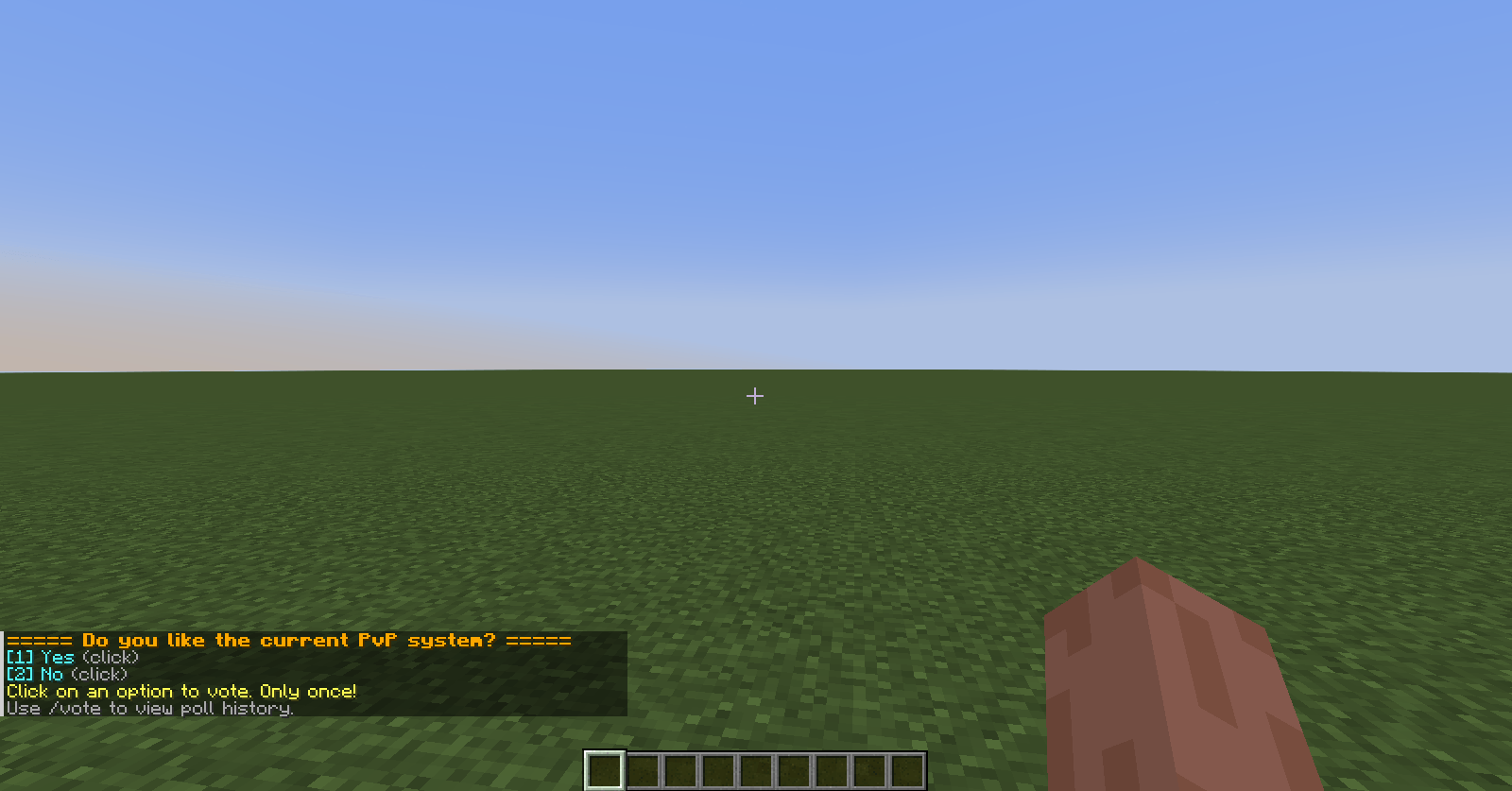
- After creation, the poll appears in chat (if this feature is enabled in settings).
Voting
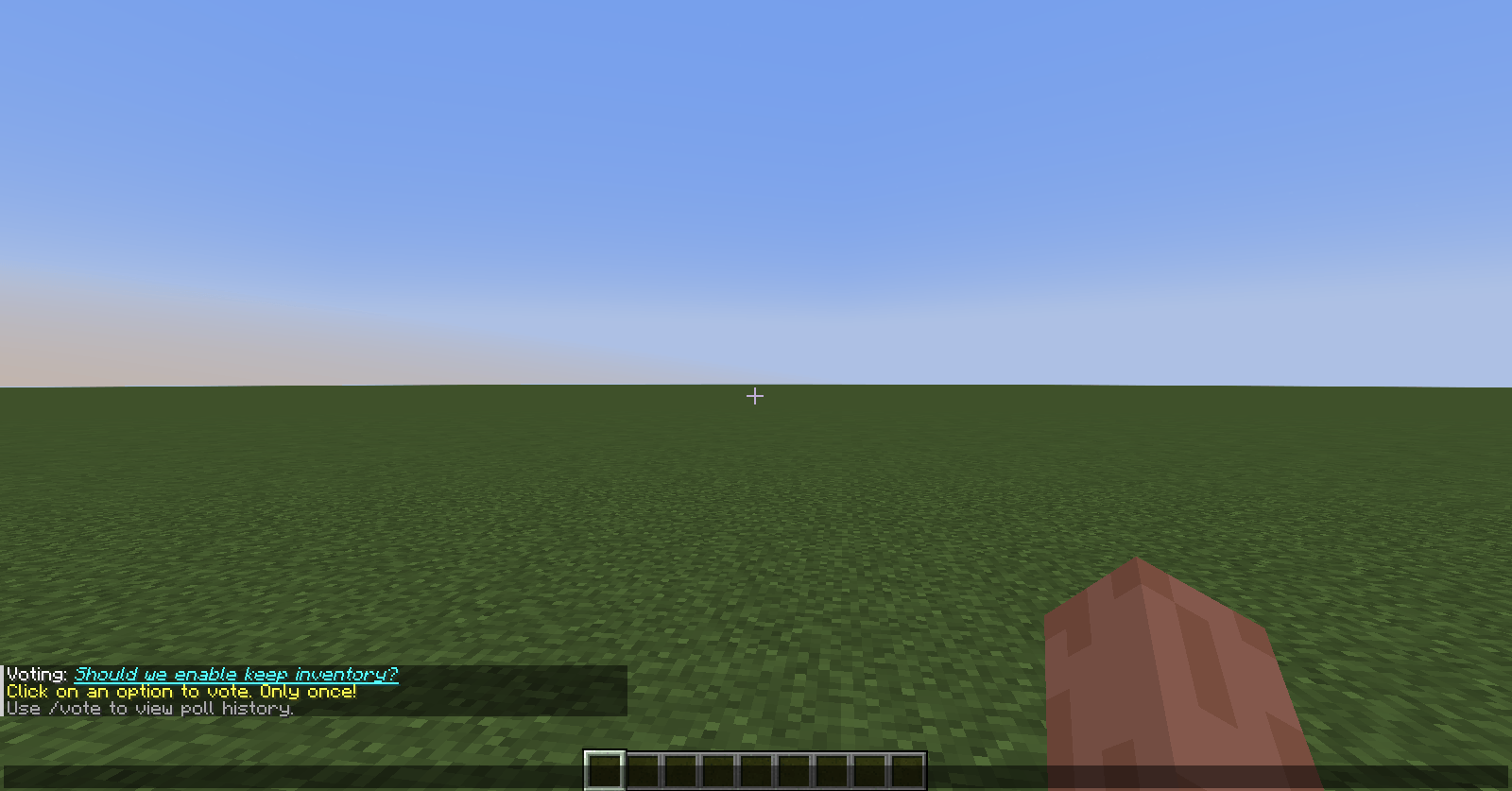
- Click on an option in chat – the text is clickable.
- Open the main menu and click “Vote” next to the desired option.
You can also view results using the /vote results command.
Smart Poll Links
If you type url/short-ID (e.g., url/123a-1) in chat, it automatically turns into the poll’s title. It becomes underlined, blue, and clickable. Click it to open poll details. If the poll doesn’t exist, the text stays unchanged.
Offline Polls
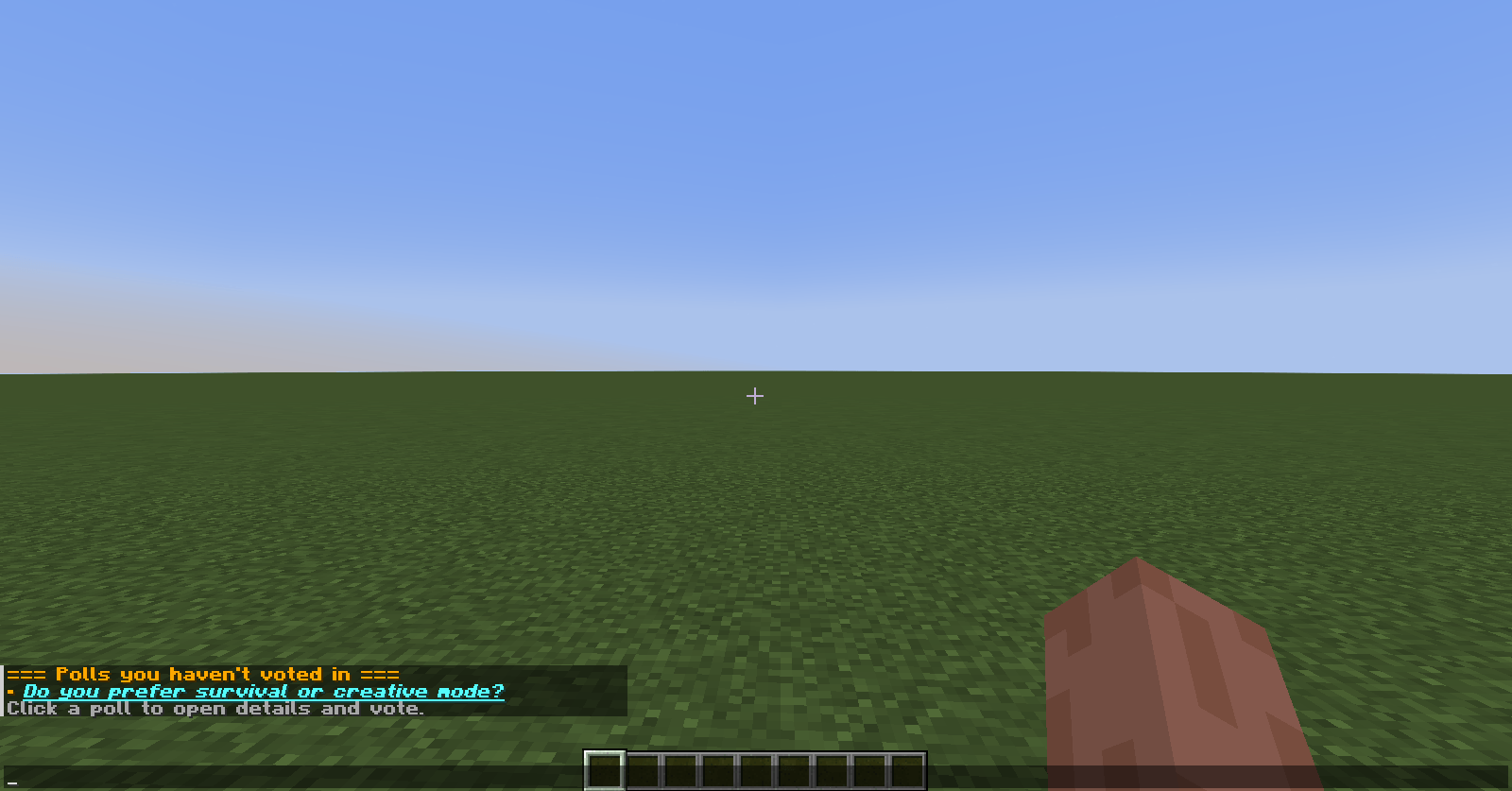
Upon joining the server, you’ll see a list of polls you haven’t voted in yet. This helps you not miss important votes.
Compact Mode
Enable compact mode in settings, and instead of bulky announcements, only a single link to the poll will appear in chat.
Sound Effects
When a poll is created or a poll link is mentioned in chat, a selected sound plays. You can change it in settings (e.g., block.note_block.pling).
Pause Menu Button
A “Voting” button appears in the pause menu (Esc) that opens the poll list.
Detailed Statistics
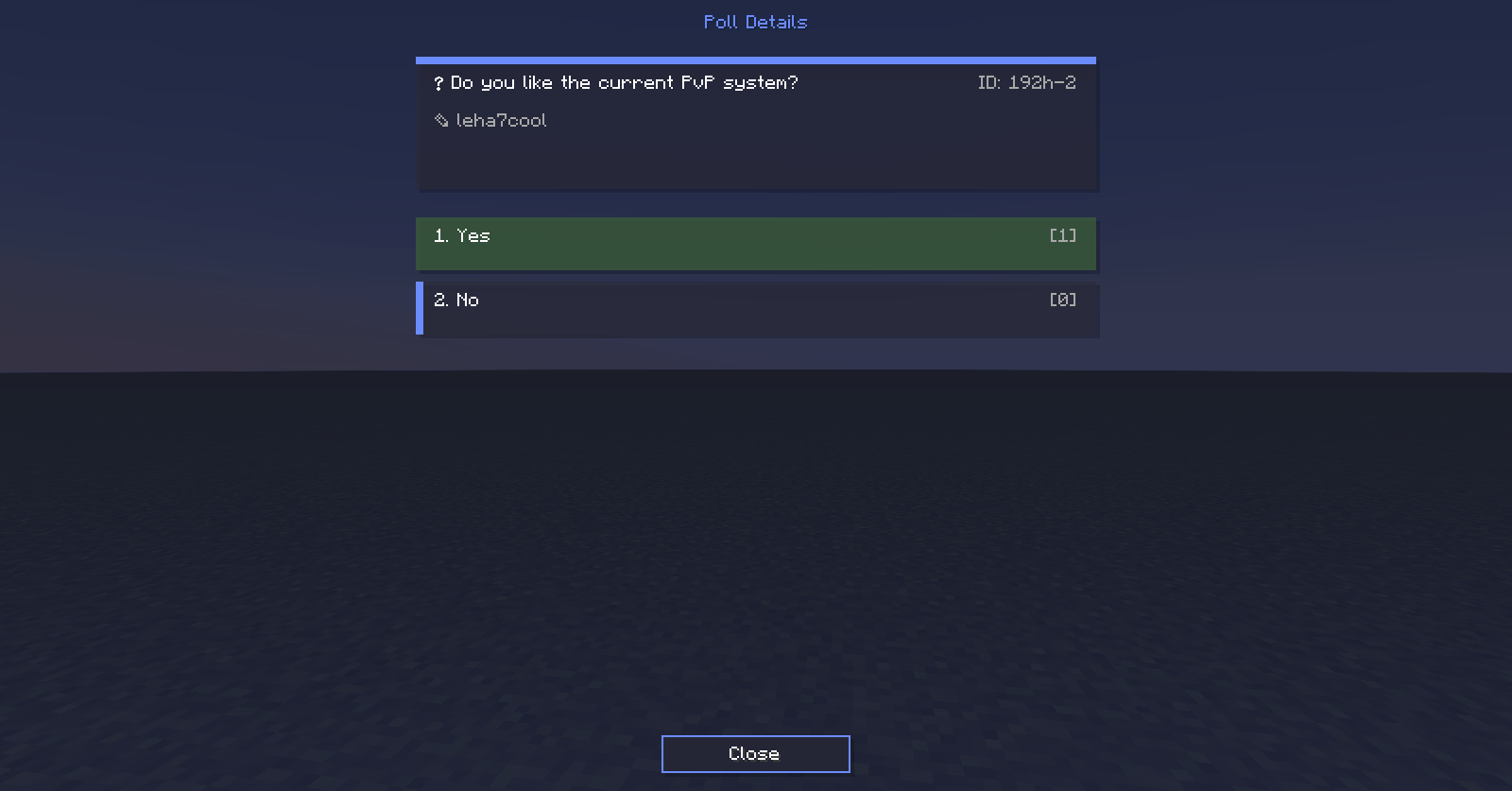
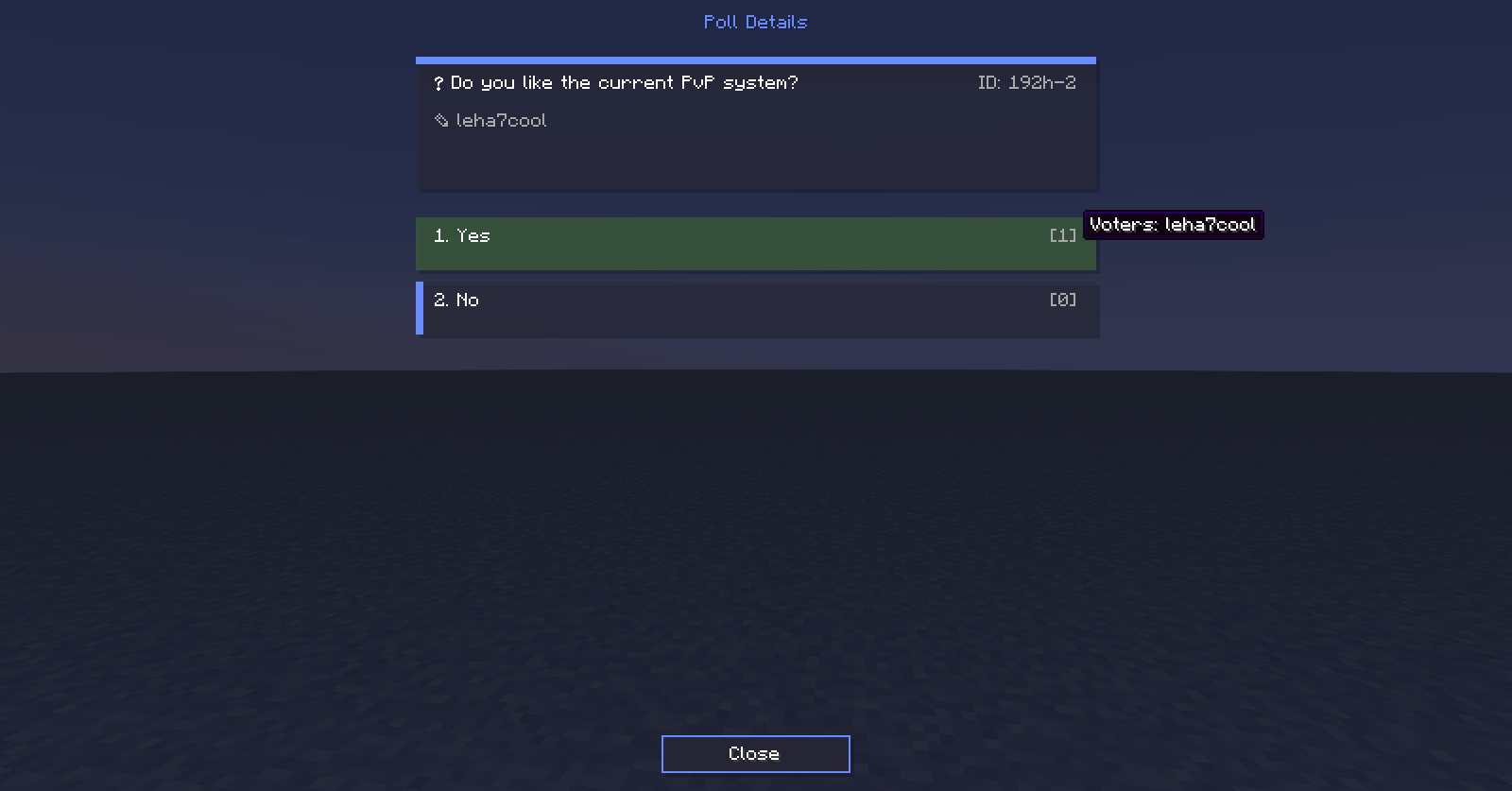
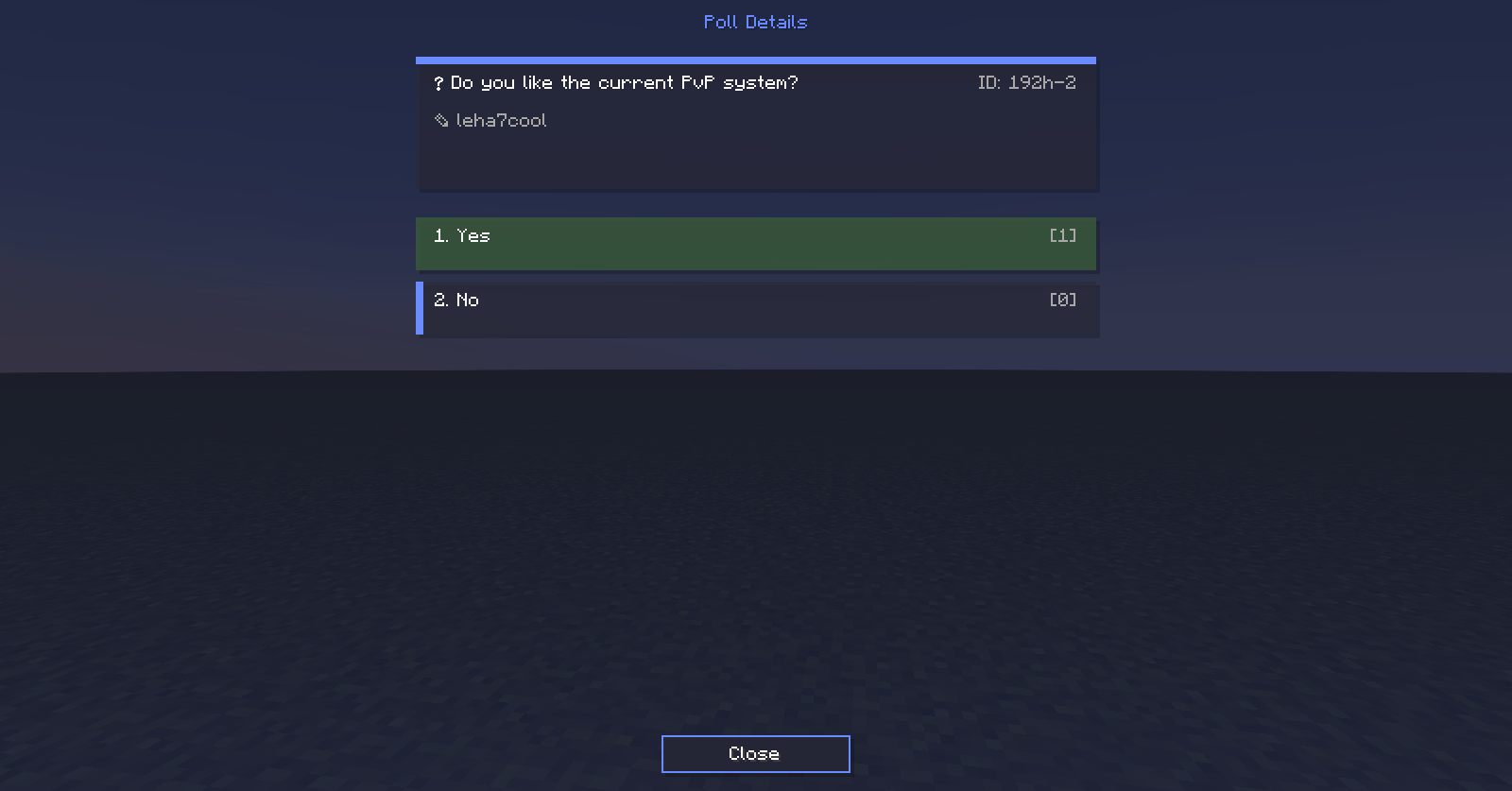
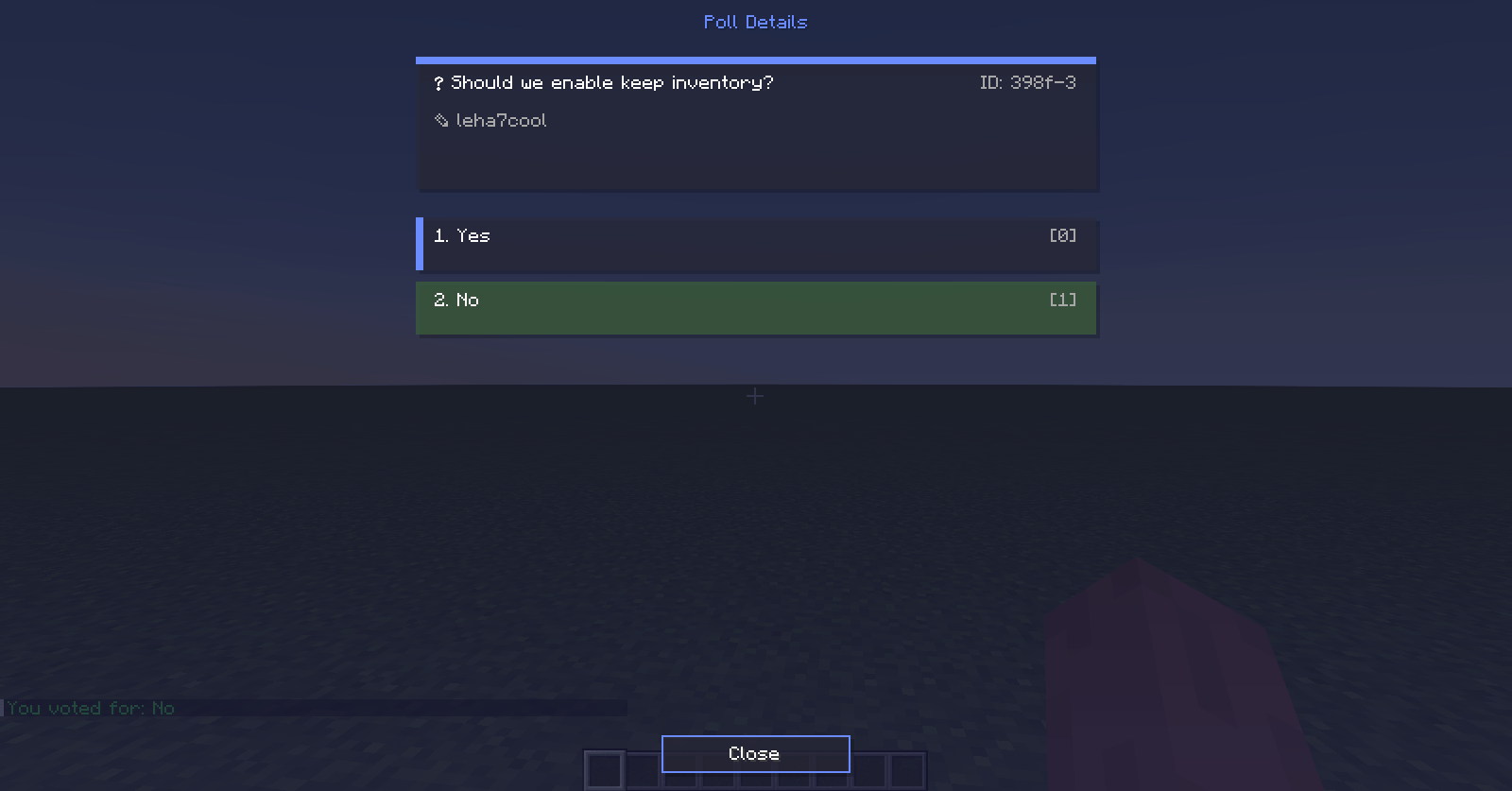
Open any poll via the GUI – you’ll see the question, author, ID, and vote counts per option. Hover over the vote counter to see the names of players who voted for that option.
⌨️ Commands
| Command | Description |
|---|---|
/vote |
Open the poll list in GUI |
/vote create |
Open the poll creation window |
/vote results [id] |
Show results of the active or a specific poll (only to you) |
/vote delete <id> |
Delete a poll (requires permissions) |
/vote details <id> |
Open poll details by short ID |
⚙️ Settings
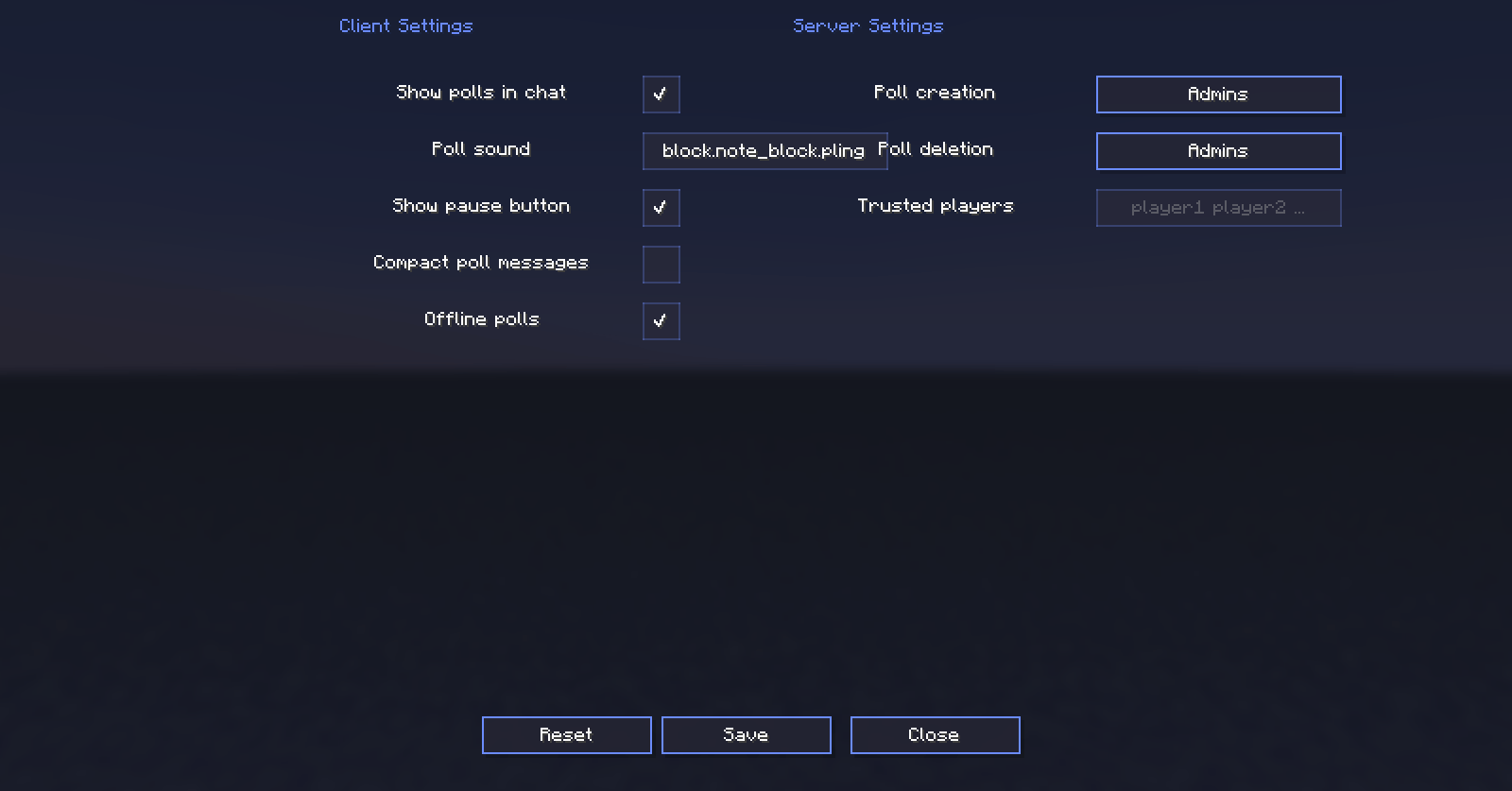
Client-side (in-game via the “Voting Settings” menu)
- Show polls in chat – enable or disable poll announcements in chat.
- Poll sound – choose a Minecraft sound ID.
- Pause menu button – show or hide the “Voting” button.
- Compact polls – show only a link instead of the full announcement.
- Offline polls – show the list of polls upon joining the server.
Server-side (administrators only)
- Who can create polls – Admins, Everyone, or Trusted (list of names separated by spaces).
- Who can delete polls – Admins, Everyone (only their own polls), or Trusted.
📬 Support
If you’d like to share your feedback or help us come up with new ideas for improving the mod, we’d love to hear from you at [email protected]!
常见问题
ChatVote 支持哪些 Minecraft 版本?
ChatVote 支持 Minecraft Java 版 1.21.1,可用的加载器:NeoForge。下载时注意选择和你游戏版本一致的文件。
ChatVote 怎么安装?
先用 PCL2 或 HMCL 启动器安装对应版本的 NeoForge,再把下载的 .jar 文件放进游戏目录的 mods 文件夹,重新启动游戏即可。开启了版本隔离的,mods 文件夹在 versions/版本名 下面。
leha7cool 的其他作品
查看全部 →
Vista: Recipes
This mod adds crafting recipes for all cassettes in the "Vista" mod and "Vista - All The Cassettes!".

Create RPG+
Create RPG+ merges the detailed machinery of the Create mod with deep RPG progression and challenging combat. It expands your world with stunning biomes, dangerous dungeons, and optimized visuals for an immersive adventure.

Only Create
A good collection of mods, consisting of "Create" mods and good additional mods that will improve the gameplay in the Minecraft game.

Create: Tea textures
Replaces the textures of some items from the Create mod with textures similar to tea!
评论
登录后评论和评分