
Recipe Conflict Resolver
作者:aleni26
This mod adds a simple button to easily switch between recipes that share the same ingredients.
截图
介绍
中文介绍正在准备中,下面暂时显示原文。
Aquarius Libs needs to be installed for this mod to work!
Tired of recipe conflicts when multiple mods share the exact same crafting ingredients?
This mod adds a simple button to easily cycle through conflicting outputs and get the exact item you need.
(Its also kinda like a library mod as my future item mods will need it most likely, because of the recipe conflicts)
What It Does
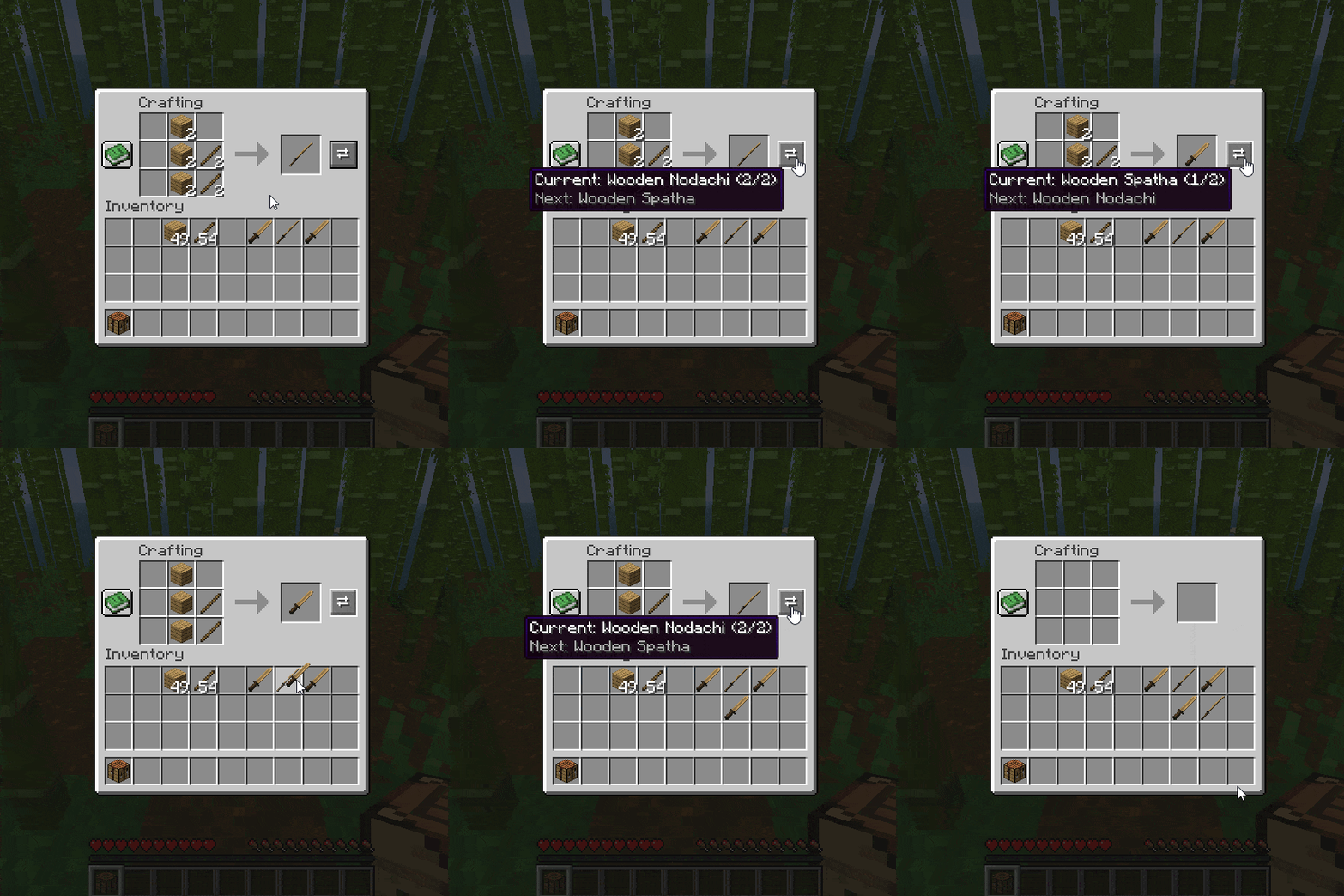
- Conflict Button: If two mods use the same recipe, a button pops up right next to the item output box.
- Click to Swap: Just click the button or the output box to cycle through the different item results.
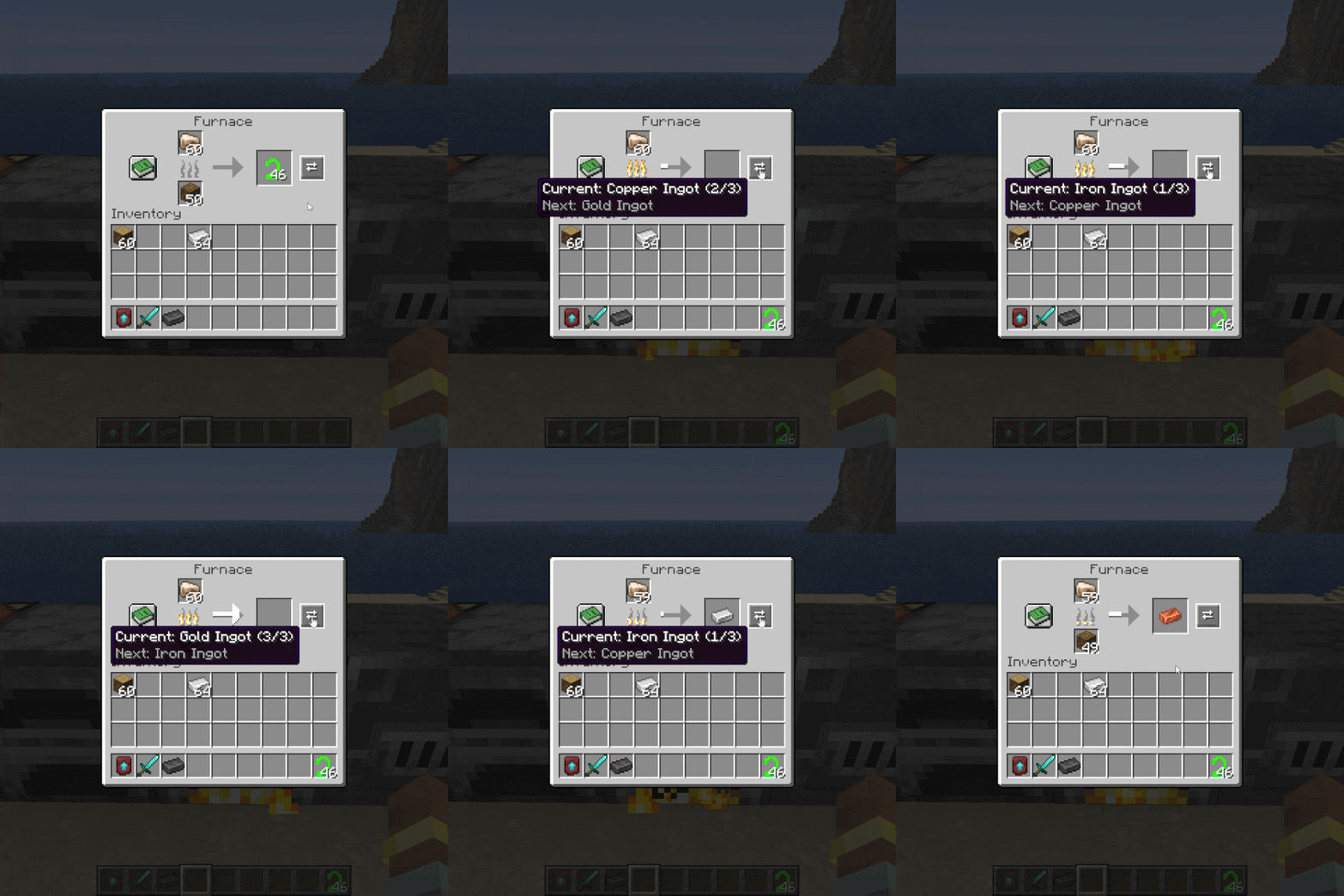
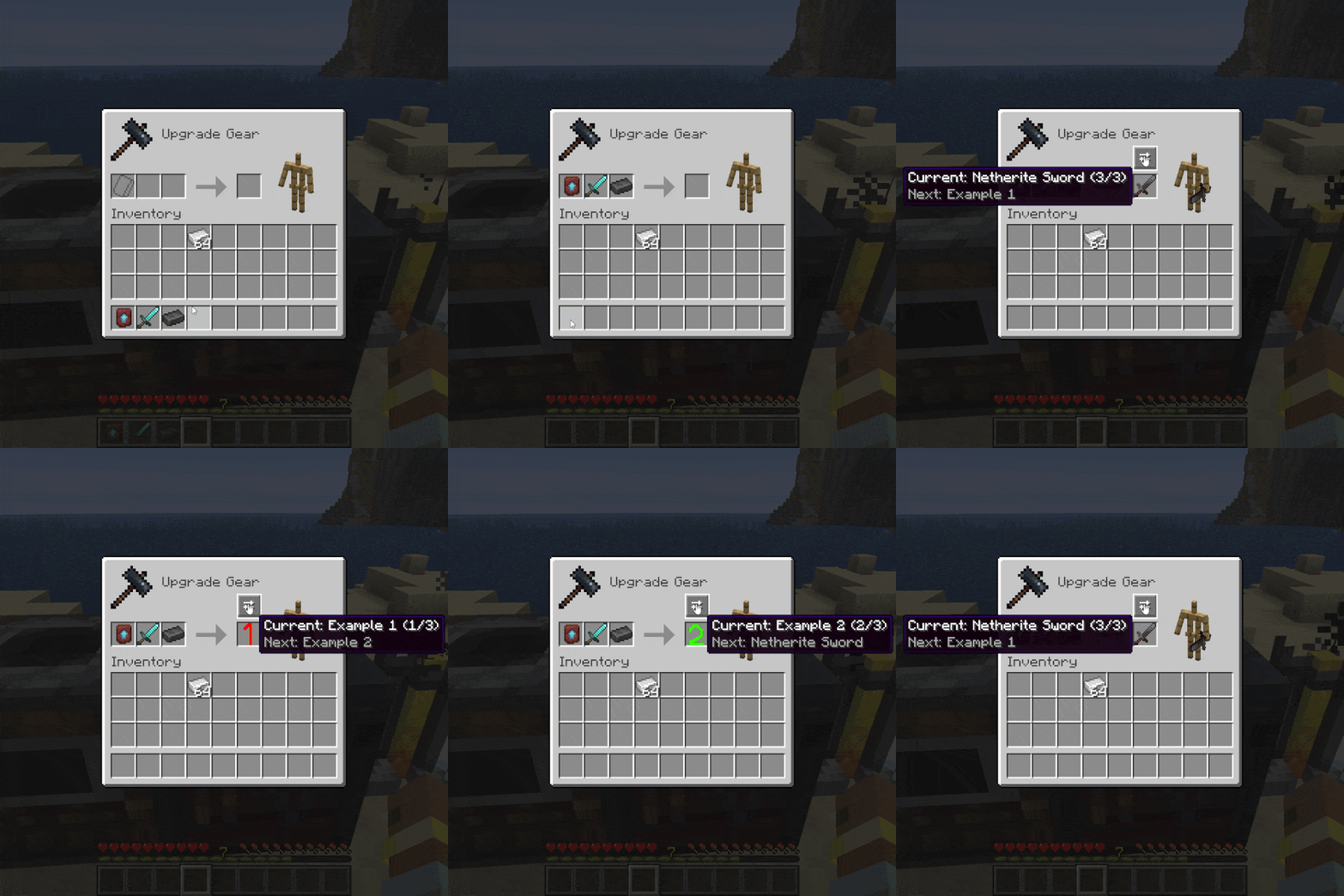
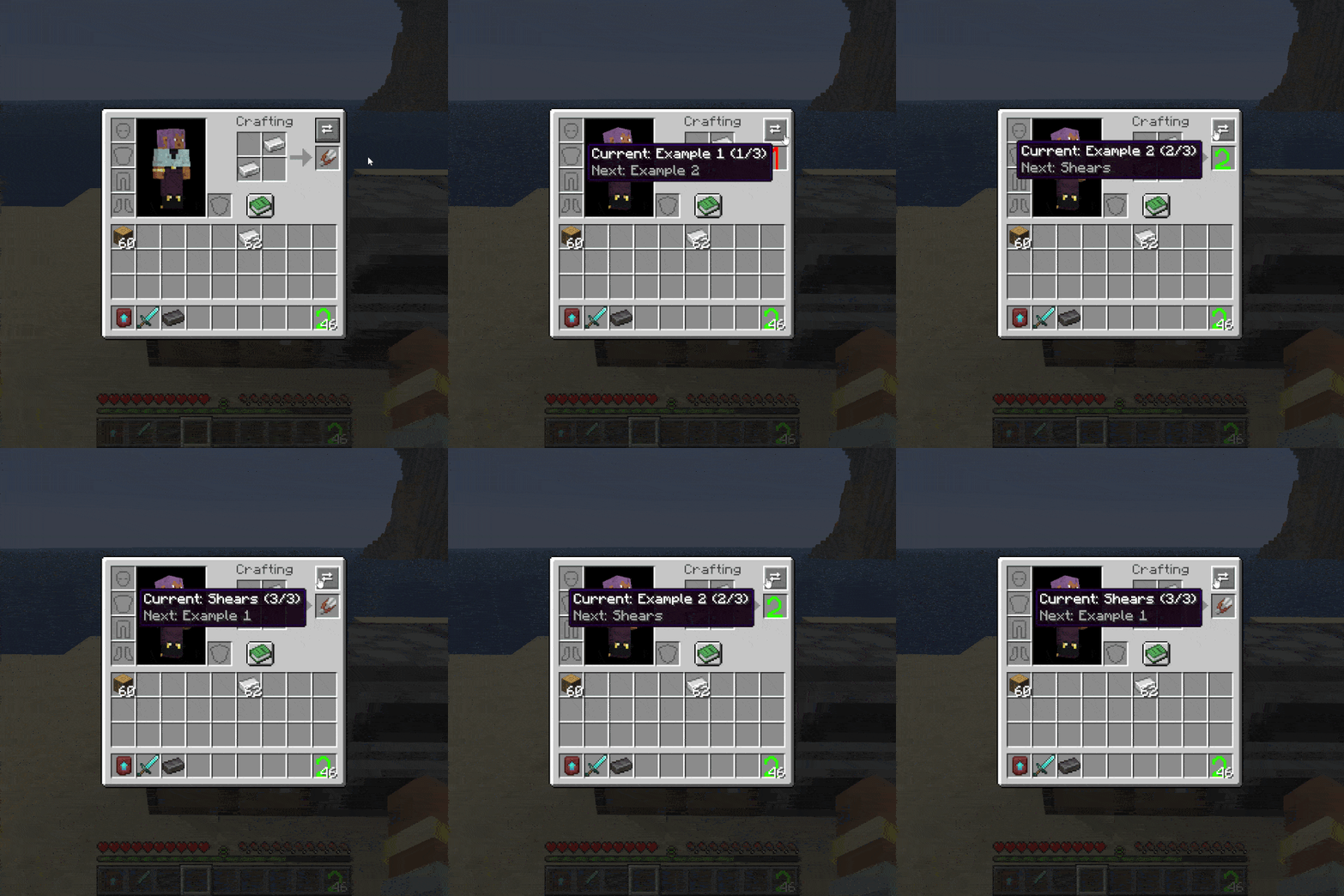
- Handy Tooltips: Hover over the button to see your current choice (like 1/3) and see exactly what item is coming up next.
- Where It Works: Works perfectly in Crafting Tables, Player Inventories, and Smithing Tables.
- Furnace Support: It also works in Furnaces, Blast Furnaces, and Smokers (though fixing the underlying mod conflicts is recommended for smelting).
Supported Versions
- Loaders: Forge, Fabric, and NeoForge.
- Versions: 26.1.x
- Note: No plans to support older versions below 26.1 for now
Found a Bug?
If you encounter any bugs or experience a crash, please send the crash log directly to me via private message so I can look into it.
常见问题
Recipe Conflict Resolver 支持哪些 Minecraft 版本?
Recipe Conflict Resolver 支持 Minecraft Java 版 26.1–26.1.2,共 3 个版本,可用的加载器:Fabric / Forge / NeoForge。下载时注意选择和你游戏版本一致的文件。
Recipe Conflict Resolver 怎么安装?
先用 PCL2 或 HMCL 启动器安装对应版本的 Fabric / Forge / NeoForge,再把下载的 .jar 文件放进游戏目录的 mods 文件夹,重新启动游戏即可。开启了版本隔离的,mods 文件夹在 versions/版本名 下面。
评论
登录后评论和评分