
介绍
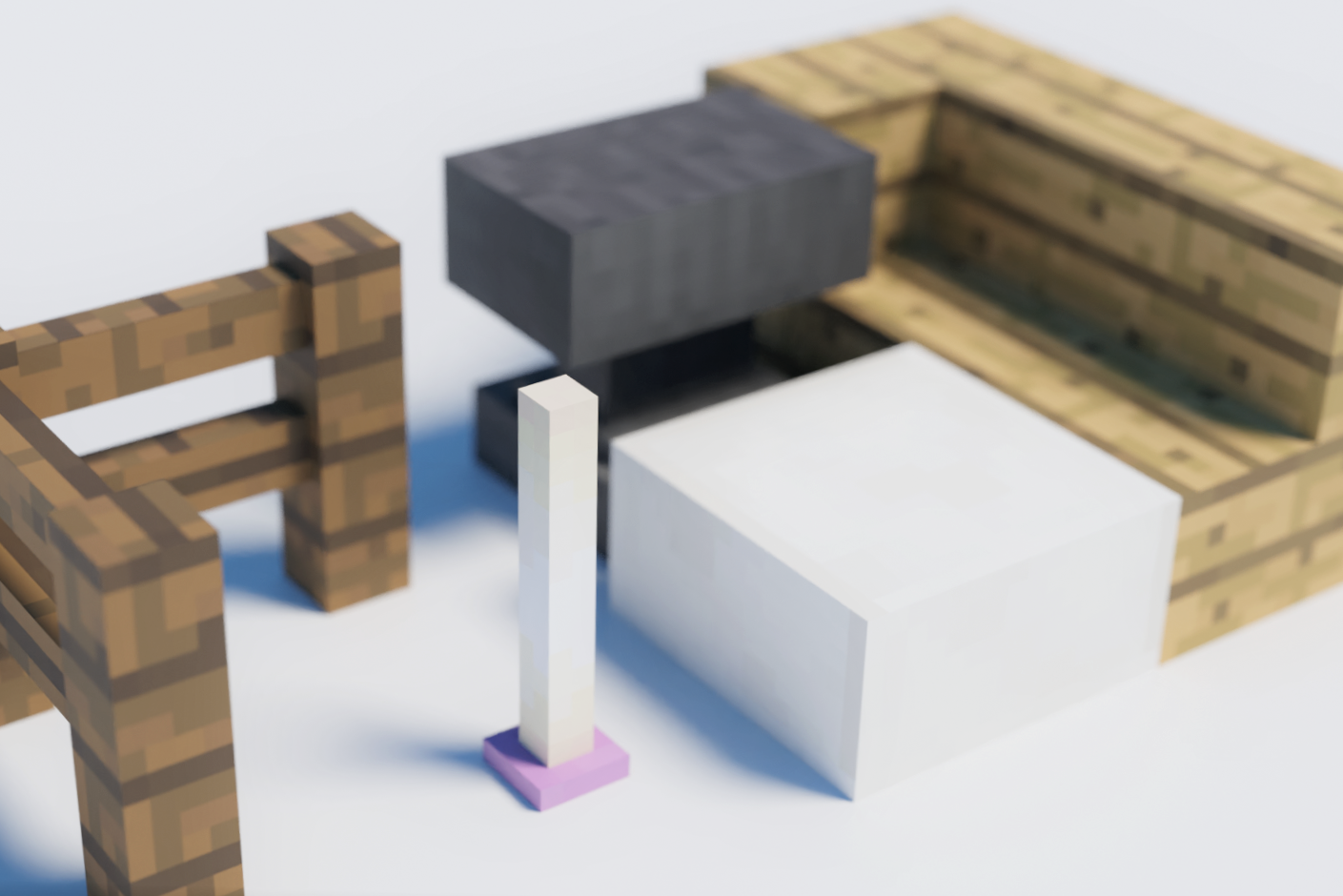
MineExporteR is a mod for Minecraft 1.12.2 that allows you to output your world to external rendering software such as Blender. It features support for modded block and optifine connected textures.
Commands
/mexp pos1
– Set start point of region.
/mexp pos2
– Set end point of region.
/mexp export
– Export selected region as .obj file.
– At this time, if you have optifine, set the shader to “None”.
– Also, set the Graphics setting to “Fancy”.
Setting Files
None(will be added soon)
How to use
Exported data are located in envionment_folder/MineExporter. Then import the data to rendering software.
If you are using Blender, run this script to disable texture blur and backside culling.
Cautions
- The file will be overwritten with each rendering. It is highly recommended to move the output files to another location before import them into external 3D software.
- This mod is in beta testing. There is a possibility that some blocks may not be output correctly, but we are continuing to develop it so that it will output as much as possible as it looks in Mikra before the official release.
- I am developing the latest version on github, but please use that only if you can build it at your own risk. There is no guarantee that it will work. (Instead, I will try to make the version distributed here as stable as possible).
Known bugs / Unimplemented features
・Tile Entities will not be output.
・Some CTM methods will not be output.
・The CTM (different from optifine’s) used in Chisel mod, etc. is not supported.
Discord
If you have any questions or share your creations, you can join the Discord Server!
常见问题
MineExporteR 支持哪些 Minecraft 版本?
MineExporteR 支持 Minecraft Java 版 1.12–1.12.2,共 2 个版本,可用的加载器:Forge。下载时注意选择和你游戏版本一致的文件。
MineExporteR 怎么安装?
先用 PCL2 或 HMCL 启动器安装对应版本的 Forge,再把下载的 .jar 文件放进游戏目录的 mods 文件夹,重新启动游戏即可。开启了版本隔离的,mods 文件夹在 versions/版本名 下面。
评论
登录后评论和评分