
Bank Storage
作者:Natanaelel
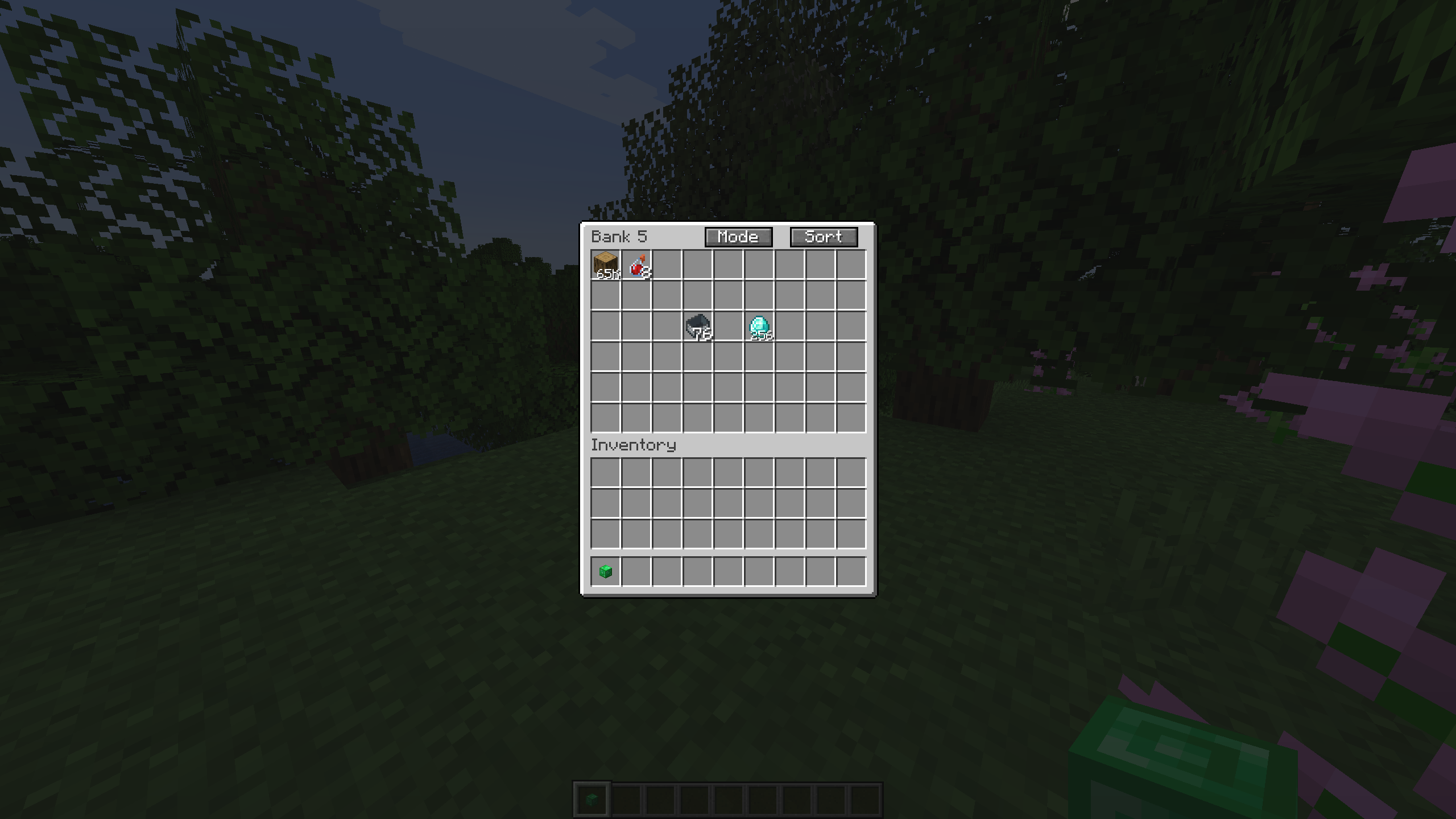
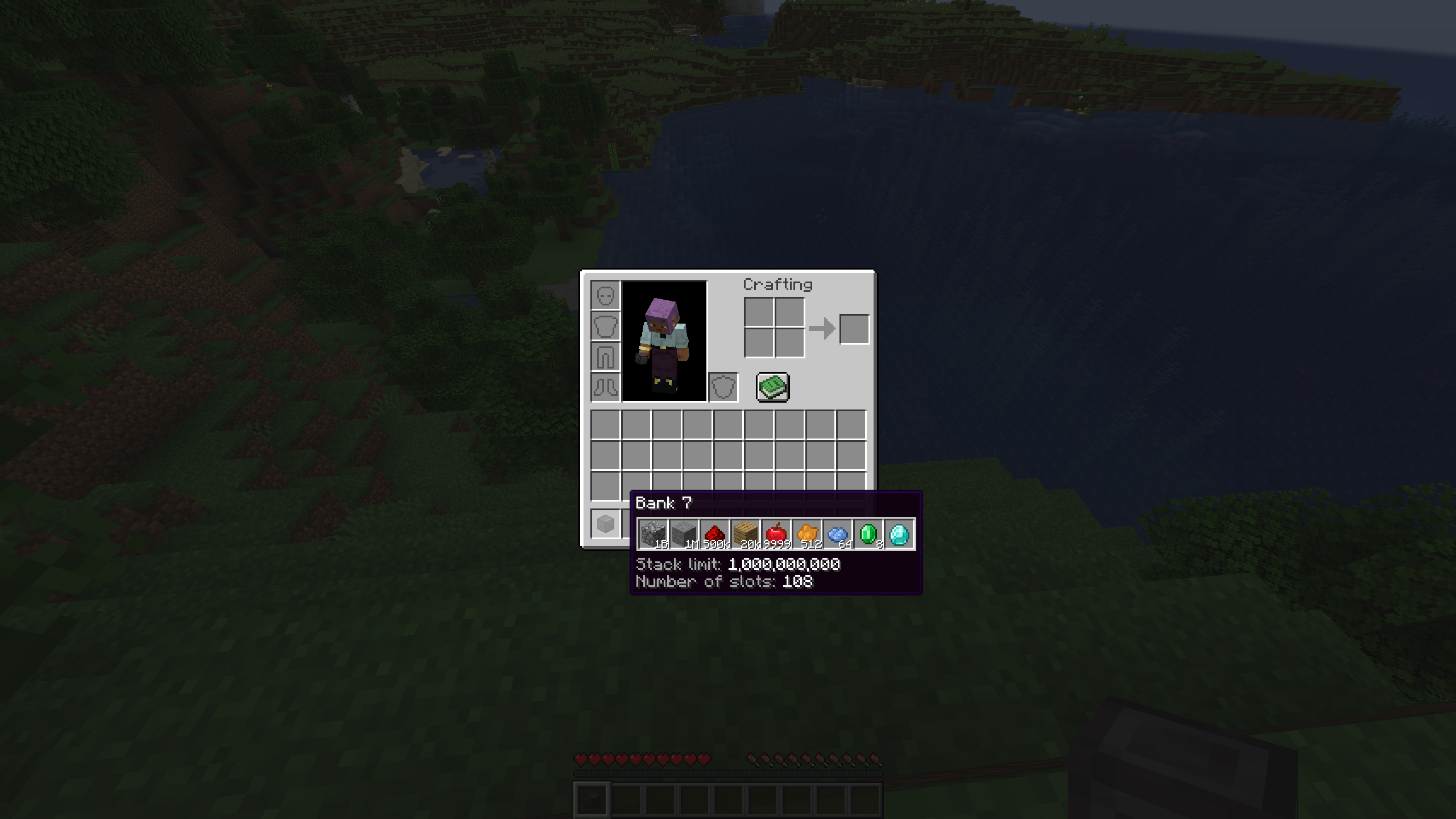
A portable storage device that can store up to 1,000,000,000 items per slot.
截图

介绍
中文介绍正在准备中,下面暂时显示原文。
Bank Storage
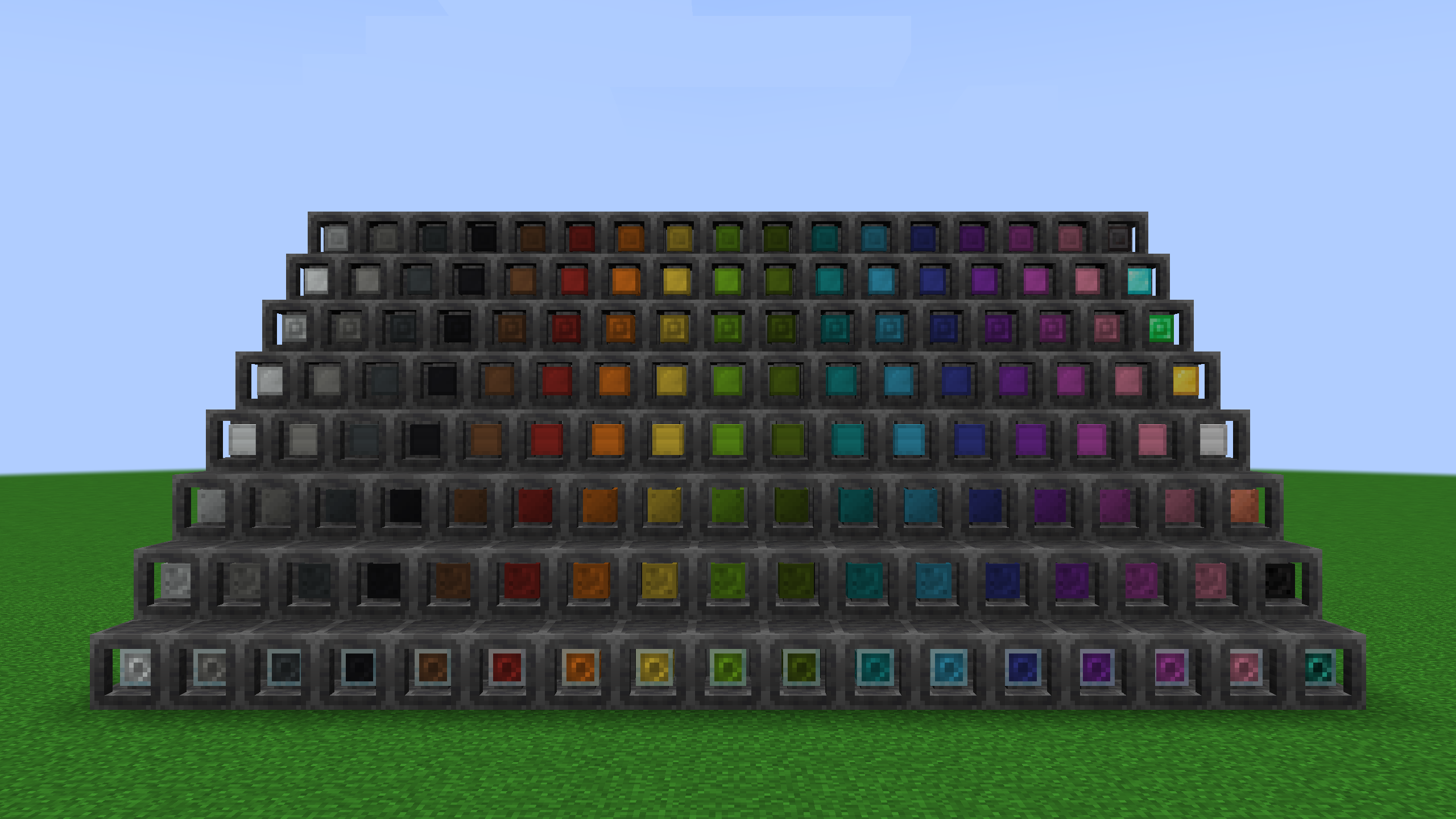
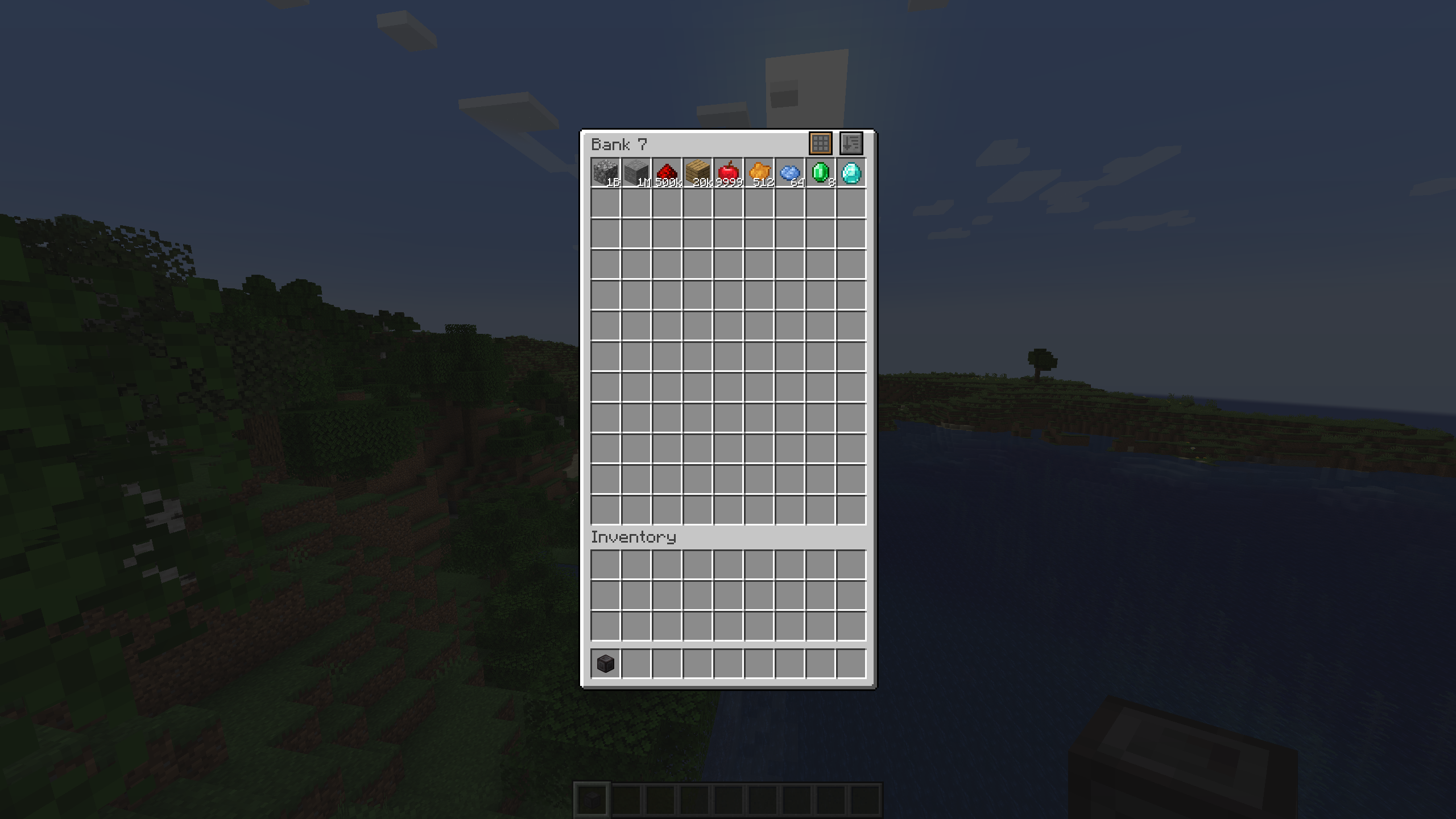
Adds Banks of 7 increasing sizes. A portable storage device that can store from 256 up to 1 BILLION items per slot.
Features
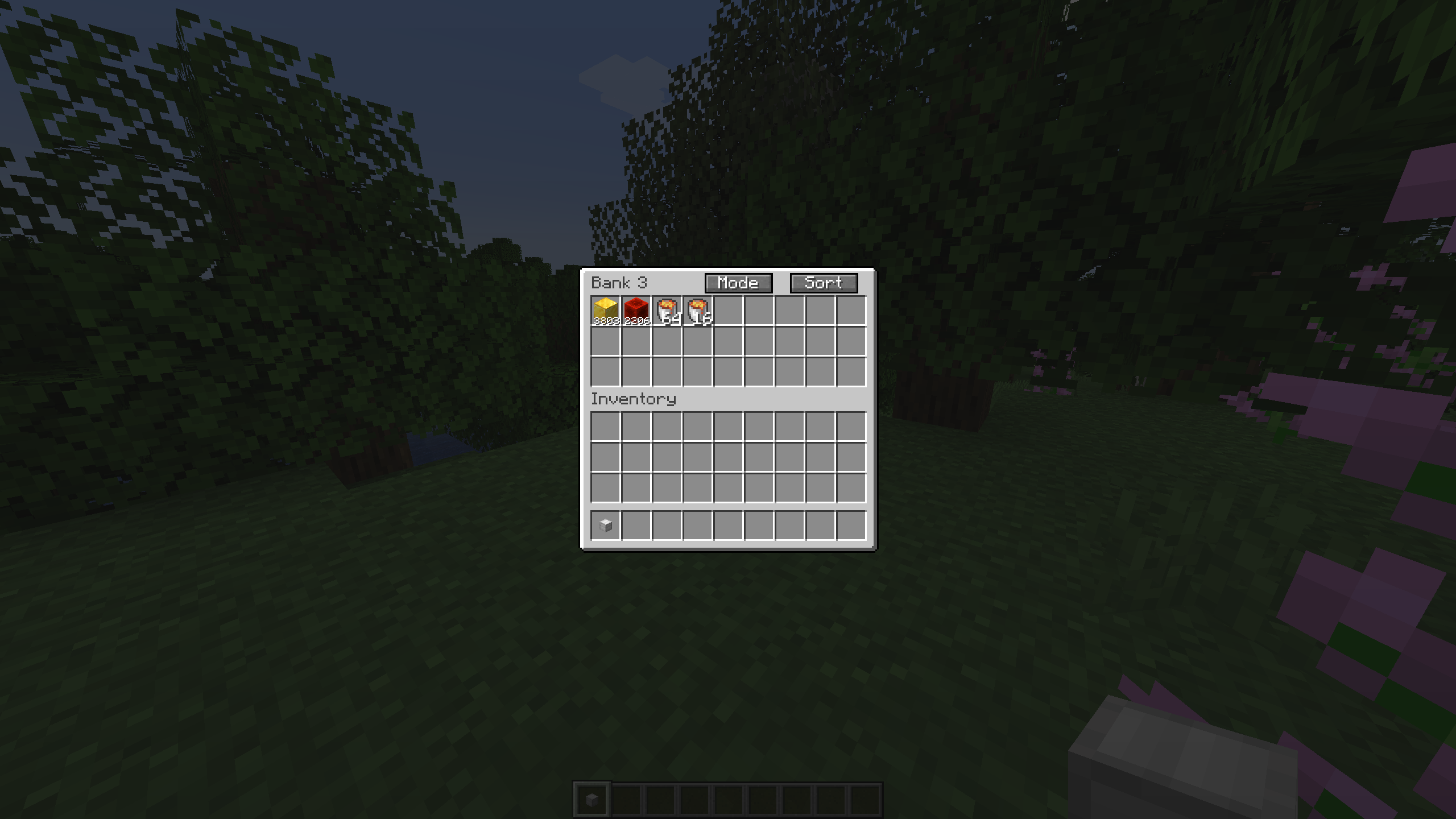
- Larger slots: Store more items per slot than normally possible. Up to 1 billion items in a single slot.
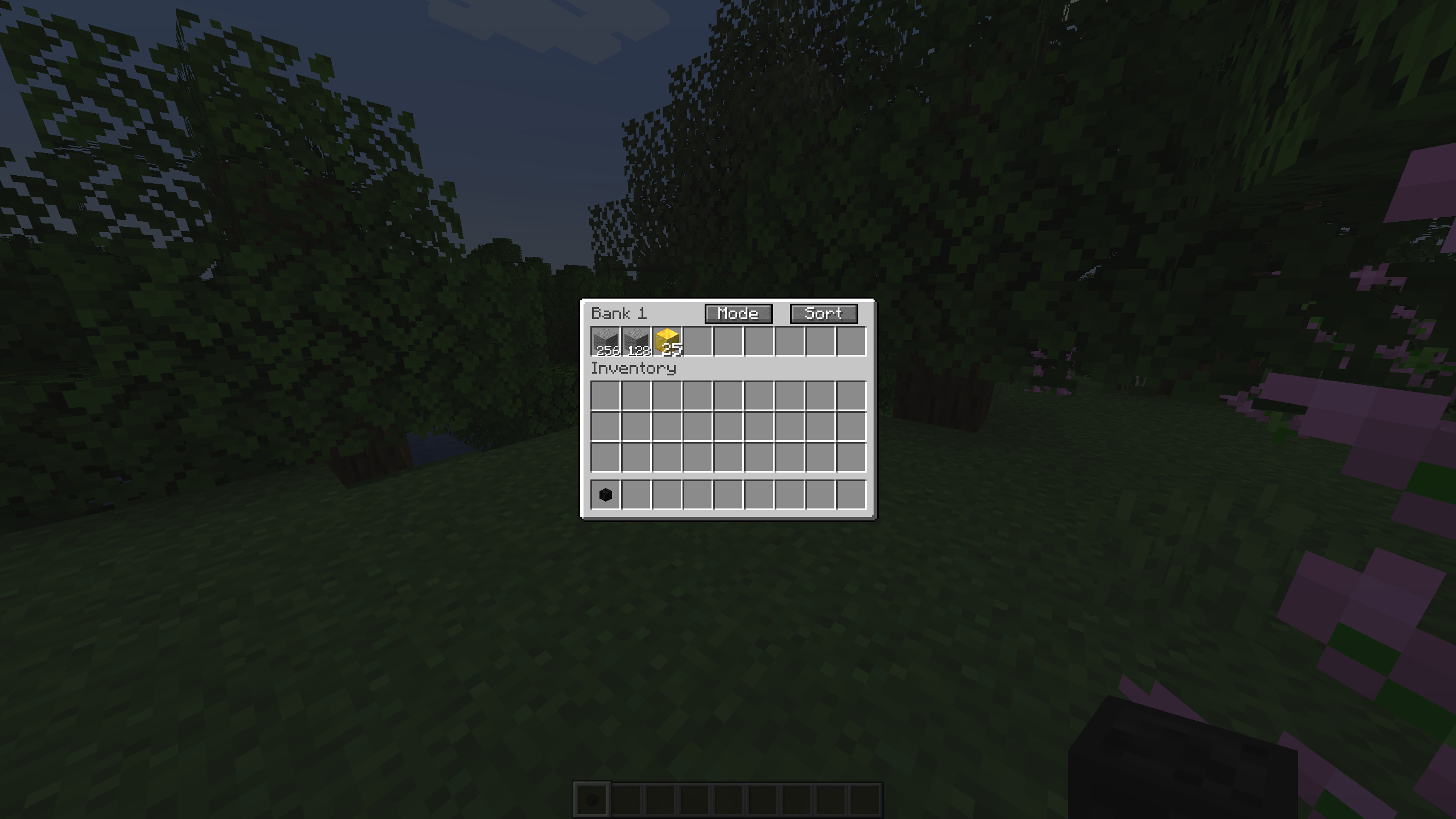
- Different sizes: From Bank 1 with 9 slots to bank 7 with 108 slots each with increasing slot sizes.
- Bank Dock: Dock your bank to easily access it in-world.
Pickup modes
- Pickup all: All items picked up will automatically go into the Bank instead of your inventory.
- Filtered pickup: Items will only go into Banks if they already contain matching items.
- Void excess: Similar to filtered pickup, but if there is no room left in the Bank, the item gets voided.
- No pickup: Items go straight into your inventory.
Build modes
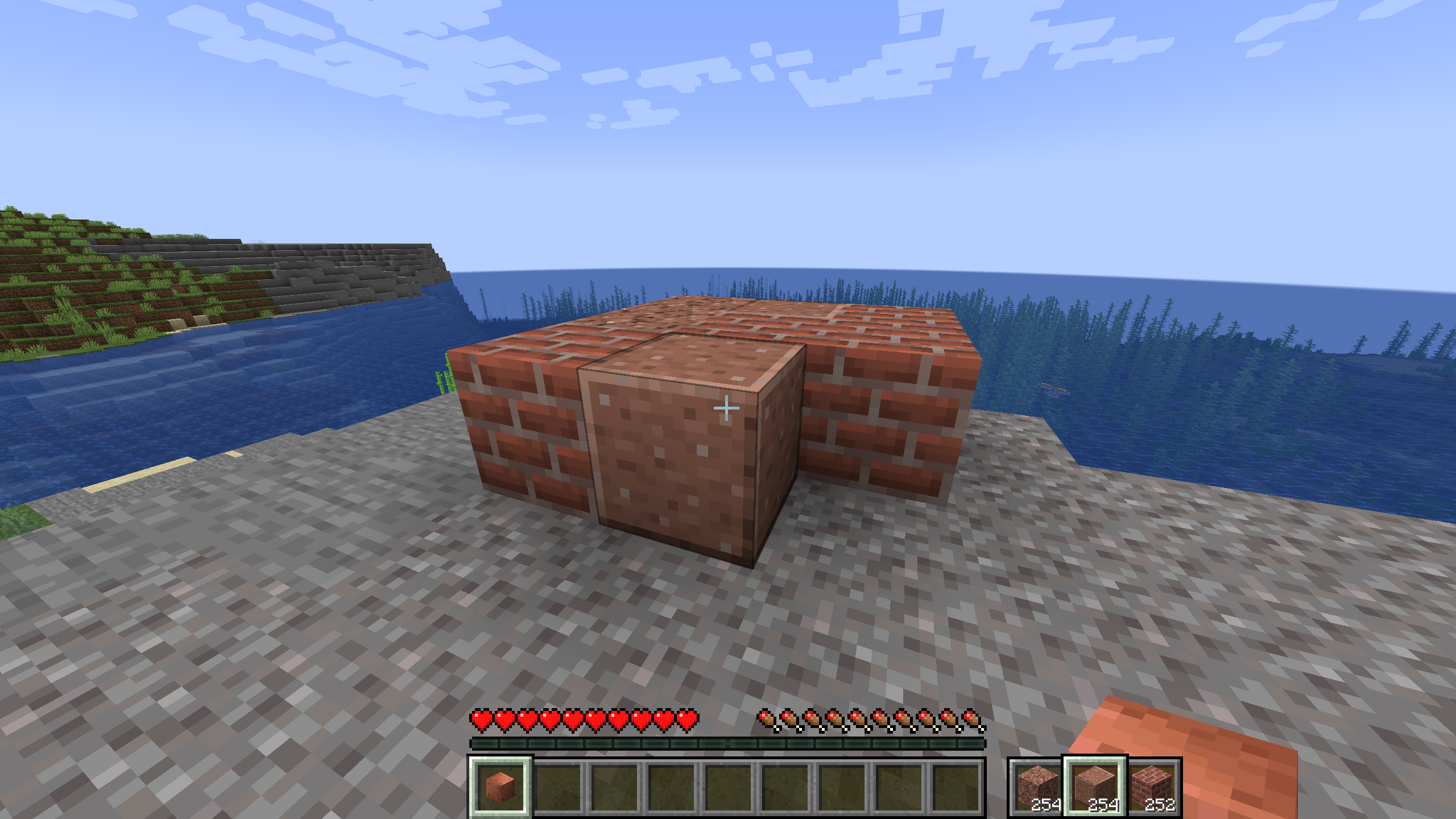
- Build mode: Choose any block inside your Bank and place directly from the Bank item.
- Scroll while crouching to choose block.
- Randomized build mode: Similar to Build mode, but blocks get chosen randomly.
- Bag Mode: Right click to open the Bank inventory screen.
- Right click which crouching to change build mode.
Slot filtering
- Hold alt and click with an item to lock the slot to that item.
- Only matching items can go into that slot.
Bank Dock
- Craft with 6 smooth stone on the sides and 2 hoppers at the top and bottom.
- Right click with the Bank to dock it.
- Right click while crouching to pick up the Bank.
Bank Link
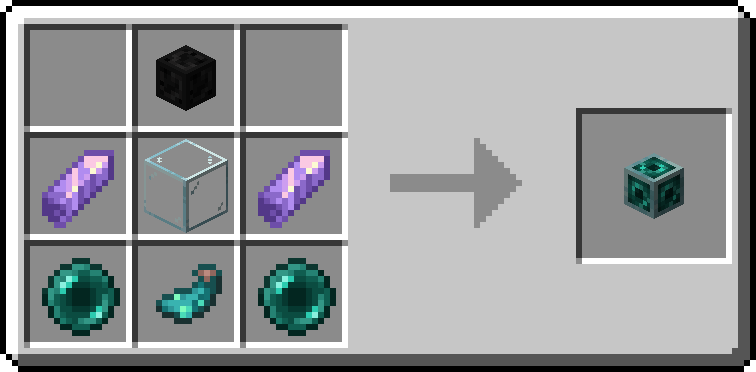
- Link to another Bank to access the contents in multiple places at the same time.
How to craft
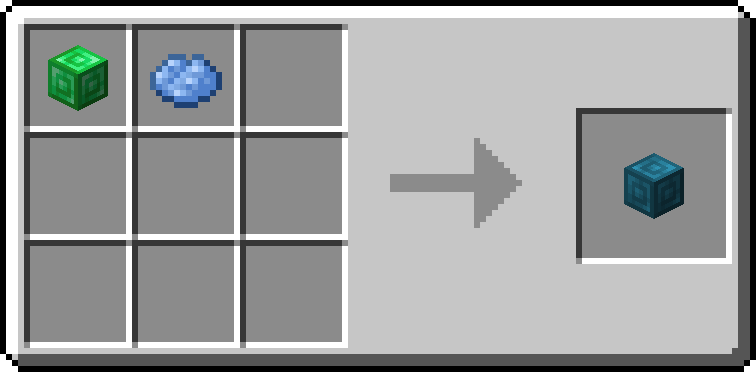
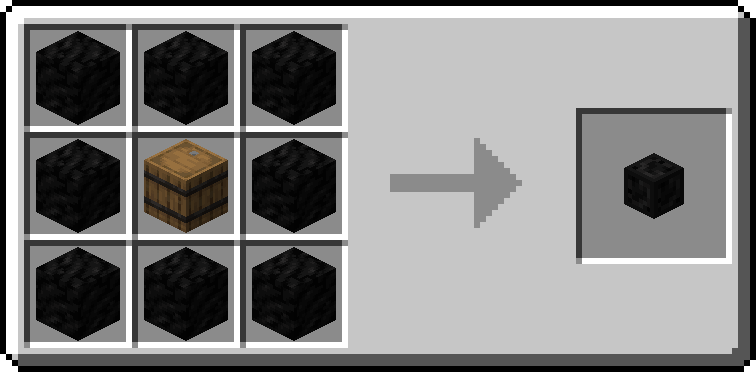
- Surround a barrel with 8 blocks of coal to craft the Bank 1.
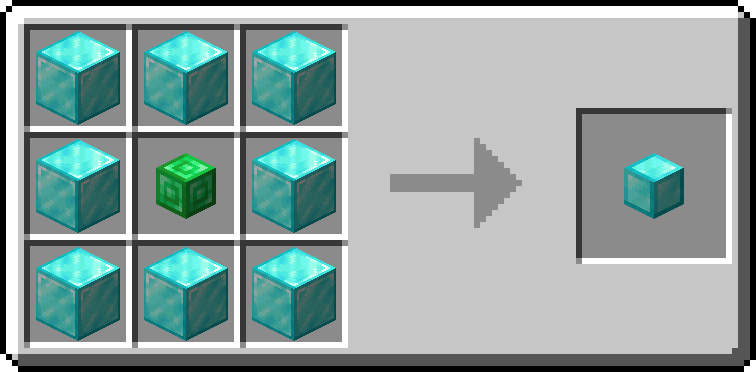
- To craft higher tiers, surround the previous tier with 8 block of. the next material
- Materials used are Coal, Copper, Iron, Gold, Emerald, Diamond and Netherite, in that order.
Admin commands
- Lost banks can be restored with commands.
/bankstorage fromuuid <uuid> <player>– Gives the bank with specified uuid to player./bankstorage list– Lists all existing storages according to filters./bankstorage list sort "date"/"type"/"player"– Lists all existing storages in specified order./bankstorage filter clear [<type>]– Removes all filters. Optionally only filters of specified type./bankstorage filter add <filter>– Add a filter.<filter>may be any of:type <bank_1 - bank_7>– Only list banks of specified type.player <player>– Only list banks which were last used by specified player.item <item>– Only list banks which contain the specified item.
常见问题
Bank Storage 支持哪些 Minecraft 版本?
Bank Storage 支持 Minecraft Java 版 1.20.1–1.21.1,共 3 个版本,可用的加载器:Fabric / NeoForge。下载时注意选择和你游戏版本一致的文件。
Bank Storage 怎么安装?
先用 PCL2 或 HMCL 启动器安装对应版本的 Fabric / NeoForge,再把下载的 .jar 文件放进游戏目录的 mods 文件夹,重新启动游戏即可。开启了版本隔离的,mods 文件夹在 versions/版本名 下面。运行环境:客户端和服务端都要装。
Natanaelel 的其他作品
查看全部 → Bank Storage
by Natanaelel
一种便携式存储设备,每个槽位最多可存储 1,000,000,000 个物品。
290.3万
25 天前
Modrinth · CurseForge
Tank Storage
by Natanaelel
A portable tank that can store multiple fluids.
221.3万
1 年前
Modrinth · CurseForge

Bed Is Not Too Far Away
by Natanaelel
Disables the annoying popup 'You may not rest now; the bed is too far away' and instead lets you sleep
7.3万
3 年前
Modrinth

Enderman Tweaks
by Natanaelel
Adds Configuration options to endermen.
9,192
2 年前
Modrinth
评论
登录后评论和评分