
Shroomcraft
Grow new mushrooms, craft vibrant shroomwood, and hang out with the most adorable creatures ever!
截图
介绍




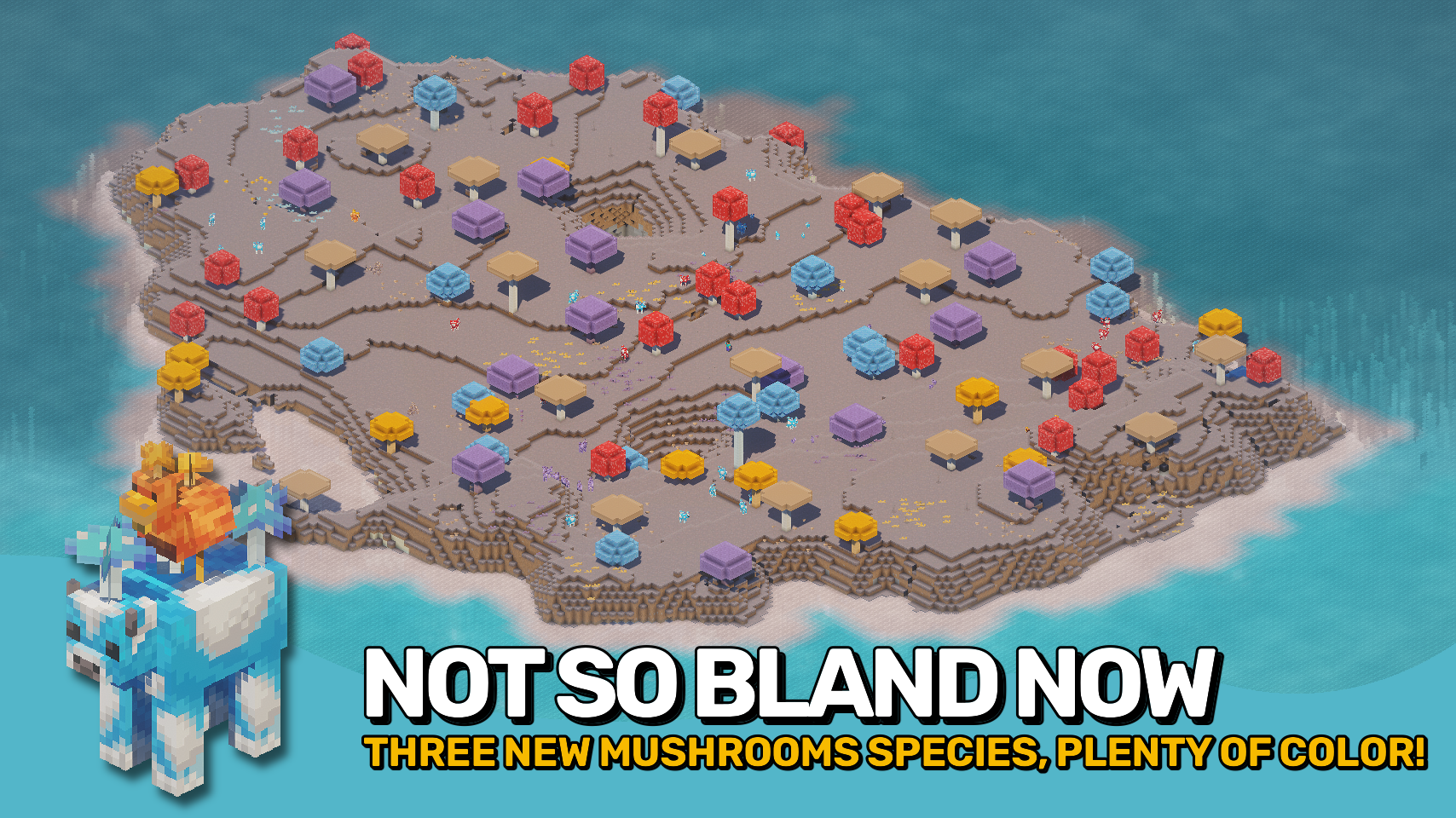
Shroomcraft expands Minecraft’s fungi family with new mushroom types, adorable creatures, and vegetation that bring fresh life to Mushroom Islands. Discover orange, purple, and blue mushrooms growing alongside the classic brown and red ones, from tiny sprouts to towering giants. Each type comes with matching wood, blocks, and decorations, giving builders a full palette of rich colors and textures for cozy builds and vibrant landscapes.
Life on the islands has never been livelier. Mooshrooms now appear in every new color, joined by quirky chickens carrying mushrooms on their backs: the cluckshrooms. You might even encounter the rare shroomfin swimming in nearby waters. Beneath the surface, glowing mycelial growth lights up the caves, and spores can be crafted into mushroom bombs for a little extra mischief. Explore, build, and thrive in your very own mushroom paradise.

- 🍄 New Mushrooms: Orange, purple, and blue mushrooms grow alongside classic brown and red ones.
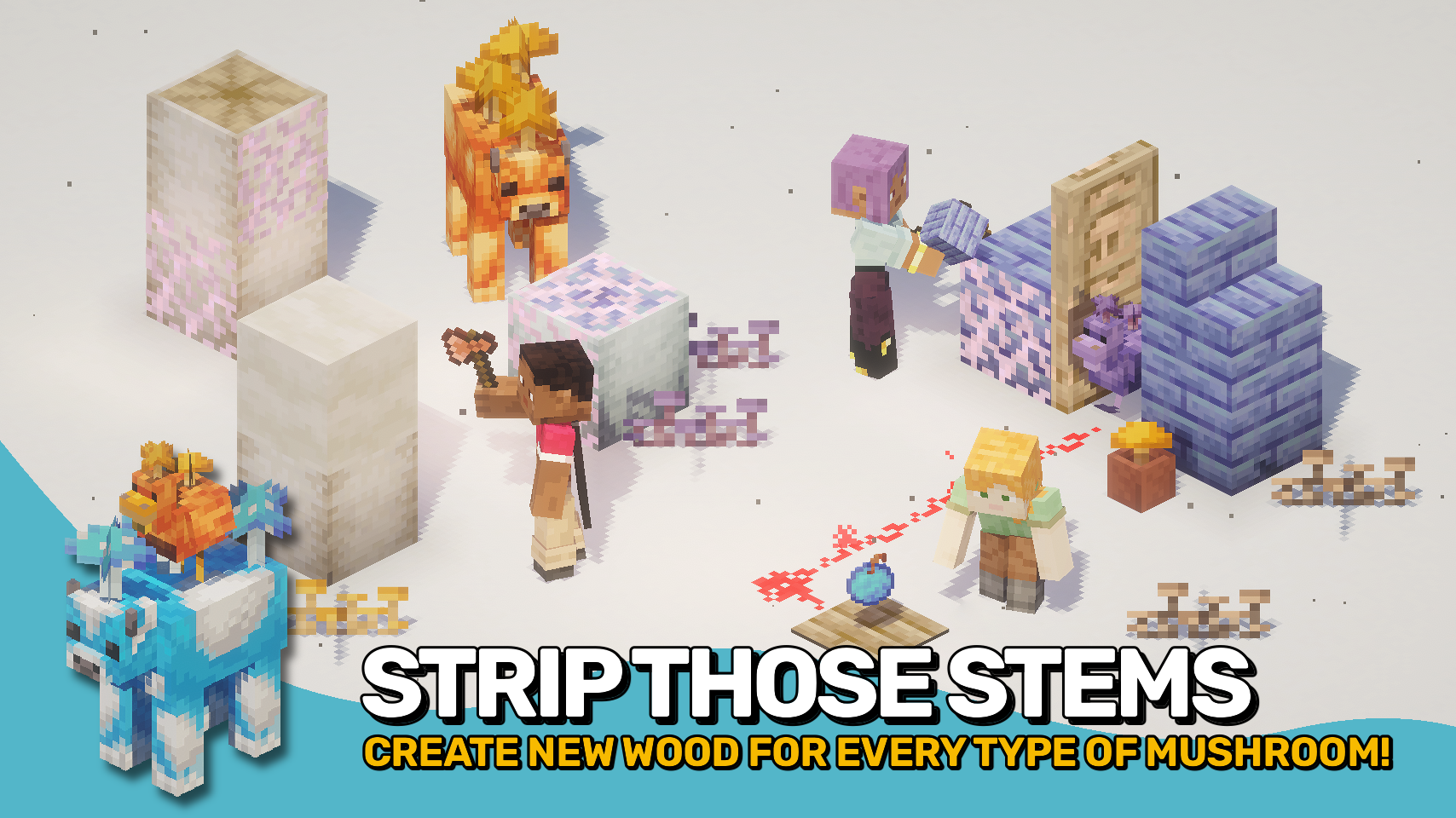
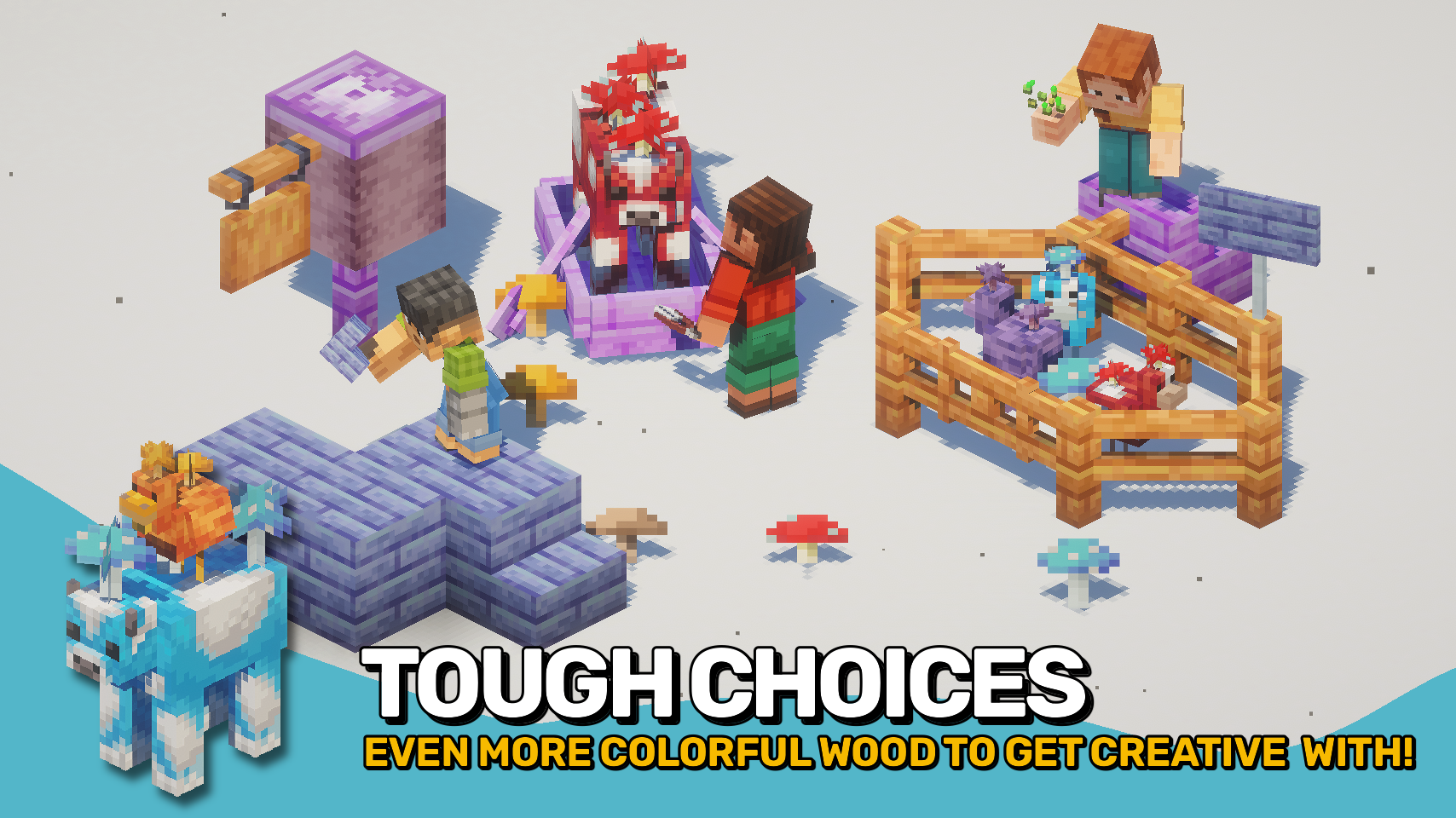
- 🌳 Mushroom Wood: Each mushroom type has its own full wood set for creative building.
- 🐄 Mooshroom Variants: Unique mushroom cows for all five overworld and two nether fungi.
- 🐔 Cluckshrooms: Chickens with mushrooms on their backs living peacefully on mushroom islands.
- 🐟 Shroomfin Fish: A new fish found in the waters in and around mushroom islands.
- 🌱 Mushroom Sprouts: Small vegetation in every color adds detail to your islands.
- 💥 Mushroom Bombs: Throwable spores that release lingering harmful effects.
- 🌌 Mycelial Growth: Glowing cave fungi light up the underground like glow lichen.
- 🌾 Tiny Mushrooms: Grow small mushrooms from spores for easy farming.


⏩ INSTALLATION REQUIRED ON CLIENT & REQUIRED ON SERVER
⏩ REQUIRES PUZZLES LIB TO BE INSTALLED (FABRIC & NEOFORGE)
⏩ REQUIRES FABRIC API TO BE INSTALLED (FABRIC)
⏩ REQUIRES FORGE CONFIG API PORT TO BE INSTALLED (FABRIC)

If available for a mod, configuration is possible directly from in-game using the mod menu (requires Mod Menu by Prospector to be installed on Fabric).
For manual configuration using an external text editor all files are found at .minecraft/config, named as MOD_ID-client.toml, MOD_ID-common.toml, or MOD_ID-server.toml, depending on the type of config. Not all types might exist for a mod, if any at all.

🌟 Big thanks to Dayiel for their wonderful Shroomed mod, whose charming assets helped shape the look and feel of this project.
🌟 Massive thanks to the incredibly talented mim1q for creating the stunning, vibrant textures that give this mod its lively charm.
🌟 Huge thanks to leftchaotix for contributing some additional texture work.
 |
 |
|
 |
 |
|
 |
 |
|
 |
 |
|
 |
 |

© 2026 @heyitsfuzs. All rights reserved. This page was last edited on 11 September 2026, at 06:44 (UTC).
常见问题
Shroomcraft 支持哪些 Minecraft 版本?
Shroomcraft 支持 Minecraft Java 版 1.21.1–26.3,共 12 个版本,可用的加载器:Fabric / NeoForge。下载时注意选择和你游戏版本一致的文件。
Shroomcraft 怎么安装?
先用 PCL2 或 HMCL 启动器安装对应版本的 Fabric / NeoForge,再把下载的 .jar 文件放进游戏目录的 mods 文件夹,重新启动游戏即可。开启了版本隔离的,mods 文件夹在 versions/版本名 下面。运行环境:客户端和服务端都要装。
Fuzs 的其他作品
查看全部 →
Puzzles Lib
为什么叫谜题?这就是谜题所在。

Forge Config API Port
为其他模组生态提供 NeoForge 和 Forge 的配置系统。专为多加载器架构设计。

Visual Workbench
物品会留在工作台内,并且会渲染在上方。真的很精致!

Pick Up Notifier
收集到的所有物品都会通知你。
评论
登录后评论和评分