Runics Jukebox
A way to play music in minecraft, but with minecraft stuff, like spotify
截图
介绍
YOU MUST HAVE RUNICS CORE ENGINE INSTALLED
🔗 Links
Discord
https://discord.gg/pH2pU2UCqf
Patreon
https://patreon.com/RunicDejavu
ACCESS ALL MODS THROUGH THE RUNICS CORE ENGINE… PRESS “K” OR CHECK YOUR KEYBIND FOR RUNICS CORE ENGINE MENU.
🎵 Runic’s Jukebox Mod
Managing music in Minecraft is limited and fragmented. Runic’s Jukebox Mod centralizes every music disc into a clean, organized system, giving players full control over how they collect, view, and play tracks.
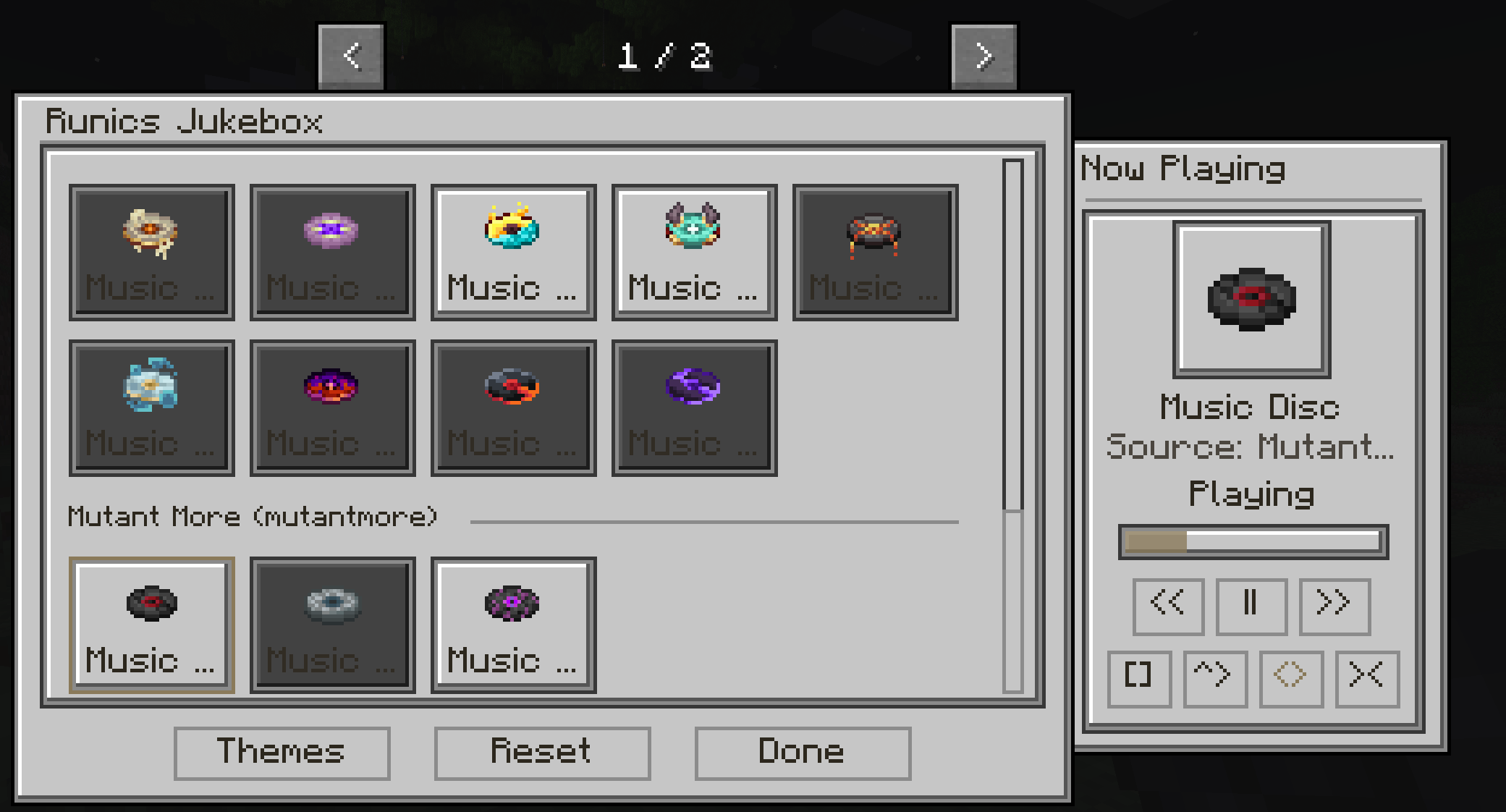
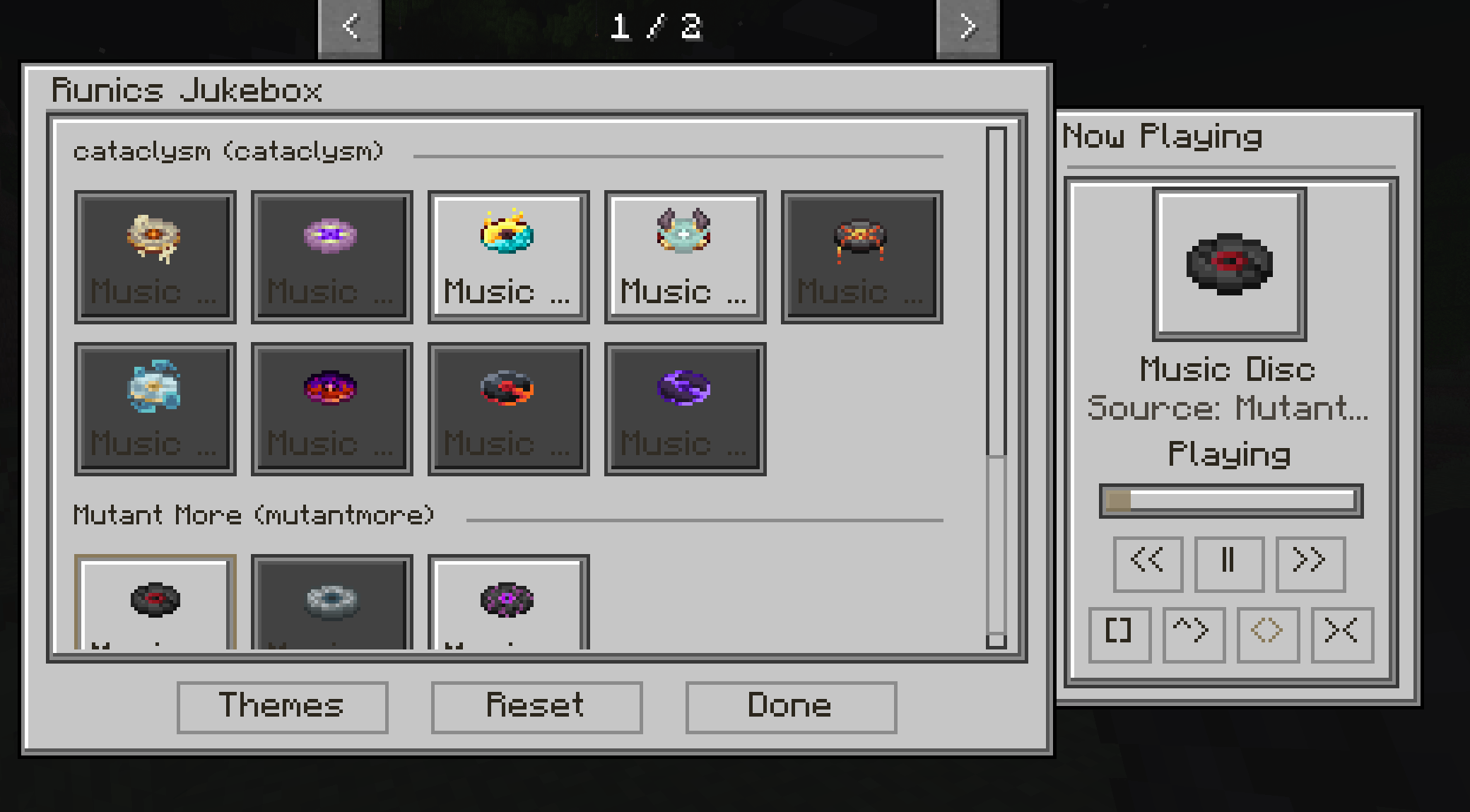
All discovered discs—both vanilla and modded—are automatically detected and sorted into categories, allowing seamless integration with any modpack. Tracks are displayed in a structured discovery interface, grouped by their source for clarity and ease of use.
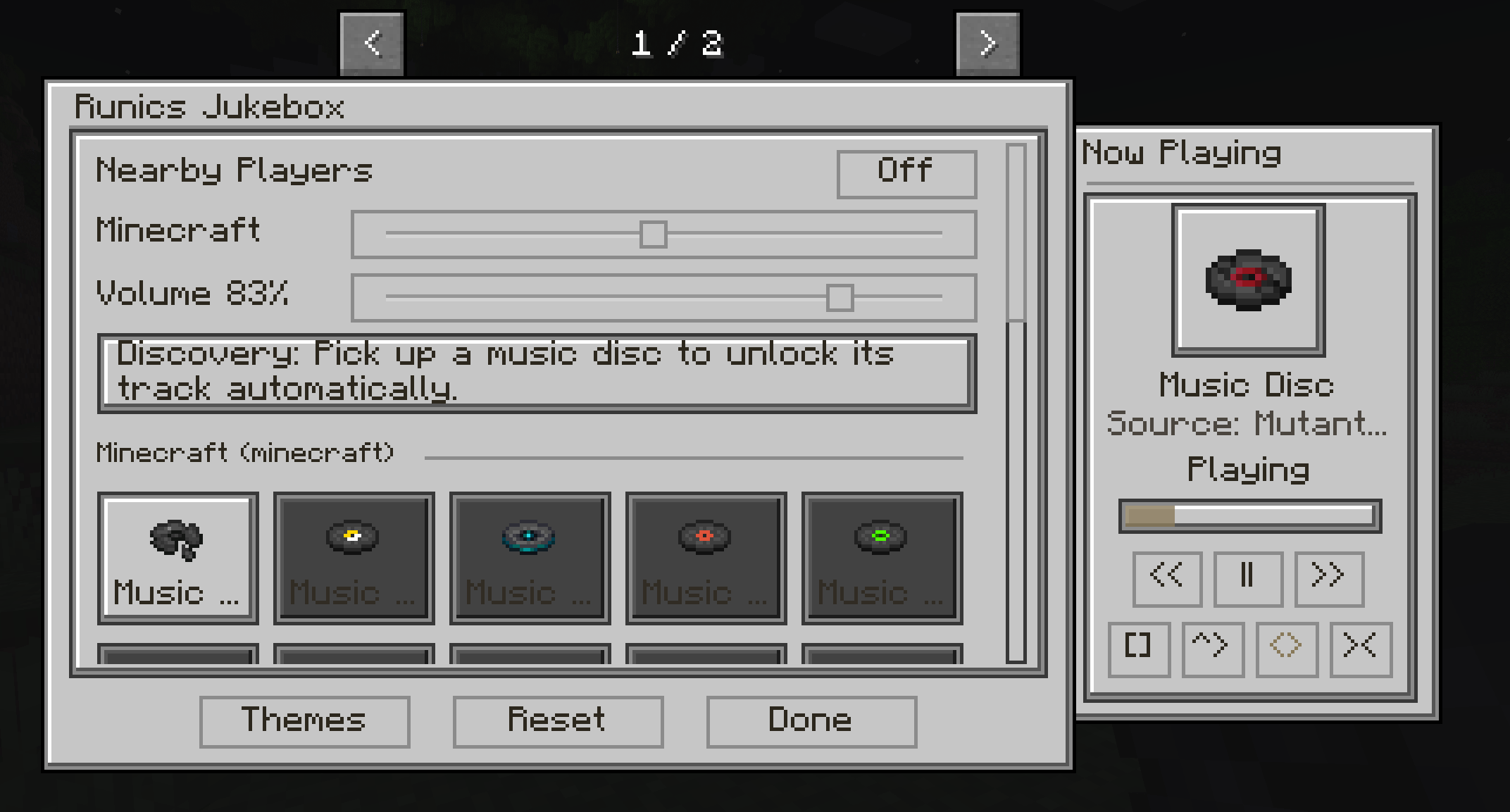
A dedicated Now Playing interface provides a focused listening experience, showing the current track, progress, and playback controls in real time. Music follows the player, ensuring a consistent audio experience wherever they go.
Runic’s Jukebox Mod is built for simplicity, immersion, and compatibility, turning Minecraft’s music system into a fully interactive feature.
⚙️ Features
Automatic discovery of all music discs (vanilla + modded)
Organized track library grouped by source/mod
Clean discovery UI with centered album-style layout
Click while holding disc to add to collection
Now Playing popout with:
- Track title
- Progress bar synced to track length
- Play / Pause / Next controls
Music follows the player dynamically
Optional setting: nearby players can hear your music
ESC cleanly closes the interface
Fully integrated with Runics Core Engine themes
Lightweight and server-friendly
🧩 Compatibility
Automatically detects and supports music from other mods without configuration.
Works seamlessly in both singleplayer and multiplayer environments.
常见问题
Runics Jukebox 支持哪些 Minecraft 版本?
Runics Jukebox 支持 Minecraft Java 版 1.20.1,可用的加载器:Forge。下载时注意选择和你游戏版本一致的文件。
Runics Jukebox 怎么安装?
先用 PCL2 或 HMCL 启动器安装对应版本的 Forge,再把下载的 .jar 文件放进游戏目录的 mods 文件夹,重新启动游戏即可。开启了版本隔离的,mods 文件夹在 versions/版本名 下面。
RunicDejavu 的其他作品
查看全部 →
Runics Core Engine
This mod is required for all Runic Mods
RD- Zombie Apocalypse Pack
Survive harsh overgrown cities and overrun zombie apocalyptic worlds against all odds - Start a colony or survive alone.
RD- Kings And Queens
This Modpack focuses on a much calmer Minecraft adventure. Explore, find land to claim, build your Kingdom.
Just Enough Items (JEI) Runics
A crafting guide for all recipies
评论
登录后评论和评分