Smartstock
Wall monitors and storage terminals for NeoForge 1.21.1 — craft from nearby inventories, wireless links, crop farmer, AE2 bridge, and stylish Item Displays.
介绍
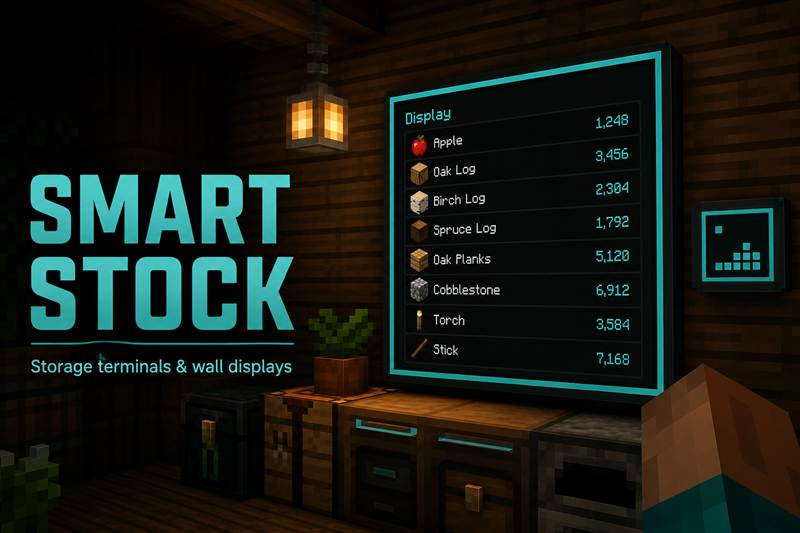
Smart Stock is a storage / terminal mod for Minecraft 1.21.1 (NeoForge). Craft and pull from nearby chests without opening every inventory – plus wall monitors, wireless terminals, farming, and optional bridges for bigger packs.
If you know Create vaults, AE2 terminals, or drawer controllers: put storage next to a terminal (or link it), then work from one screen.
Stock Terminal – craft / withdraw / deposit from attached chests or Create vaults.
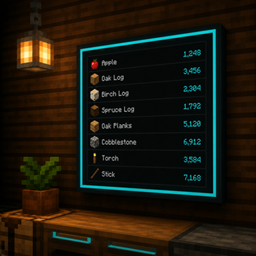
Item Display – wall monitors (1×1 or multi-block), filters, colors, paging.
Wireless Terminal – remote links, range upgrades, optional ComputerCraft.
Linking Tool – wireless, farmer, and storage hub linking.
Storage Hub – pulls from the vault with less of an item into the vault with more.
Auto Farmer – harvest radius, redstone modes, deposit links.
ME Bridge – optional AE2 connection.
- Place a Stock Terminal next to a chest or Create vault
- Use Craft / Storage / Deposit tabs
- Place an Item Display (sneak = 1×1)
- Wireless: Linking Tool + range upgrades
- Minecraft 1.21.1
- NeoForge 21.1.x
- Optional: AE2, ComputerCraft / CC: Tweaked, Create
This mod is actively maintained and will keep receiving updates.
Feedback, criticism, and suggestions are very welcome – please leave a comment on this page.
常见问题
Smartstock 支持哪些 Minecraft 版本?
Smartstock 支持 Minecraft Java 版 1.21.1,可用的加载器:NeoForge。下载时注意选择和你游戏版本一致的文件。
Smartstock 怎么安装?
先用 PCL2 或 HMCL 启动器安装对应版本的 NeoForge,再把下载的 .jar 文件放进游戏目录的 mods 文件夹,重新启动游戏即可。开启了版本隔离的,mods 文件夹在 versions/版本名 下面。
评论
登录后评论和评分