
截图
介绍
Education Edition
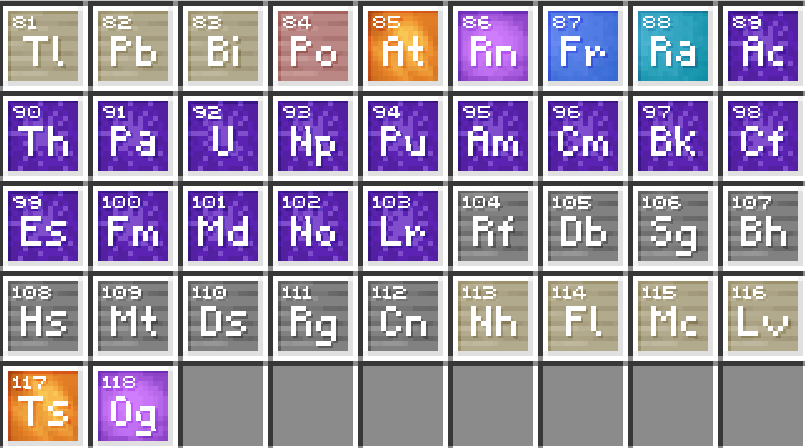
Minecraft Education’s chemistry and classroom features, on Java Edition.





The chemistry and classroom content from Minecraft Education is some of the coolest stuff Minecraft has ever had, but it’s been stuck on Bedrock, or behind a school login. This mod brings it over to Java Edition, kept as close to the original as possible.
Runs on Minecraft 26.1.2, 26.3 and 1.21.1, on Fabric, NeoForge and Forge. It’s the same mod on every loader.
Chemistry
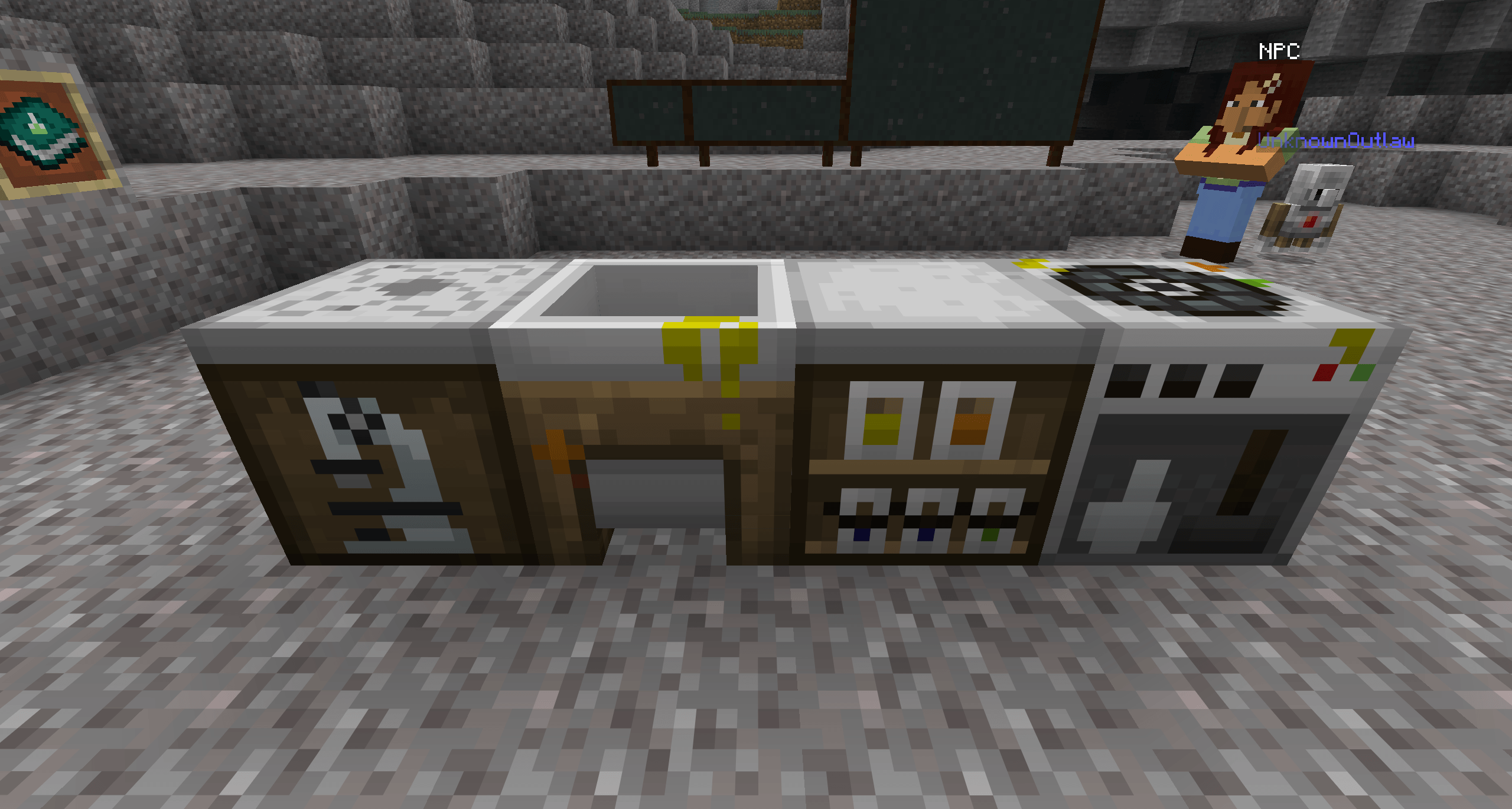
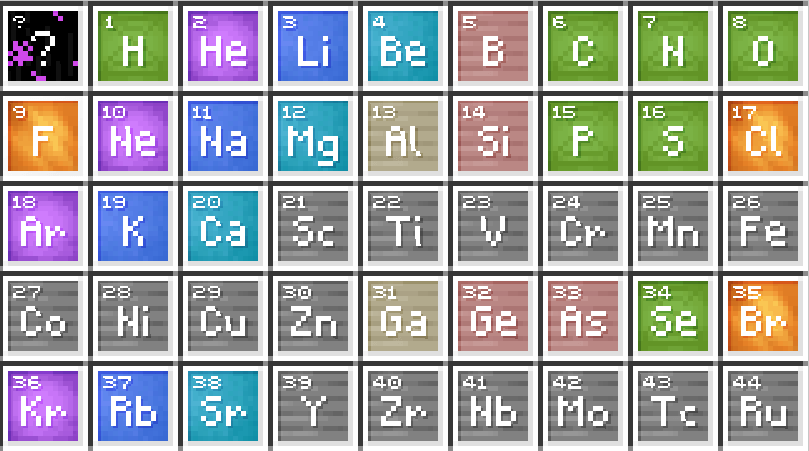
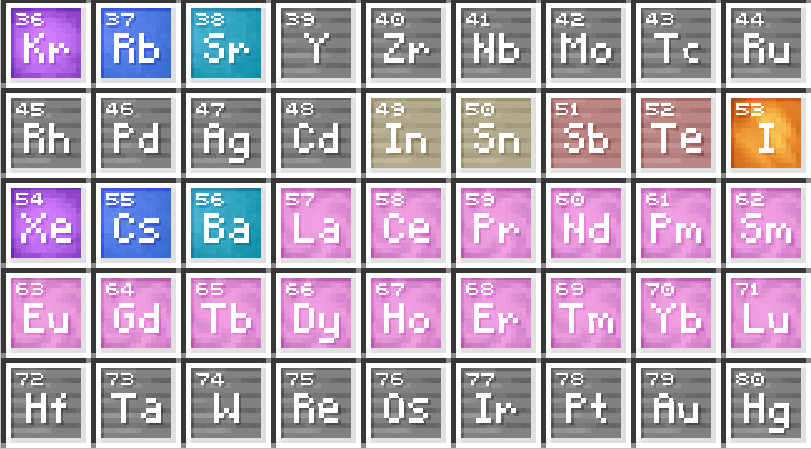
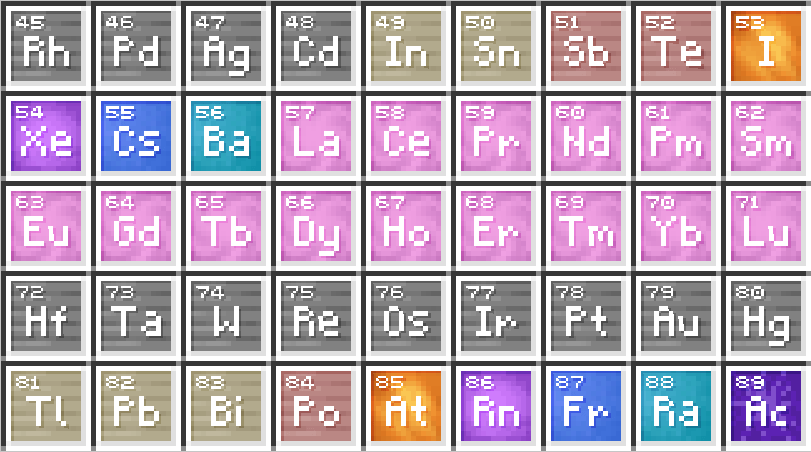
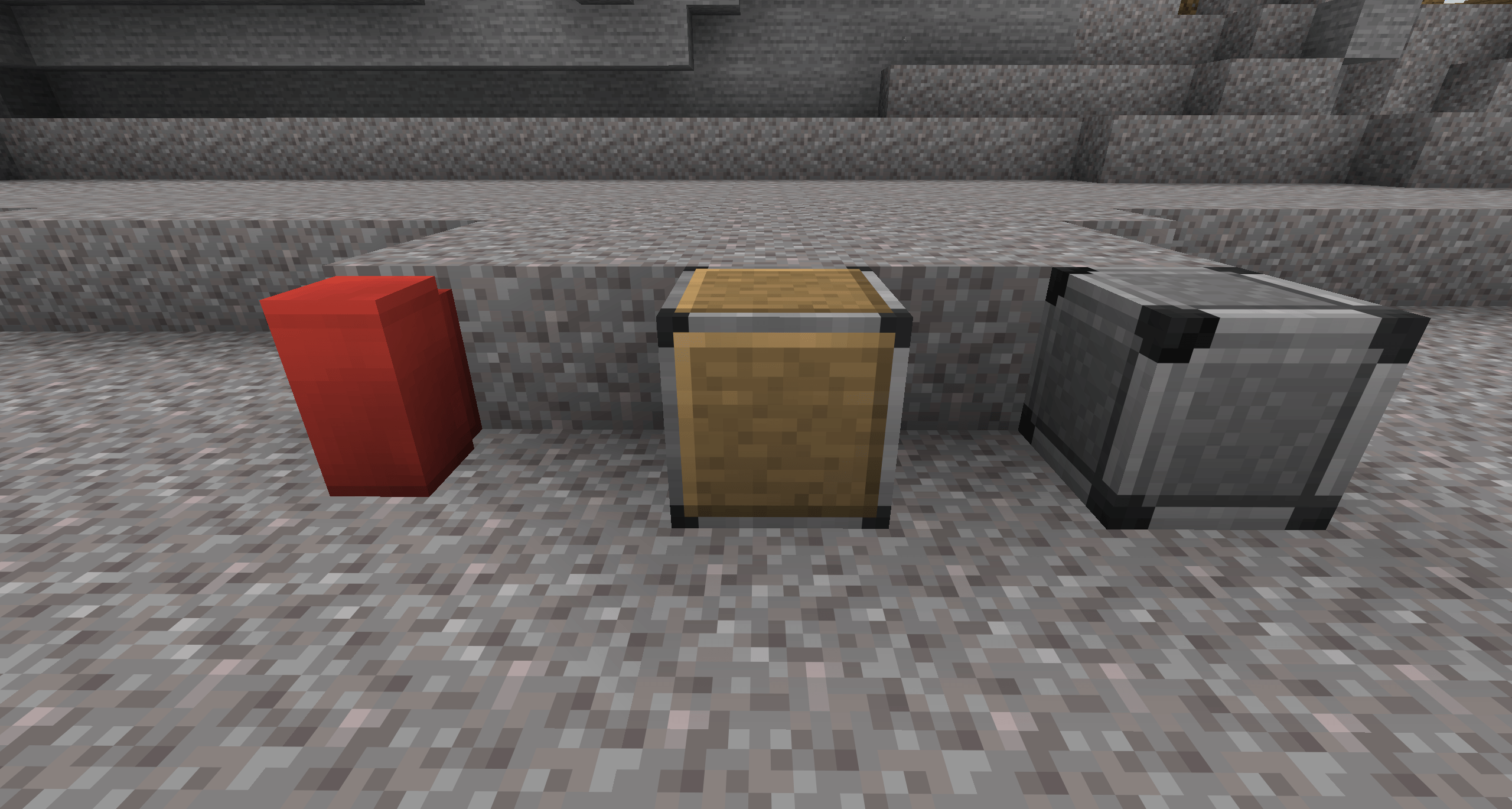
- Element Constructor: build any of the 118 elements by setting protons, neutrons and electrons. Change the neutrons to make isotopes.
- Compound Creator: combine elements into compounds. The recipe book shows every compound you’ve unlocked and can fill the grid for you.
- Lab Table: react elements and compounds together to make new items. Anything that isn’t a real reaction fizzles out into Garbage.
- Material Reducer: break blocks and compounds back down into their elements.
The Element Constructor, Compound Creator and Lab Table can all be crafted. The Material Reducer comes from the Creative inventory or a Master Chemist.
Products
Everything chemistry makes: balloons, glow sticks, sparklers, colored torches, underwater torches, underwater TNT, ice bombs, super fertilizer, hardened glass, bleach and more.
- Balloons float, sway, and tie to mobs, boats or fences with a real lead. Tie one to a mob and it lifts it off the ground.
- Medicines (Antidote, Elixir, Eye Drops and Tonic) are brewed in a regular brewing stand.
The Agent
Your own robot helper, just like in Education. Place it with the Agent Spawn Egg or /agent create. Every player gets their own Agent, with a 27-slot inventory.
/agentcommands: move, turn, destroy, place, till, attack, collect, drop, dropall and transfer, plus detect, detectredstone, inspect, getitemcount, getitemdetail and getposition.- It presses pressure plates, sets off tripwires and travels through portals.
/agent tpbrings it back from anywhere, even another dimension.
Code Builder
Press C to open MakeCode for Minecraft in your web browser, connected to your world. Code with blocks, JavaScript or Python, press Run, and watch it happen in game.
- Programs can move and use the Agent, place and fill blocks, summon mobs, give items, teleport, and change the time, weather and game rules.
- They can react to chat commands, blocks broken or placed, mobs killed, arrows shot, pictures taken and more.
- The world’s host and World Builders can use operator commands from Code Builder, even without cheats, like in Education.
Code Builder needs an internet connection.
Classroom tools
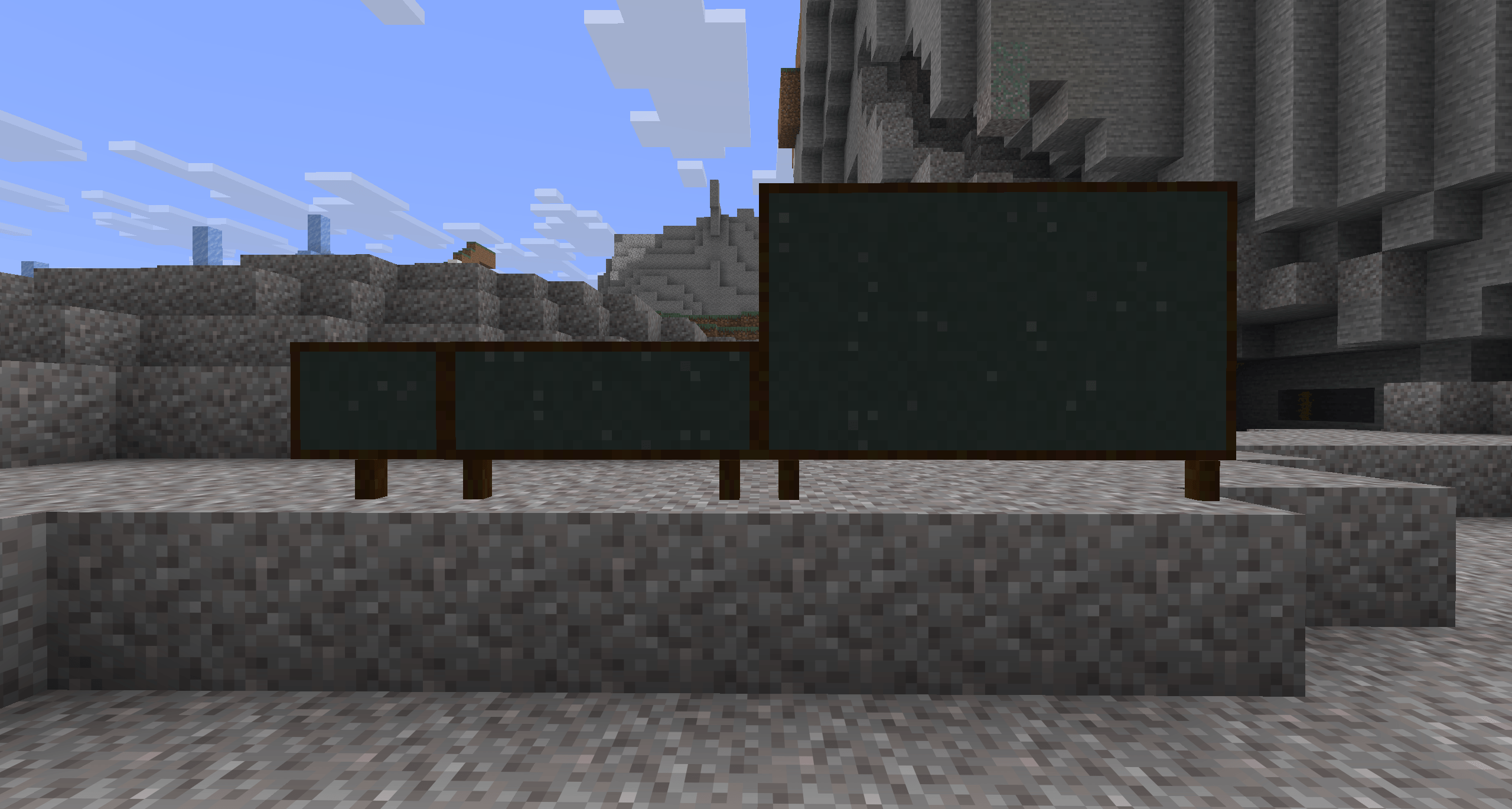
- Chalkboards: Slates, Posters and Boards to write on, on a wall or standing on legs. World Builders can lock them.
- Camera and Portfolio: take pictures in game, caption them, export them as a PDF, or turn them into photo items that hang in item frames like maps.
- NPCs: characters with names, dialogue and buttons that run commands.
- Allow, Deny and Border blocks: control where people can build and where they can go.
- World Builder:
/wblets the host decide who can build anywhere and edit NPCs and locked boards.
Chemist villager
A villager without a job who finds a Lab Table becomes a Chemist, with a lab coat and goggles, trading elements, balloons, glow sticks, medicines and more. Villages can generate a Chemist’s lab, with its own design for plains, desert, savanna, snowy and taiga villages.
And more
- Control tips: Education’s on-screen hints for what your buttons do right now. Press H for a panel of the movement and menu keys.
- Chemistry Guide: craft it with a book and a glass bottle. It has every recipe in the mod, with pictures, and explains the stations, classroom tools, the Agent and Code Builder.
Getting started
- Install Fabric (with Fabric API), NeoForge or Forge for your Minecraft version.
- Download the file for your Minecraft version and loader, and put it in your
modsfolder. Install only one. - Turn it on: switch on Education Edition in the Game tab when creating a world, or run
/gamerule edu:education_features truein an existing one. It’s off by default.
On a server, the mod goes on the server and on every player’s game.
Requirements
- Fabric: Fabric Loader 0.19.3 or newer (0.16.0 or newer on 1.21.1), and Fabric API
- NeoForge: 26.1.2 or newer, 26.3 or newer, or 21.1 or newer for 1.21.1
- Forge: 64 or newer for 26.1.2, 66 or newer for 26.3, 52 or newer for 1.21.1
- Java: 25 for Minecraft 26.1.2 and 26.3, 21 for 1.21.1
JEI
JEI is optional. With JEI installed, it shows the Element Constructor, Compound Creator, Lab Table and Material Reducer recipes, and the medicines in its brewing tab. Every file has this built in, and it only switches on when JEI is there.
Links
This is a fan port and isn’t affiliated with Mojang or Microsoft. The mod’s code is MIT licensed; the original Minecraft textures, sounds and other assets belong to Mojang. Code Builder opens Microsoft’s MakeCode for Minecraft website, which isn’t part of the mod.
常见问题
Java: Education Edition 支持哪些 Minecraft 版本?
Java: Education Edition 支持 Minecraft Java 版 1.21.1–26.3,共 3 个版本,可用的加载器:Fabric / Forge / NeoForge。下载时注意选择和你游戏版本一致的文件。
Java: Education Edition 怎么安装?
先用 PCL2 或 HMCL 启动器安装对应版本的 Fabric / Forge / NeoForge,再把下载的 .jar 文件放进游戏目录的 mods 文件夹,重新启动游戏即可。开启了版本隔离的,mods 文件夹在 versions/版本名 下面。
评论
登录后评论和评分