Tree Client
A modern Minecraft client with emotes, cosmetics, custom HUDs, waypoints, visual upgrades and more.
截图
介绍
Tree Client
Tree Client is a modern and customizable client-side Minecraft mod designed to make your Minecraft experience more personal, useful and fun.
Customize your HUD, use emotes and cosmetics, create waypoints, improve your statistics display and much more — all directly inside Minecraft.
Features
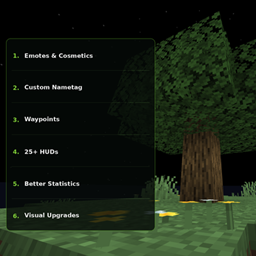
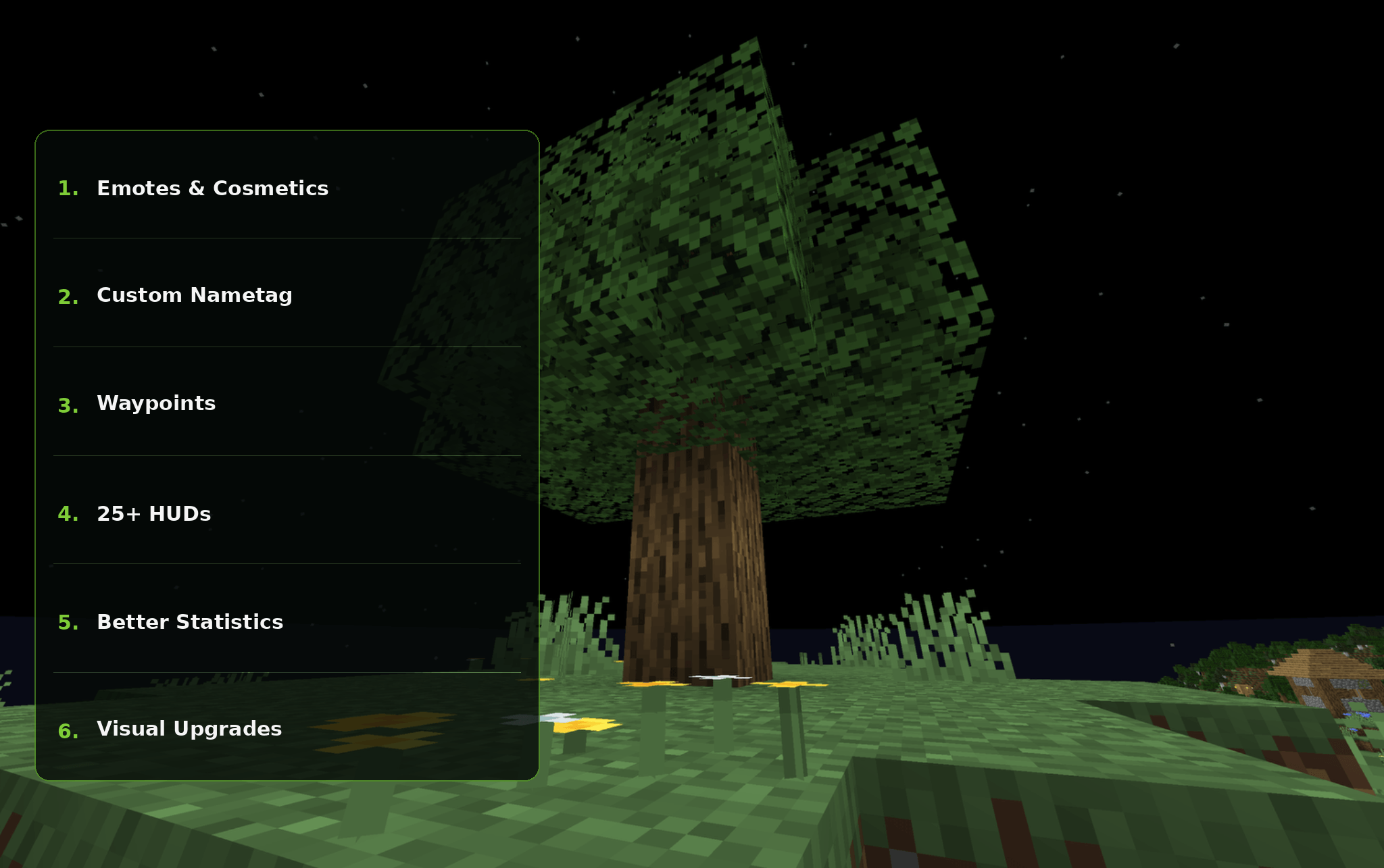
Emotes & Cosmetics
Express yourself with custom emotes and cosmetics, including animated cosmetics such as wings.
Custom Nametags
Customize how nametags are displayed and give your client a more personal look.
Waypoints
Create custom waypoints to remember important locations.
Waypoints are stored separately for each world and server, so waypoints from one world won’t appear in another.
Locator Bar
Use the locator bar at the top of your screen to see directions, waypoints and nearby players.
Choose between:
-
Players
-
Waypoints
-
Players & Waypoints
25+ HUDs
Choose from more than 25 useful HUD elements, including information such as:
-
FPS
-
Ping
-
CPS
-
Coordinates
-
Biome
-
Direction
-
Armor Durability
-
Tool Durability
-
Potion Timers
-
In-game Time
-
Real Time
-
AFK Timer
-
Distance Traveled
-
and more!
Customize your HUD and only enable the information you actually want to see.
📊 Better Statistics
View Minecraft statistics through an improved interface with scrolling and a built-in search bar.
Find the statistic you’re looking for without searching through a huge list manually.
✨ Custom Glint
Customize the appearance of the Minecraft enchantment glint.
Change things such as:
-
Glint color
-
Glint speed
🎨 Visual Upgrades
Tree Client also includes visual improvements and customization options designed to make Minecraft feel more personal.
🌱 Made for Minecraft
Tree Client is designed as a client-side experience.
The goal is simple:
More customization. More useful features. More fun.
Welcome to Tree Client. 🌳
常见问题
Tree Client 支持哪些 Minecraft 版本?
Tree Client 支持 Minecraft Java 版 26.2–26.3,共 2 个版本,可用的加载器:Fabric。下载时注意选择和你游戏版本一致的文件。
Tree Client 怎么安装?
先用 PCL2 或 HMCL 启动器安装对应版本的 Fabric,再把下载的 .jar 文件放进游戏目录的 mods 文件夹,重新启动游戏即可。开启了版本隔离的,mods 文件夹在 versions/版本名 下面。

评论
登录后评论和评分