
截图
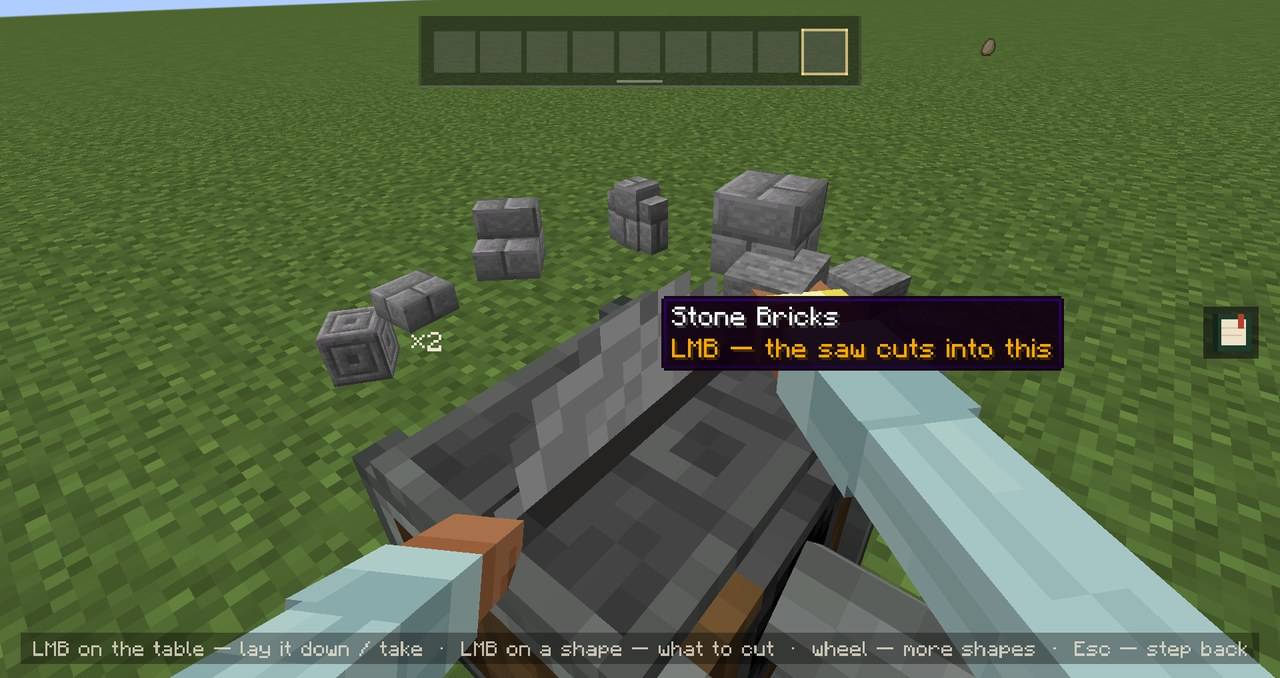
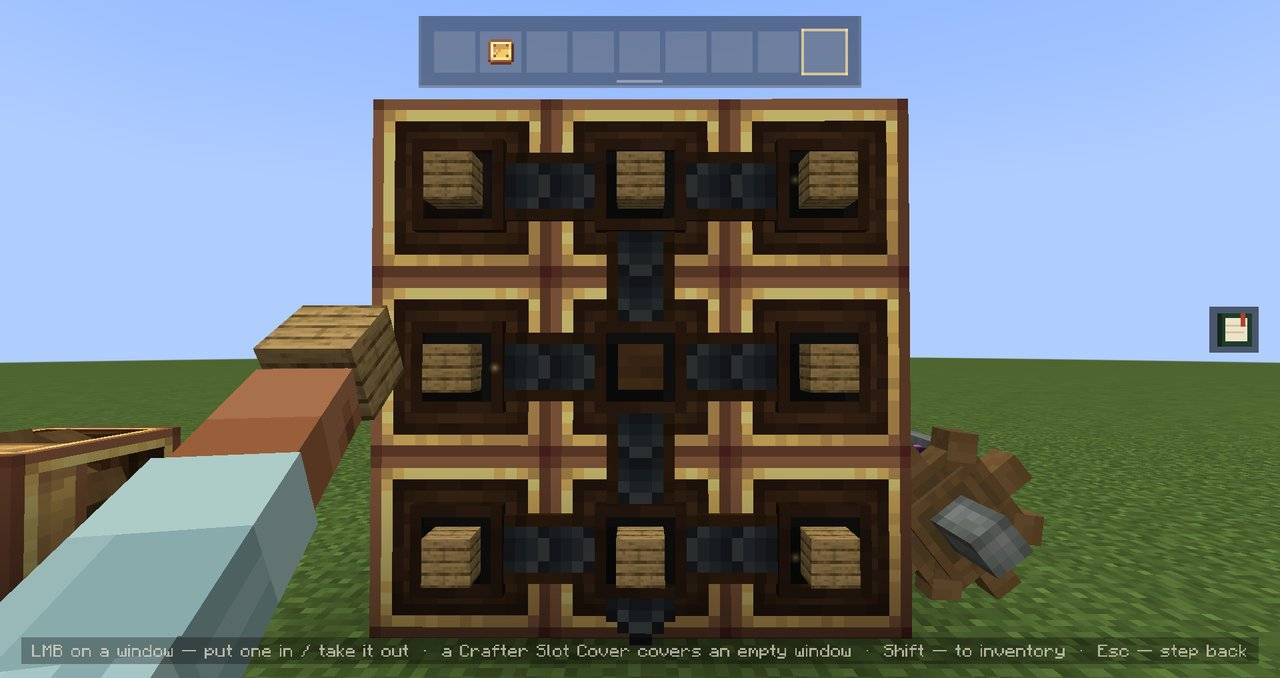
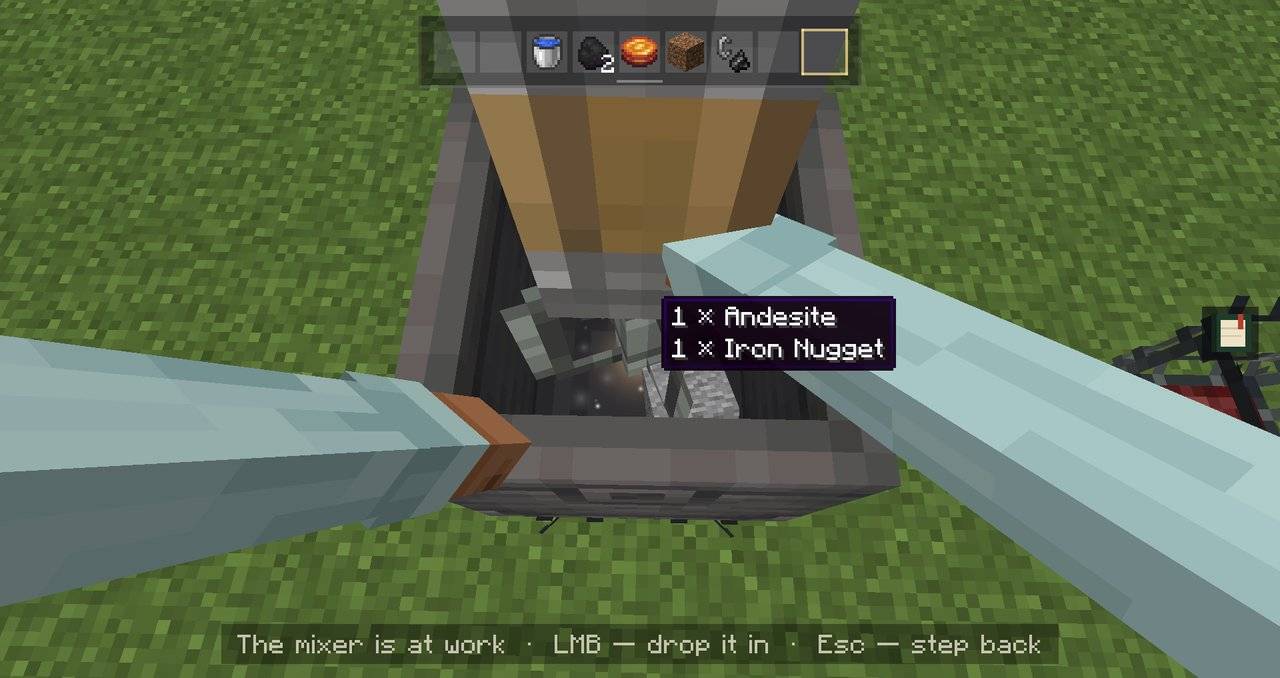
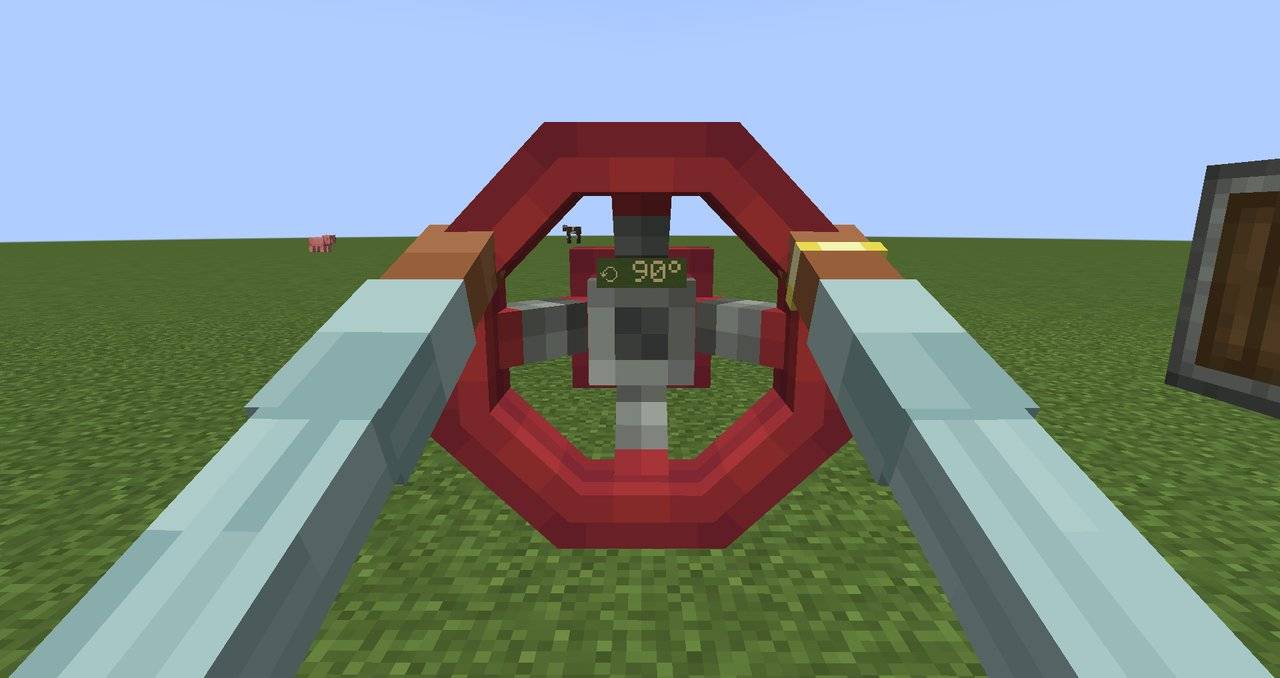
介绍
Create’s machines, worked by hand.




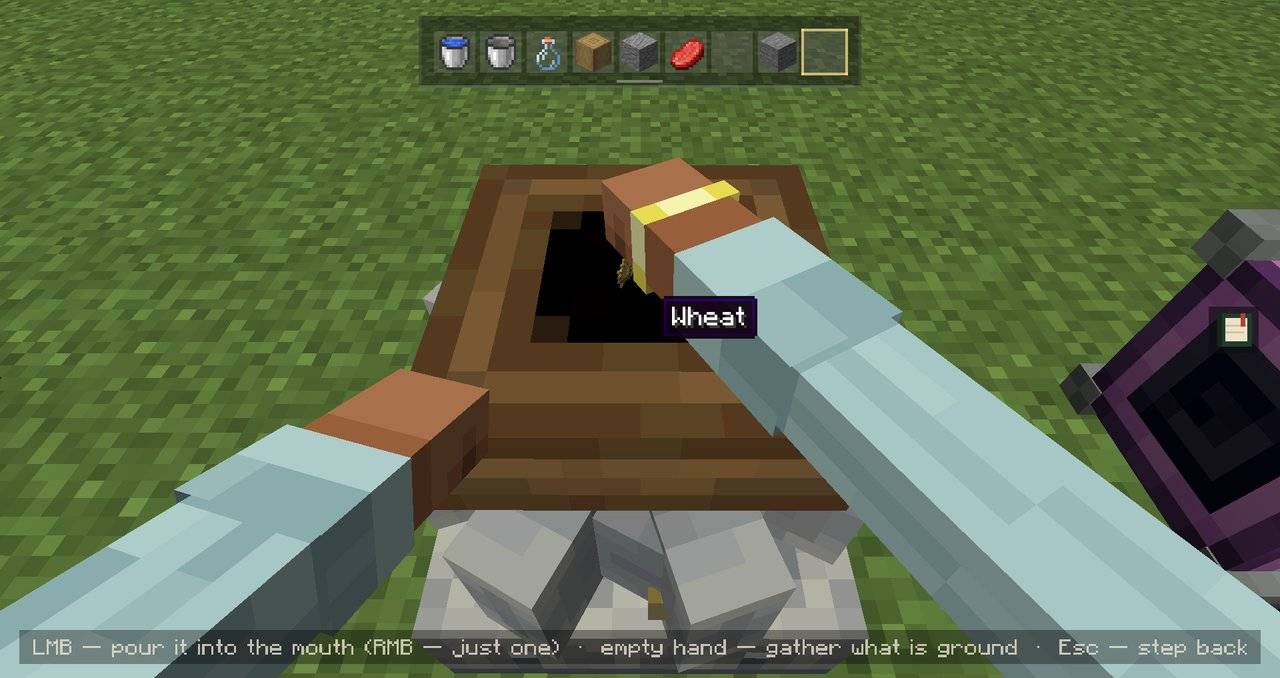
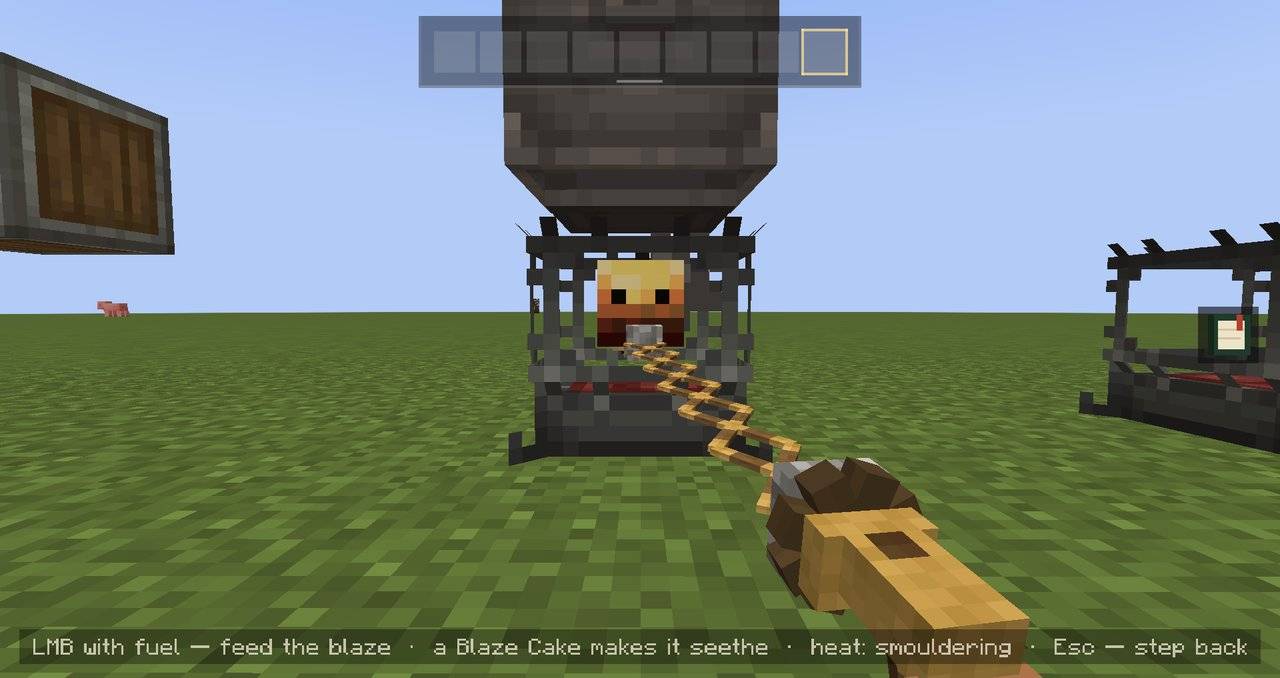
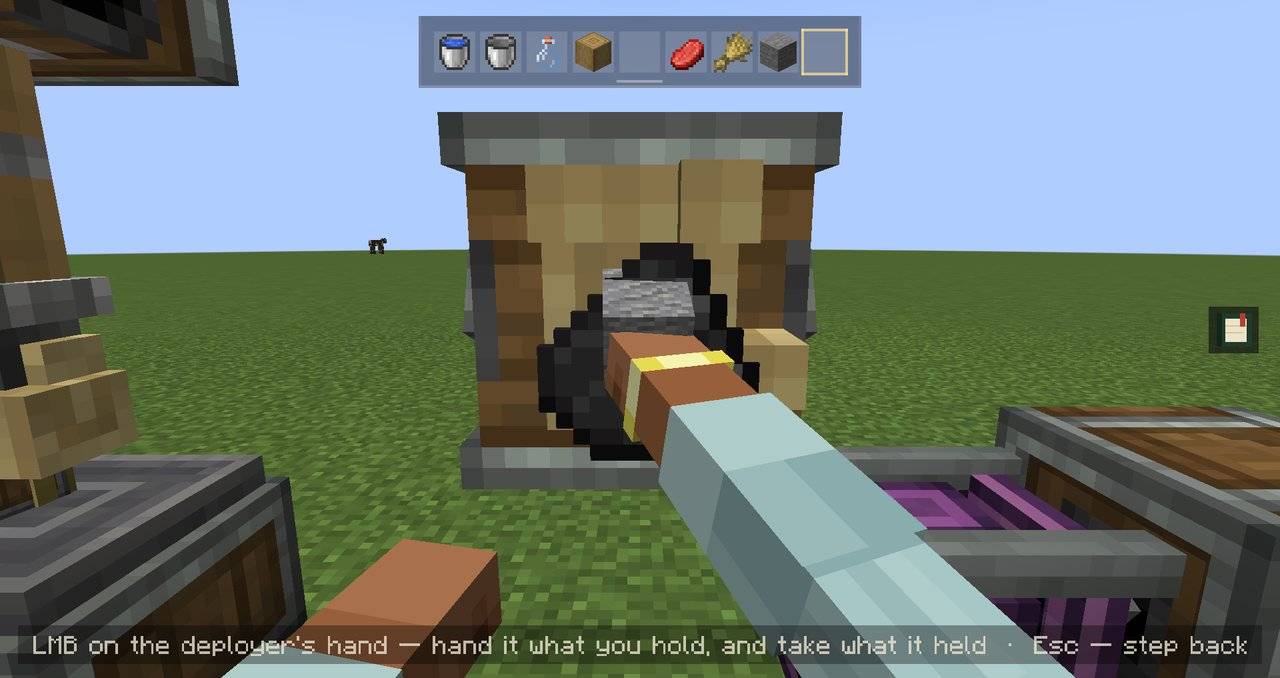
This add-on brings the first-person scenes of Cinematic Interactions to Create. Right-click a machine and you work it by hand: lay an ingot under the press, put planks into a crafter wall, turn a valve with both hands.
Create itself doesn’t change. Same recipes, same results, and your wrench, goggles and filters work as usual.

🔧 What’s in the workshop
|
|
|
|
|
|
|
|
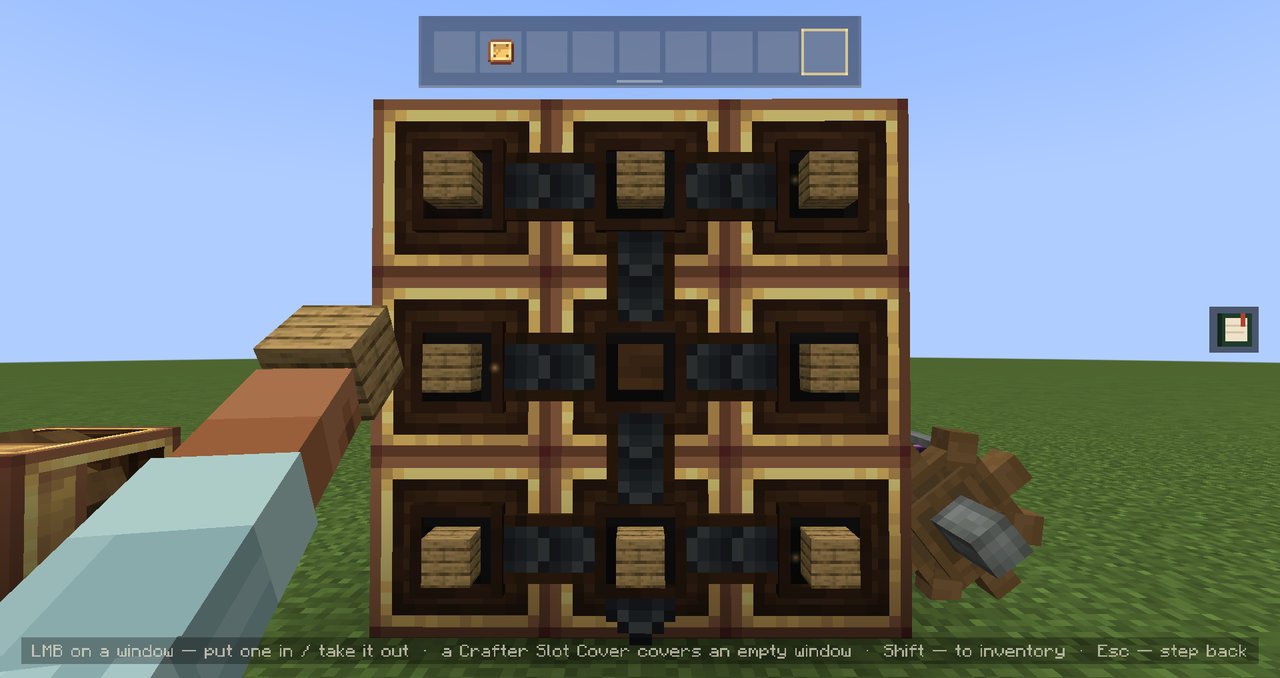
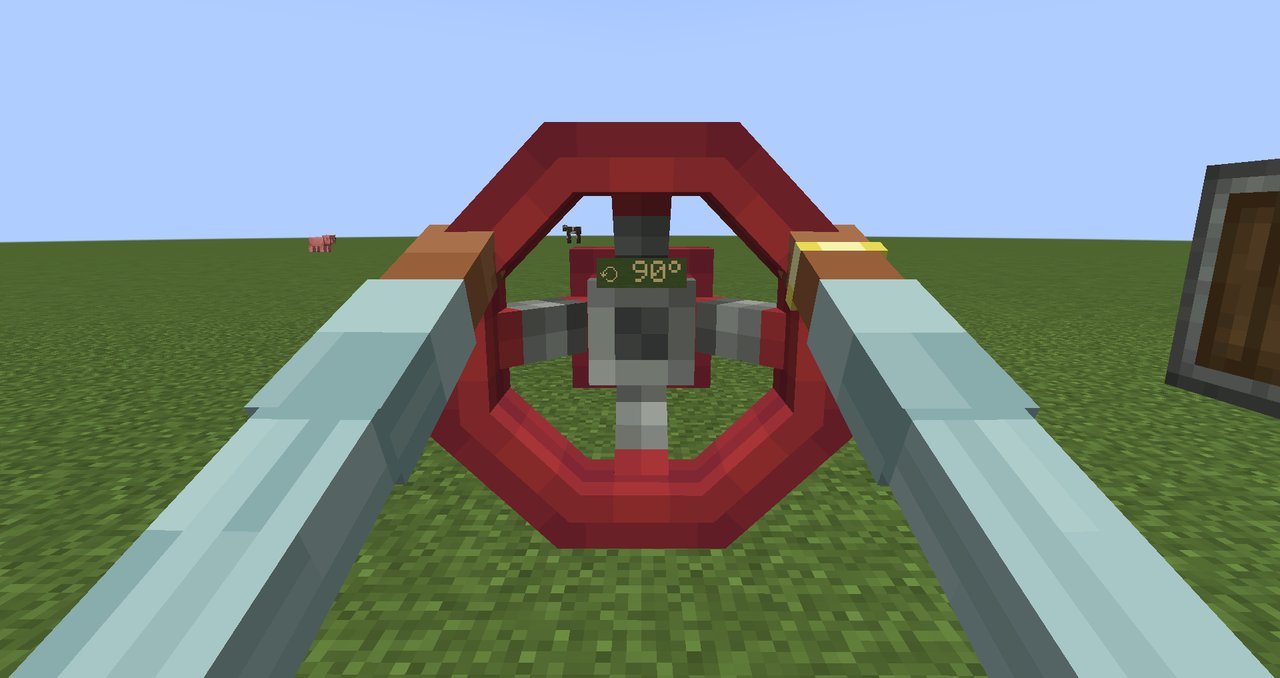
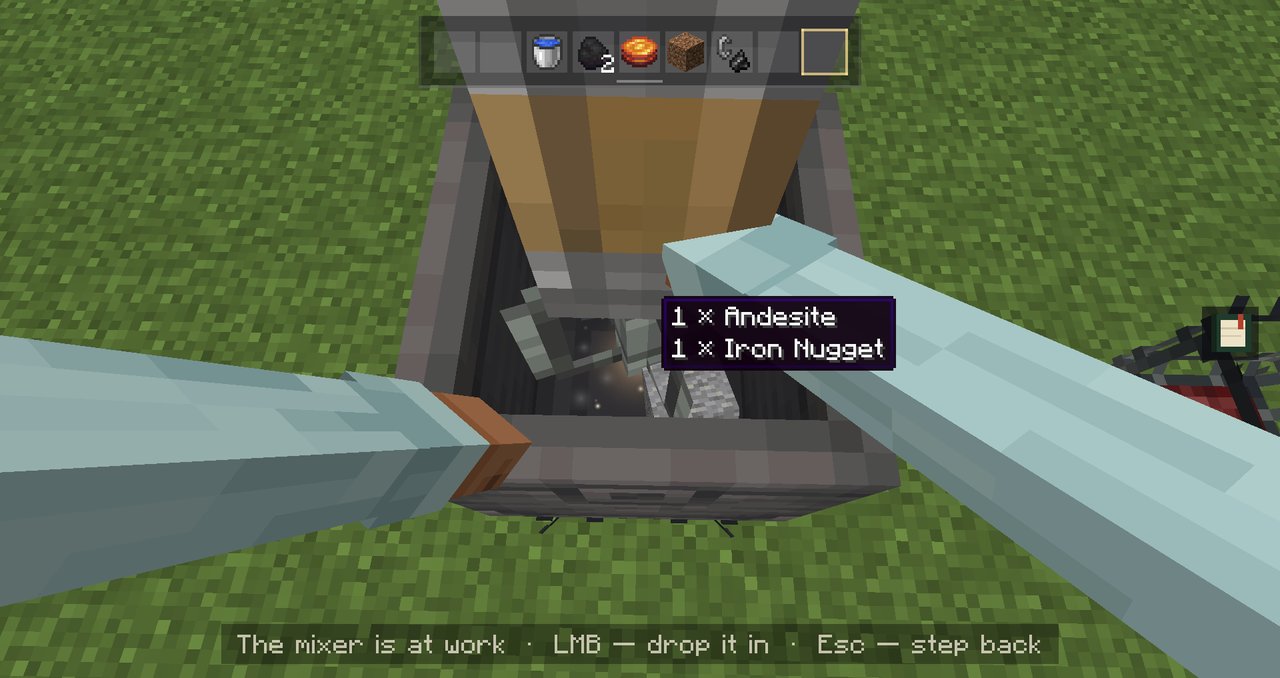
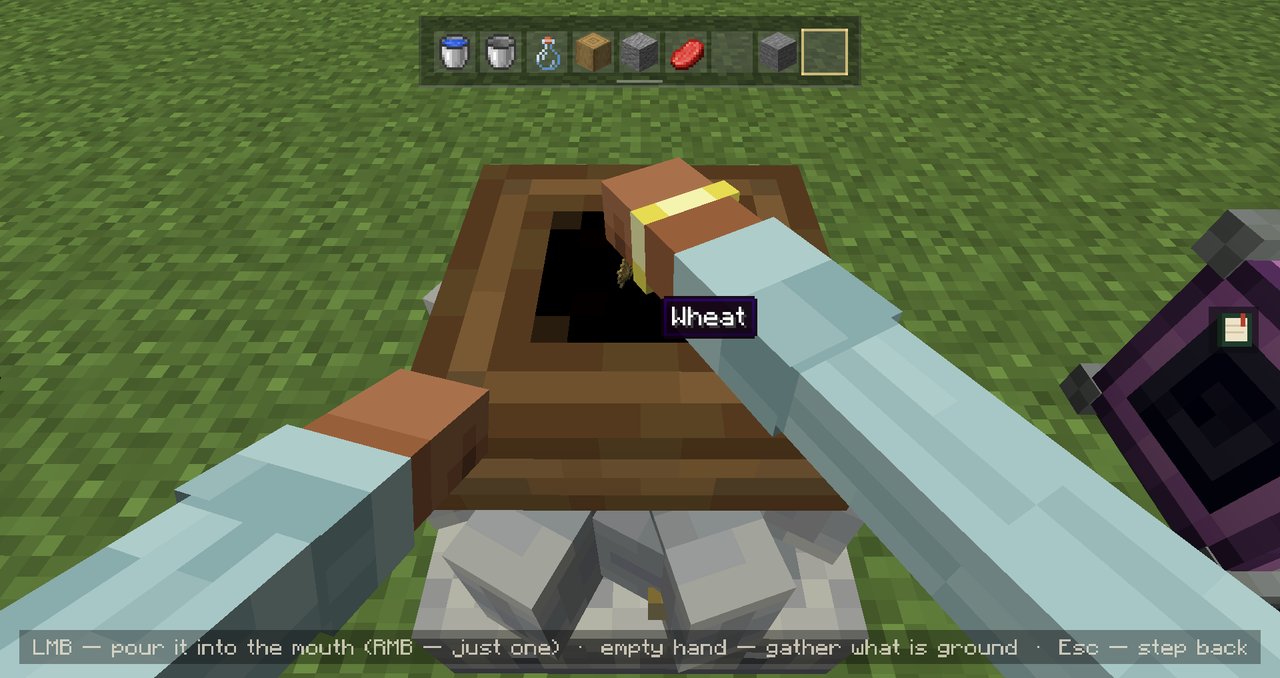
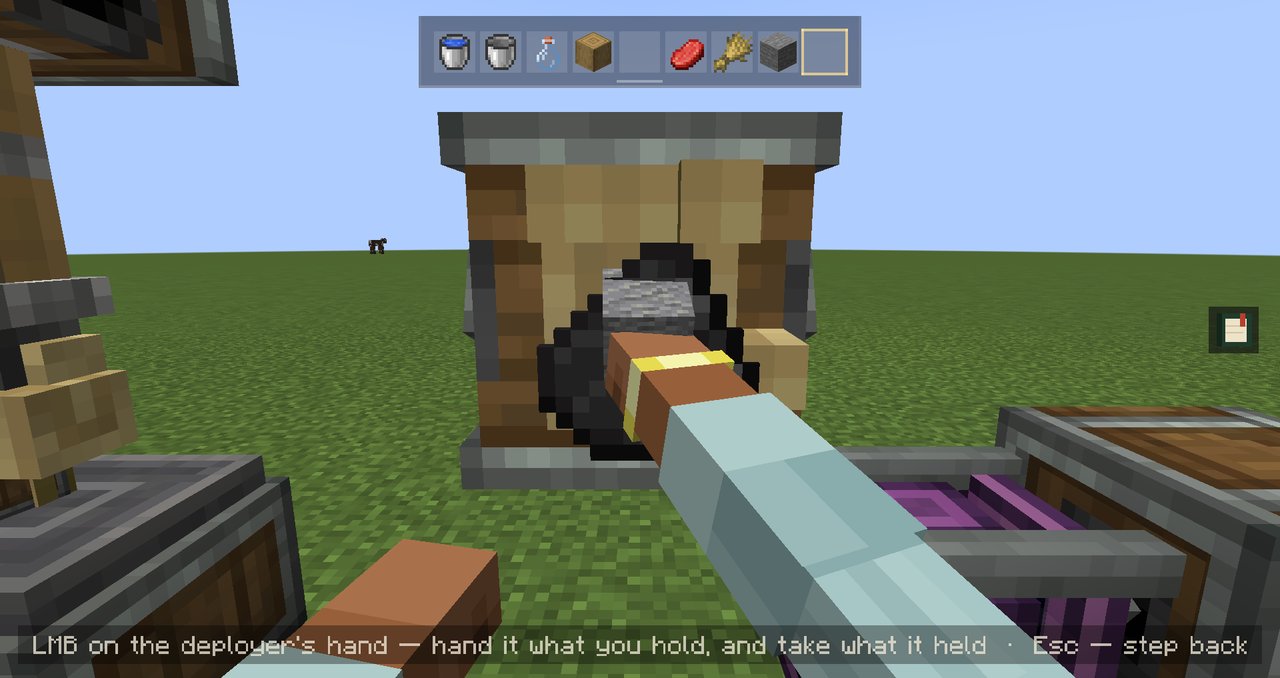
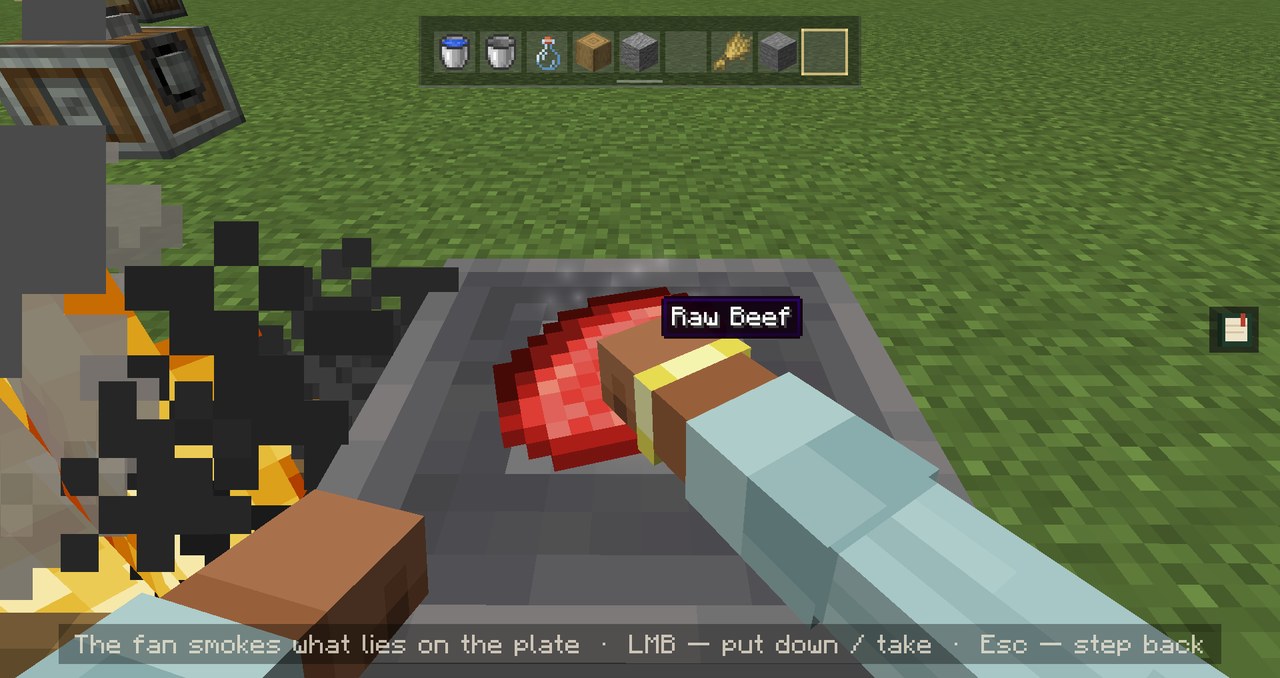
Also in: depots under a press or a spout, Blaze Burners, Hand Cranks, Item Drains and the Weighted Ejector.
🕹️ Controls
| Key | What it does |
|---|---|
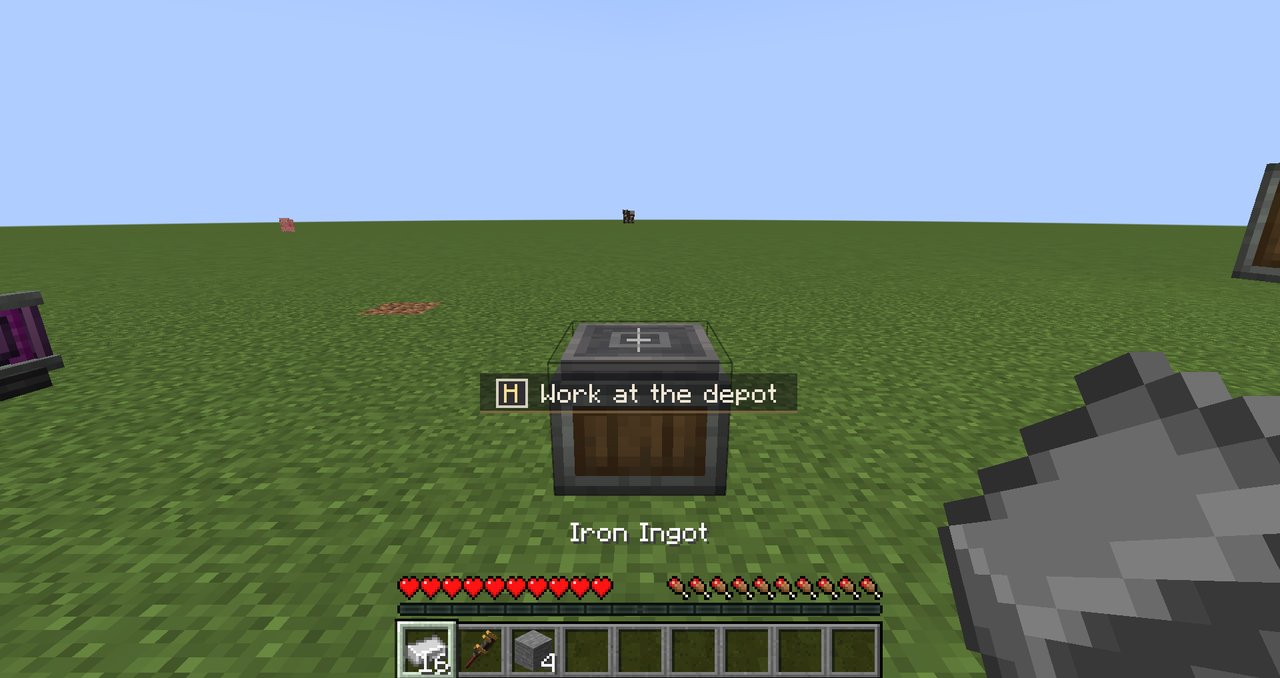
| Right-click | Starts the scene at most machines |
| H | Starts it at any supported machine. A bare depot only starts with H, so its quick click stays Create’s |
| Left / right click | Your two hands inside the scene. The hints at the bottom say which one does what |
| Sneak + right-click | Skips the scene and does the plain Create click |
| Esc | Step back |
❓ A few questions
I want the plain click on some machines.
Then just switch them. In Mods → Cinematic Interactions: Create → Config, every machine can start its scene on right-click, only with H, or never.
Can a crafter wall be any size?
Up to 10×10, that’s Create’s own limit. Bare hands manage up to 3×3, and for anything bigger you’ll need an Extendo Grip.
Does it work on servers?
Yes. On a server that doesn’t have it, you still get a lighter version of the scenes that runs on your side only.
📦 What you need
|
Minecraft 1.21.1 |
Create |
Cinematic Interactions |
Install it on both the client and the server.
Made by JS_ON · MIT license · Report an issue
Uses Cinematic Interactions by Southware and Create by simibubi and the Creators of Create.
Not affiliated with Mojang, Microsoft, the Create team or Southware.
常见问题
Cinematic Interactions: Create 支持哪些 Minecraft 版本?
Cinematic Interactions: Create 支持 Minecraft Java 版 1.21.1,可用的加载器:NeoForge。下载时注意选择和你游戏版本一致的文件。
Cinematic Interactions: Create 怎么安装?
先用 PCL2 或 HMCL 启动器安装对应版本的 NeoForge,再把下载的 .jar 文件放进游戏目录的 mods 文件夹,重新启动游戏即可。开启了版本隔离的,mods 文件夹在 versions/版本名 下面。
JS_ON 的其他作品
查看全部 →
TACZ: Advanced Skin System (NEOFORGE)
Adds a full weapon skin system to TACZ — texture, icon, and full 3D model re-skins, real per-player ownership, and an in-game Armory with a live 3D preview.

TACZ: Advanced Skin System
Adds a full weapon skin system to TACZ — texture, icon, and full 3D model re-skins, real per-player ownership, and an in-game Armory with a live 3D preview.

Create: Extended Recipes
A Create-focused recipe expansion mod adding new processing chains, material conversions, and automation options while staying true to vanilla and Create progression.
评论
登录后评论和评分