截图

介绍
THIS MOD IS NO LONGER IN DEVELOPMENT. THERE IS A NEWER VERSION POSTED FROM MY ACCOUNT. THANK YOU!
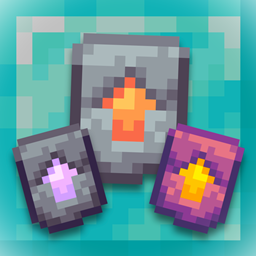
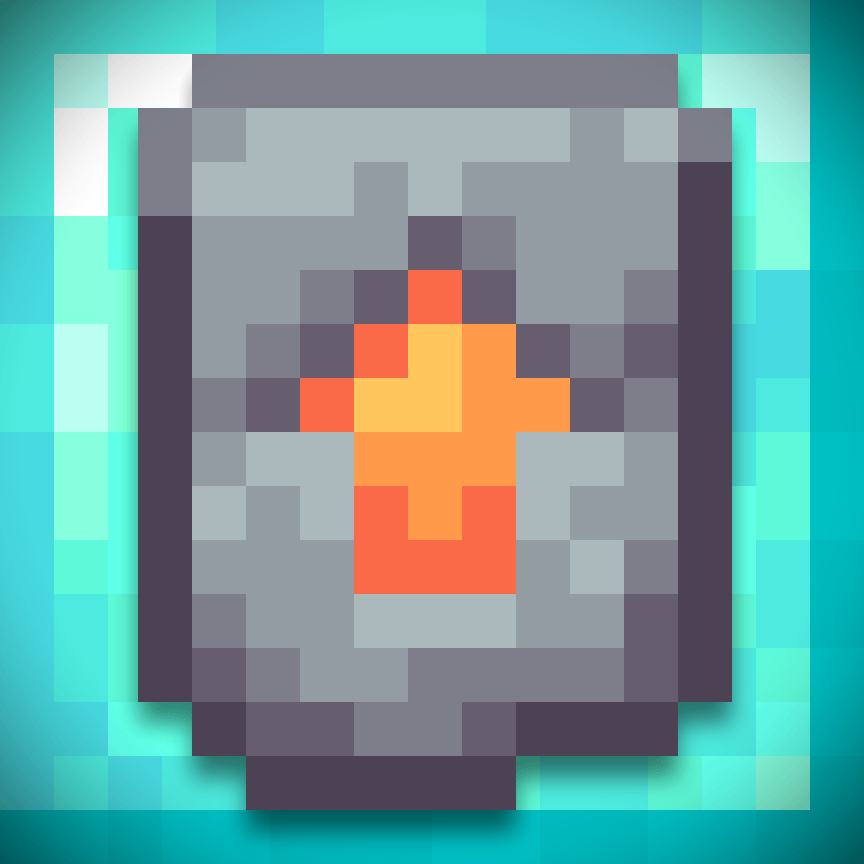
Upgrade Expansion aims to add a new way of upgrading your iron tools and armor. In the 1.20 Trails & Tales Update, smithing tables got a huge overhaul with Smithing Templates. Now, you have to find a Netherite Upgrade to improve your diamond utilities.
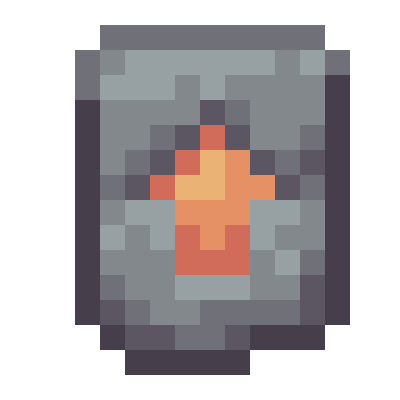
This mod will integrate the smithing system into upgrading your iron tools to diamond. Using a new Diamond Upgrade dropped from an iron golem 100% of the time, you can insert it into the smithing table along with your chosen iron tool / armor and a diamond to create your new diamond tools.
The normal crafting recipe for diamond utilities is still an option, although using Diamond Upgrades will make getting those utilities much, much cheaper and a lot less time consuming. Instead of 35 diamonds for a full set of tools and armor, you will now only need 9 assuming you have 9 Diamond Upgrades.
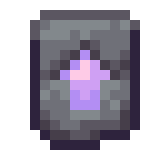
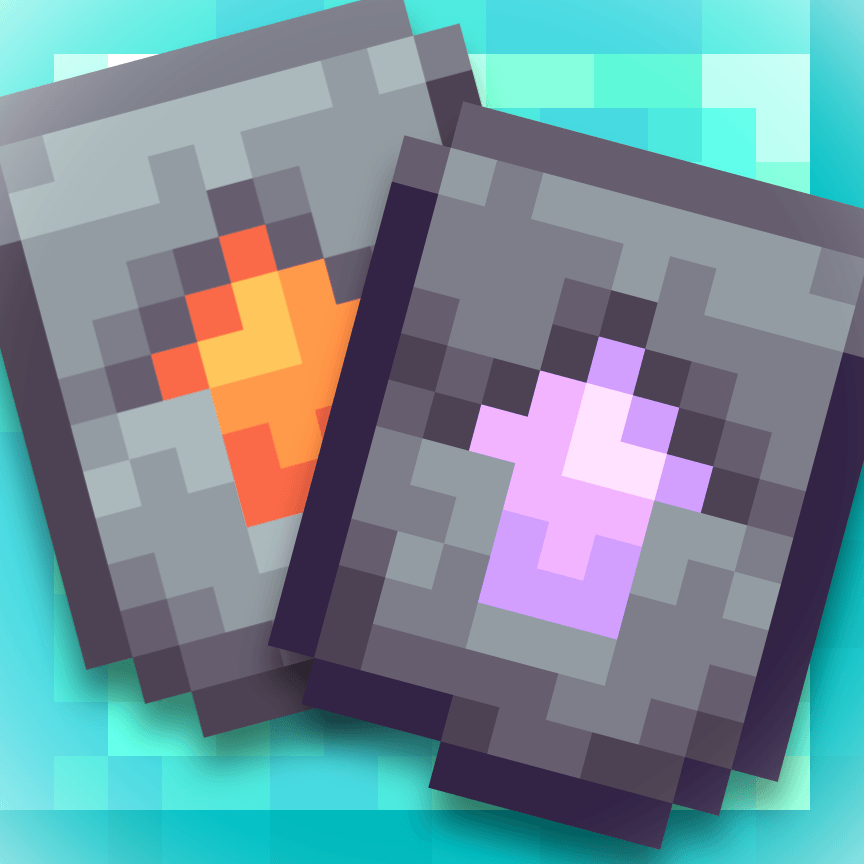
There is now also 2 tiers above netherite tools. Using another new smithing template, the Amethyst Upgrade, you can create Infused netherite tools with an amethyst shard to bring them up another level. The Amethyst Upgrade, however, must be crafted with 4 amethyst shards, 4 chiseled deepslate blocks, and a Diamond Upgrade to form it.
The very top and final tier of tools is Gilded netherite, which can be used the same way as the Amethyst Upgrade, but by replacing the amethyst shards with gold ingots, the chiseled deepslate blocks with chiseled polished blackstone blocks, and the Diamond Upgrade with an Amethyst Upgrade in the crafting recipe to create a Gilded Upgrade. The tool you are Gilding, however, must be Infused. This will improve the speed of your tools and make them slightly more enchantable, along with a few other minor buffs.
Enjoy the mod!
常见问题
Upgrade Expansion [Discontinued] 支持哪些 Minecraft 版本?
Upgrade Expansion [Discontinued] 支持 Minecraft Java 版 1.20.1,可用的加载器:Forge。下载时注意选择和你游戏版本一致的文件。
Upgrade Expansion [Discontinued] 怎么安装?
先用 PCL2 或 HMCL 启动器安装对应版本的 Forge,再把下载的 .jar 文件放进游戏目录的 mods 文件夹,重新启动游戏即可。开启了版本隔离的,mods 文件夹在 versions/版本名 下面。
FlojackCityUtah 的其他作品
查看全部 →
Fresh Nature’s Compass
重制 Nature's Compass 的纹理,让风格更柔和、更显新颖。
Diff’s Tools
添加两种 3×3 挖掘工具。
Diff’s Weapons
为你的Minecraft体验添加一些独特的武器
Frosted Slates
为深板岩添加了一种更寒冷的变种
评论
登录后评论和评分