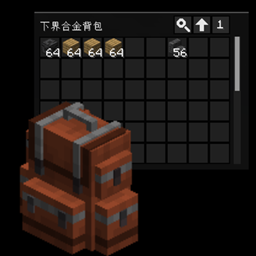
Backpack Side GUI – KOTS
Interactive Side GUI of Sophisticated Backpacks in every Screen
截图
介绍
中文介绍正在准备中,下面暂时显示原文。

Backpack Side GUI KOTS
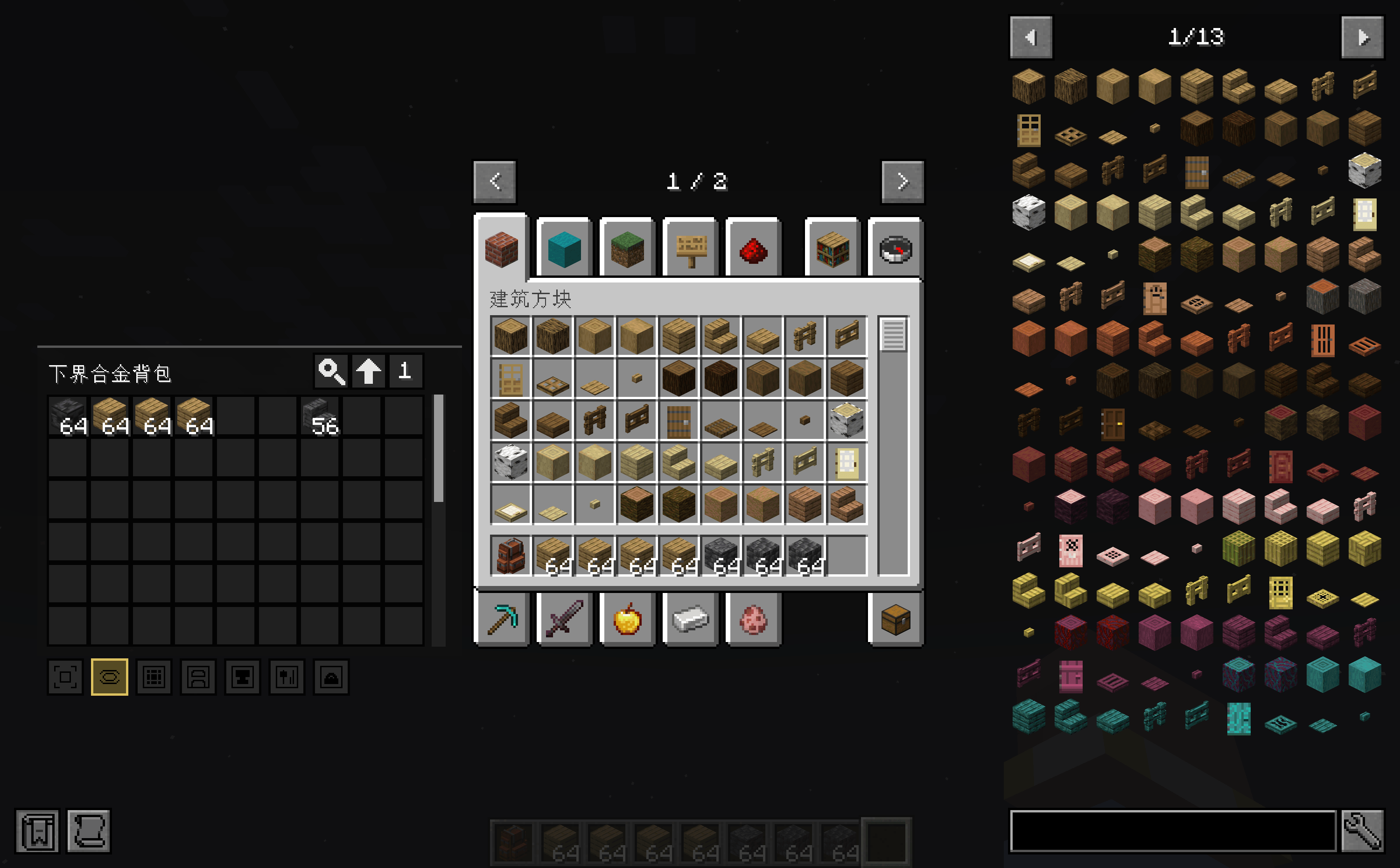
Backpack Side GUI KOTS is an add-on for Sophisticated Backpacks which adds an interactive backpack panel to the side of container screens, allowing you to access your backpack without opening the original backpack GUI separately.
Original: Backpack Side GUI
Features
- Displays an interactive backpack side panel next to the player inventory and container screens
- Displays utility panels when the backpack has upgrades
- Supports inserting, extracting, swapping, and merging items
- Mouse wheel scrolling for backpack contents
- Drag-to-distribute item stacks
- Double-click to collect matching items
- Displays stack sizes above 64
- Move button for repositioning the side panel
- Show/hide button for toggling the backpack panel
- Supports Curios
- Support JEI: fill from all backpacks & fill to interactive utility panels
- Multiplayer-friendly design: item operations are handled on the server side
Differences from the original mod
- Refactor the base of the mod; now the side panel will directly control the backpack, no virtual container
- So all item duplicates or loss will be fixed
- Refactor the whole mod with modern GUI code design
- Remove all Reflect Methods
- Improve performance: only 3.5% usage of the original mod
常见问题
Backpack Side GUI – KOTS 支持哪些 Minecraft 版本?
Backpack Side GUI – KOTS 支持 Minecraft Java 版 1.21.1,可用的加载器:NeoForge。下载时注意选择和你游戏版本一致的文件。
Backpack Side GUI – KOTS 怎么安装?
先用 PCL2 或 HMCL 启动器安装对应版本的 NeoForge,再把下载的 .jar 文件放进游戏目录的 mods 文件夹,重新启动游戏即可。开启了版本隔离的,mods 文件夹在 versions/版本名 下面。
Polaris_Light 的其他作品
查看全部 →
Mandalas GUI – KOTS Compat
by Polaris_Light
支持机械动力 6.0+,兼容 110+ 个模组的 Mandala's GUI - Dark mode
108.2万
22 天前
CurseForge · Modrinth

Expanded Storage – KOTS
by Polaris_Light
由 KOTS 分支自 quinn-semele 的 Expanded Storage 和 compasses
3.3万
9 个月前
CurseForge
Caged Mobs – KOTS
by Polaris_Light
将 Caged Mobs 移植到 1.21.1,献给整合包作者
1.1万
2 个月前
CurseForge

Spyglass Astronomy Neoforge
by Polaris_Light
Unofficial Neoforge Port of Spyglass Astronomy
8,025
2 个月前
CurseForge
评论
登录后评论和评分