
simple staves (Neo/Forge)
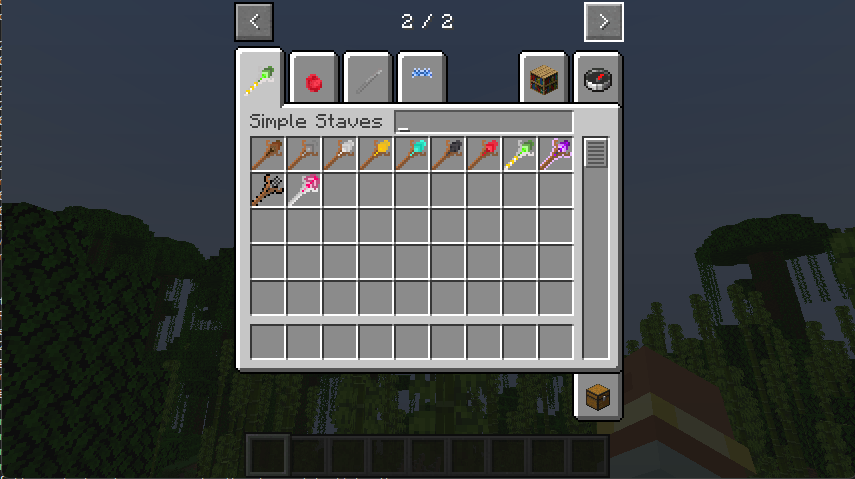
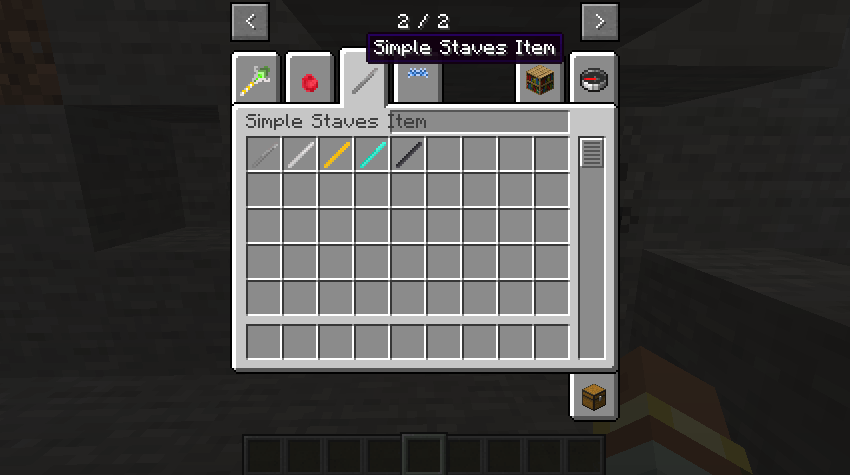
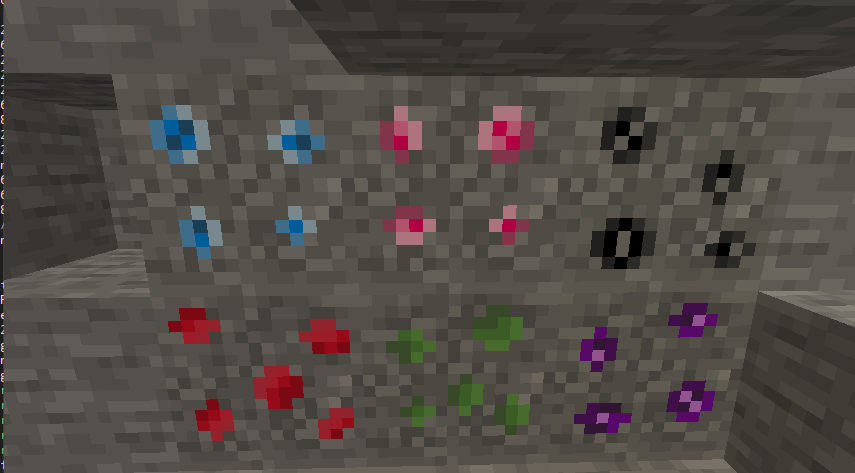
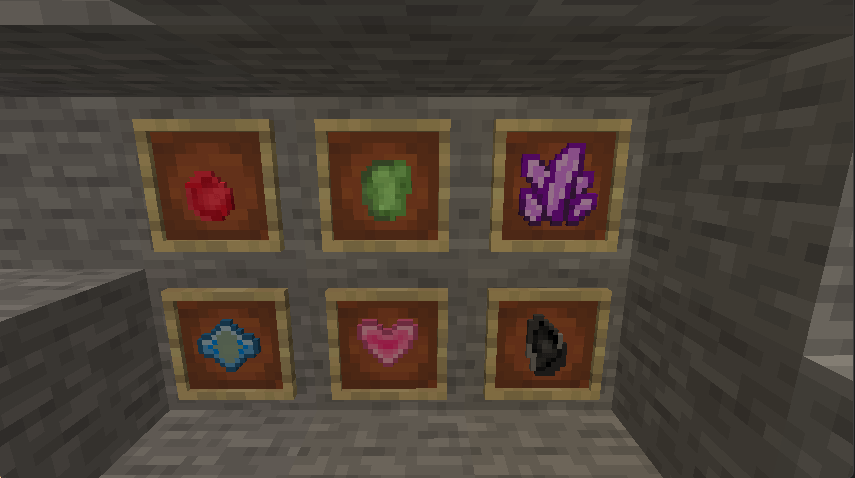
a mod that adds magic wands in an extremely simple and vanilla+
截图
介绍

We’ve partnered with Instant Gaming!
Thanks for supporting our work!

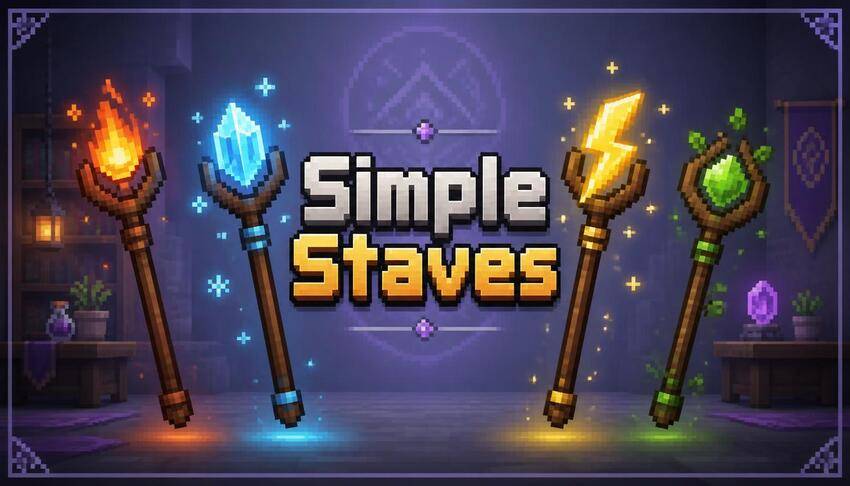
Simple Staves
Simple magic. No limits. Just staves.
Simple Staves is a lightweight magic mod focused on one goal:
adding powerful, fun, and accessible magical staves to Minecraft without unnecessary complexity.
No mana systems.
No skill trees.
No complicated progression mechanics.
Craft a staff, use it, and enjoy magic that feels natural within the Minecraft experience.
Features
Progression-Based Staves
The mod adds multiple tiers of magical staves, allowing players to progress naturally throughout the game.
Available materials include:
-
Wood
-
Stone
-
Iron
-
Gold
-
Diamond
-
Netherite
Each tier provides stronger abilities and improved combat effectiveness.
Offensive Staves
Offensive staves are designed to act as true magical weapons rather than simple bow replacements.
They offer unique ranged attacks and elemental powers, including:
-
Direct damage projectiles
-
Explosive attacks
-
Lightning strikes
-
Area-of-effect abilities
-
Elemental effects
Many staves also apply additional effects such as:
-
Burning enemies
-
Poison damage
-
Other special interactions depending on the staff type
Defensive Staves
Not every staff is built for combat.
Defensive staves provide tools that help players survive dangerous situations by granting beneficial effects and protective abilities.
Examples include:
-
Emergency escape options
-
Defensive utility powers
Utility Staves
Utility staves focus on exploration and convenience.
These magical tools provide abilities that can improve mobility and exploration across your world.
Examples include:
-
Teleportation
-
Night Vision
-
Speed boosts
-
Invisibility
-
Other helpful utility effects
Combat Experience
Staves have been designed from the ground up to feel like magical ranged weapons.
Unlike bows, they feature:
-
Unique attack behavior
-
Custom particles
-
Built-in cooldowns
-
Faster and more satisfying magical combat
The goal is to make every staff feel distinct and rewarding to use.
Visual Effects
Every staff includes its own visual identity through:
-
Custom particles
-
Ability effects
-
Unique magical feedback
This helps make each staff instantly recognizable during gameplay.
Design Philosophy
The objective of Simple Staves is simple:
Create magic that feels like it could belong in vanilla Minecraft while offering more variety, progression, and personality.
Easy to learn.
Fun to use.
Powerful when mastered.
💬 Join the PixelForge Discord Community!
👉 https://discord.gg/uAyekPAu25
Welcome to the official PixelForge Discord — the best place to stay connected with the community!
🚀 What you’ll find:
📚 Complete Wiki with guides, detailed documentation, mod lore, history, and everything you need to know.
🛠️ Fast & Guaranteed Support directly from the developers and the community.
👀 Exclusive Sneak Peeks of upcoming updates, new mods, and behind-the-scenes content.
🏆 XP & Level System — stay active, level up, unlock exclusive roles, and compete with other members.
🤝 Friendly Community where you can share your builds, ideas, screenshots, and feedback.
🛡️ Advanced AutoMod that automatically detects spam, toxicity, and disruptive behavior to keep the server friendly and enjoyable for everyone.
Whether you need help, want the latest news, or just want to hang out with other Minecraft players, there’s always something happening.
See you on the server! 🚀
Developed by ZioVito / PixelForge
常见问题
simple staves (Neo/Forge) 支持哪些 Minecraft 版本?
simple staves (Neo/Forge) 支持 Minecraft Java 版 1.20.1–1.21.4,共 3 个版本,可用的加载器:Forge / NeoForge。下载时注意选择和你游戏版本一致的文件。
simple staves (Neo/Forge) 怎么安装?
先用 PCL2 或 HMCL 启动器安装对应版本的 Forge / NeoForge,再把下载的 .jar 文件放进游戏目录的 mods 文件夹,重新启动游戏即可。开启了版本隔离的,mods 文件夹在 versions/版本名 下面。
ZioVitoPIXELFORGE 的其他作品
查看全部 →
Ultimate Cannibalism (Fabric & Neo/Forge)
Adds cannibalism to Minecraft, craft weapons and armor out of the flesh as well!
Deadly Quicksand (Fabric & Neo/Forge)
A mod that adds more type of quicksand

macabre decor (Neo/Forge)
a mode that adds horror decorations

Dropify (Neo/Forge)
A mod that expands the mob drop system, adding new and additional drops for all mobs.
评论
登录后评论和评分