
截图

介绍

Features
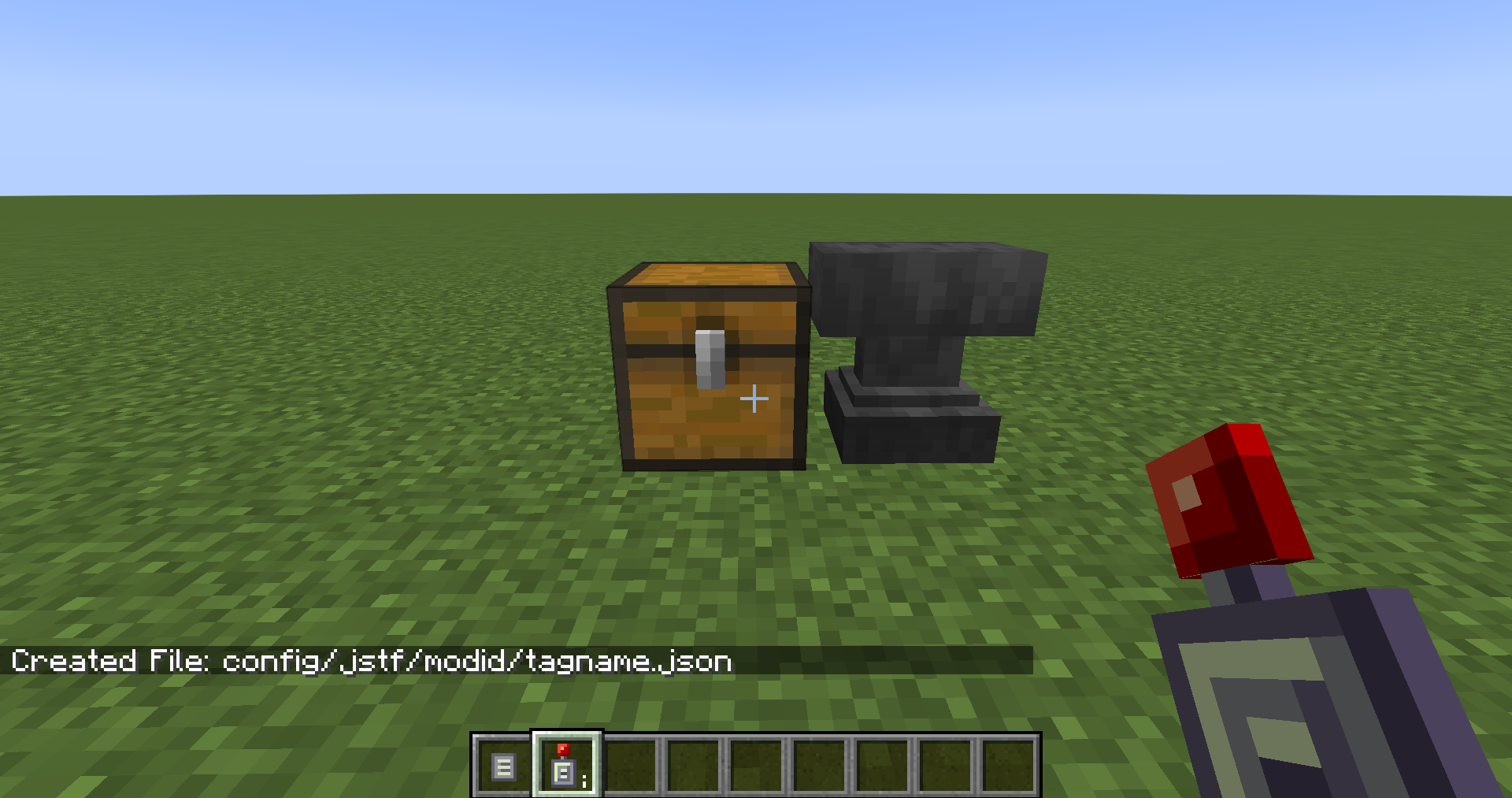
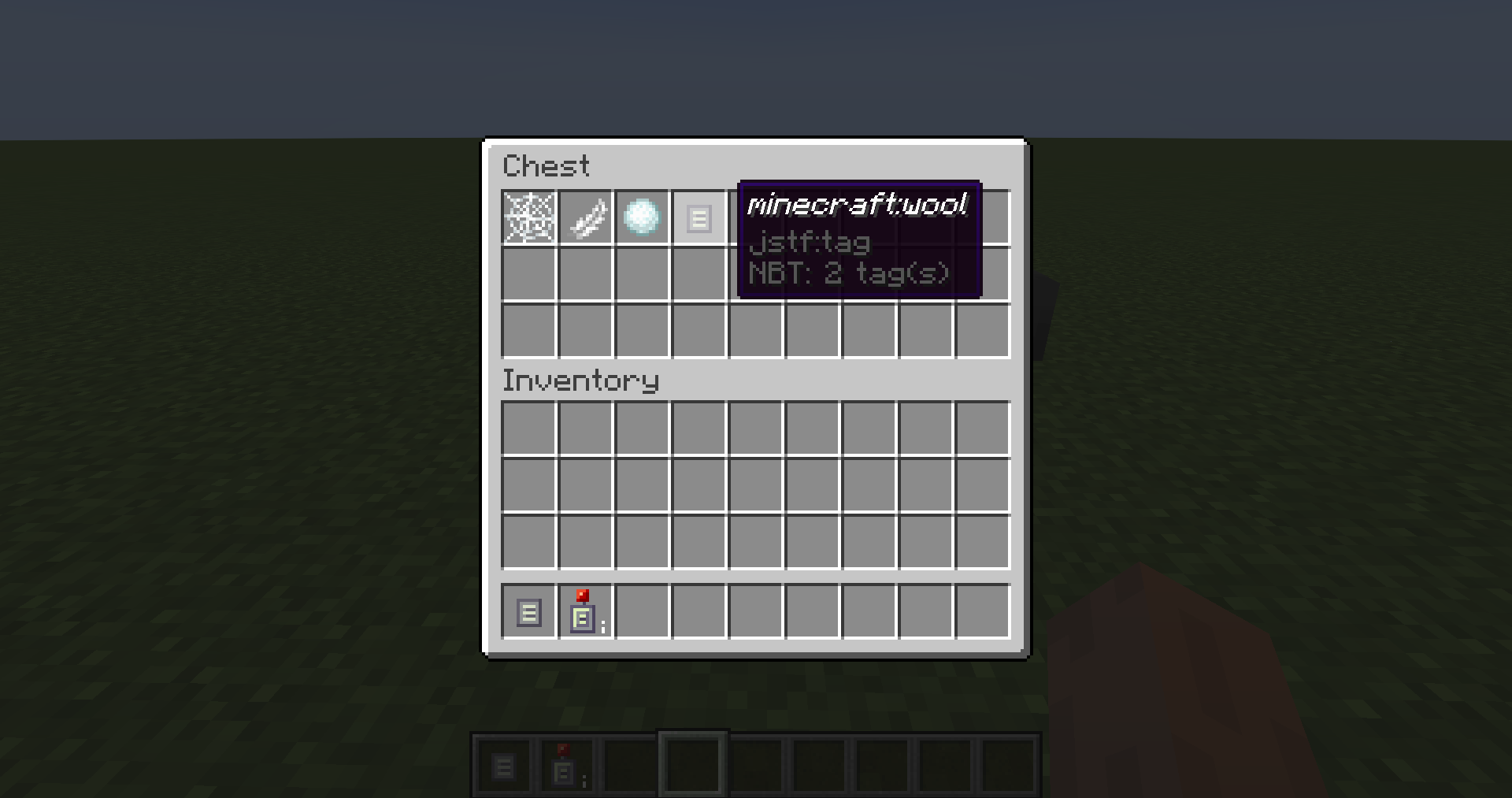
Create Block and Item Tag JSON files by placing the items in a chest and sneak-right-clicking the chest with a Chest Reader. Tags within tags can be created by using the special Tag Placeholder item and naming it after the tag, for example naming it “minecraft:wool” will add the #minecraft:wool tag to your tag.
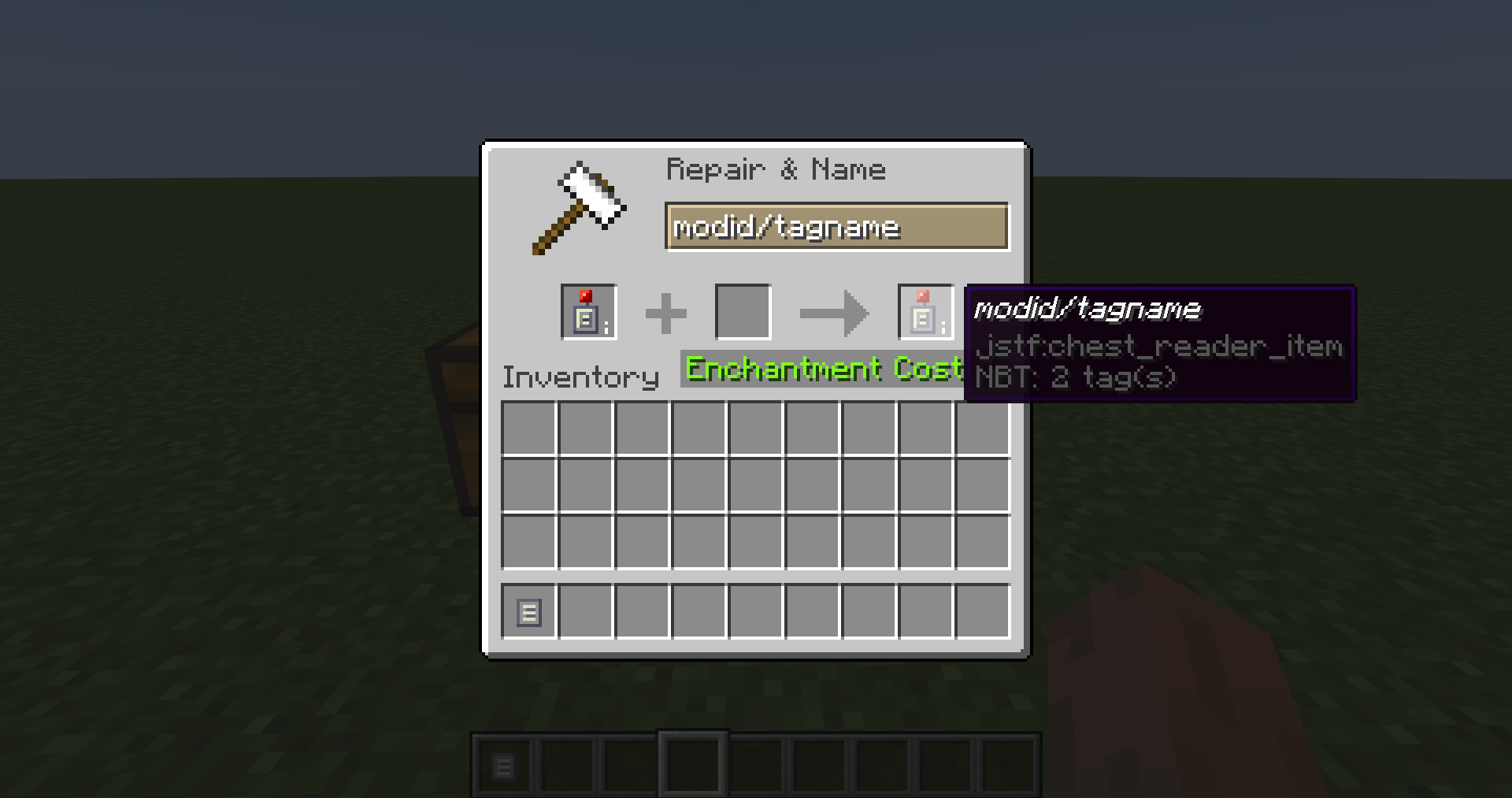
Naming the Chest Reader itself in an anvil will change the name of the file created by the right-click.
Files are placed in config/jstf/. You will need to move or copy them to a datapack of your choice.
More features planned:
– Right clicking blocks in world to add to tag
– Ability to copy a single internal item/block name into the clipboard
– Add additional items/blocks to an existing tag
– Infinite Chest for extra long tags
– Obtain tag placeholder items for all tags an item/block belongs to
– Obtain an inventory of all items/block that a tag contains
常见问题
JSON The Fly 支持哪些 Minecraft 版本?
JSON The Fly 支持 Minecraft Java 版 1.18–1.18.2,共 3 个版本,可用的加载器:Forge。下载时注意选择和你游戏版本一致的文件。
JSON The Fly 怎么安装?
先用 PCL2 或 HMCL 启动器安装对应版本的 Forge,再把下载的 .jar 文件放进游戏目录的 mods 文件夹,重新启动游戏即可。开启了版本隔离的,mods 文件夹在 versions/版本名 下面。
wolfiewaffle 的其他作品
查看全部 →
TAN Campfire Spit
匠魂生存的附加模组

Hardcore Torches (Forge)
让火把和灯笼不再永久使用。火把可以更换,灯笼则可以加油续燃。
Rustic BOP Woods
这是一个 Rustic 和超多生物群系的附属模组,为所有 BOP 木材类型添加了桌子和椅子。

Tool and Placement Tweaks
可自定义放置和破坏方块时的饥饿值与耐久度惩罚
评论
登录后评论和评分