
截图



介绍
About NDS Bios Font 👾
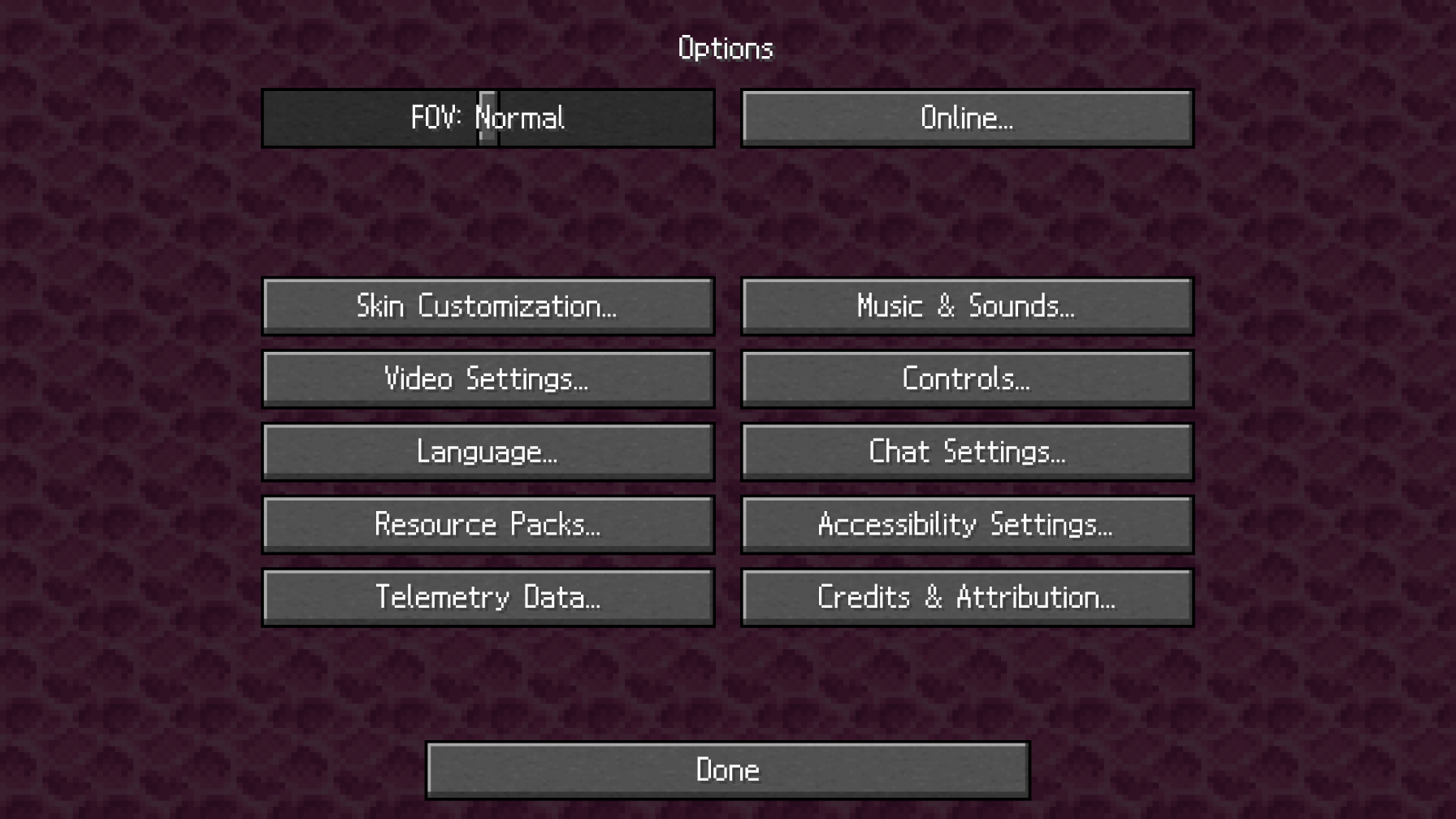
NDS Bios Font is a resource pack that will bring the Nintendo DS (NDS) Bios Font into Minecraft. To see this pack in action, just load this pack over any other font-altering resource packs:
On the “Select Resource Packs” Window in game:
– NDS Bios Font
– Everything Else
– Default
How to Downgrade Versions
While this resource pack is intended for 1.21+ and may look unappealing in other versions, there is a way to remedy this if you plan on using it in earlier versions. However, it will require some trial and error.
Directions:
« 1 » Navigate to assets/minecraft/font/default.json. It should look like this:
{
  "providers": [
    {
      "type": "ttf",
      "file": "minecraft:ndsbios.ttf",
      "shift": [0, 0.4],
      "size": 14.0,
      "oversample": 20.0
    }
  ]
}
« 2 » Edit the fields to your choosing. Keep "ttf" and "file" the same for simplicity.
Note: by default I have set the vertical offset to 0.4 units down, the size to 14, and the resolution to 20. If these don’t feel right, edit
"shift","size", and"oversample"accordingly. This may take some time to get right.
Font Character Set Showcase

常见问题
[Font] NDS Bios 支持哪些 Minecraft 版本?
[Font] NDS Bios 支持 Minecraft Java 版 1.21–1.21.3,共 4 个版本。下载时注意选择和你游戏版本一致的文件。
[Font] NDS Bios 怎么安装?
把下载的 .zip 文件(不用解压)放进游戏目录的 resourcepacks 文件夹,进游戏后在「选项 → 资源包」里把它移到右边启用。
评论
登录后评论和评分