
Sound Recorder
Record ambient sounds onto cassette tapes and play them back anywhere with a placeable speaker block.
截图
介绍
Record the sounds of your Minecraft world onto cassette tapes and play them back anywhere using a placeable speaker block.
Items
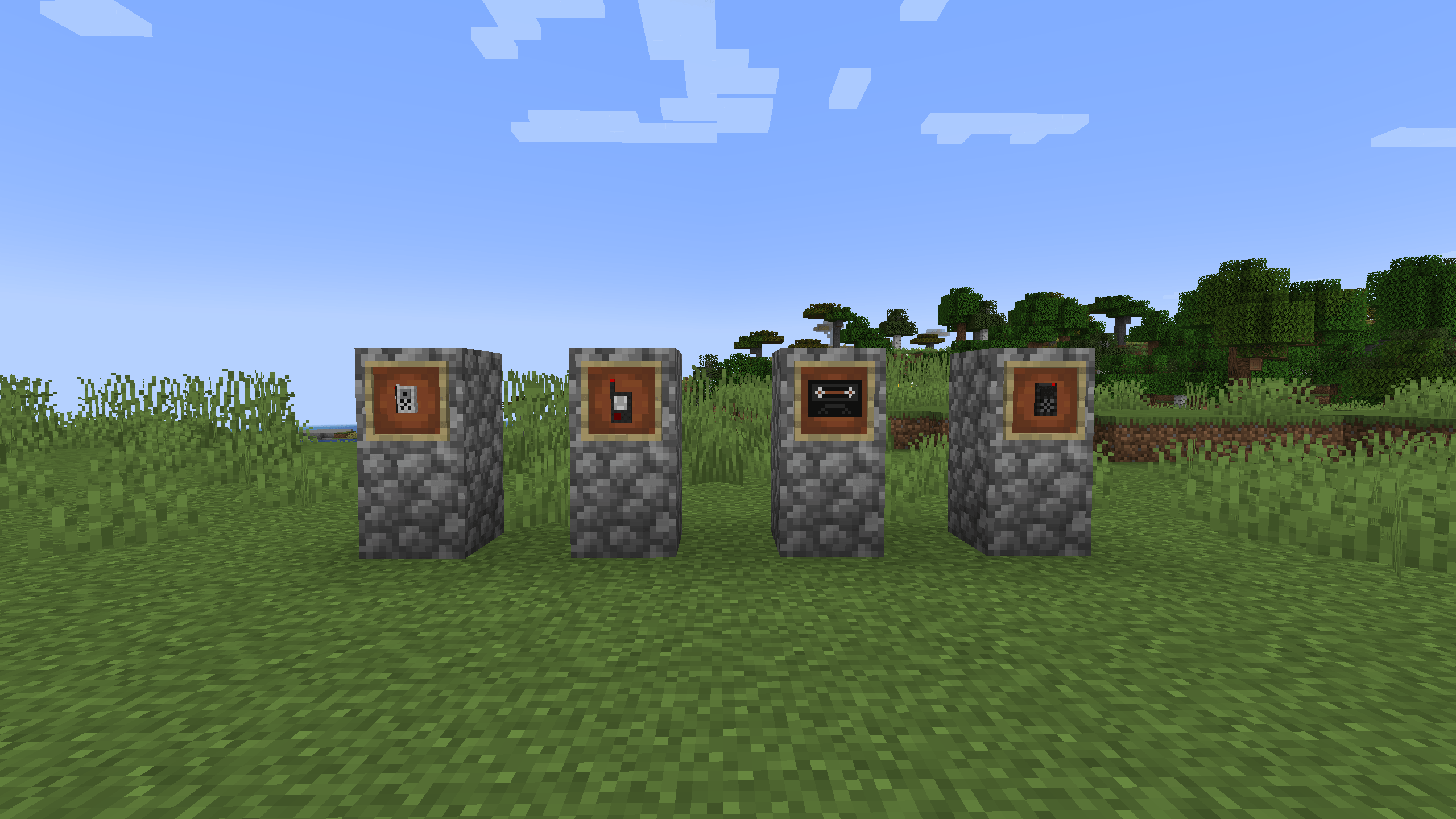
Tape Recorder Hold right click to start recording. Captures all sounds within range mob growls, cave ambience, weather, explosions and more. A HUD overlay shows your recording status and progress. Release to stop and your recording saves to a tape automatically named after your current biome and day.
Tape Right click a filled tape to open the selection screen and choose a featured sound. Filled tapes have an enchanted glow and display all captured sounds in the tooltip.
Speaker Block Insert a filled tape by right clicking with it. Right click with an empty hand to play the featured sound. Sneak right click to eject. Faces toward you when placed.
Echo Locator Hold right click to scan for nearby hostile mobs. The beep speeds up the closer danger gets. A HUD shows entity count, distance, and direction relative to where you are looking.
Features
- Records any sound in the game including from other mods
- Tape naming with biome and day tracking
- HUD overlays for recording and scanning
常见问题
Sound Recorder 支持哪些 Minecraft 版本?
Sound Recorder 支持 Minecraft Java 版 1.20.1,可用的加载器:Forge。下载时注意选择和你游戏版本一致的文件。
Sound Recorder 怎么安装?
先用 PCL2 或 HMCL 启动器安装对应版本的 Forge,再把下载的 .jar 文件放进游戏目录的 mods 文件夹,重新启动游戏即可。开启了版本隔离的,mods 文件夹在 versions/版本名 下面。
评论
登录后评论和评分