mine of tanks
Bring tank warfare to Minecraft with historical vehicles, upgradeable guns and turrets, custom paint schemes, AI battles, base capture, and multiplayer crews. Drive, fight, research, and command your way to victory!
截图
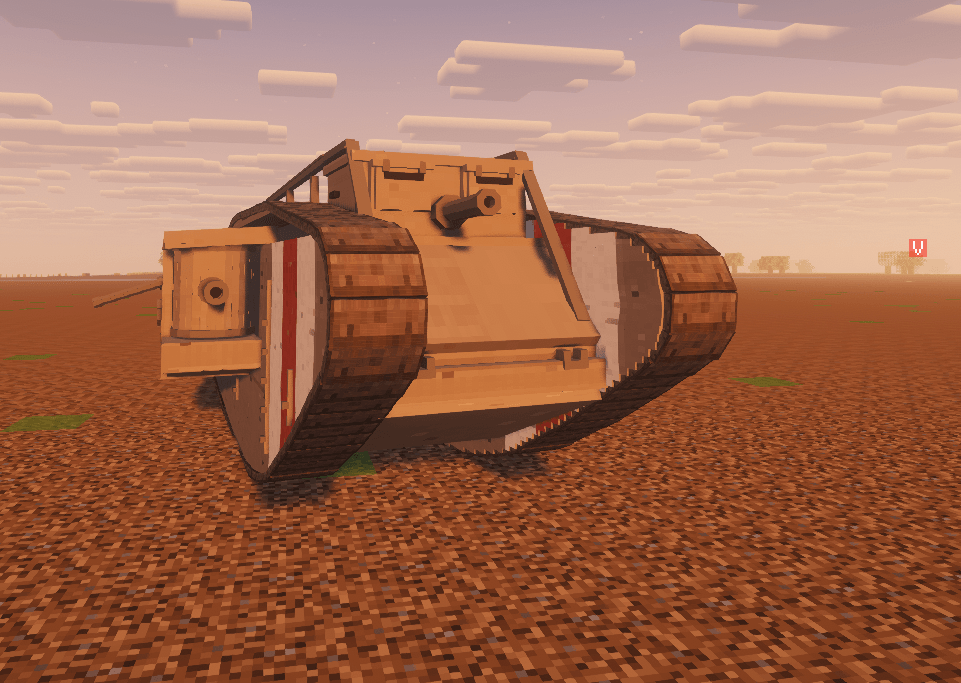
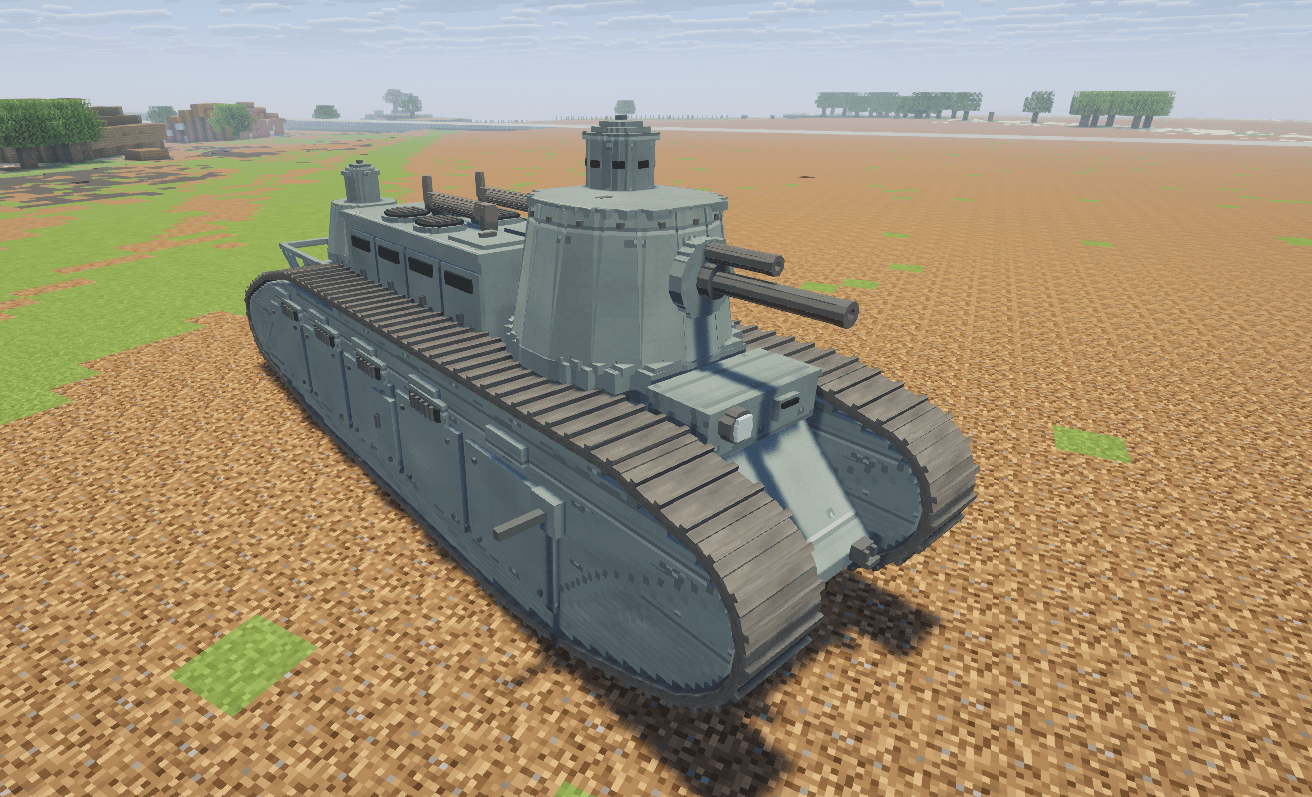
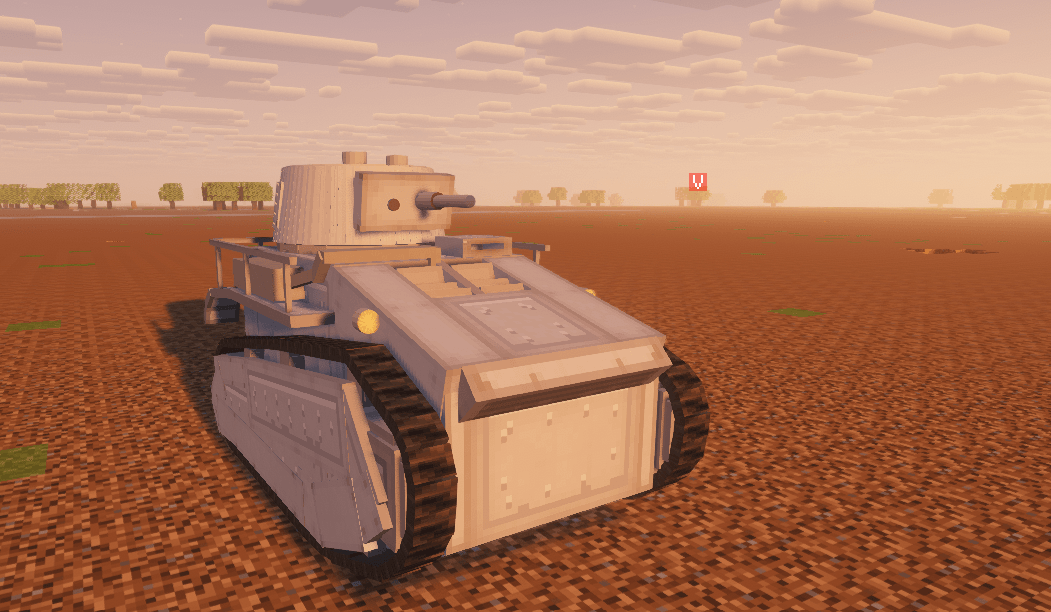
介绍
World of Mine
Your tank. Your crew. Your next battle.
A shell strikes your armour and bounces away. Your next shot penetrates, knocking out the enemy’s gunner. Before you can reload, another tank comes around the corner—and suddenly, that damaged track becomes a much bigger problem.
That’s the kind of fight World of Mine brings to Minecraft.
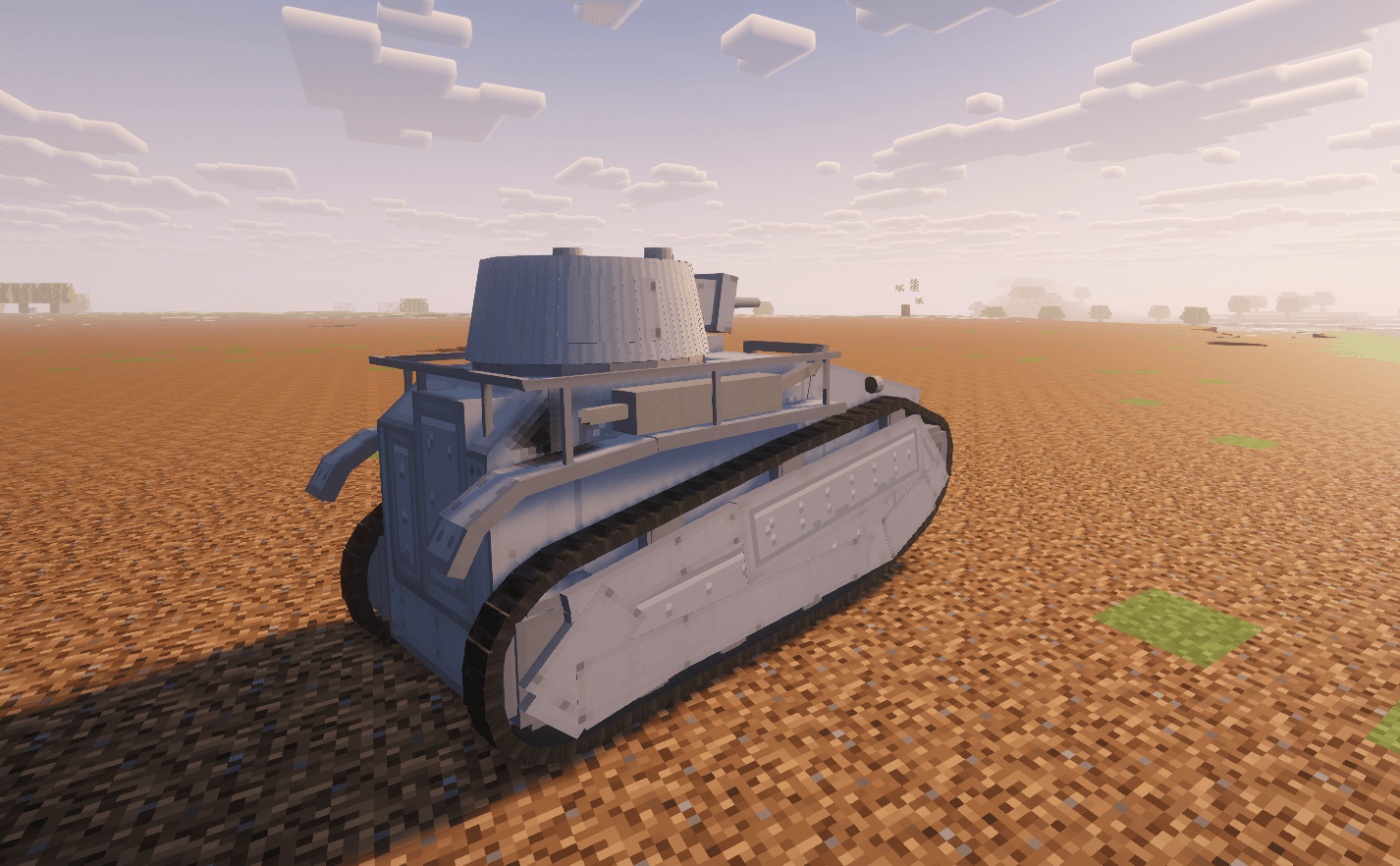
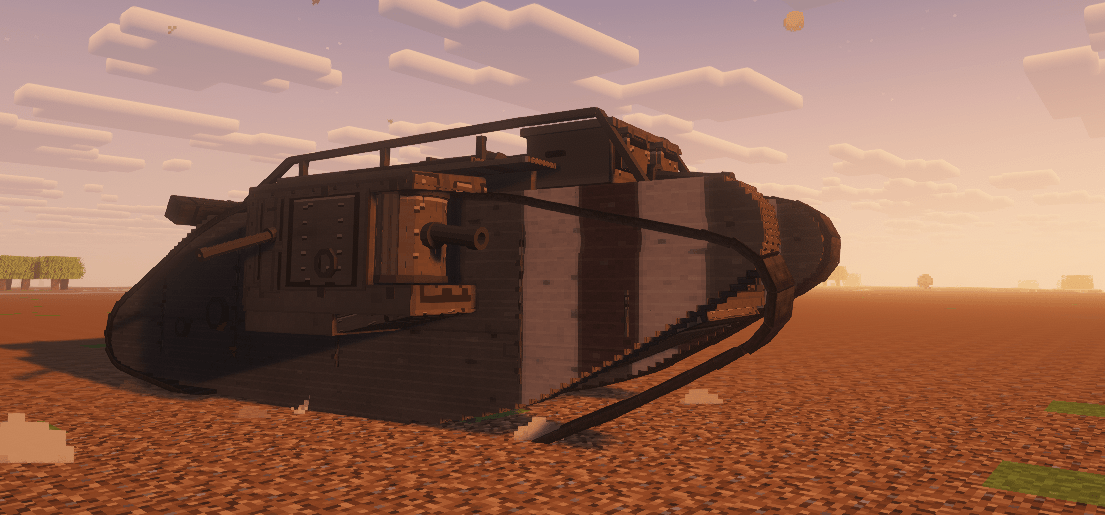
Explore a growing collection of armoured vehicles, build up your garage and take your favourite machines into battle. Choose your upgrades, experiment with different guns, change your camouflage and find a vehicle that suits the way you like to play. Whether you enjoy pushing forward with your team, watching a flank or supporting the fight with artillery, there’s more to a battle than simply firing first.
Meet your crew
Your vehicle is more than its armour and gun. There are people inside keeping it moving and fighting.
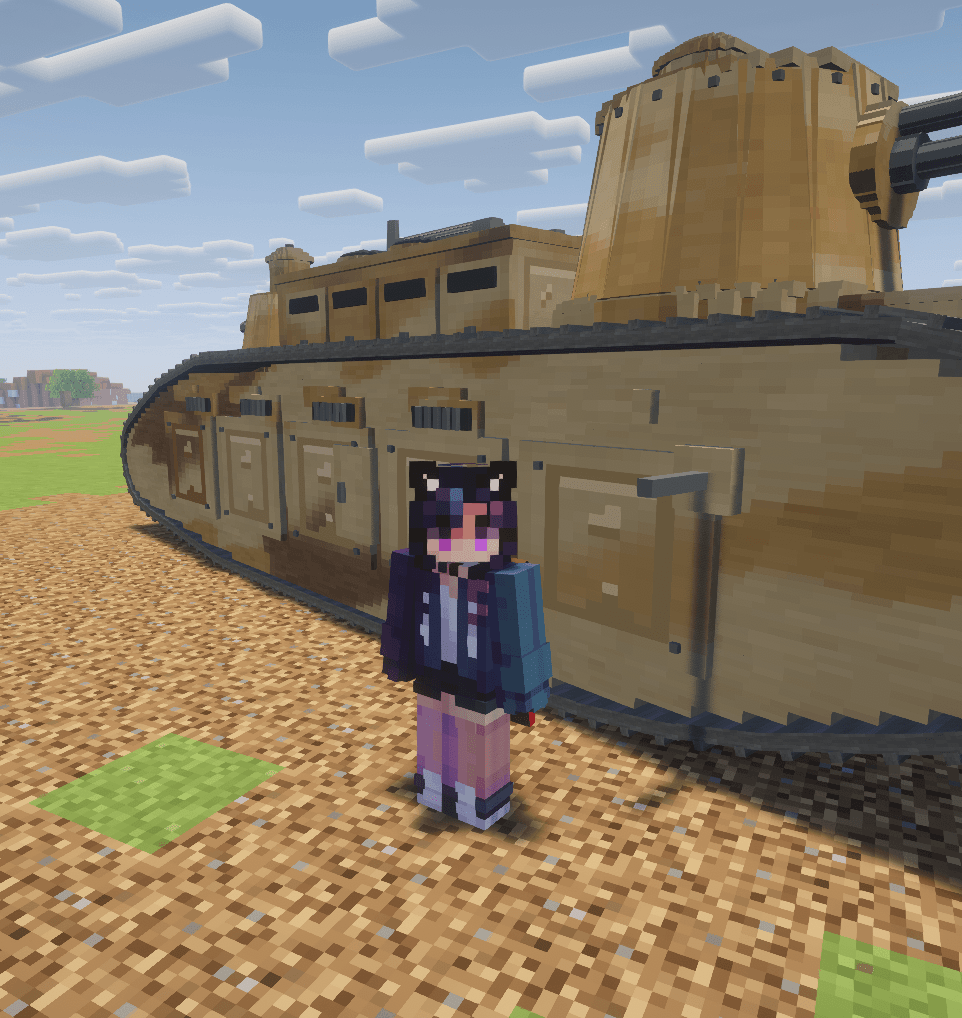
Crew members are visible in supported vehicle positions, including the exposed positions of open vehicles. In Realistic mode, their condition matters: losing a driver, gunner or loader can change what your tank is capable of doing.
A damaged vehicle can still have a chance. Repair what you can, look after the surviving crew and decide whether to stay in the fight or pull back before the next shell arrives.
Two ways to play
Arcade mode is built for players who want clear information and a more approachable battle. Vehicle health bars help you follow the action, but armour still matters. A poorly aimed shot can fail to penetrate, while a good angle can turn an incoming shell into a ricochet.
Learn your vehicle, find your opponent’s weak spots and make your shots count.
Realistic mode brings the fight inside the vehicle. Crew members and internal modules become essential parts of survival. A penetrating hit might damage the engine, break the transmission, disable the gun or injure the crew instead of simply taking away health.
Watch your vehicle’s condition through the module HUD, inspect its internal layout with the X-ray view and follow hit replays to see where a shell travelled. Sometimes the most useful shot is the one that stops an enemy from shooting back.
Make the vehicle yours
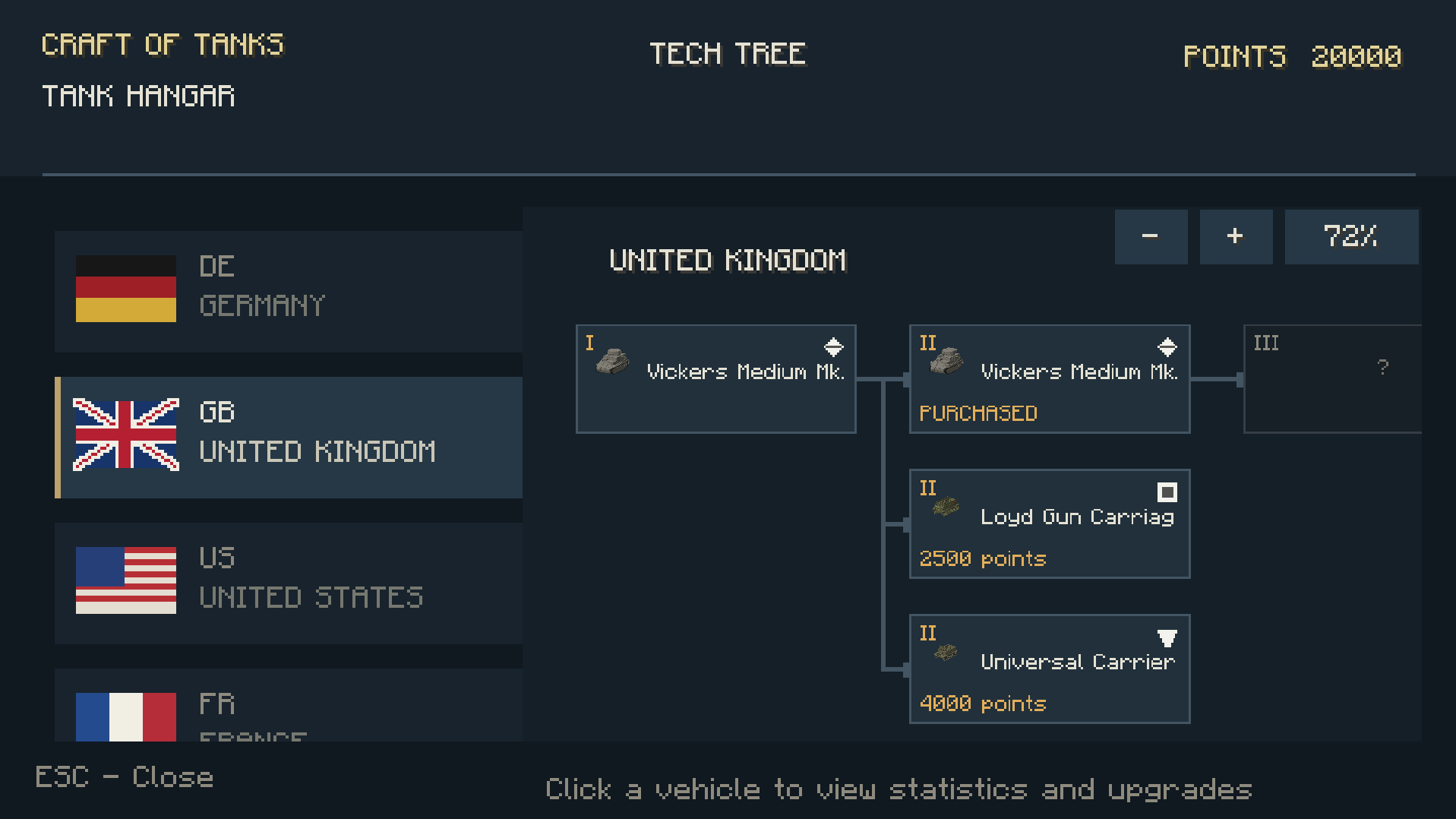
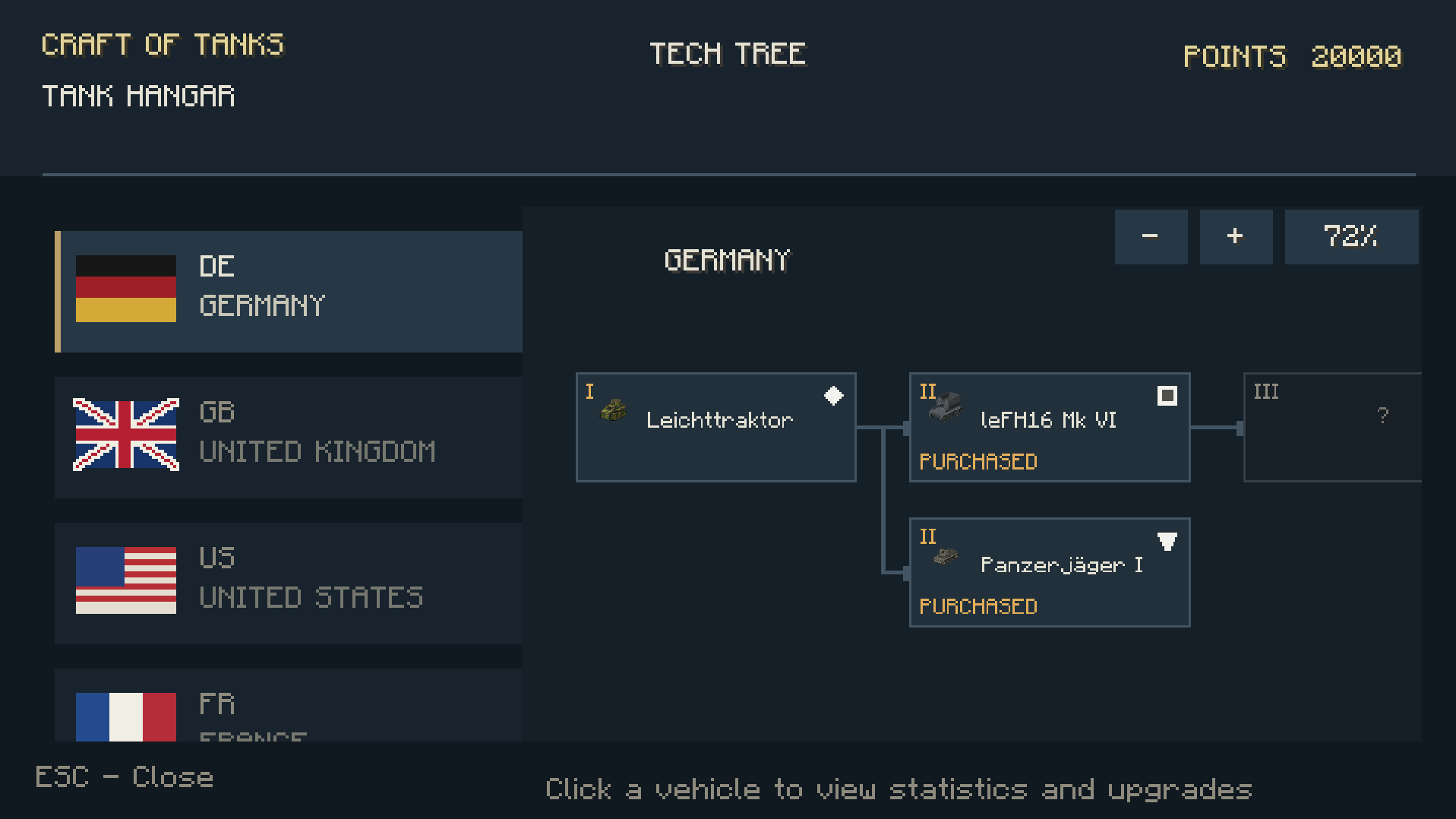
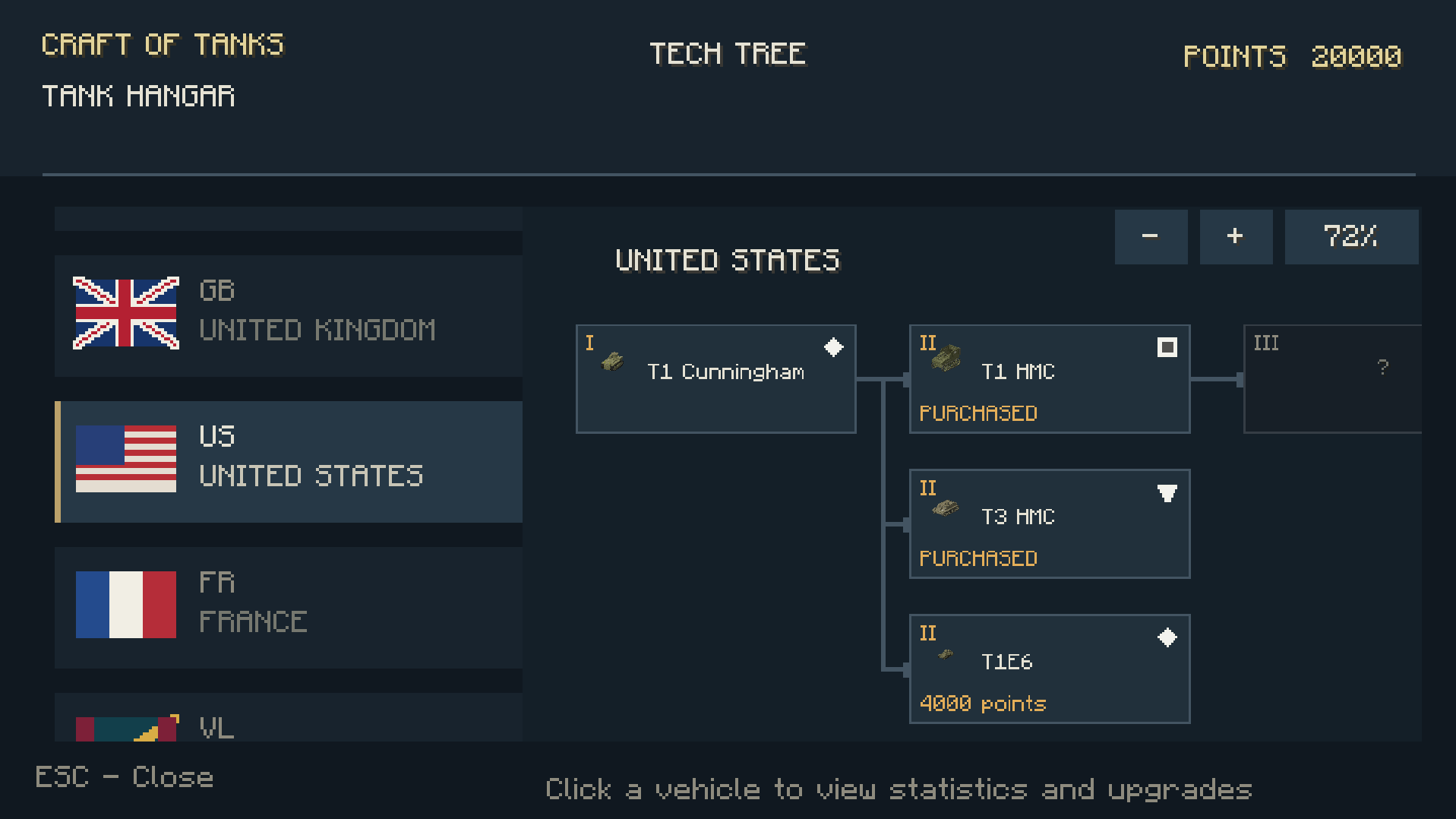
Spend time in the garage and explore the vehicle tree. Unlock vehicles and upgrades, compare equipment and try different configurations.
A different gun can change how you approach a fight. An upgrade can give an old favourite another reason to leave the garage. Camouflage lets you change its appearance before heading back onto the battlefield.
You can also inspect armour and internal modules before a match. Get to know what you’re driving—and what you’re likely to face.
Learn by getting behind the controls
You don’t need to know everything before your first battle.
The tutorials introduce driving, steering, turret control, aiming and combat through practical objectives. Learn how armour behaves, practise your shots and get comfortable with the controls before taking on a full match.
Arcade and Realistic training let you explore the differences between the two modes. A lighter training map is also available for players who prefer a simpler setting.
Want to organise your own battle? The battle-creation tutorial walks you through preparing the battlefield, placing flags and setting up teams. The manual remains available whenever you want to check something again.
Choose a map and start a battle
Prepared versions of Mines and Province let you spend less time setting things up and more time playing.
Pick a map, choose Arcade or Realistic combat and decide what kind of match you want:
- Deathmatch: defeat the opposing team.
- Capture battles: fight for control of objectives while keeping the enemy under pressure.
- Teams of up to 10 vehicles per side: bring friends, add bots or combine both.
Bots help fill the battlefield when you don’t have enough players for a full match. Their vehicle configurations can include different upgrades and camouflage, adding variety to the teams you face.
Capture points give you something worth fighting over, but they aren’t the only way to win: eliminating the entire enemy team also ends the battle.
Keep fighting—or know when to retreat
A broken track, an engine fire or an injured crew member can turn a comfortable position into a desperate one.
Repair supplies, first aid and extinguishers give you ways to respond. Pay attention to the vehicle HUD, choose the right moment to recover and avoid giving your opponent an easy follow-up shot.
The battle scoreboard keeps track of kills, assists and points, so helping your team matters too. You don’t have to land every finishing shot to contribute to a victory.
Bring your friends
Take different vehicles, compare your builds and find out which one of you can actually hit a moving target.
Hold a capture point together. Cover a damaged teammate. Try an unfamiliar tank. Or put two teams of bots on the field and join the side that needs a little help.
World of Mine is made for people who enjoy tanks and want to share that interest inside Minecraft. There’s a garage to explore, a crew to protect and another battle waiting.
Pick your vehicle. Get your crew ready. See you on the battlefield.
For Minecraft Java Edition 1.20.1 with Forge. Requires GeckoLib.
常见问题
mine of tanks 支持哪些 Minecraft 版本?
mine of tanks 支持 Minecraft Java 版 1.20.1,可用的加载器:Forge。下载时注意选择和你游戏版本一致的文件。
mine of tanks 怎么安装?
先用 PCL2 或 HMCL 启动器安装对应版本的 Forge,再把下载的 .jar 文件放进游戏目录的 mods 文件夹,重新启动游戏即可。开启了版本隔离的,mods 文件夹在 versions/版本名 下面。
评论
登录后评论和评分