Advanced Pipez Utilities
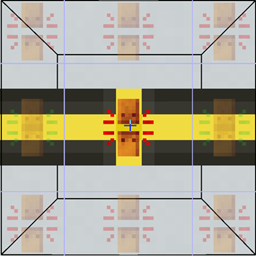
GregTech-style manual connections, directional placement, and a six-direction wrench grid for Pipez.
截图
介绍
Advanced Pipez Utilities
Advanced Pipez Utilities is an add-on for Pipez that provides precise, GregTech-inspired control over pipe connections.
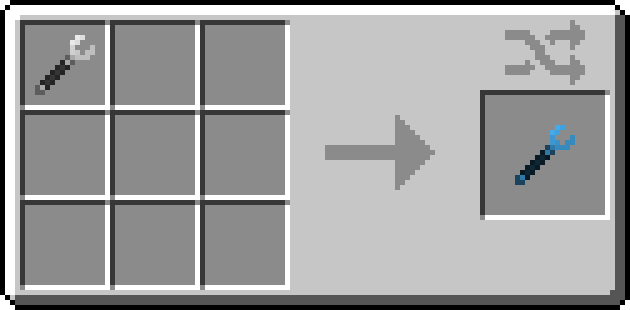
Pipes no longer connect automatically to every adjacent inventory or pipe. Instead, connections can be configured manually using the Advanced Pipe Wrench or created intentionally while placing pipes.
Features
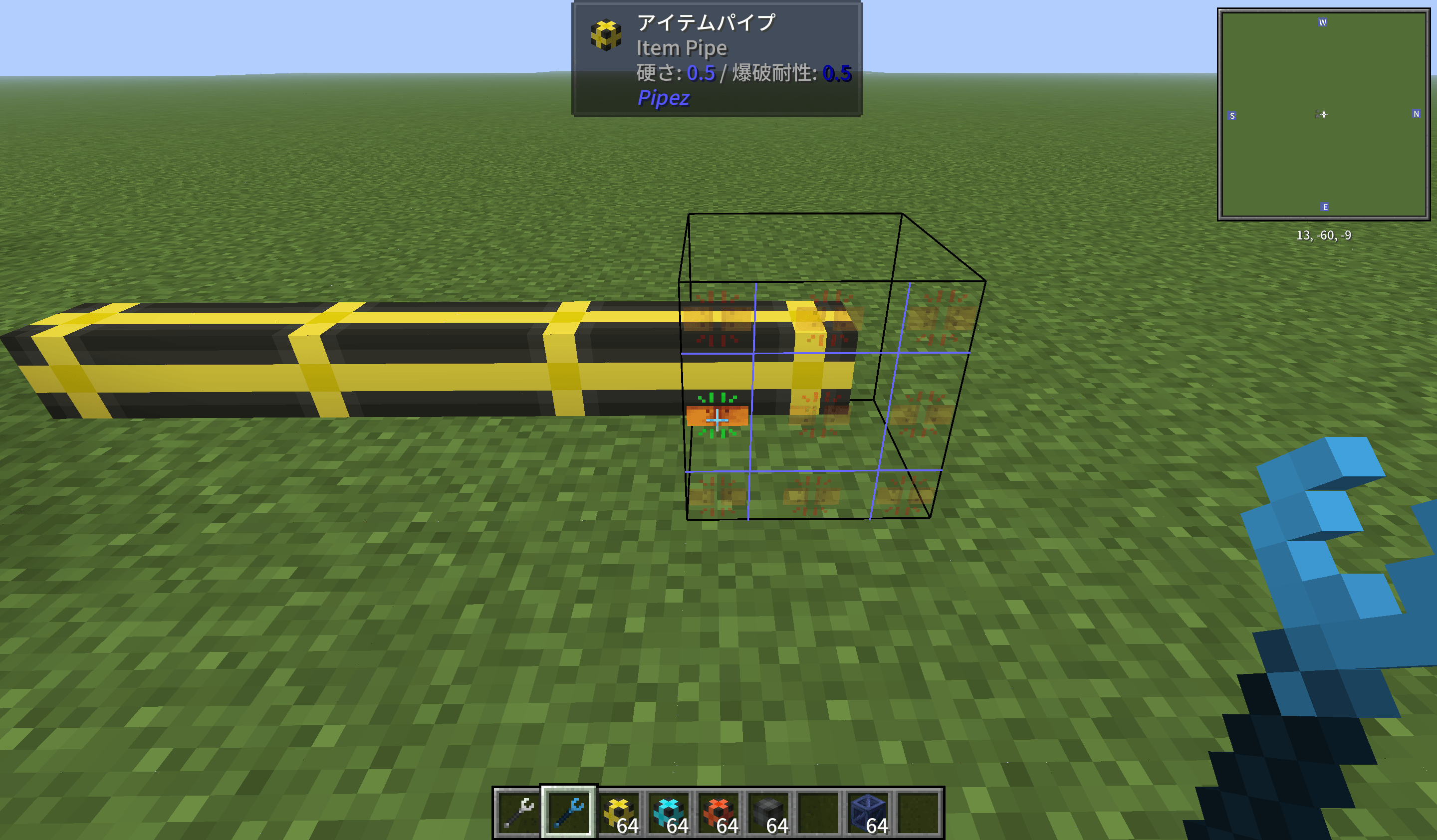
- GregTech-style six-direction selection grid
- Manually connect or disconnect each side of a pipe
- Pipes use a full-block selection shape while holding the Advanced Pipe Wrench
- Right-click to toggle the selected connection
- Shift + right-click to toggle extraction
- Pipes connect automatically only when intentionally placed toward:
- Another compatible pipe
- A compatible inventory or machine
- Holding the same type of pipe displays the direction grid
- Newly placed pipes connect only to the intended target
Supported Versions
- Minecraft 1.21.1 — NeoForge
- Minecraft 1.20.1 — Forge
Requirements
Usage
Hold the Advanced Pipe Wrench and look at a pipe. The overlay divides the targeted block into six selectable directions.
- Right-click: Connect or disconnect the selected side
- Shift + right-click: Enable or disable extraction
- Hold the same pipe type: Display the grid and place the pipe in the selected direction
常见问题
Advanced Pipez Utilities 支持哪些 Minecraft 版本?
Advanced Pipez Utilities 支持 Minecraft Java 版 1.20.1–1.21.1,共 2 个版本,可用的加载器:Forge / NeoForge。下载时注意选择和你游戏版本一致的文件。
Advanced Pipez Utilities 怎么安装?
先用 PCL2 或 HMCL 启动器安装对应版本的 Forge / NeoForge,再把下载的 .jar 文件放进游戏目录的 mods 文件夹,重新启动游戏即可。开启了版本隔离的,mods 文件夹在 versions/版本名 下面。
yuuki1293 的其他作品
查看全部 →
Programmed Circuit Card
添加一个编程电路板。AE2与格雷科技附属模组。

Mekanism Pipez Fix
修复 Pipez 与通用机械多方块结构断开连接的问题。

AE2 Pattern Encoding Access Terminal
ME 样板(编码与访问)终端

x1000 Botania
植物魔法附属模组:将魔力池容量提升至原来的 1000 倍。
评论
登录后评论和评分