截图

介绍
About
Booster is a sleek, smart, and slightly over-caffeinated Minecraft mod that supercharges your user interface without cluttering your screen or your soul.
Carefully crafted with usability in mind, Booster adds a whole bunch of quality-of-life improvements that feel like they should’ve been there all along. From quick inventory tweaks to smart buttons in all the right places, this mod was built to just work — and to look good doing it.
Perfect for casual players, hardcore adventurers, redstone engineers, or that one friend who opens ten chests a second looking for a pickaxe.
It’s lightweight, lightning-fast, and integrates smoothly with the game’s existing GUI systems. Oh, and it’s 100% client-side — so no server drama.
If you like your Minecraft clean, responsive, and just a little bit smarter… Booster’s got your back.
Features
General UI Upgrades:
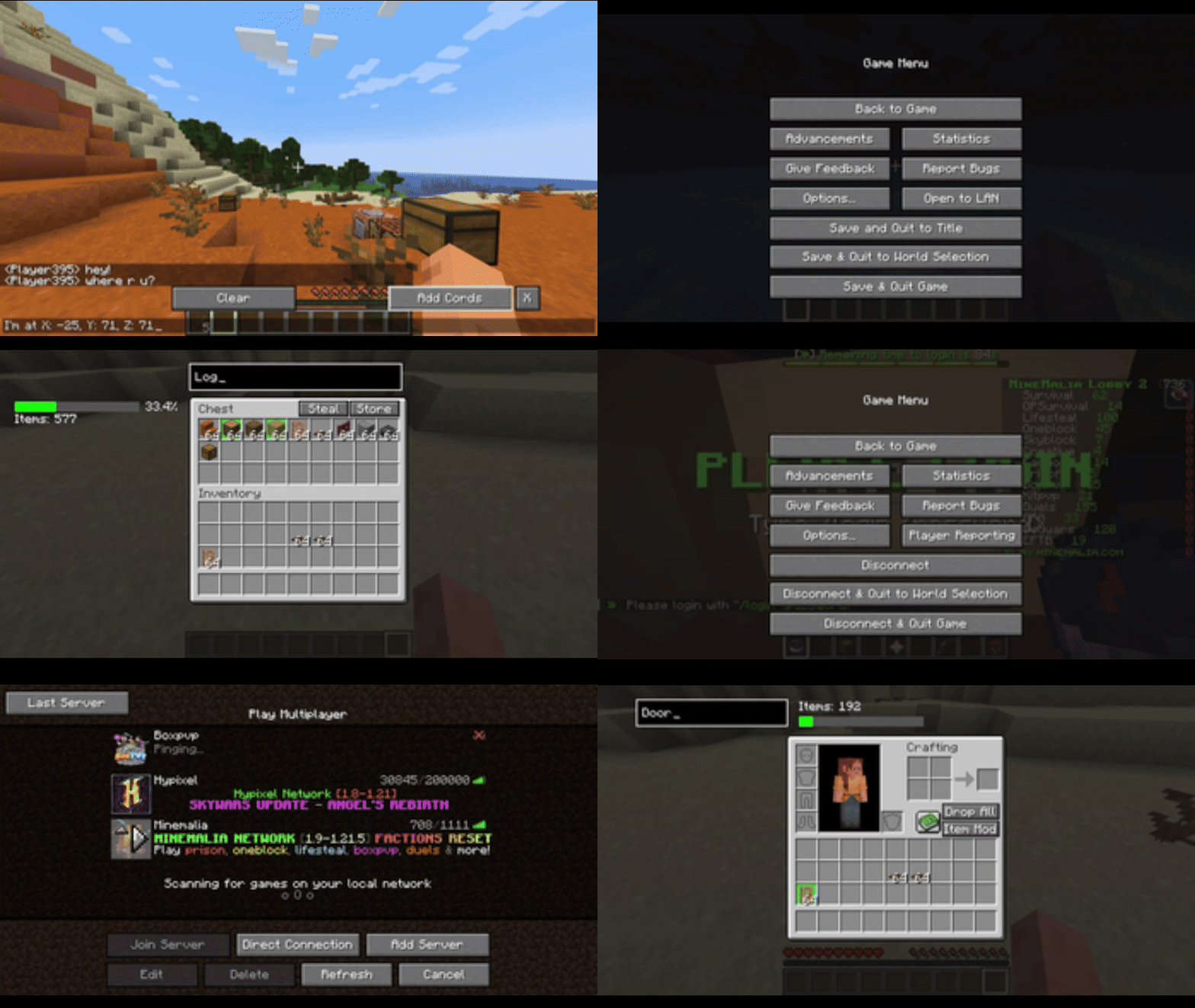
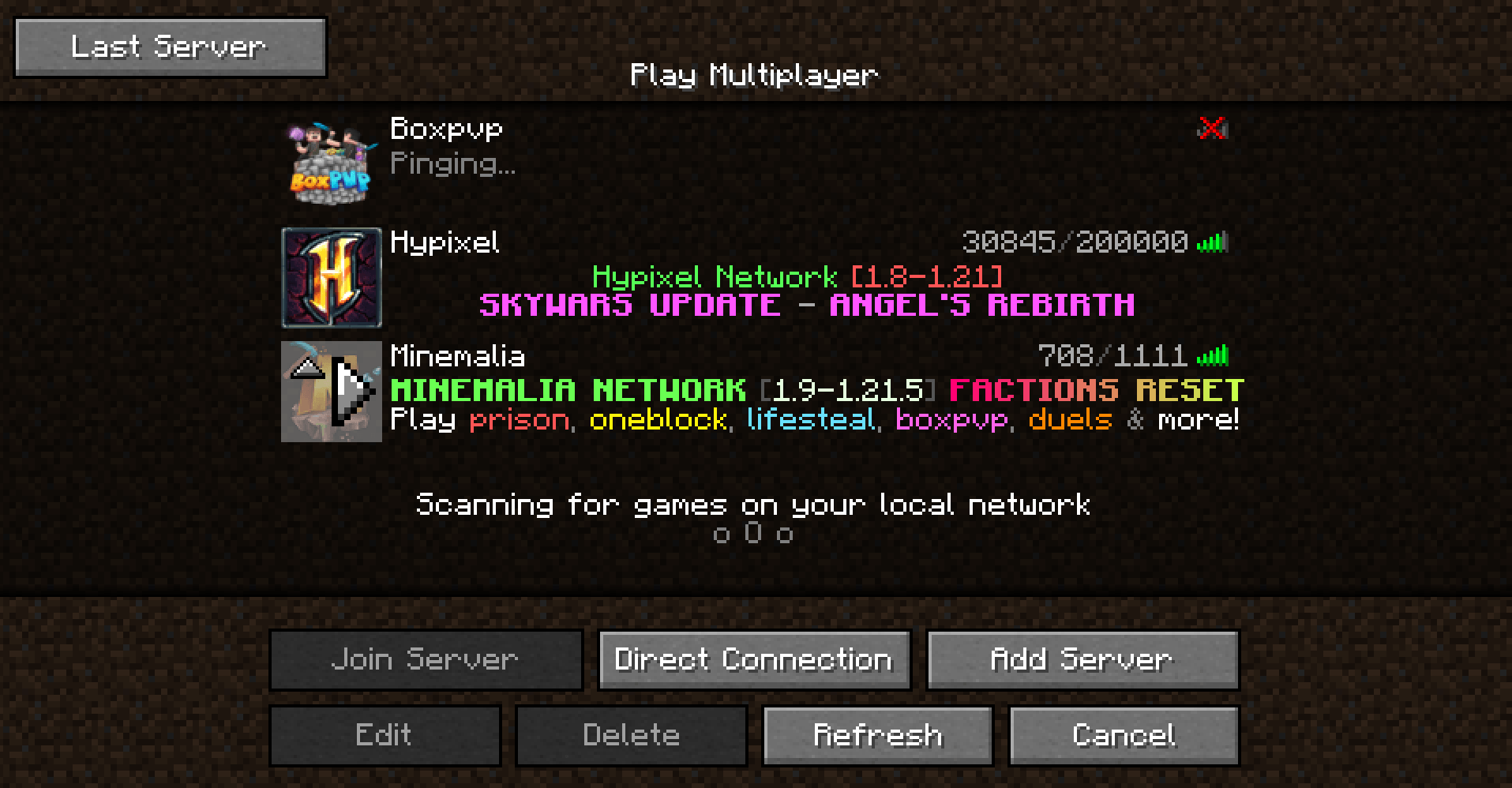
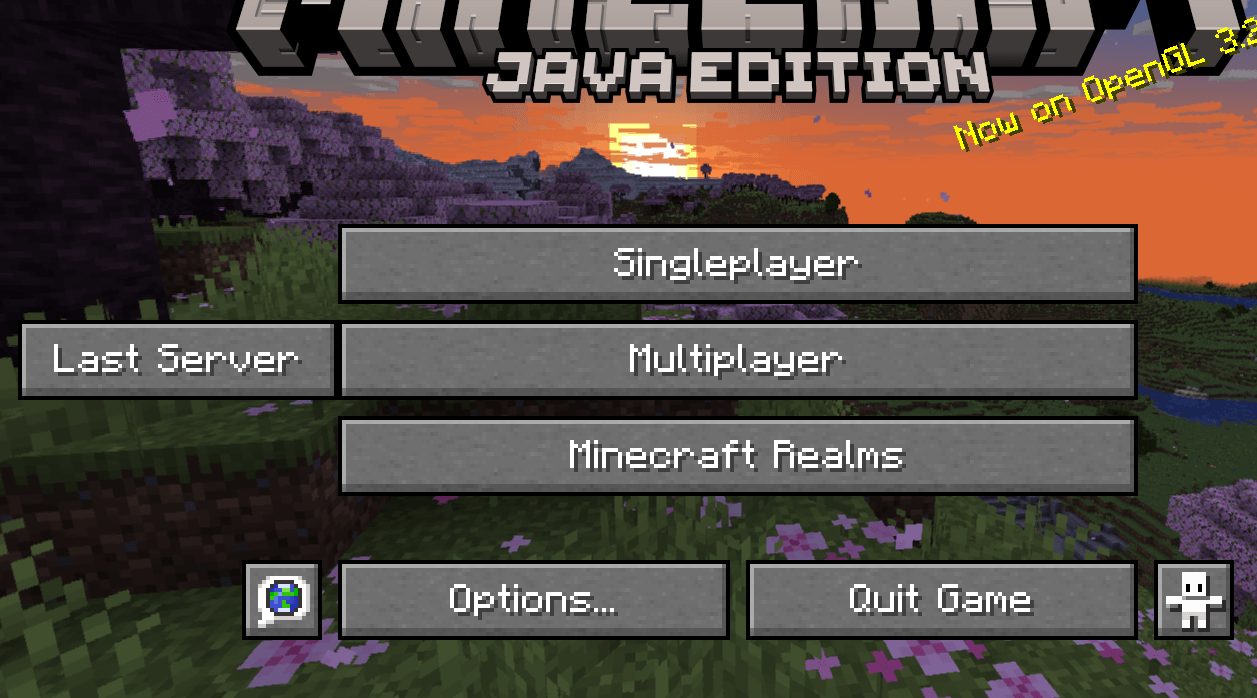
- Last Server button — On title screen and server list.
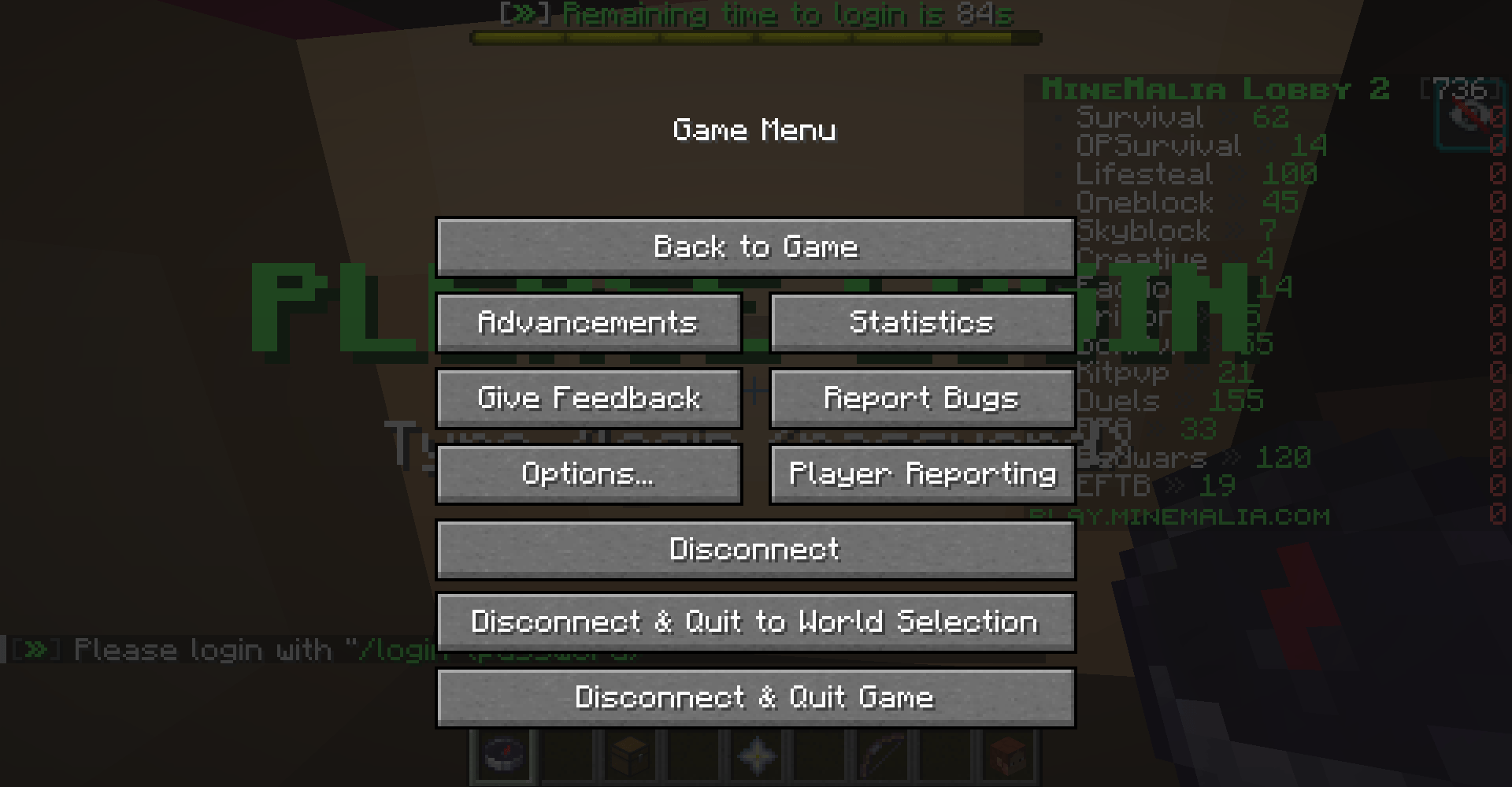
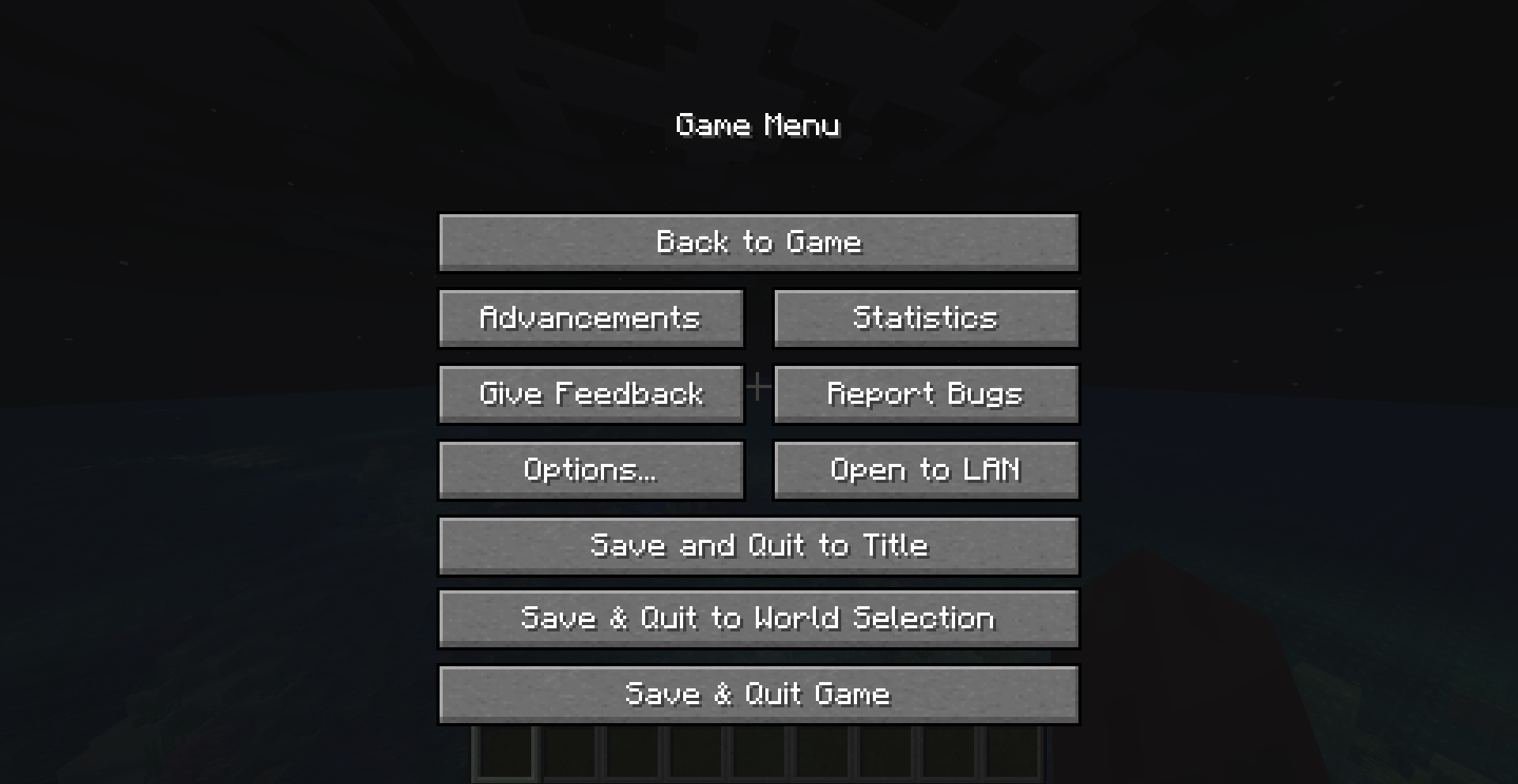
- Save & Quit — In the Game Menu and Multiplayer menu.
Containers & Inventories:
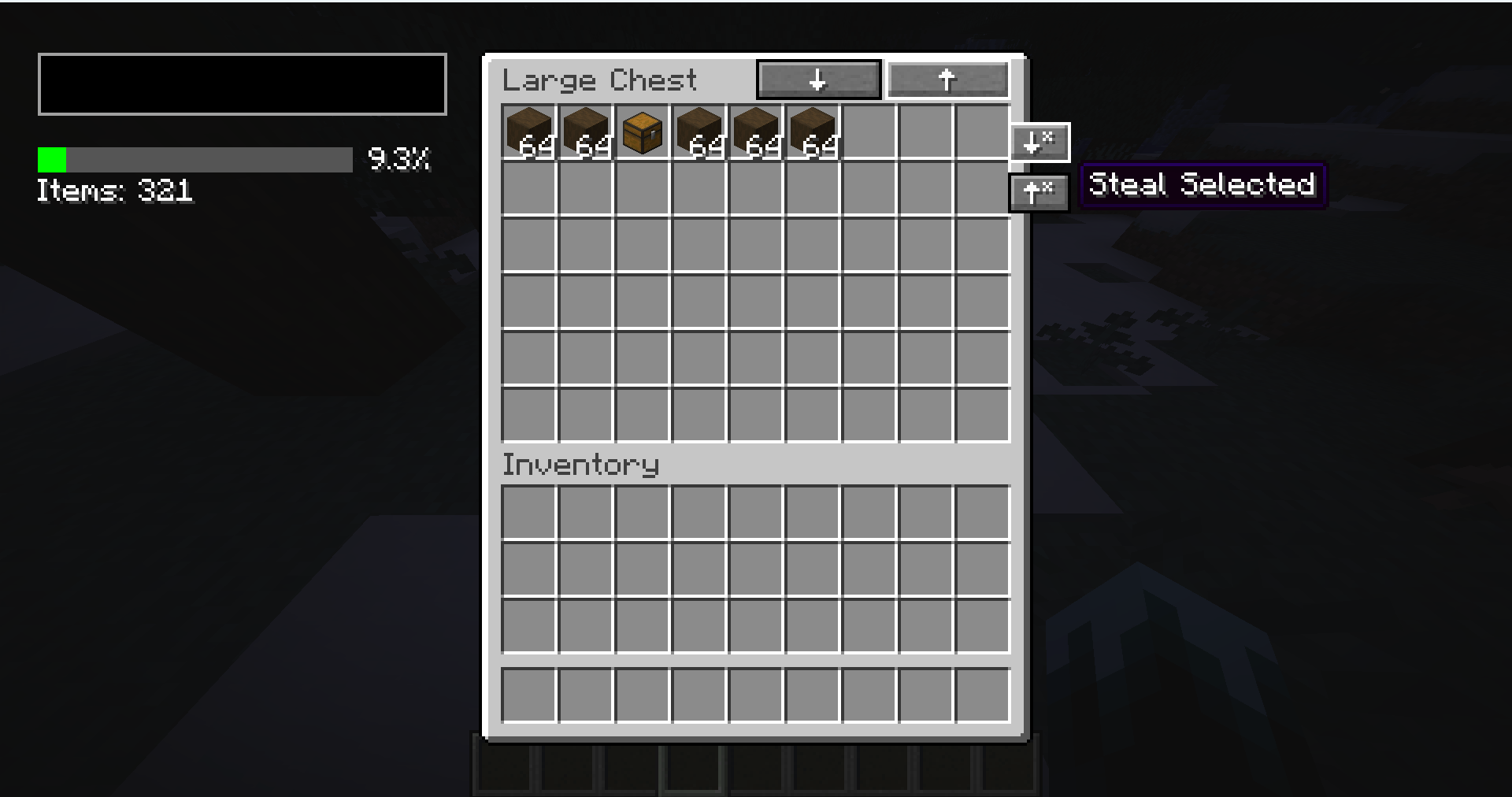
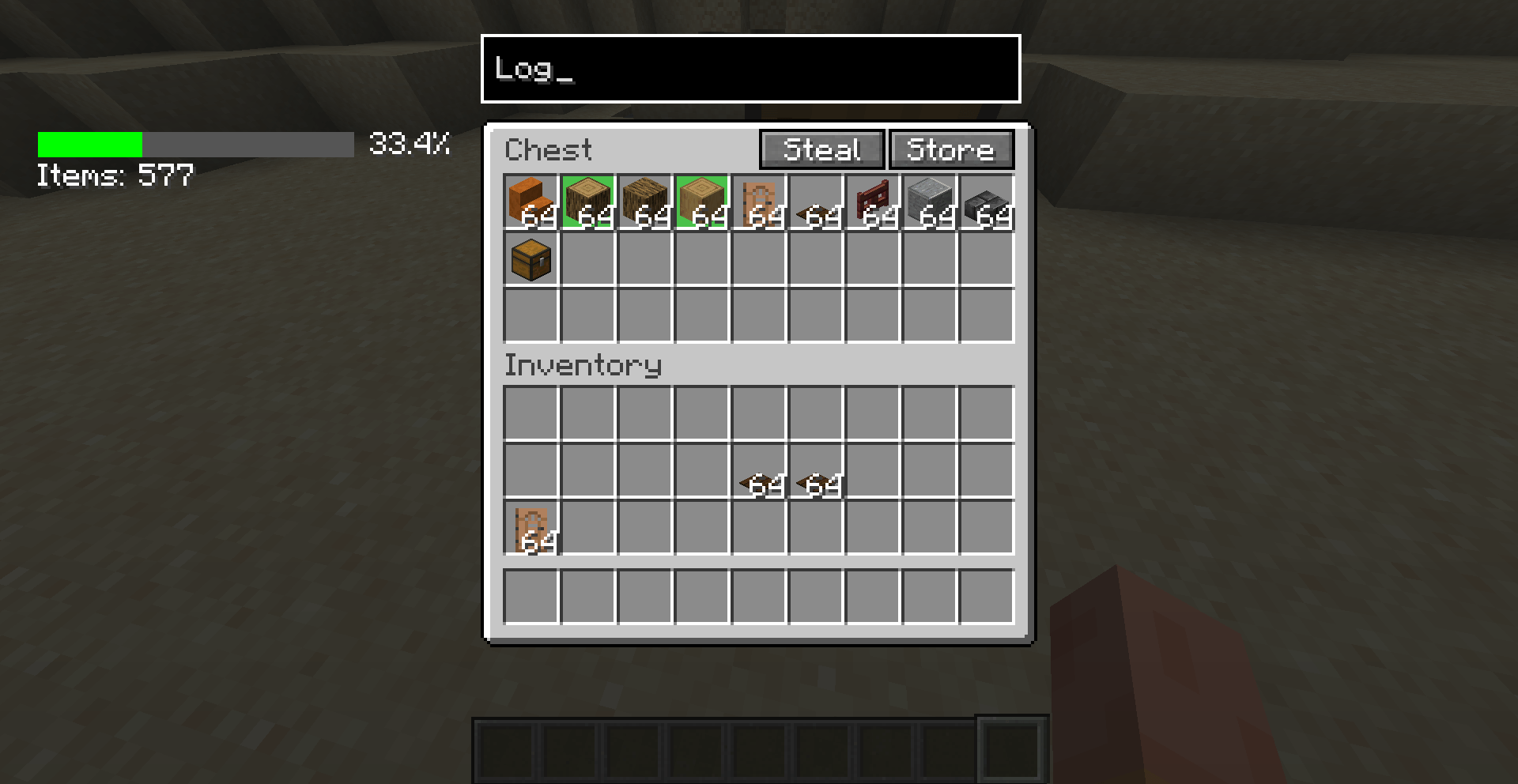
- Buttons like Steal, Store, Switch Inventories, Search, etc., on Container Screens.
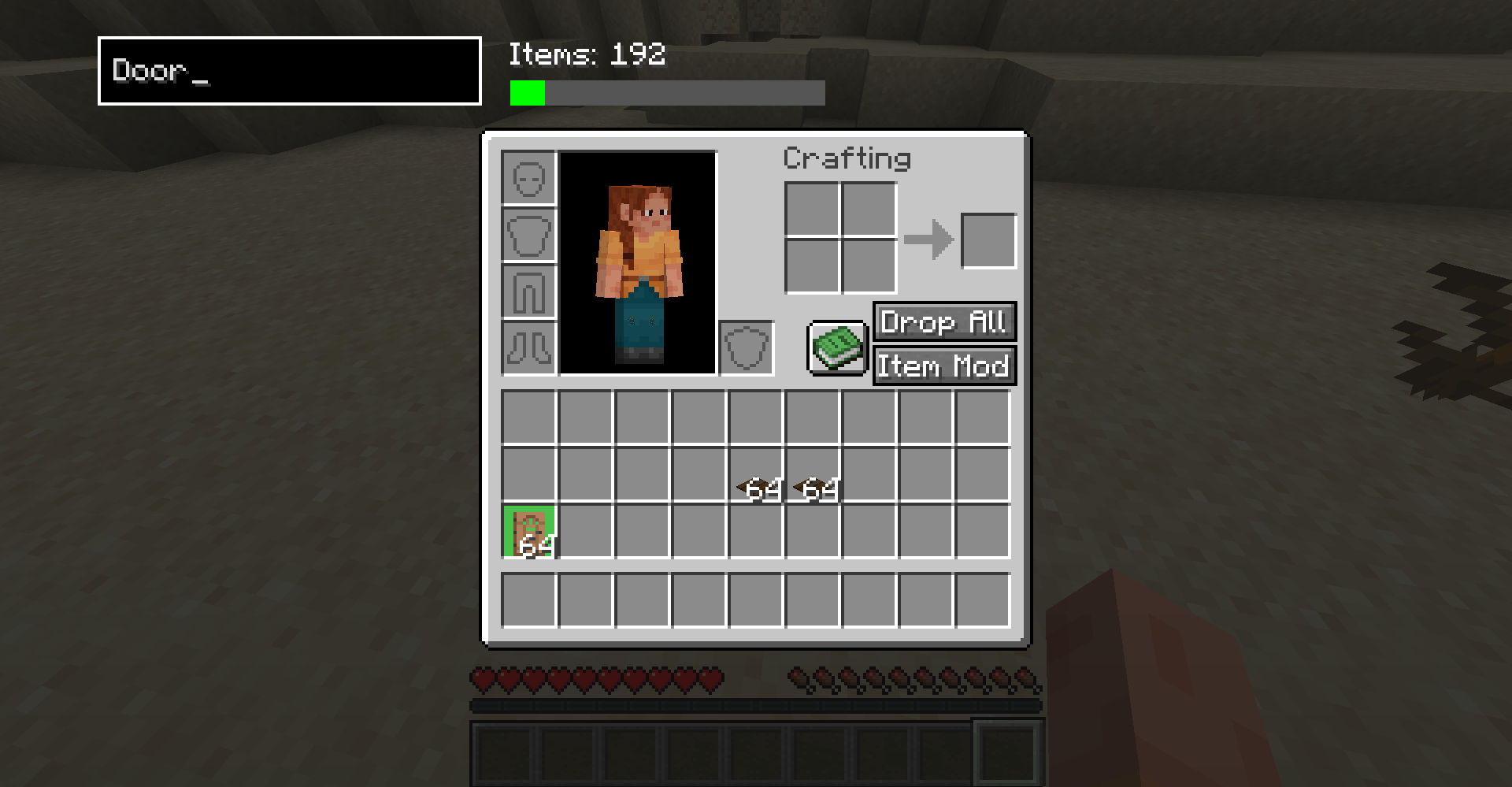
- Inventory-specific buttons like Drop All, Drop Mode, and Search Bar.
Crafting Table:
- Infinite Craft and Clear Grid buttons on the Crafting Table Screen.
Death Screen:
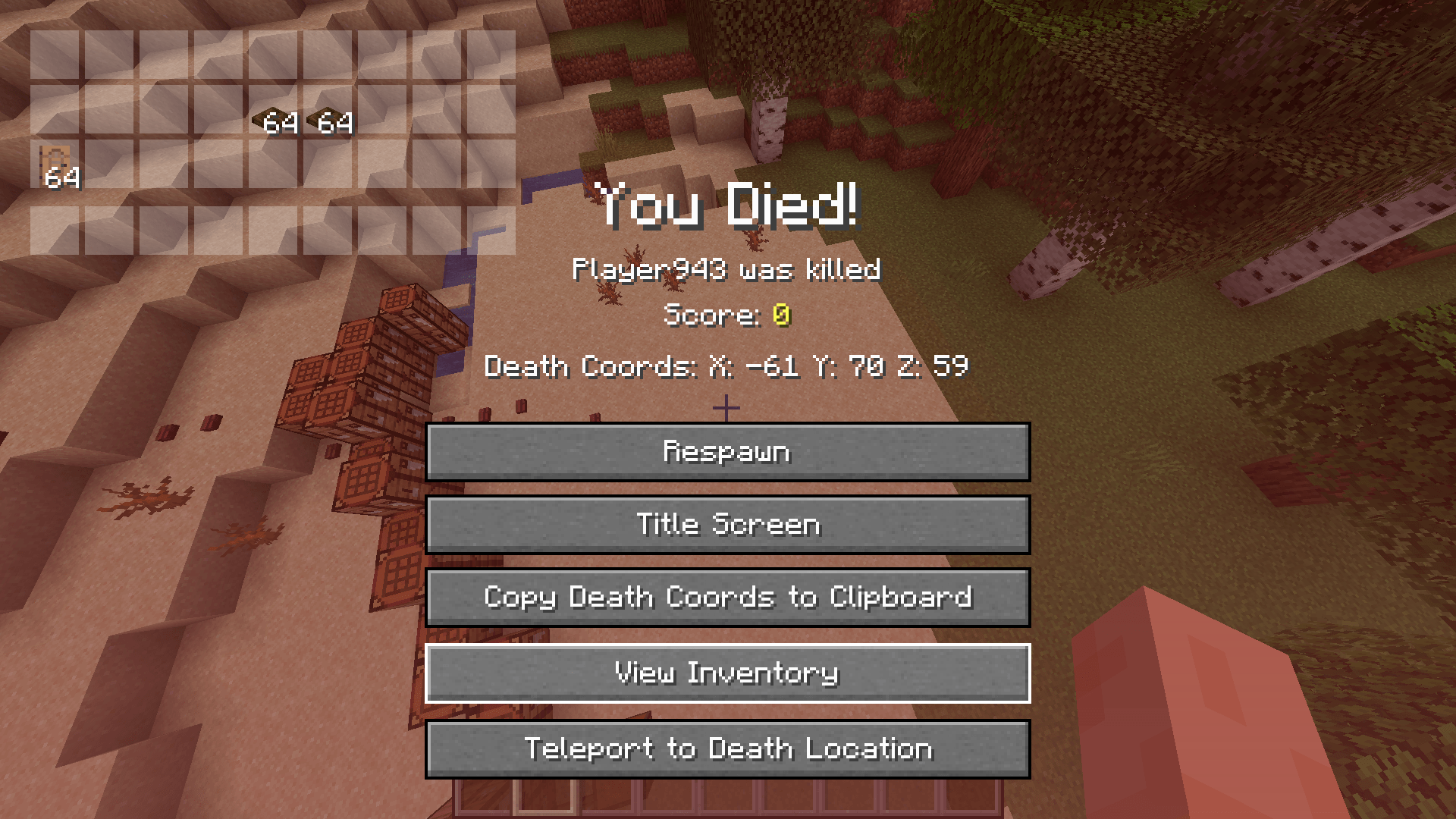
- Death Location, Copy Coordinates, View Inventory, and (if OP) TP to Death Location.
Chat & Misc:
- Clear Chat, Add Coordinates, and X buttons.
- Inventory Overlay toggle key.
- Screenshots Folder and Booster Config in the Options Screen.
- Add All / Remove All buttons on the Resource Pack screen.
Configuration:
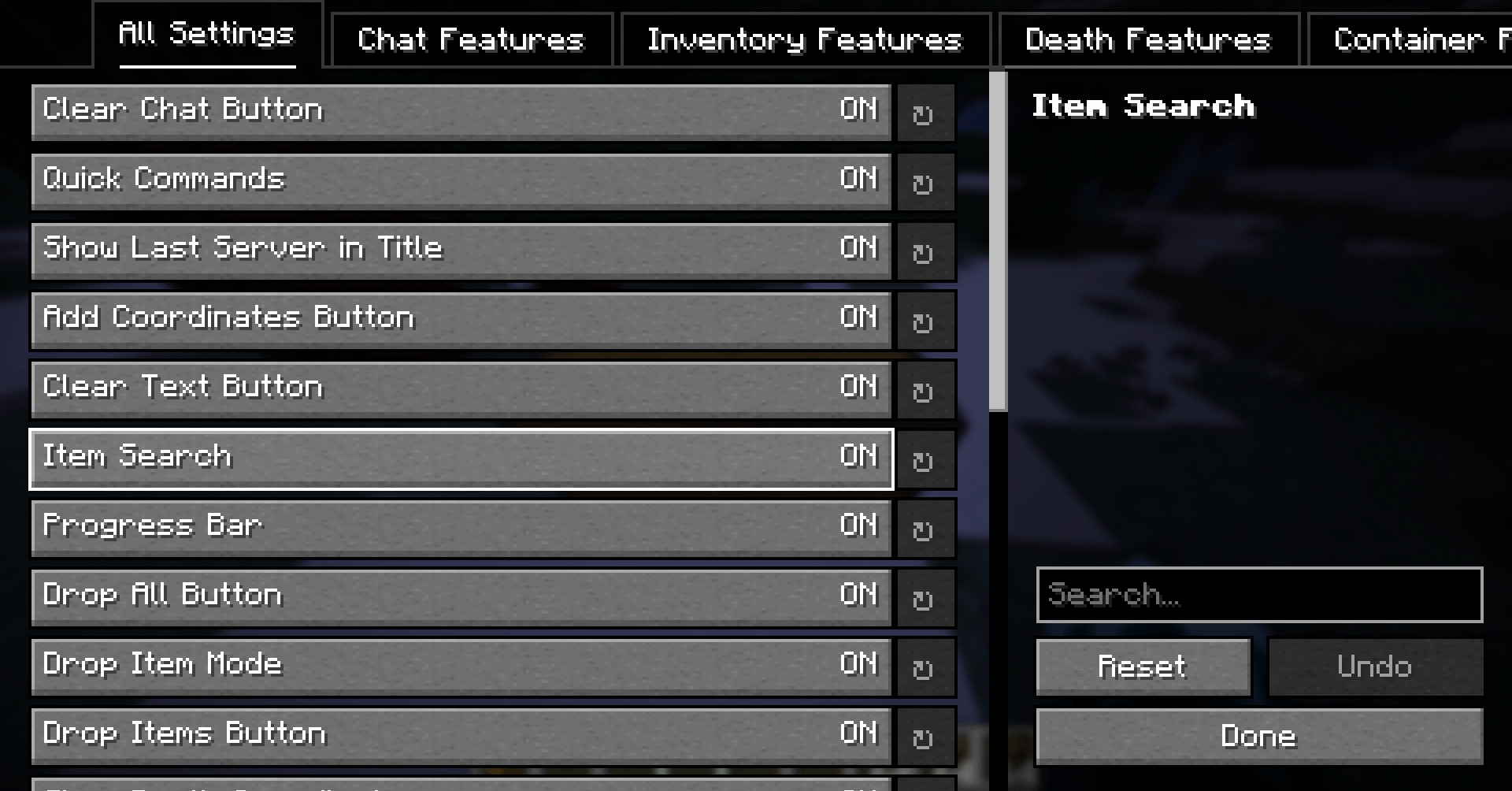
- Supports YACL, Cloth Config, MidnightLib, and has its own built-in screen.
- Includes a legacy How-to-Use screen.
Configuration
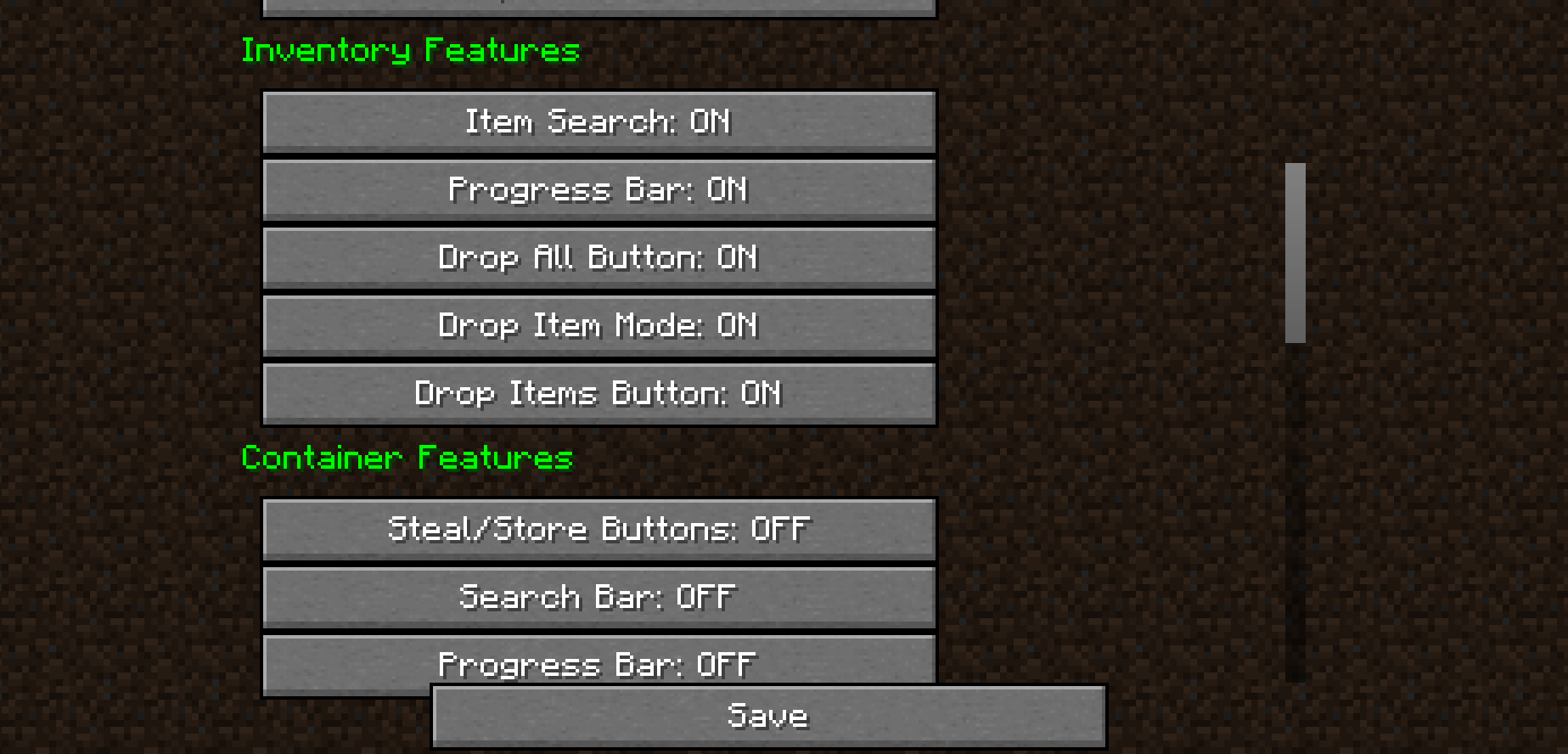
You can access Booster’s configuration screen via:
-
In-Game Menu: ESC → Options → Booster Config.
-
Mod Menu (if installed): Select Booster → Configure.
-
Catalogue (if installed): Same as above.
Available screens:
- Booster’s own config screen (recommended)
- YACL
- Cloth Config
- MidnightLib
Note: If a button doesn’t work, the required mod may not be installed.
Supported Languages
Booster is available in:
- Spanish (es_es), French (fr_fr), German (de_de), Japanese (ja_jp), Russian (ru_ru)
- Simplified Chinese (zh_cn), Korean (ko_kr), Arabic (ar_eg), Dutch (nl_nl), Hebrew (he_il), English (en_us)
Translations are about 95–100% complete.
Dependencies
Credits
- Modrinth moderators for their support
- Translators and language contributors
- Mod developers of YACL, Cloth Config, and MidnightLib
- The Minecraft community
FAQ
Q: Why isn’t Booster open source?
A: I’m just lazy — but source files are usually included in downloads.
Q: Can I include this in my modpack?
A: Yes!
Q: What versions are supported?
A: 1.20.1 (legacy), 1.21.x (current)
Q: Can I port it to a new version or loader?
A: Yes, if credit is given and the version isn’t already released.
Q: How do I use it?
A: Most buttons are self-explanatory. Try the “How to Use” screen or ask in the comments.
Q: Found a bug?
A: Report it in the comments section on CurseForge.
If you made it this far — have an amazing day. And thanks for checking out Booster!
PS: QoLabs won’t keep updating this mod on CF. You can view the recommended and supported version here, or the Organization itself here.
常见问题
Booster 支持哪些 Minecraft 版本?
Booster 支持 Minecraft Java 版 1.20.1–1.21.5,共 7 个版本,可用的加载器:Fabric。下载时注意选择和你游戏版本一致的文件。
Booster 怎么安装?
先用 PCL2 或 HMCL 启动器安装对应版本的 Fabric,再把下载的 .jar 文件放进游戏目录的 mods 文件夹,重新启动游戏即可。开启了版本隔离的,mods 文件夹在 versions/版本名 下面。
XtreaMC 的其他作品
查看全部 →
Sprinter
Adds a simple keybind to toggle auto-sprint
Sprinter
Adds a simple keybind to toggle auto-sprint

Booster
Boost the functionality of Minecraft GUIs

Sneaker
Makes you crouch at the edge of the block, preventing falling and improving speed-bridge timing. (Toggleable)
评论
登录后评论和评分