
ICM – Item Control Manager
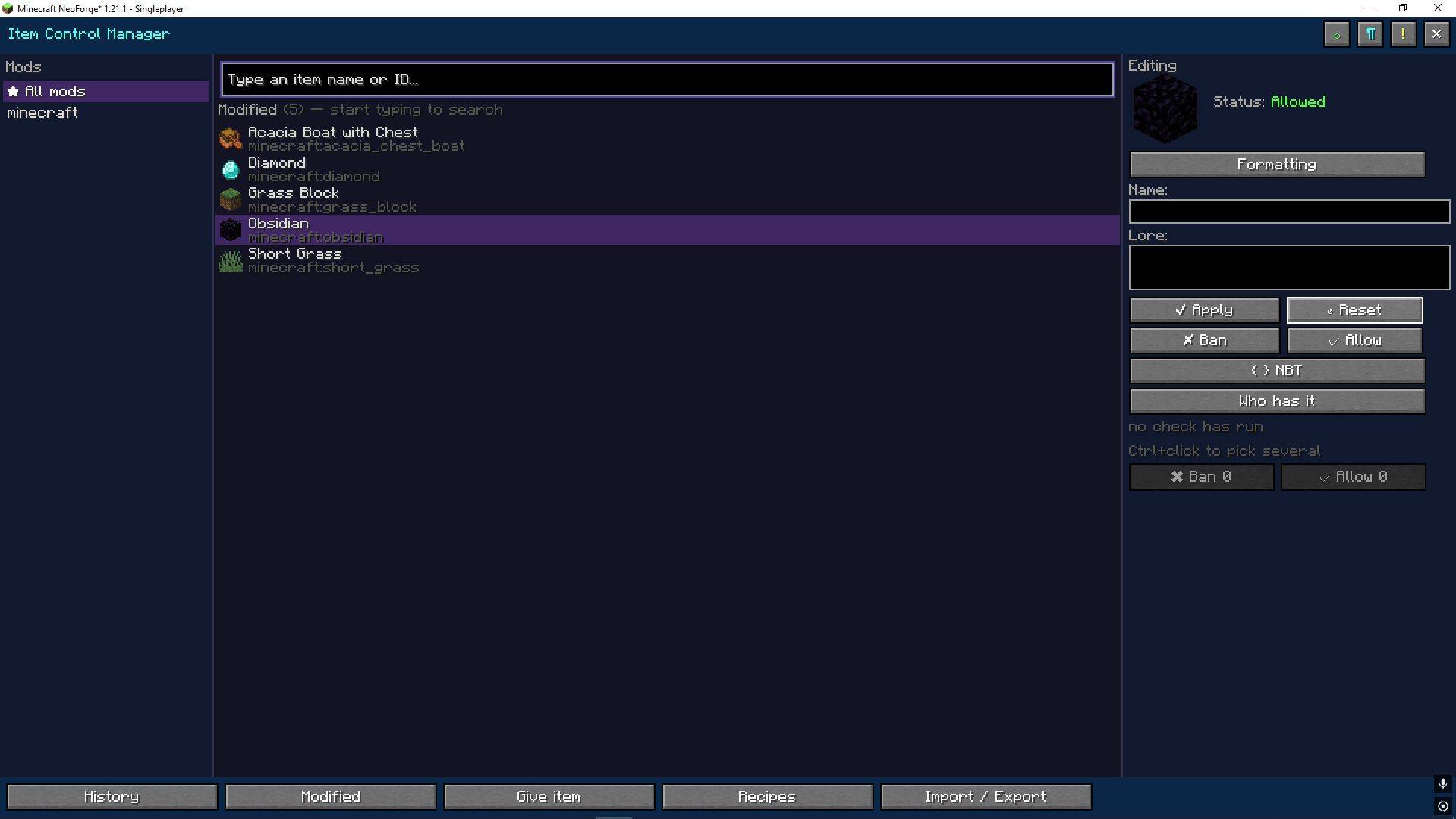
Item and recipe administration from inside the game — no datapacks, no restarts, no hand-editing JSON.
截图

介绍
Item Control Manager 2.0 EN/RU (поддерживает русский язык)
Item and recipe administration from inside the game — no datapacks, no restarts, no hand-editing JSON.
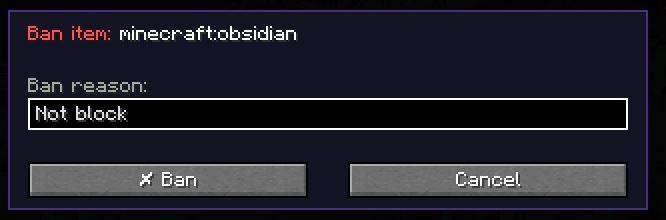
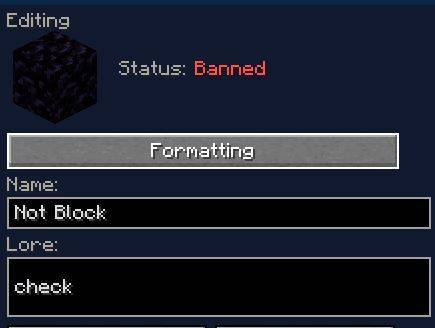
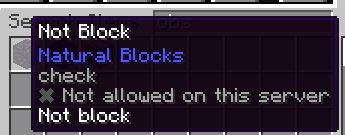
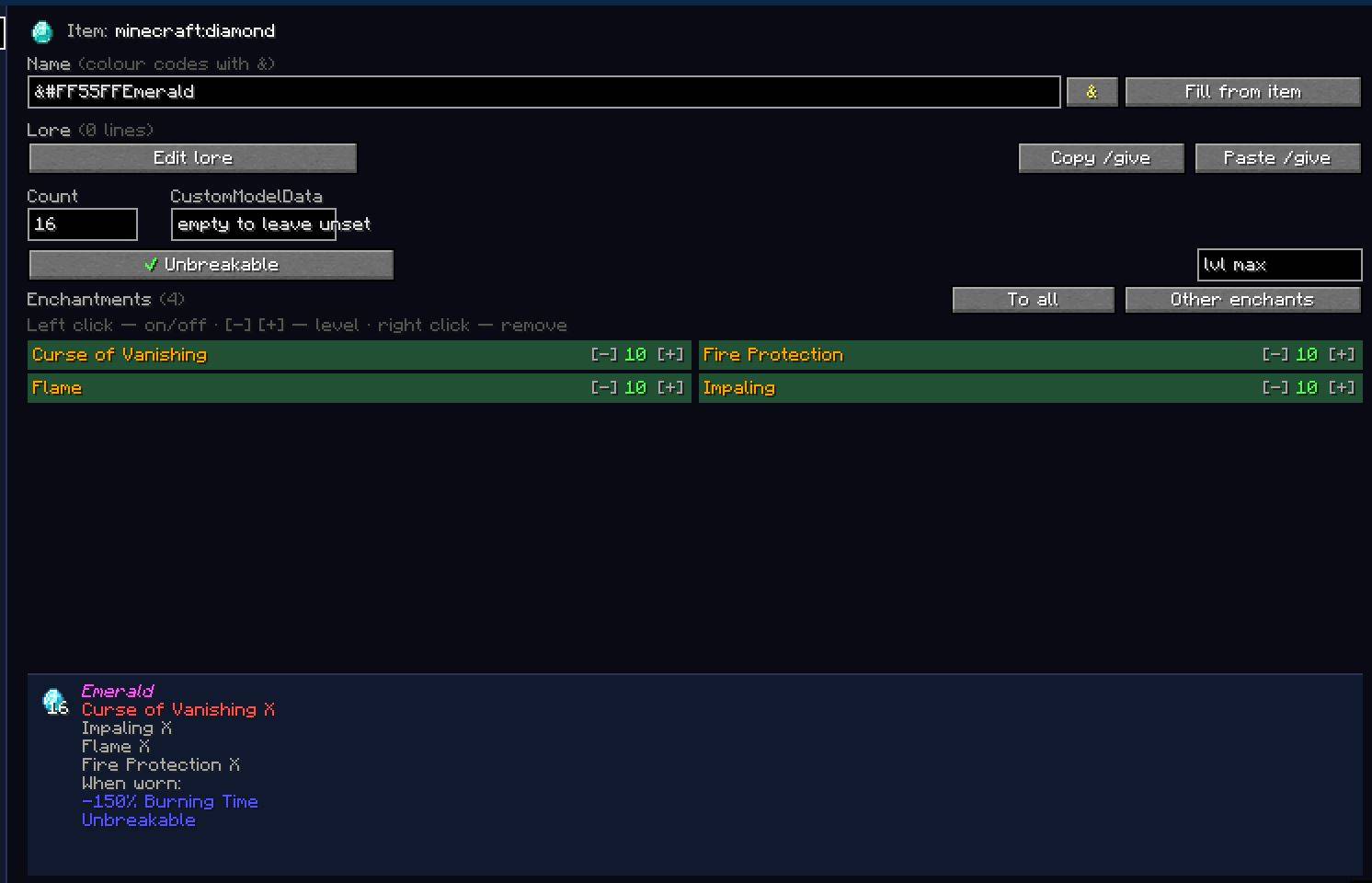
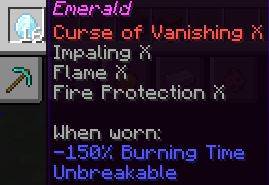
ICM gives an admin one interface for banning an item, rewriting its name and lore, creating or removing a recipe, finding a thing across every inventory on the server, and seeing what in the pack has broken. Every change is written to readable .icm scripts that can still be edited by hand.
Version 2.0 is a rework of nearly everything 1.2 had.
Use command /icm
New
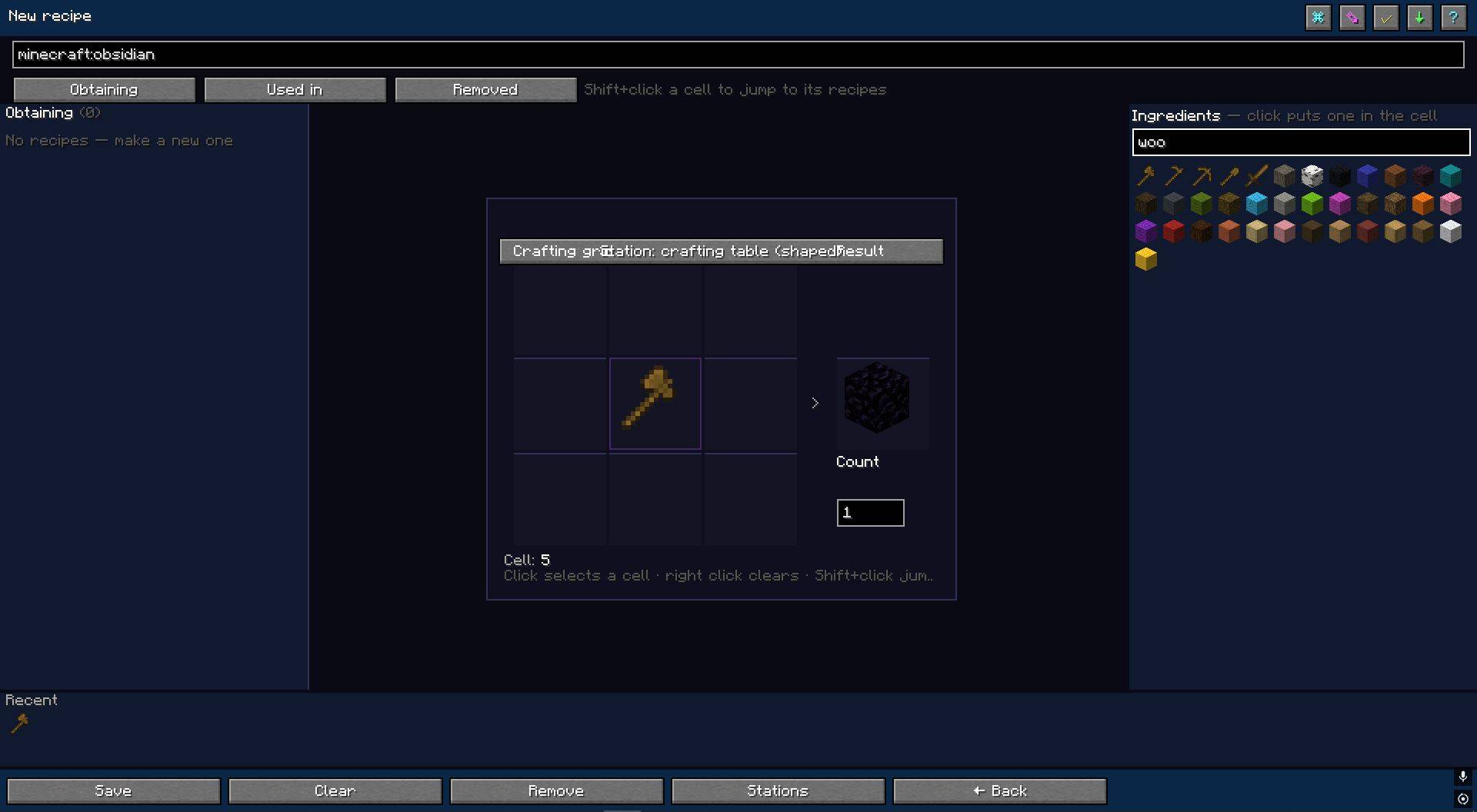
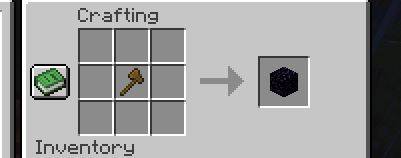
🔨 The crafting workbench — one window instead of three
Browsing recipes, editing them and picking items used to be separate screens. They are now one screen with tabs: Obtaining, Used in, Removed. The item is not lost when the tab changes.
- The grid scales with the window — on 1080p the slots are four times the old size
- Ingredient search on the right, a strip of recently used items along the bottom
- Arrows above the grid step through an item’s recipes
- A crafting-chain tree: what the item is made from, what those are made from
- Drag items between cells, hotkeys, rotate and mirror the pattern, copy a recipe to the clipboard
🏷 Tags and result properties
- Tags (
#c:planks— “any plank”) can be placed in cells and are no longer lost when someone else’s recipe is opened - The result takes a name, lore, enchantments and unbreakable — through the same enchantment list the give screen uses
✅ Checking a recipe before saving
The “Check” button asks the server to build the recipe from its description and answers whether it would work. Nothing is written and nothing reloads. Plus warnings about a clashing pattern and about removing an item’s last recipe.
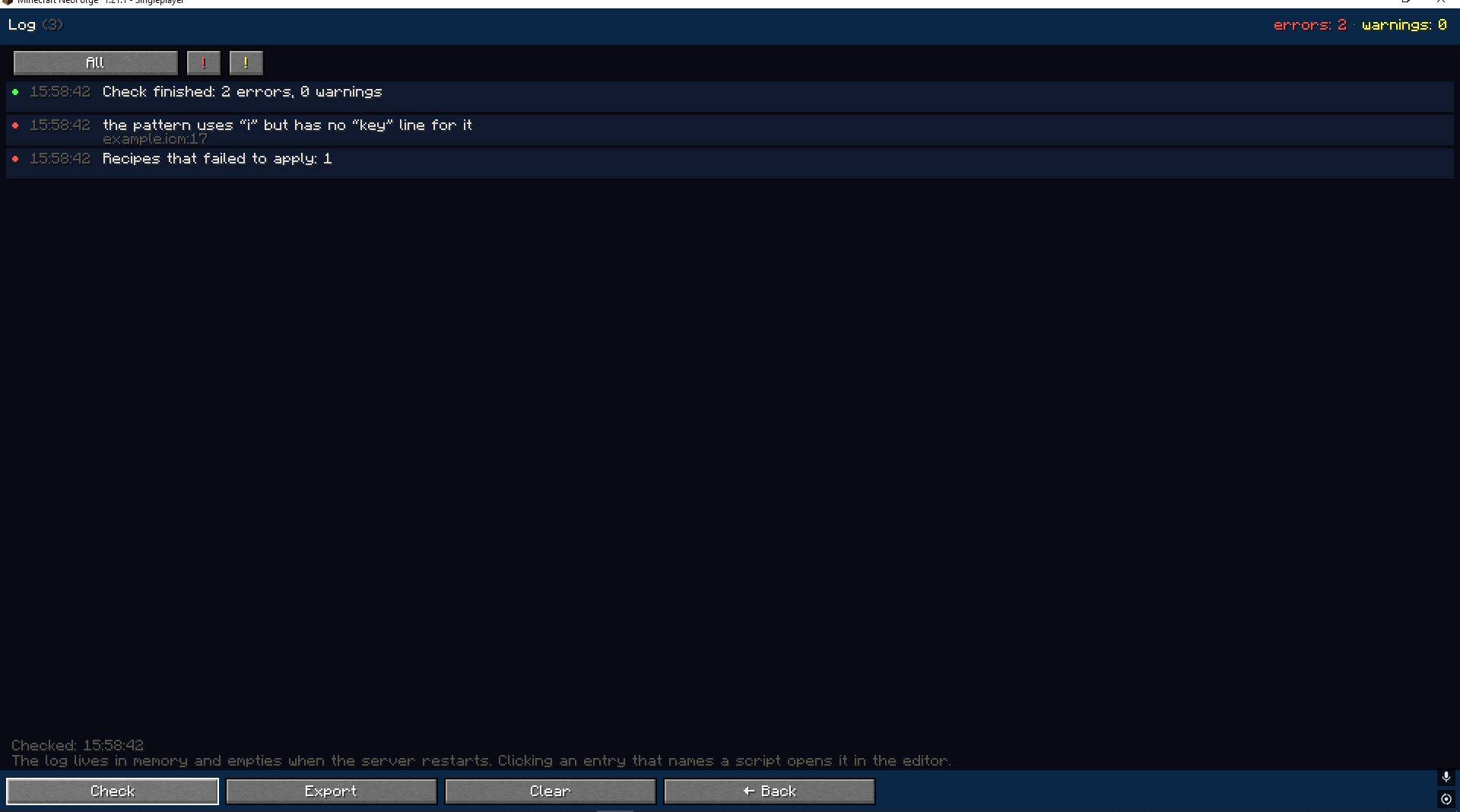
📋 The log
A window for what used to reach only latest.log: script errors with line numbers, recipes that failed to apply, items configured in the mod that are no longer in the registry — typically after a mod leaves the pack. It lives in memory, empties on restart, and writes a file only on request.
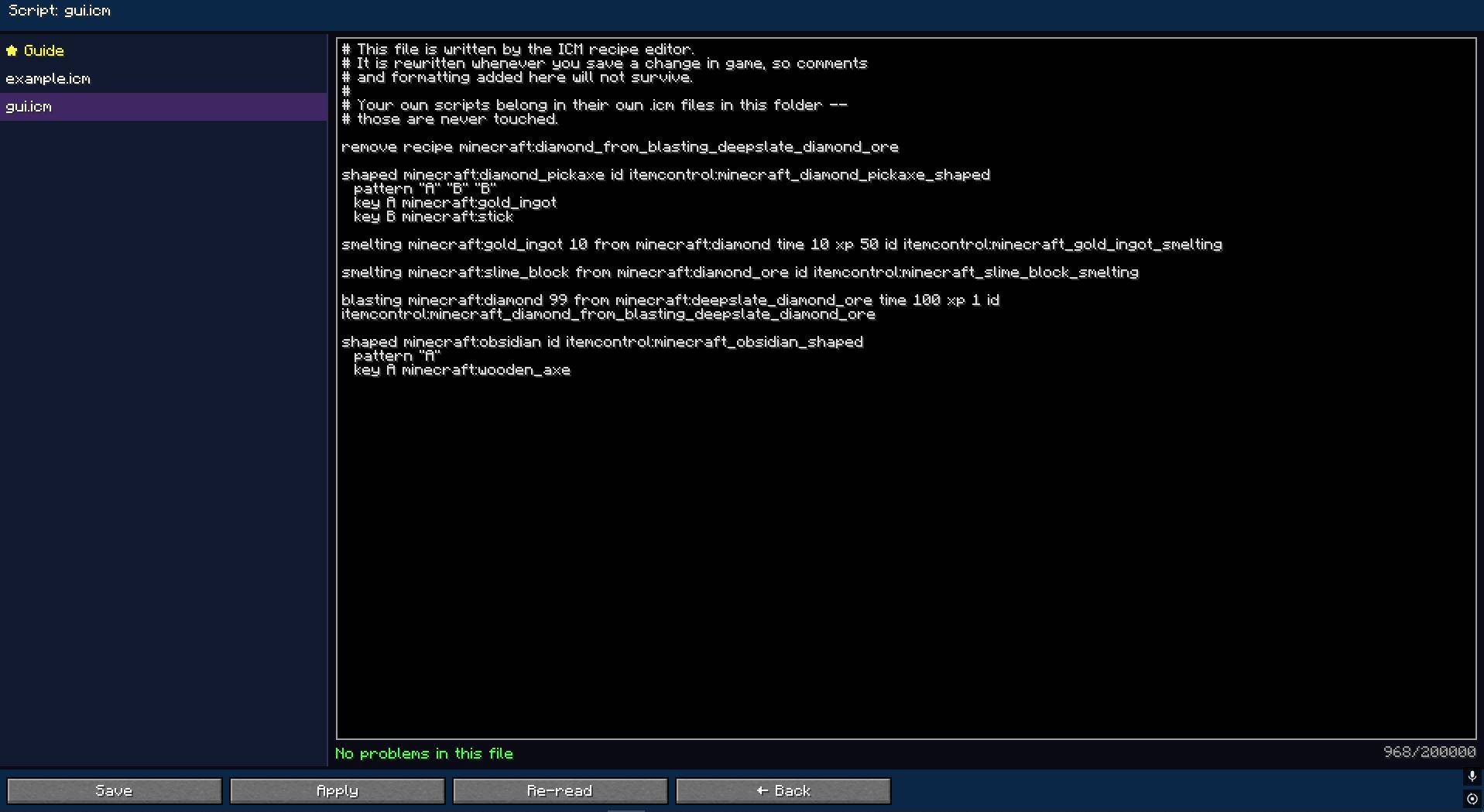
📝 A script editor in game
The files in icm/scripts, their text, their problems by line, and an “Apply” button. Clicking a log entry opens the file it names. A backup is kept before every write.
📖 Built-in guides
Two full guides — the script syntax and how the workbench works — with worked examples, in English and Russian.
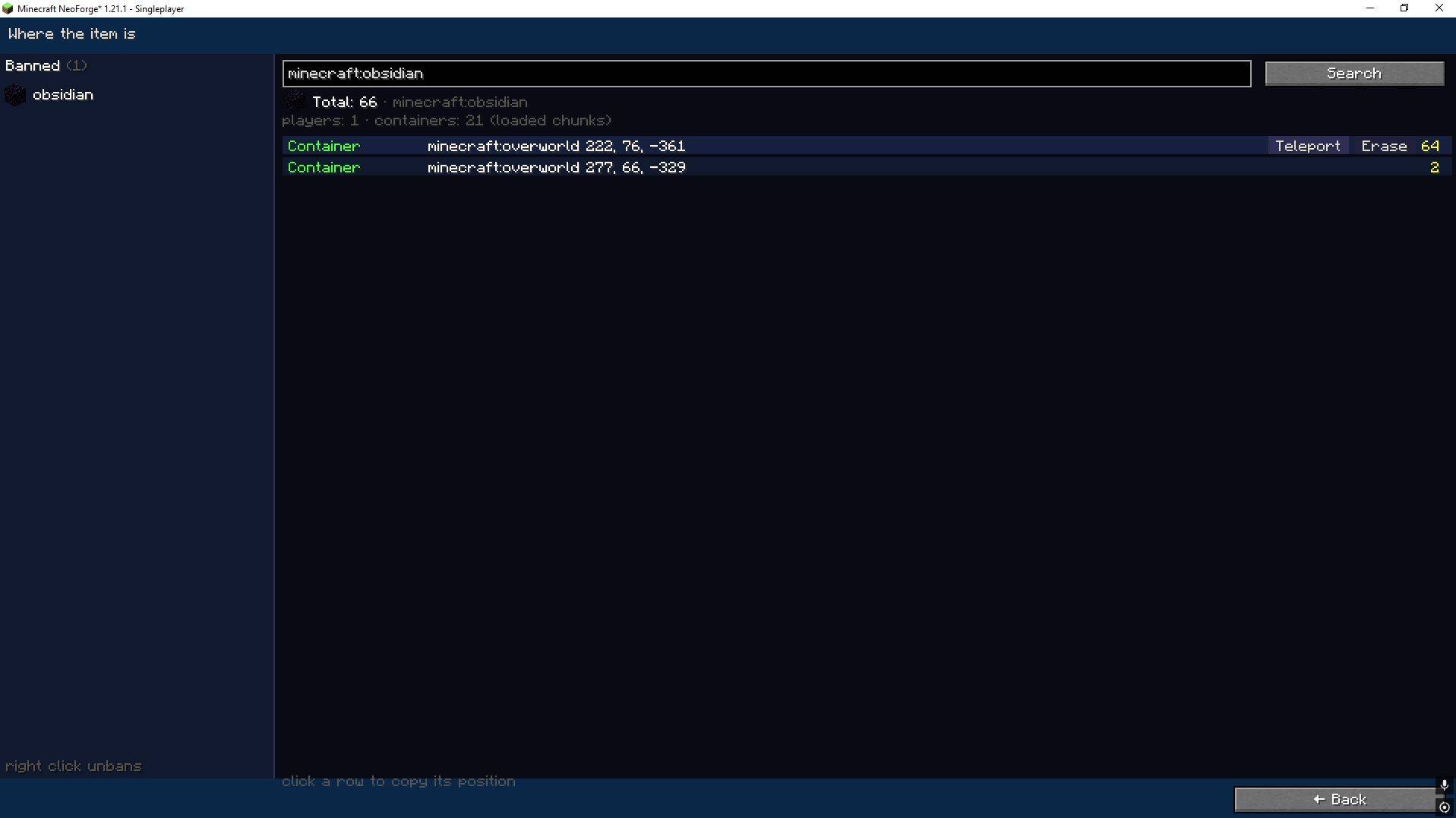
🔍 Inventory search
Where an item is on the server right now: on players (ender chests included), on the ground, in containers. With coordinates, a teleport to the finding, and the option to take the item — behind a confirmation and recorded in the log. Banned items get a column of their own.
🔑 Permissions by role
An icm/roles.json file and nine named permissions: items, bans, recipes, scripts, giving, searching, confiscating, logs, exports. Anyone not listed keeps working by operator level exactly as before, so updating breaks nothing.
🛠 Administration
- Undo an action from its history entry
- Filters and full-text tooltips in the history
- An HTML and CSV report
- Comparison of the current state with a saved snapshot
- Batch operations: Ctrl+click collects a set of items, actions apply to all
Mod ID: ItemControlManager
Platform: NeoForge 1.21.1
Type: Server Administration Tool
Author: LiFyKo
常见问题
ICM – Item Control Manager 支持哪些 Minecraft 版本?
ICM – Item Control Manager 支持 Minecraft Java 版 1.21.1,可用的加载器:NeoForge。下载时注意选择和你游戏版本一致的文件。
ICM – Item Control Manager 怎么安装?
先用 PCL2 或 HMCL 启动器安装对应版本的 NeoForge,再把下载的 .jar 文件放进游戏目录的 mods 文件夹,重新启动游戏即可。开启了版本隔离的,mods 文件夹在 versions/版本名 下面。
评论
登录后评论和评分