Compact Nixie
A Create addon adding compact Nixie displays, navigation instruments, terminals, display controls, and functional steering wheels for detailed machinery and cockpits.
截图
介绍
Compact Nixie
Compact Nixie is a Create addon focused on compact displays, instrumentation, navigation tools, and mechanical controls that fit naturally into Create builds.
Designed for factories, control rooms, vehicles, airships, trains, and detailed machinery, Compact Nixie expands on Create’s visual language without trying to replace it.
Features
Compact Nixie Displays
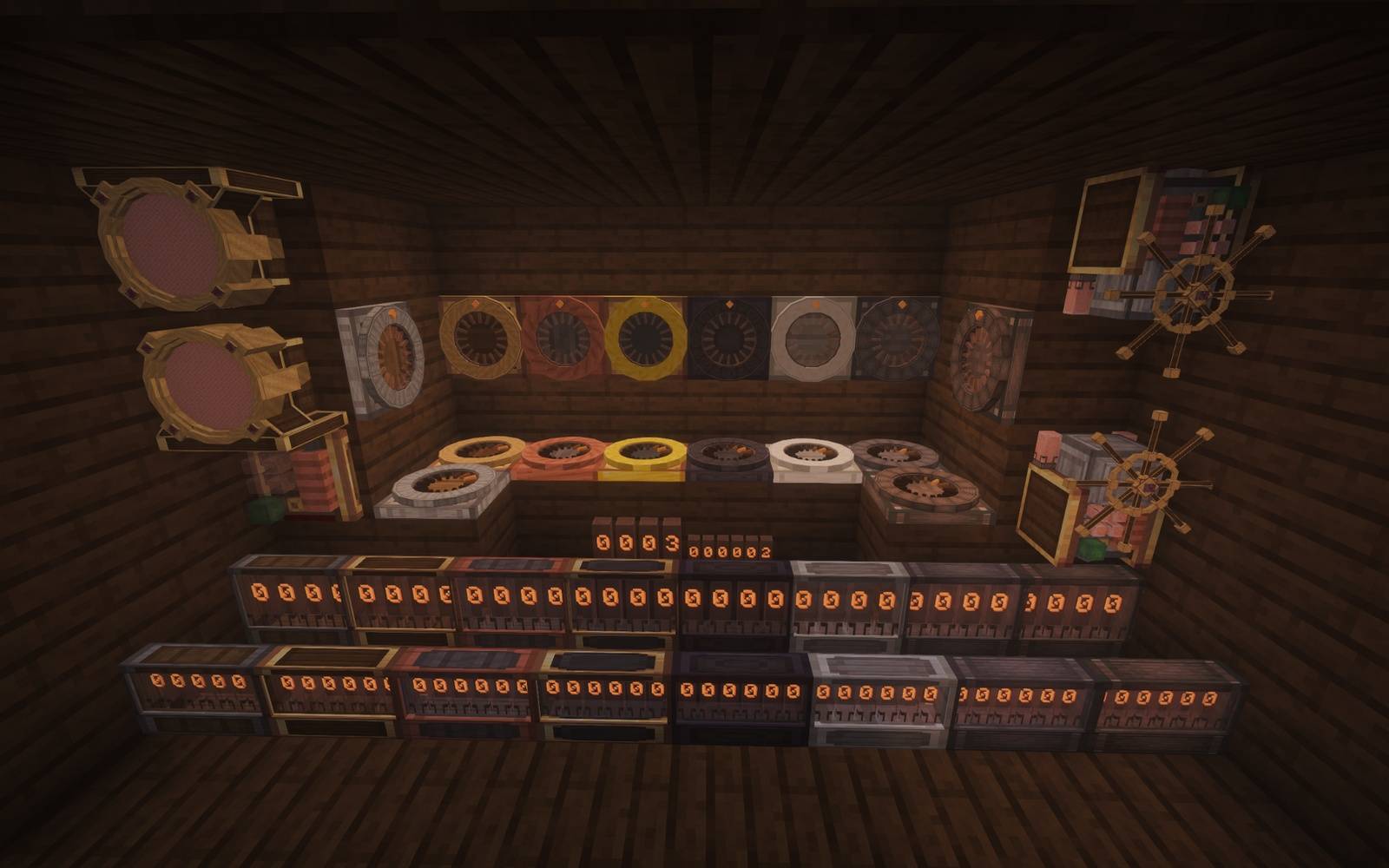
- 4-character and 6-character Nixie displays
- Multiple casing styles to match different Create builds
- Ceiling and underside mounting support
- Designed to work cleanly with Display Links
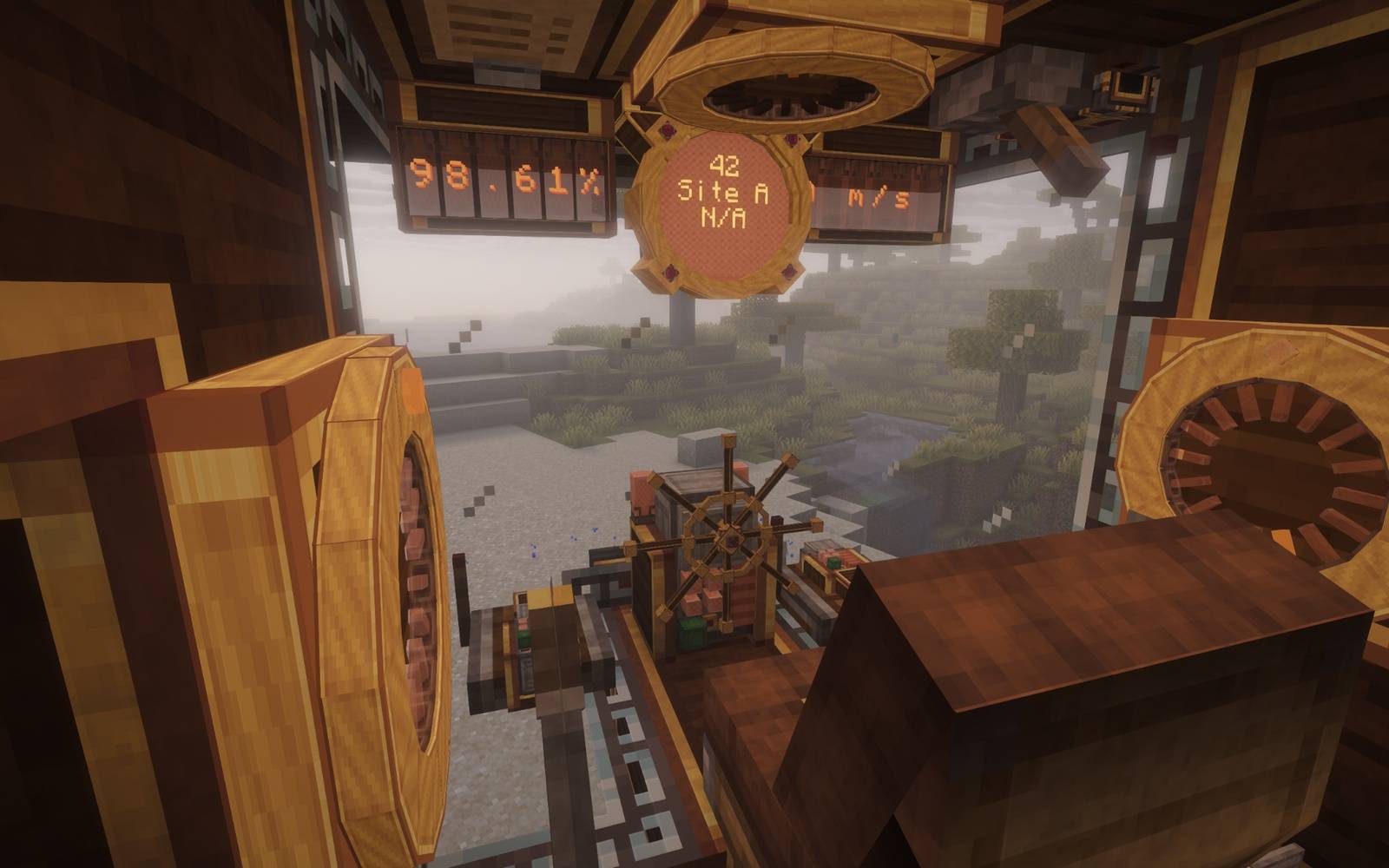
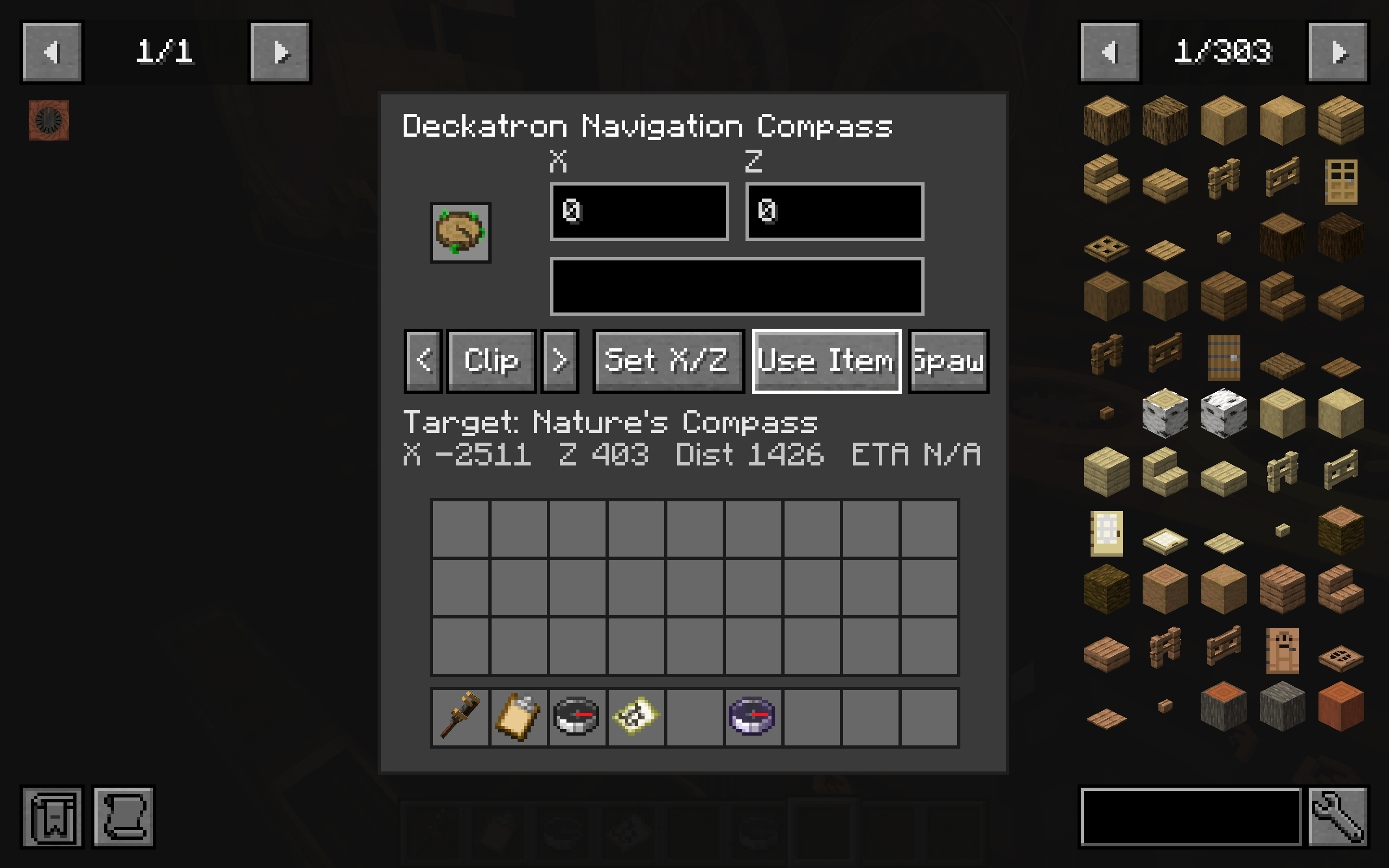
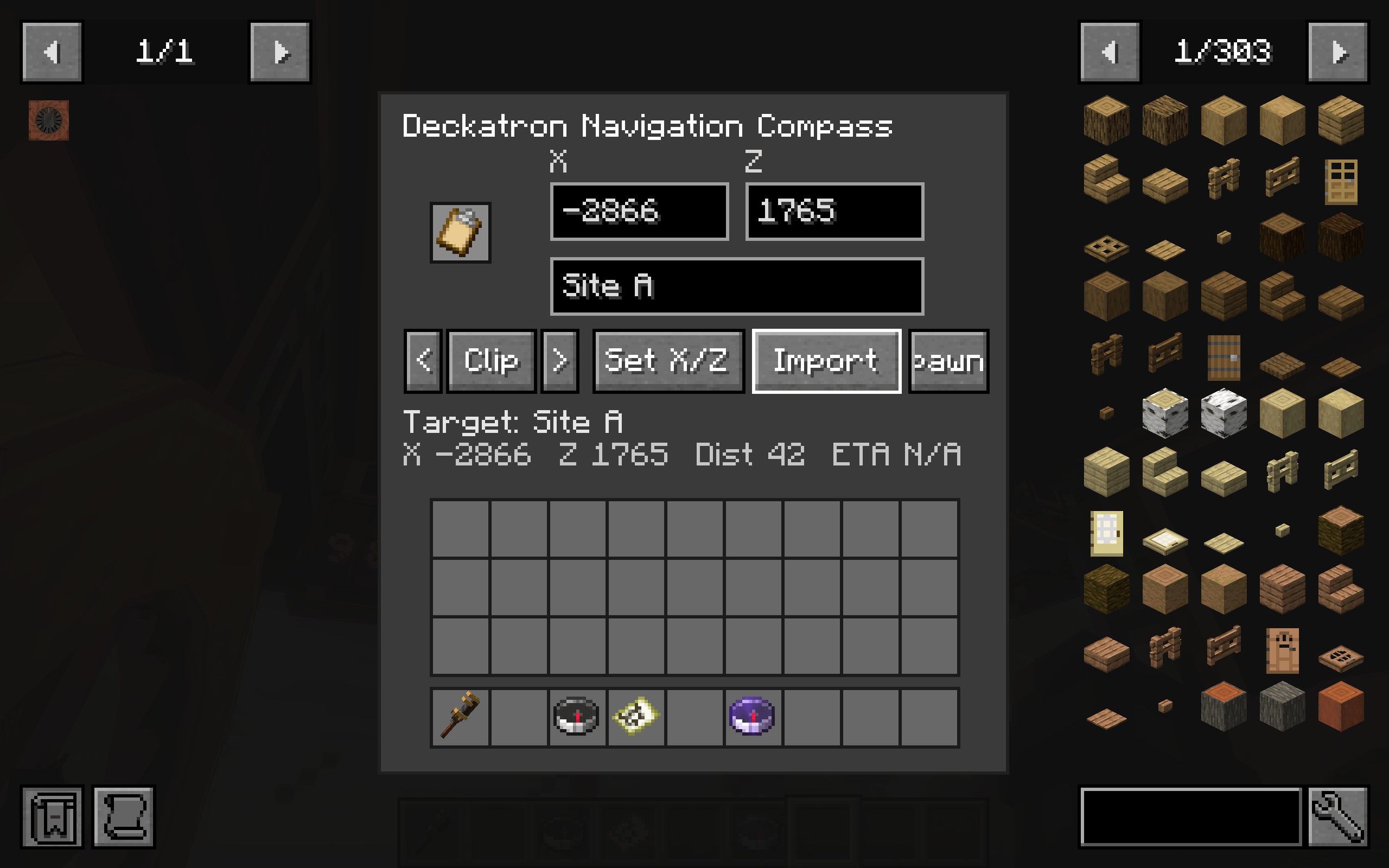
Deckatron Navigation Compass
A functional navigation instrument for displaying target coordinates and travel information.
Useful for:
- Vehicles
- Airships
- Trains
- Control rooms
- Navigation stations
Nixie Terminal
A compact Create-styled terminal for displaying information in machinery and control panels.
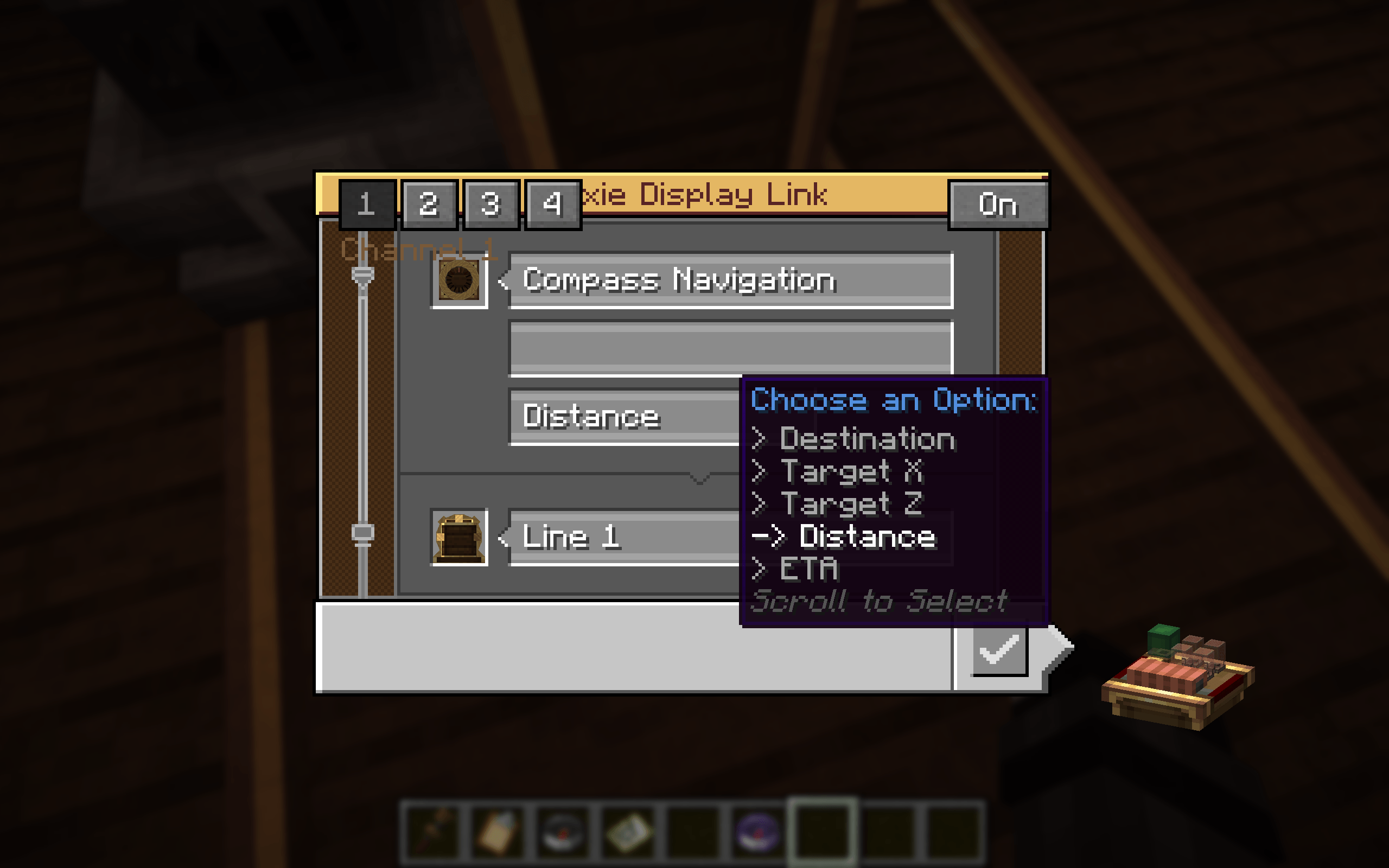
Nixie Display Link
A matching Display Link designed to work with Compact Nixie displays and instrumentation.
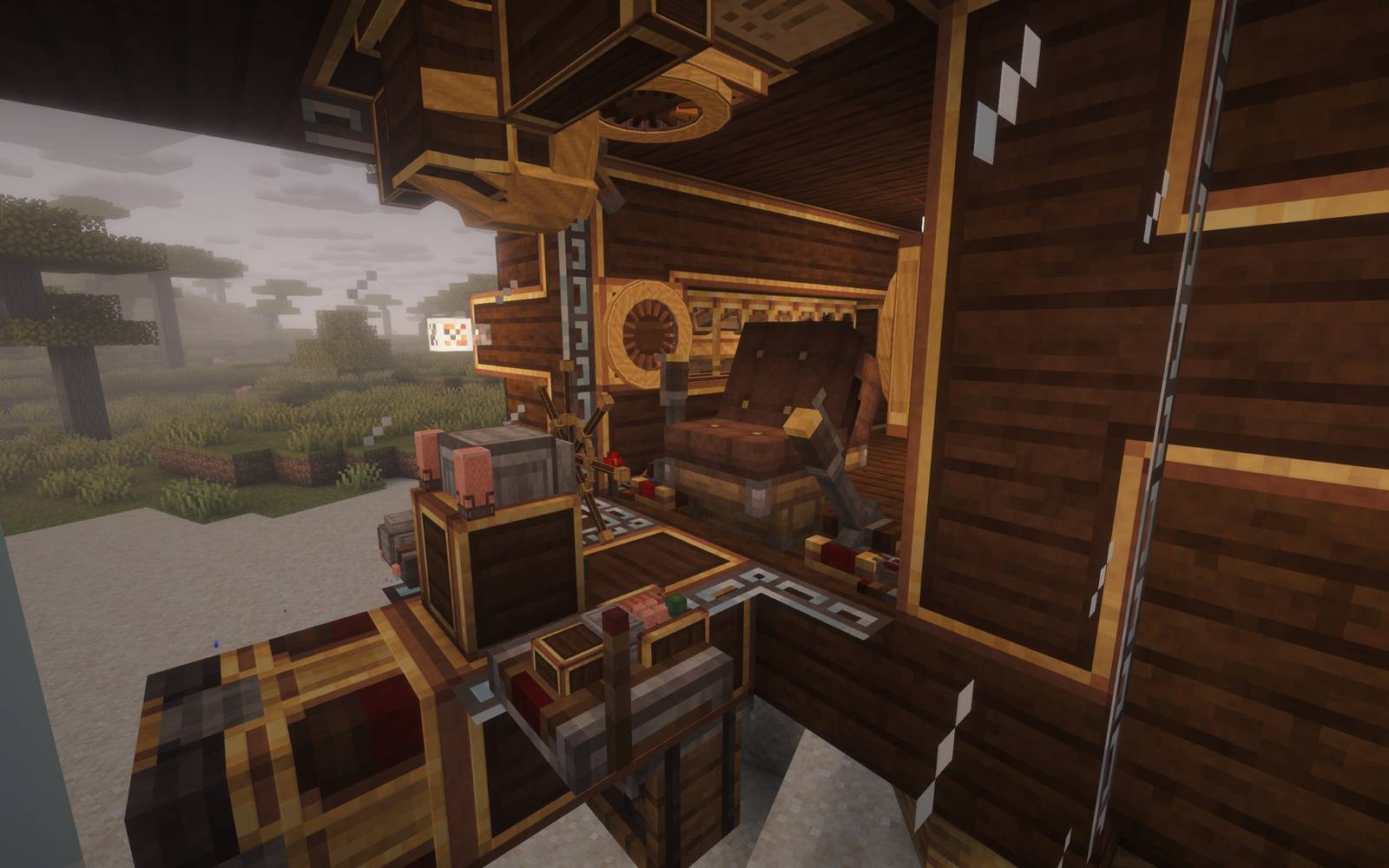
Steering Wheel
A functional mechanical steering control with:
- Analog steering movement
- Left and right redstone output
- Proportional signal strength up to 15
- Dedicated “in use” redstone output
- Hold-position mode
- Return-to-center mode
- 45-degree snapping while holding Shift
- Floor and ceiling mounting
- Integrated Nixie indicator lights
The steering wheel is designed for use with moving Create-style vehicles and control systems while remaining useful as a standalone redstone control.
“`markdown
DotMatrix Displays
Compact Nixie includes a family of larger pixel-based displays for signs, information boards, factory status screens, navigation markers, and other Create builds.
DotMatrix Board
The DotMatrix Board is a text display designed to work directly with Create’s Display Link system.
- Works as a Create Display Link target.
- Can also receive text directly from a Create Clipboard.
- Place compatible boards beside each other and they automatically combine into one seamless larger display.
- Wrench-click the board to cycle display density:
- Large — 1 text line per block.
- Medium — 2 text lines per block.
- Small — 4 text lines per block.
- Connected boards automatically report their full combined size to Display Links.
Scrolling DotMatrix Board
The Scrolling DotMatrix Board is made for messages longer than the physical display.
- Long text automatically scrolls across the display.
- Text that fits on the board remains stationary.
- Multiple matching Scrolling DotMatrix Boards connect into one wider synchronized display.
- Works with both Create Display Links and Create Clipboards.
This makes it useful for station boards, factory messages, shop signs, warnings, status displays, and other continuously updated information.
DotMatrix Symbol Panels
For graphics instead of text, Compact Nixie includes dedicated:
- 16×16 DotMatrix Panel
- 32×32 DotMatrix Panel
Wrench-click a panel to open its editor.
Built-in symbols include:
Arrows • Warning • Check • Cross • Plus • Minus • Diamond • Circle • Power • Stairs • Anchor • Gear
You can also switch to the custom pixel painter to create your own symbol or graphic. The editor includes Clear, Invert, Flip Horizontal, Flip Vertical, and Rotate tools.
Panels can also be recolored with standard Minecraft dyes.
DotMatrix Boards are the text / Display Link displays. DotMatrix Panels are configurable graphic and symbol displays.
Compatibility
- Minecraft: 1.21.1
- Mod Loader: NeoForge
- Required: Create 6.0.10
Compact Nixie does not require Aeronautics, Simulated, or Sable to function normally.
Optional compatibility is included for moving Sable assemblies.
Design
Compact Nixie is intended to look like it belongs beside Create’s existing machinery.
The mod uses a mixture of:
- Brass
- Andesite
- Copper
- Rose Quartz
- Nixie tubes
- Mechanical instrumentation
The goal is compact, readable machinery rather than oversized displays or modern-looking computer screens.
Credits
Concept, models, textures, design, and testing: Nevar530
Programming and implementation assistance: ChatGPT / OpenAI
Compact Nixie includes adapted MIT-licensed programming concepts where noted in the included source and third-party notices.
License
All original Compact Nixie assets and code are provided under the license included with the project.
常见问题
Compact Nixie 支持哪些 Minecraft 版本?
Compact Nixie 支持 Minecraft Java 版 1.21.1,可用的加载器:NeoForge。下载时注意选择和你游戏版本一致的文件。
Compact Nixie 怎么安装?
先用 PCL2 或 HMCL 启动器安装对应版本的 NeoForge,再把下载的 .jar 文件放进游戏目录的 mods 文件夹,重新启动游戏即可。开启了版本隔离的,mods 文件夹在 versions/版本名 下面。
评论
登录后评论和评分