Drop to Repair
作者:BizCub
Drop repair materials onto dropped tools or armor to restore their durability
介绍
中文介绍正在准备中,下面暂时显示原文。
Drop to Repair
Repair your gear without an anvil – just drop a repair material on the ground next to a dropped tool or armor piece and it will absorb the material and restore durability
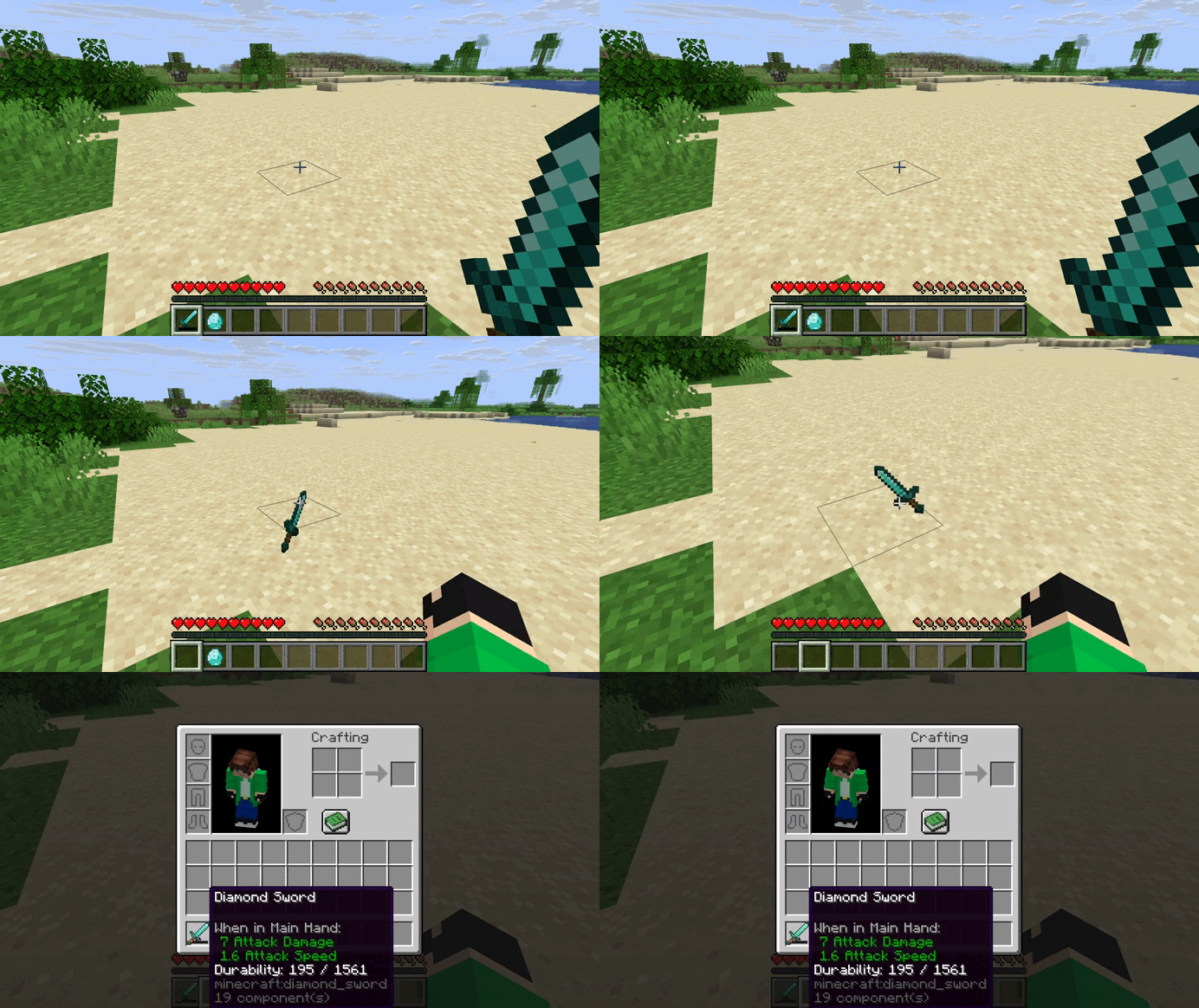
How it works
- Drop a damaged item on the ground
- Throw its repair material nearby
- The material is consumed and durability is restored
- One material stack can be split between several items at once
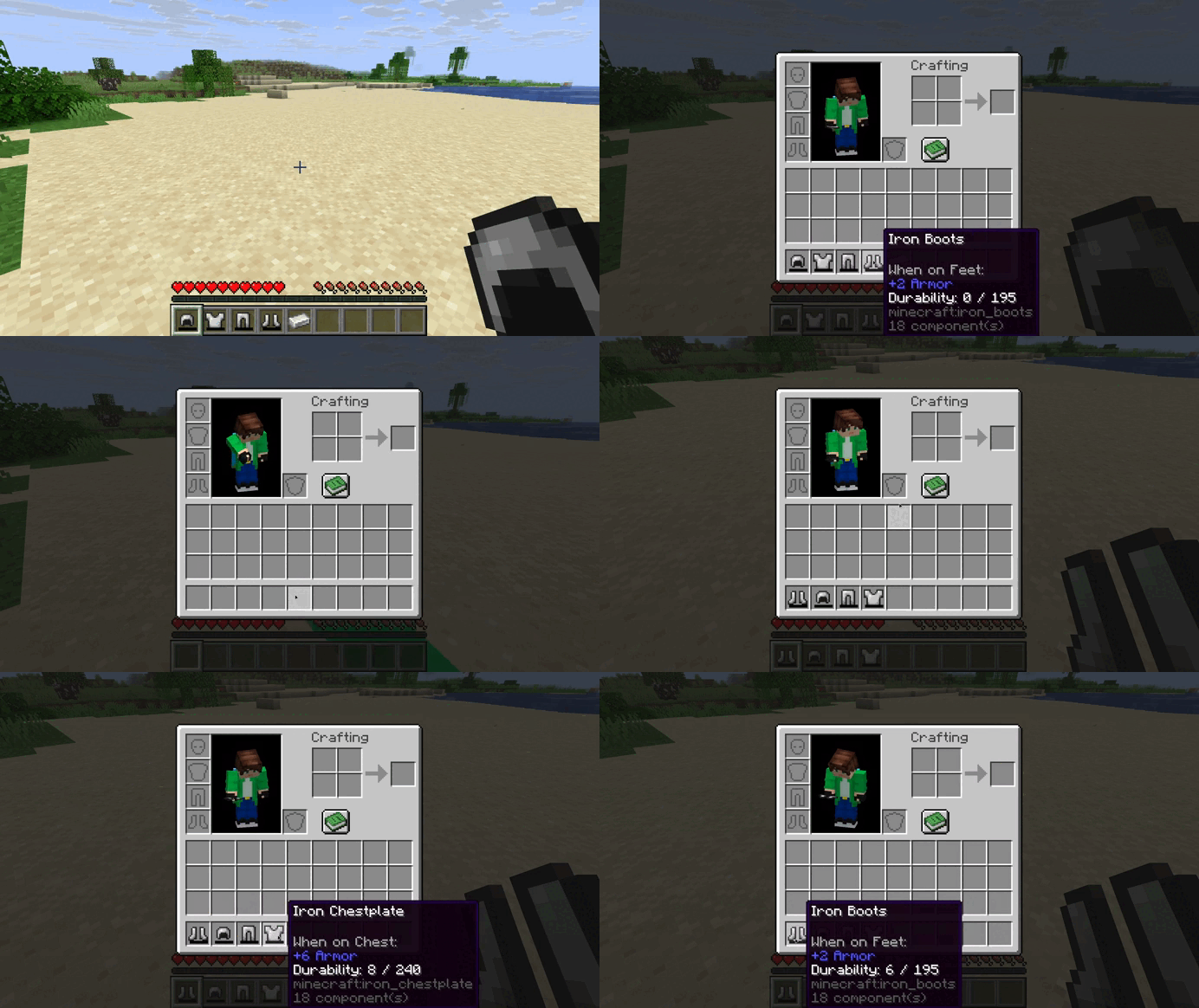
Features
- Vanilla repair materials work out of the box
- Custom repair rules — assign any material to any item
- Adjustable repair fraction per material
- Adjustable search radius and check interval
- Works on Fabric Forge and NeoForge
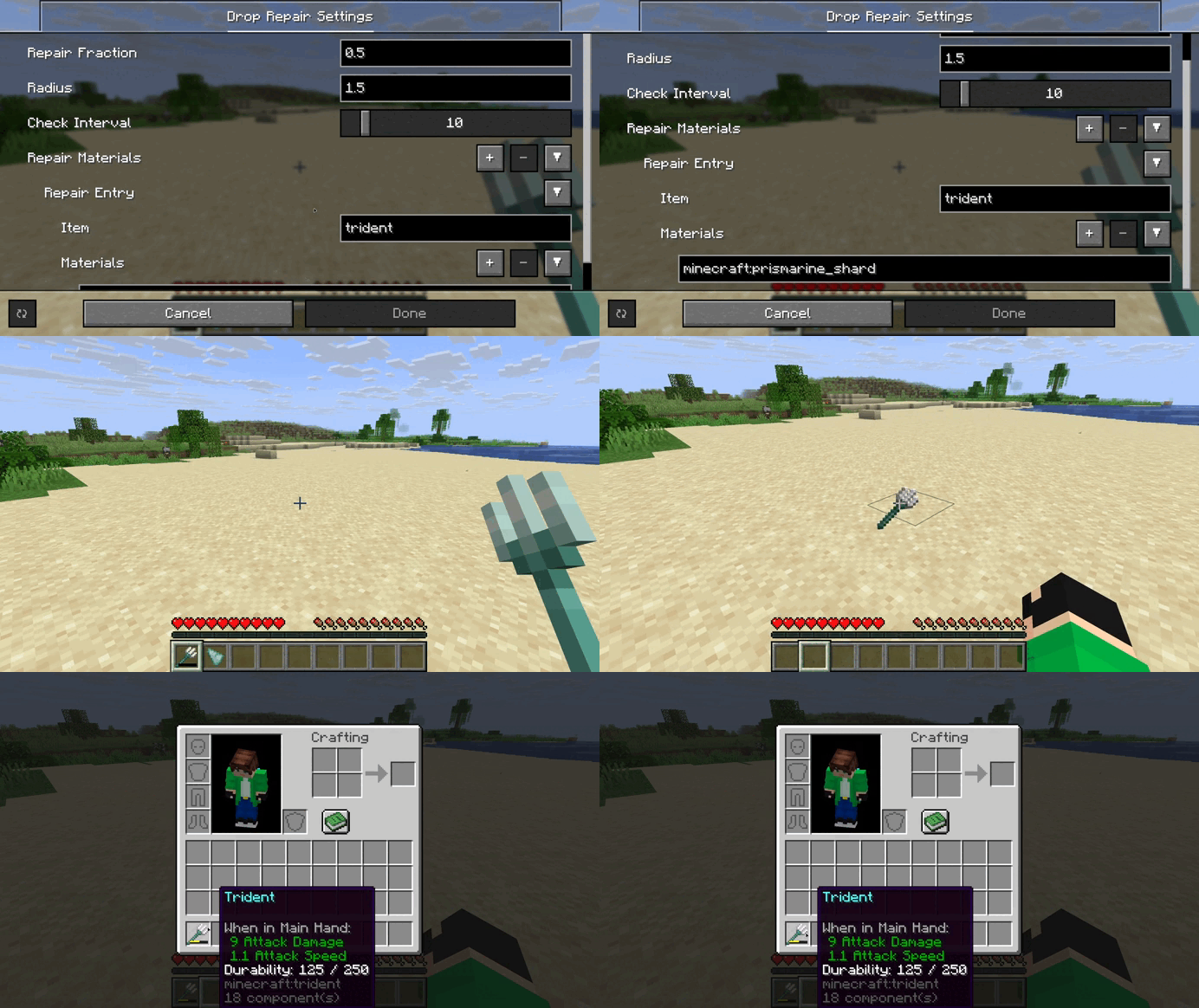
Configuration
All options are available in the config screen
- Repair Fraction – how much durability each material restores
- Radius – how close items must be
- Check Interval – how often dropped items are scanned
- Repair Materials – custom item to material mappings
常见问题
Drop to Repair 支持哪些 Minecraft 版本?
Drop to Repair 支持 Minecraft Java 版 1.20–26.3,共 24 个版本,可用的加载器:Fabric / Forge / NeoForge / Quilt。下载时注意选择和你游戏版本一致的文件。
Drop to Repair 怎么安装?
先用 PCL2 或 HMCL 启动器安装对应版本的 Fabric / Forge / NeoForge / Quilt,再把下载的 .jar 文件放进游戏目录的 mods 文件夹,重新启动游戏即可。开启了版本隔离的,mods 文件夹在 versions/版本名 下面。



评论
登录后评论和评分